ID: 1511676245 | Updated: Jan 7, 2026

Product Details

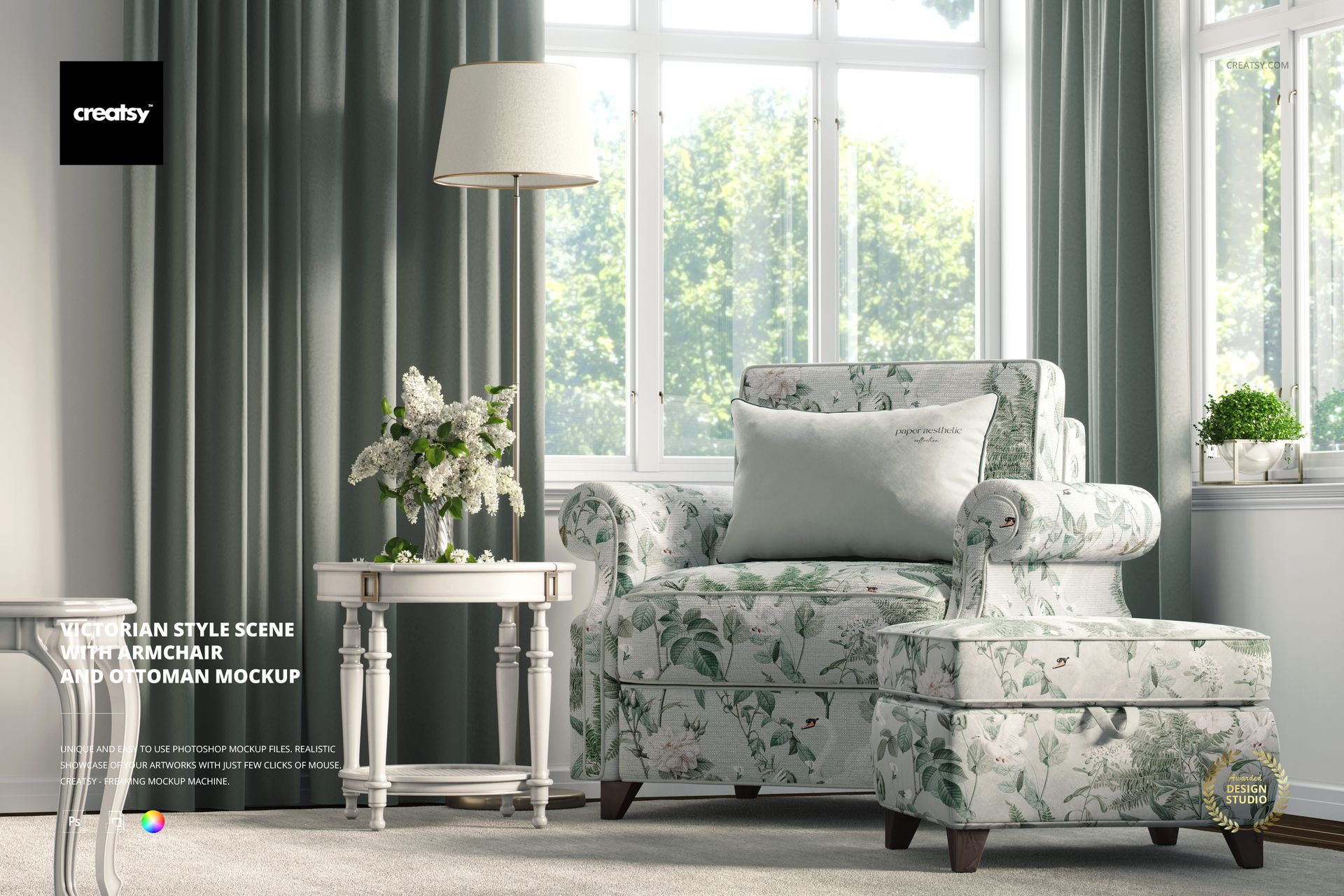
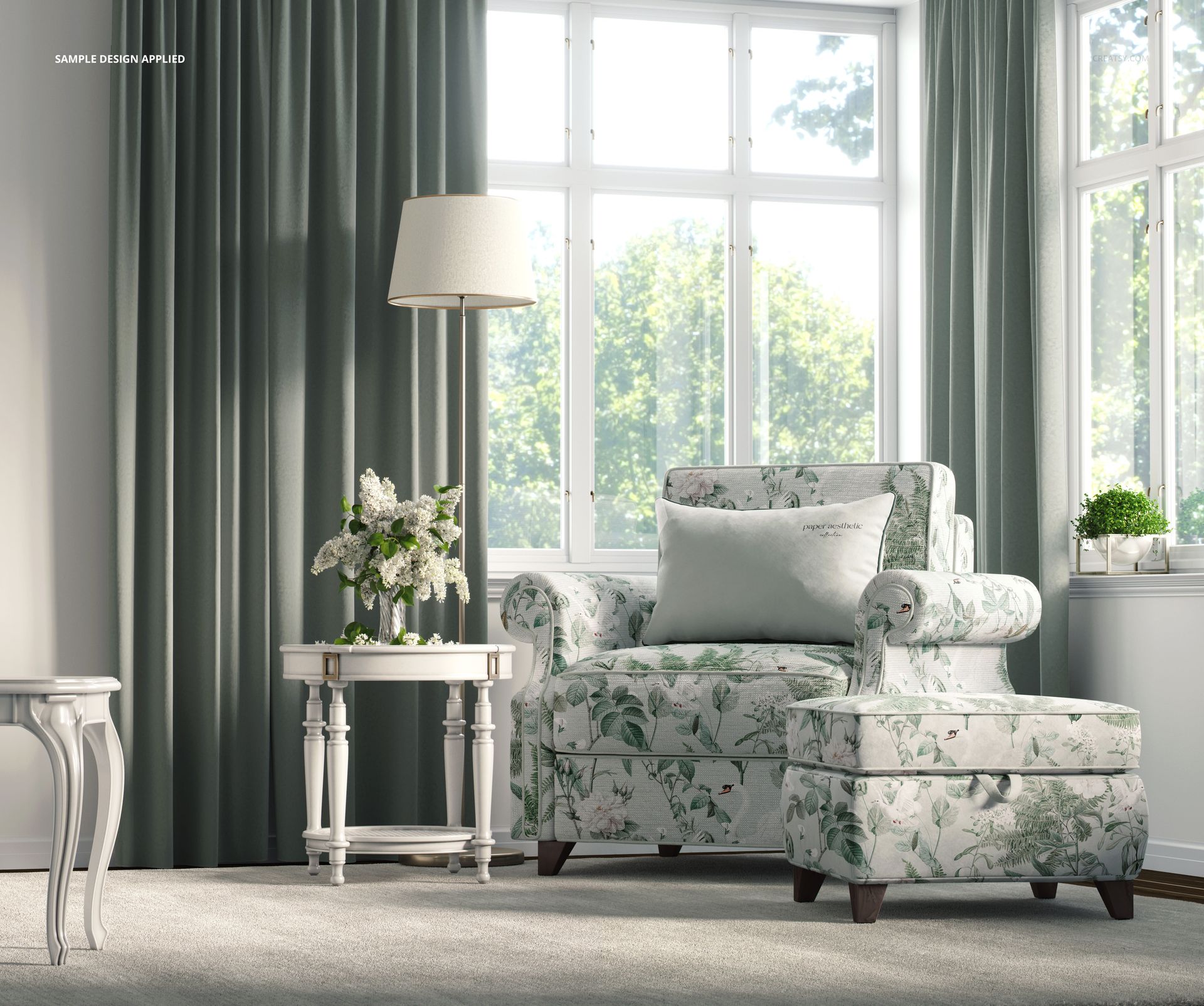
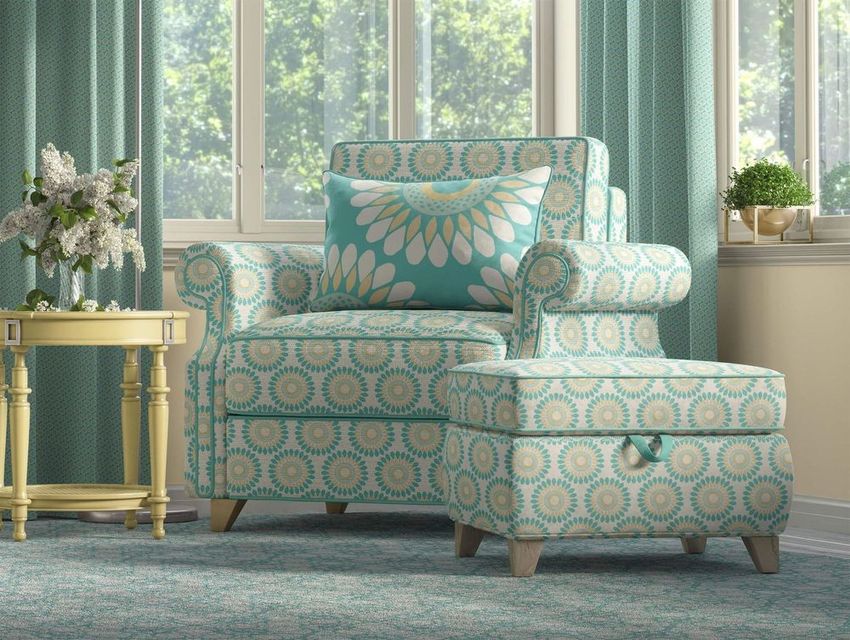
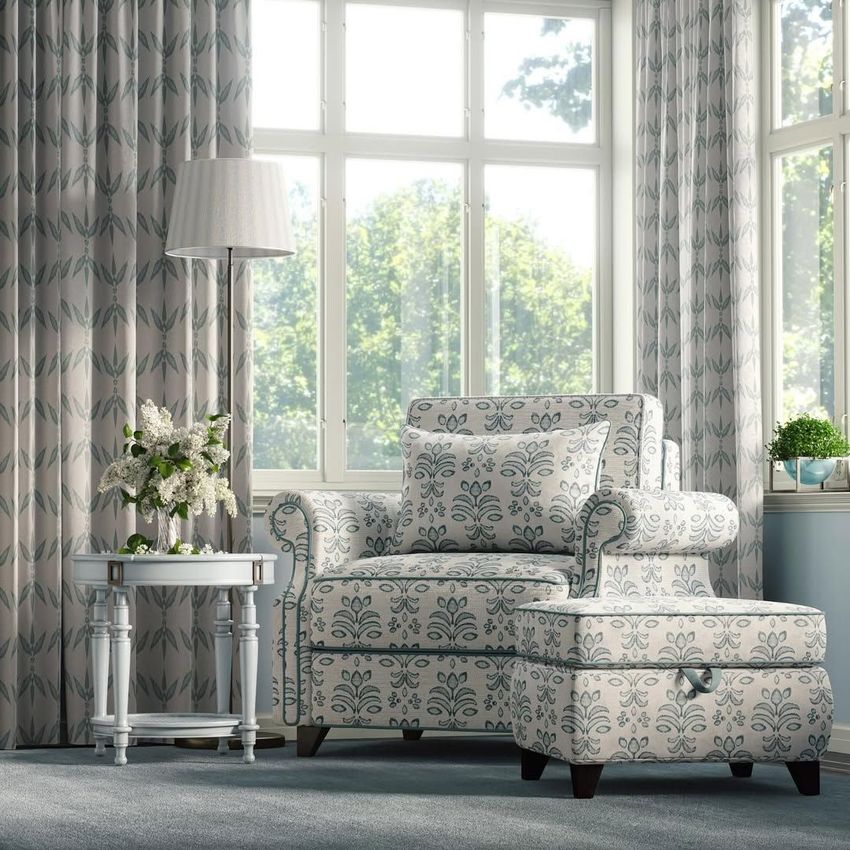
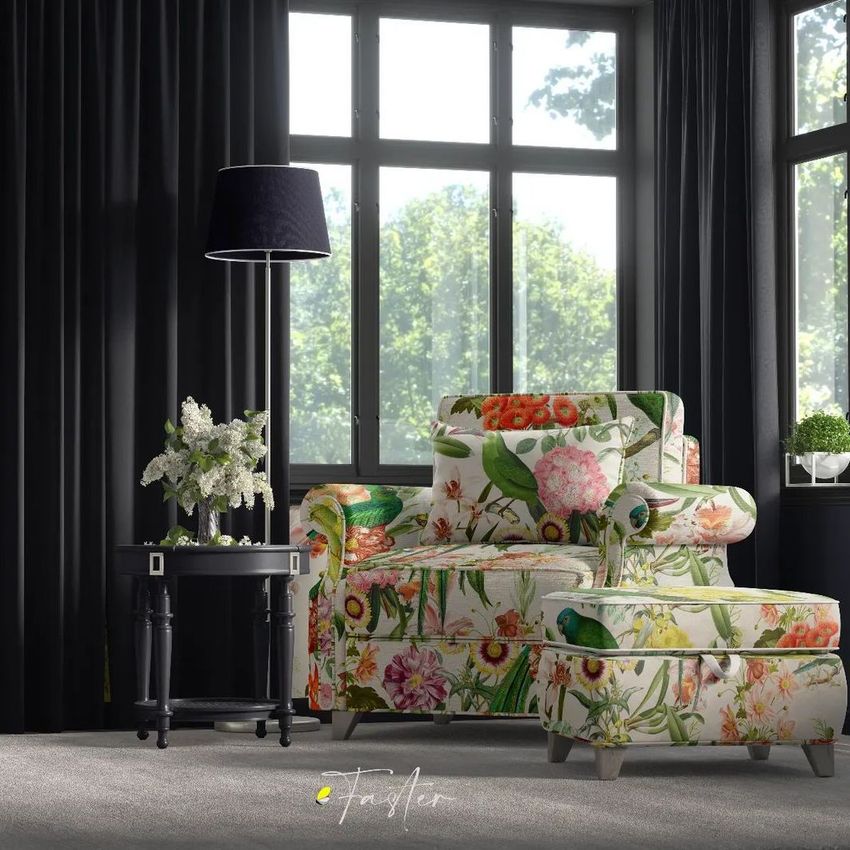
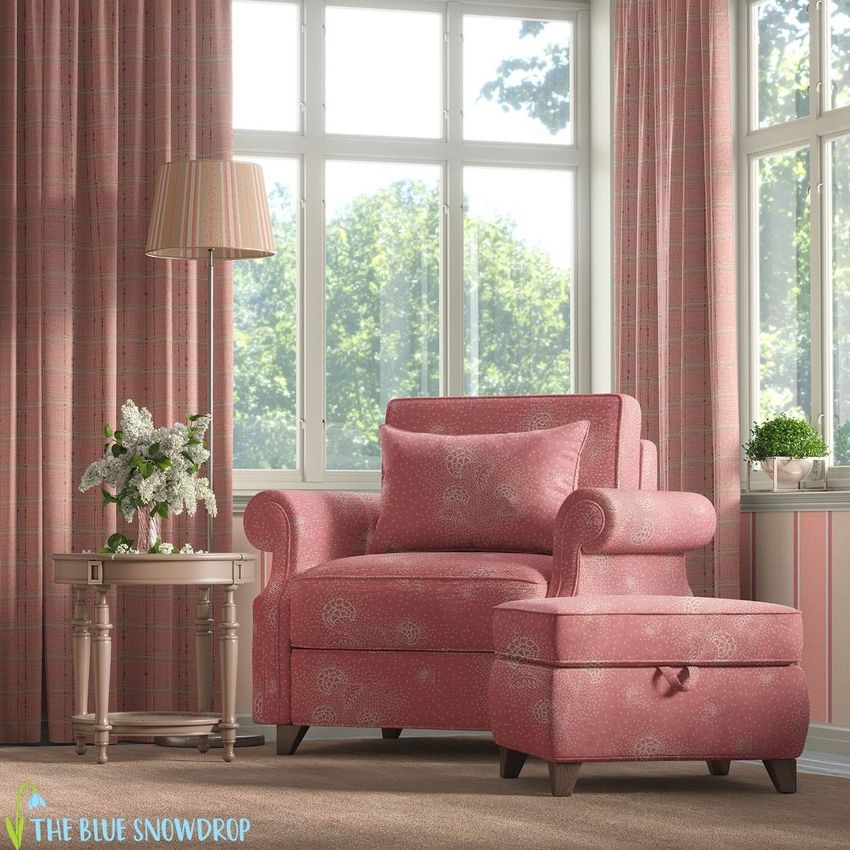
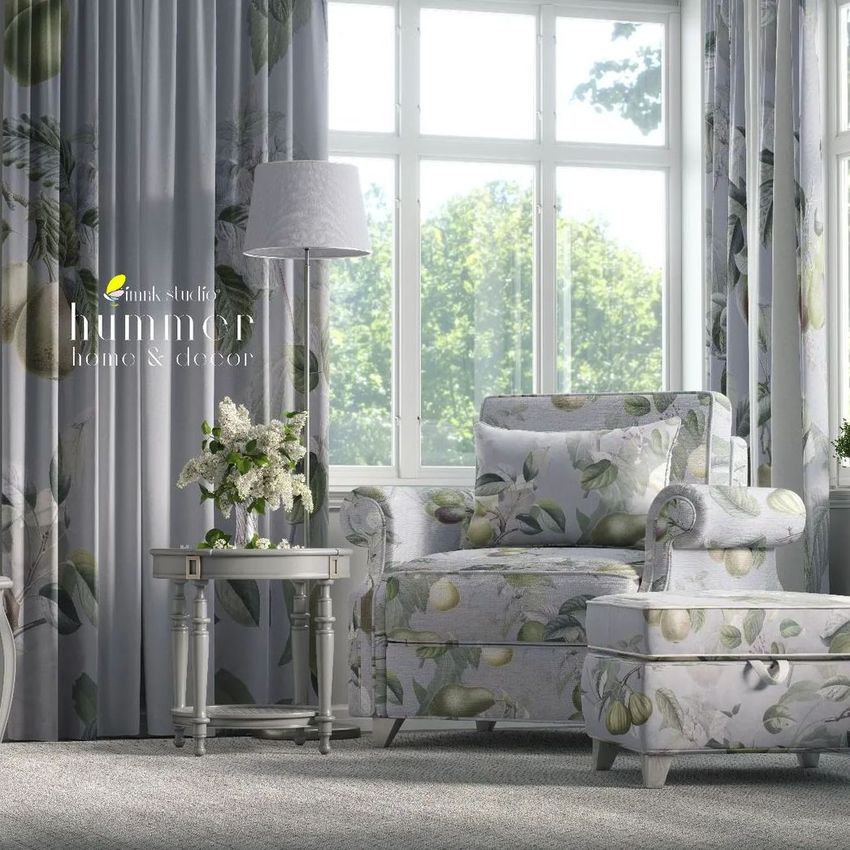
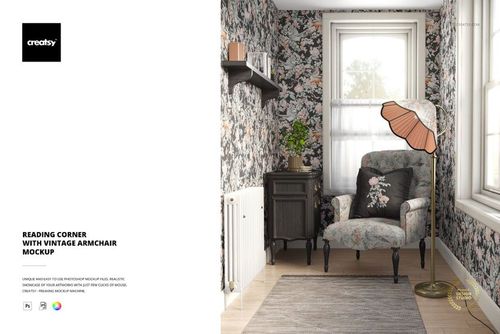
Show your pattern on a Victorian armchair by the window. This armchair mockup is one Photoshop scene of a bright period interior, where you drop your own design onto the chair, the ottoman, the curtains, the wall and more. The armchair, the ottoman, the pillow, the curtains, the wall and the carpet all take your own color and design, so one file turns an upholstery print, a wallpaper or a soft furnishing into a finished room shot.

You get 1 PSD file at 6000 x 5000 px, 300 dpi, built for Adobe Photoshop from version CC2020, and it also opens in Photopea, the free online editor. Each surface sits on a smart object with named, well organized layers, so your artwork maps onto the chair or the curtain in a couple of clicks.

What is in the scene

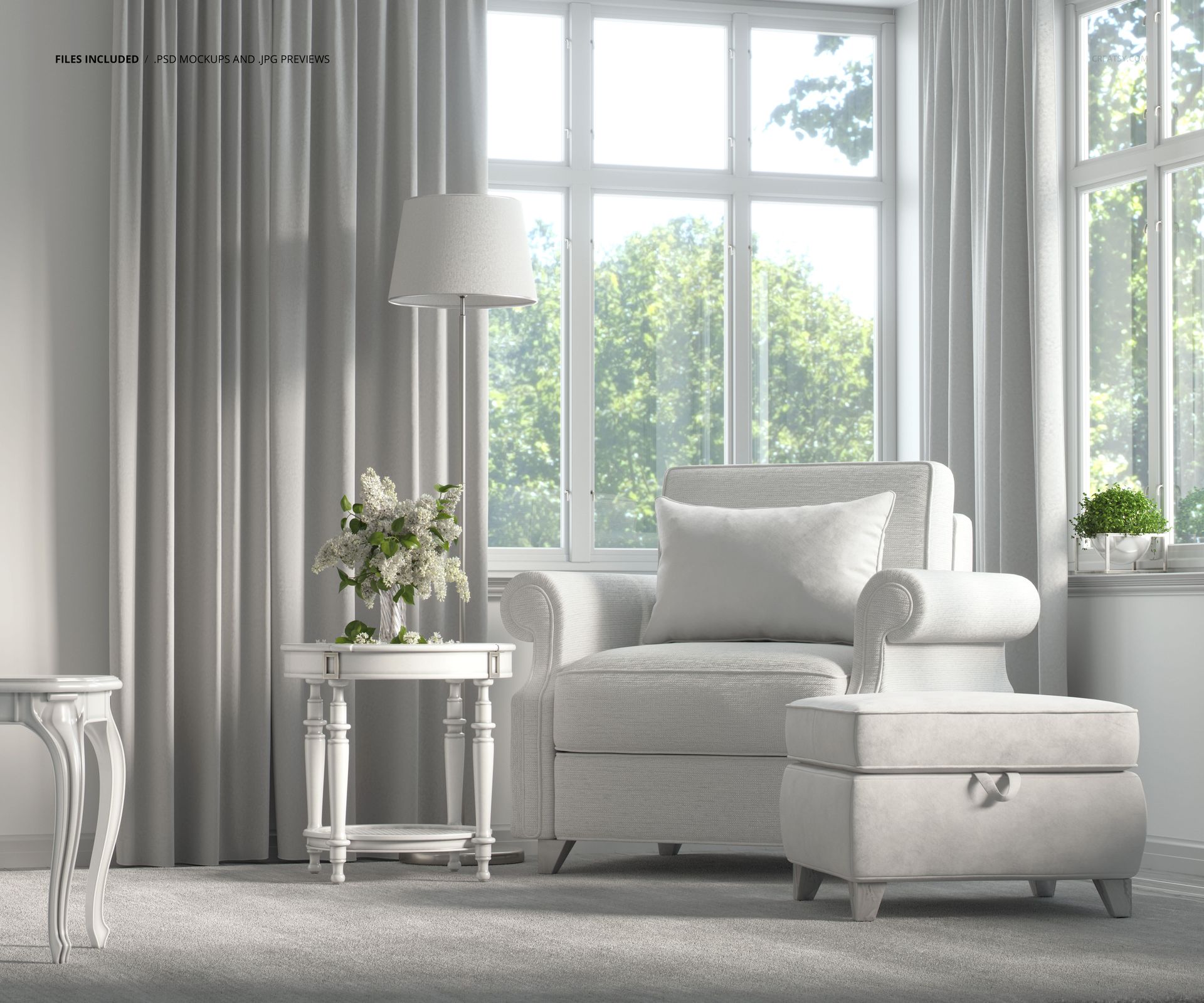
A Victorian style room set by a large garden window: an upholstered armchair with a matching ottoman, a lumbar pillow, long curtains, a floor lamp, small side tables, lilac in a vase and a carpet, all in soft daylight. It reads like a classic interior shoot, ready for your own fabrics and prints.

What you can change

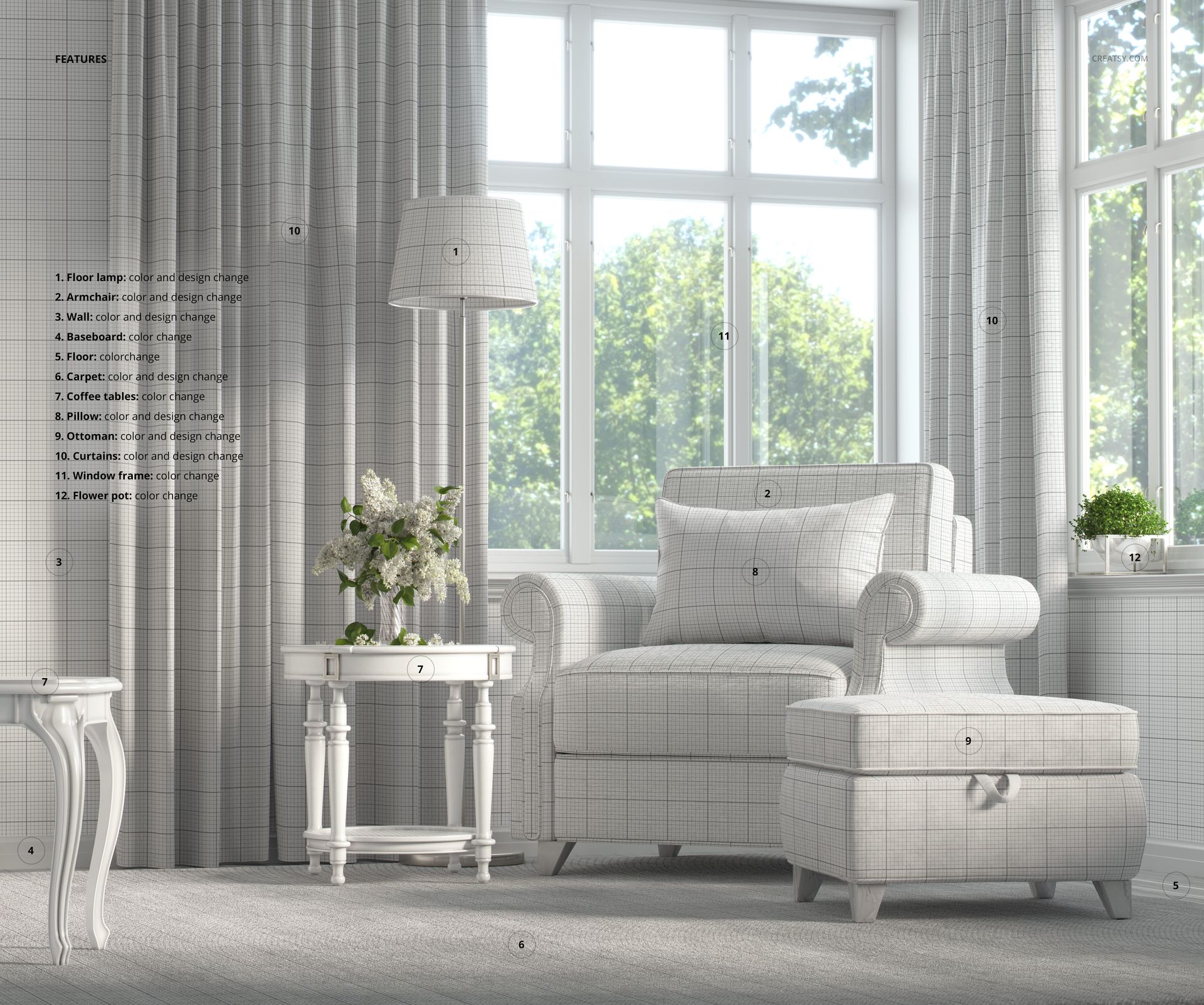
The surfaces that carry a pattern take both color and design, and the rest take a color:

  • Armchair: color and design, for your upholstery print.

  • Ottoman: color and design, to match or contrast the chair.

  • Pillow: color and design, on the lumbar cushion.

  • Curtains: color and design, for a drapery print or a plain tone.

  • Wall: color and design, for a wallpaper or a paint color.

  • Carpet: color and design, on the floor covering.

  • Floor lamp shade: color and design, for a patterned or plain shade.

  • Baseboard, floor, coffee tables, window frame and flower pot: color, to set the palette.

How the edit works

Open the smart object for the part you want, paste your artwork, save, and it maps onto the chair, the curtain or the wall with the daylight and shadow of the room kept over it. Set the colors of the woodwork and props, and export. Because each surface is its own smart object, you can try a new upholstery, swap a wallpaper or recolor the room in a few seconds and show several directions from one file. The scene is a fixed interior, so you design the surfaces rather than move the furniture.

Made for upholstery, curtains and wallpaper

Put one print on the armchair, a coordinate on the pillow and a drapery weight on the curtains, and you have a full room story from one file. The wall takes a wallpaper and the carpet takes a floor design, so a single pattern collection can run across the whole room. It is a strong fit for fabric, upholstery and surface designers who want a classic setting rather than a flat swatch.

Who it is for

Surface and textile pattern designers, upholstery and curtain brands, wallpaper studios, interior and home decor labels, and Etsy or Shopify sellers who license or print patterns. Use it to present an upholstery line, a curtain range or a wallpaper in a real period room without booking an interior shoot.

What is in the download

One layered PSD scene at 6000 x 5000 px, 300 dpi, plus a JPG preview, in a single download. Layers are named and grouped by element, so you always know which smart object holds the armchair, the ottoman, a curtain or the wall.

File and software details

  • 1 layered PSD file

  • 6000 x 5000 px, 300 dpi

  • Adobe Photoshop CC2020 or newer, and Photopea (free online editor)

  • armchair, ottoman, pillow, curtains, wall, carpet and lamp shade take color and design

  • baseboard, floor, coffee tables, window frame and flower pot take color

  • named, well organized layers, JPG preview included

Demo design by Paper Aesthetic, shown for display and not included in the download.

File details

Compatibility
PhotopeaAdobe Photoshop
Number of files included
2
Package size
471 MB471 MB|493 MB493 MB
Files type
.psd, .jpg
Files size
6000x5000
TEST FOR FREE

Reviews

Professional PSD mockups built in-house - editable, realistic, high-resolution, and supported by real people.

5 (2 ratings)
Sort by:

annet avatar
annet
Dec 13, 2025

Creatsy make the best Mockups on the market, no matter what you need to showcase. These mockups are highly customizable, and the lighting in them makes everything look very realistic. You can keep or turn off many of the Items in the mockup, also a great feature giving control over the look you want. They have the most friendly and very helpful support. I highly recommend these mockups!

Malgorzata Hapon avatar
Malgorzata Hapon Author
Jun 9, 2026

Thank you so much for your amazing review! We’re delighted to hear you enjoy the realistic lighting, editable elements, and overall flexibility of the mockup. Your support truly means a lot to us.


margaretclavell avatar
margaretclavell
Sep 30, 2024

This is just the sort of mockup I was looking for, I wanted an elegant lounge mockup and you can see, it's spot on.

Malgorzata Hapon avatar
Malgorzata Hapon Author
Jun 9, 2026

Thank you so much for your lovely review! We’re so happy to hear this was exactly the elegant lounge mockup you were looking for. Your support truly means a lot to us.


Made with Creatsy

Real designs. Real customers. See how creatives use Creatsy mockups to turn their artwork, branding, and product ideas into polished visuals.

MEET THE SHOP

Creatsy logo

Creatsy

Poland
4.7 (661)

Bring your ideas to life.

We're a family-run studio in Katowice, Poland, making PSD mockups by hand since 2016. Everything in this shop starts in our own studio. We shoot the photography, build the 3D, and put together every Smart Object PSD ourselves - then we test it, organize the layers, and only ship it once it actually works...
GO TO SHOP

HOW IT WORKS

3 clicks. That's it.

No tutorial needed. If you can copy-paste, you can use this.

  1. 1OpenDouble-click the smart object inside the PSD - in Adobe Photoshop, or free in your browser with Photopea.
  2. 2PasteDrop in your pattern, print, or artwork. Any design, any style.
  3. 3SaveHit save and the mockup wraps it in for you - shadows, folds, and lighting included.
FROM IDEA TO IMAGE

Built for real workflows

Skip the photo shoot Show your artwork on the real product type for approvals or listings - no studio, no model, no sample.

See it on the product, not a swatch Drop your file into the smart object and the scene's lighting and folds wrap around it, so you judge the real thing before you commit.

Smart Objects

Edit once and you're done. Your artwork drops into a smart object and the mockup updates itself - no masking, no warping by hand.

Perfectly Organized

Named layers and folders you can actually navigate. Find what you need, change what you want, and get out fast.

Print-Ready

High-resolution files built to hold up on screen and in print. Exact size and DPI are in this product's Details above.