Scandinavian Rustic Living Room with Fireplace Mockup
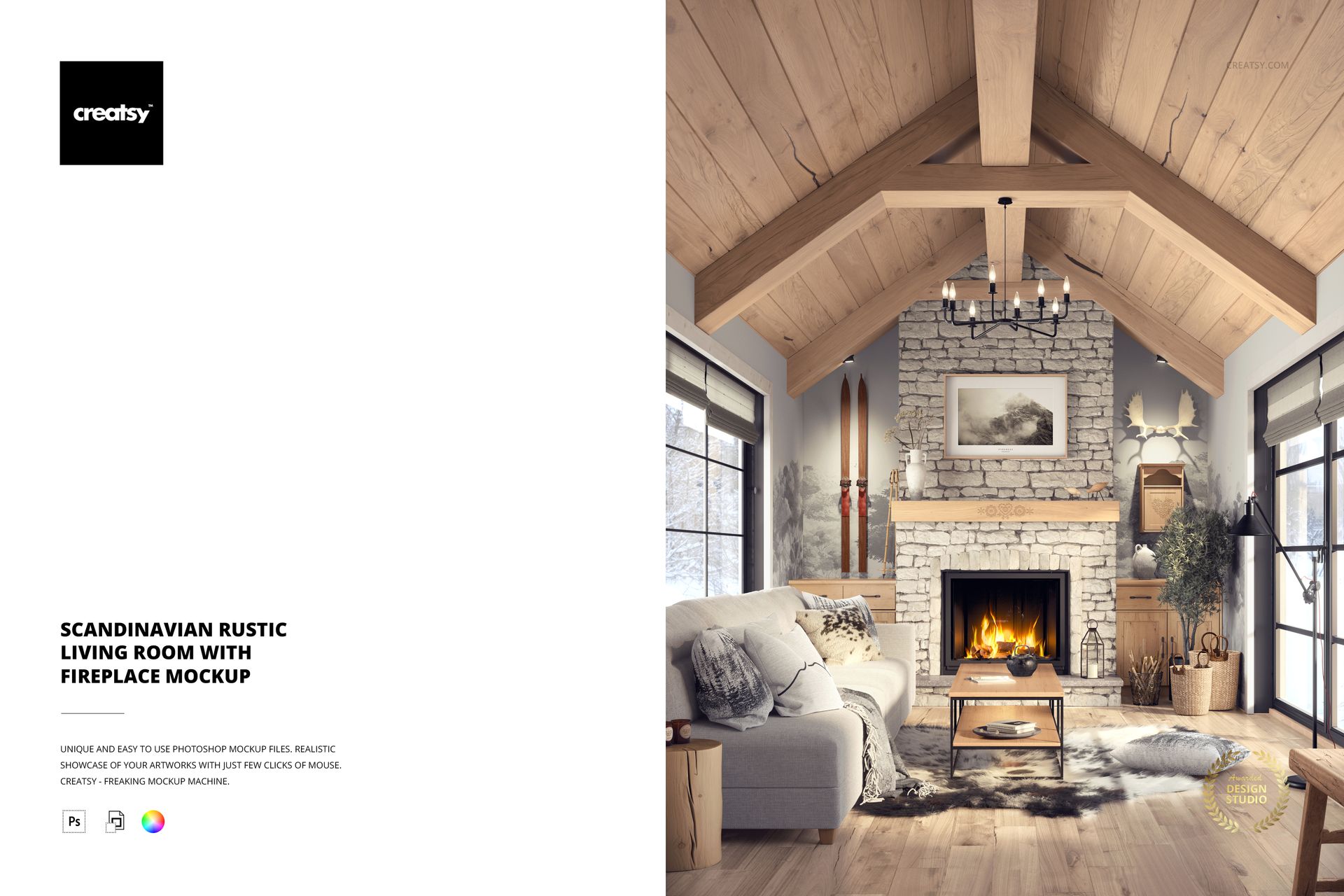
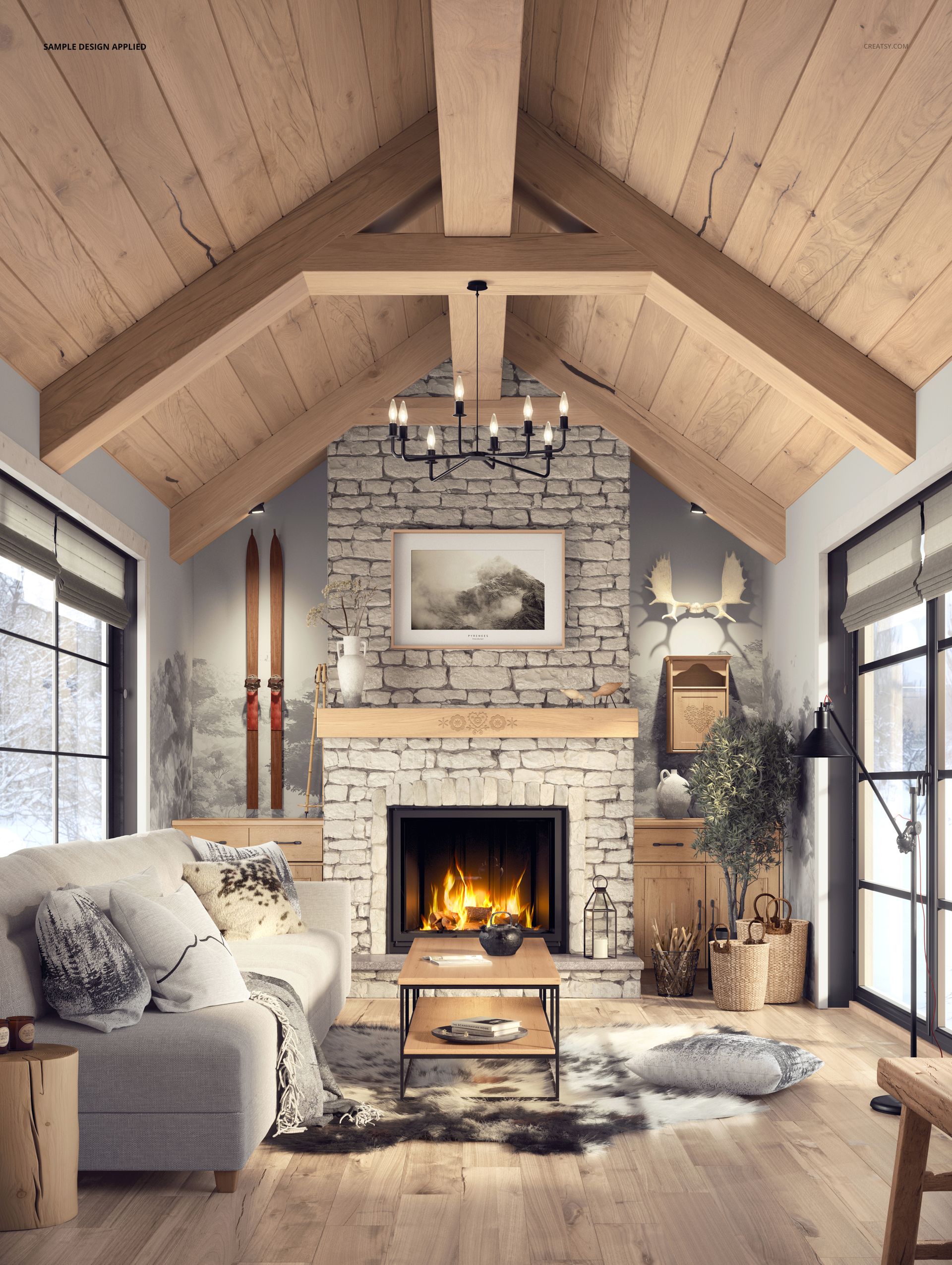
Present upholstery fabrics, wallpaper patterns, home textiles and wall art in a Scandinavian rustic living room with exposed wooden beams, a stone fireplace and a comfortable sofa. This editable interior mockup combines natural materials with a warm, furnished setting, allowing you to showcase coordinated designs across furniture, walls and decorative accessories.
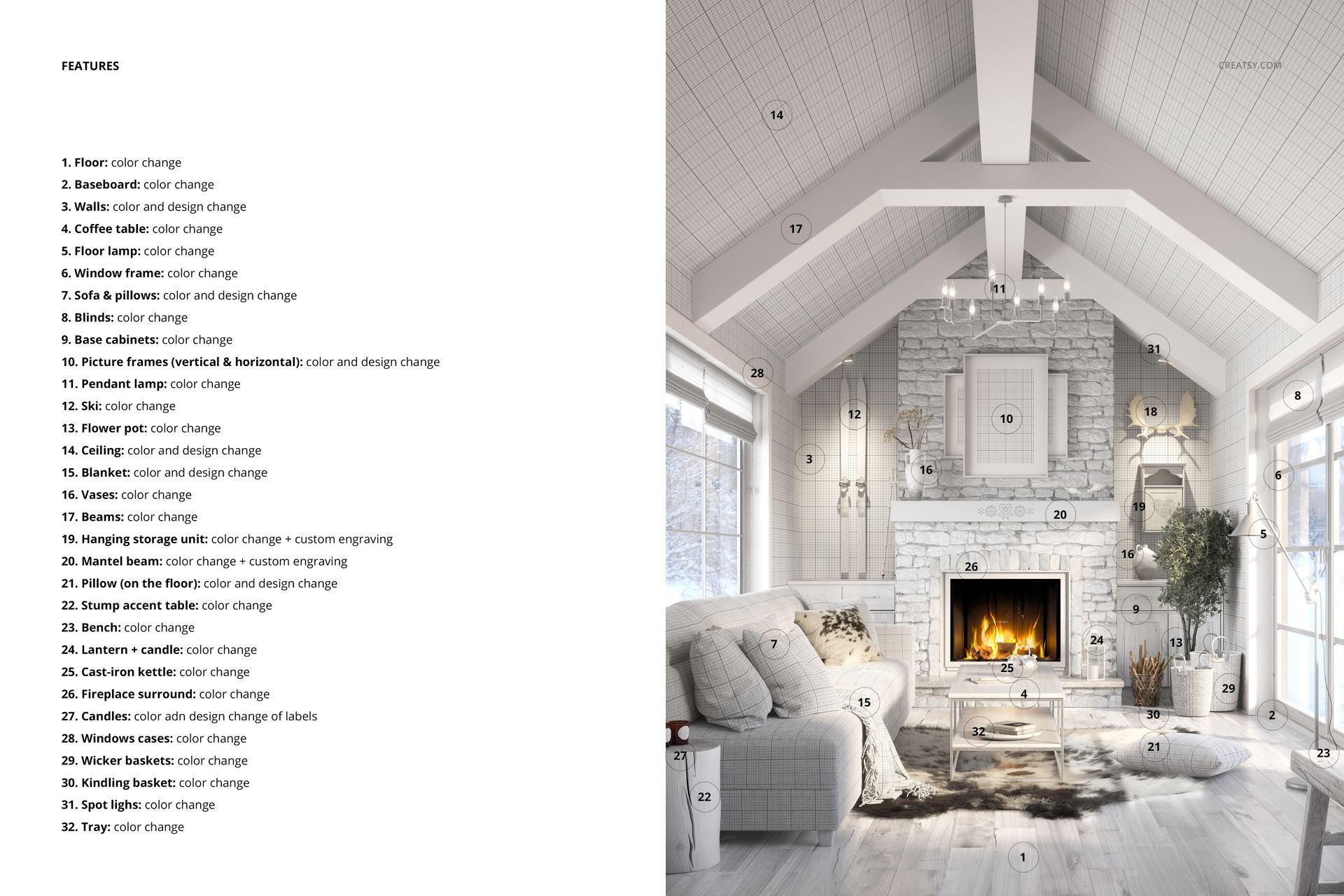
With 32 customizable elements in one layered PSD file, the scene offers extensive control over the appearance of the room.
A Scandinavian living room with 32 editable elements
The interior features a sofa with decorative pillows, a blanket, rug, coffee table, bench and sideboard arranged around a fireplace. Exposed timber beams, a wooden ceiling and rustic decorative details give the room a distinctive mountain-inspired character.
Apply your own designs to the sofa, cushions, blanket, rug, walls and floor. Use the editable surfaces to compare upholstery prints, test wallpaper patterns or present matching home textile collections in a realistic living room environment.
Customize the fireplace, furniture and architectural details
Beyond fabric and wallpaper designs, the mockup allows you to personalize the fireplace surround, bricks and engraved mantel beam. Change the appearance of the ceiling, timber beams, coffee table, bench and sideboard to create different combinations of materials and colors.
Additional customization options include the window frames, lamp, firewood basket and decorative accessories such as candles, lanterns, flowerpots, vases, antlers and skis.
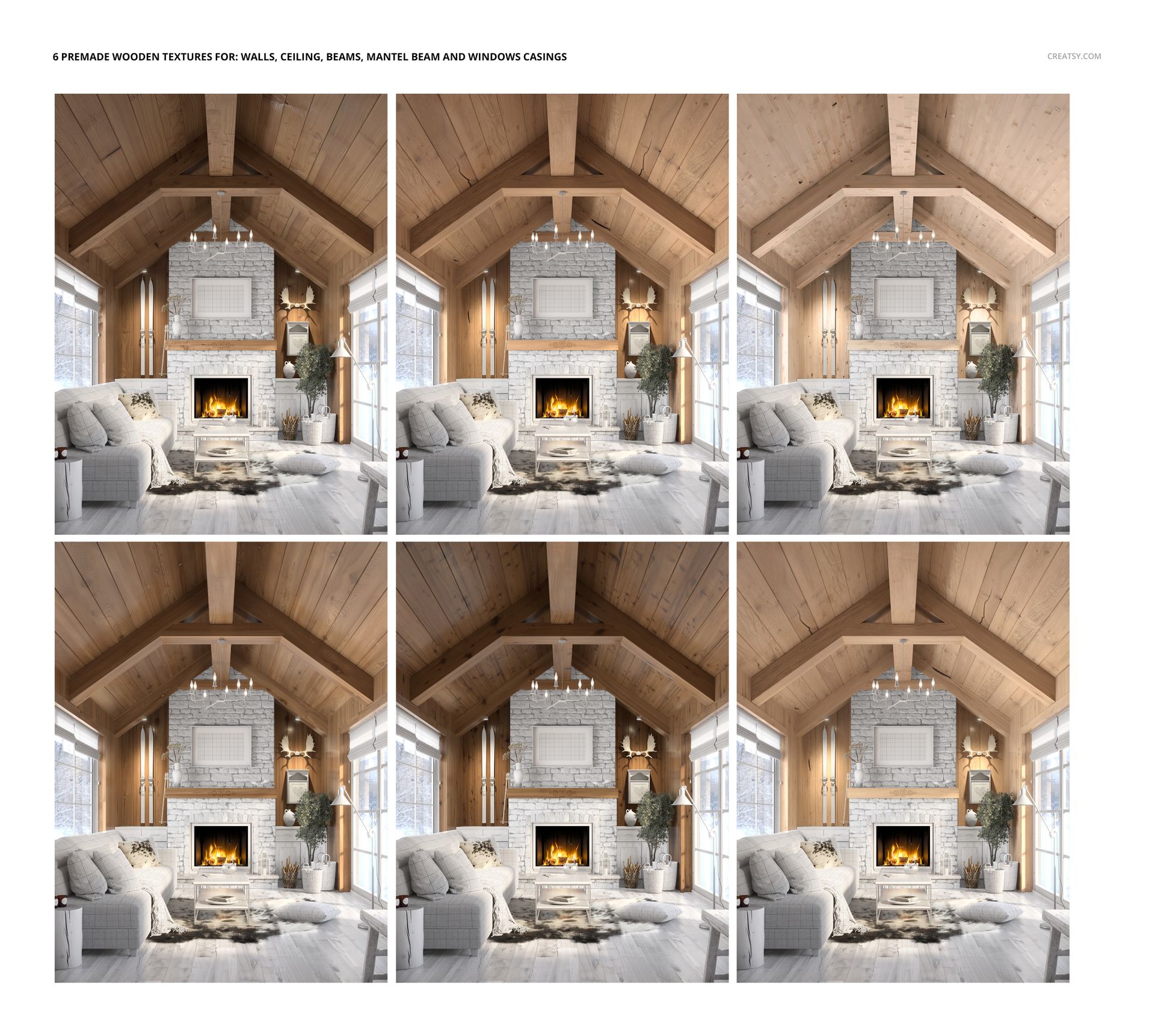
The PSD also includes six ready-made wooden textures for creating natural-looking surfaces on selected walls, ceiling elements and beams.
Showcase wall art and coordinated home decor
Add your artwork to the picture frame above the fireplace and coordinate it with upholstery, wallpaper and textile patterns throughout the room.
The scene is particularly useful for presenting rustic wallpaper collections, furniture fabrics, decorative cushions, blankets, rugs and framed artwork. Designers can show individual patterns or develop a complete interior collection using complementary prints and colors.
High-resolution layered PSD for interior presentations
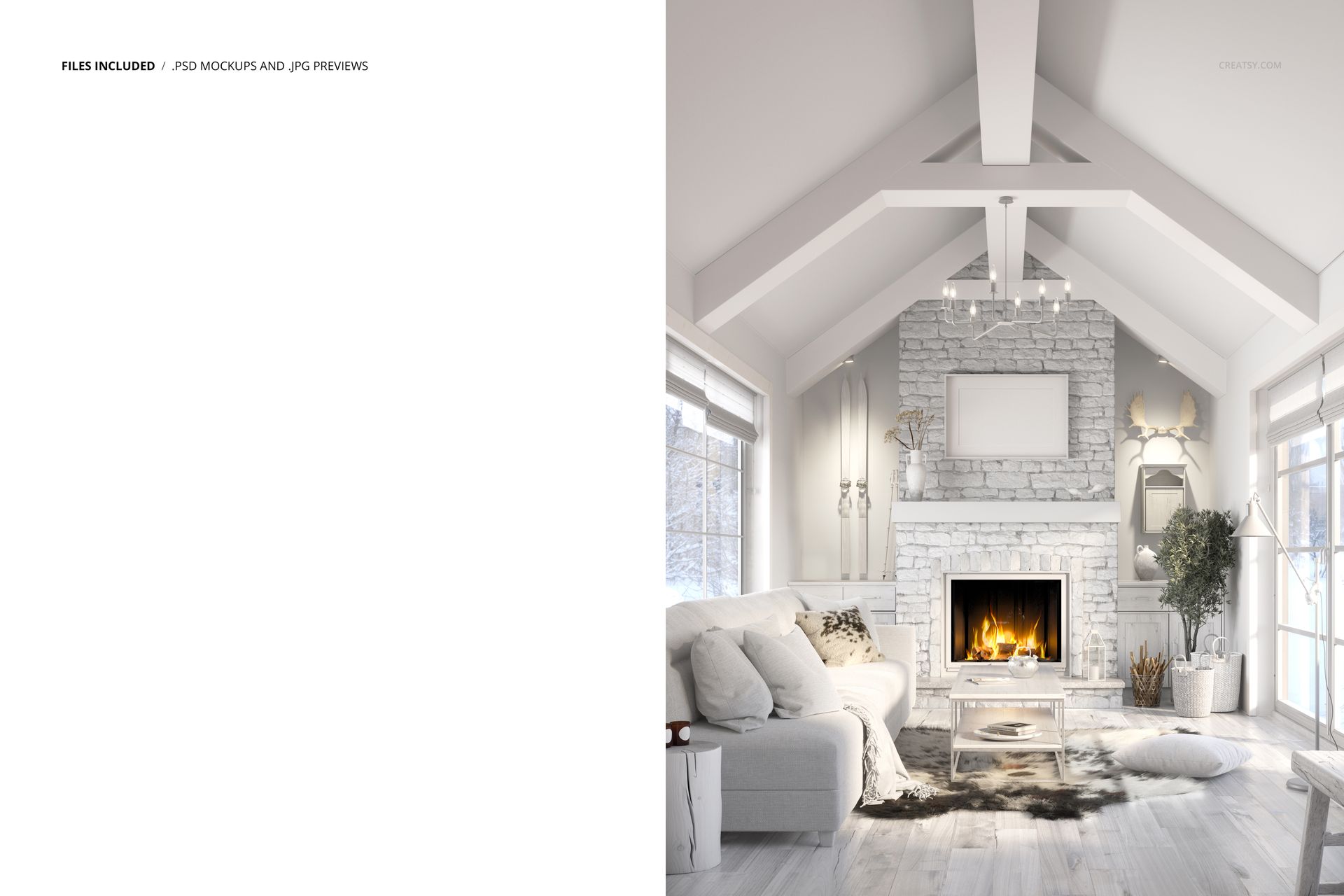
The package includes 1 layered PSD mockup file and 1 JPG preview. The PSD measures 5300 × 4000 px at 300 DPI and features organized Smart Objects and editable layers.
Designed for Adobe Photoshop CC 2020 or newer, the mockup is suitable for surface pattern portfolios, textile licensing presentations, interior design proposals, home decor catalogs and product listings.
This is a digital mockup. No physical furniture, textiles or decorative products are included. Add your own designs to create the final presentation.