Living Room Upholstered Sofa Mockup
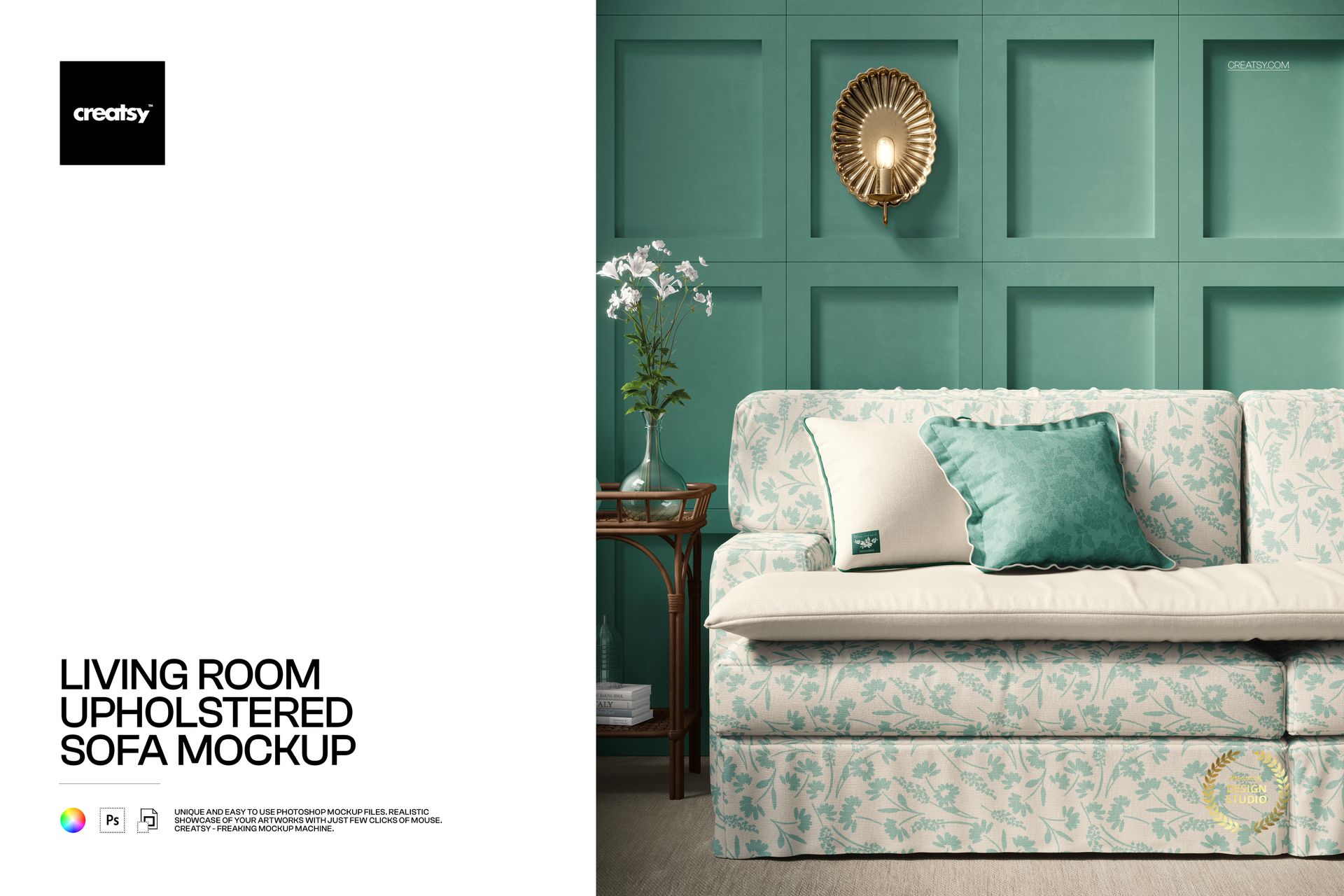
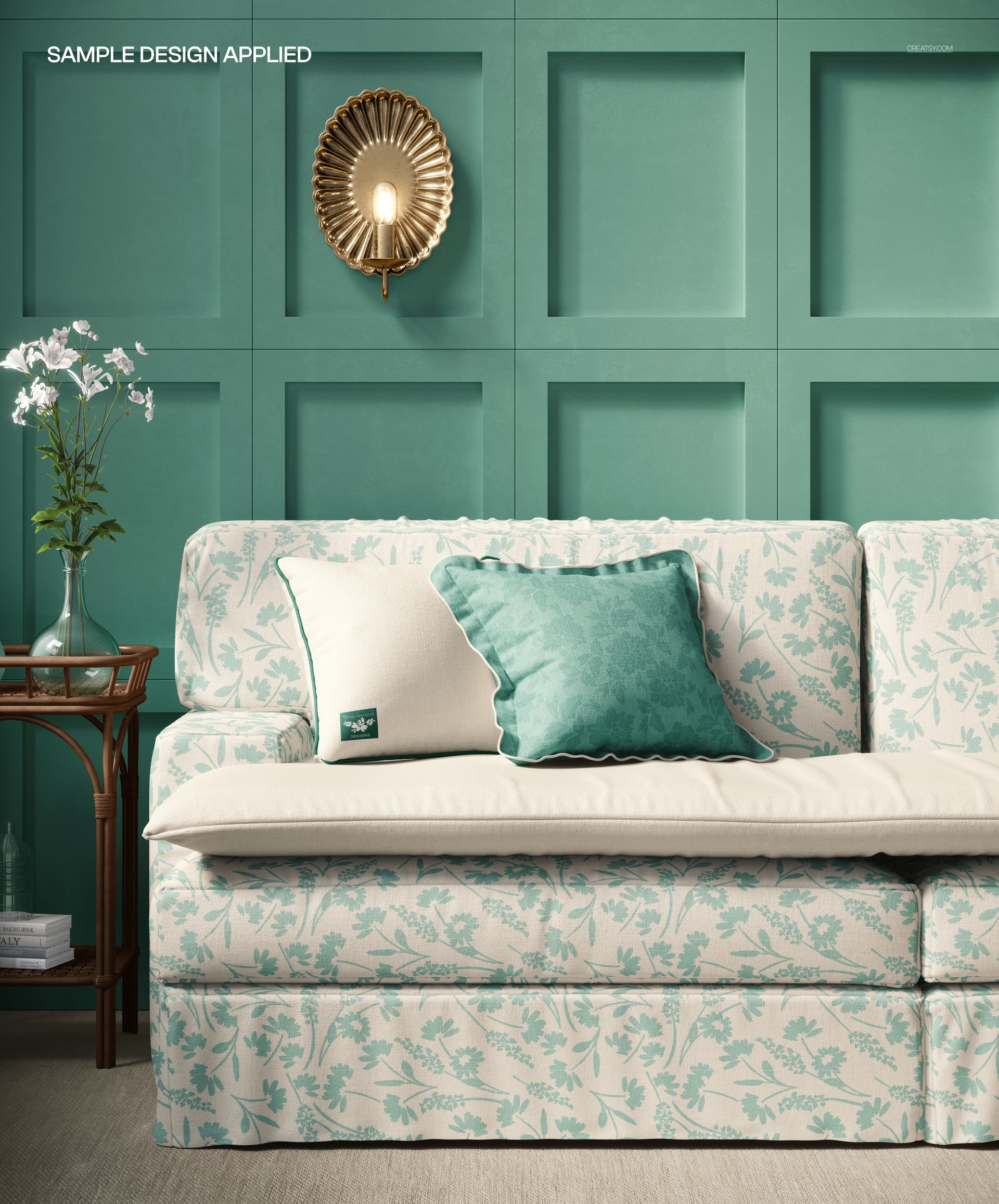
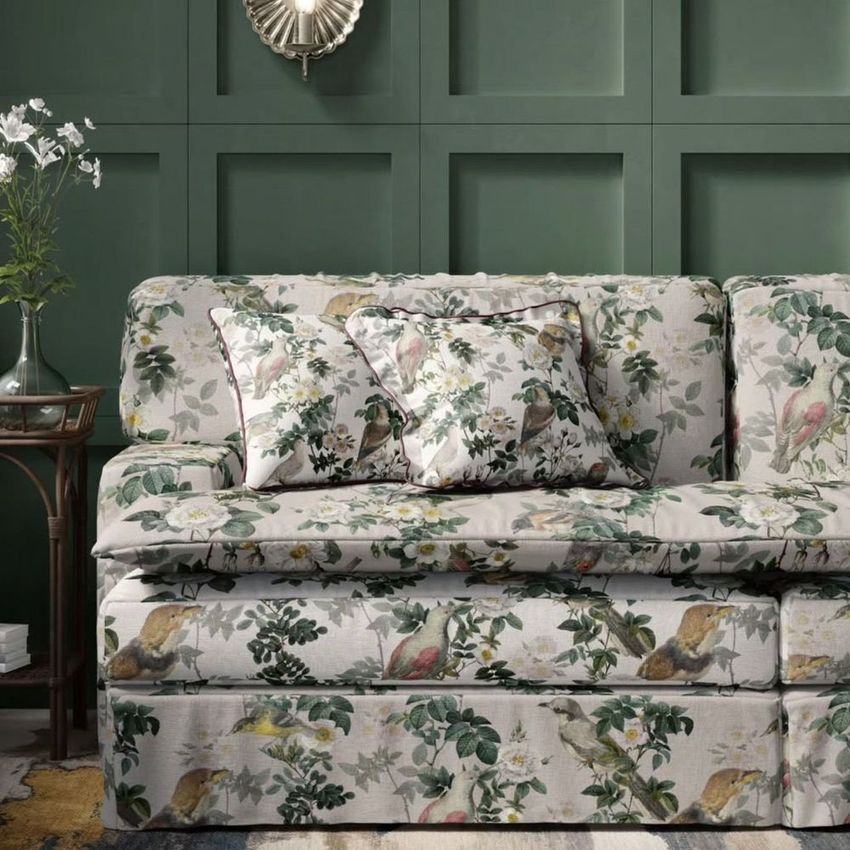
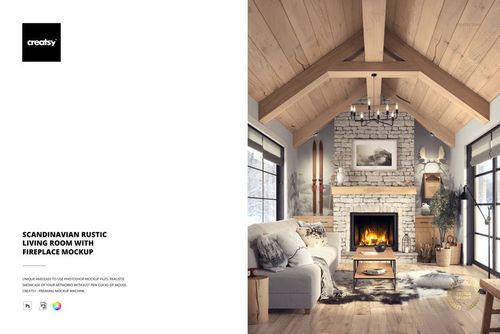
Showcase upholstery fabric patterns on a sofa in a furnished living room with decorative cushions, a side table and carefully selected accessories. This editable sofa mockup offers a realistic setting for presenting furniture textiles, surface patterns and upholstery collections.
The composition places the upholstered sofa at the center of the scene, making it easy to see how a print looks across a large furniture surface.
Present upholstery fabrics on a sofa
Use the sofa as the main presentation surface for patterned upholstery, decorative fabrics and coordinated textile designs.
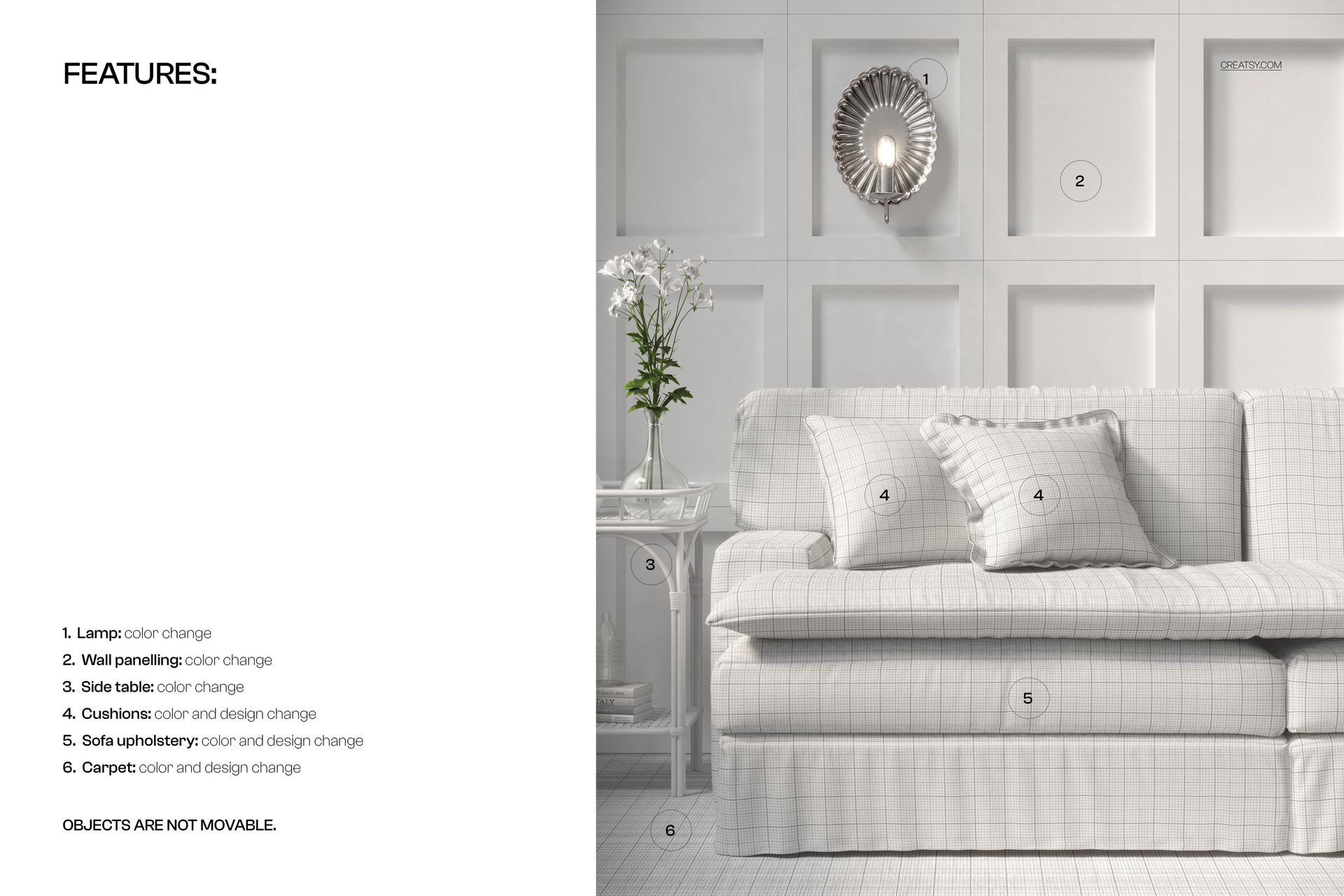
The full sofa view helps demonstrate how small repeat patterns and larger motifs look when applied to upholstered furniture. Surrounding furnishings provide a sense of scale without distracting from the fabric.
Explore textile colors and pattern collections
Present botanical motifs, geometric prints, textured fabrics or other upholstery designs using the same living room composition.
The neutral room, decorative cushion and side table provide a consistent background for comparing different fabric colorways and design collections.
For upholstery and surface pattern designers
This mockup is particularly useful for furniture fabric studios, textile designers, interior design professionals and surface pattern artists creating upholstery presentations.
Use the finished images in design portfolios, fabric catalogs, client proposals and product listings to show how textile patterns look on furniture.
High-resolution Photoshop PSD
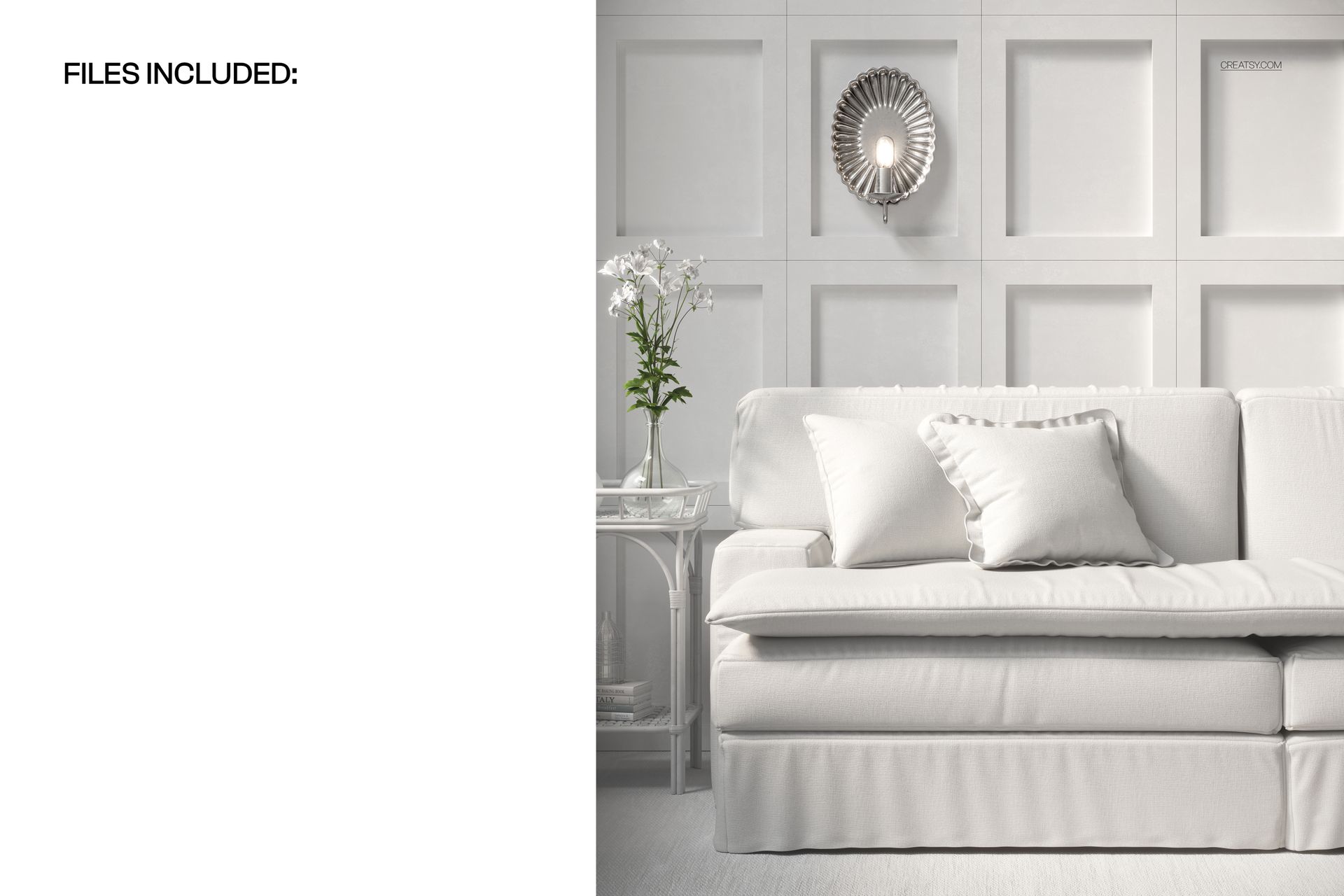
The package contains 1 layered PSD mockup file at 6000 × 5000 px and 300 DPI, plus a JPG preview.
The PSD includes well-organized layers and is compatible with Adobe Photoshop CC 2020 or newer and Photopea.
This is a digital mockup. No physical sofa, upholstery fabric or sample artwork is included.














Everything Creatsy designs is executed with attention to detail and their mock ups allow us as surface pattern designers to show our work in settings we envision our designs to be.
Thank you so much! We’re delighted to hear you had fun working with the mockup and that your patterns looked wonderful in the scene. We truly appreciate your support.