Living Room with Sofa and Pillows Mockup
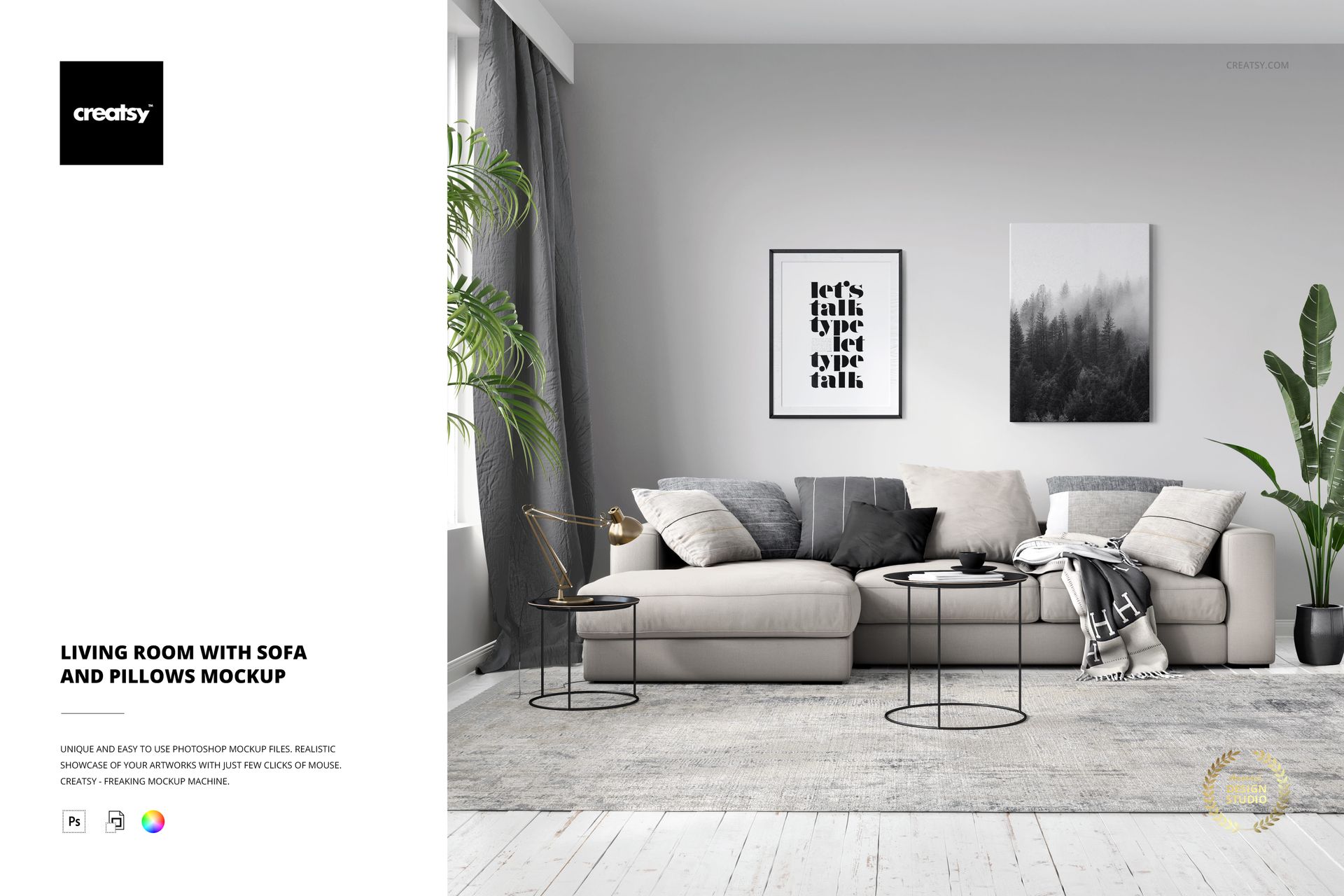
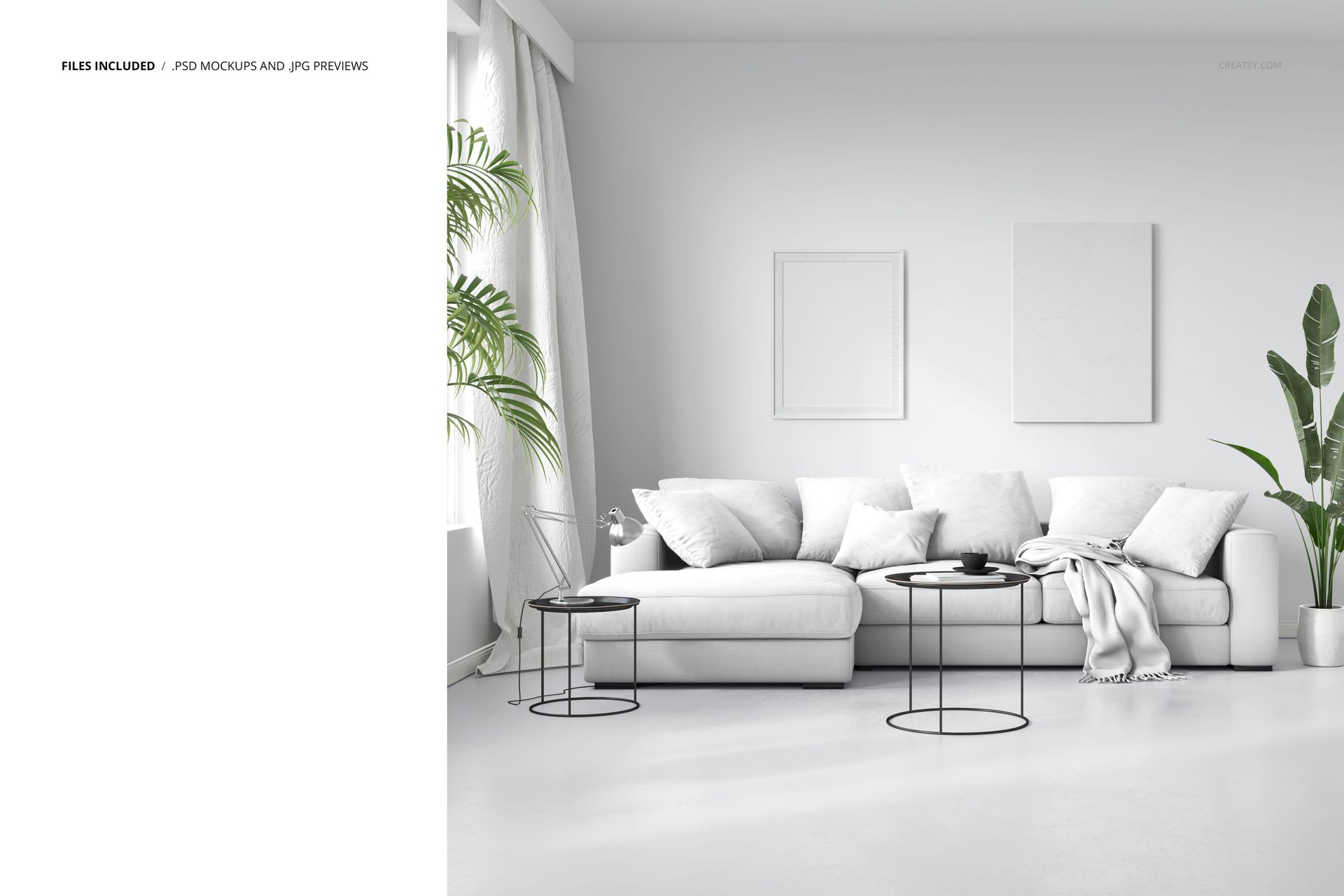
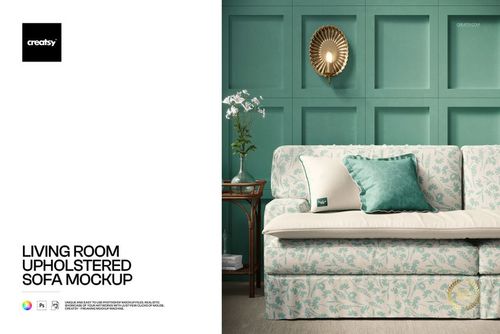
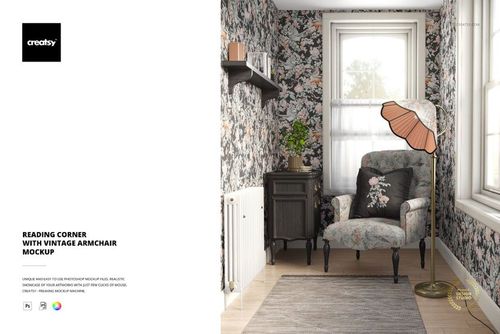
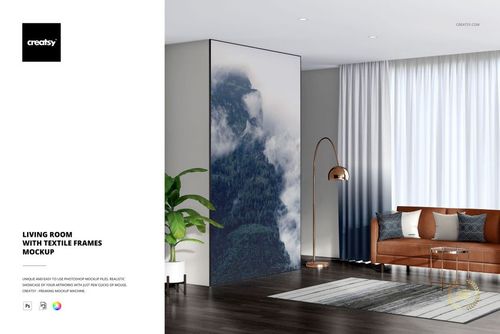
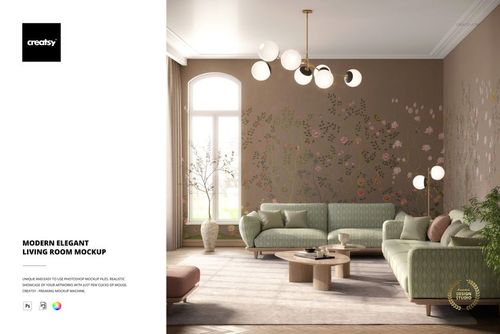
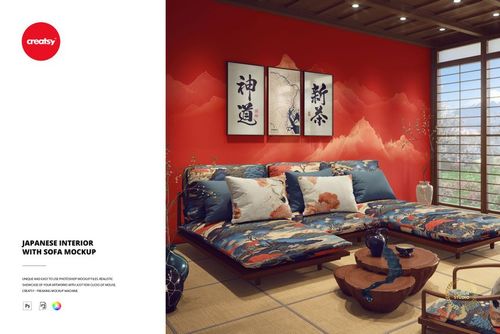
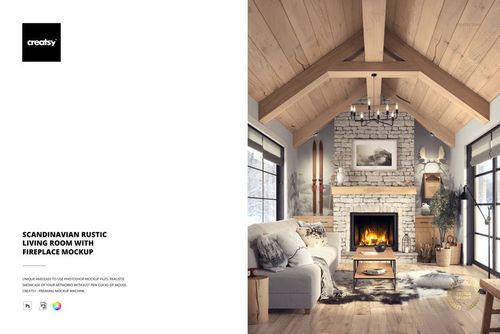
Showcase decorative pillow patterns, sofa fabric designs and coordinated home textiles in a contemporary living room. This editable sofa and pillows mockup features a spacious upholstered sofa, multiple cushions, coffee tables and simple decorative furnishings.
The front-facing arrangement provides a clear view of the seating area, helping textile designers present patterns and color combinations in a natural interior setting.
Present sofa and cushion designs together
The sofa and its decorative pillows create a useful setting for displaying a coordinated textile collection. Explore contrasting cushion patterns, complementary colors and different upholstery concepts while maintaining a consistent room composition.
The neutral furnishings and clean architectural background keep attention on the seating arrangement and the designs being presented.
Create home decor portfolio images
Use this scene to introduce cushion collections, upholstery concepts and living room textile projects. The furnished setting helps demonstrate the scale and appearance of patterns across larger furniture and smaller decorative accessories.
The mockup is suitable for surface pattern designers, home textile brands, interior stylists and designers preparing client presentations or product listings.
Editable high-resolution PSD
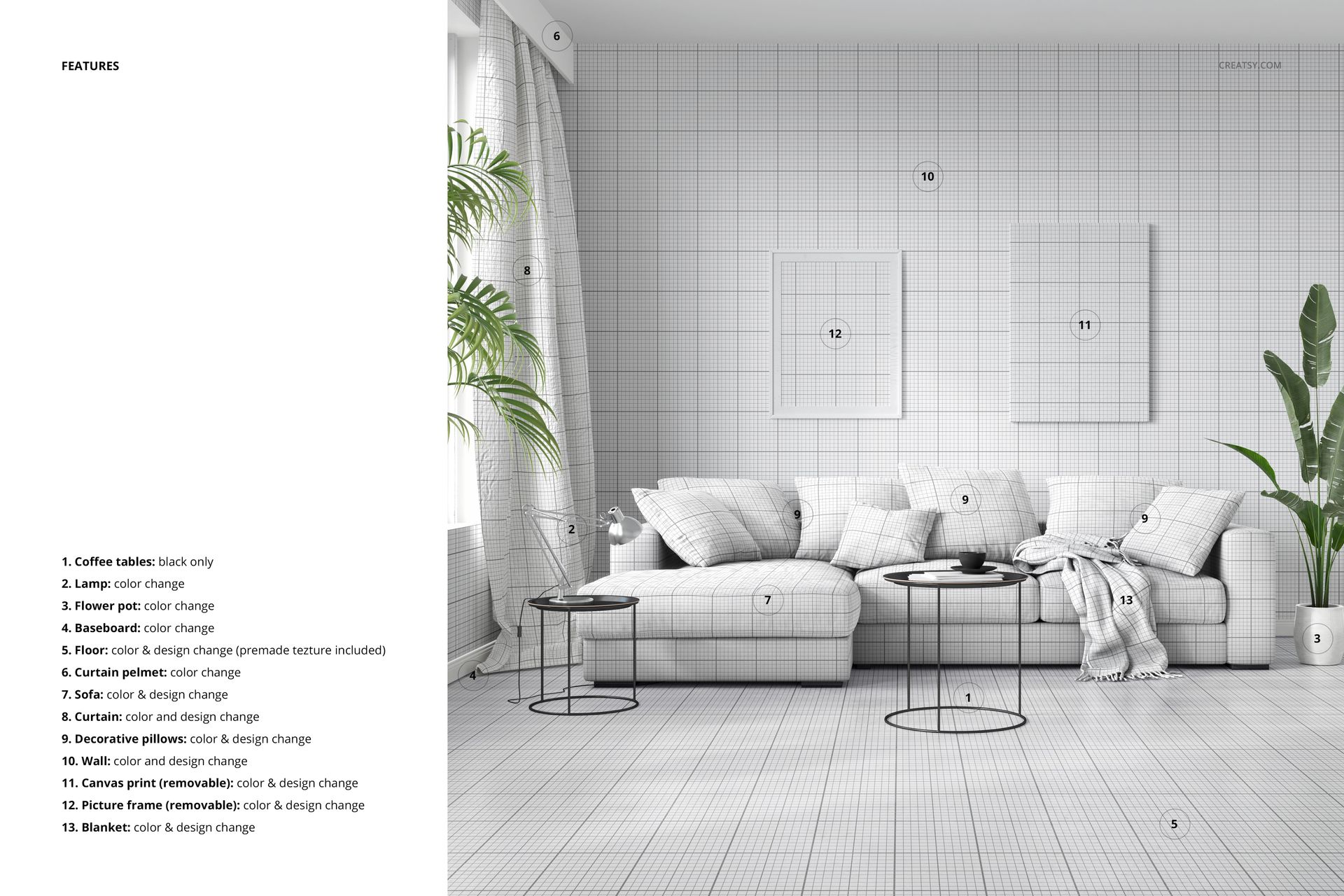
The download includes 1 layered PSD file at 4500 × 4500 px and 300 DPI, plus a JPG preview. Organized layers provide design and color customization options.
Adobe Photoshop CC 2020 or newer is specified for editing, and Photopea is also listed in the compatibility information.
This product is a digital mockup. Physical furniture, cushions and sample artwork are not included.