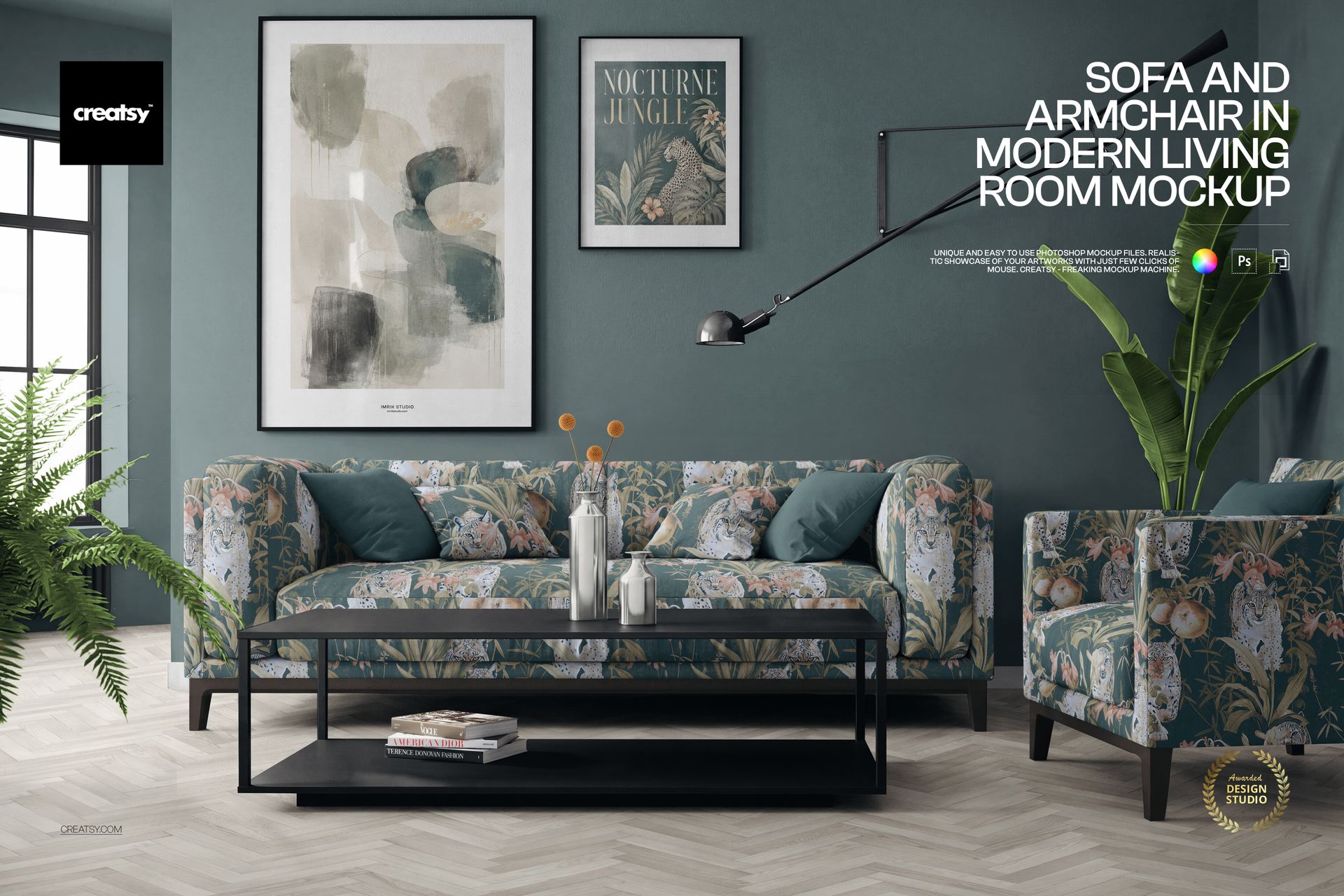
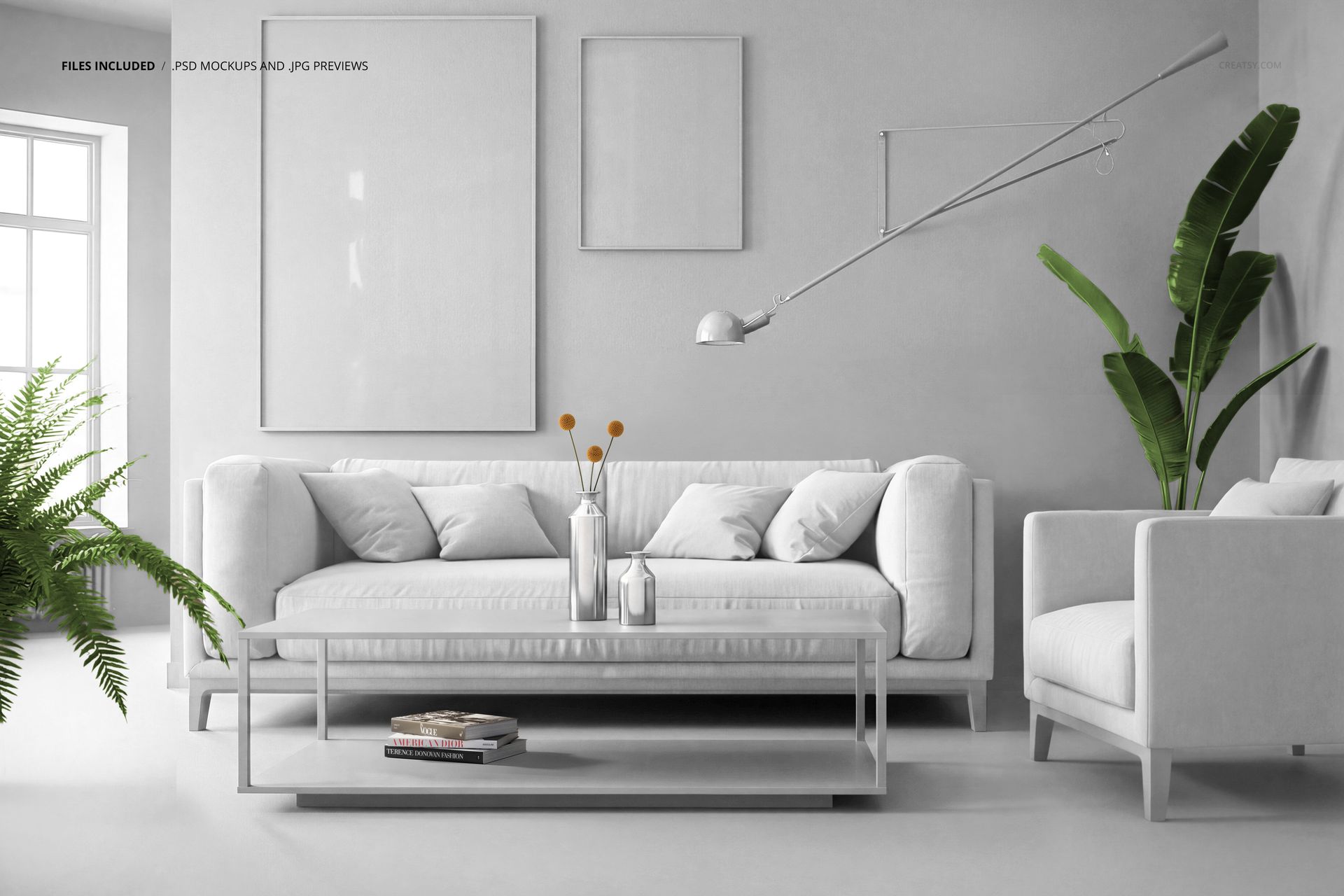
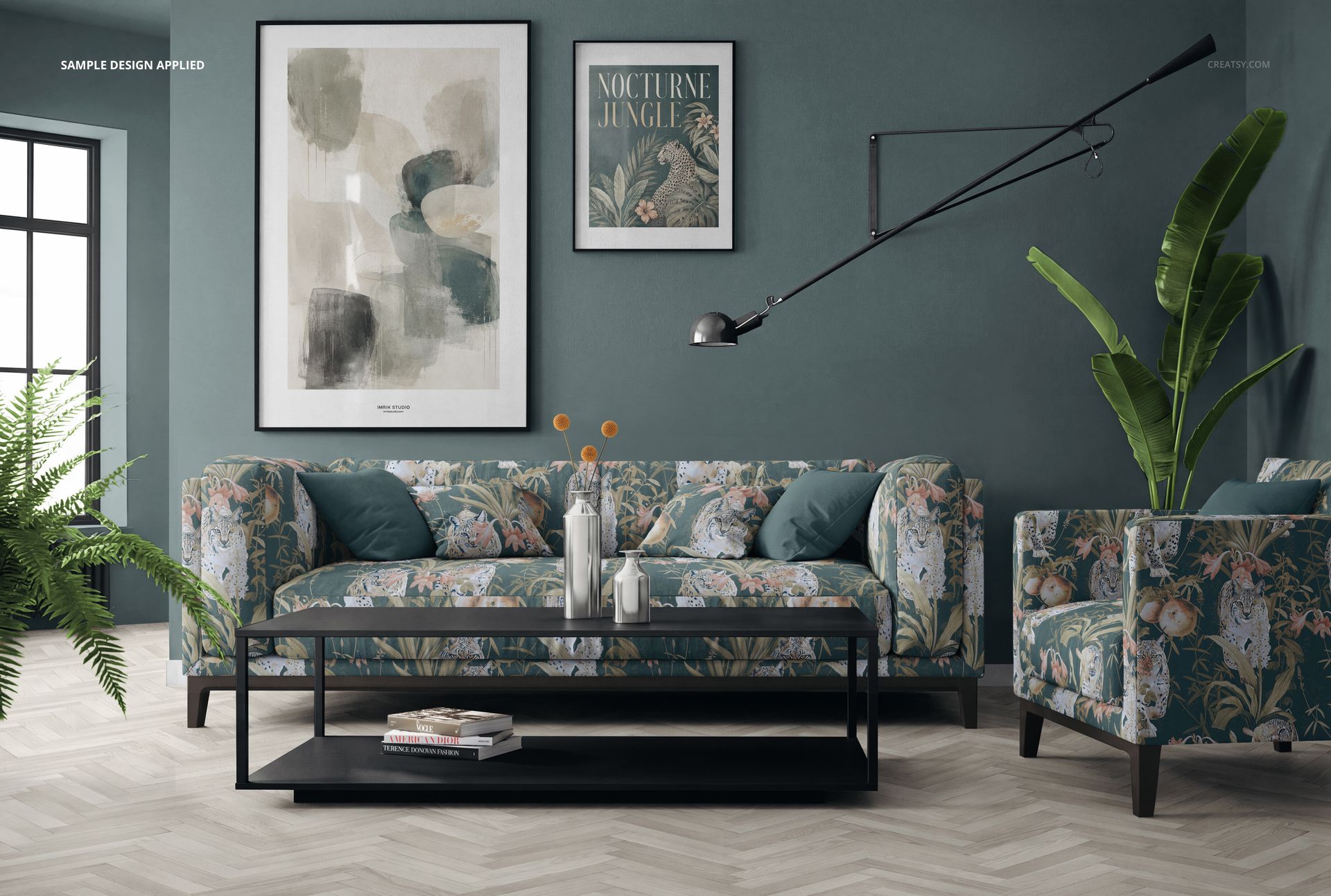
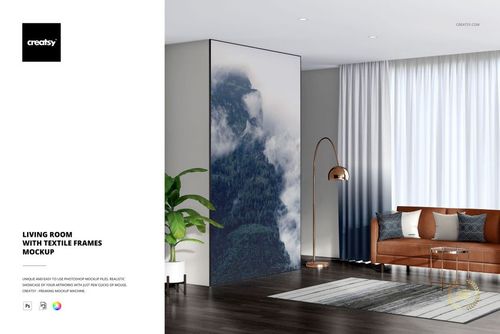
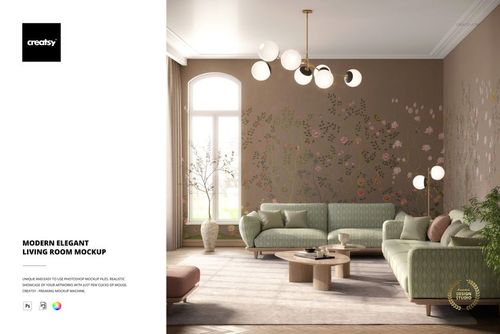
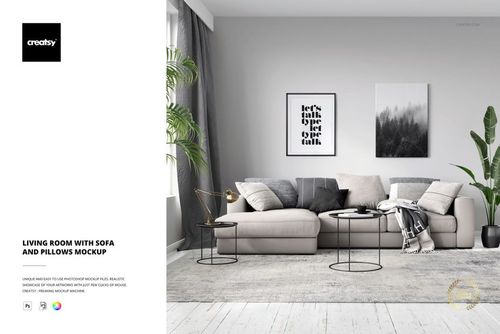
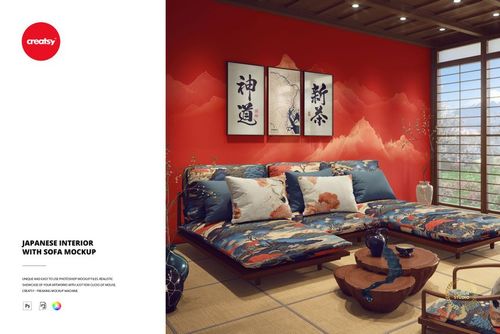
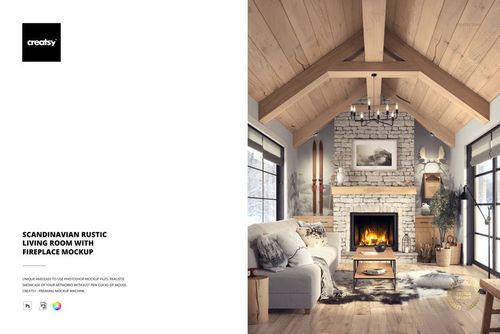
Show your work in a styled room. This living room mockup is one Photoshop scene of a modern sofa and armchair set, where you drop your own design onto the furniture, the walls, the floor and the framed art. The sofa, the pillows, the armchair, the wall, the floor and both picture frames all take your own color and pattern, so one file turns a fabric, a wallpaper or a poster into a finished interior shot.
You get 1 PSD file at 6000 x 4000 px, 300 dpi, built for Adobe Photoshop from version CC2020. The scene is part of Fabric Factory v.15. Every editable part runs on a smart object with named, well organized layers, so your artwork drops in and maps onto the surface in a couple of clicks.
What is in the scene
A modern living room set for a catalog-style shot: a three-seat sofa with pillows, a matching armchair, a coffee table with books, two framed pieces on the wall, a floor lamp, vases and plants, against a plain wall and a herringbone wood floor.
What you can change
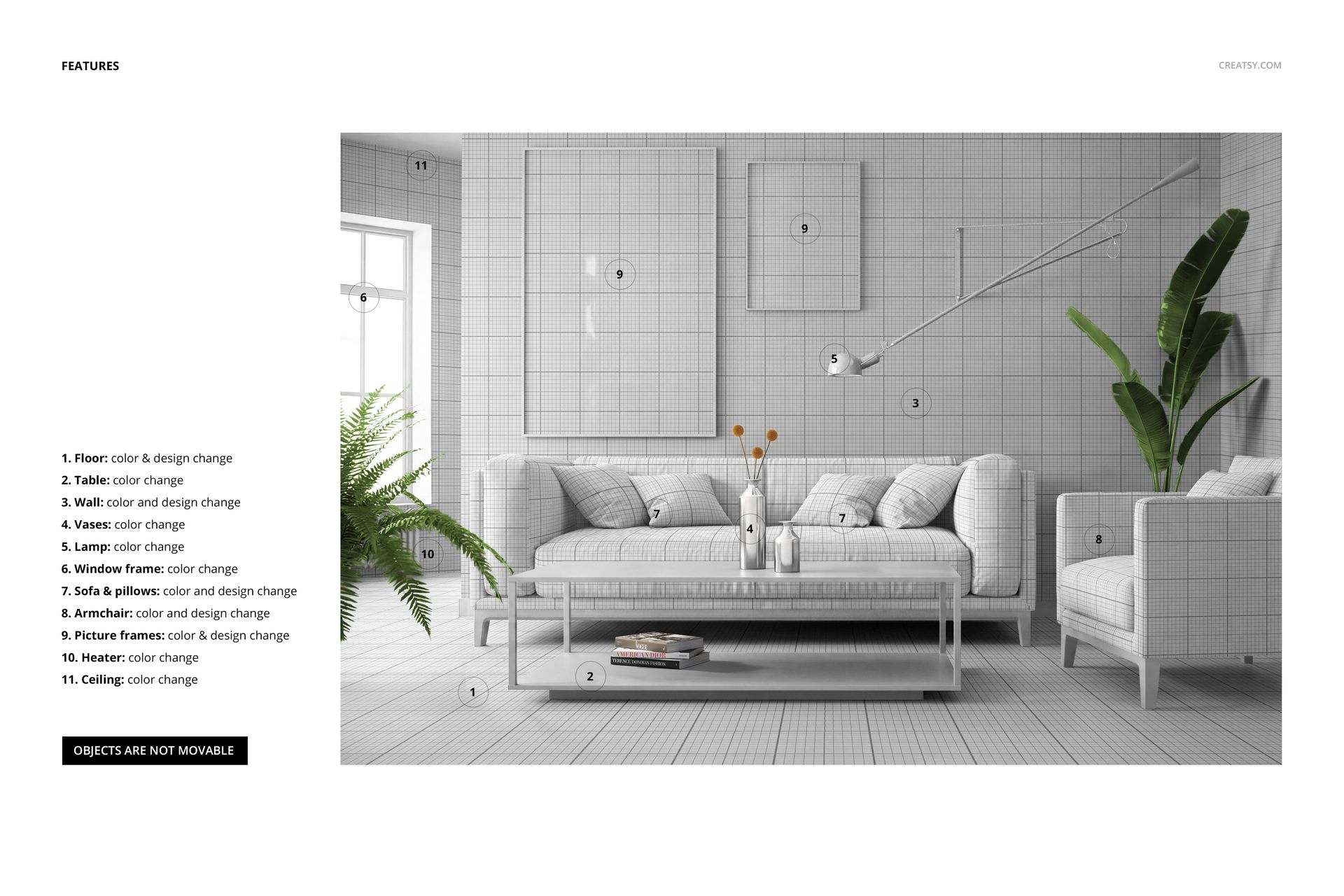
Surfaces that carry a pattern take both color and design, and the props take a color:
Sofa and pillows: color and design, for your upholstery fabric or print.
Armchair: color and design, to match or contrast the sofa.
Wall: color and design, for a wallpaper, a mural or a plain paint color.
Floor: color and design, for wood, tile or a printed floor.
Picture frames: color and design on both frames, for posters or wall art.
Table, vases, lamp, window frame, heater and ceiling: color, to set the palette of the room.
How the edit works
Open the smart object for the part you want, paste your artwork, save, and it maps onto the sofa, the wall, the floor or the frame in place, with the light and shadow of the scene kept over it. Set the colors of the props to build a palette, and export. Because each surface is its own smart object, you can try a new fabric, swap a wallpaper or change a poster in a few seconds. The objects in the scene are fixed in place, so you design the surfaces rather than move the furniture.
Made for fabric, wallpaper and wall art
The sofa, armchair and pillows are built to show a repeating pattern on upholstery, which makes this a strong fit for fabric and surface designers. The wall and floor take a design too, so you can present a wallpaper or a floor print in the same room, and the two frames let you drop in wall art or posters. As part of Fabric Factory v.15, it sits alongside other scenes built for showing patterns in a real setting.
Who it is for
Fabric and surface pattern designers, wallpaper studios, interior and home decor brands, poster and wall art sellers, and Etsy or Shopify shops that need a styled room shot. Use it to present a pattern collection, a wallpaper line or a set of prints without booking a photo shoot.
What is in the download
One layered PSD scene, plus a JPG preview, in a single download. Layers are named and grouped by element, so you always know which smart object holds the sofa, the wall, the floor or a frame.
File and software details
1 layered PSD file
6000 x 4000 px, 300 dpi
Adobe Photoshop CC2020 or newer
part of Fabric Factory v.15 Mockup Bundle (Upholsteries & Wallpapers)
sofa, pillows, armchair, wall, floor and picture frames take color and design
table, vases, lamp, window frame, heater and ceiling take color
objects are fixed in place, not movable
named, well organized layers, JPG preview included
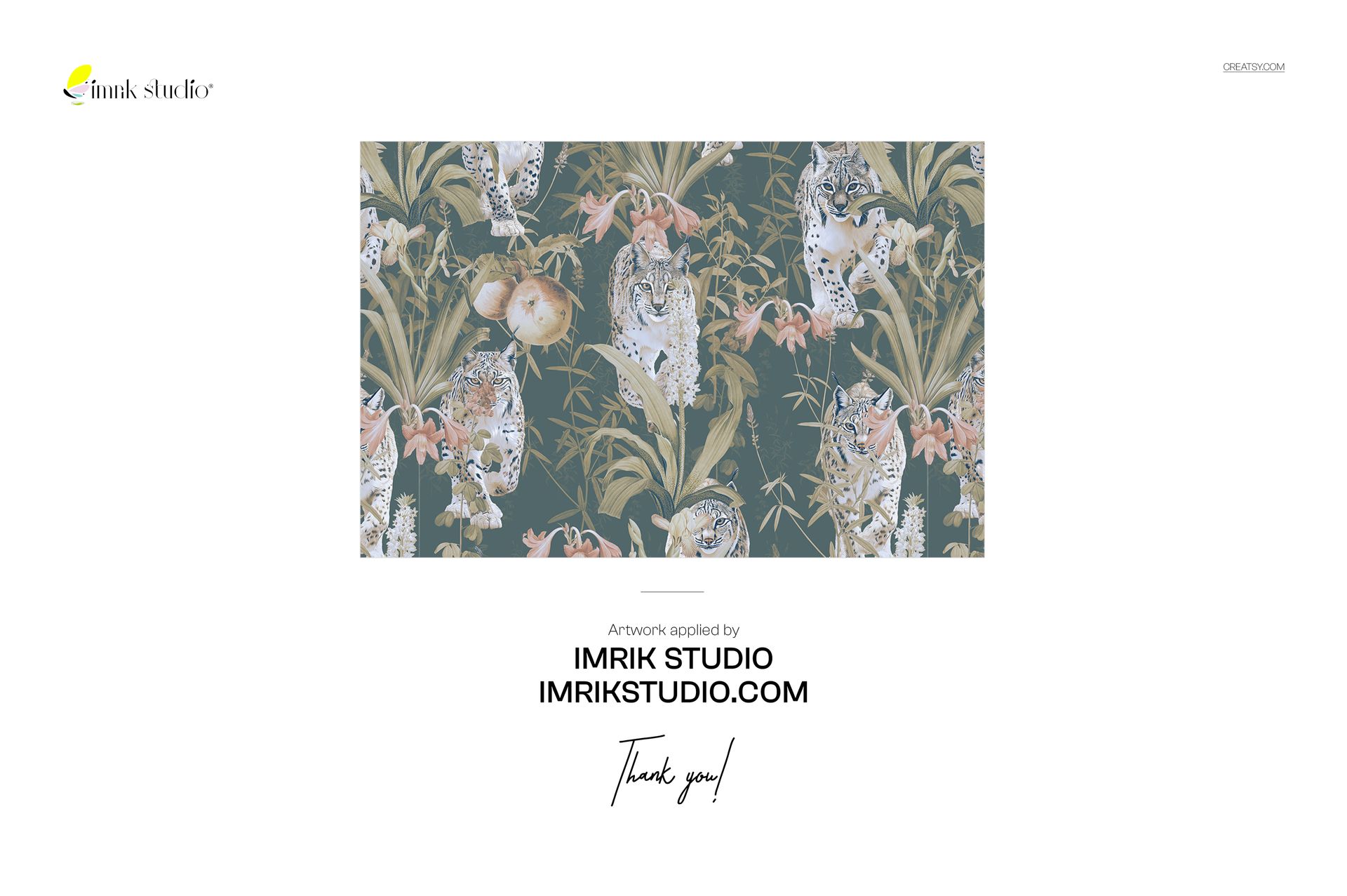
Demo artwork by Imrik Studio, shown for display and not included in the download.