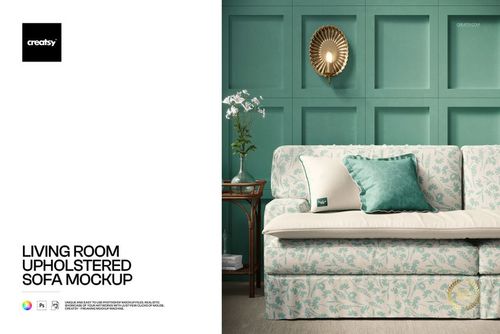
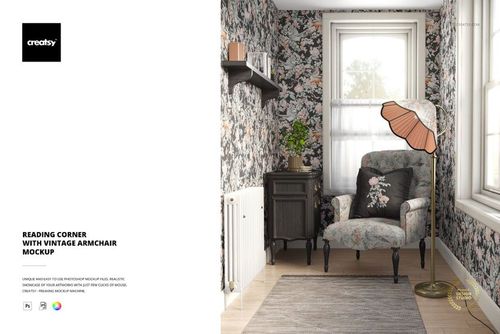
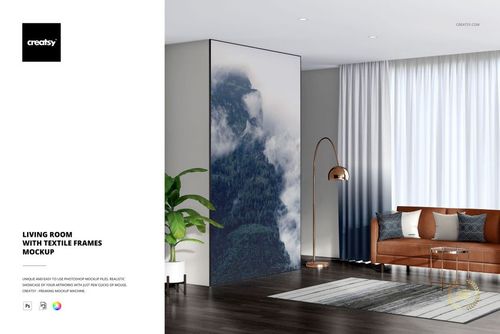
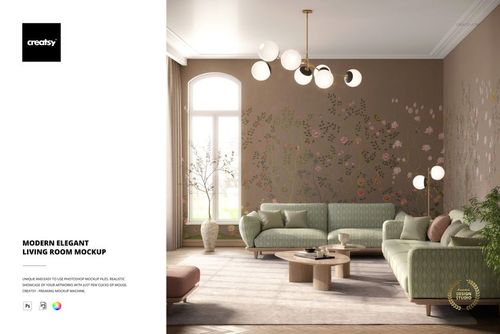
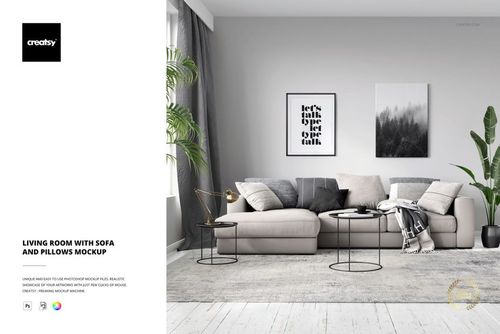
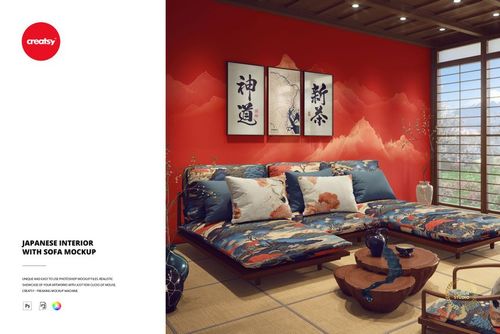
Mid-Century Interior with Velvet Sofa Canvas Print Mockup

ID: 1141399893 | Updated: Jun 8, 2026

Product Details

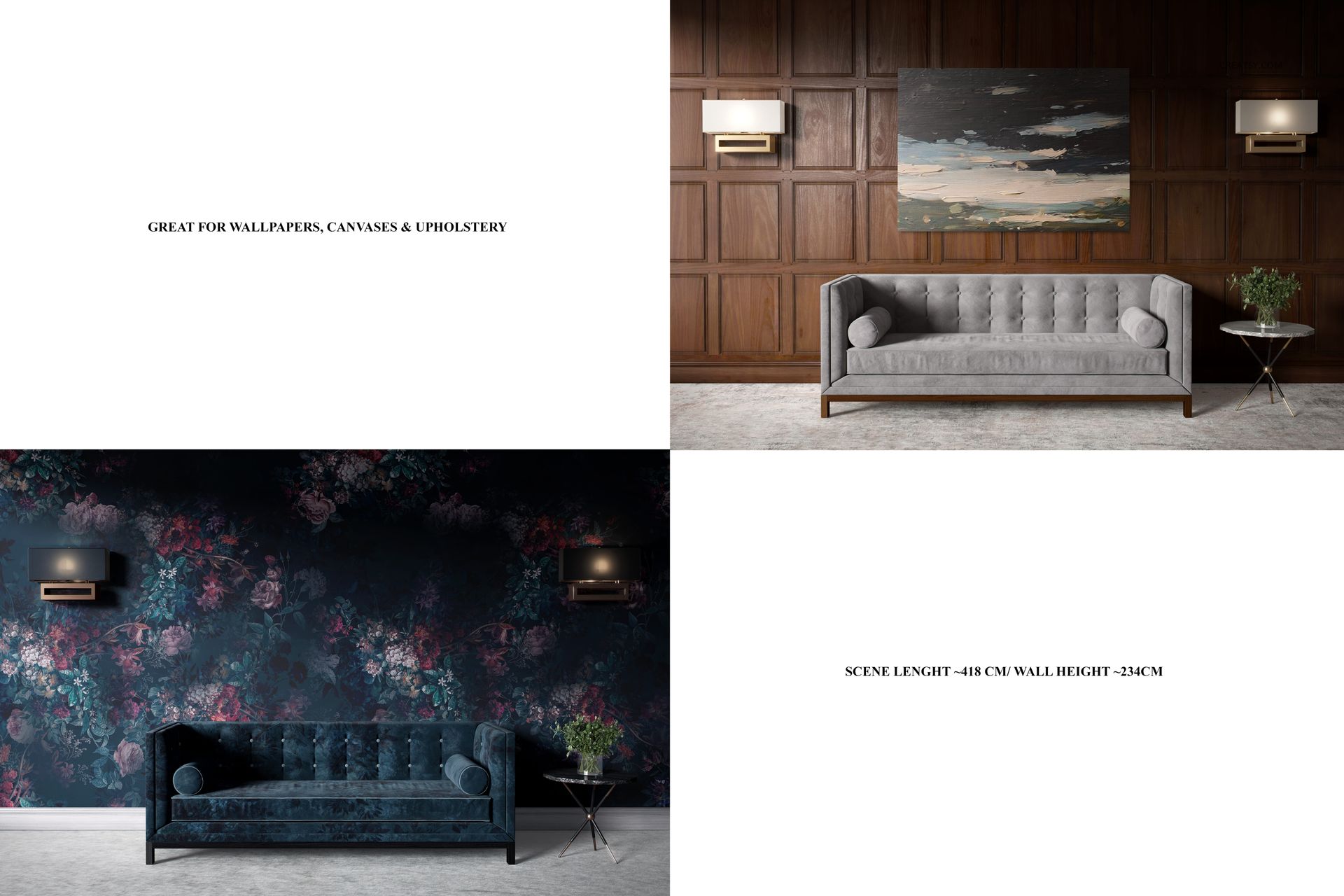
Stylish Room Canvas Print Many Sizes Mockup Set

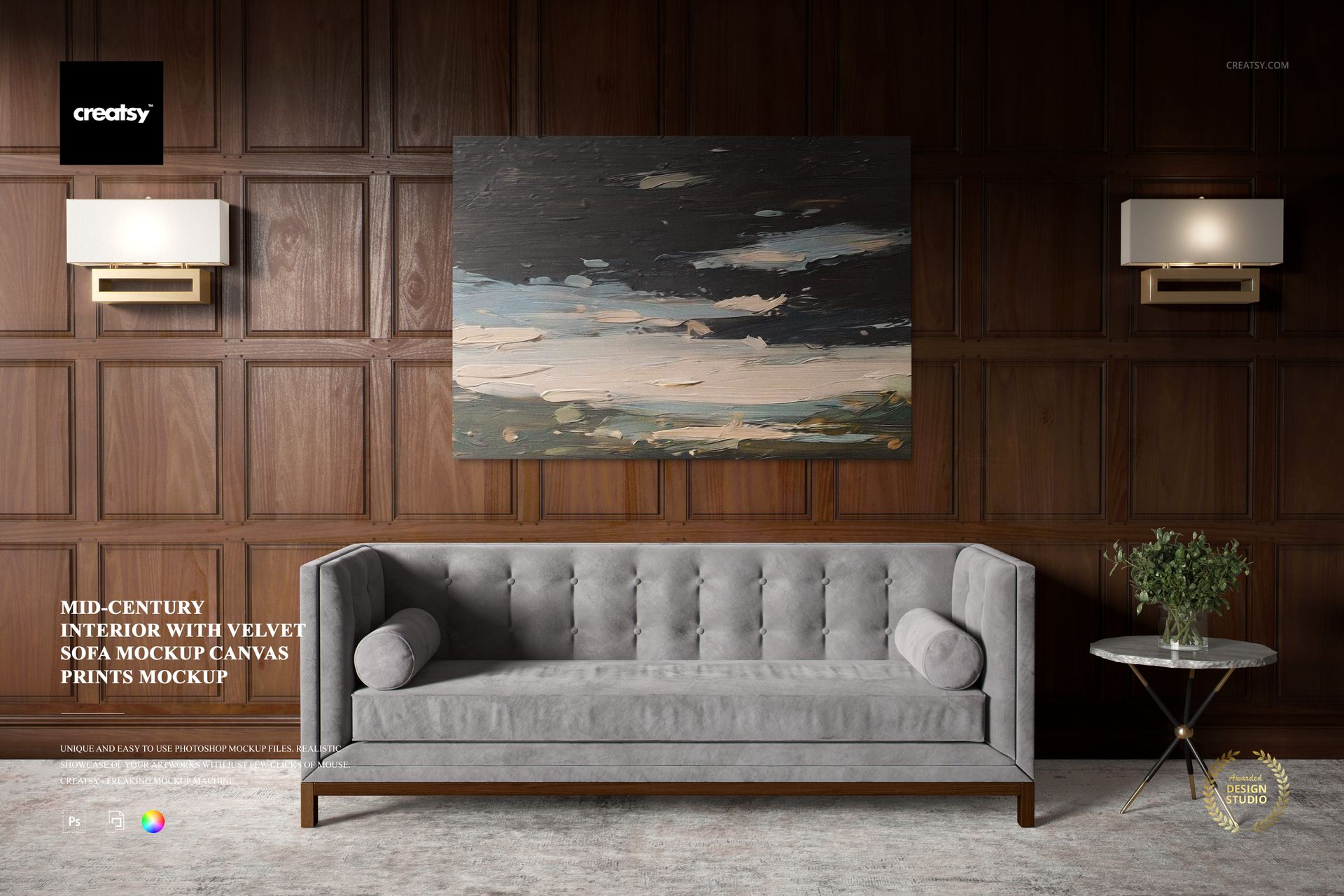
Step into a world of retro elegance with our Stylish Room Canvas Print Many Sizes Mockup Set. This remarkable collection features two mockups designed to showcase your art in a setting that exudes timeless sophistication. Our mockup set enables you to customize your canvas prints with precision. You can customize the color and design of the canvas print to ensure it perfectly suits your artistic vision. The option to choose canvases with or without color lighting allows you to set the mood for your art.


Timeless Sophistication: Canvas Prints with a Retro Twist

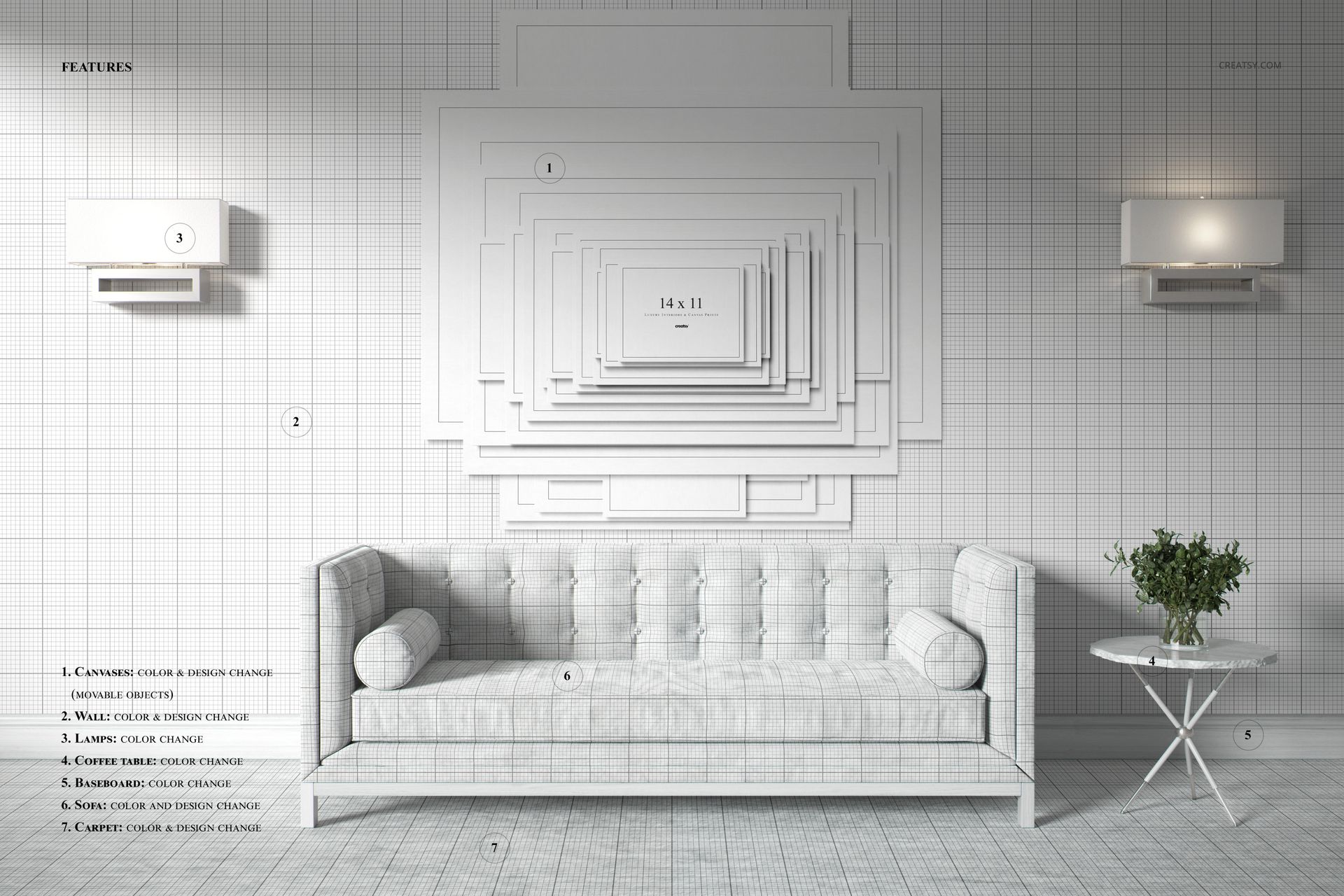
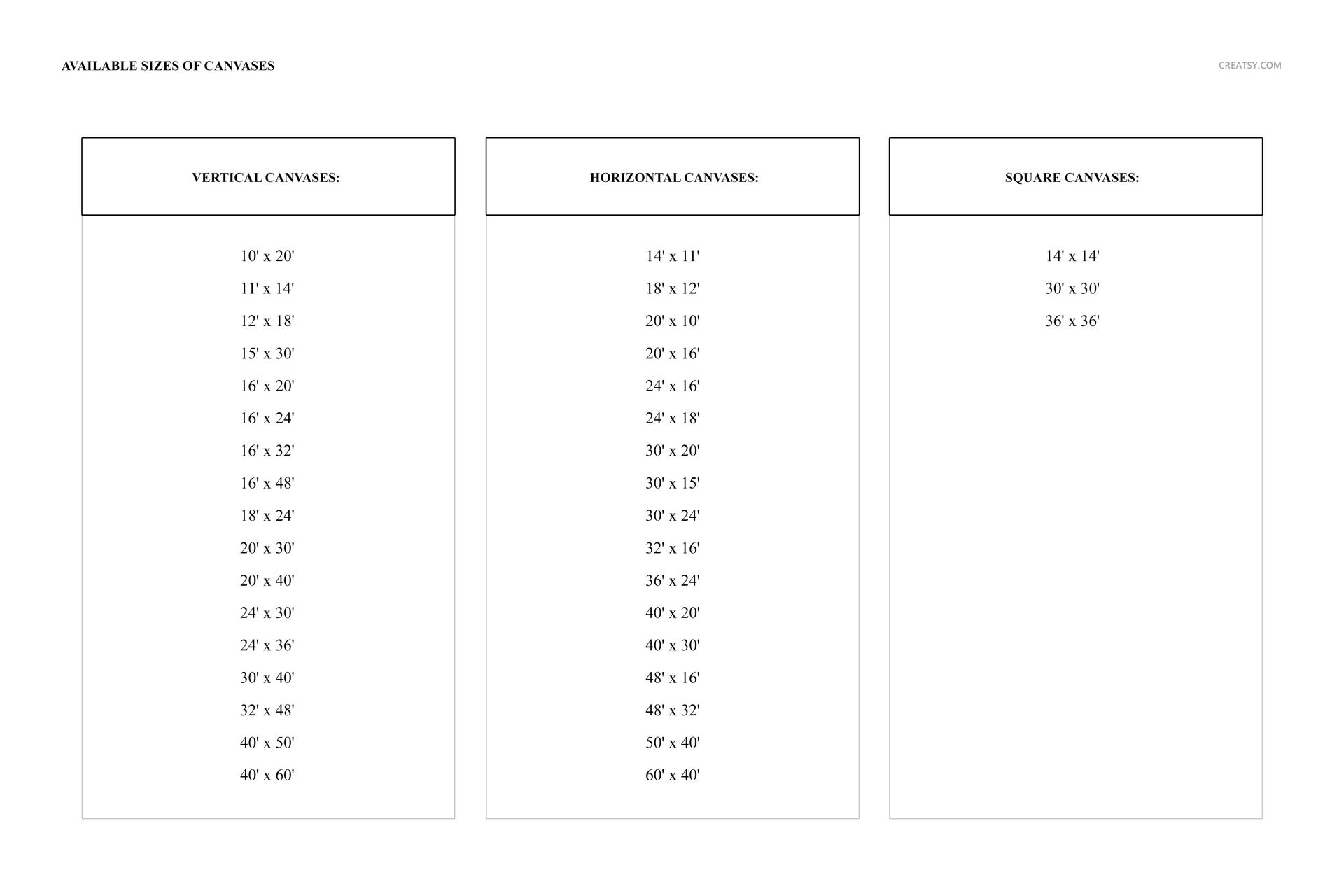
The first mockup welcomes you into an elegant home with a dark oak wall that exudes a sense of timeless charm. This setting provides the perfect backdrop for your canvas art, allowing you to present your work in an atmosphere of retro opulence. The second mockup offers a comprehensive display of canvas sizes and shapes, so you can meet the diverse needs of your customers. From horizontal and vertical canvases to square canvases and dozens of different canvas sizes, this mockup gives you the tools to create a custom canvas for any occasion.


  • Files works only in Photoshop (min. PS CC2015), Photopea;

  • The pack includes: 2 PSD files, one with the scene: 6000x4000 px, and second with all canvases 2900x2900 px, both 300dpi;

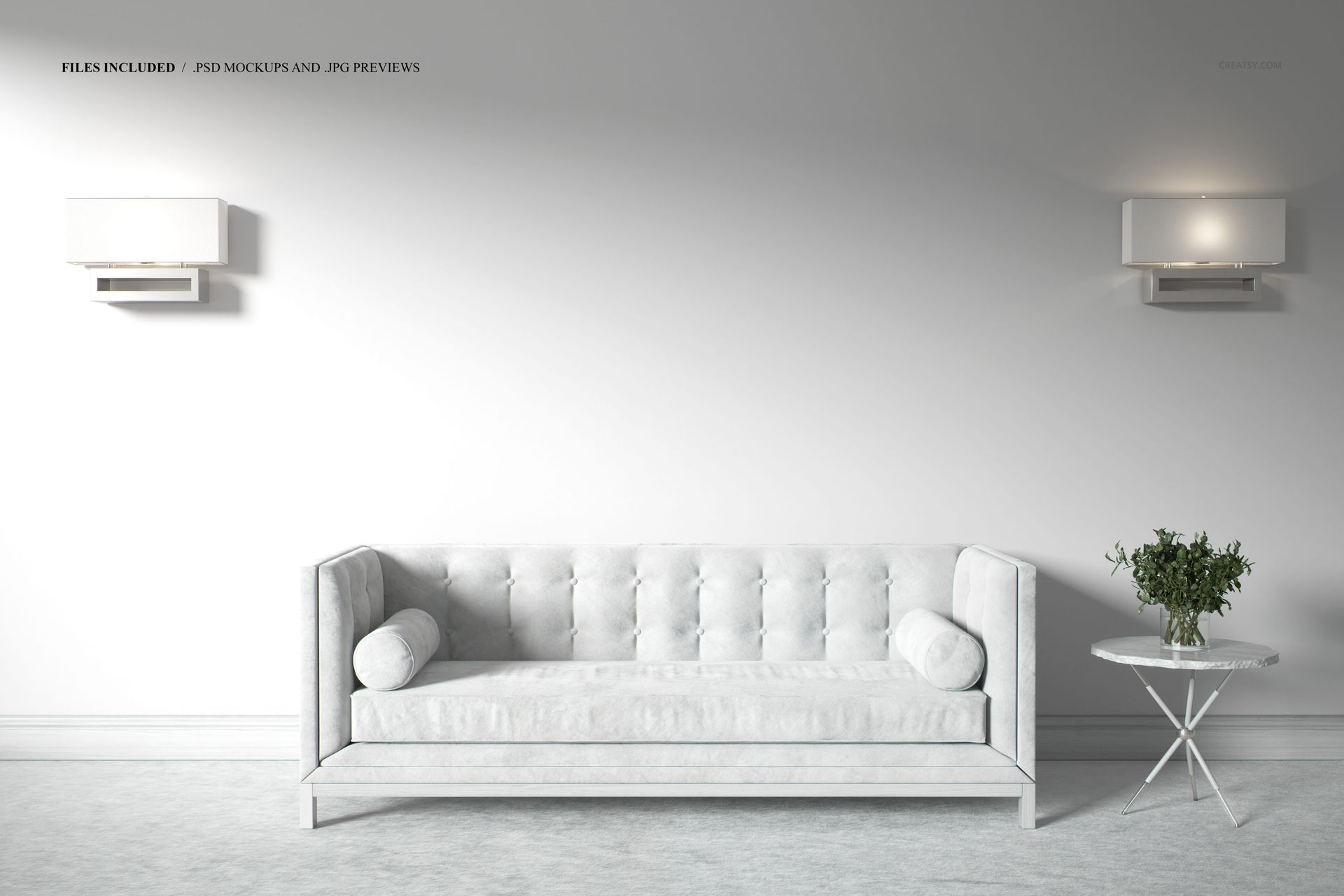
  • Scene elements (like wall, furnitures, floor) are not editable;

  • Check screenshots for all the features;

  • Designs are NOT included, this product is a mockup intended for you to add your own artwork.

File details

Compatibility
PhotopeaAdobe Photoshop
Number of files included
2
Package size
754 MB754 MB|790 MB790 MB
Files type
.psd, .jpg
Files size
6000x4000
TEST FOR FREE

MEET THE SHOP

Creatsy logo

Creatsy

Poland
4.7 (636)

Bring your ideas to life.

We're a family-run studio in Katowice, Poland, making PSD mockups by hand since 2016. Everything in this shop starts in our own studio. We shoot the photography, build the 3D, and put together every Smart Object PSD ourselves - then we test it, organize the layers, and only ship it once it actually works...
GO TO SHOP

HOW IT WORKS

3 clicks. That's it.

No tutorial needed. If you can copy-paste, you can use this.

  1. 1OpenDouble-click the smart object inside the PSD - in Adobe Photoshop, or free in your browser with Photopea.
  2. 2PasteDrop in your pattern, print, or artwork. Any design, any style.
  3. 3SaveHit save and the mockup wraps it in for you - shadows, folds, and lighting included.

FROM IDEA TO IMAGE

Built for real workflows

You just finished a print collection and need portfolio-ready shots - without booking a $2,000 photo shoot or waiting two weeks.

Your client wants to see the pattern on a real dress before approving. Send them a photorealistic mockup, not a flat swatch and a "trust me."

You're launching a summer drop on Etsy or Shopify and need listing images that actually convert.

You're pitching resort wear to a brand and your lookbook needs to feel like a million bucks. This gets you there for the price of lunch.

Smart Objects

Edit once and you're done. Your artwork drops into a smart object and the mockup updates itself - no masking, no warping by hand.

Perfectly Organized

Named layers and folders you can actually navigate. Find what you need, change what you want, and get out fast.

Print-Ready

High-resolution files built to hold up on screen and in print. Exact size and DPI are in this product's Details above.