Lounge Corner Chair Mockup Scene
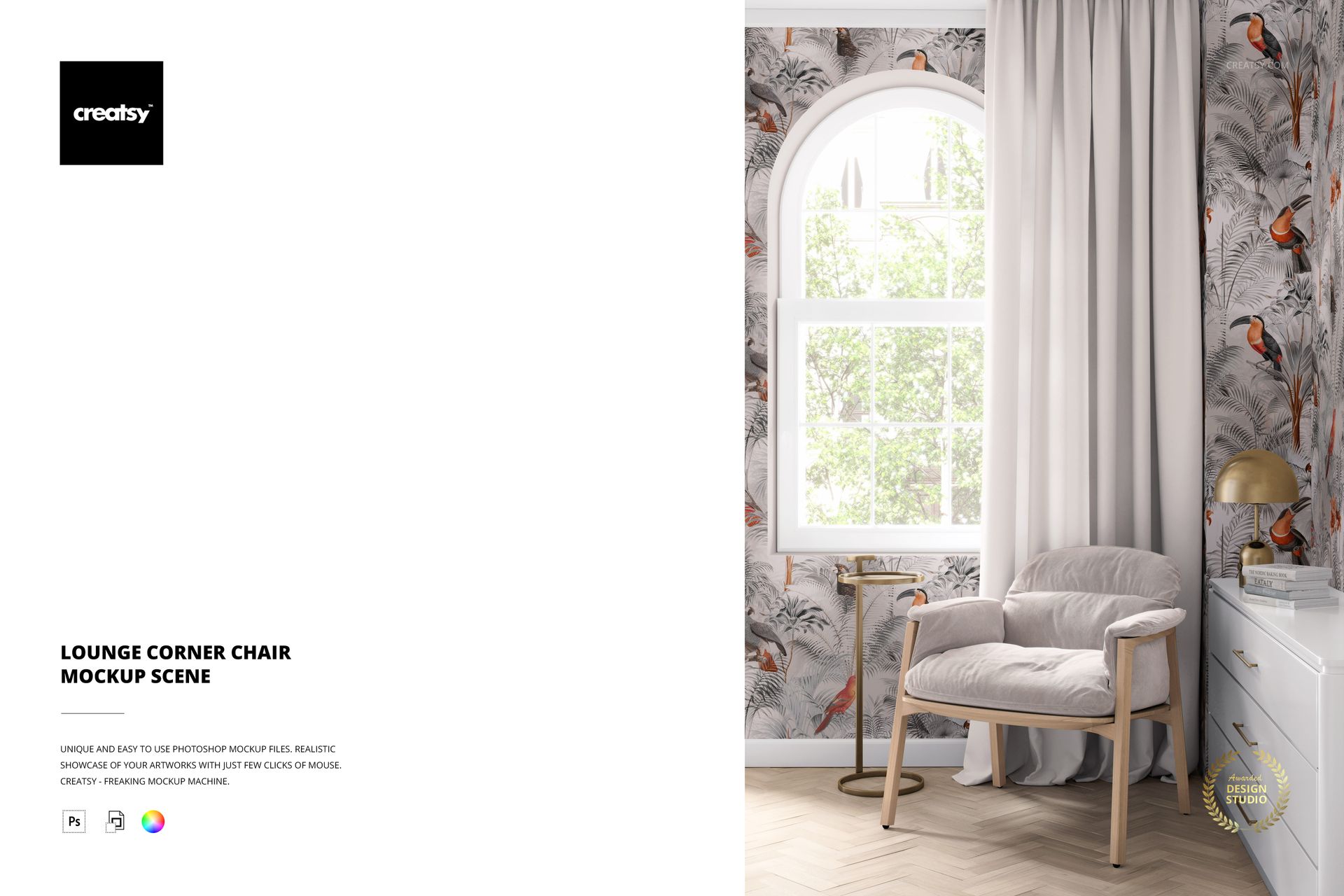
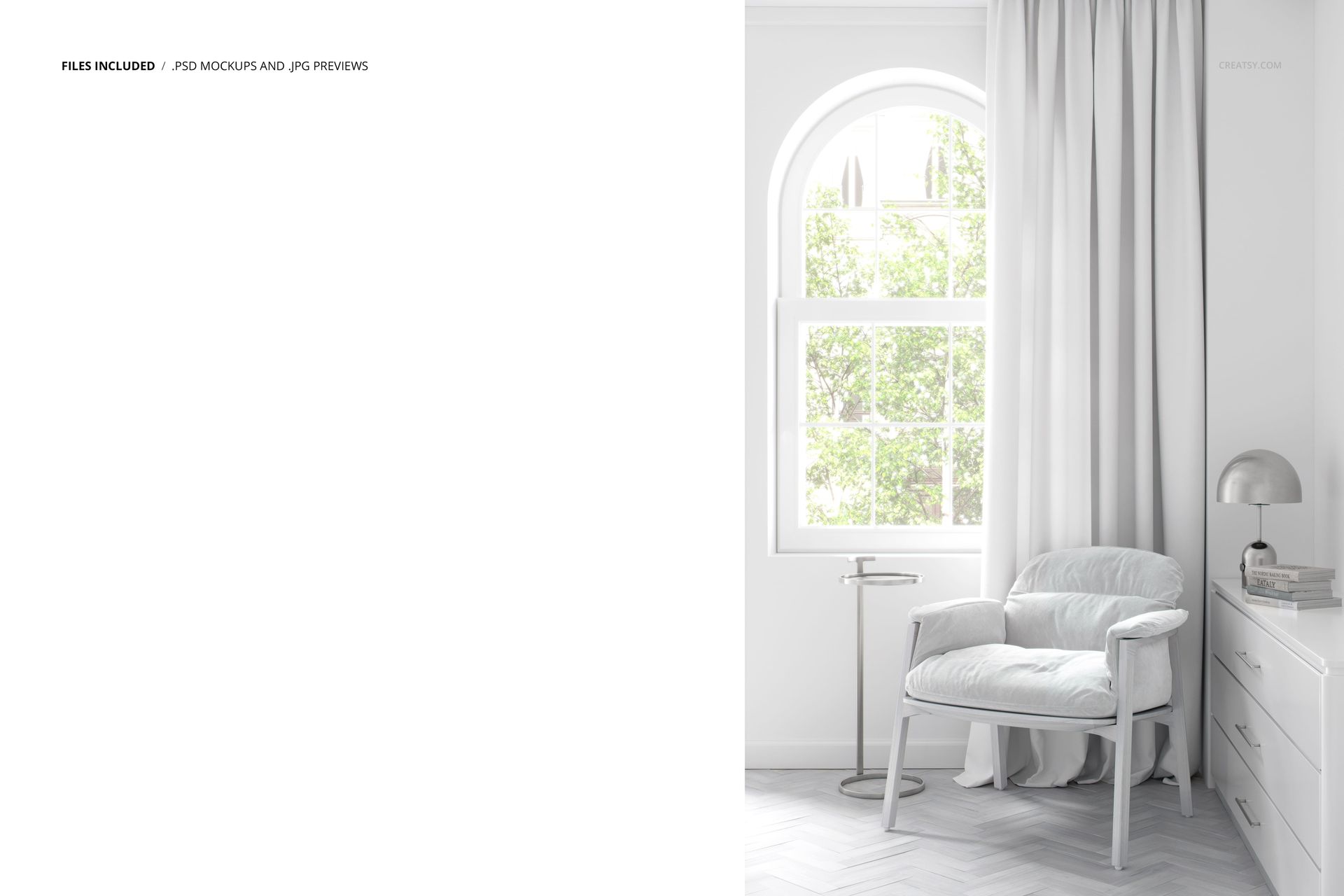
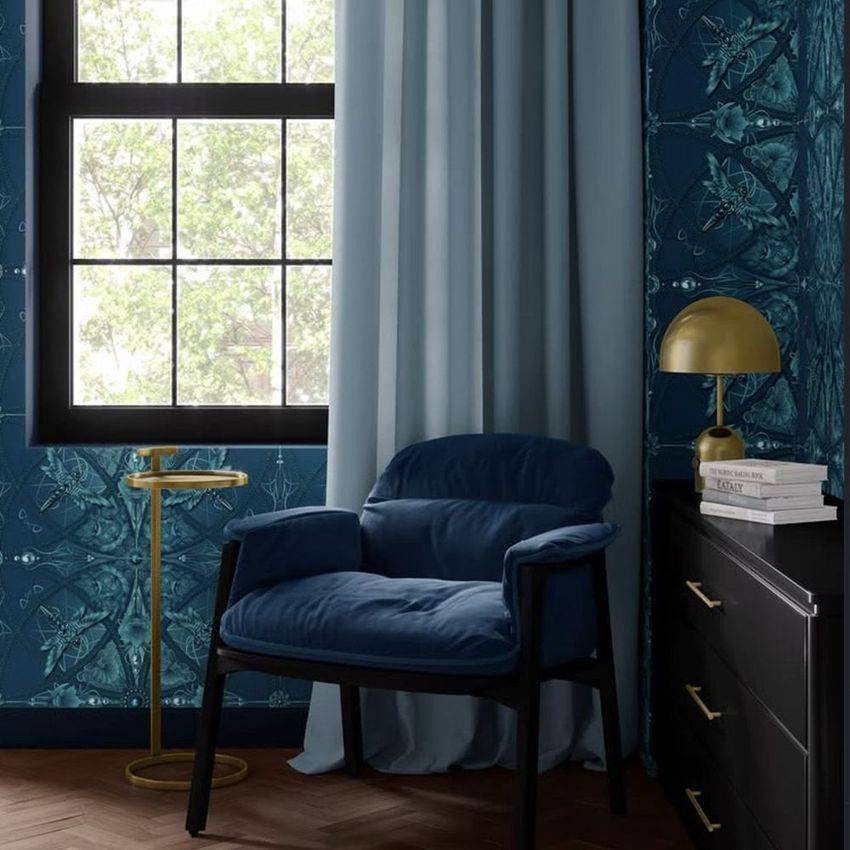
Present upholstery fabrics, wallpaper patterns and curtain designs together in a furnished interior with this editable lounge chair mockup. The scene features a plush upholstered armchair beside an arched window, with soft curtains, a brass lamp and a side table. Natural light brings out the fabric texture and helps you see how different patterns and colors work together in a room.
A lounge chair scene for upholstery and wallpaper designs
Apply your own patterns or colors to the chair upholstery, wallpaper and curtains. The chair provides a realistic surface for presenting furniture fabrics, while the surrounding wall and window treatments help show how your designs complement one another.
Use a matching print across multiple surfaces or combine different patterns to create coordinated home decor collections. The corner arrangement keeps the chair in focus while giving enough space to present wallpaper and curtain designs in context.
Customize the furniture and surrounding interior
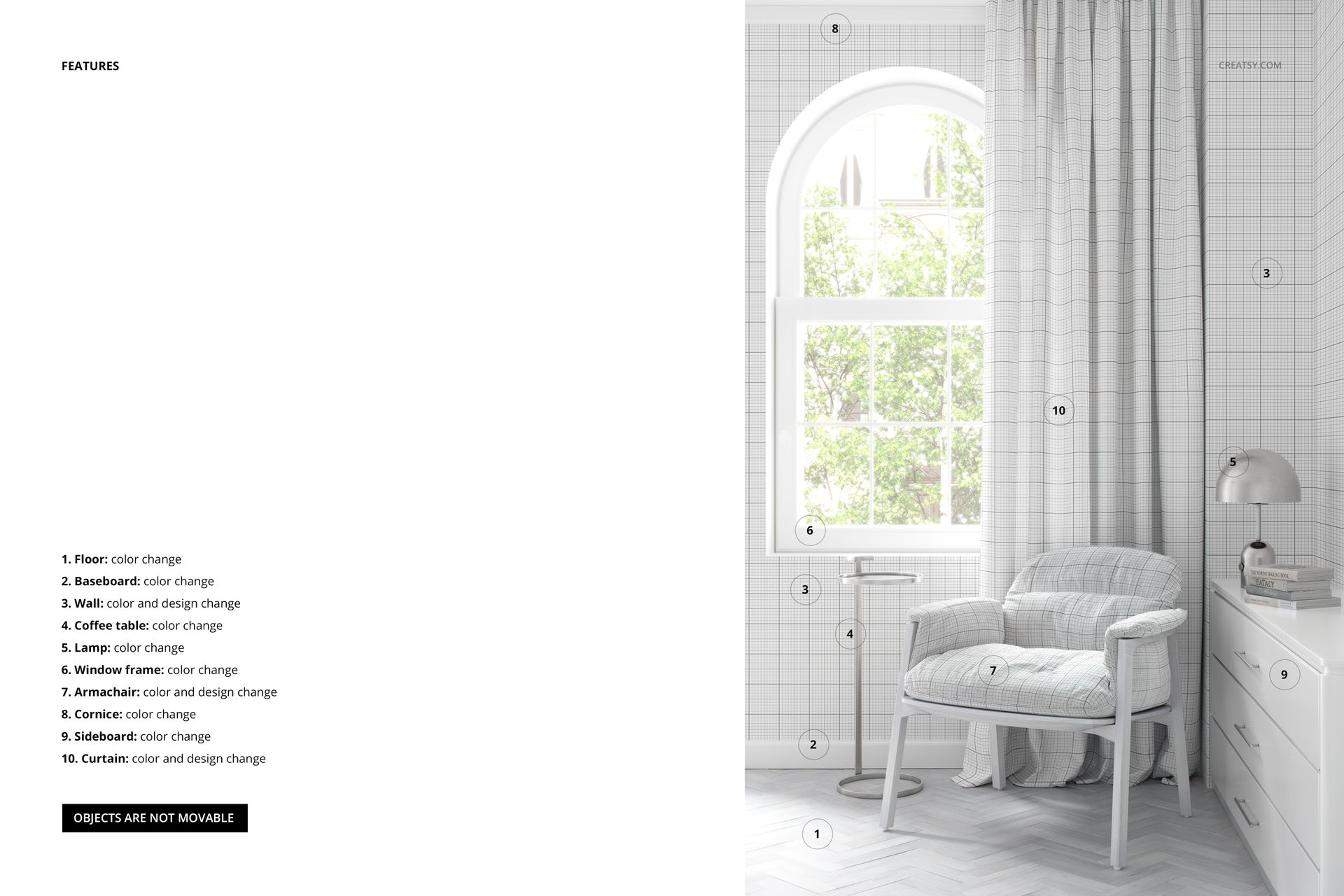
Beyond the main patterned surfaces, the PSD includes color adjustments for the floor, window frame, baseboards, brass lamp and side table. These options make it possible to adapt the setting to different fabric collections, interior color palettes and presentation styles without changing the overall composition.
The scene works particularly well for upholstery collections, surface pattern portfolios, wallpaper catalogs, curtain fabric presentations, home decor branding and interior design proposals.
High-resolution PSD with organized layers
The package includes 1 layered PSD file measuring 6000 × 4000 px at 300 DPI, along with a JPG preview. The organized Photoshop layers let you replace artwork and adjust the available elements without rebuilding the interior scene.
The file is designed for Adobe Photoshop CC 2020 or newer. Check the screenshots for the available customization features.
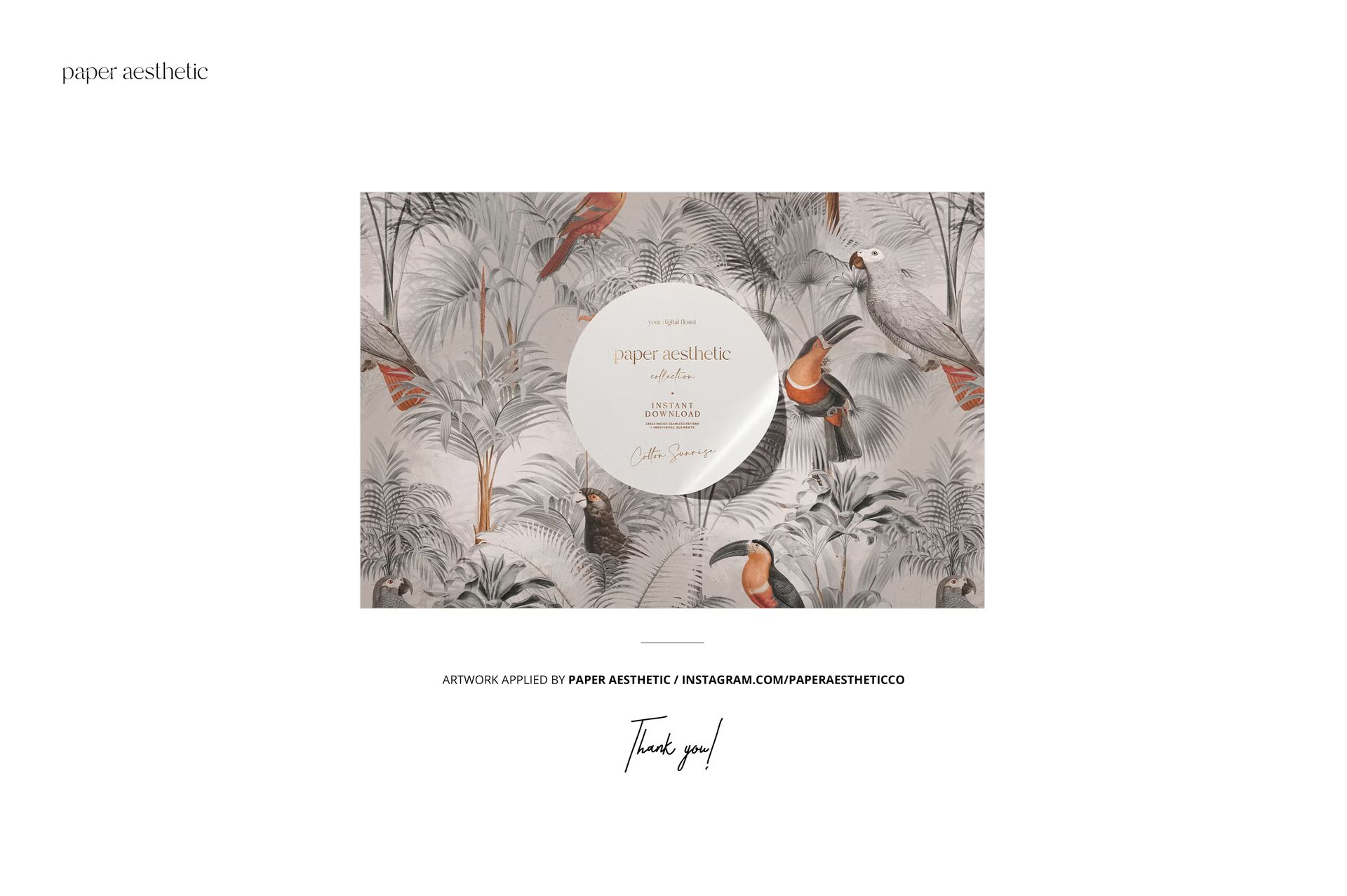
This is a digital mockup, not a physical chair or furniture product. The sample artwork by Paper Aesthetic is shown for demonstration and is not included in the main download.