Art Deco Sofa Canvas Print Mockup

ID: 1908957525 | Updated: Aug 28, 2024

Product Details

Art Deco Sofa Canvas Print Mockup

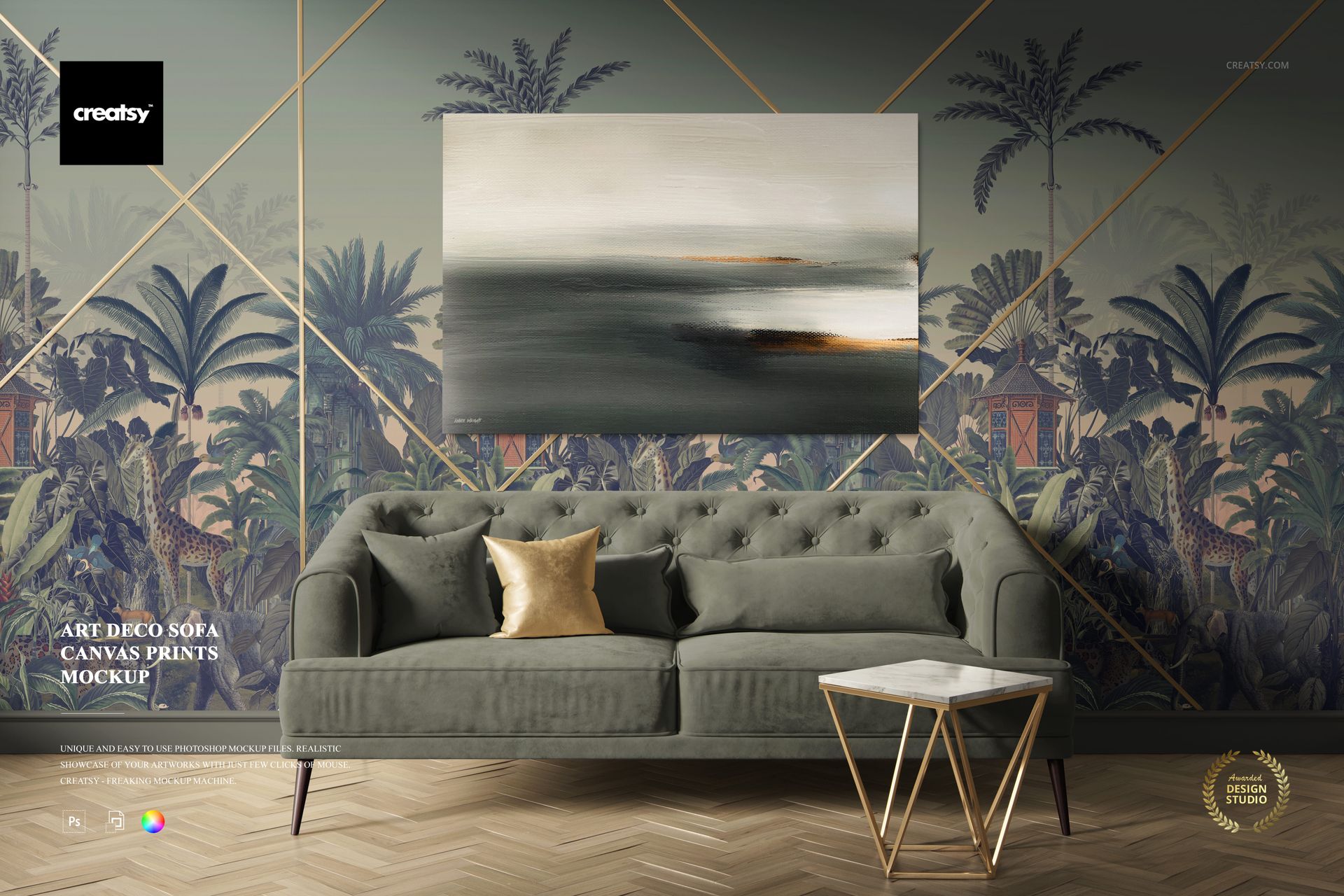
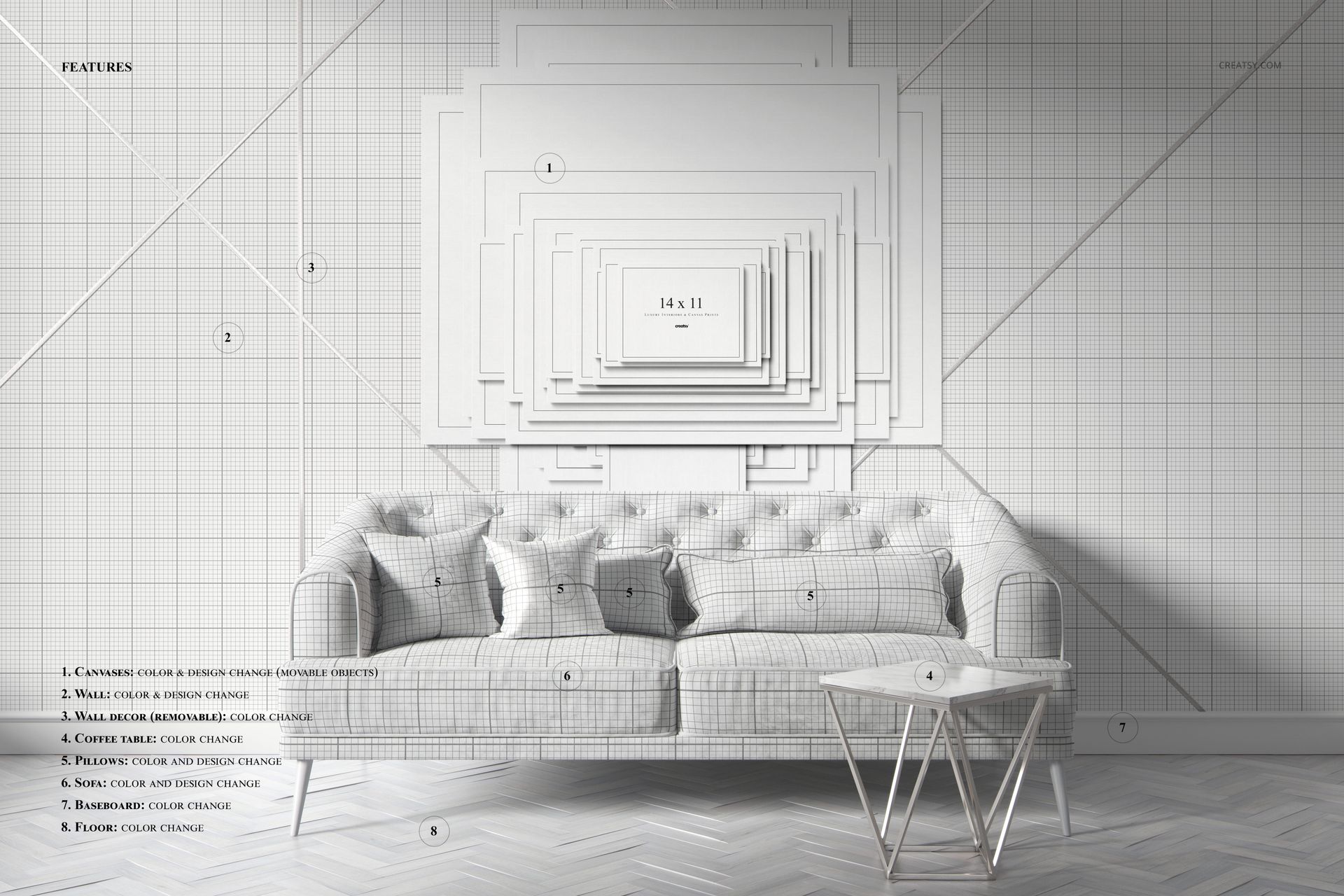
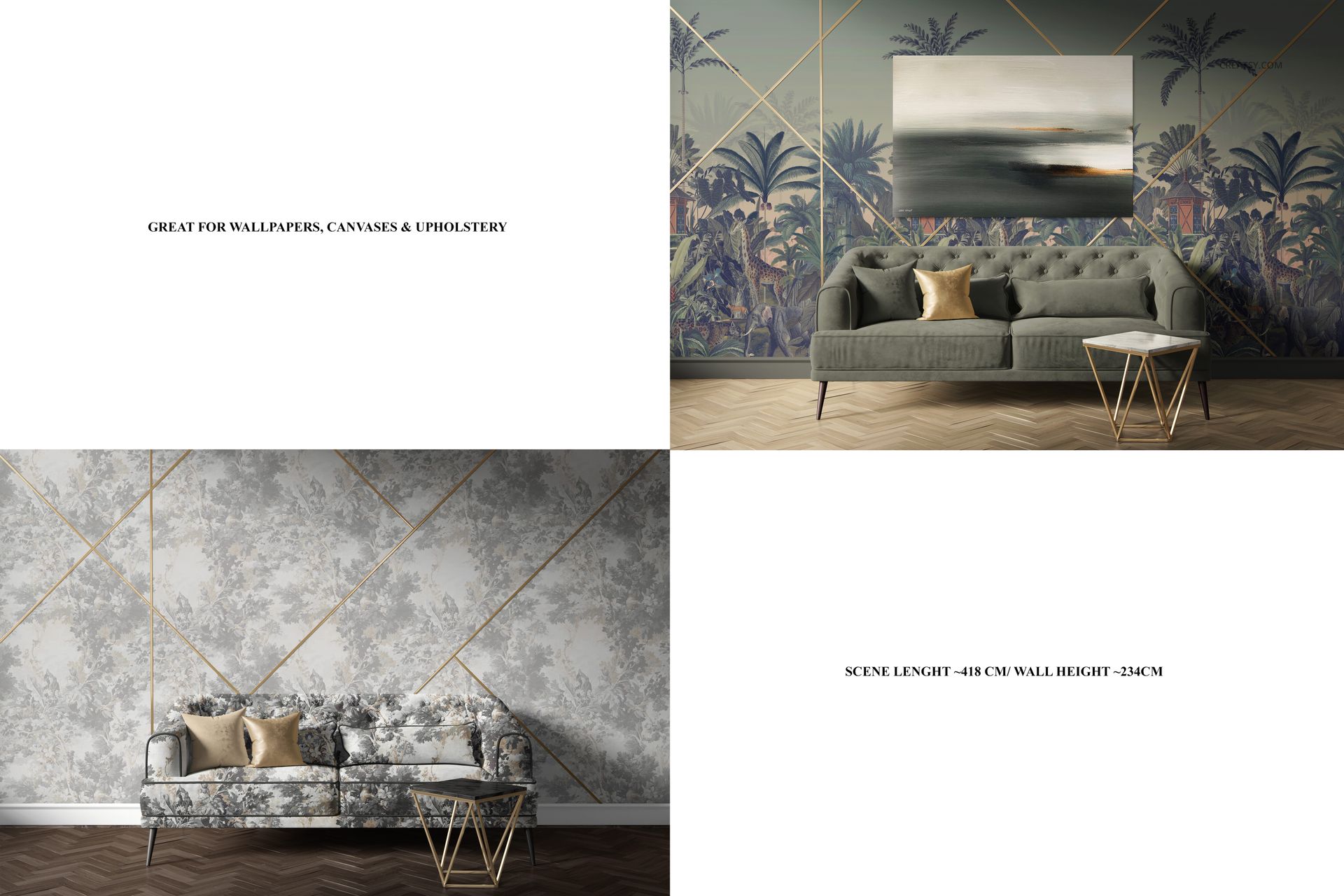
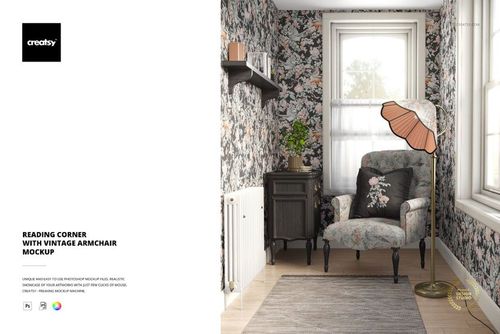
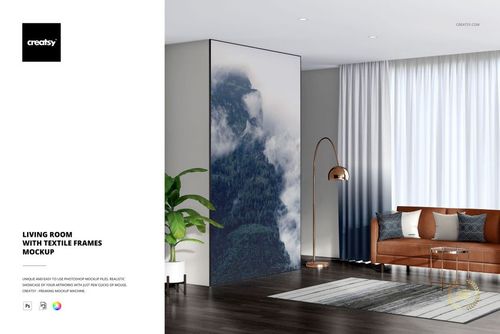
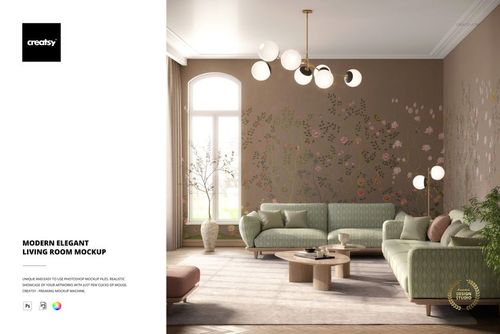
Enter the world of Art Deco elegance with our Art Deco Sofa Canvas Print Mockup. This exquisite collection offers a unique perspective on canvas prints, perfect for enhancing your interior design and artistic projects.. This mockup set allows you to customize your canvas prints with the most ease! You have the freedom to select the color and design of the canvas to match your artistic vision. You can also choose between canvases with or without color lighting, allowing you to create different moods and atmospheres.


Explore the Possibilities: Canvas Sizes Showcase

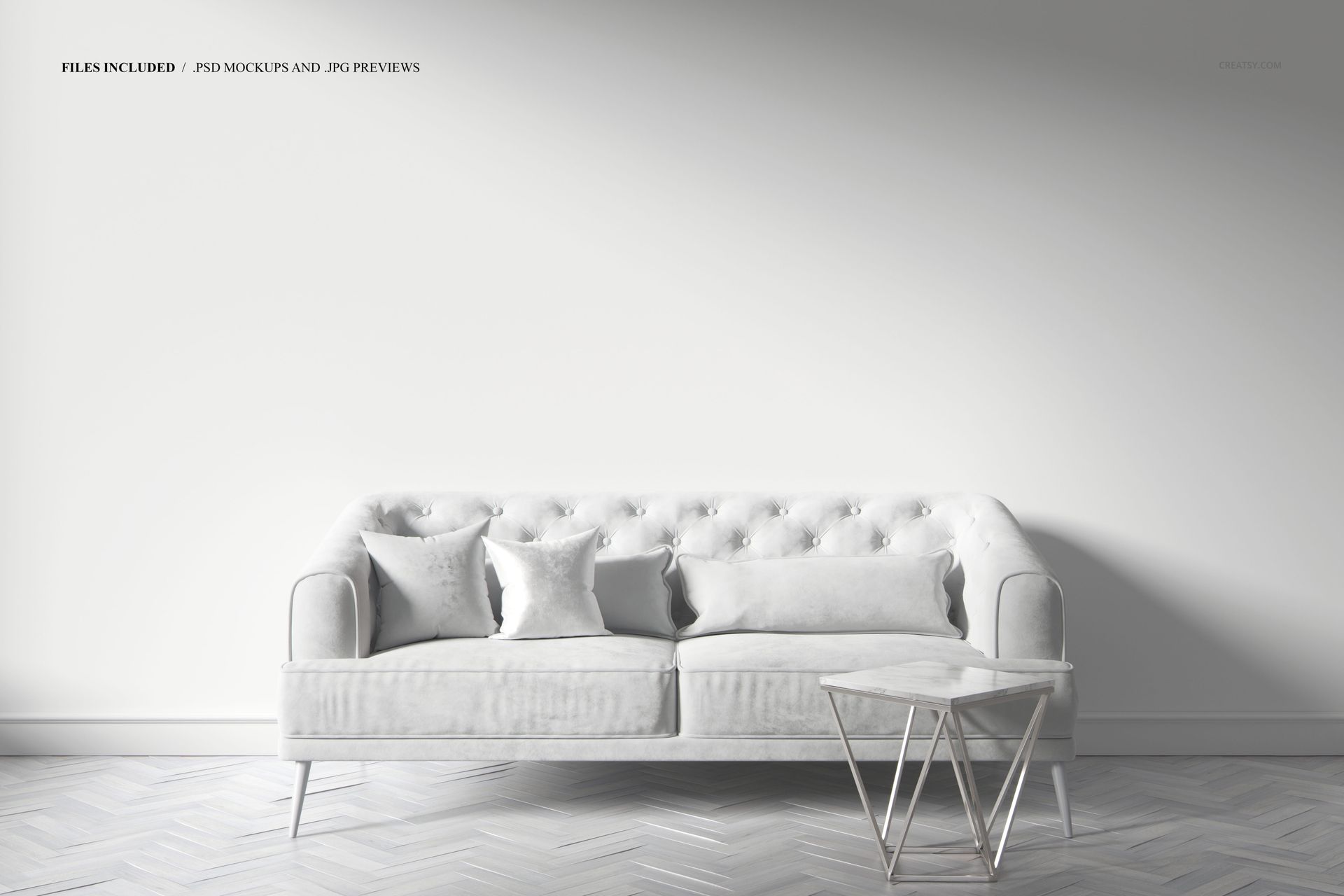
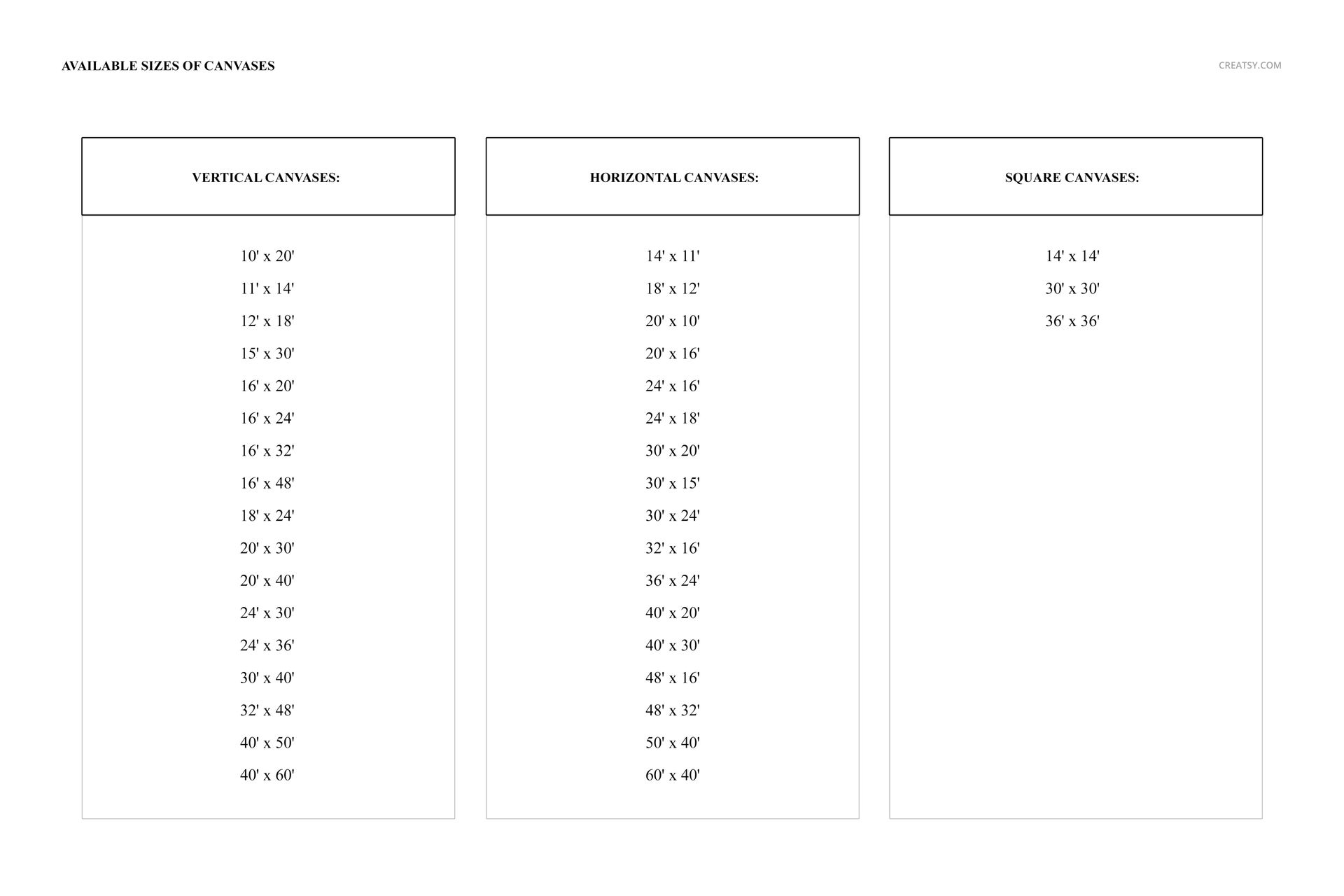
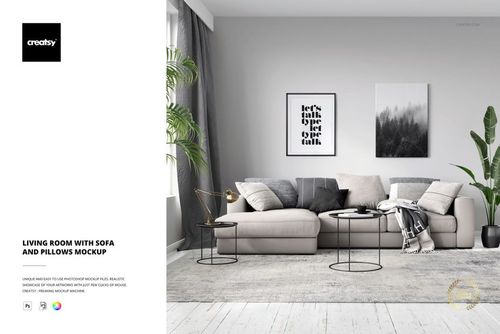
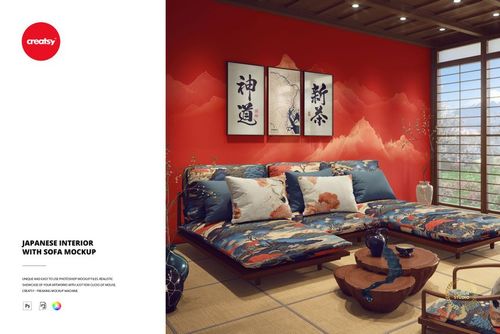
The first canvas print mockup invites you into an elegant living room where a canvas print adorns the wall above a luxurious couch. This scene provides a real-world context for your designs, allowing you to visualize how they will look in a stylish, comfortable environment. You can show off your artistic skills with multiple canvas options above the sofa, demonstrating your versatility.The second mockup is a comprehensive canvas size showcase that provides a detailed view of the various dimensions and sizes available. Here you can explore the range of options, from horizontal and vertical canvases to square canvases, and choose from dozens of different canvas sizes.


  • Files works only in Photoshop (min. PS CC2020), Photopea;

  • The pack includes: 1 PSD files, one with the scene: 6000x4000 px, 300dpi;

  • Check screenshots for all the features;

  • Designs are NOT included, this product is a mockup intended for you to add your own artwork.

File details

Compatibility
PhotopeaAdobe Photoshop
Number of files included
2
Package size
524 MB524 MB|549 MB549 MB
Files type
.psd, .jpg
Files size
6000x4000
TEST FOR FREE

MEET THE SHOP

Creatsy logo

Creatsy

Poland
4.7 (641)

Bring your ideas to life.

We're a family-run studio in Katowice, Poland, making PSD mockups by hand since 2016. Everything in this shop starts in our own studio. We shoot the photography, build the 3D, and put together every Smart Object PSD ourselves - then we test it, organize the layers, and only ship it once it actually works...
GO TO SHOP

HOW IT WORKS

3 clicks. That's it.

No tutorial needed. If you can copy-paste, you can use this.

  1. 1OpenDouble-click the smart object inside the PSD - in Adobe Photoshop, or free in your browser with Photopea.
  2. 2PasteDrop in your pattern, print, or artwork. Any design, any style.
  3. 3SaveHit save and the mockup wraps it in for you - shadows, folds, and lighting included.

FROM IDEA TO IMAGE

Built for real workflows

Skip the photo shoot Show your artwork on the real product type for approvals or listings - no studio, no model, no sample.

See it on the product, not a swatch Drop your file into the smart object and the scene's lighting and folds wrap around it, so you judge the real thing before you commit.

Smart Objects

Edit once and you're done. Your artwork drops into a smart object and the mockup updates itself - no masking, no warping by hand.

Perfectly Organized

Named layers and folders you can actually navigate. Find what you need, change what you want, and get out fast.

Print-Ready

High-resolution files built to hold up on screen and in print. Exact size and DPI are in this product's Details above.