Reading Corner with Vintage Armchair Mockup
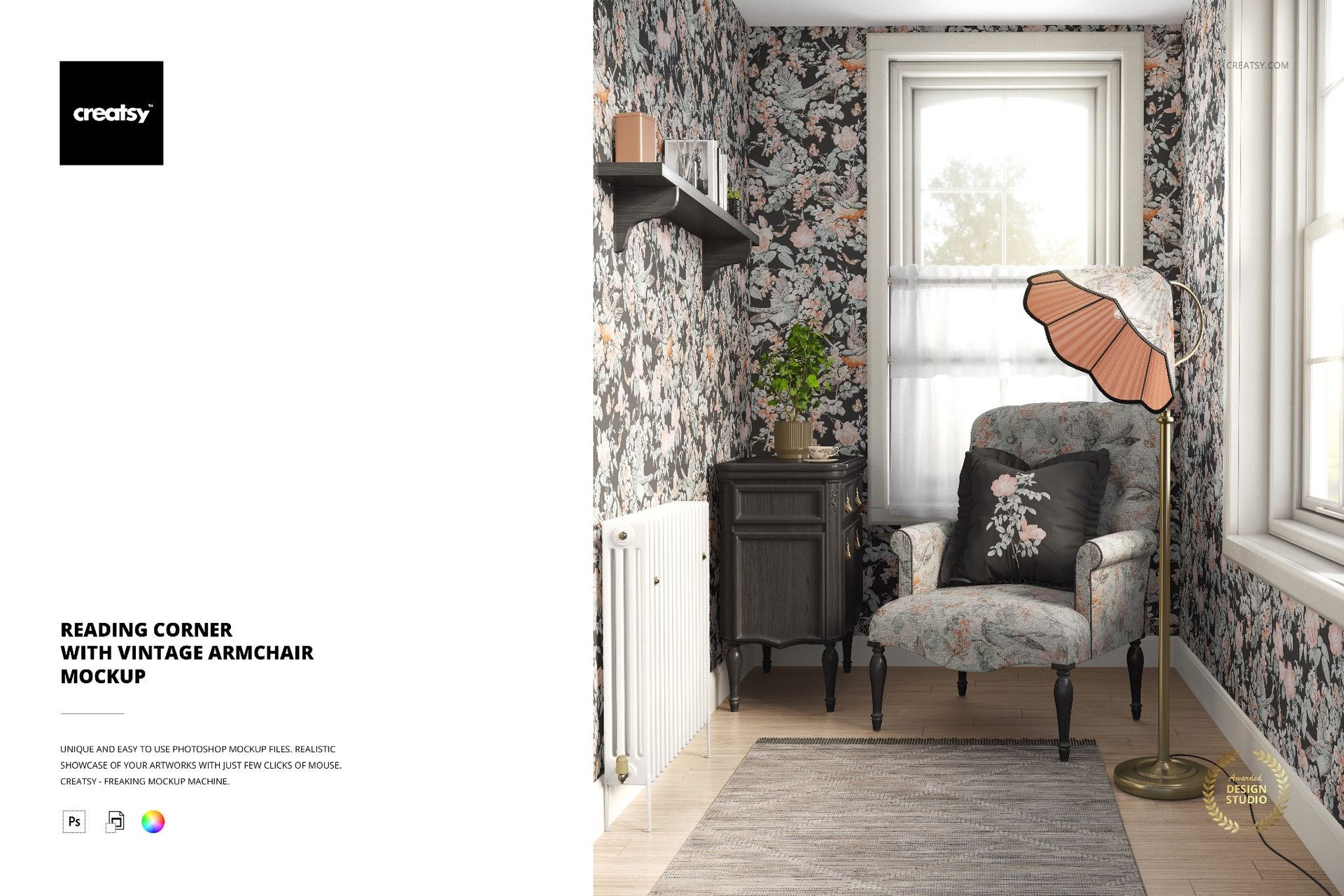
Present upholstery fabrics and wallpaper patterns in a vintage-inspired reading corner featuring an upholstered armchair, decorative wallpaper, a fluted lampshade and warm brass accents. This editable interior mockup provides a furnished setting for showcasing traditional fabric prints, heritage patterns and coordinated home decor designs.
Soft window light highlights the chair upholstery and surrounding surfaces, helping you see how different patterns interact within a small interior.
A vintage armchair for upholstery presentations
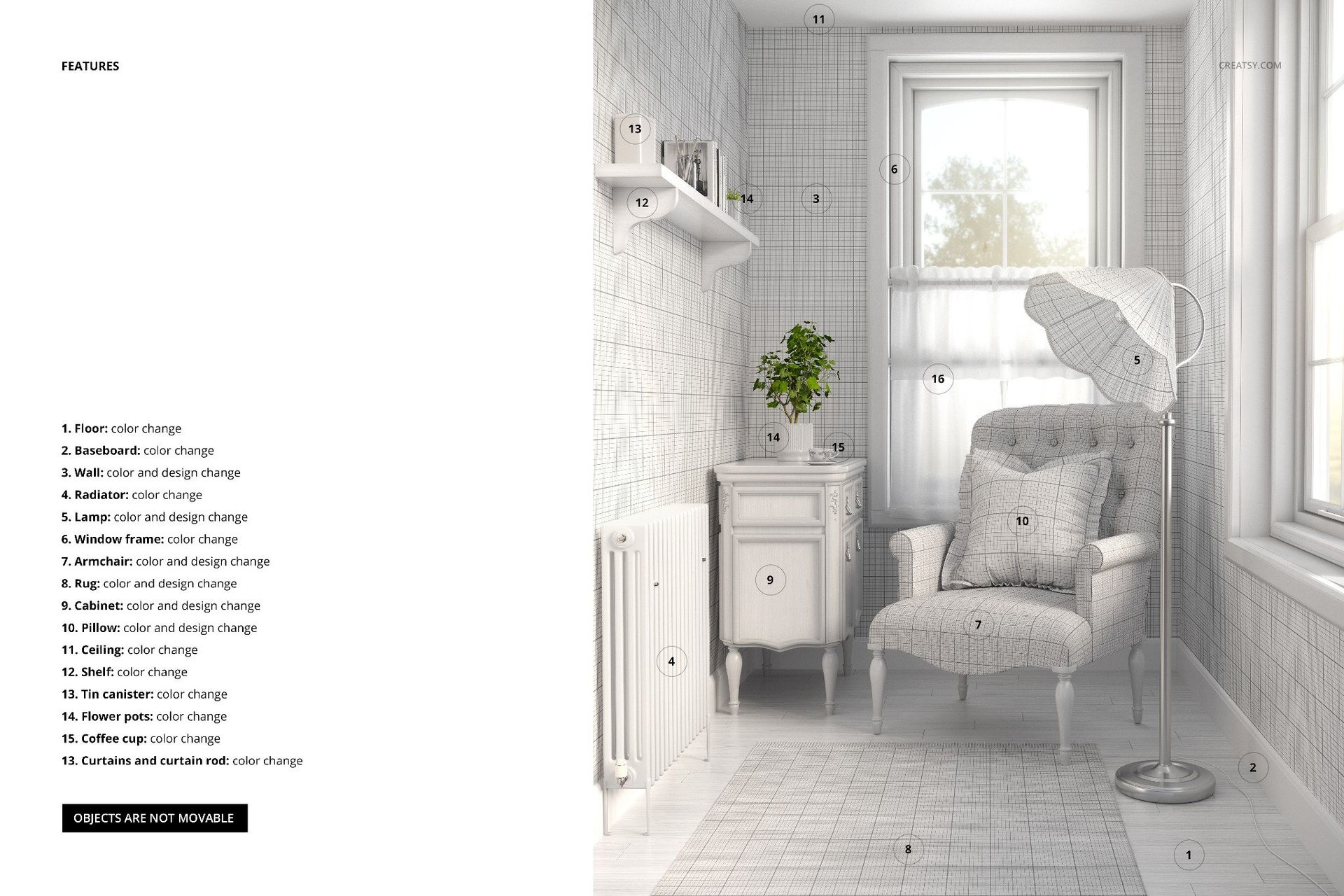
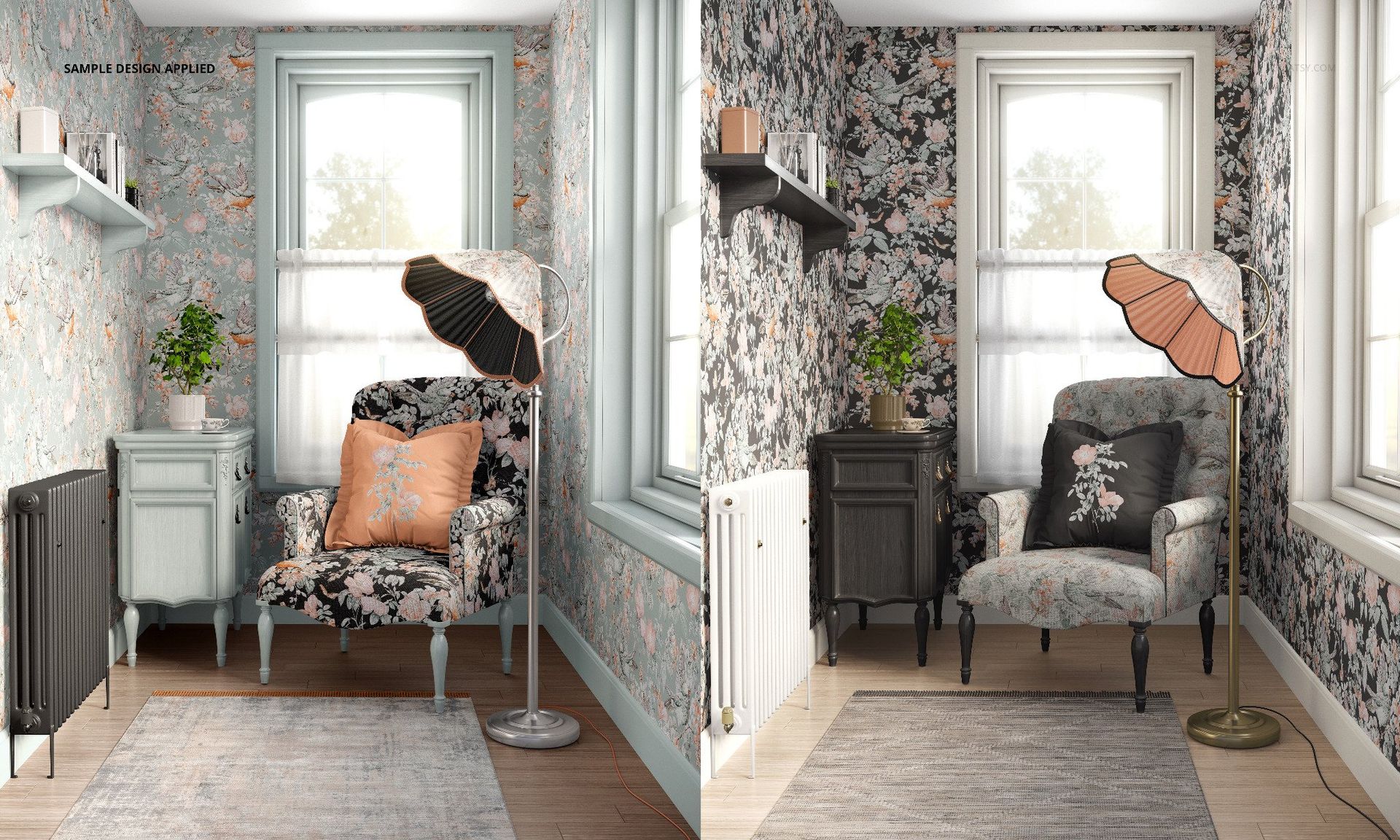
The upholstered armchair is the main design surface. Apply your own furniture fabric pattern and explore different prints, textures and color combinations.
The armchair's classic shape and turned wooden legs make it particularly suitable for decorative textiles, botanical motifs, traditional patterns and vintage-inspired upholstery collections.
Customize wallpaper and interior details
The surrounding wallpaper is editable, allowing you to display decorative wall patterns alongside the chair fabric.
Additional customization options include the rug, radiator, baseboards, ceiling, window frame, brass lamp and sideboard.
Use these adjustments to create a coordinated interior presentation while retaining the distinctive character of the reading corner.
For textile, wallpaper and interior designers
The intimate room setting works well for presenting furniture fabrics, wallpaper collections and coordinated surface patterns.
Use it to develop textile licensing portfolios, upholstery product listings, wallpaper catalogs and client presentation images.
The scene can also support cottagecore, traditional, eclectic and modern classic design collections.
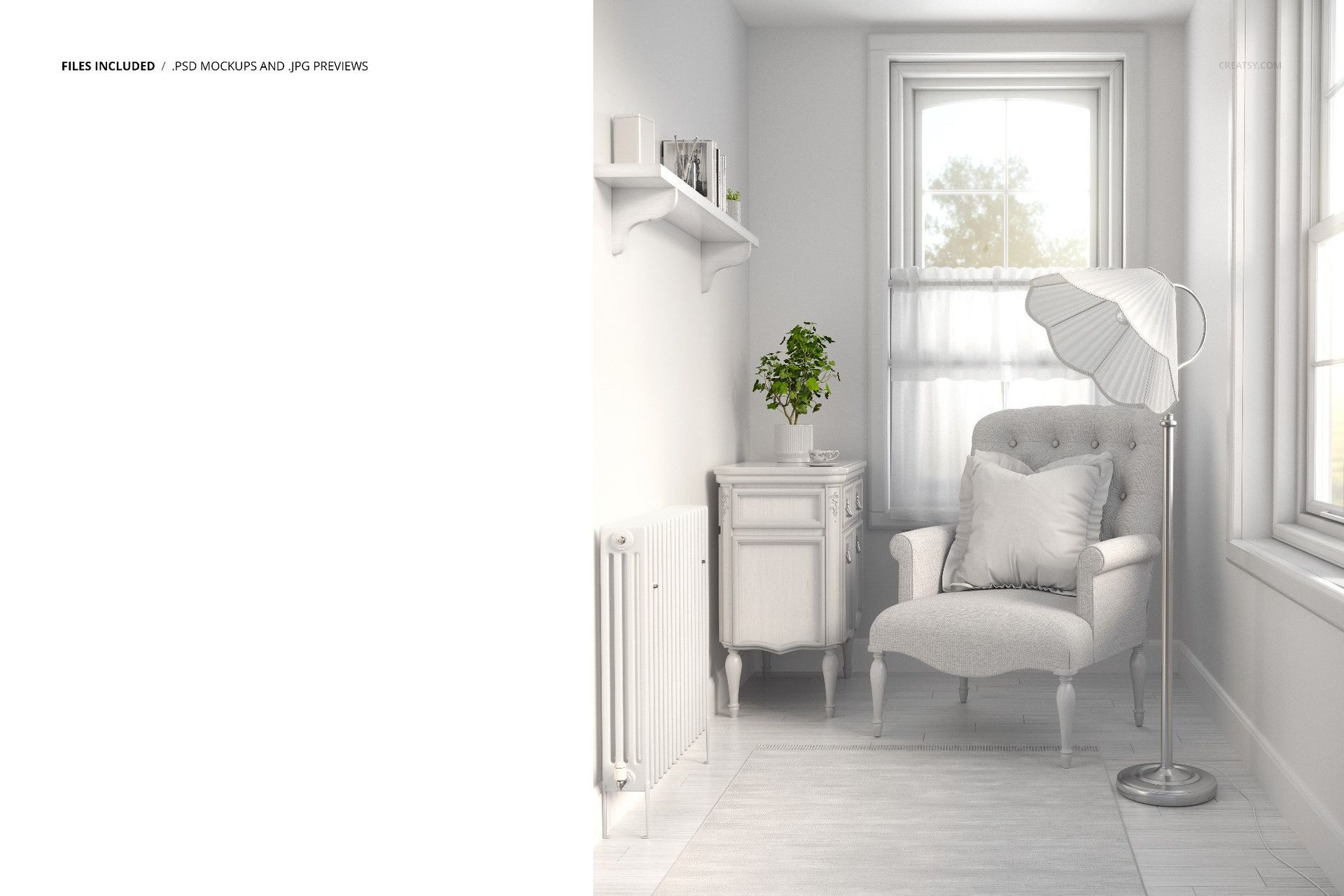
Editable high-resolution PSD
The download includes 1 layered PSD mockup file measuring 6000 × 5000 px at 300 DPI, plus a JPG preview.
Organized editing layers allow you to replace designs and customize the available interior colors in Adobe Photoshop CC 2020 or newer and Photopea.
This is a digital mockup. Physical furniture, wallpaper and the sample artwork shown in the previews are not included.