Japanese Interior with Sofa Mockup
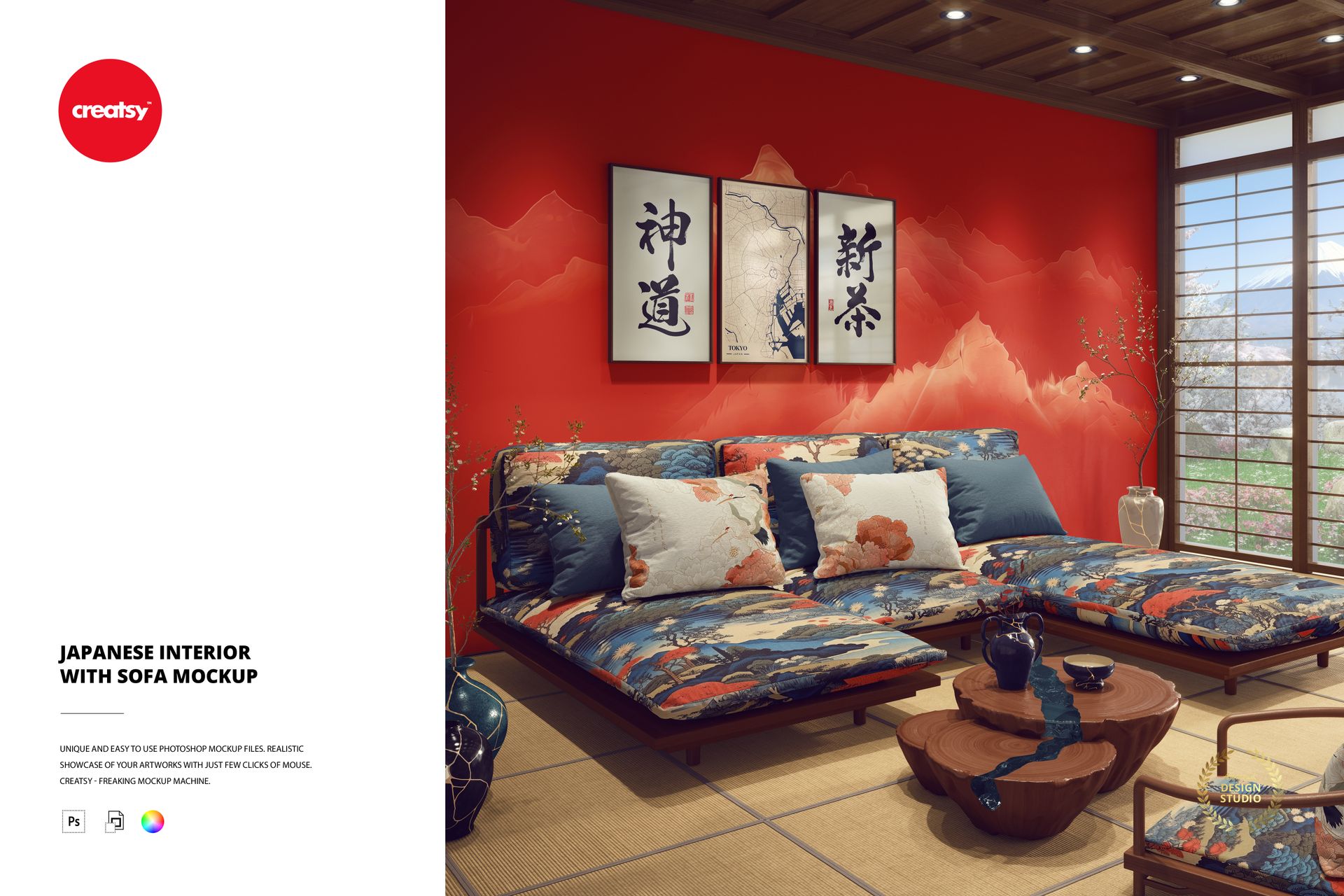
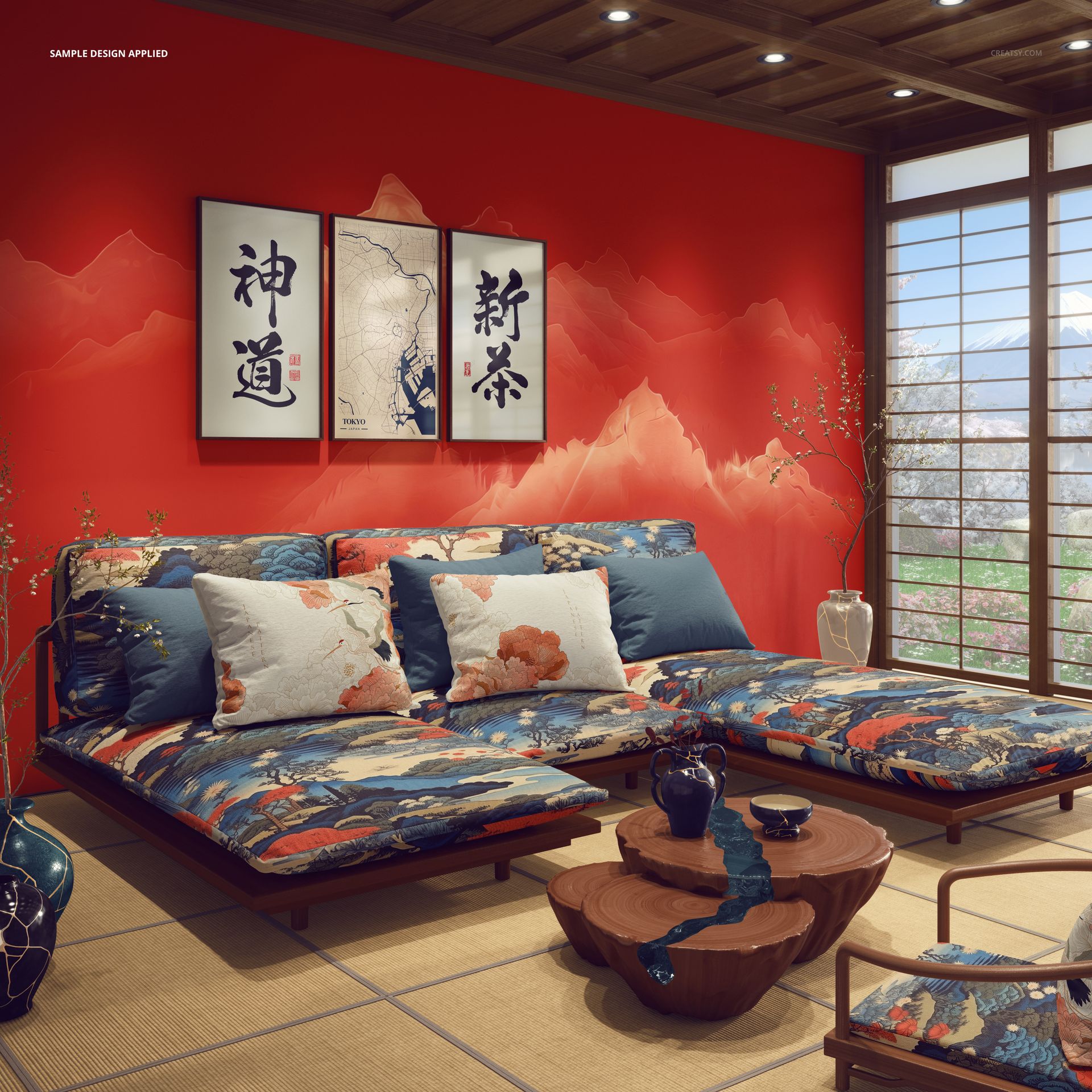
Display upholstery patterns, wallpaper designs and decorative artwork in a Japanese-inspired living room with a low sofa, tatami mats, sliding shoji windows and a sculptural wooden coffee table. This editable interior mockup combines traditional Japanese architectural details with a clean contemporary setting for presenting coordinated home decor collections.
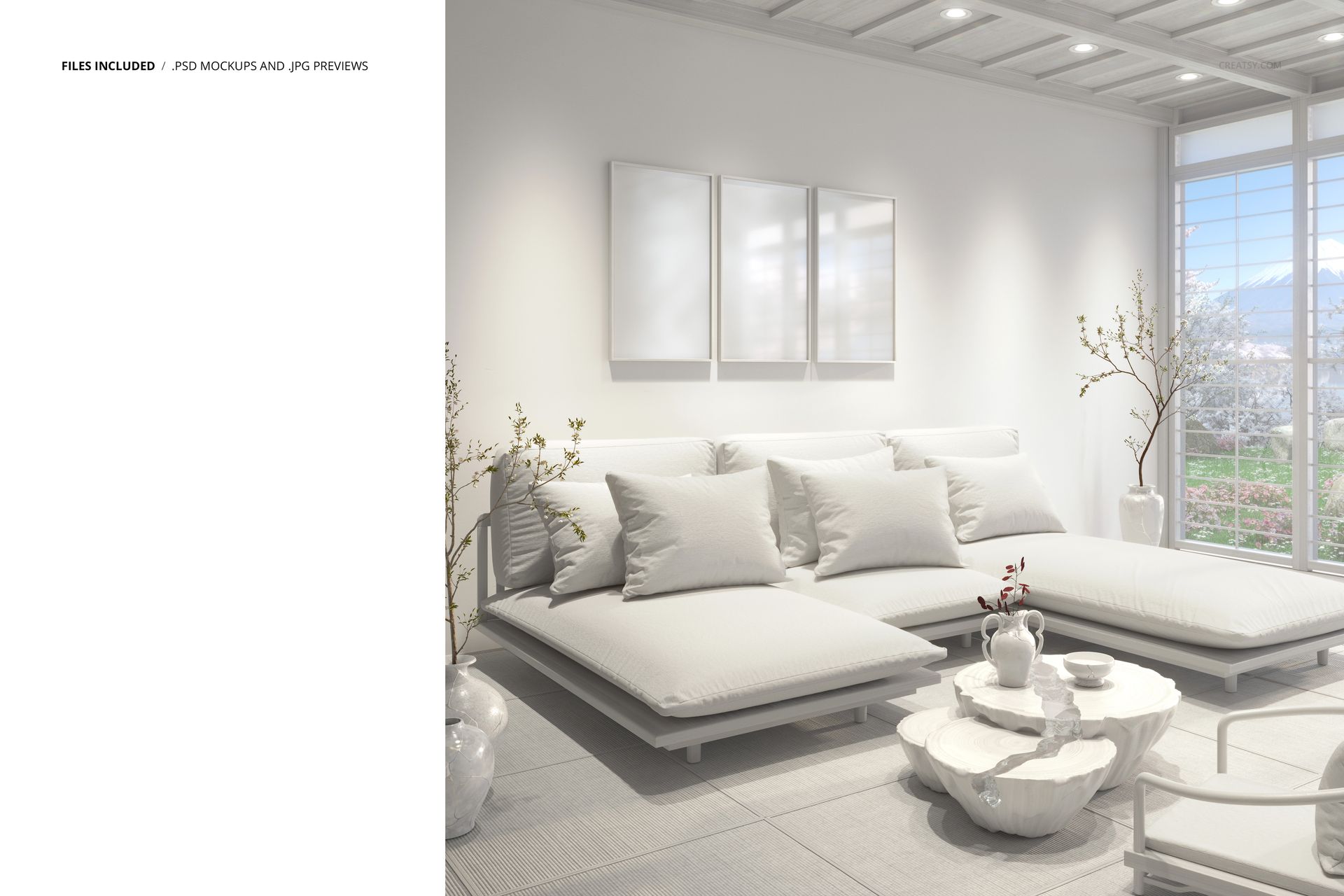
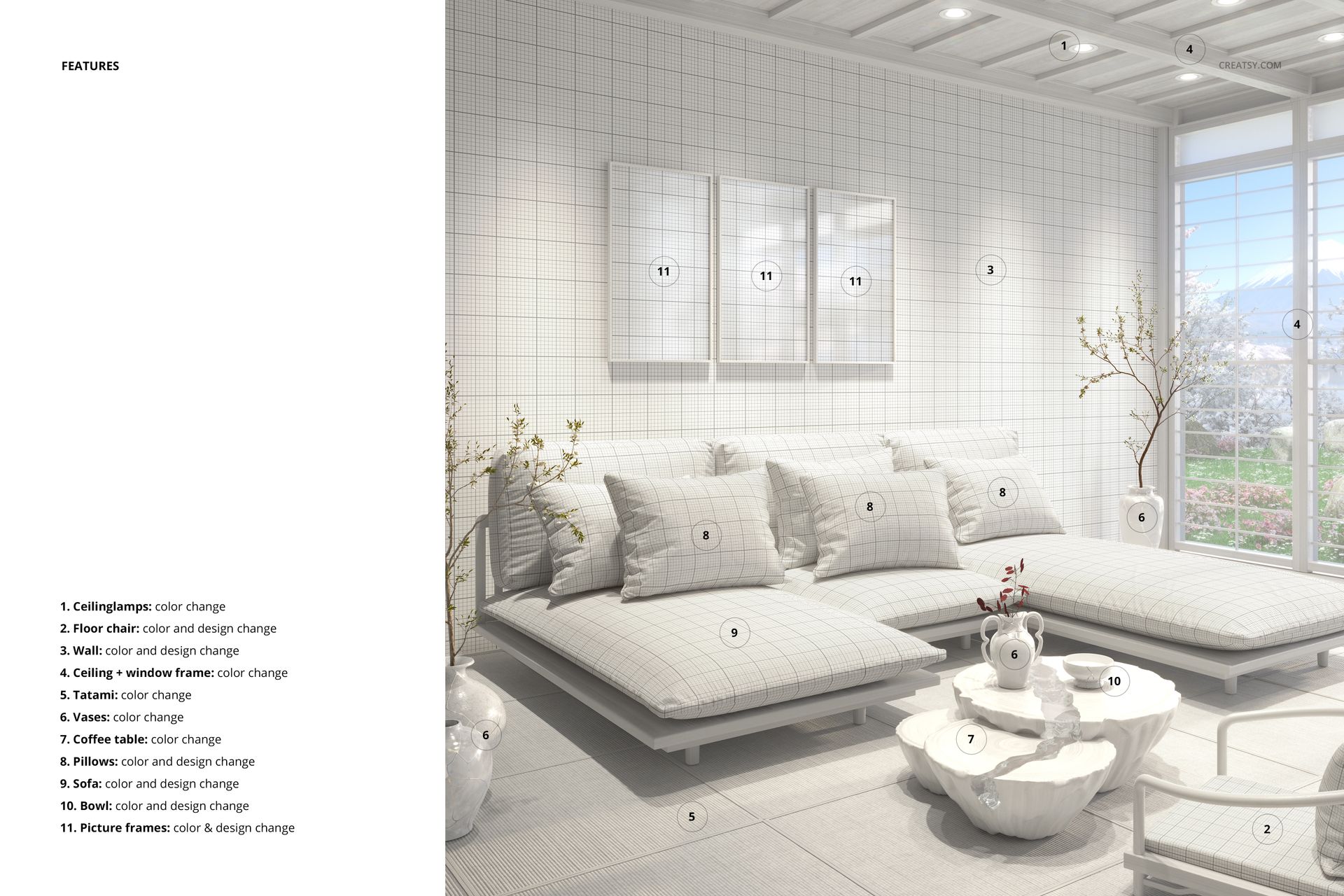
11 independently editable interior areas
The PSD includes 11 editable zones covering the sofa, decorative pillows, tatami mats, walls, ceiling and selected room details.
Use the upholstered furniture to explore fabric patterns and colorways, coordinate the design with the tatami floor surfaces, or present a complementary wall covering collection.
The scene also features floor cushions, window frames and ceiling fixtures that can be restyled to complement your artwork.
Present wall art in a Japanese living room
Custom poster prints above the sofa provide additional surfaces for illustrations, photography and decorative artwork.
Traditional shoji windows frame a view of Mount Fuji, while kintsugi-inspired vases and a wooden coffee table introduce recognizable Japanese design elements.
The uncluttered composition makes the mockup useful for exploring subtle patterns, natural color palettes and coordinated home decor collections.
For textile and interior designers
Use the scene for upholstery presentations, wallpaper catalogs, surface pattern licensing portfolios, interior design concepts and wall art previews.
The Japanese setting provides a distinctive alternative to conventional Western living room mockups, especially for collections inspired by natural materials and minimalist interiors.
High-resolution editable PSD
The package includes 1 layered PSD file at 6000 × 6000 px and 300 DPI, together with a JPG preview. The file works in Adobe Photoshop CC 2020 or newer and Photopea.
This is a digital mockup. Physical furniture, tatami mats and the designs shown in the previews are not included.