Modern Minimalist Living Room with Leather Sofa Canvas Prints Mockup
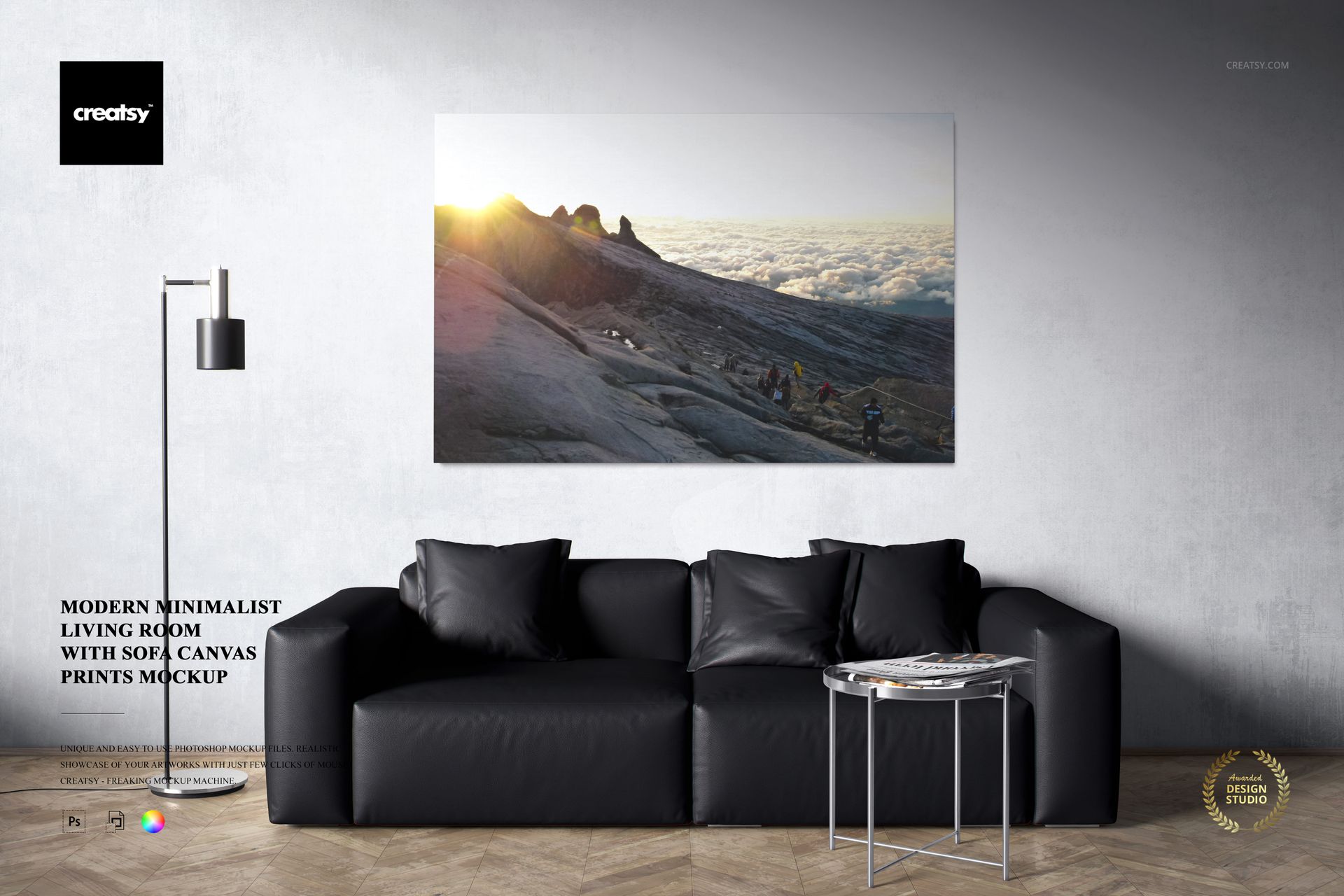
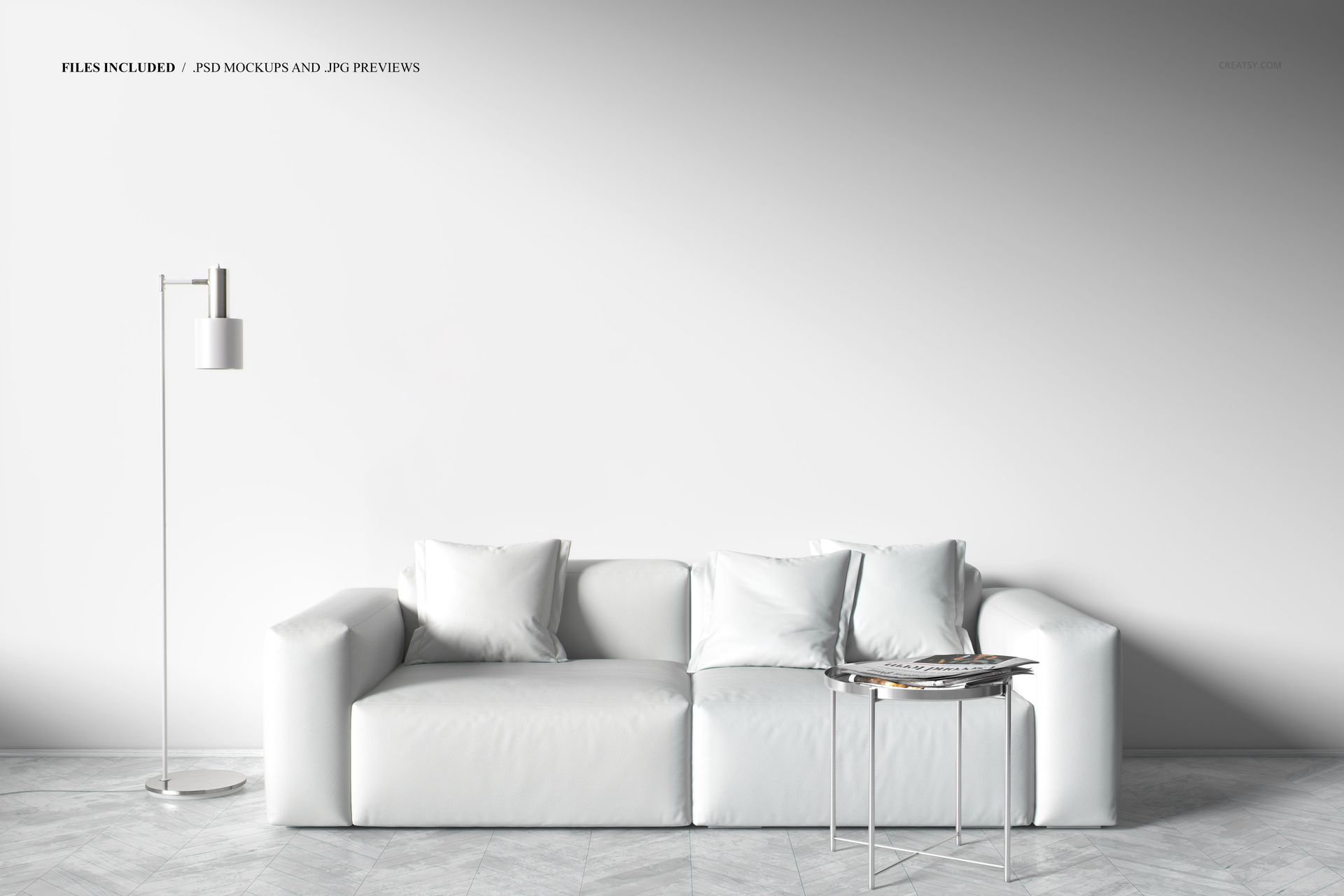
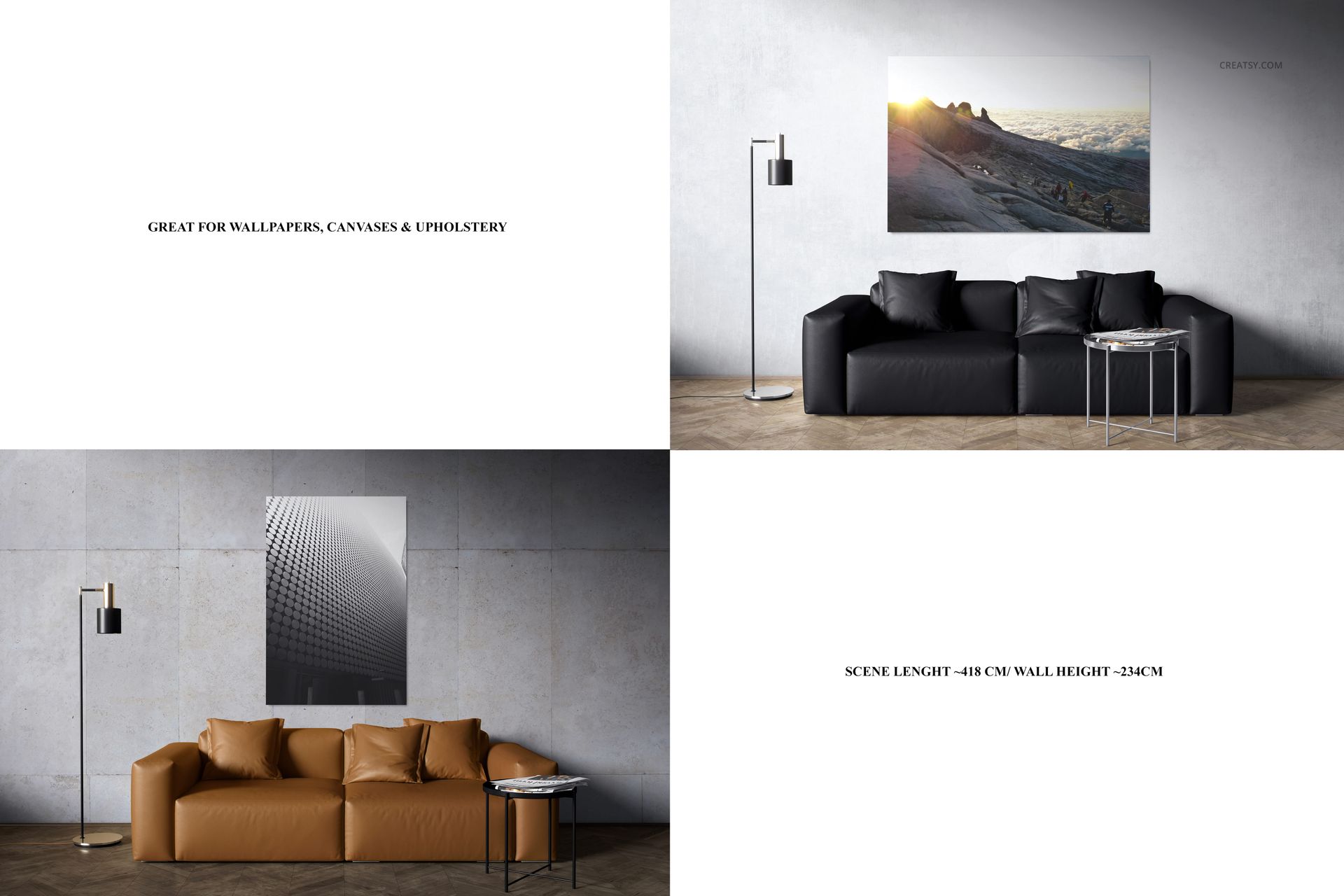
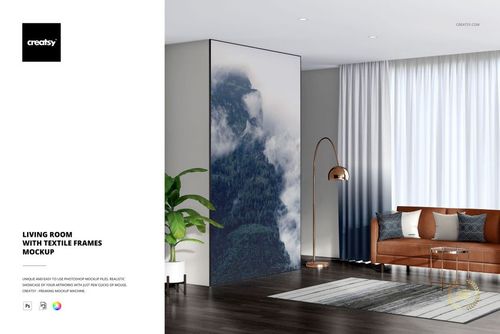
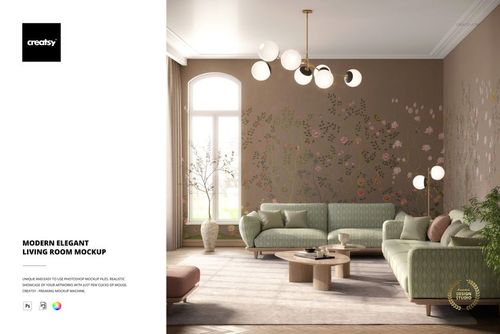
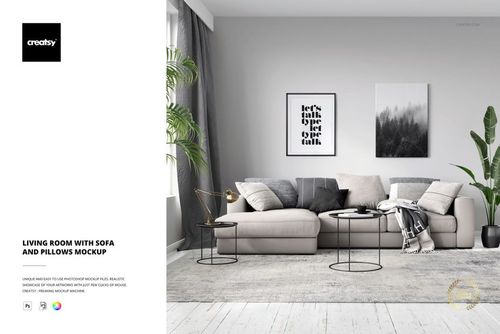
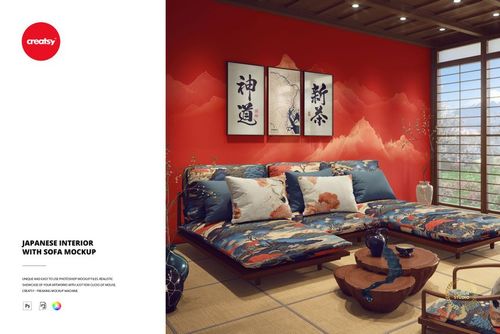
Display your canvas artwork in a modern minimalist living room with a black leather sofa, wooden flooring and clean white walls. This editable canvas print mockup lets you present wall art above the sofa in a realistic interior, with options for different canvas sizes, shapes and arrangements.
Canvas wall art in a minimalist living room
The scene places your artwork above a black leather couch, creating a clear focal point against a neutral wall. The contrast between the dark sofa, warm wooden floor and white background makes it suitable for showcasing colorful illustrations, abstract paintings, photography and minimalist artwork.
Use the interior to present a single statement canvas or explore arrangements with multiple prints. The furnished setting helps customers visualize how the artwork could look in a contemporary home.
Different canvas sizes and arrangements
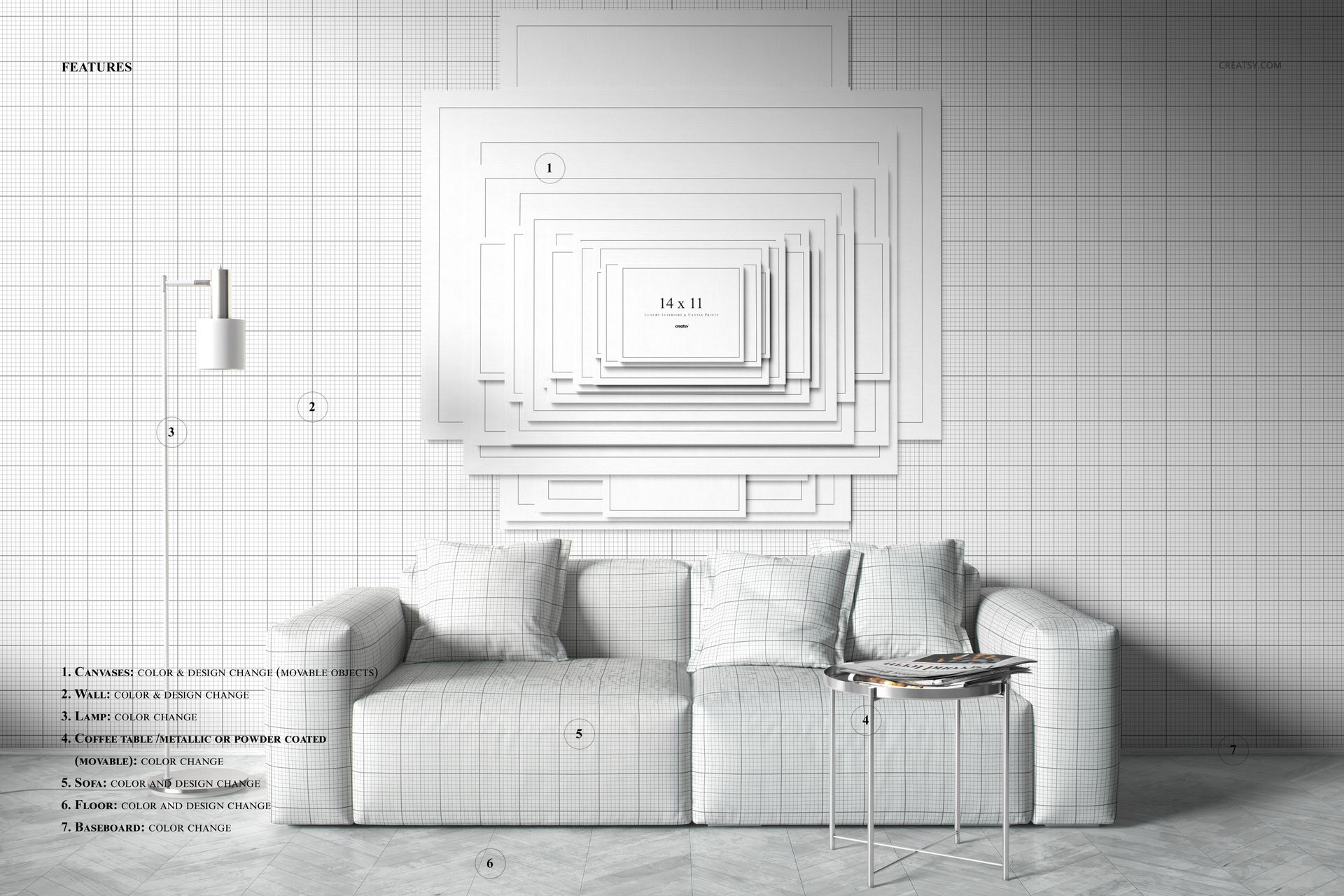
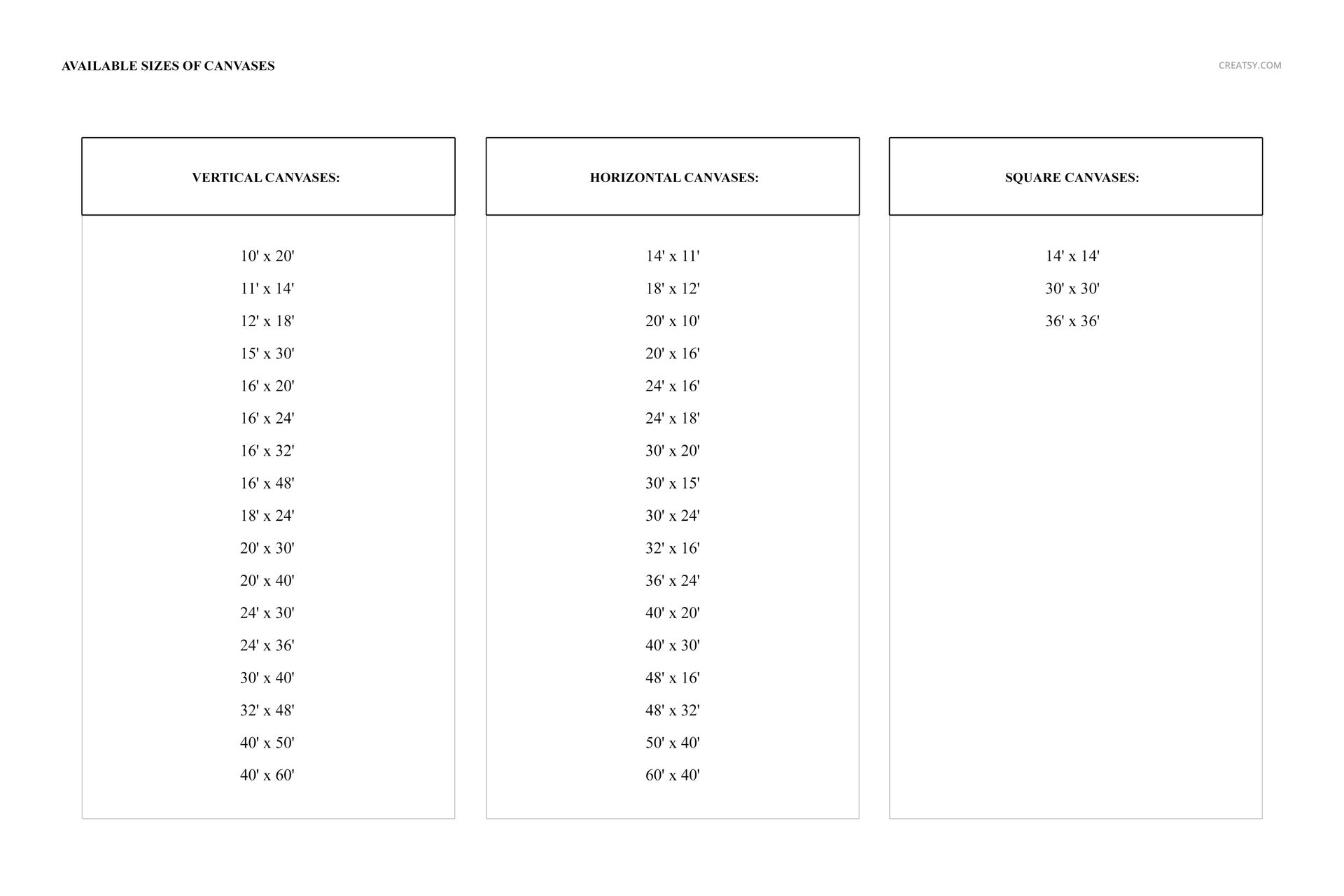
The mockup offers a variety of canvas presentation options, including horizontal, vertical and square formats. Experiment with different proportions and layouts to see how artwork fits the available wall space.
You can also customize the canvas design and color and explore presentation options with or without colored lighting effects. These variations allow you to create distinct visuals from the same interior setting.
For canvas print sellers and wall art designers
Use the scene to prepare canvas print product listings, online art shop previews, interior design proposals, gallery presentations and wall art portfolios.
The modern living room provides context for displaying abstract artwork, digital illustrations, fine art photography and coordinated canvas collections without distracting from the designs.
High-resolution editable PSD
The package contains 1 layered PSD mockup file and 1 JPG preview. The PSD measures 6000 × 4000 px at 300 DPI and includes a detailed 3D interior scene.
The file is listed as compatible with Adobe Photoshop CC 2020 or newer and Photopea. Check the product screenshots for the available canvas customization options.
This is a digital mockup. No physical sofa, canvas print or furniture is included. The artwork shown in the previews is for demonstration purposes and is not included in the download.