Elegant Coastal Living Room Wallpaper Armchair Mockup
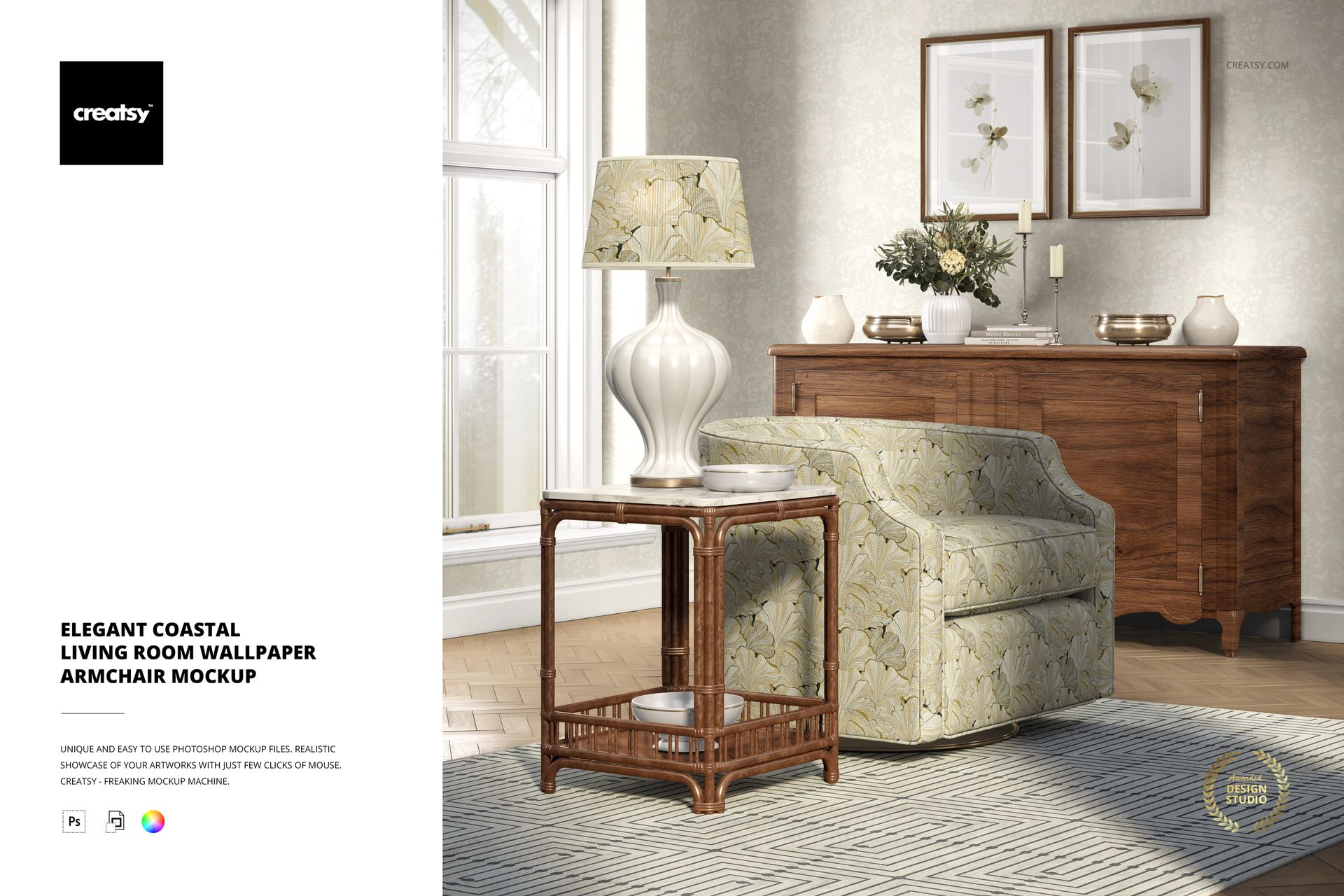
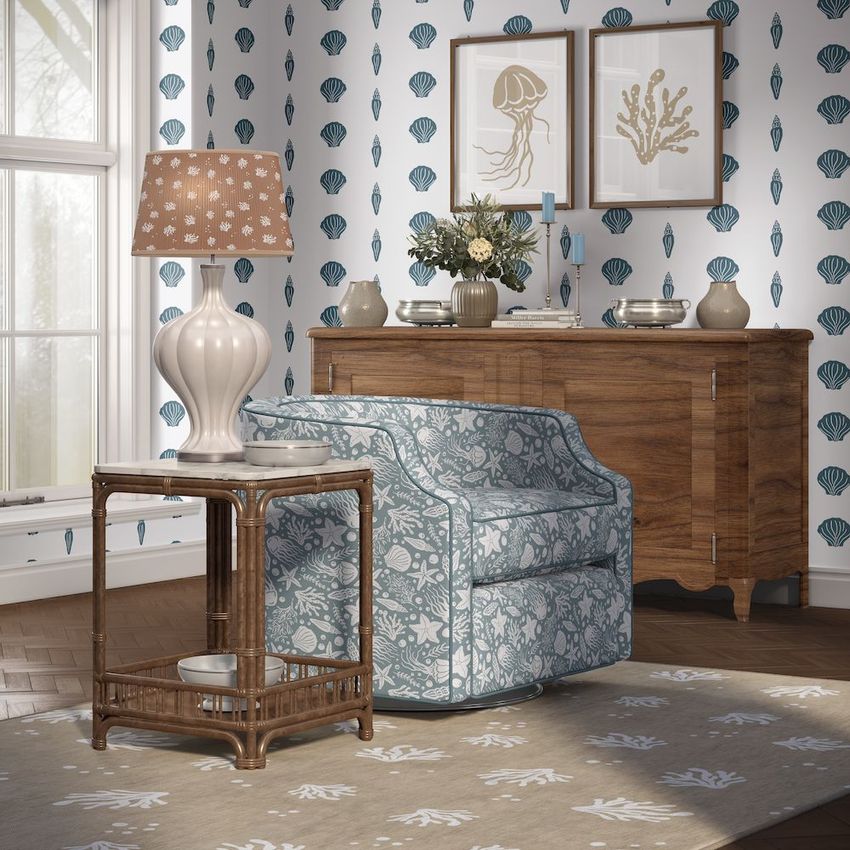
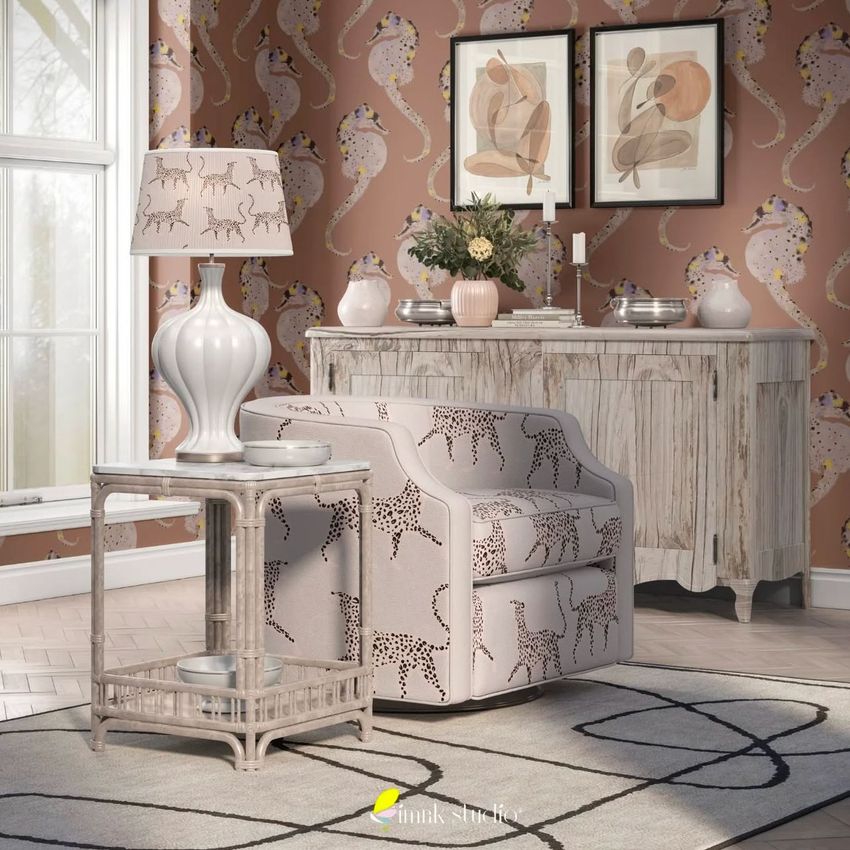
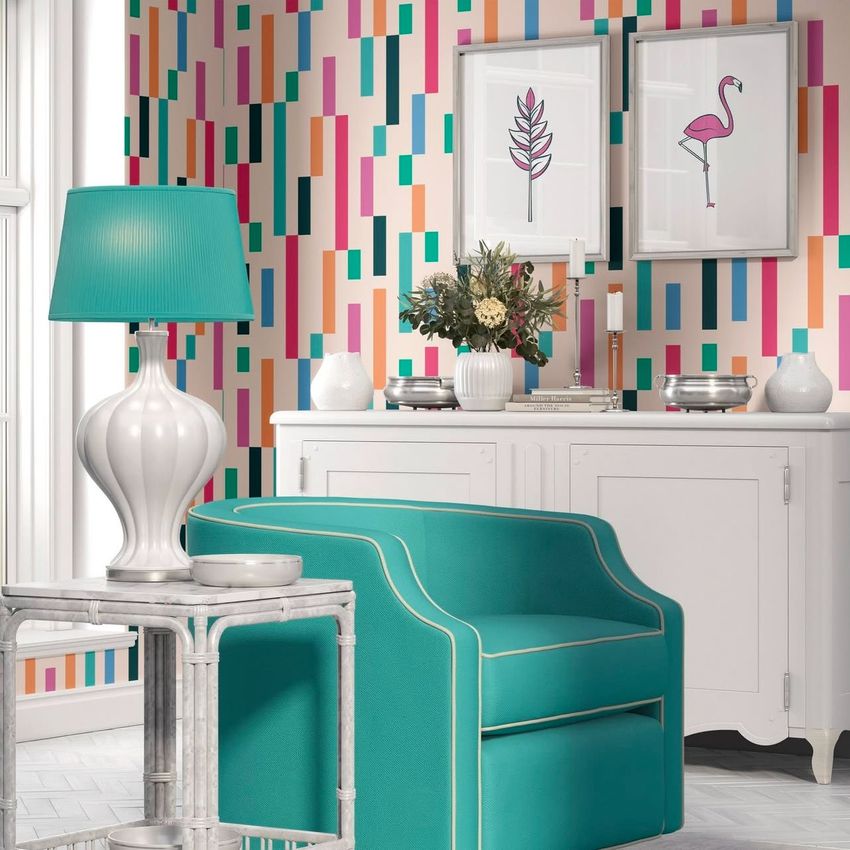
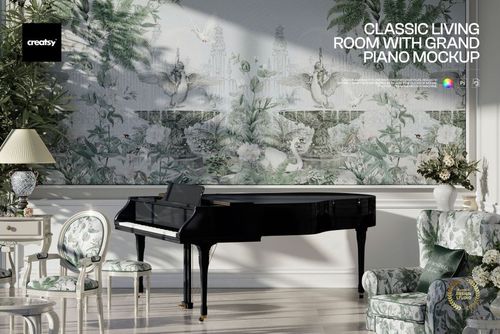
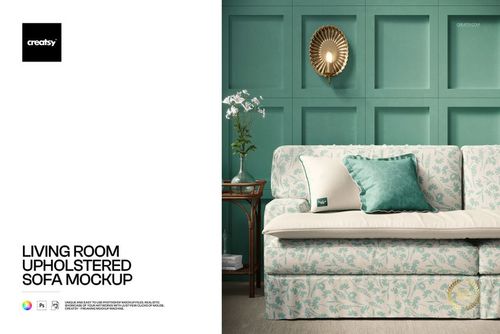
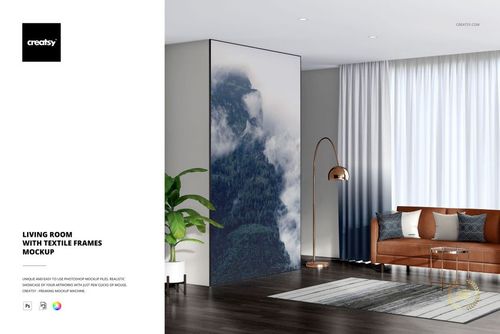
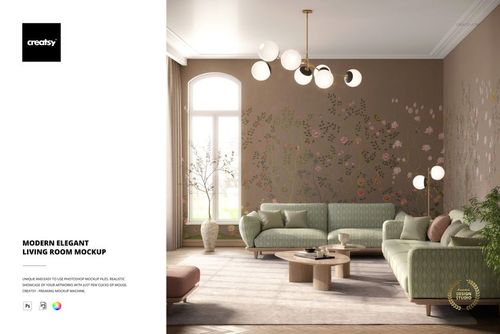
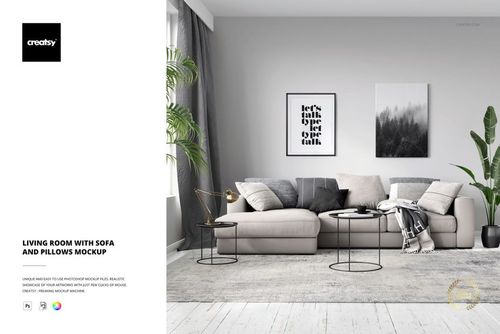
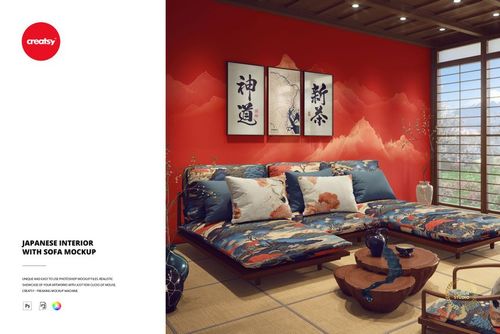
Showcase wallpaper patterns, upholstery fabrics and home decor designs in a bright coastal living room featuring an upholstered armchair, wooden sideboard, decorative lamp and framed wall art. This editable interior mockup brings multiple design surfaces into one furnished scene, allowing you to present coordinated patterns and colors in a realistic home setting.
Natural sunlight illuminates the furniture and walls, highlighting the textures and details of your artwork.
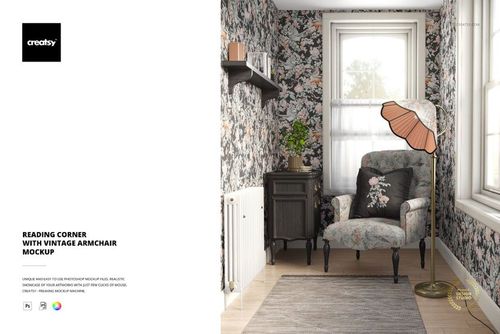
Present armchair upholstery and wallpaper designs together
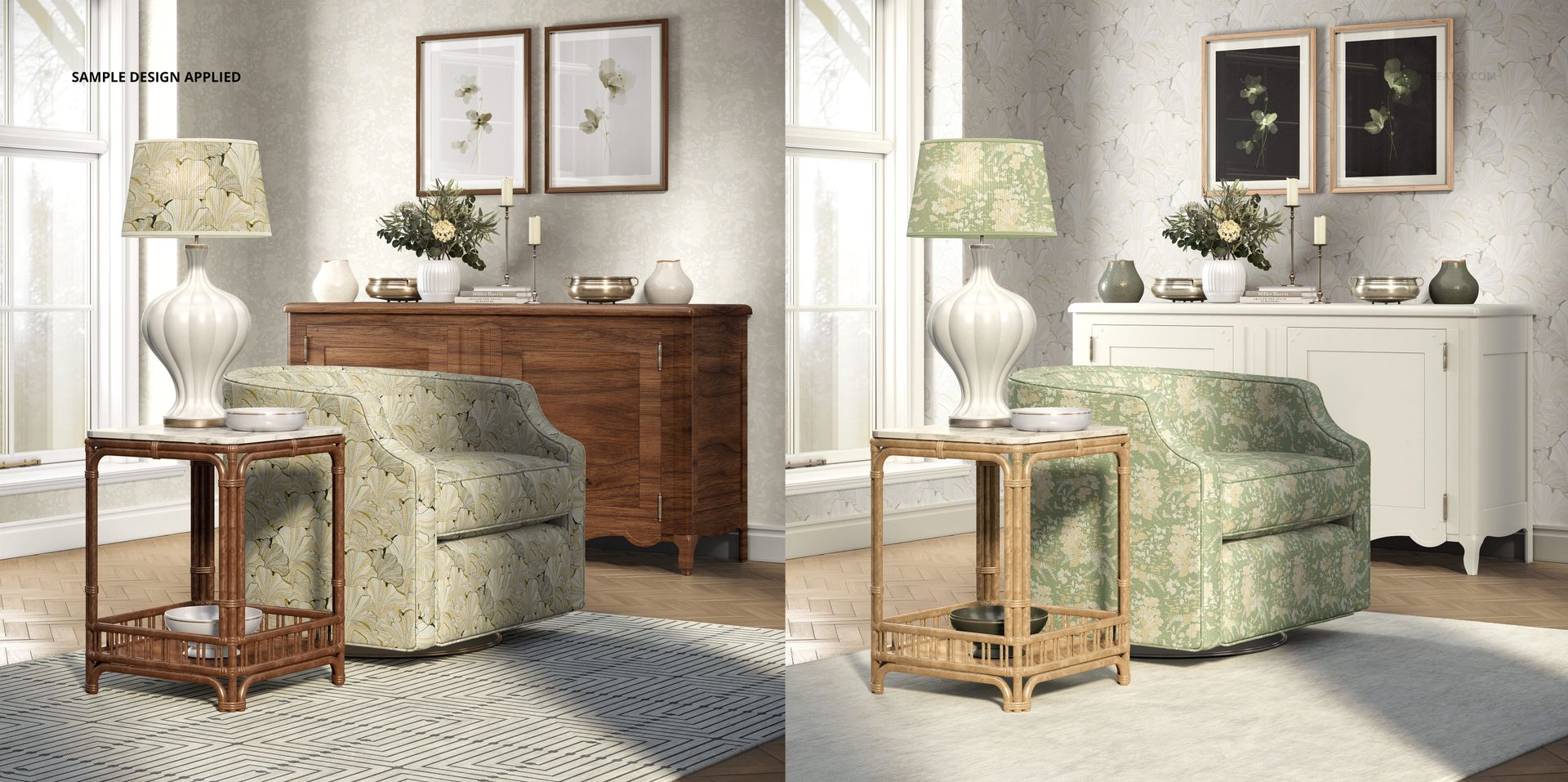
Apply your own textile pattern to the upholstered armchair and coordinate it with wallpaper designs on the surrounding walls. The interior provides a clear view of both surfaces, making it easy to compare contrasting prints, explore repeat patterns and develop matching home decor collections.
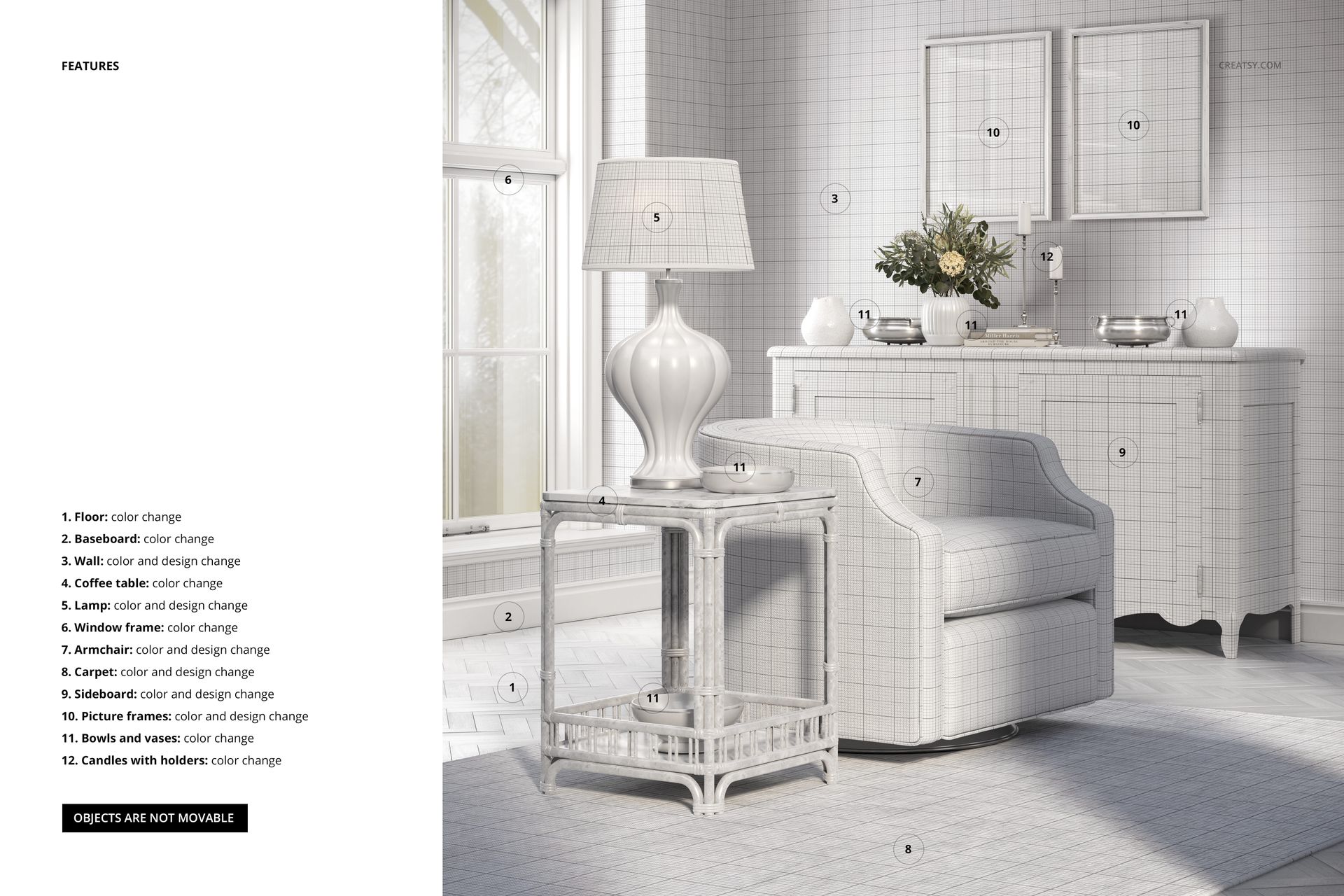
The scene also includes editable patterns on the rug, lamp and sideboard, offering additional ways to show how the same design collection works across different interior products.
Customize furniture, colors and decorative details
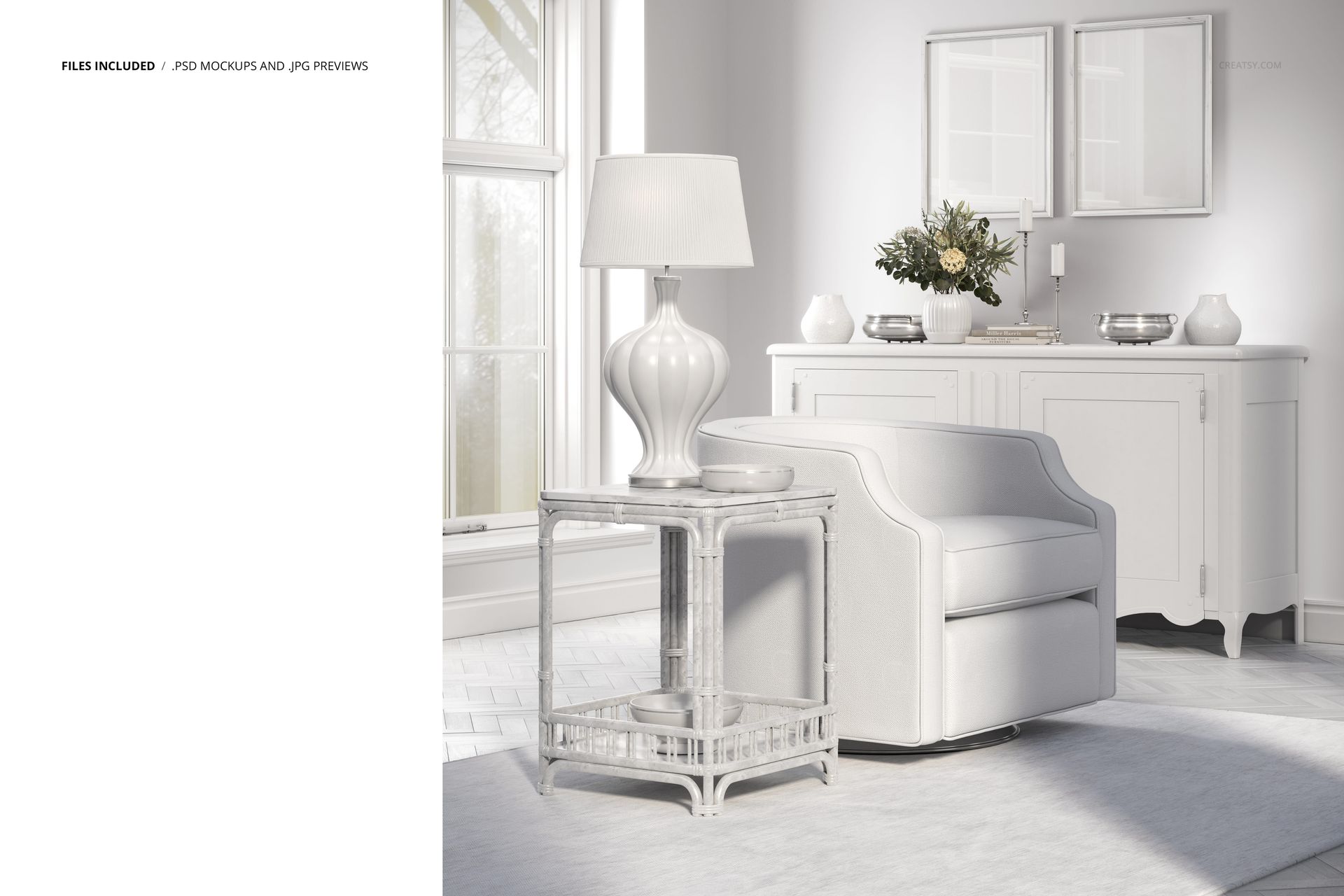
Adjust the available colors and finishes of the floor, baseboards, coffee table and window frame. Decorative accessories, including vases, bowls, candles and picture frames, can also be customized to complement your patterns.
The framed wall art provides another editable surface for illustrations, artwork or decorative prints.
With its soft natural lighting, light-colored furniture and coastal-inspired styling, this mockup works especially well for botanical patterns, subtle geometric prints, floral textiles and coordinated interior collections.
For surface pattern, wallpaper and upholstery designers
Use the mockup to prepare wallpaper catalogs, upholstery fabric presentations, home textile portfolios, interior design proposals and textile licensing projects.
The furnished setting helps clients visualize patterns on different products rather than viewing individual designs as flat samples. You can create coordinated interiors or focus on one statement pattern against neutral furnishings.
High-resolution layered PSD
The package includes 1 layered PSD mockup file measuring 6000 × 6000 px at 300 DPI, with organized layers for editing designs and available interior details.
The product lists Adobe Photoshop CC 2020 or newer and Photopea in its compatibility information. Refer to the preview images for the available customization features.
This is a digital mockup, not a physical furniture or wallpaper product. The sample designs shown in the previews are not included in the downloadable files.