

Fabric Factory v.10 Mockup Bundle
Product Details
Fabric Factory v.10 Mockup Bundle
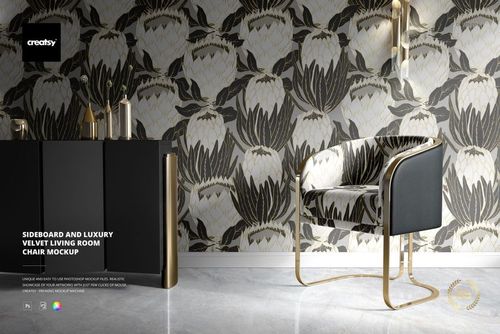
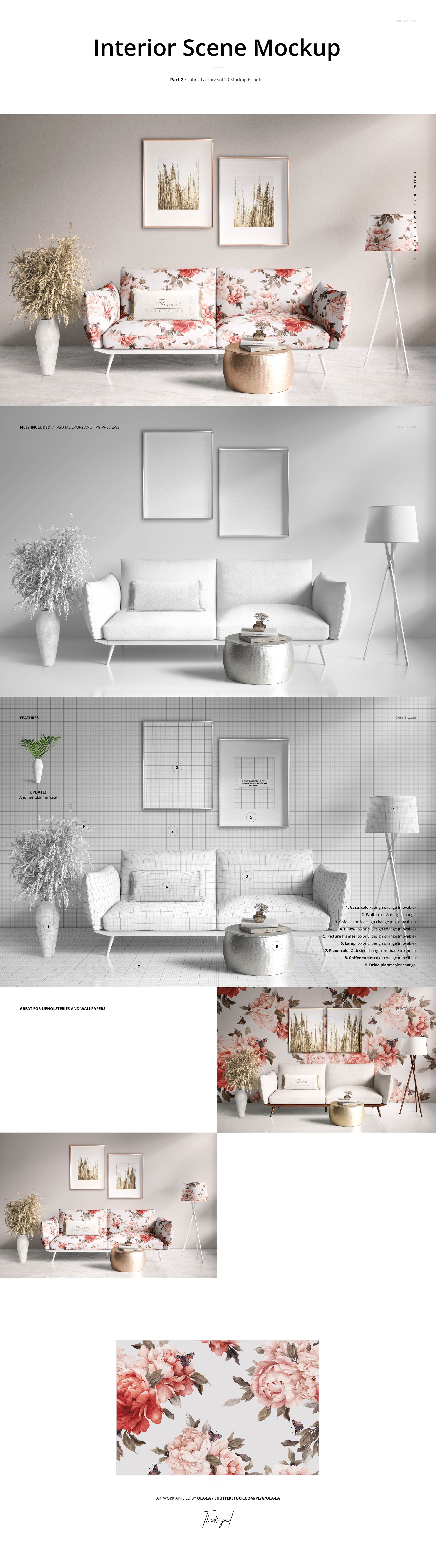
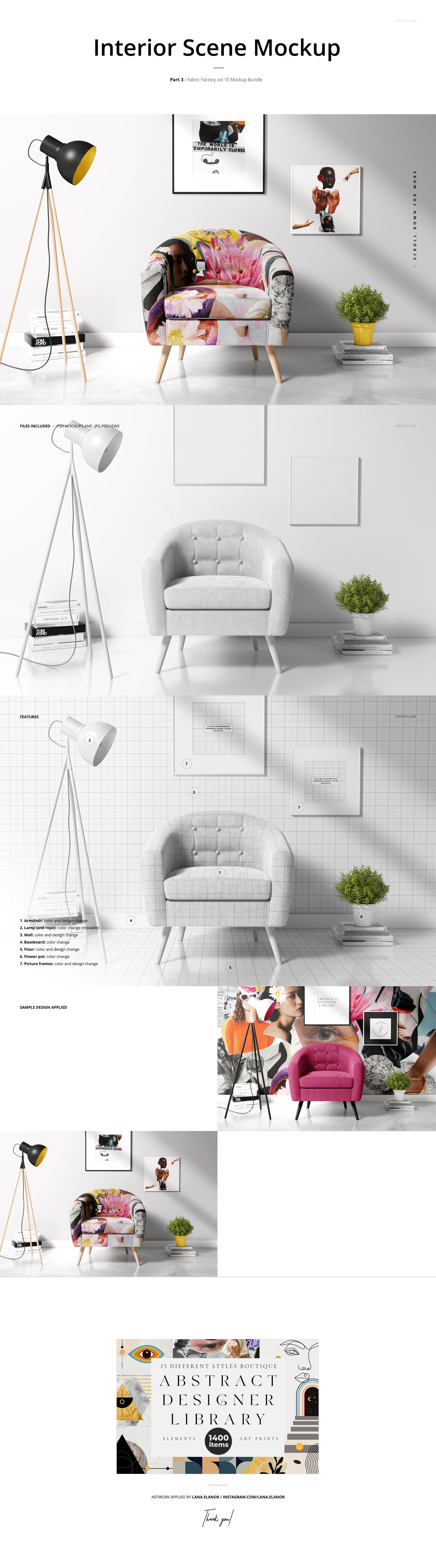
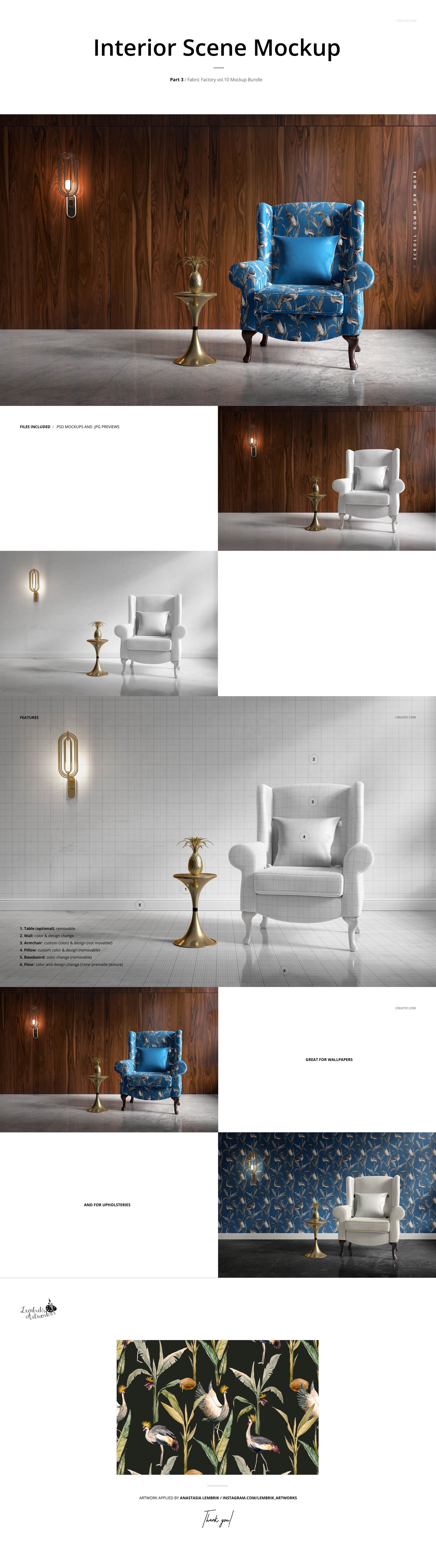
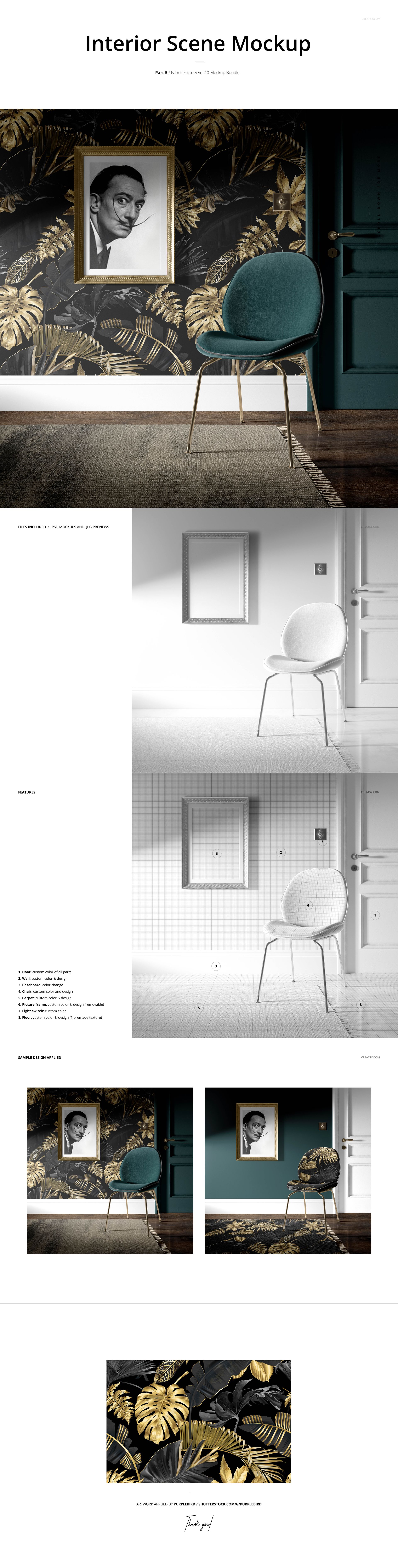
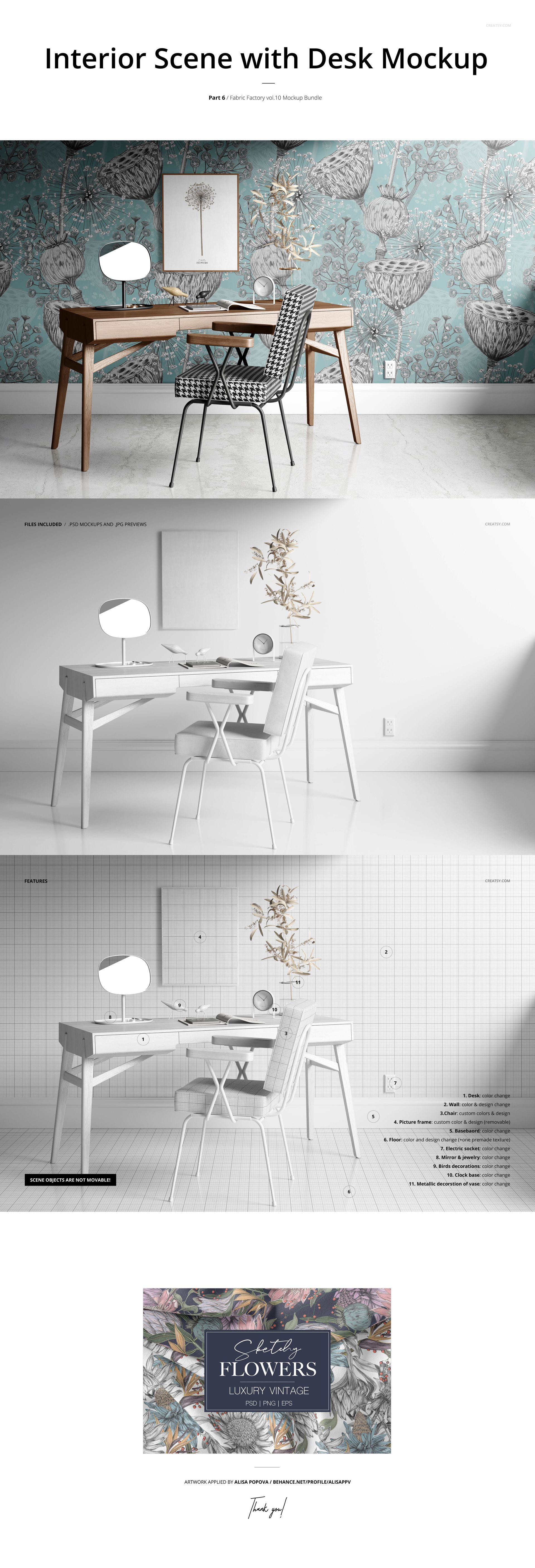
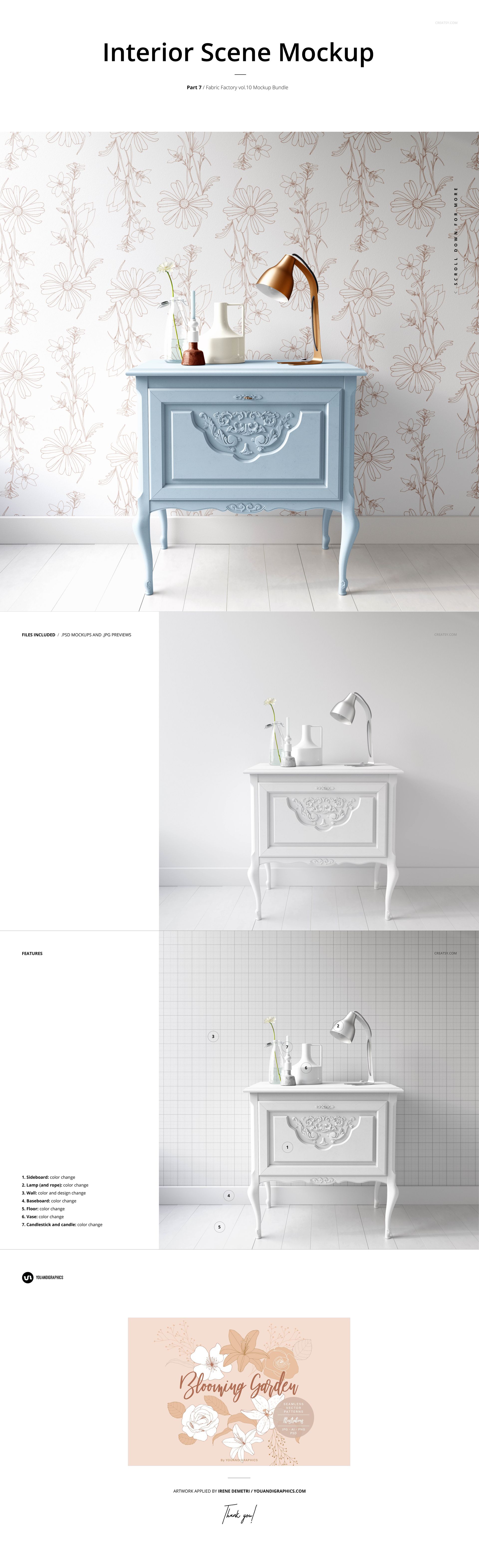
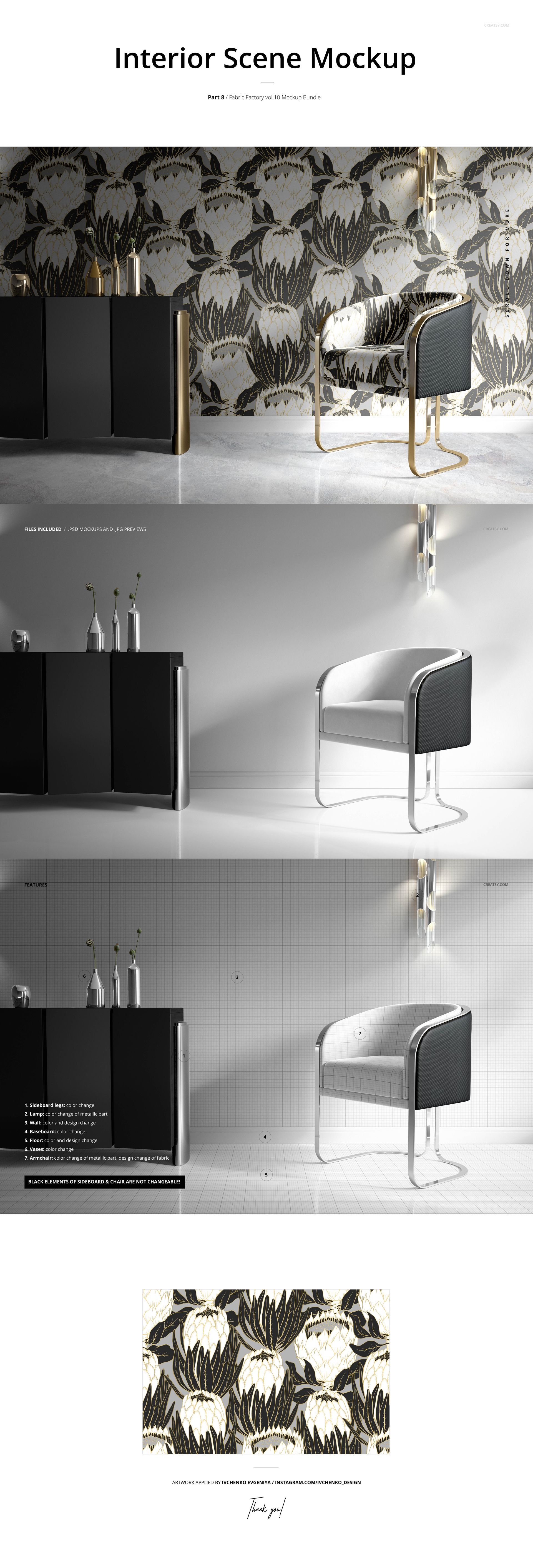
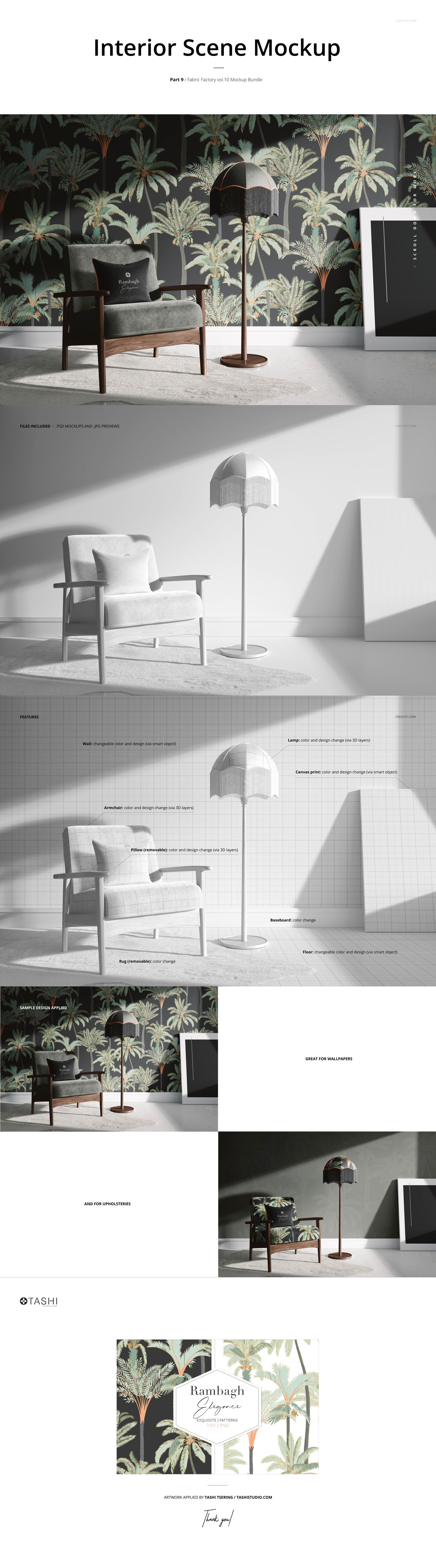
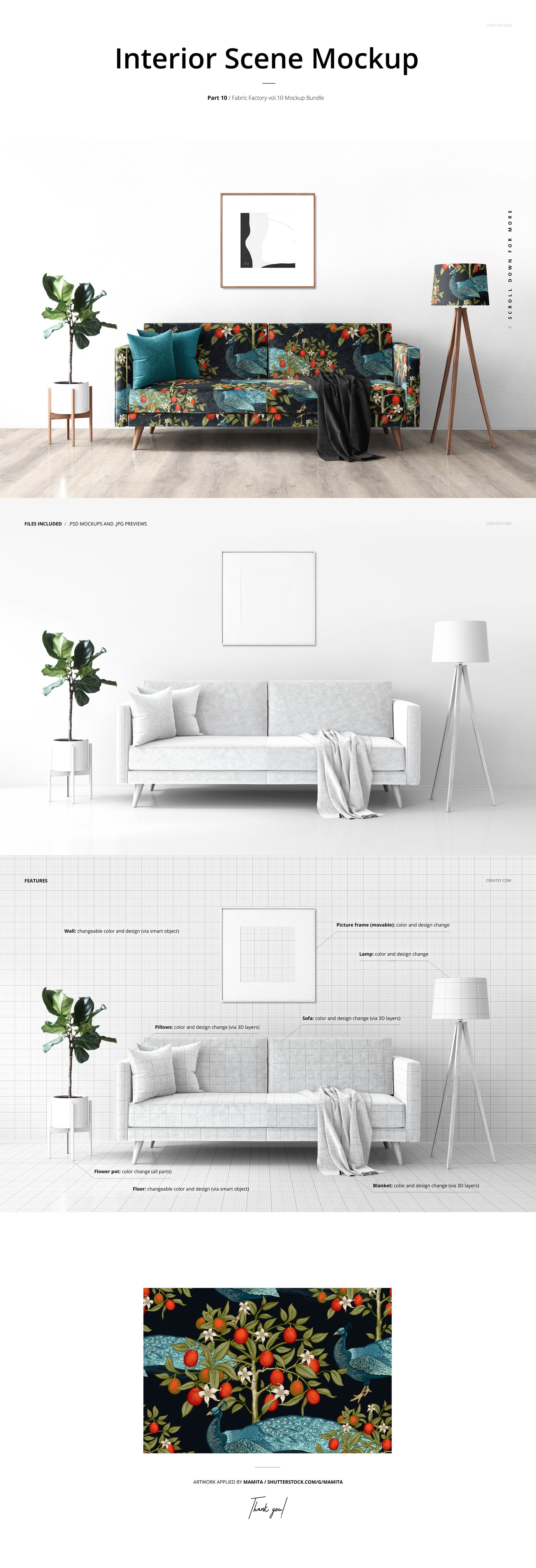
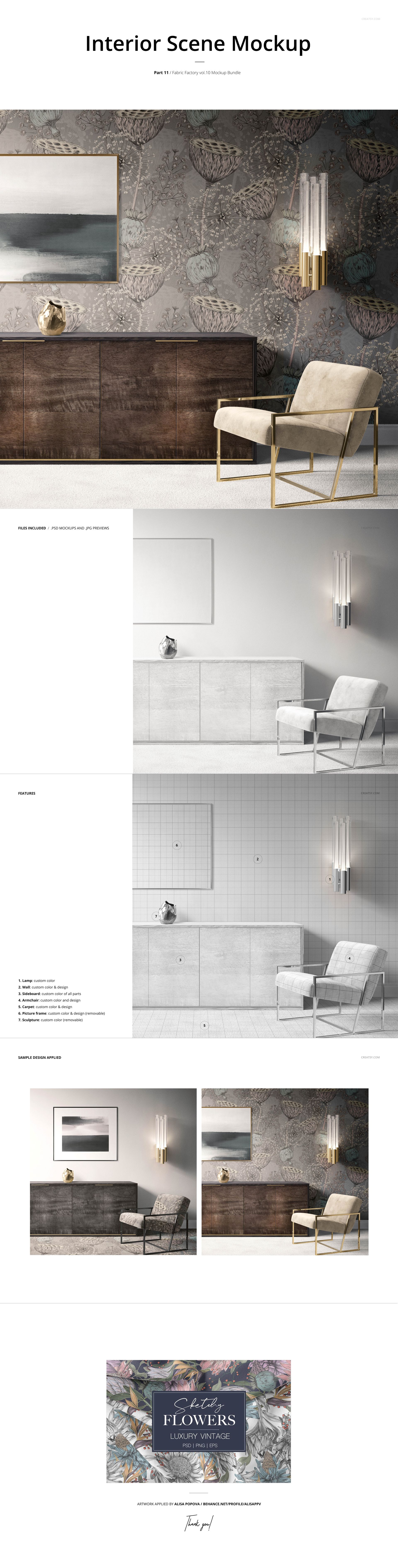
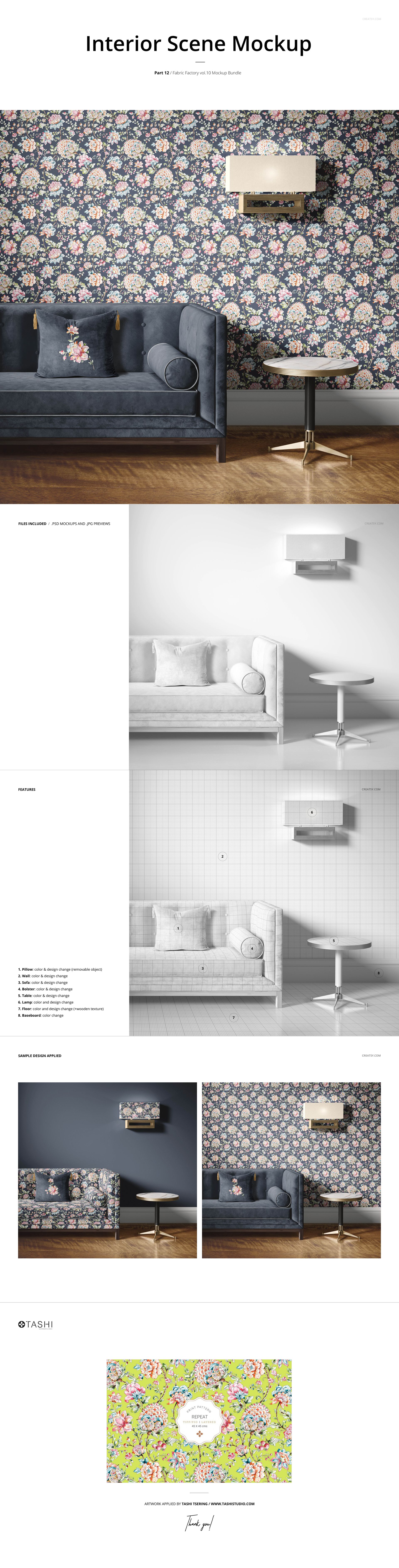
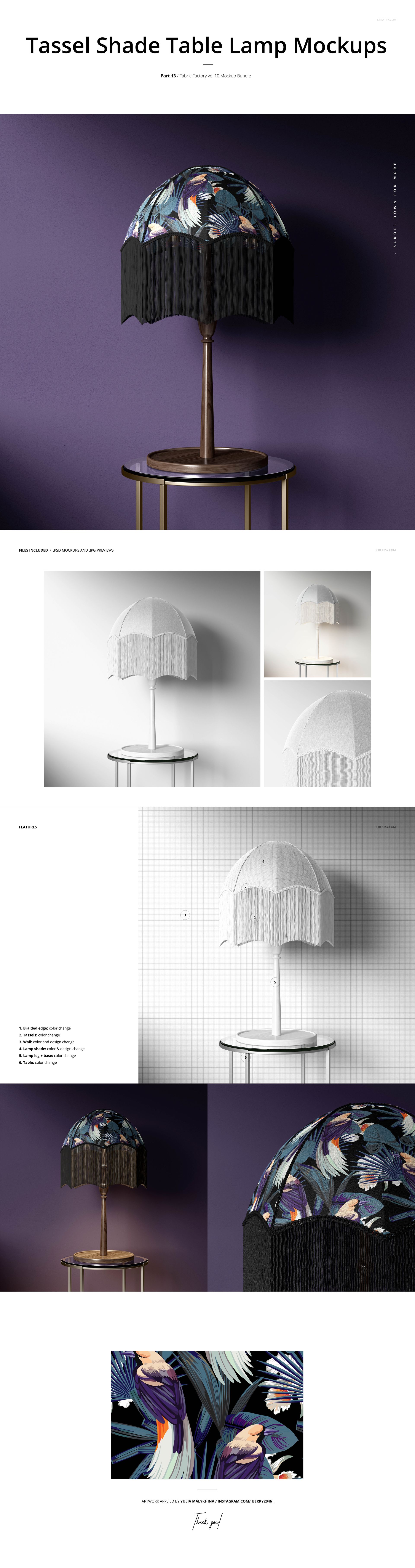
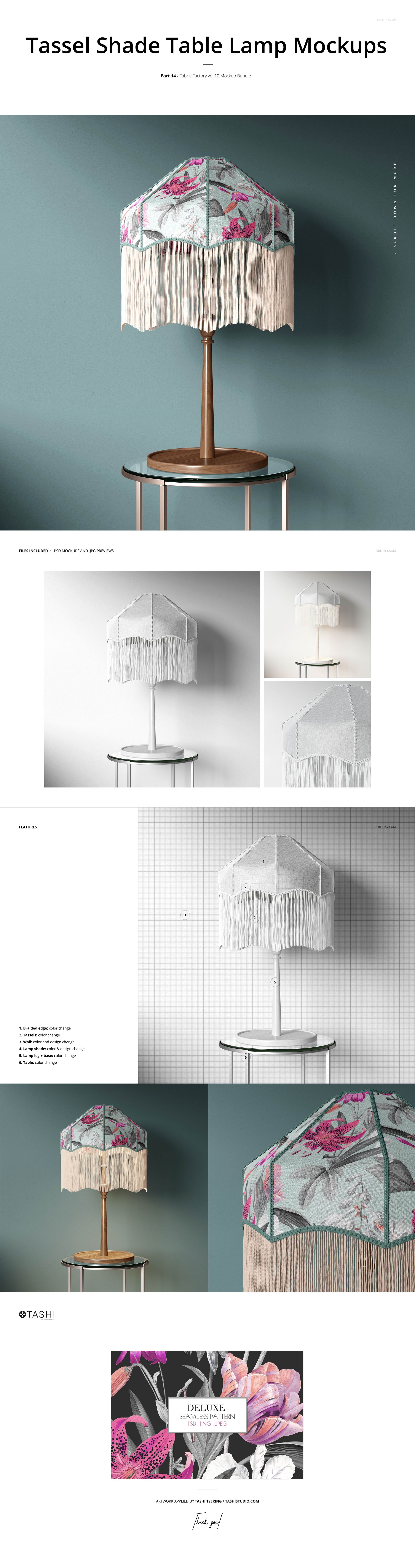
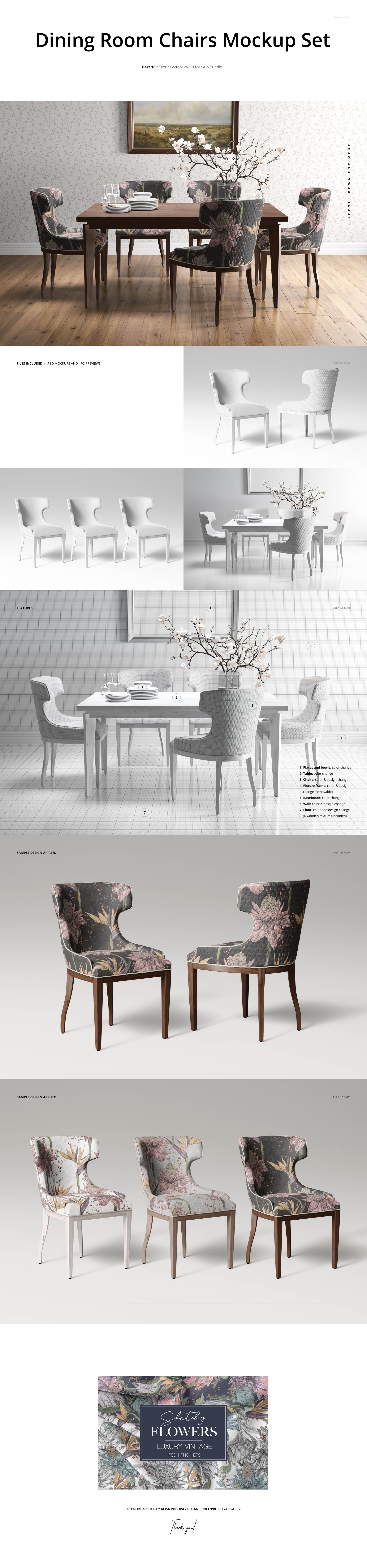
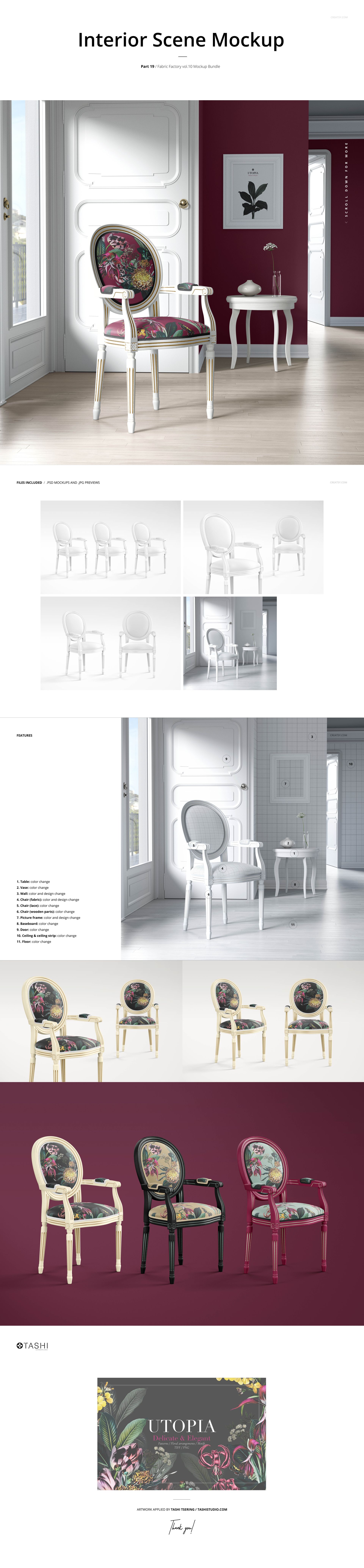
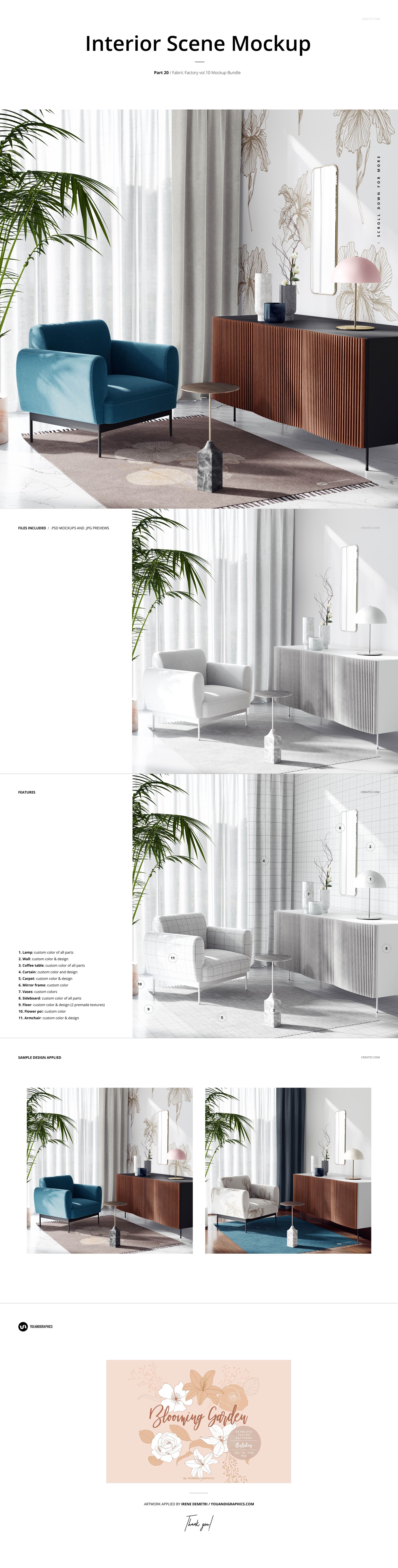
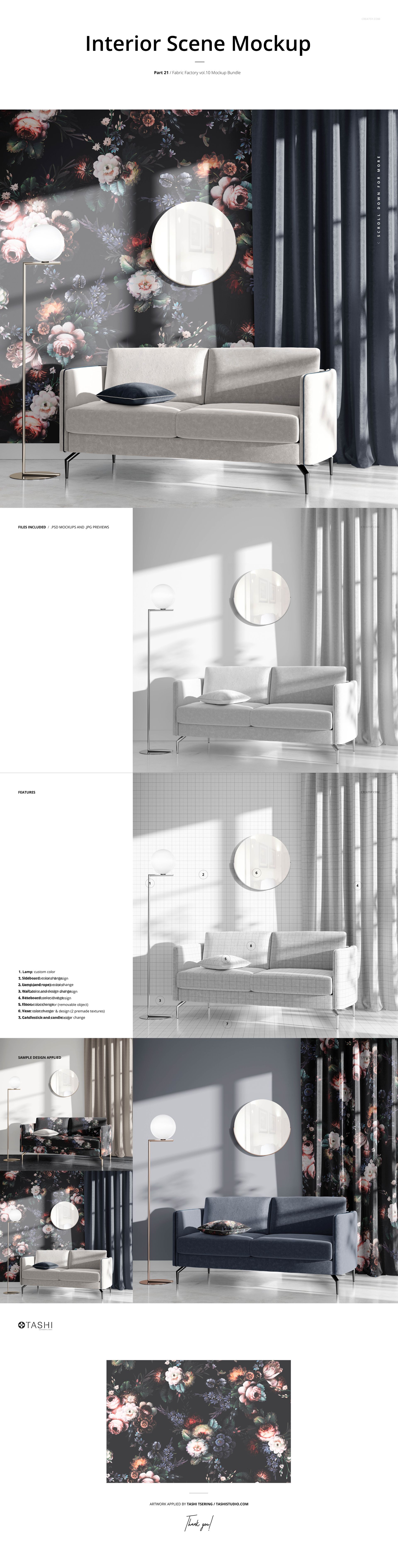
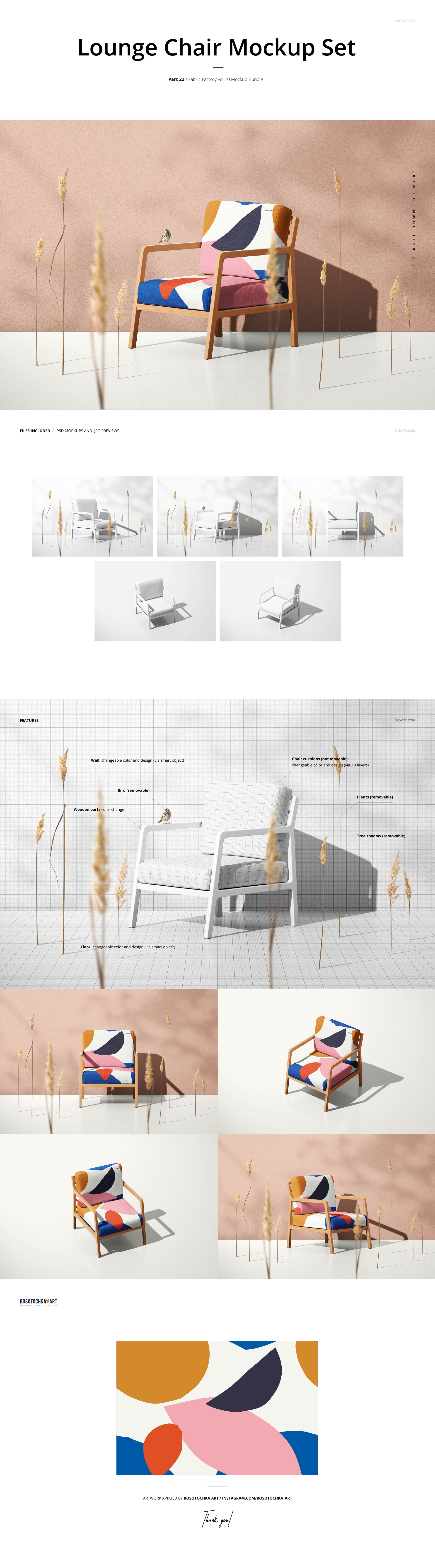
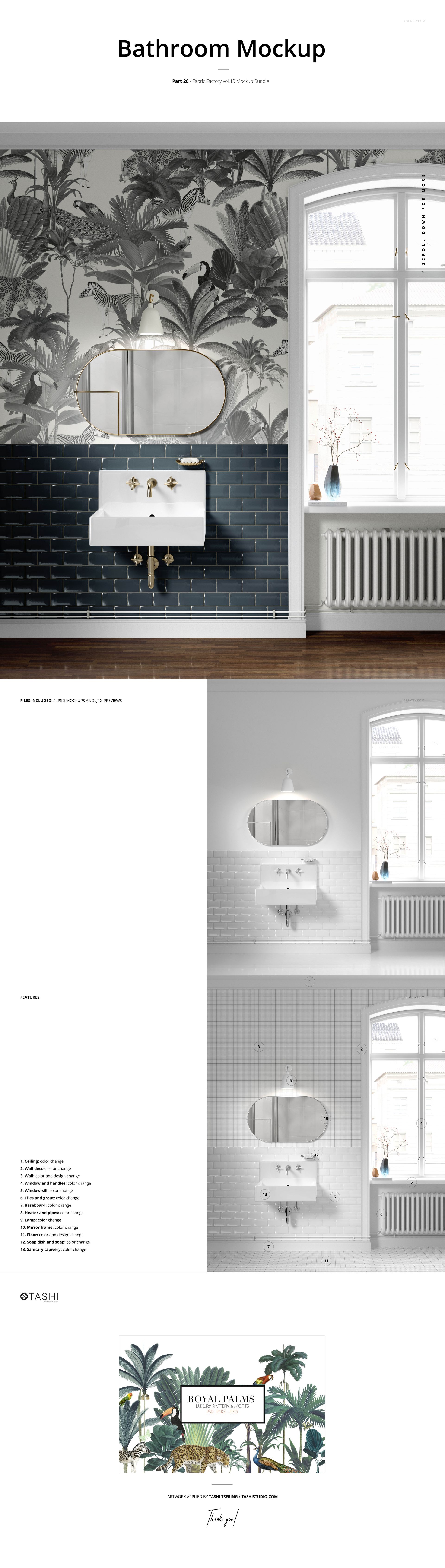
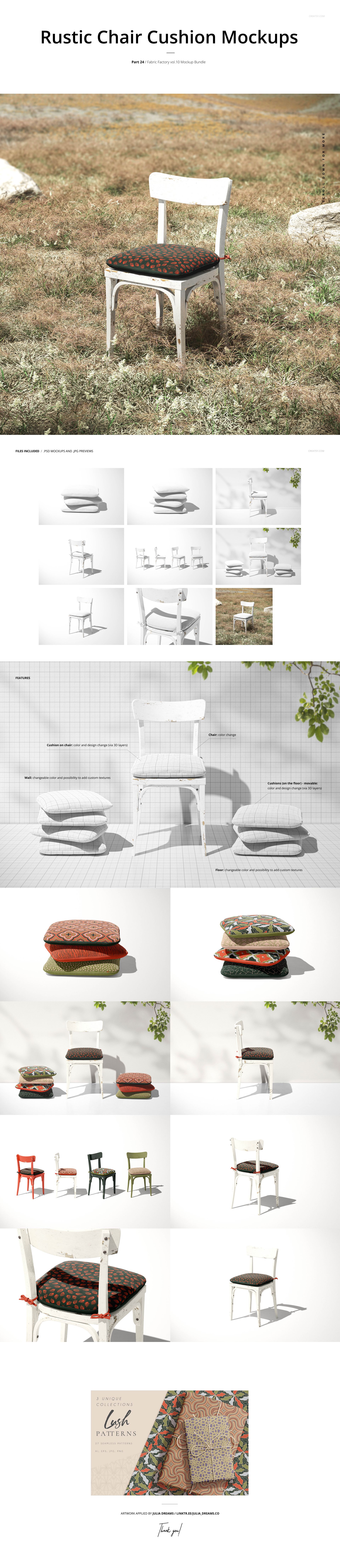
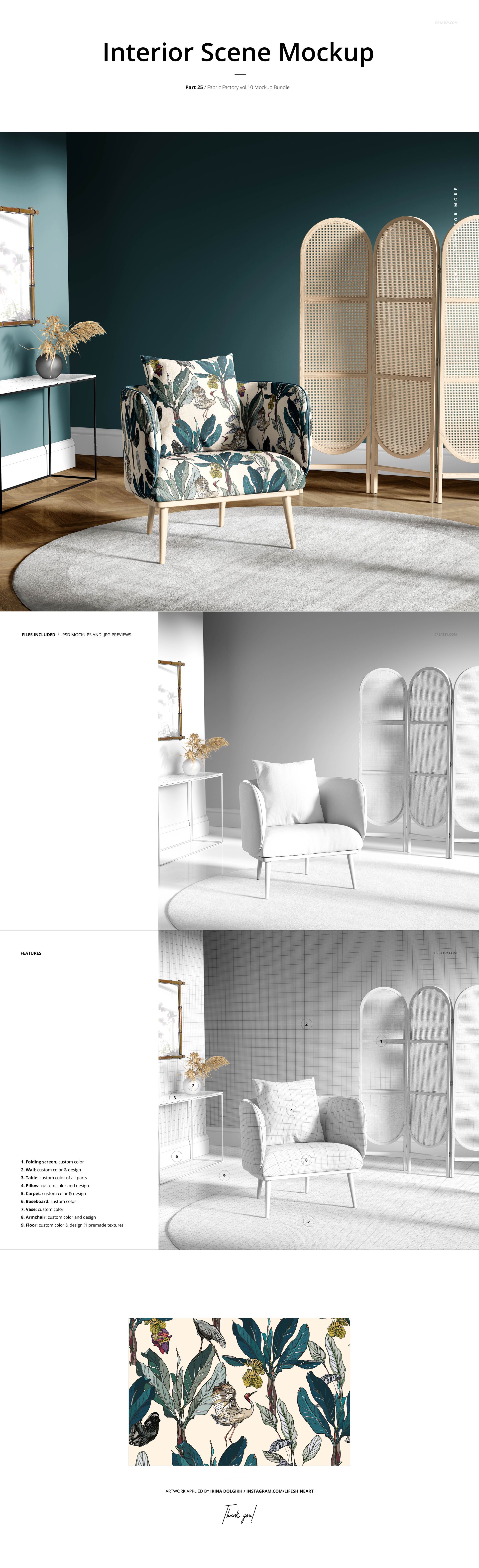
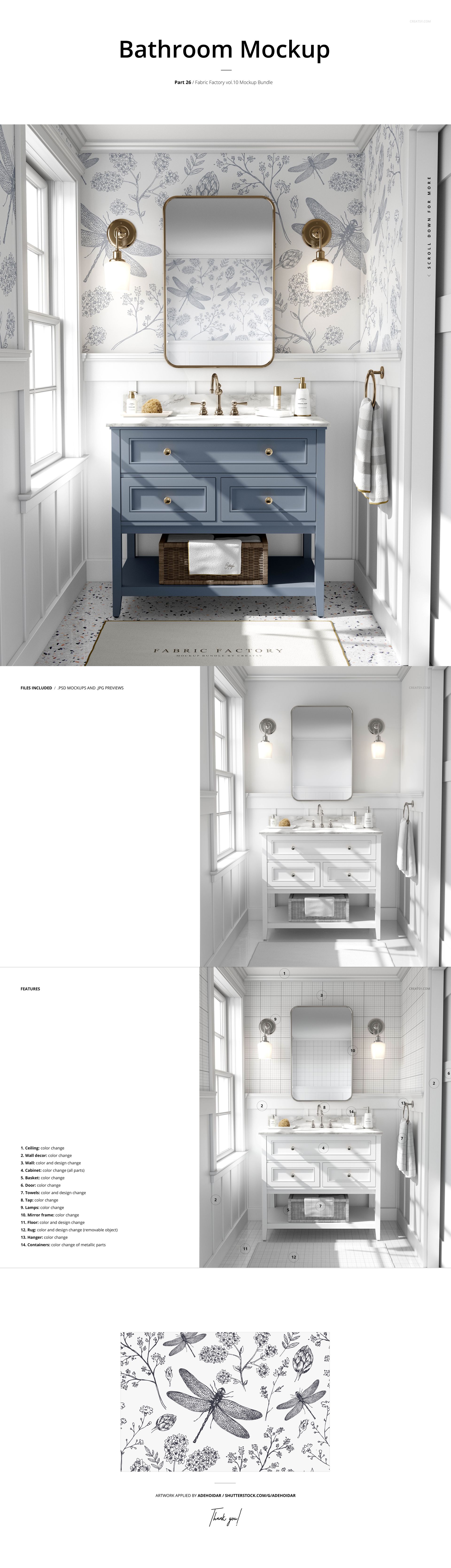
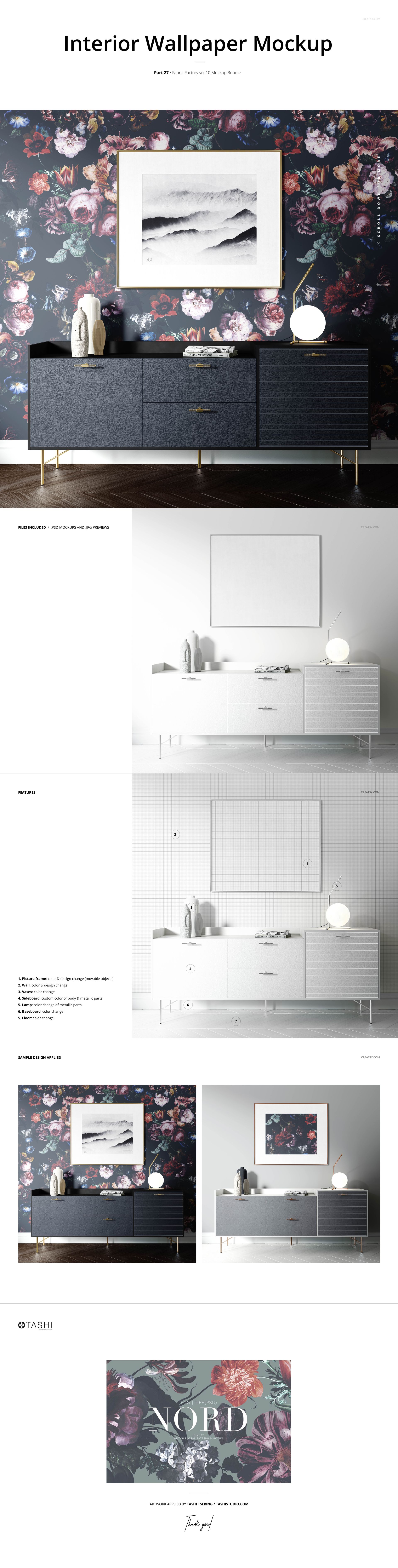
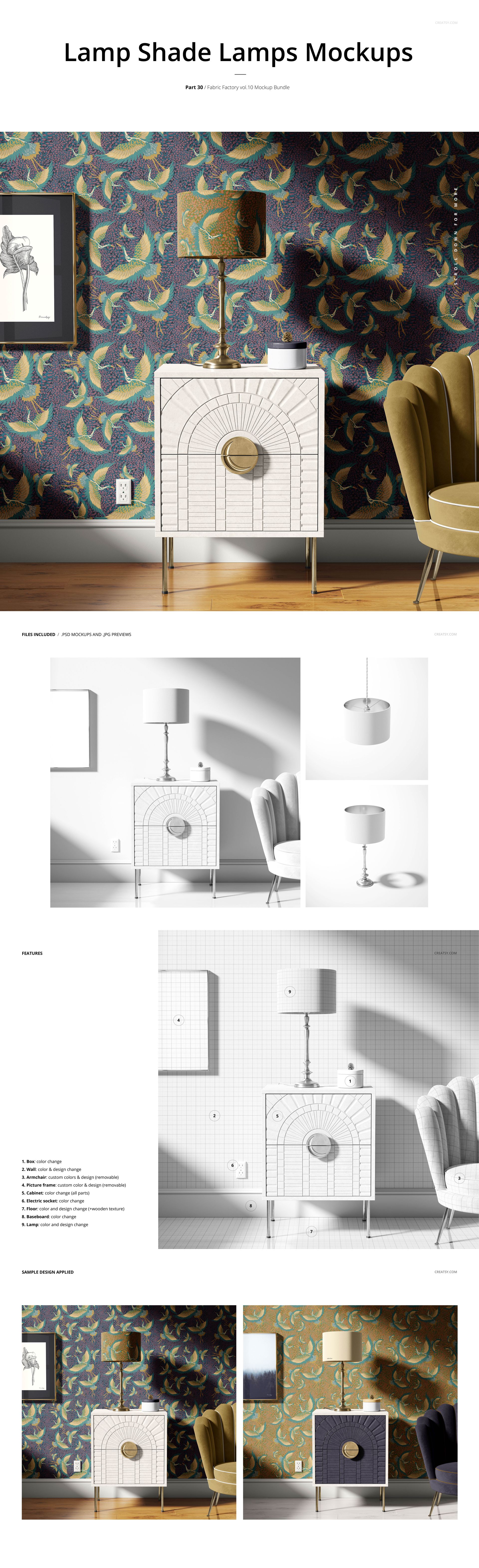
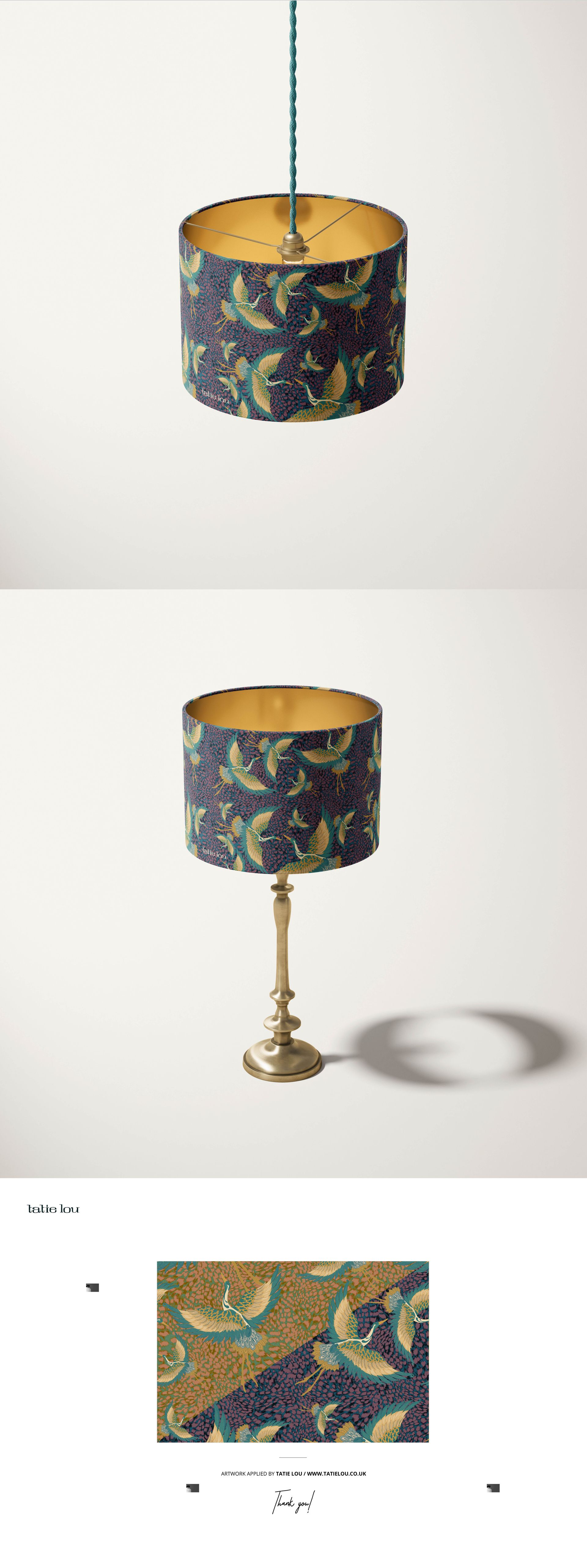
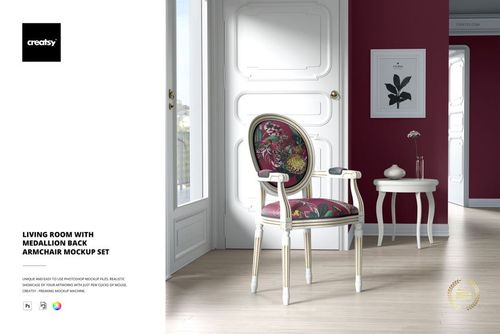
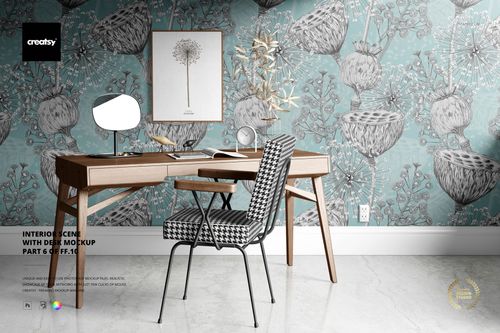
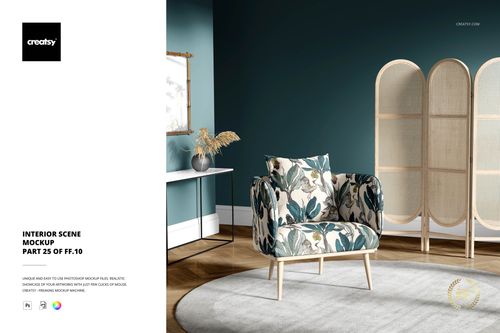
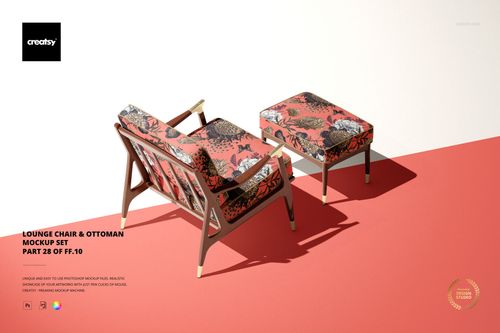
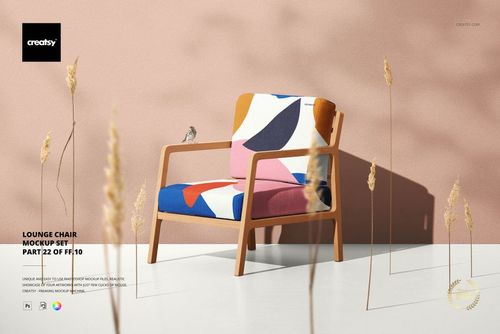
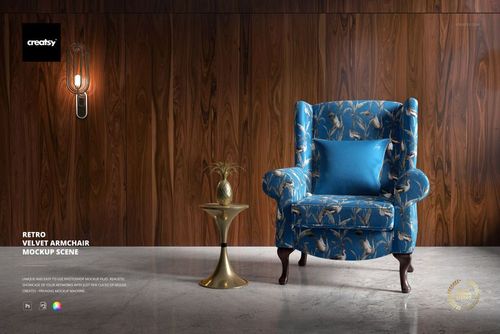
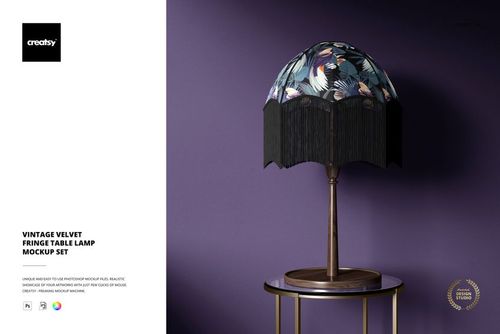
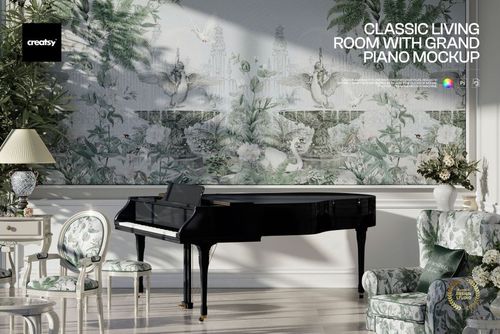
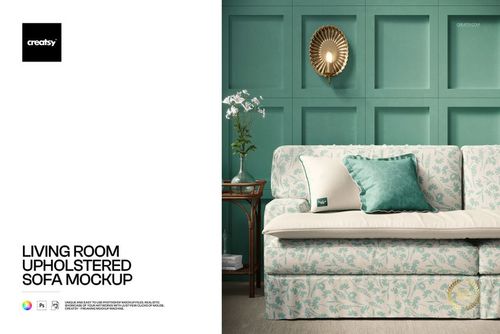
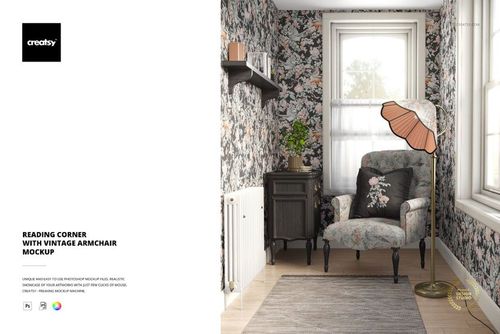
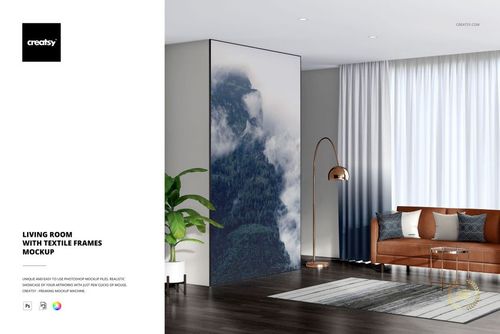
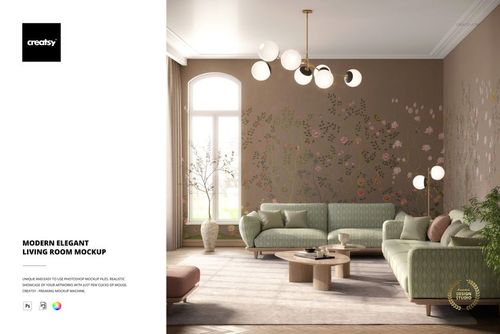
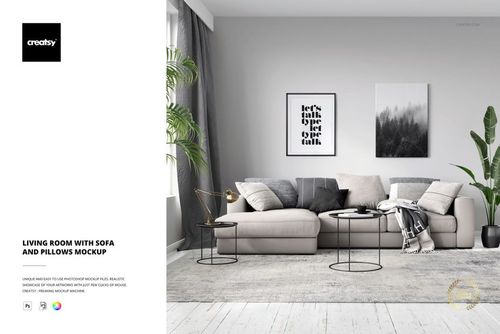
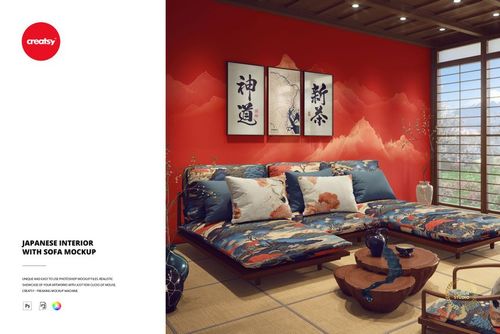
Present a textile collection across 30 interior mockup sets, from upholstered armchairs and sofas to lampshades, cushions, curtains and wallpaper. Fabric Factory v.10 gives surface pattern designers and home decor brands a range of furnished scenes for portfolios, shop images and client presentations.
What is included
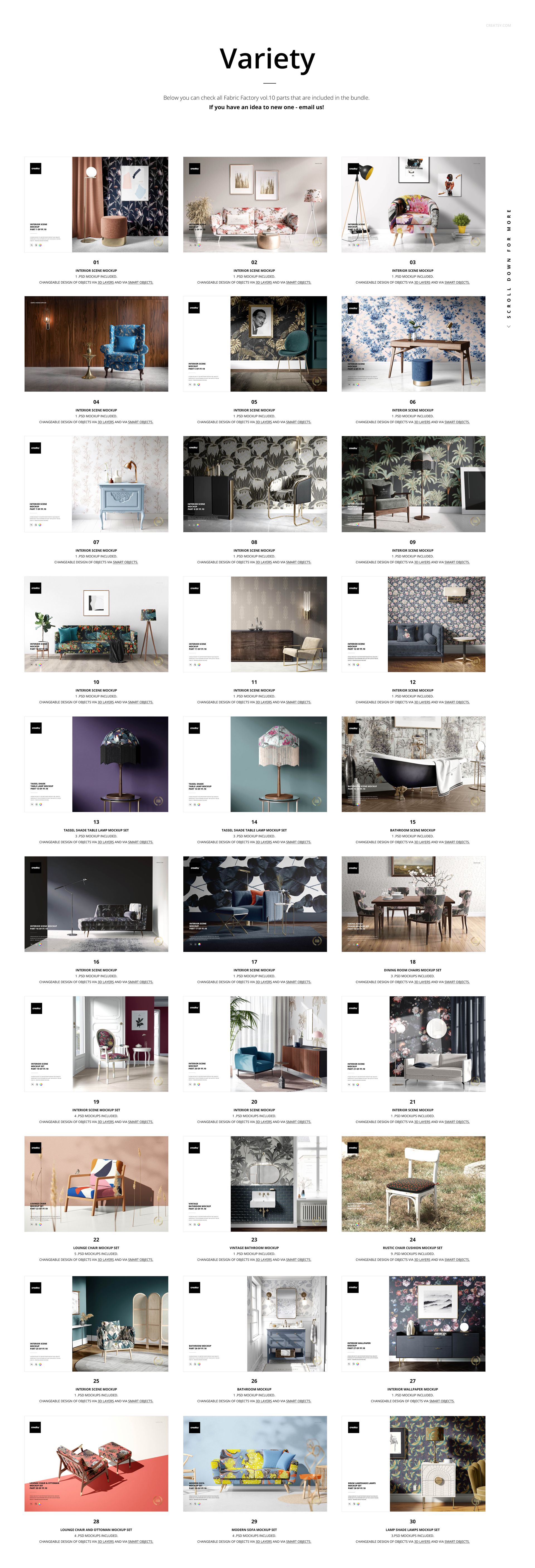
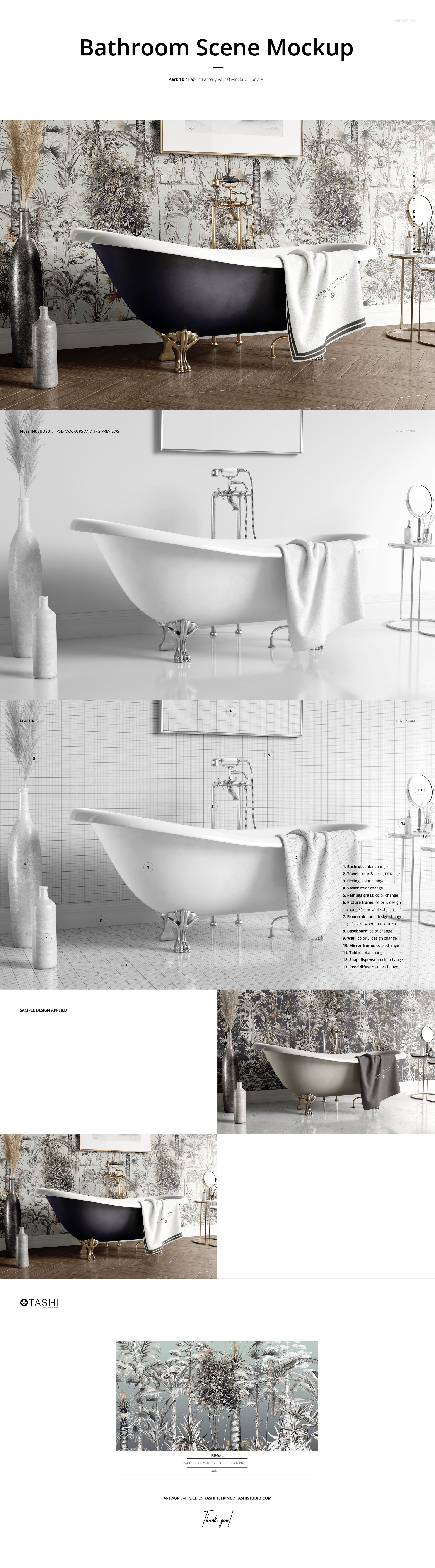
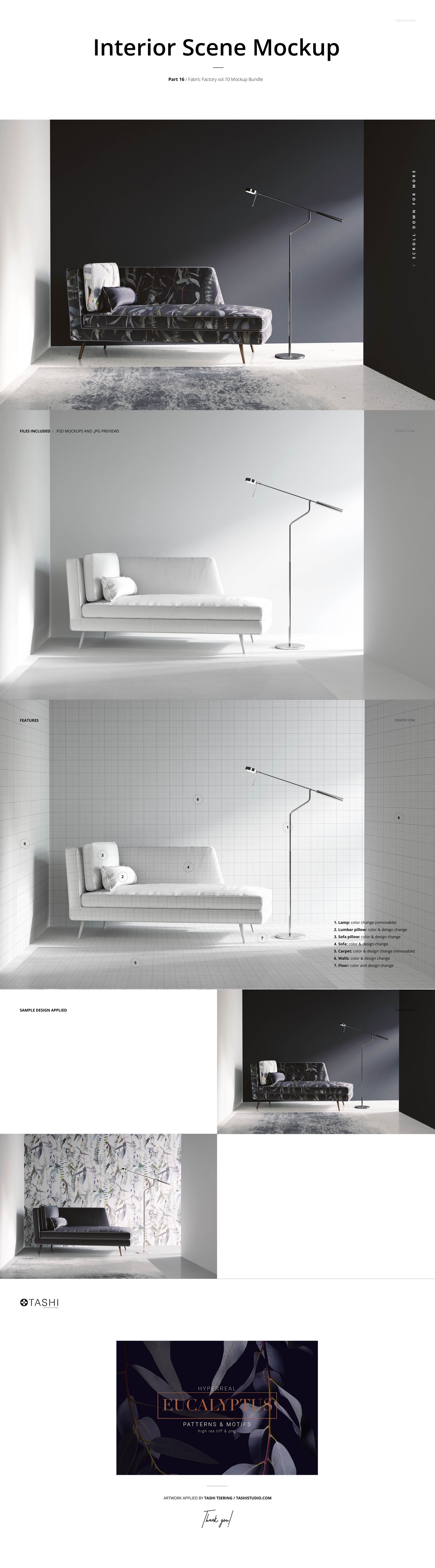
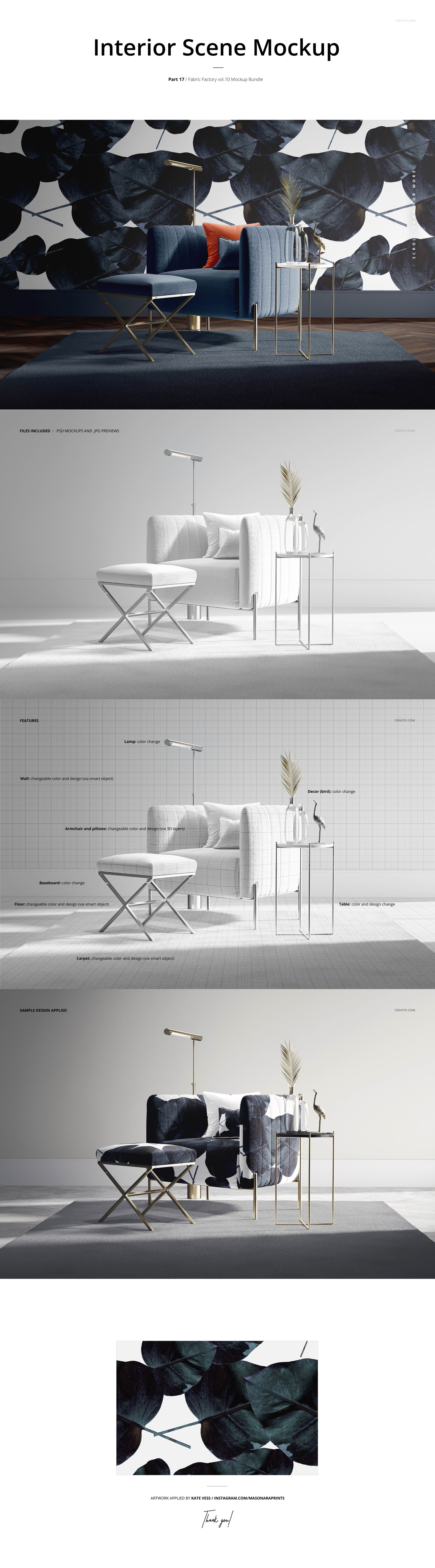
30 mockup sets featuring seating, dining rooms, living rooms and bathrooms.
56 PSD files with organized layers and JPG previews.
File dimensions: 6000×4000, 6000×6000 and 4000×4000 px at 300 dpi.
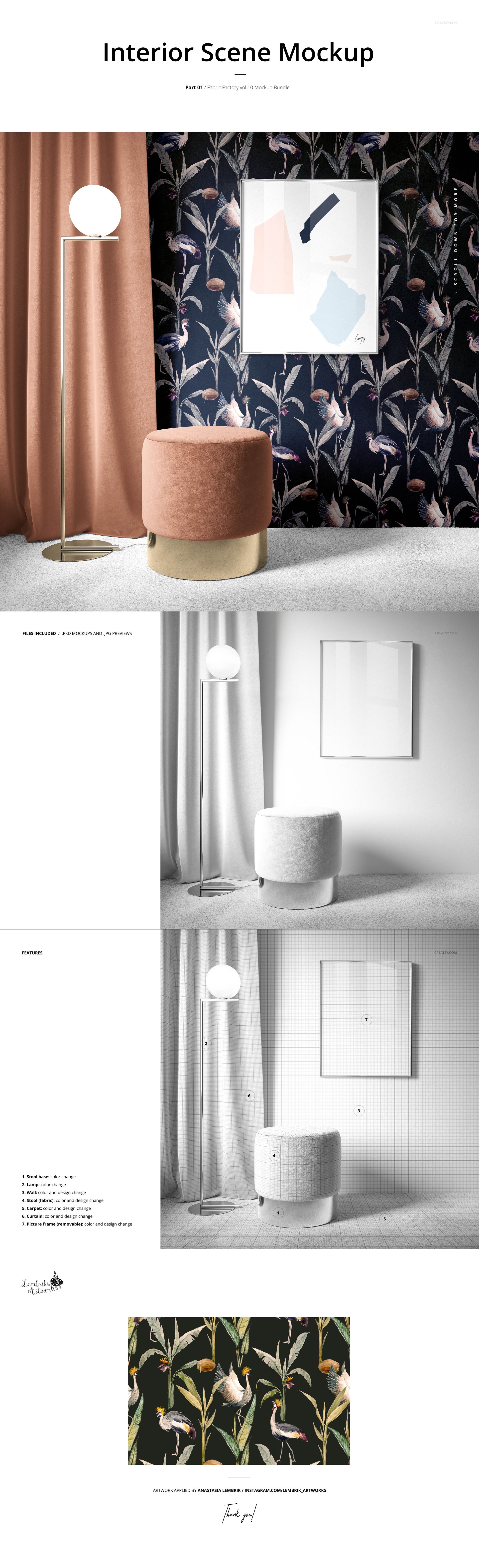
Smart Objects for inserting artwork, plus editable color layers.
Adobe Photoshop CC2020 or newer and Photopea compatibility.
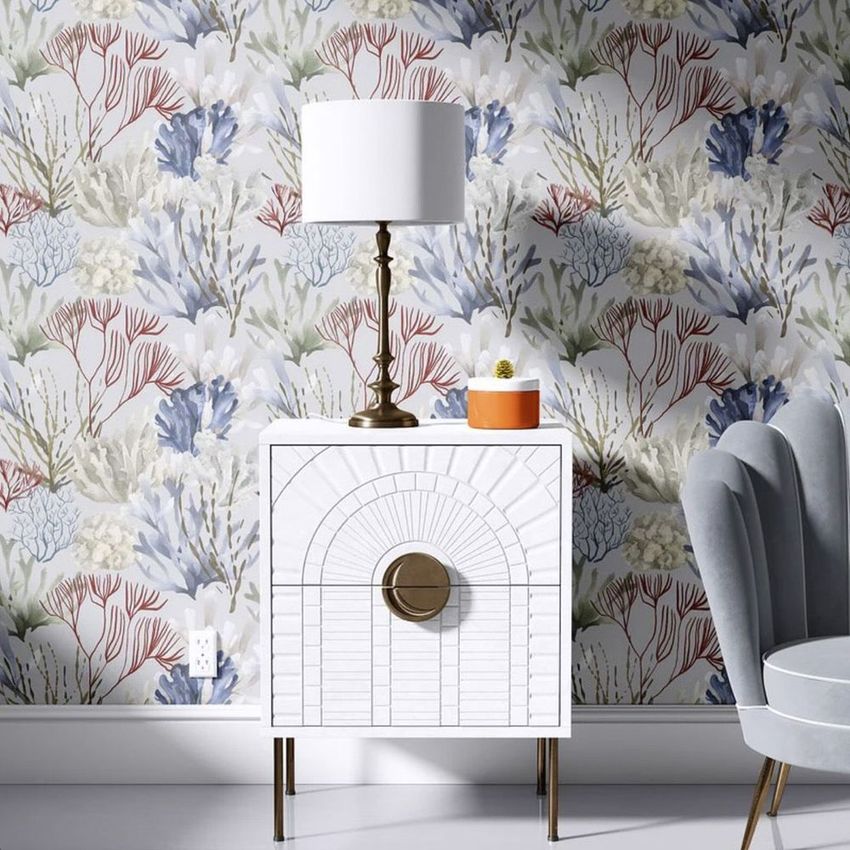
Available surfaces include upholstery, pillows, lampshades, curtains, wallpaper and bathroom textiles. Editing options, removable props and movable elements vary by scene; check the individual product galleries for details.
Present a coordinated collection
Use the same repeat across several products or pair complementary patterns in a room. The scenes preserve the photographed lighting, folds and shadows while showing your designs on the editable surfaces.
The artwork and patterns shown in previews are demonstration designs and are not included. Add your own artwork to the mockup files. See the Products list for all included sets.
File details
- Compatibility


- Products in bundle
- 30
- Package size
- 20.9 GB
 |22.5 GB
- Files type
- .psd, .jpg
- Files size
- 6000x4000


Reviews
Professional PSD mockups built in-house - editable, realistic, high-resolution, and supported by real people.
5
Sort by:

Beautiful work! Will be buying again.

Thank you so much for your lovely review! We’re so happy to hear you enjoyed the mockups, and we’ll be delighted to welcome you back anytime.
INCLUDED/30
All 30 products in this bundle
Made with Creatsy
Real designs. Real customers. See how creatives use Creatsy mockups to turn their artwork, branding, and product ideas into polished visuals.


MEET THE SHOP

Creatsy
Poland
Bring your ideas to life.
We're a family-run studio in Katowice, Poland, making PSD mockups by hand since 2016. Everything in this shop starts in our own studio. We shoot the photography, build the 3D, and put together every Smart Object PSD ourselves - then we test it, organize the layers, and only ship it once it actually works...
 15$1870$22.00
 15$1615$19.00
 15$2040$24.00
 15$1955$23.00

HOW IT WORKS
3 clicks. That's it.
No tutorial needed. If you can copy-paste, you can use this.
- 1OpenDouble-click the smart object inside the PSD - in Adobe Photoshop, or free in your browser with Photopea.
- 2PasteDrop in your pattern, print, or artwork. Any design, any style.
- 3SaveHit save and the mockup wraps it in for you - shadows, folds, and lighting included.
FROM IDEA TO IMAGE
Built for real workflows
Skip the photo shoot Show your artwork on the real product type for approvals or listings - no studio, no model, no sample.
See it on the product, not a swatch Drop your file into the smart object and the scene's lighting and folds wrap around it, so you judge the real thing before you commit.
Smart Objects
Edit once and you're done. Your artwork drops into a smart object and the mockup updates itself - no masking, no warping by hand.
Perfectly Organized
Named layers and folders you can actually navigate. Find what you need, change what you want, and get out fast.
Print-Ready
High-resolution files built to hold up on screen and in print. Exact size and DPI are in this product's Details above.

elegant mock up
Thank you so much for your lovely review! We’re so happy to hear you found the mockup elegant. Your support truly means a lot to us.