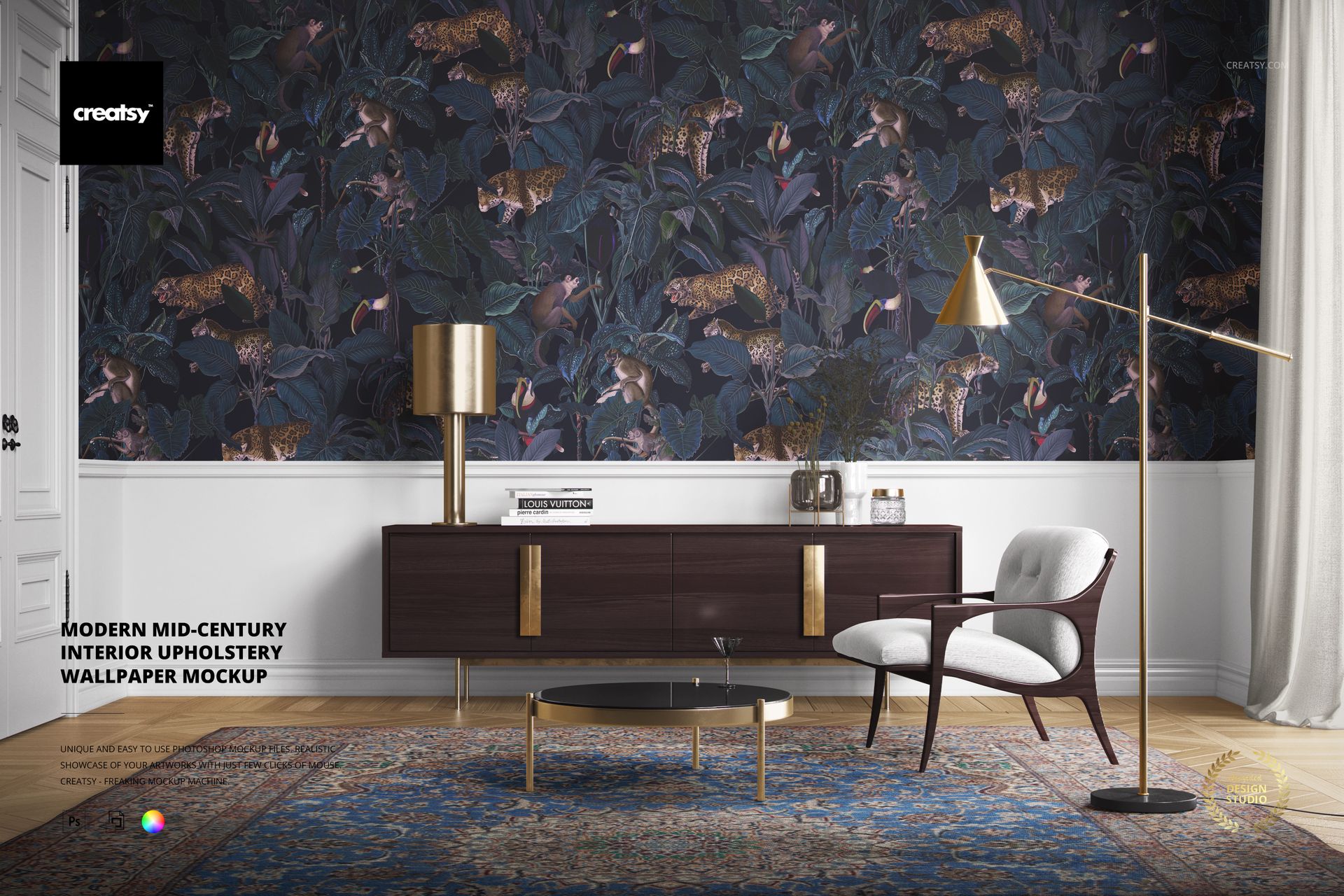
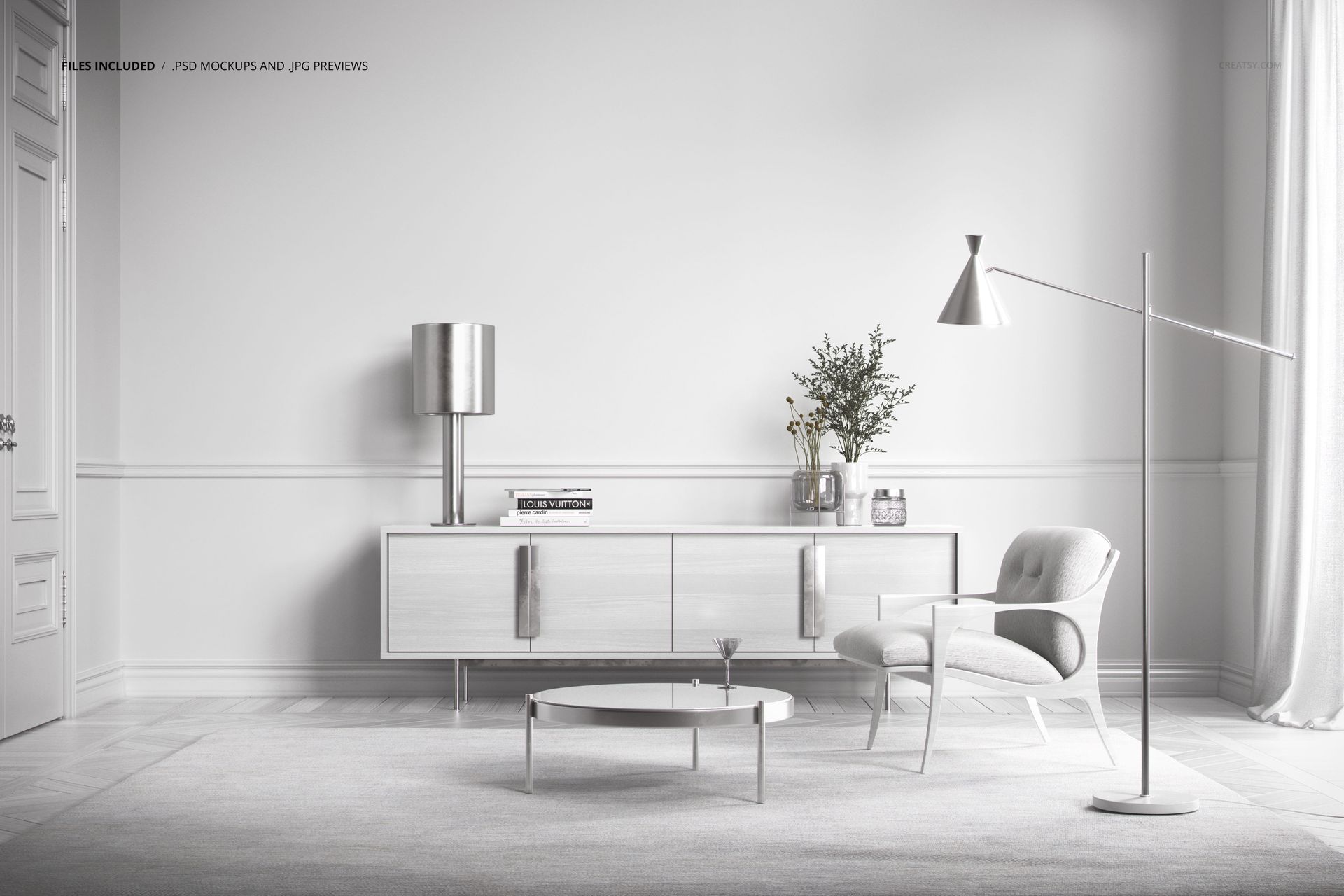
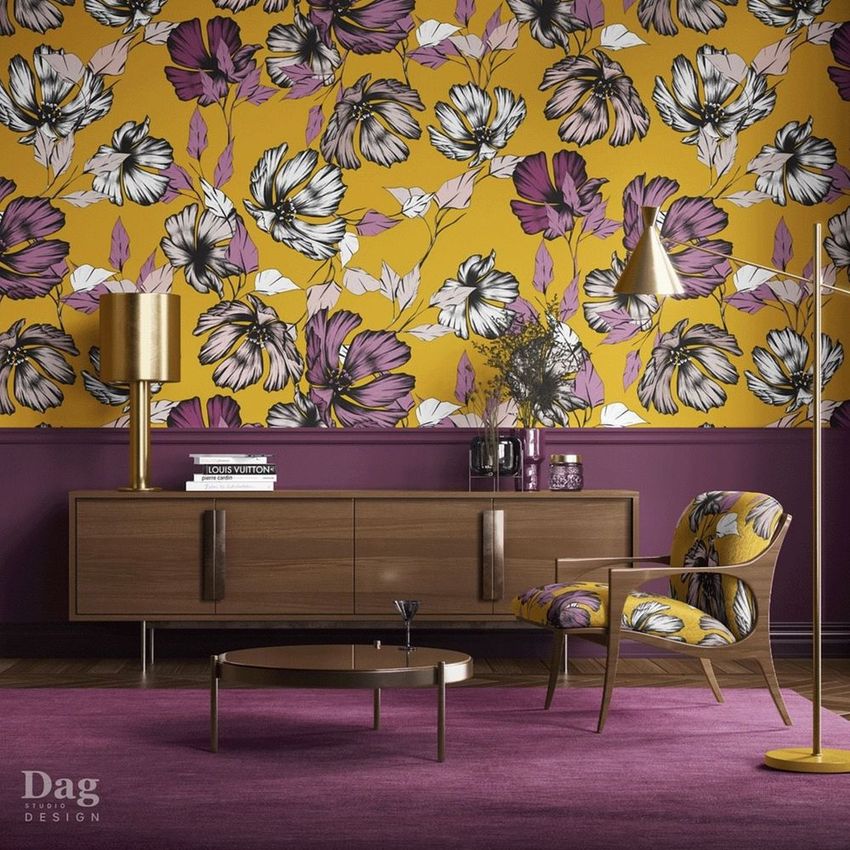
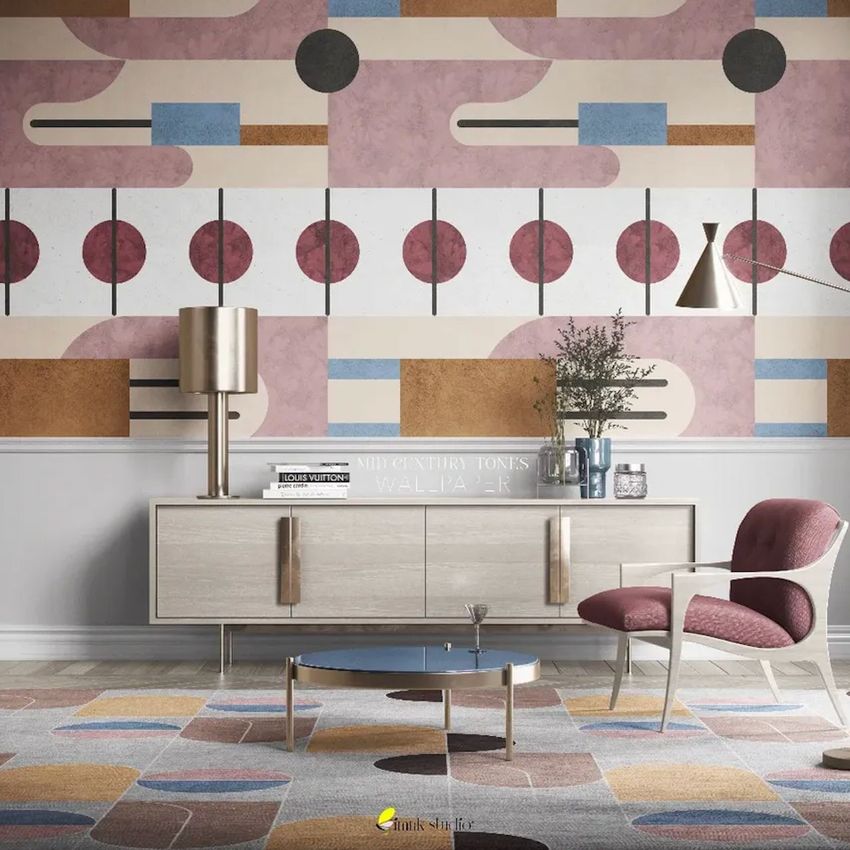
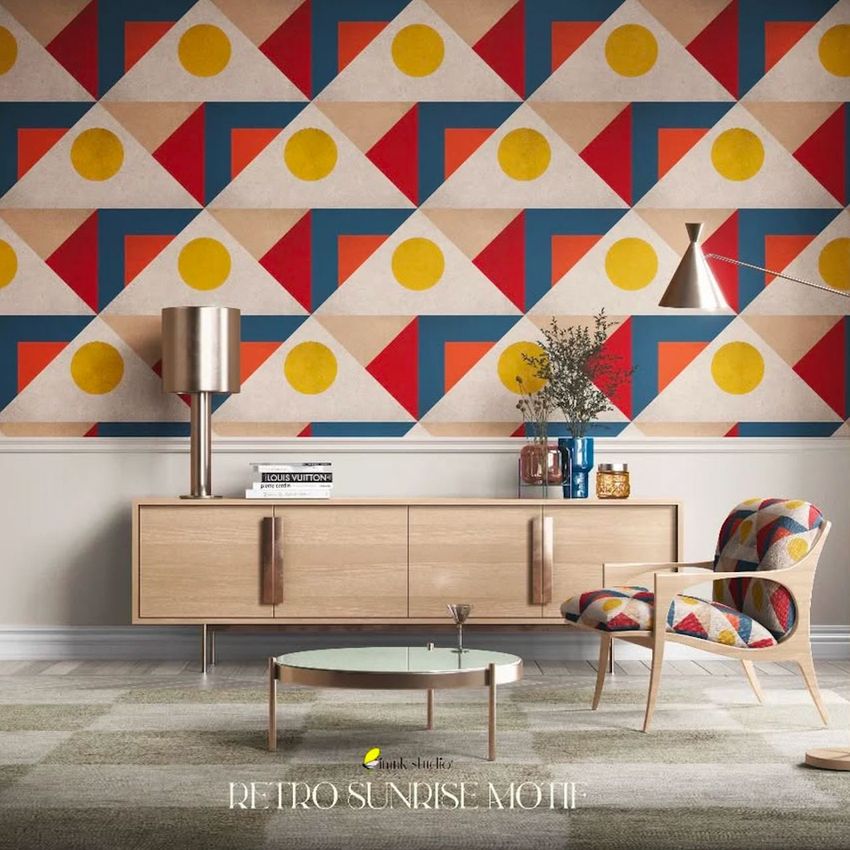
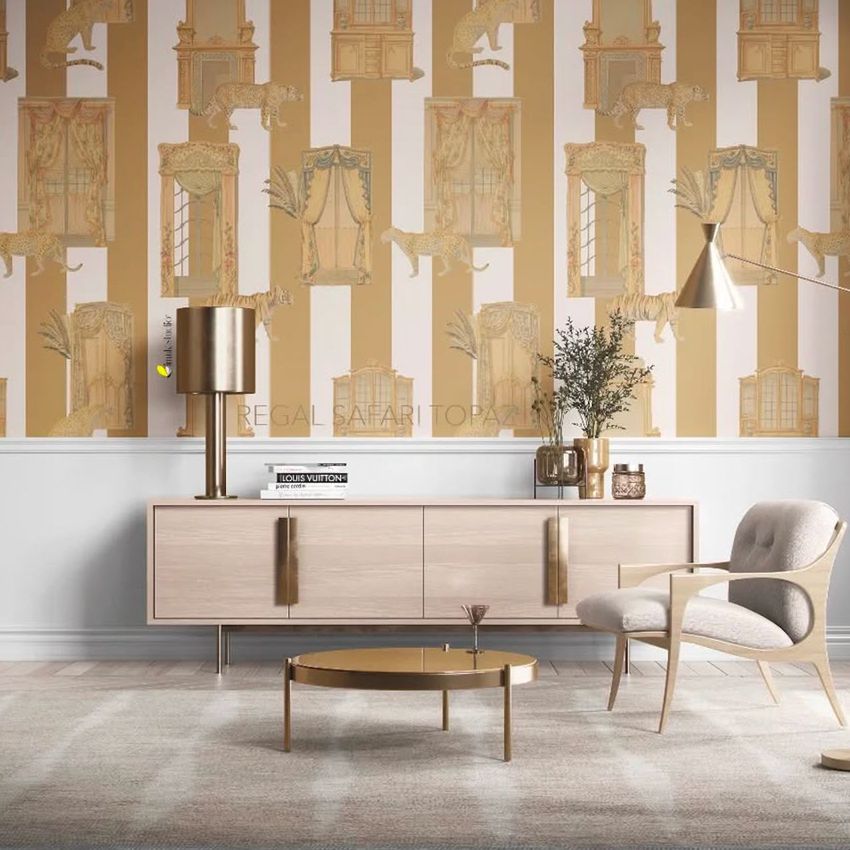
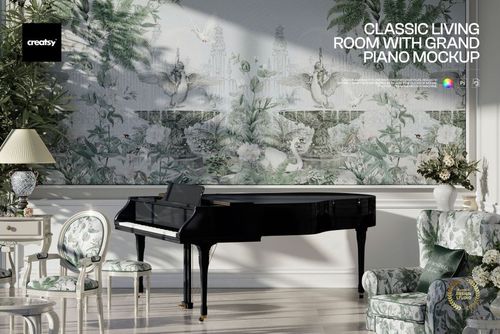
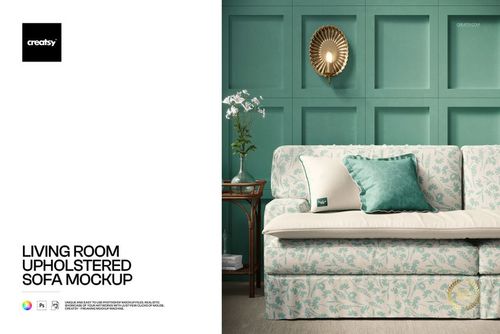
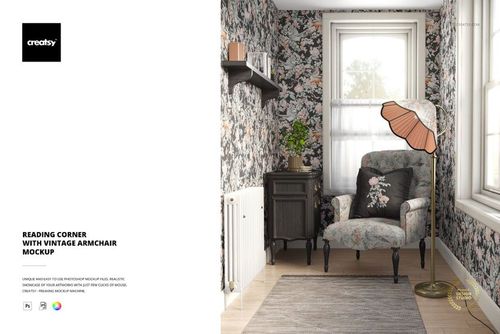
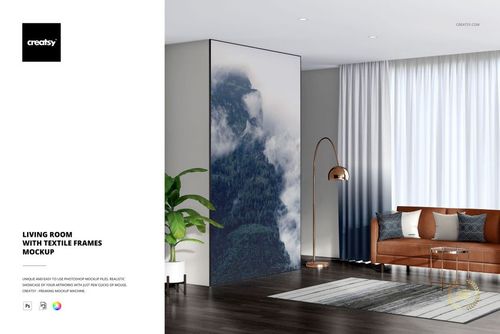
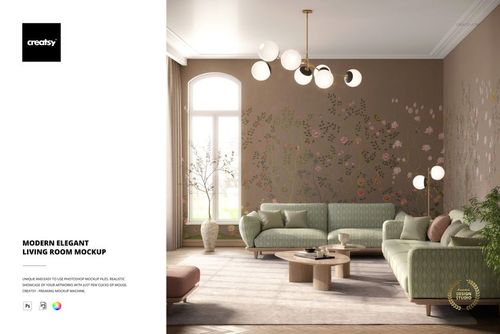
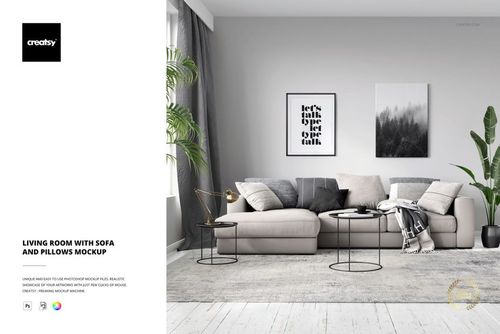
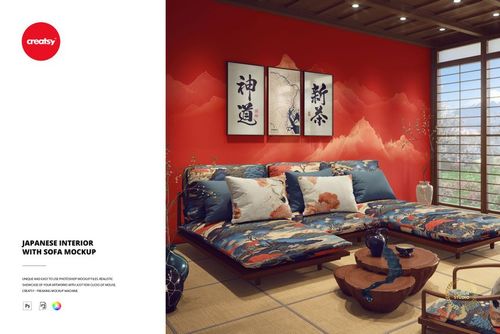
Test your wallpaper, upholstery, and textile designs inside a fully customizable mid-century living room. This Modern Mid-Century Interior Upholstery Wallpaper Mockup packs 13 editable smart objects into a single PSD file - wallpaper, wall paneling, chair upholstery, curtains, rug, flooring, lamps, and decorative vases can all be changed independently. One file gives you a complete interior scene where every surface responds to your design choices.
Why This Mockup Works
Most interior mockups let you change one or two elements. This one lets you redesign the entire room. When a wallpaper designer needs to show how their pattern looks next to coordinating upholstery, or a textile brand wants to present a full collection across multiple surfaces in the same space, a single-surface mockup falls short. With 13 smart objects you can build a cohesive room scene that demonstrates how your designs work together - wallpaper and curtains in the same colorway, a contrasting chair fabric, a complementary rug. The mid-century aesthetic with clean furniture lines, warm wood tones, and balanced proportions suits a wide range of pattern styles from bold geometrics to subtle organic textures. The high-resolution output works for website hero images, catalog spreads, social media content, and client presentations.
What Is Included
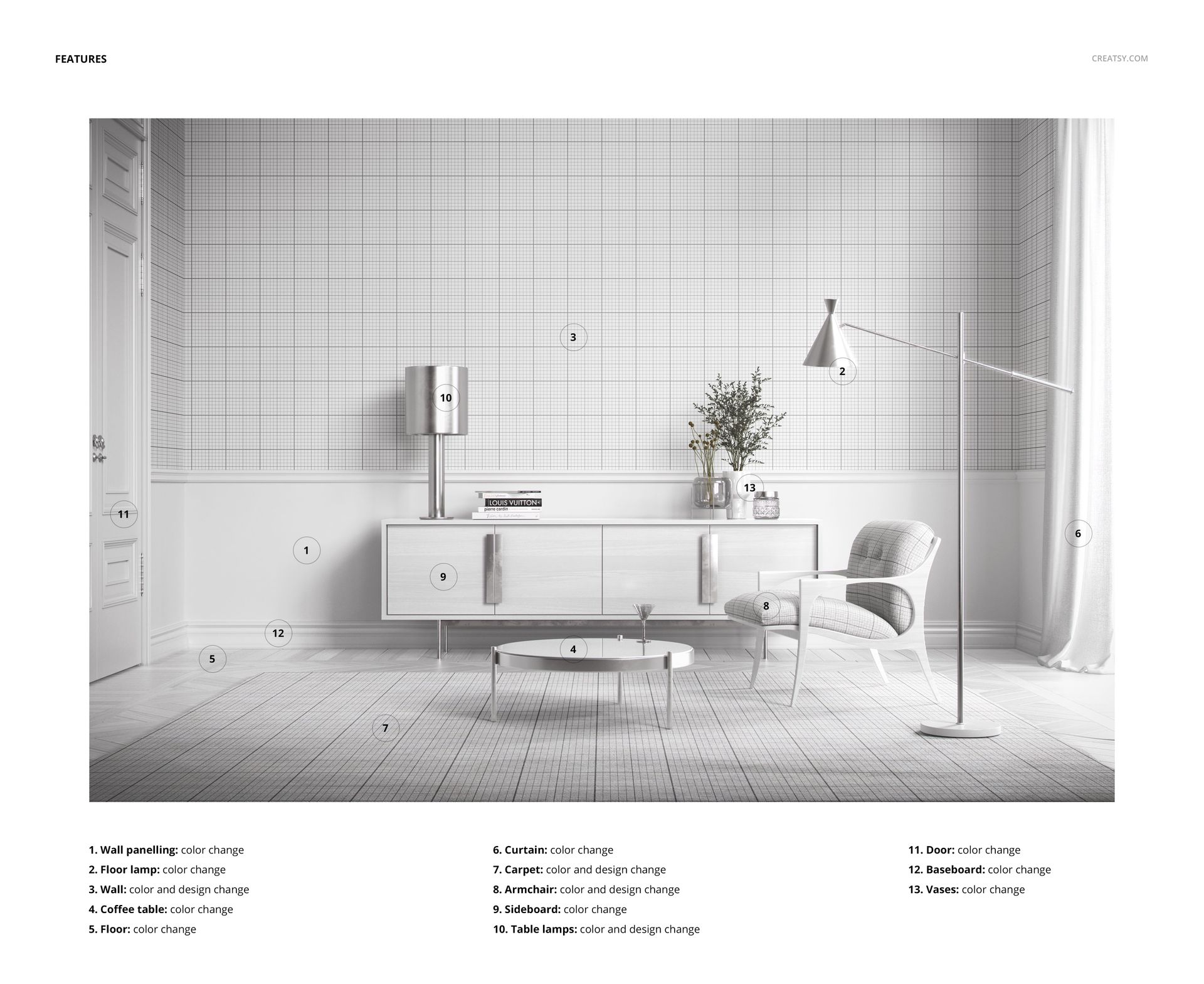
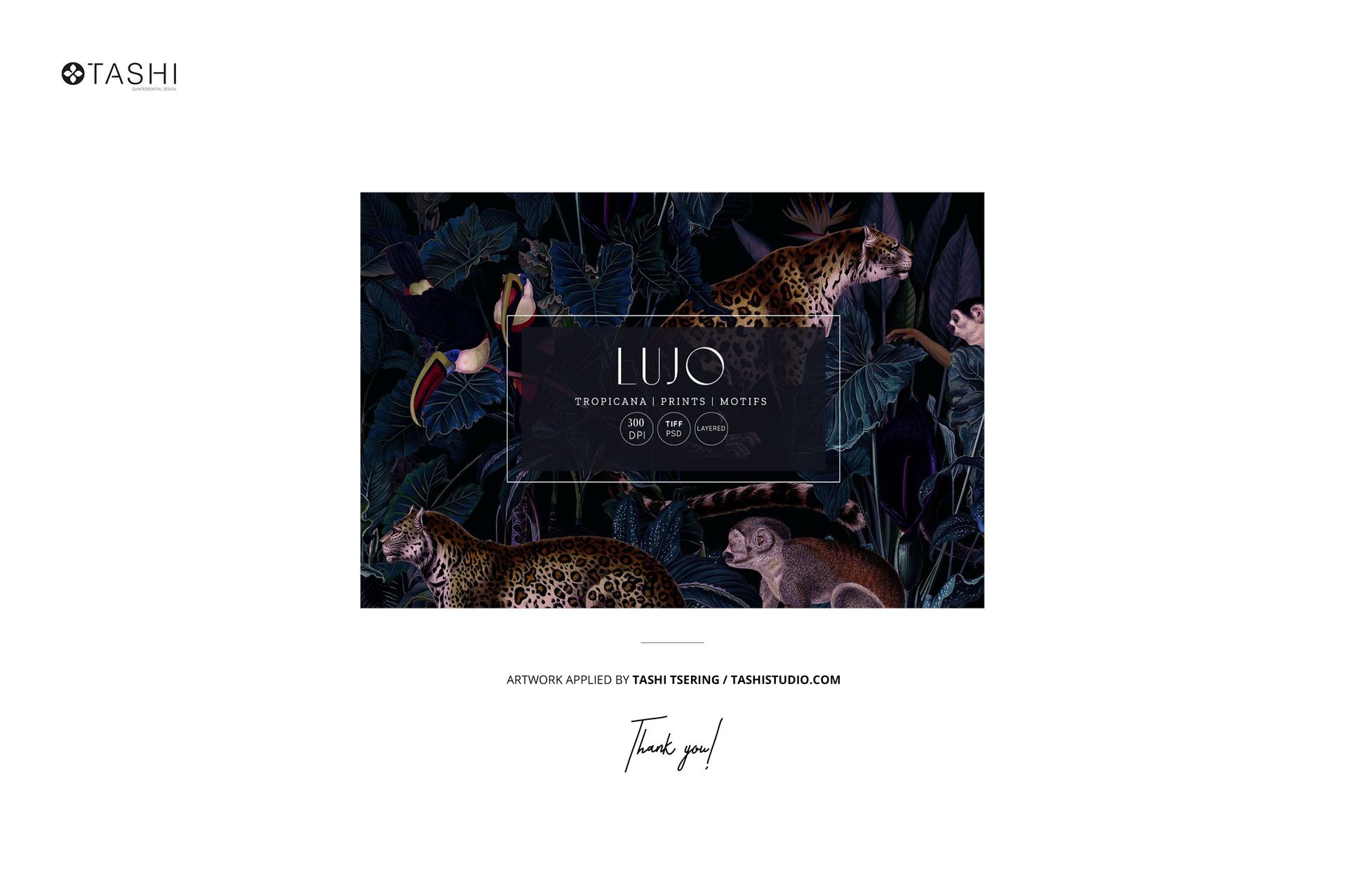
The download contains 1 layered PSD file with 13 editable smart objects. Customizable elements include the wall wallpaper, wall paneling color, accent chair upholstery, curtain fabric, area rug, flooring material, table lamps, ceiling lamp, decorative vases, and additional room accents. All layers are organized and clearly labeled for fast navigation. The total file size is approximately 387 MB. Pattern designs shown in the preview screenshots are by Tashi Tsering and are not included in the download.
What You Can Customize
Each of the 13 smart objects opens independently - double-click, paste your design or adjust the color, save, and the main composition updates with realistic lighting and shadow mapping. Apply a wallpaper pattern to the back wall while keeping neutral paneling, or change both to create a fully patterned interior. Swap the chair upholstery to show how a fabric collection translates from wall to furniture. Adjust curtain color to complement or contrast with your wallpaper. Change the rug pattern to test different floor-level textures against the rest of the scheme. Every combination produces a unique room scene without starting over or purchasing additional mockups. This flexibility makes it practical to generate dozens of variations for lookbooks, A/B testing on product pages, or presenting multiple colorways to a client.
Who This Mockup Is For
Wallpaper designers who need room-scale context showing their pattern alongside real furniture and decor. Textile and upholstery designers presenting fabric collections across multiple surfaces in a single coordinated scene. Interior design studios building mood boards and client presentations for living room projects. Home decor brands creating product page visuals, catalog imagery, or social media campaigns before physical samples are available. Surface pattern designers building portfolio pieces that demonstrate how their work functions in a complete interior environment. Print-on-demand sellers who want lifestyle images showing wallpaper, curtain, or upholstery fabric in a styled room setting.
File Specifications
Format: PSD (Adobe Photoshop). Files included: 1. Smart objects: 13 editable elements. Minimum software: Adobe Photoshop CC 2020. Layers: organized and labeled. File size: approximately 387 MB.