Wardrobe with Vanity Table Mockup
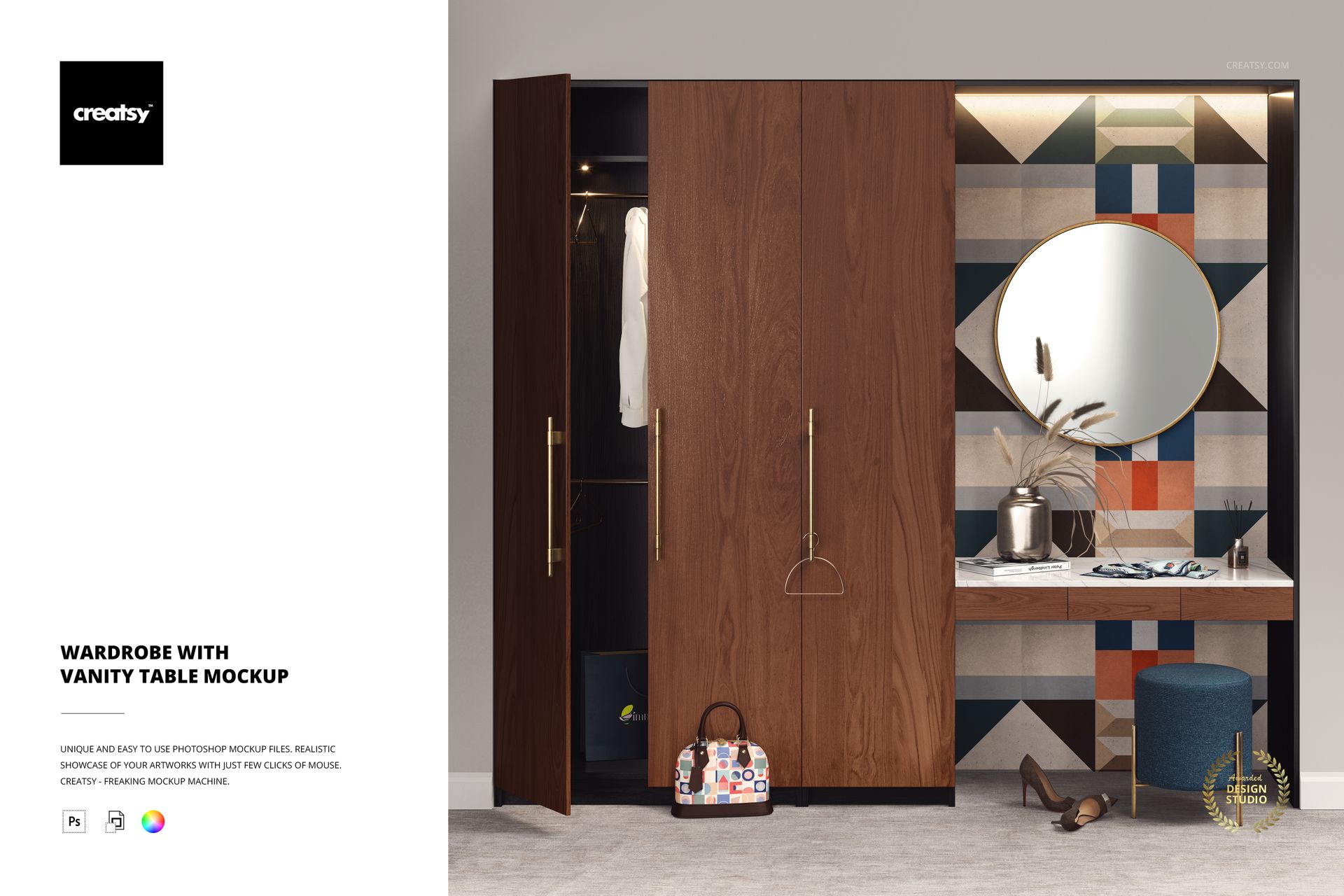
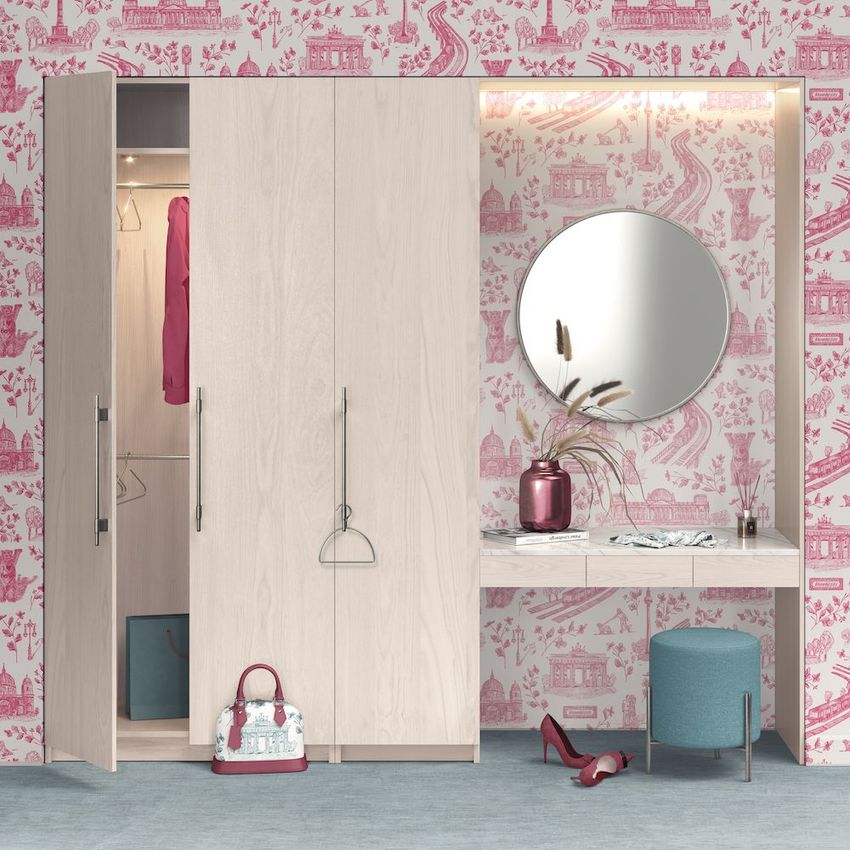
Present wallpaper patterns, furniture finishes and home decor designs in a detailed dressing room interior featuring a wardrobe, vanity table, round mirror and decorative accessories. This editable wardrobe and vanity table mockup combines furniture, textiles and fashion items in one furnished scene, allowing you to showcase coordinated designs across multiple surfaces.
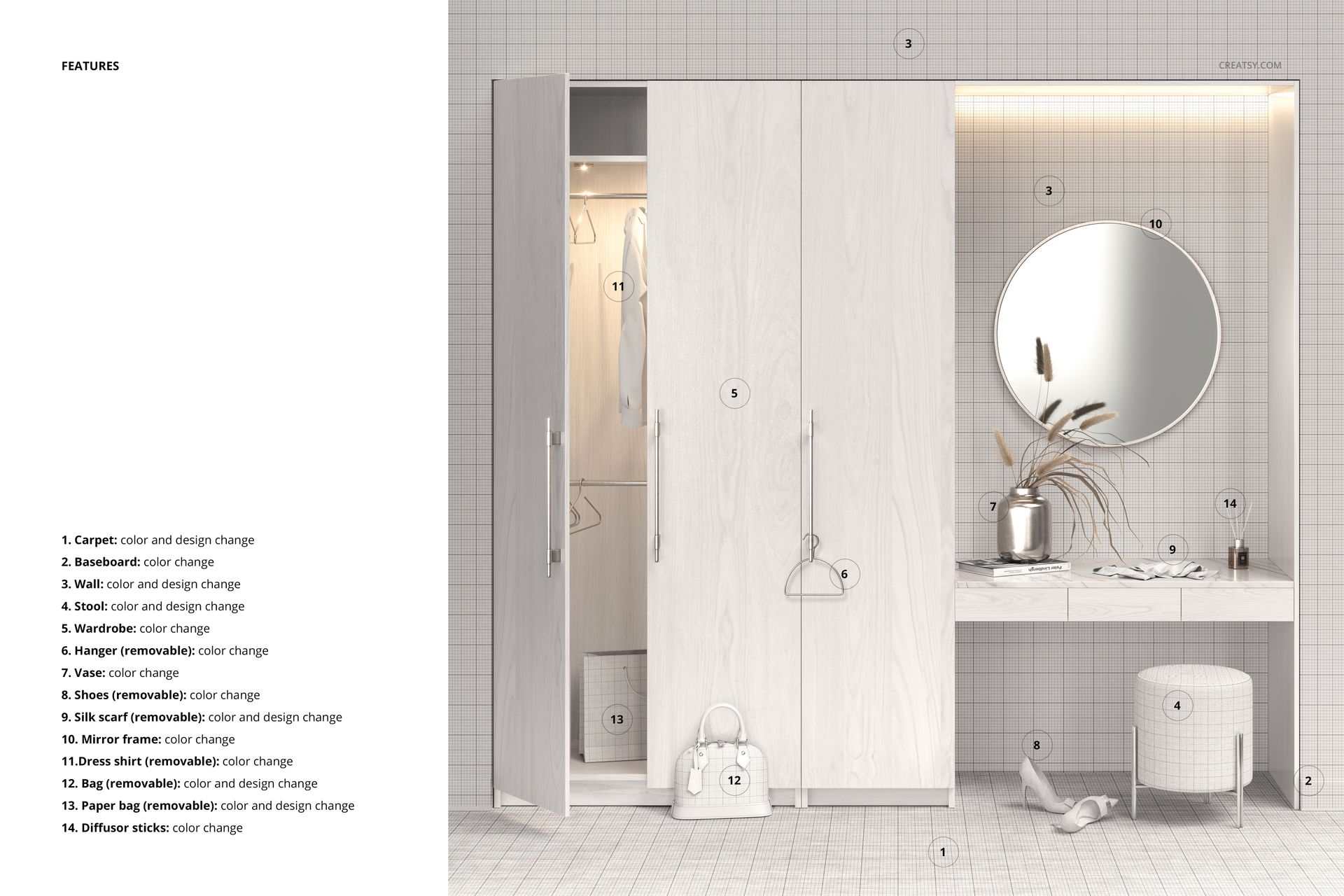
With up to 14 customizable elements, the PSD provides different ways to present wallpaper collections, carpet patterns, furniture colors and accessory designs.
A dressing room scene with 14 editable elements
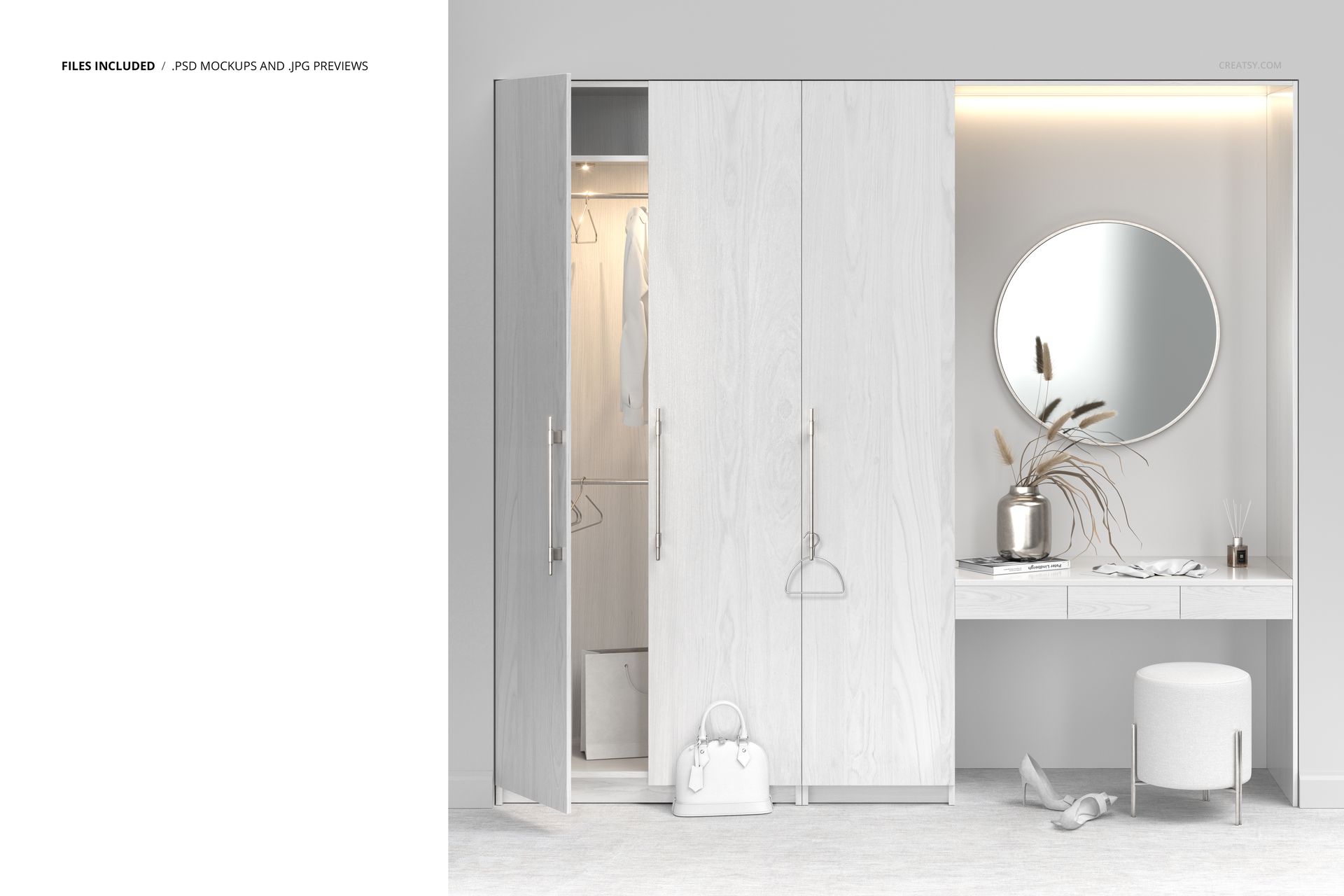
The interior features a wardrobe with hanging clothes, a vanity table, round mirror, upholstered ottoman and decorative objects. A handbag, paper bag, silk scarf and shoes add smaller surfaces for presenting fashion prints and accessory designs.
Apply your own patterns to the walls and carpet, customize the wardrobe and vanity table top, and coordinate the colors and designs of selected accessories. The arrangement helps you see how different prints and materials work together in a furnished room.
Customize wallpaper, furniture and decorative accessories
Use the wall surfaces to showcase repeat patterns, geometric prints or decorative wallpaper collections. The carpet offers another surface for testing textile designs, while the wardrobe and vanity table top feature editable finishes with a pre-applied wood texture.
Additional customization options include the ottoman, scarf, paper bag, handbag, shirt, clothes hangers, shoes, mirror frames, vases, diffuser sticks and wall baseboards.
These details make it possible to present a coordinated interior collection or focus on individual furniture, textile and accessory designs.
For interior, surface pattern and accessory designers
The dressing room setting is suited to wallpaper presentations, furniture finish concepts, carpet patterns, textile licensing portfolios and interior design proposals.
You can also use the editable accessories to explore coordinated prints across fashion and home decor products, or create lifestyle visuals for design portfolios and product catalogs.
High-resolution layered PSD
The package includes 1 layered PSD mockup file at 6000 × 6000 px and 300 DPI. Organized layers make it easier to locate the available customization options and prepare different versions of the scene.
The product specifies Adobe Photoshop CC 2020 or newer. Photopea is also listed in the compatibility panel.
This is a digital mockup. No physical furniture, clothing or decorative accessories are supplied. The artwork shown in the previews is for demonstration purposes and is not included in the download.