Shopping Bags with Tissue Paper Mockup
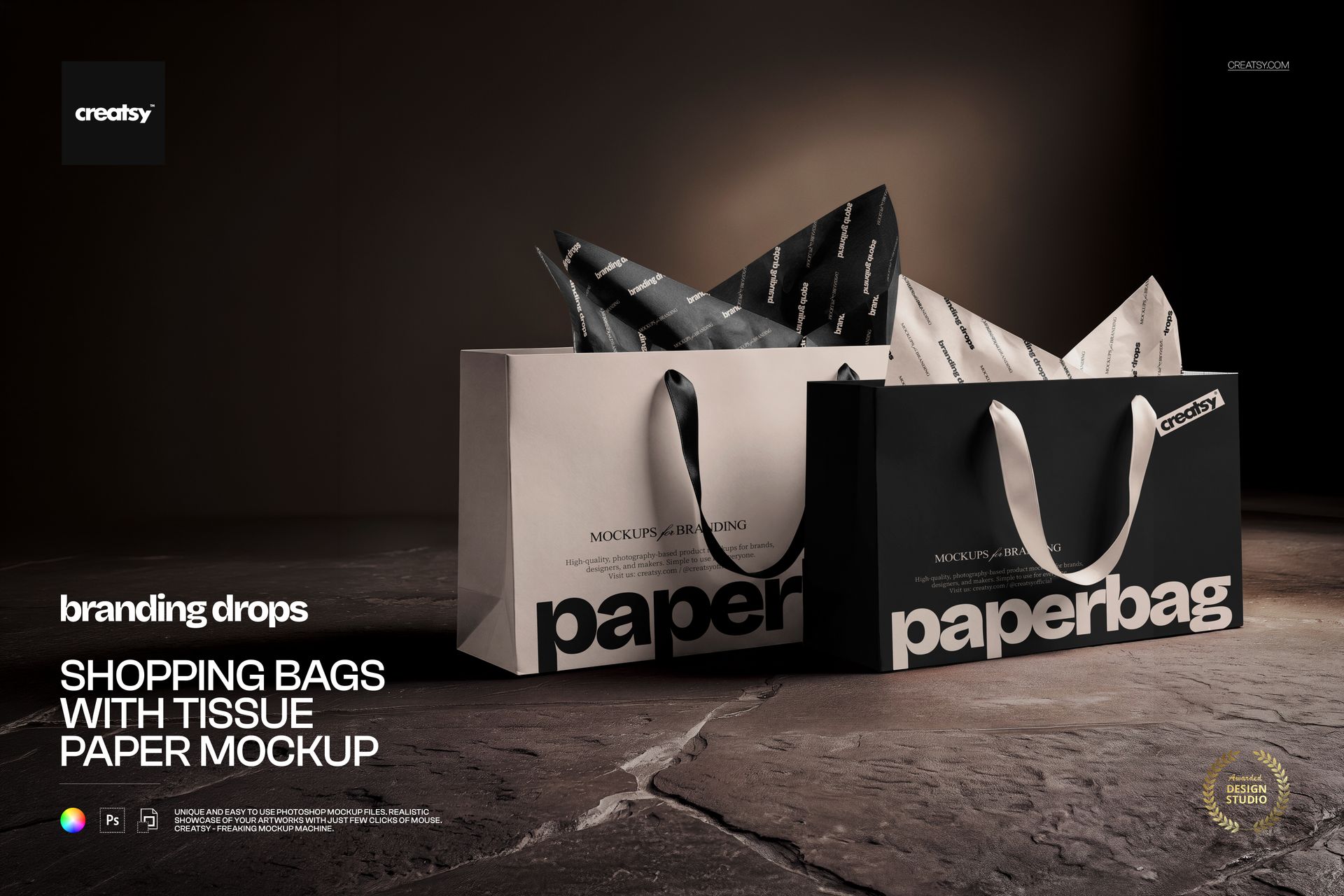
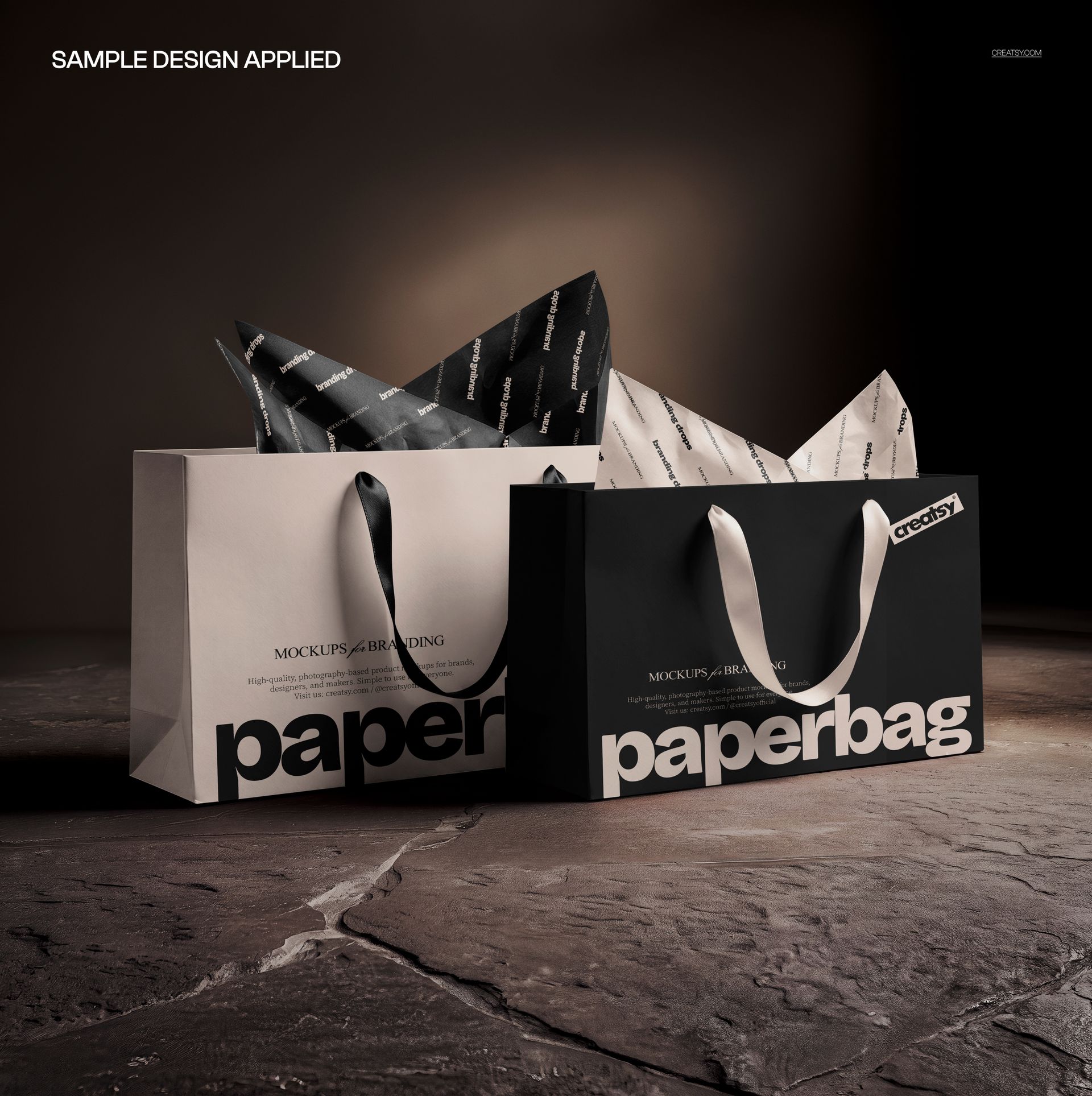
Make the bag and the tissue work as one identity. Two paper shopping bags with projecting tissue paper sit on a textured stone surface, lit by a warm directional spotlight against a darker backdrop. The square composition puts coordinated packaging details at the center of the image.
This shopping bags with tissue paper mockup lets you present both the outer carrier and the wrapping inside. A restrained logo on the bag can sit alongside a livelier repeat on the tissue, giving a client a clear view of the complete visual pairing.
What Is Included
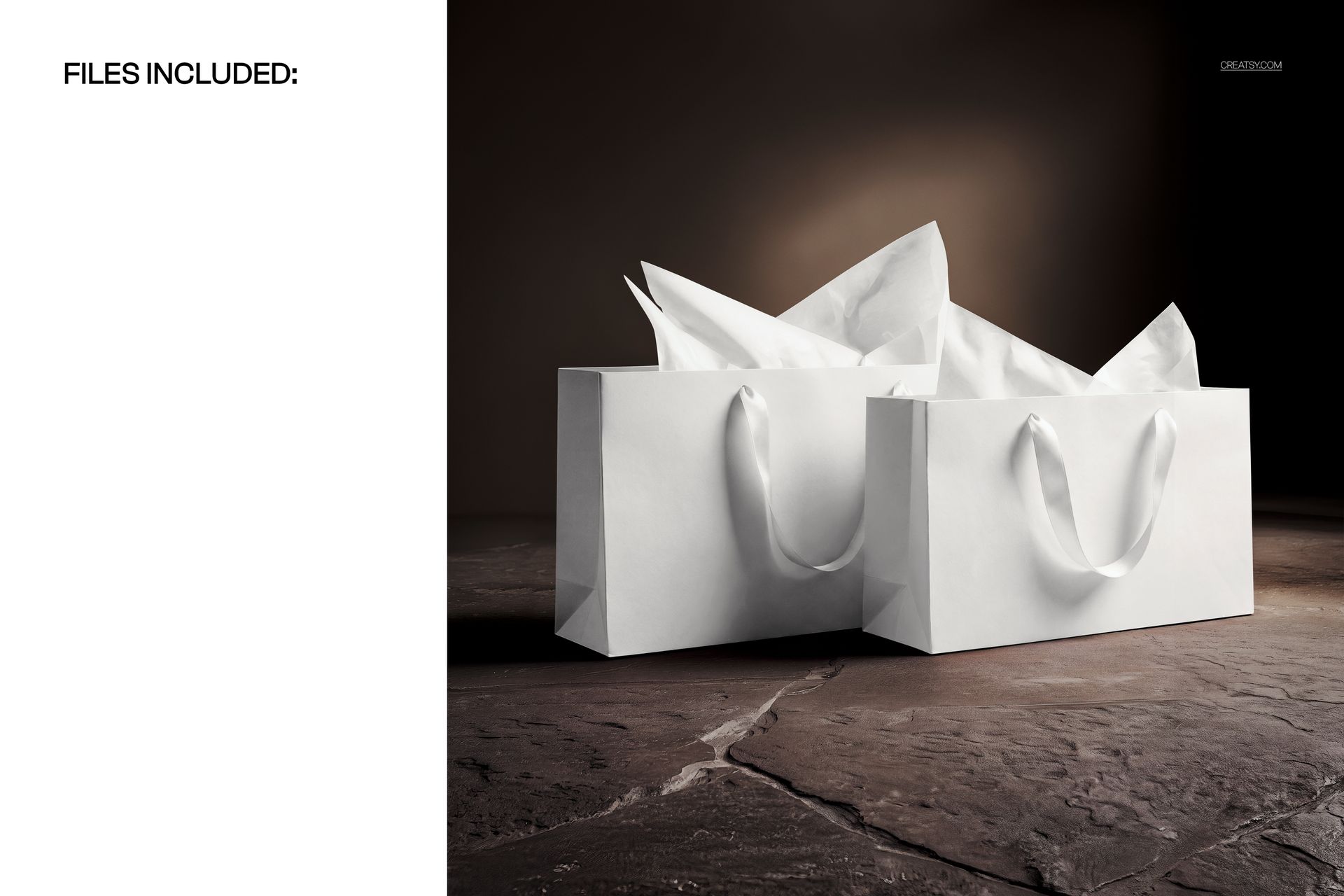
1 layered PSD mockup and 1 JPG preview, 2 files in total.
Square 4500 × 4500 px canvas at 300 DPI.
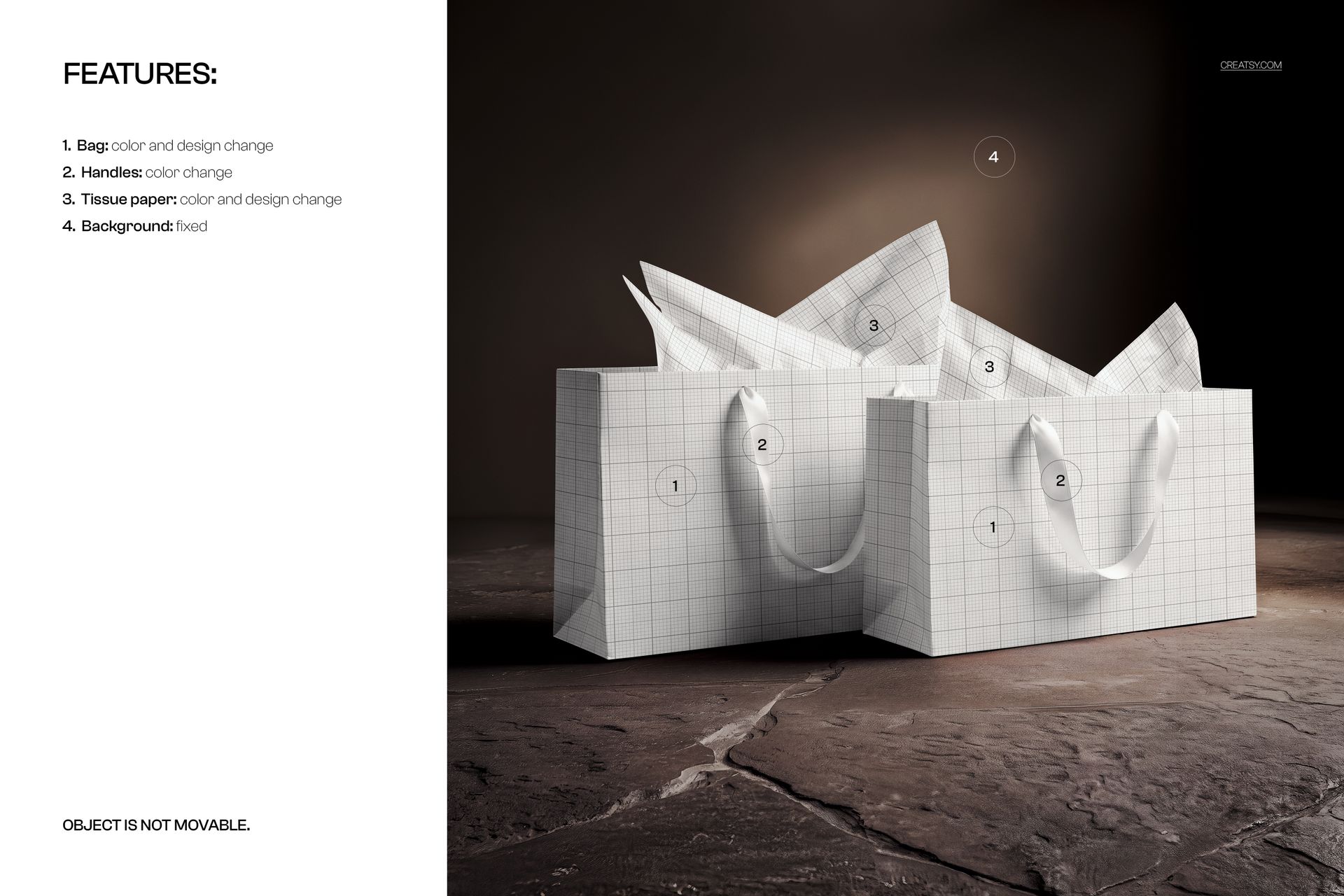
Bag color and design editing, handle color control, and tissue paper color and design editing.
Coordinate Three Packaging Details
Balance the bag artwork, handle color and tissue pattern as a system. The tissue folds give a useful view of how a repeat reads when its surface is no longer flat, while the bag panels provide a calmer area for a logo or key graphic.
Easy Smart Object Editing
Place your artwork into the relevant Smart Objects in Adobe Photoshop CC2020 or newer, or Photopea. Adjust bag and tissue colors, then use the handle color to tie the palette together. The background is fixed and the objects cannot be moved.
Perfect For
Boutique brands, gift retailers, packaging designers and surface pattern designers presenting coordinated carrier bags and decorative tissue paper.
Digital mockup files only. No physical bags or tissue paper are supplied, and the sample artwork is not included.