Muertos Picture Frame Halloween Mockup
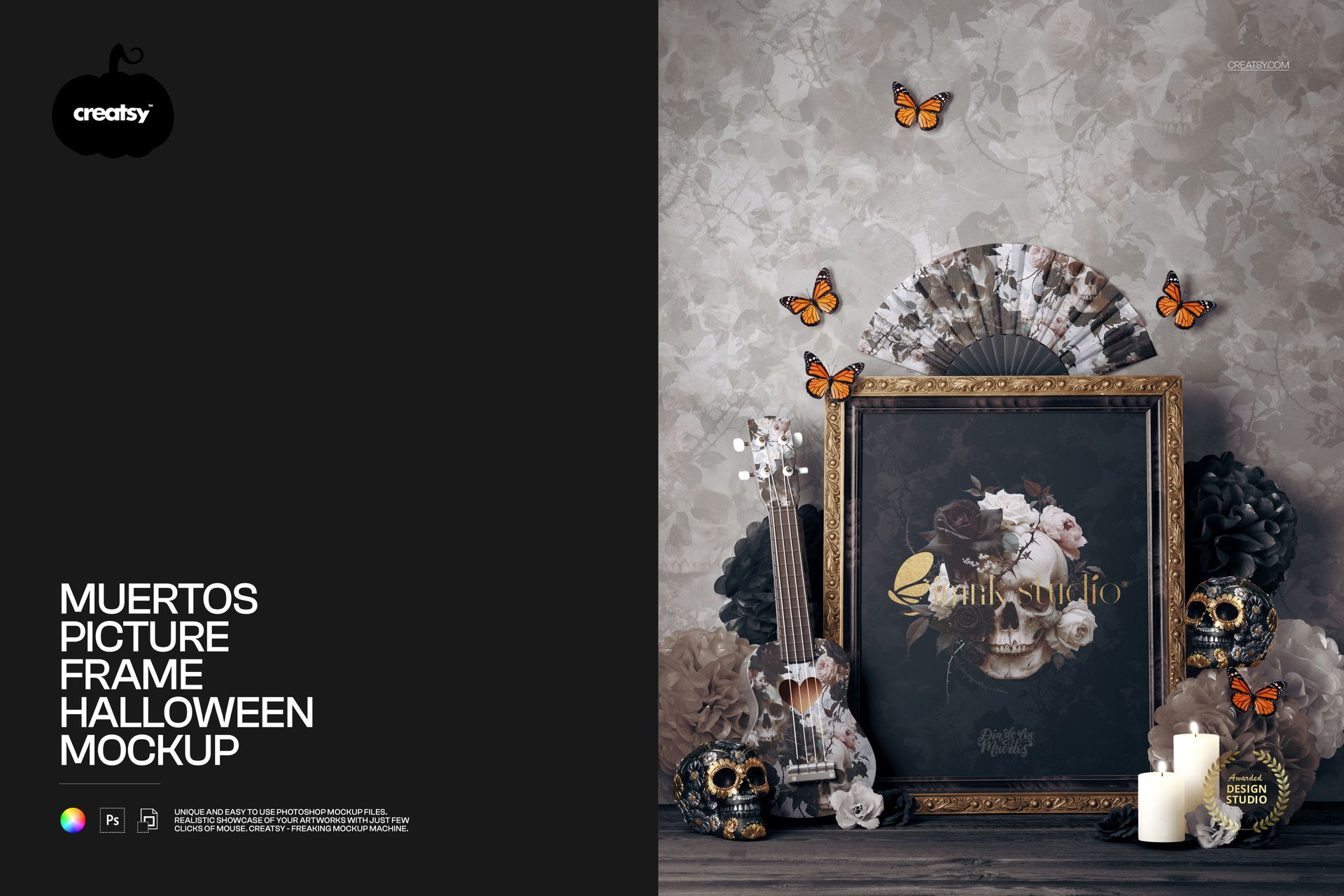
An ornate portrait frame sits among decorated skulls, candles, flowers, butterflies and a ukulele in this Muertos-inspired scene. Present dark floral illustrations, expressive portraits or seasonal lettering with a styled setting that gives the artwork context beyond a plain wall.
The frame remains the focal point, while editable designs on the wall, hand fan and ukulele let you carry a visual theme across the composition. Compare a restrained backdrop with a coordinated pattern to see which treatment supports your print most clearly.
What Is Included
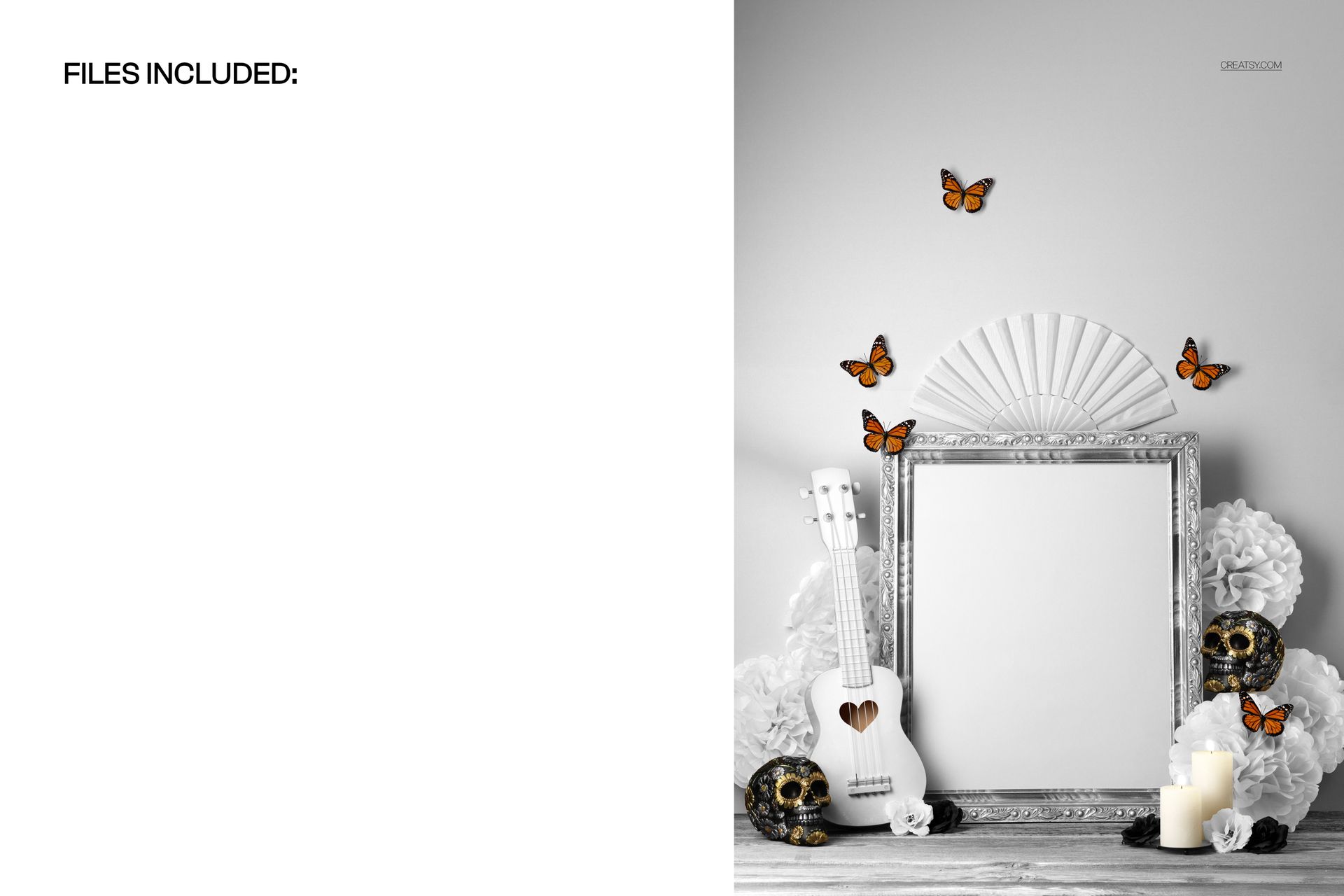
1 layered PSD mockup with one fixed, front-facing scene.
1 JPG preview, 2 files in total.
Organized layers for the documented artwork and color changes.
Coordinate the Frame and Its Surroundings
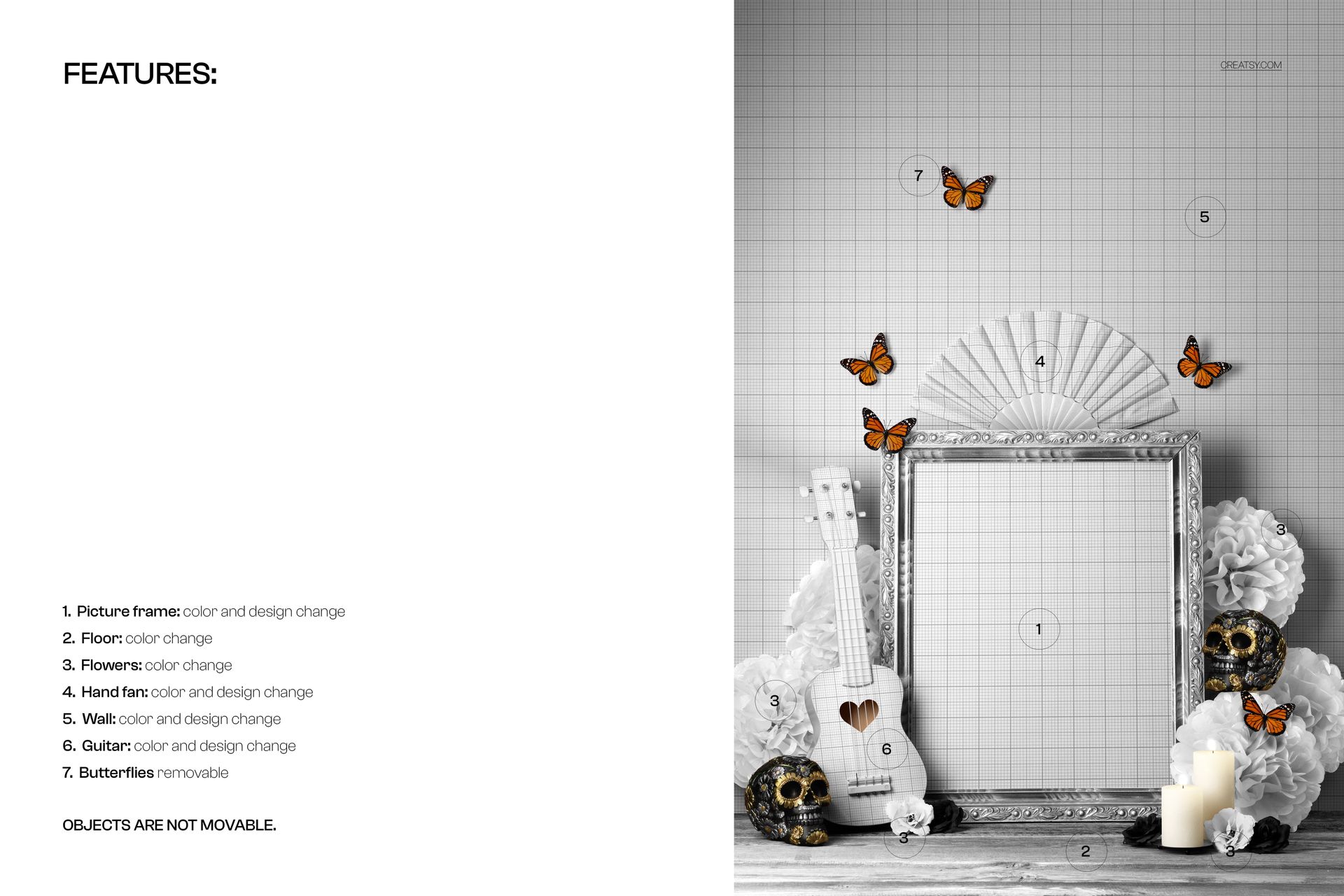
Change the picture-frame color and displayed design, the colors of the floor and flowers, and the colors and designs of the hand fan, wall and ukulele. Butterflies can be removed. Objects are not movable, so this is a prepared composition rather than a scene-building kit.
Easy Smart Object Editing
Open the PSD in Adobe Photoshop CC2020 or newer, or in Photopea. Place your artwork into the relevant Smart Object, save that object and return to the scene to review the result. Use the organized layers to refine the available colors around your artwork.
Perfect For
Use the scene for Halloween art-print previews, Muertos-inspired illustration portfolios, seasonal campaign imagery and coordinated surface-pattern presentations. It is especially useful when you want an expressive portrait-format display surrounded by decorative detail.
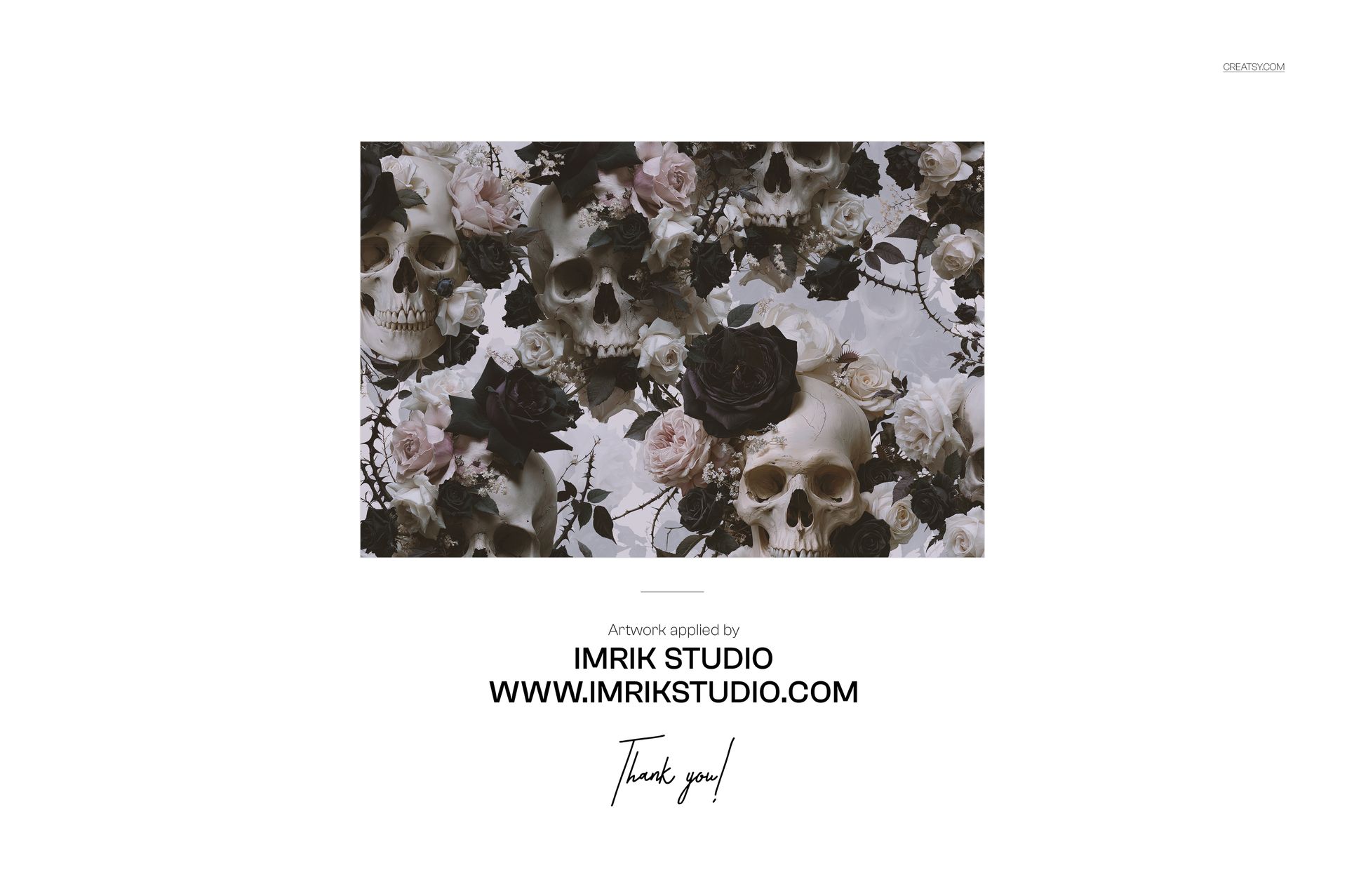
This is a digital mockup, not a physical frame or decor set. The example artwork by Imrik Studio is shown for presentation only and is not included.