Day of the Dead Table Setting Mockup
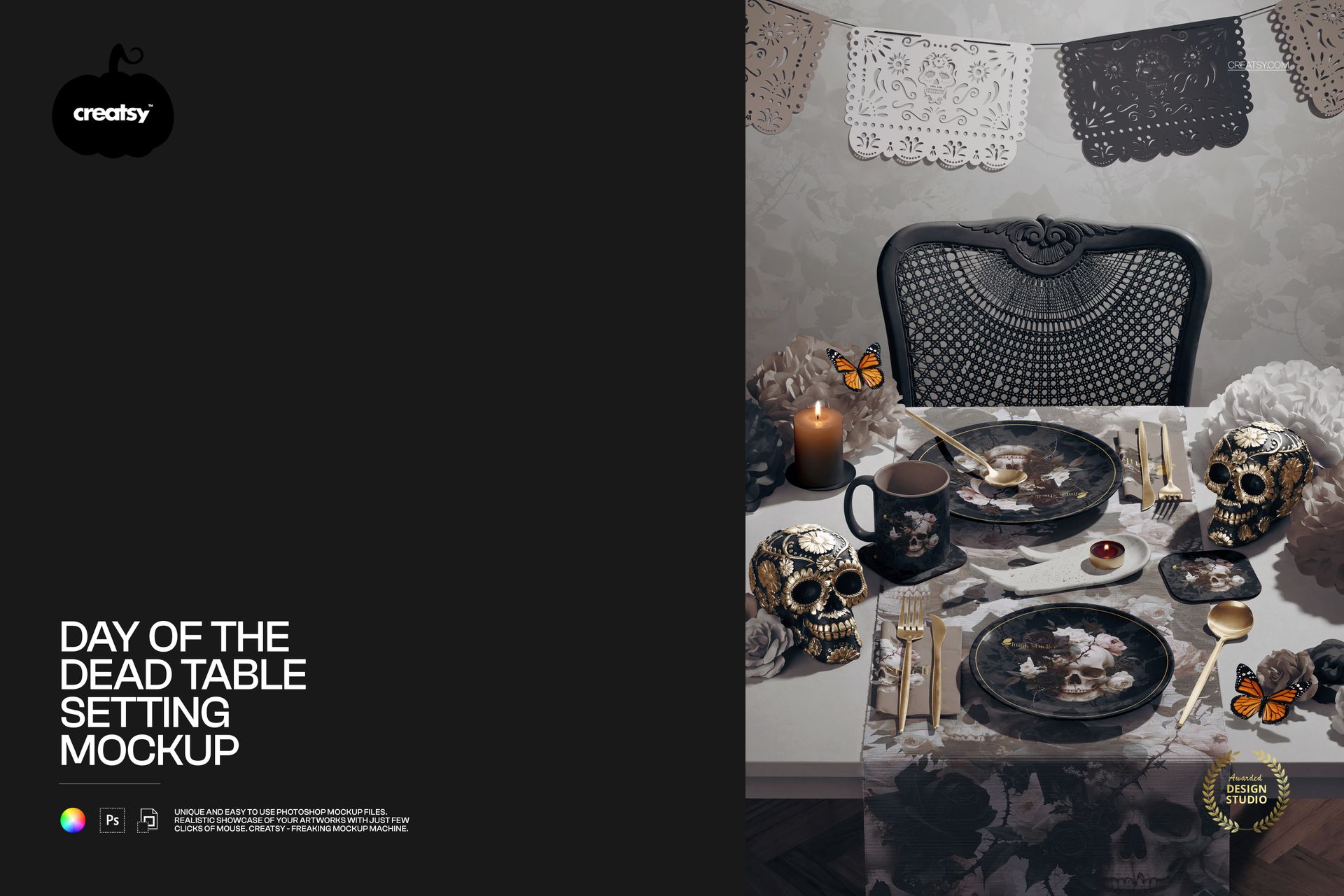
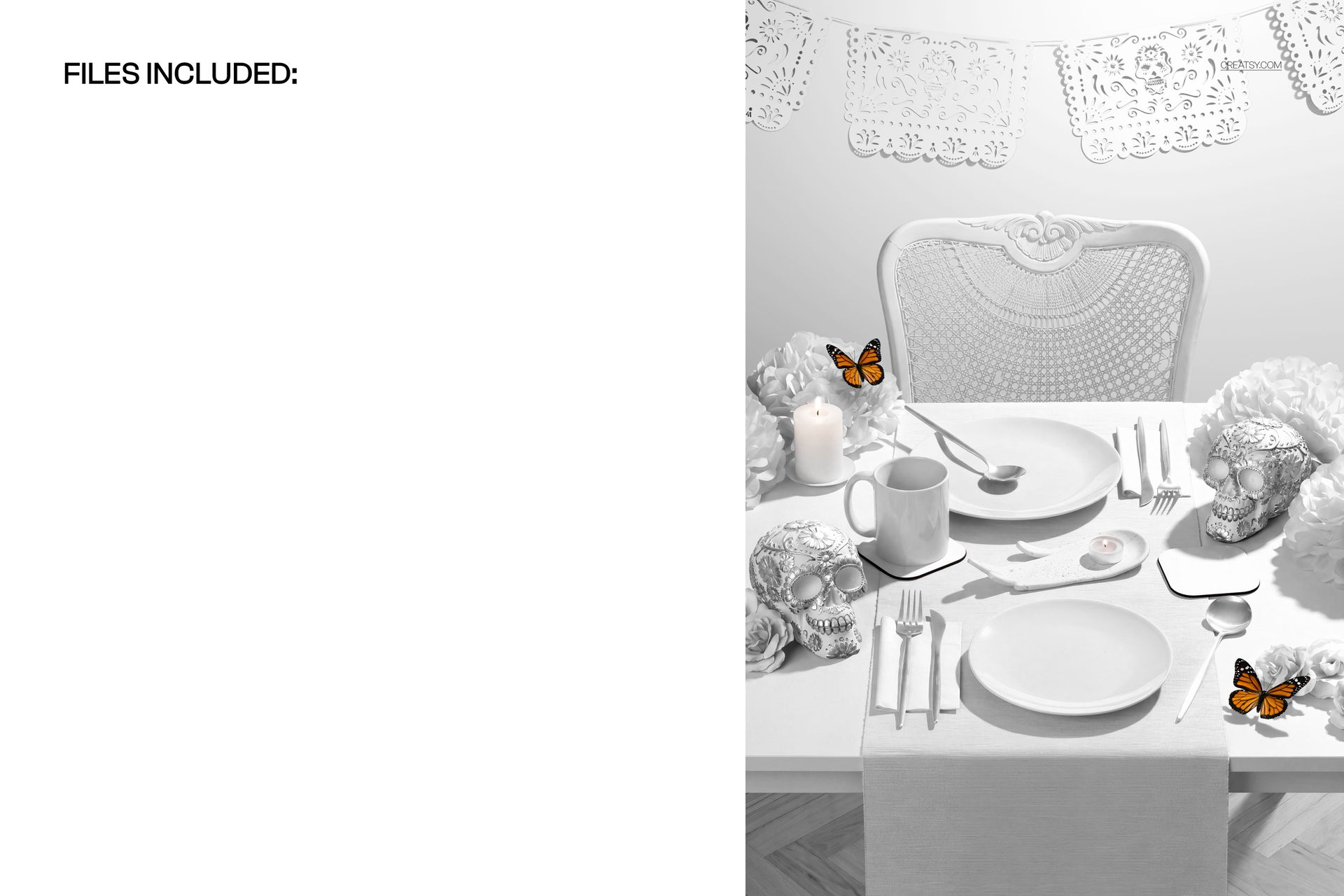
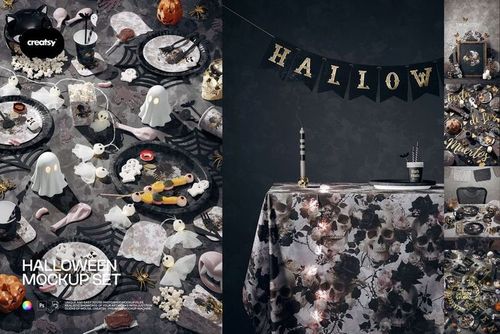
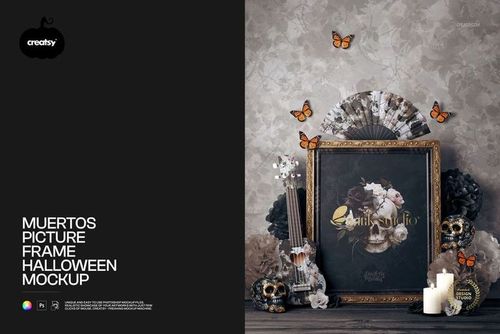
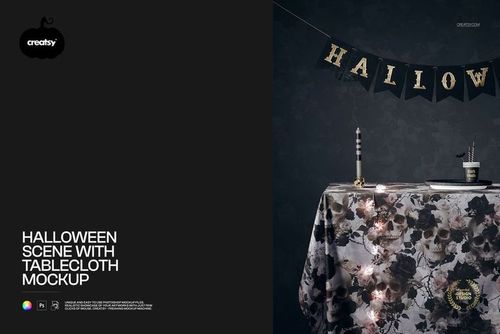
A table runner drops over the front edge while two place settings, a mug and coasters bring a coordinated collection into view. Decorated skulls, flowers, candles and a papel picado banner give this Day of the Dead-inspired scene its character. The angled view shows both the tabletop and the hanging textile, making it useful for presenting a pattern across flat, folded and curved surfaces.
What Is Included
1 layered PSD containing one prepared table-setting scene.
1 JPG preview, 2 files in total.
Organized layers for the documented artwork and color adjustments.
Coordinate the Runner, Napkins, Mug and Coasters
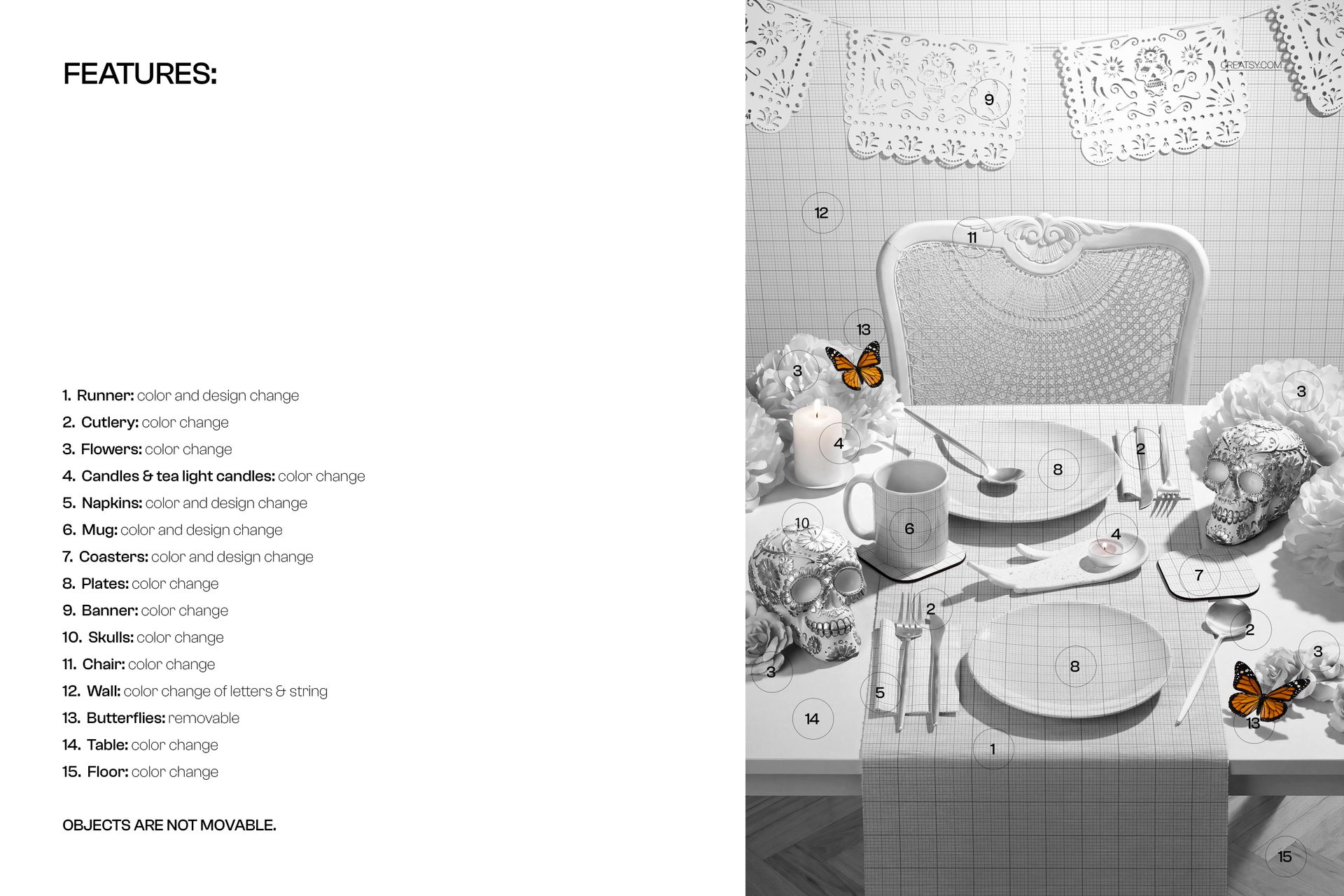
These four element types support both color and design changes. Use a larger repeat on the runner, a smaller companion pattern on the napkins and a single motif on the mug or coasters to show a collection without making every surface identical.
Style the Surrounding Details
Color controls are listed for the cutlery, flowers, candles and tea lights, plates, banner, skulls, chair, table and floor. The butterflies can be removed. Objects are not movable, so you work within the supplied composition rather than building a new arrangement.
Edit in Photoshop or Photopea
Open the PSD in Adobe Photoshop CC2020 or newer, or in Photopea, and use the organized layers to apply your designs to the supported surfaces. Check the result in the full scene as well as in a closer crop before exporting your presentation.
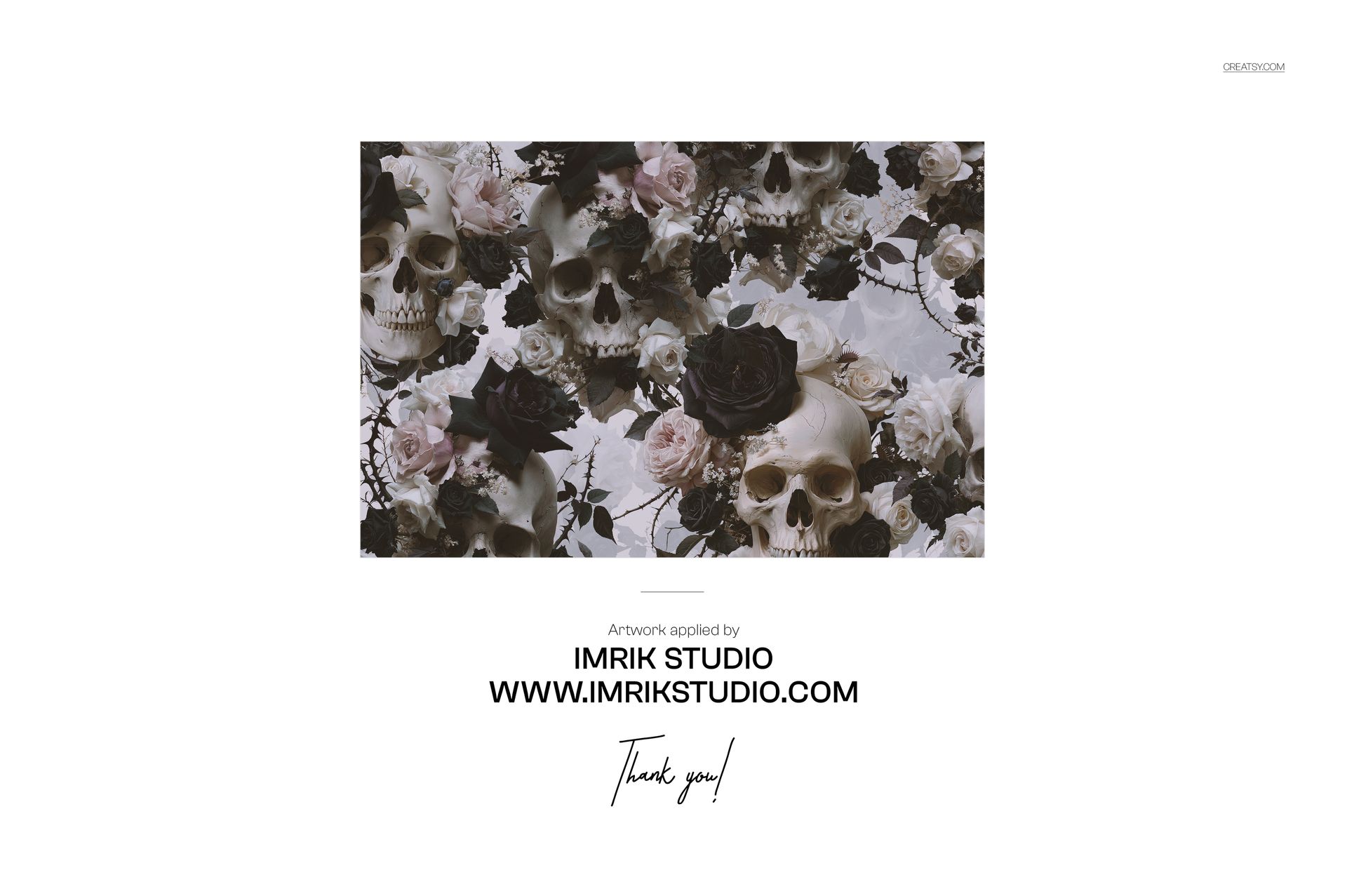
This digital mockup suits surface pattern designers, table linen brands, drinkware designers and studios developing coordinated seasonal collections. No physical items are supplied, and the sample artwork is not included.