Shopping Bag in Hand Mockup
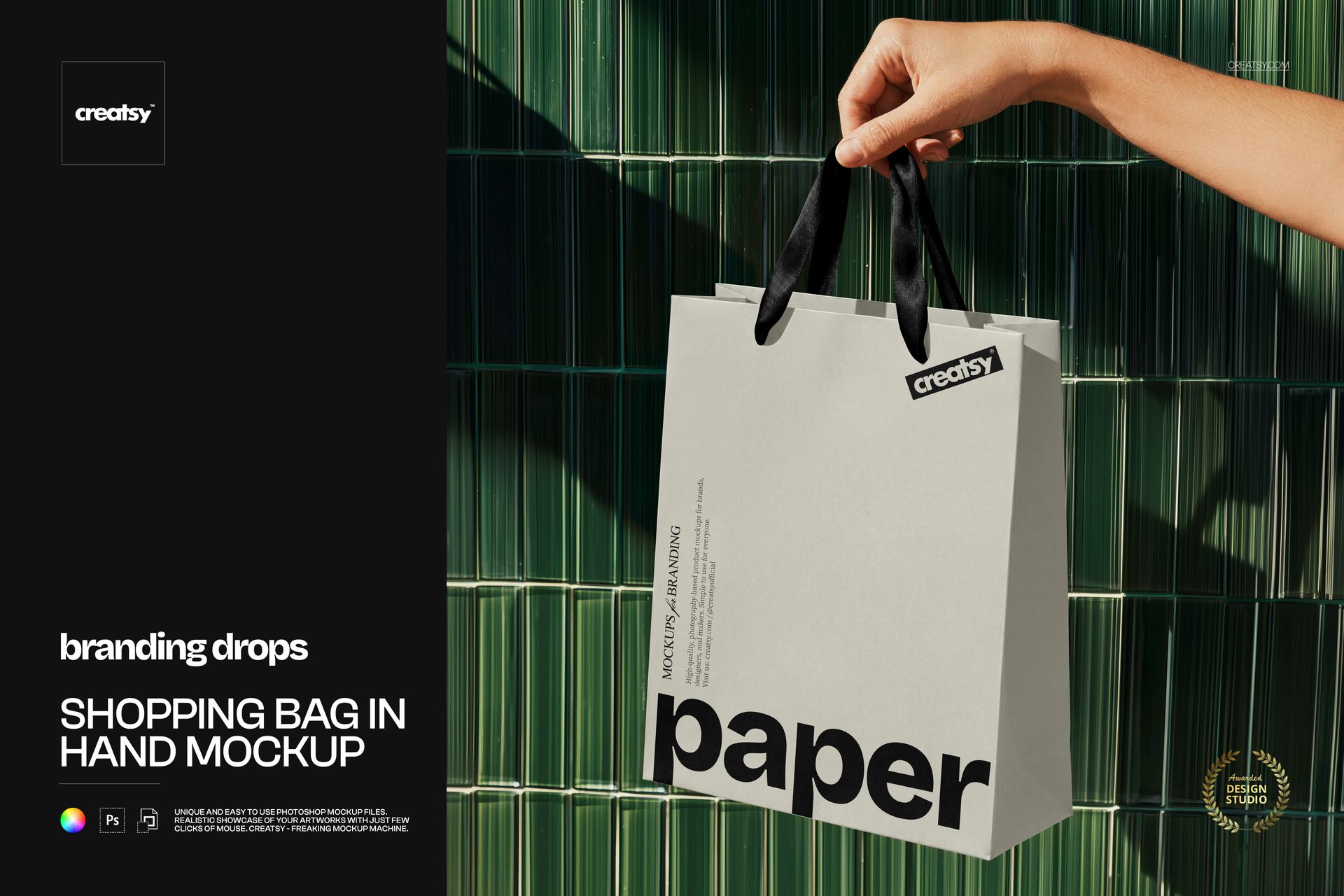
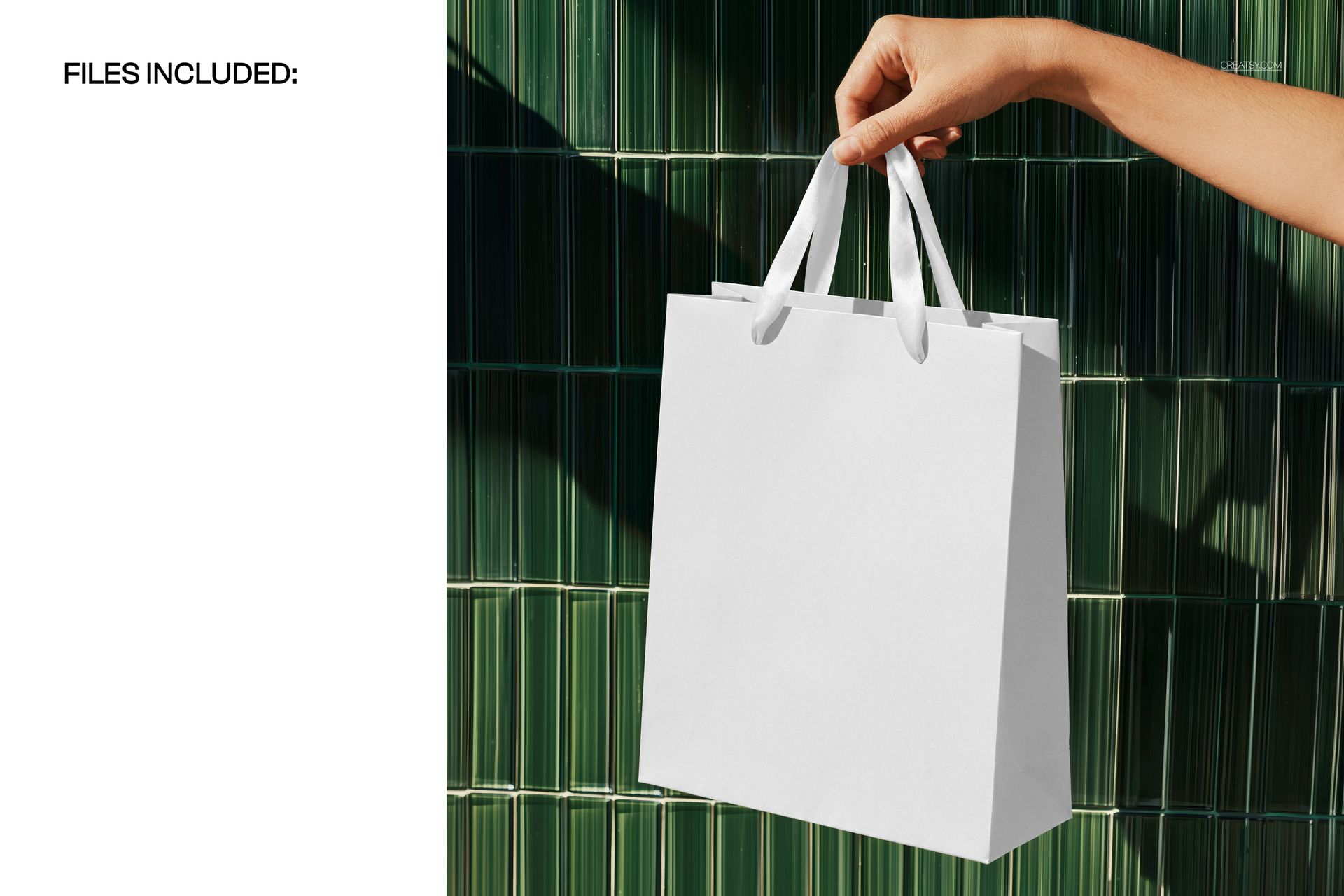
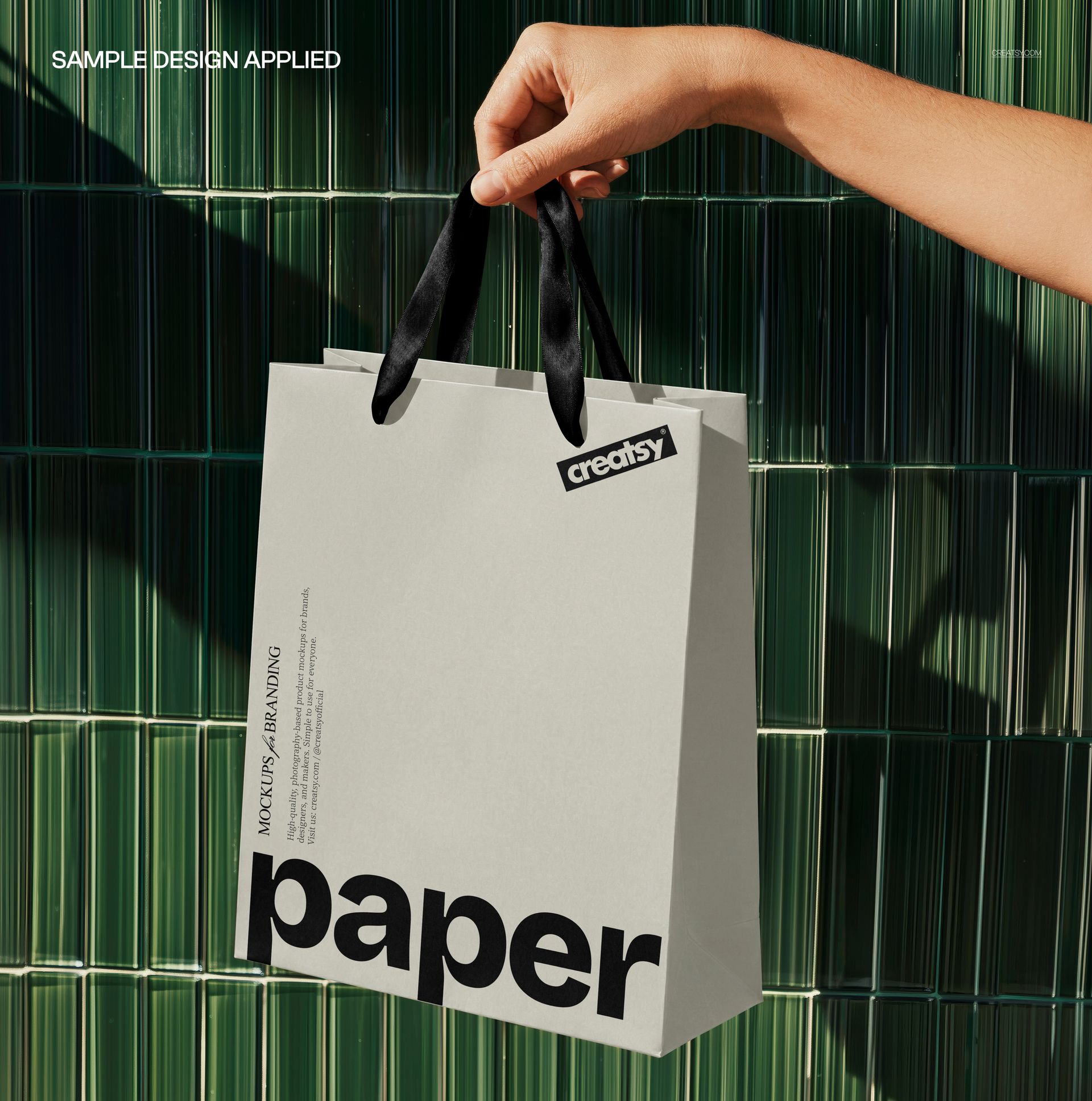
Bring a retail identity into a moment of everyday use: a hand lifts a paper shopping bag by its ribbon handles in front of deep green, vertically ridged tiles. Sunlight and diagonal shadows give the scene a distinct setting, while the visible front and side of the bag show how a design reads beyond a flat layout.
What Is Included
1 layered PSD with one editable shopping bag scene
4500 × 4500 px at 300 DPI, square format
1 JPG preview, 2 files in total
Coordinate the Paper and Ribbon Handles
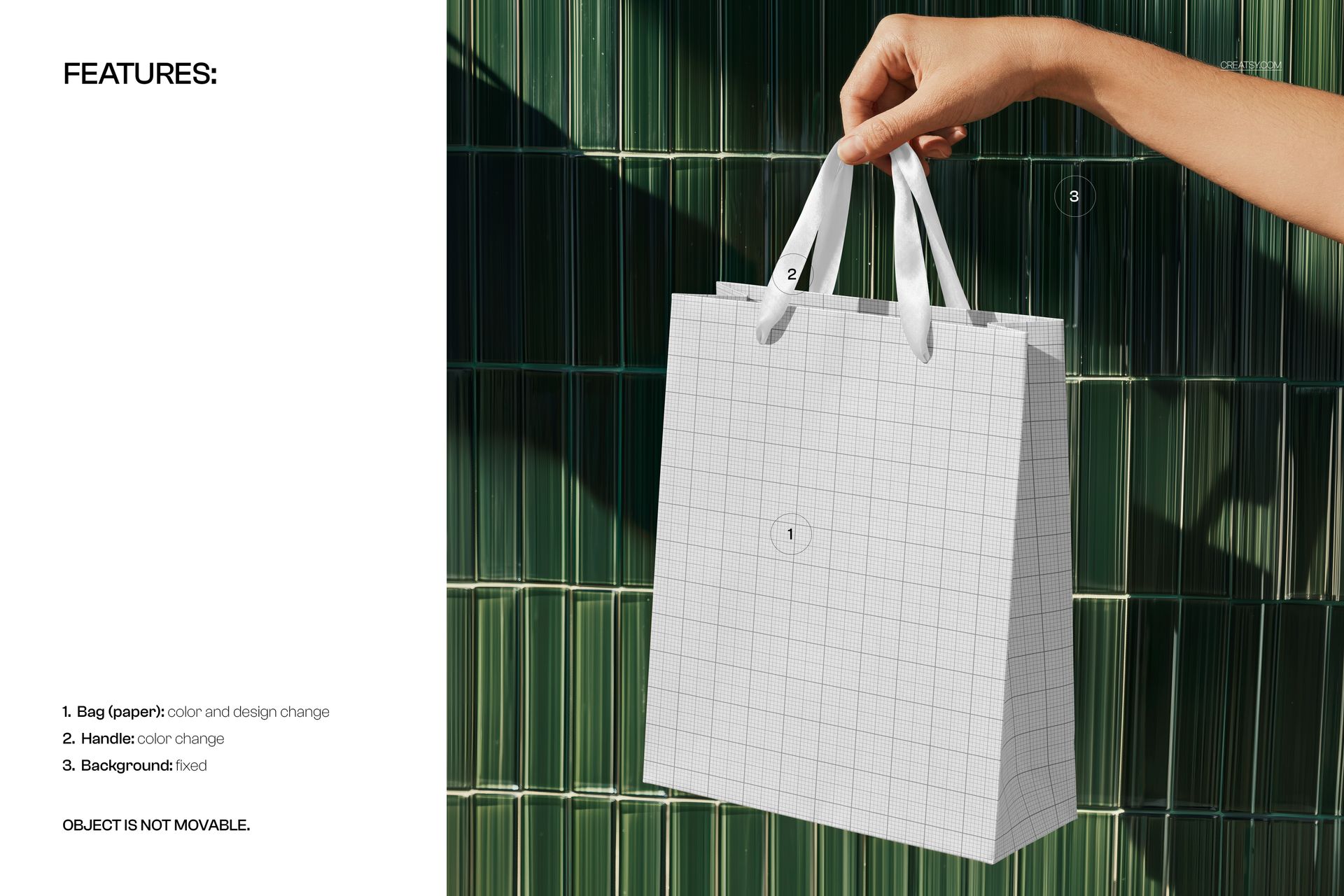
Change the paper color and bag artwork, then adjust the handle color to complete the look. Compare a quiet logo placement with a larger graphic, or explore how an accent-colored handle changes the balance of the same design. The green tile background and the position of the bag are fixed.
Easy Smart Object Editing
Open the PSD in Adobe Photoshop CC2020 or newer, or in Photopea. Replace the artwork through the Smart Object, save it and return to the main composition. The well-organized layers keep the available color adjustments easy to find.
Perfect For
Boutique, fashion and beauty retail branding presentations
Paper bag logos, illustrations and repeat patterns
Client proposals and portfolios that need a hand-held packaging view
This is a digital mockup, not a physical shopping bag. Sample artwork shown in the previews is not included.