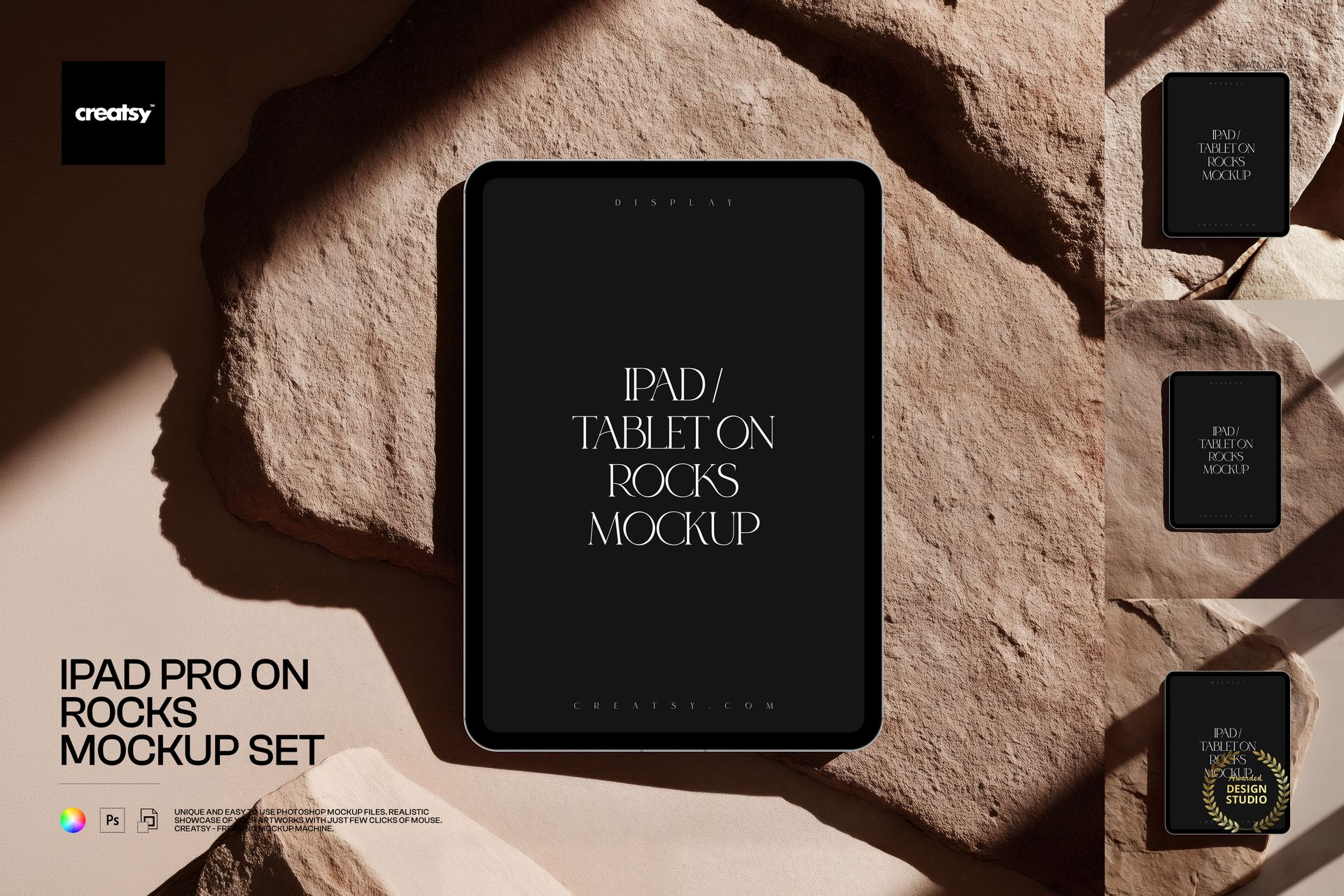
iPad Pro on Rocks Mockup Set

ID: 1776896341 | Updated: Sep 25, 2026

Product Details

Present Your Screen Design in a Natural, Editorial Setting

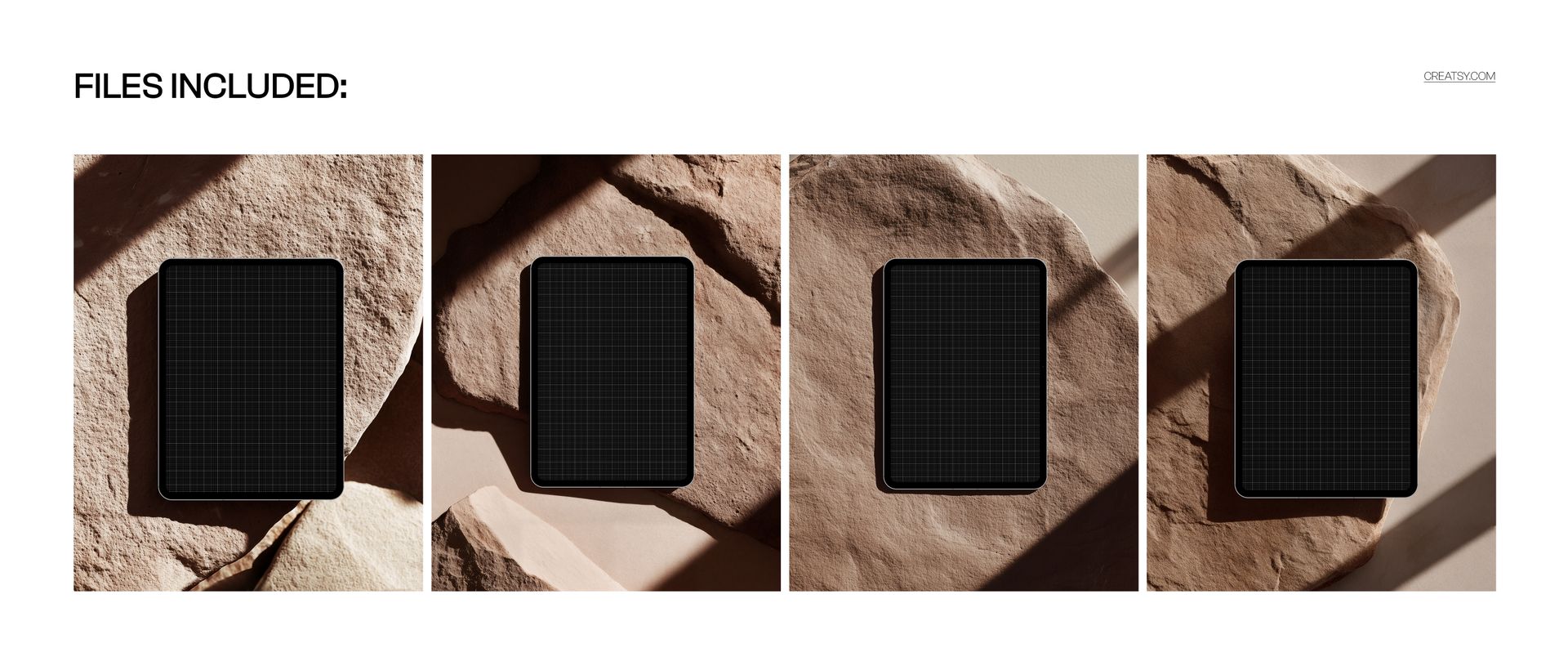
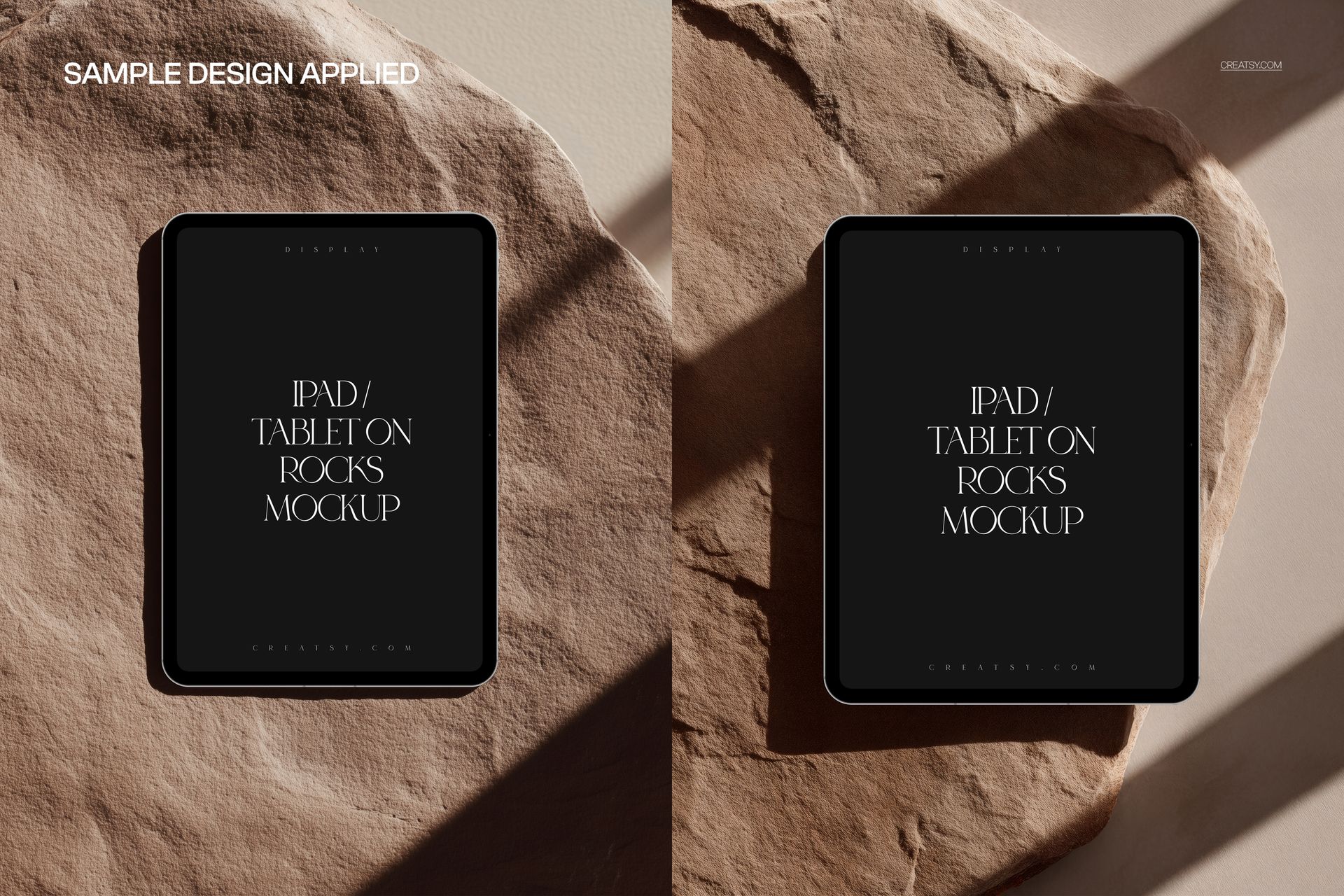
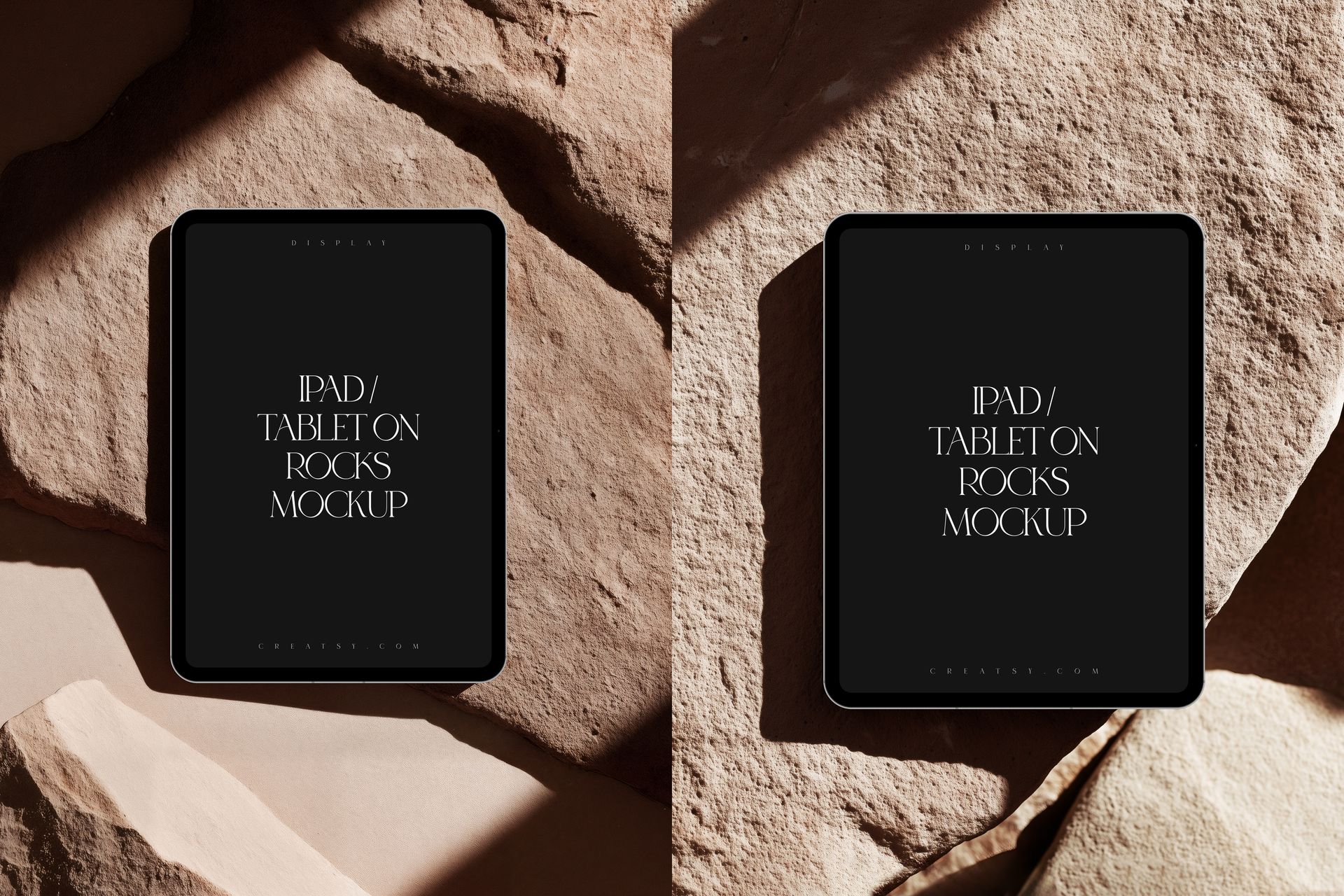
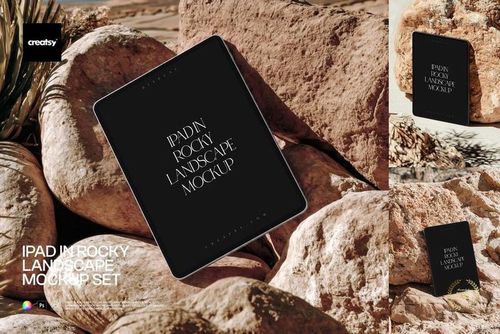
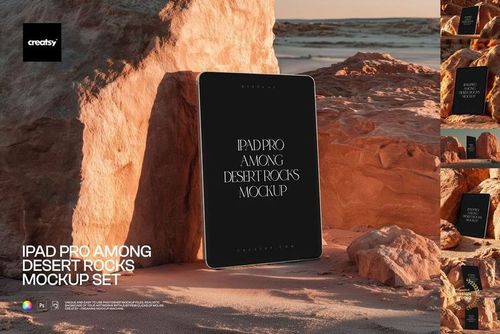
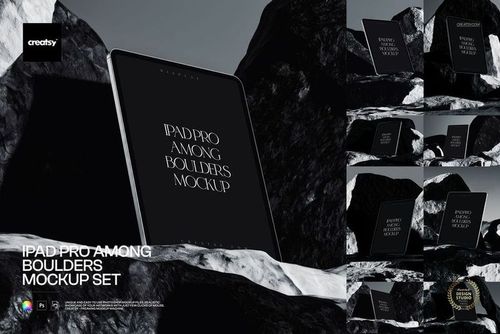
Give apps, user interfaces, websites and digital artwork a distinctive outdoor presentation with the iPad Pro on Rocks Mockup Set. Four high-resolution scenes place the tablet among warm, textured stones, natural sunlight and deep shadows for a premium editorial look.

The neutral earth-tone setting keeps attention on your screen design while adding depth, atmosphere and a tactile sense of place. Use the mockups to create portfolio images, product launches, campaign visuals and polished client presentations without arranging a photo shoot.

What Is Included

  • 4 layered PSD mockup files

  • 4 matching JPG preview files

  • 4800 x 6000 px resolution

  • 300 DPI

  • Compatibility with Adobe Photoshop CC 2020 or newer and Photopea

Easy Screen Customization

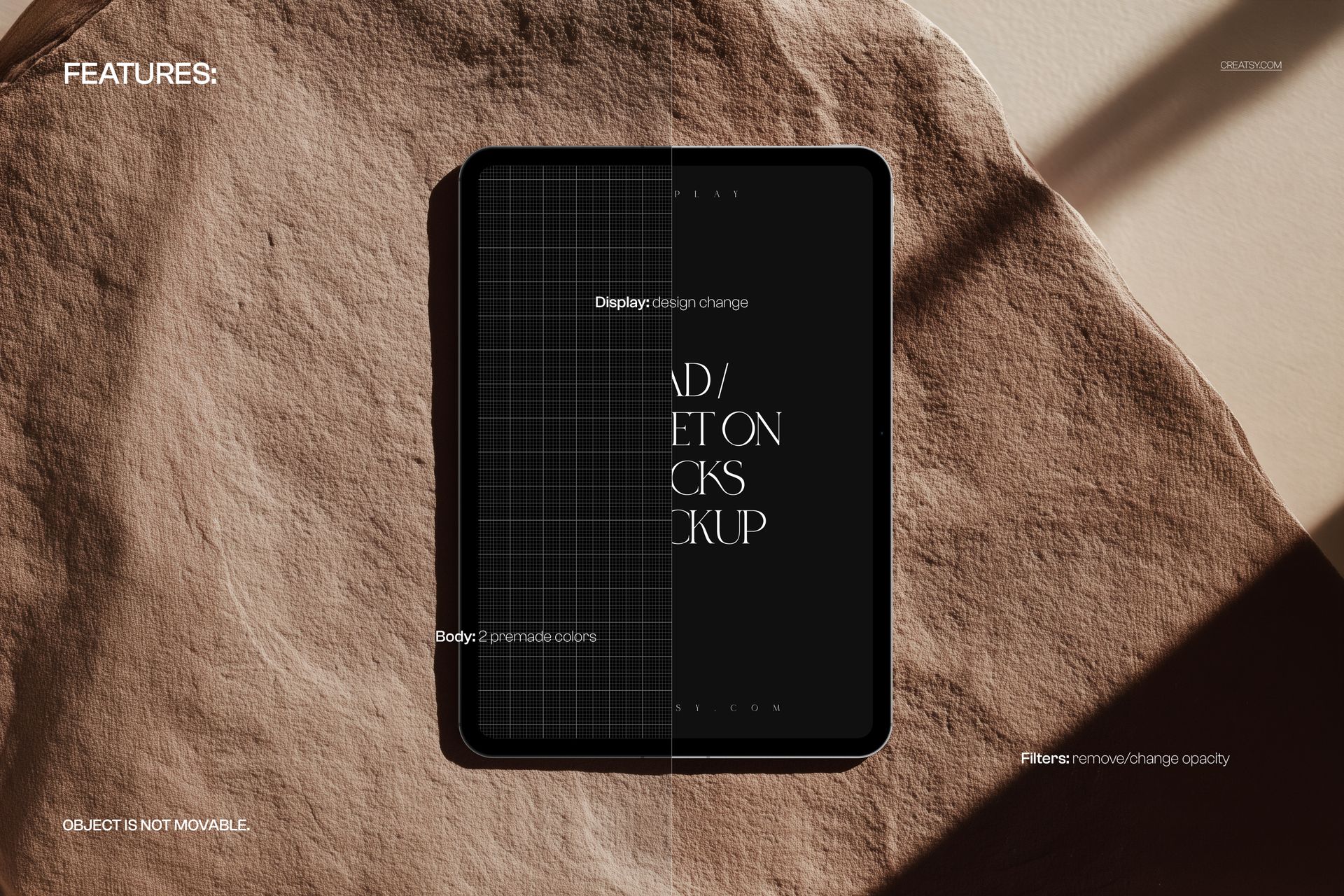
Open the Smart Object, insert your artwork and save to update the display while preserving the scene's realistic perspective, lighting and shadows.

  • Replace the screen design using a Smart Object

  • Choose between 2 premade device body colors

  • Remove filters or adjust their opacity

  • Navigate clearly organized layers

The tablet position is fixed in each photographed scene, so the original perspective, shadows and rock composition remain consistent.

Ideal For

  • iPad app presentations and UI or UX case studies

  • Website, landing page and dashboard previews

  • Digital art, photography and illustration portfolios

  • Brand campaigns, pitch decks and client approvals

  • Social media, online shop and launch graphics

Choose this set when your screen design needs a realistic device context with natural textures, warm colors and a refined editorial mood.

File details

Compatibility
PhotopeaAdobe Photoshop
Package size
298 MB298 MB|312 MB312 MB
Files type
.psd, .jpg
TEST FOR FREE

MEET THE SHOP

Creatsy logo

Creatsy

Poland
4.8 (686)

Bring your ideas to life.

We're a family-run studio in Katowice, Poland, making PSD mockups by hand since 2016. Everything in this shop starts in our own studio. We shoot the photography, build the 3D, and put together every Smart Object PSD ourselves - then we test it, organize the layers, and only ship it once it actually works...
GO TO SHOP

HOW IT WORKS

3 clicks. That's it.

No tutorial needed. If you can copy-paste, you can use this.

  1. 1OpenDouble-click the smart object inside the PSD - in Adobe Photoshop, or free in your browser with Photopea.
  2. 2PasteDrop in your pattern, print, or artwork. Any design, any style.
  3. 3SaveHit save and the mockup wraps it in for you - shadows, folds, and lighting included.

FROM IDEA TO IMAGE

Built for real workflows

Skip the photo shoot Show your artwork on the real product type for approvals or listings - no studio, no model, no sample.

See it on the product, not a swatch Drop your file into the smart object and the scene's lighting and folds wrap around it, so you judge the real thing before you commit.

Smart Objects

Edit once and you're done. Your artwork drops into a smart object and the mockup updates itself - no masking, no warping by hand.

Perfectly Organized

Named layers and folders you can actually navigate. Find what you need, change what you want, and get out fast.

Print-Ready

High-resolution files built to hold up on screen and in print. Exact size and DPI are in this product's Details above.