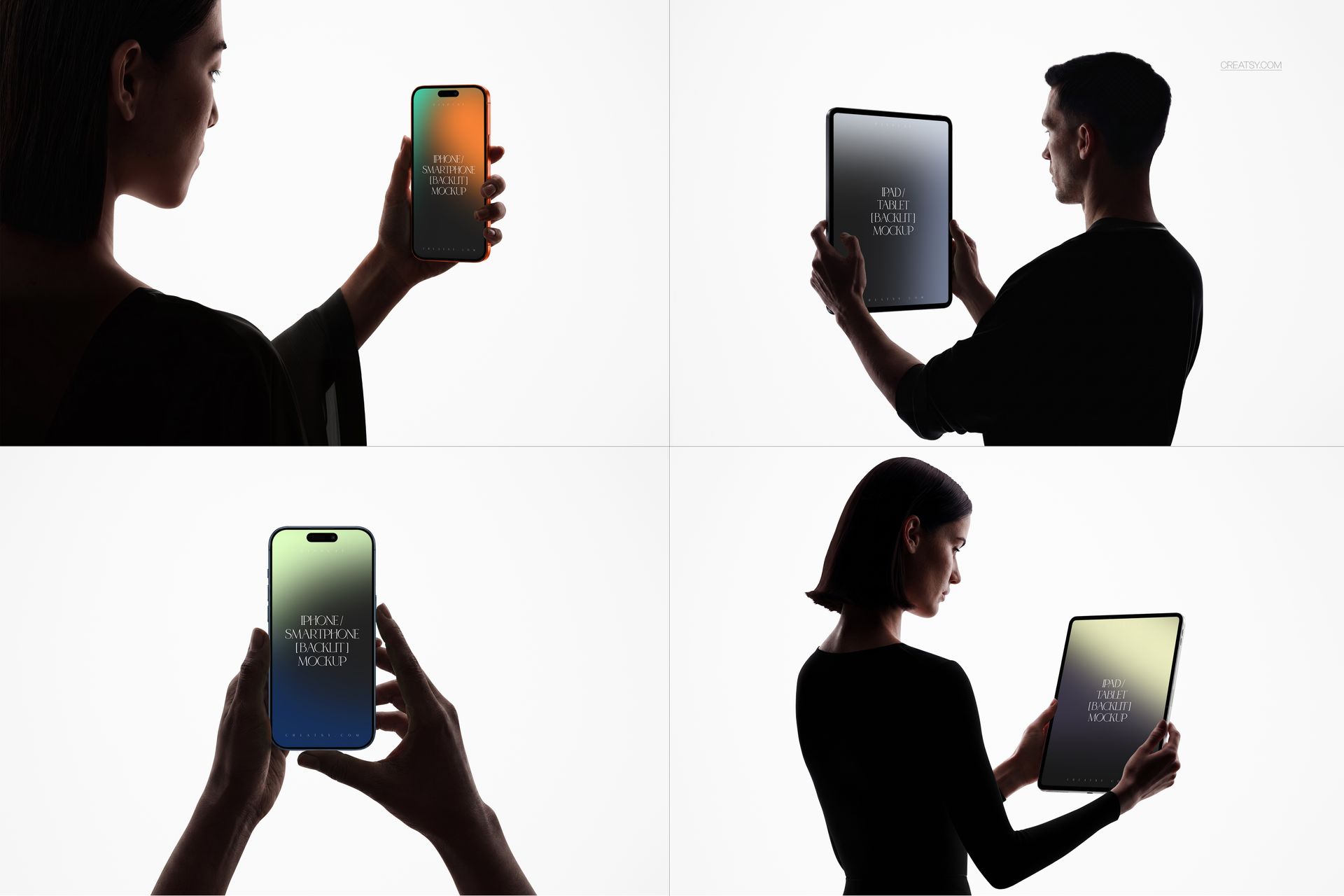
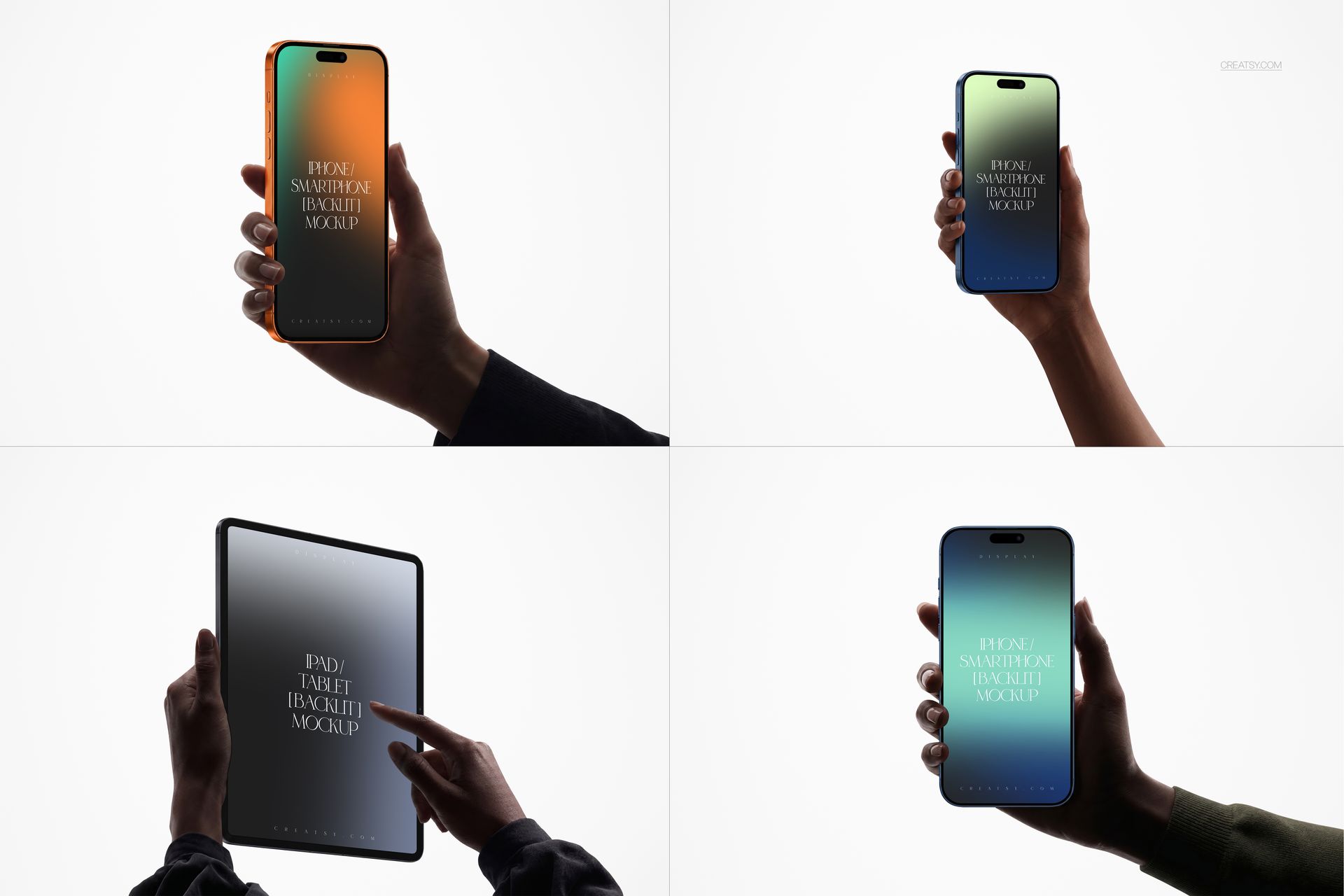
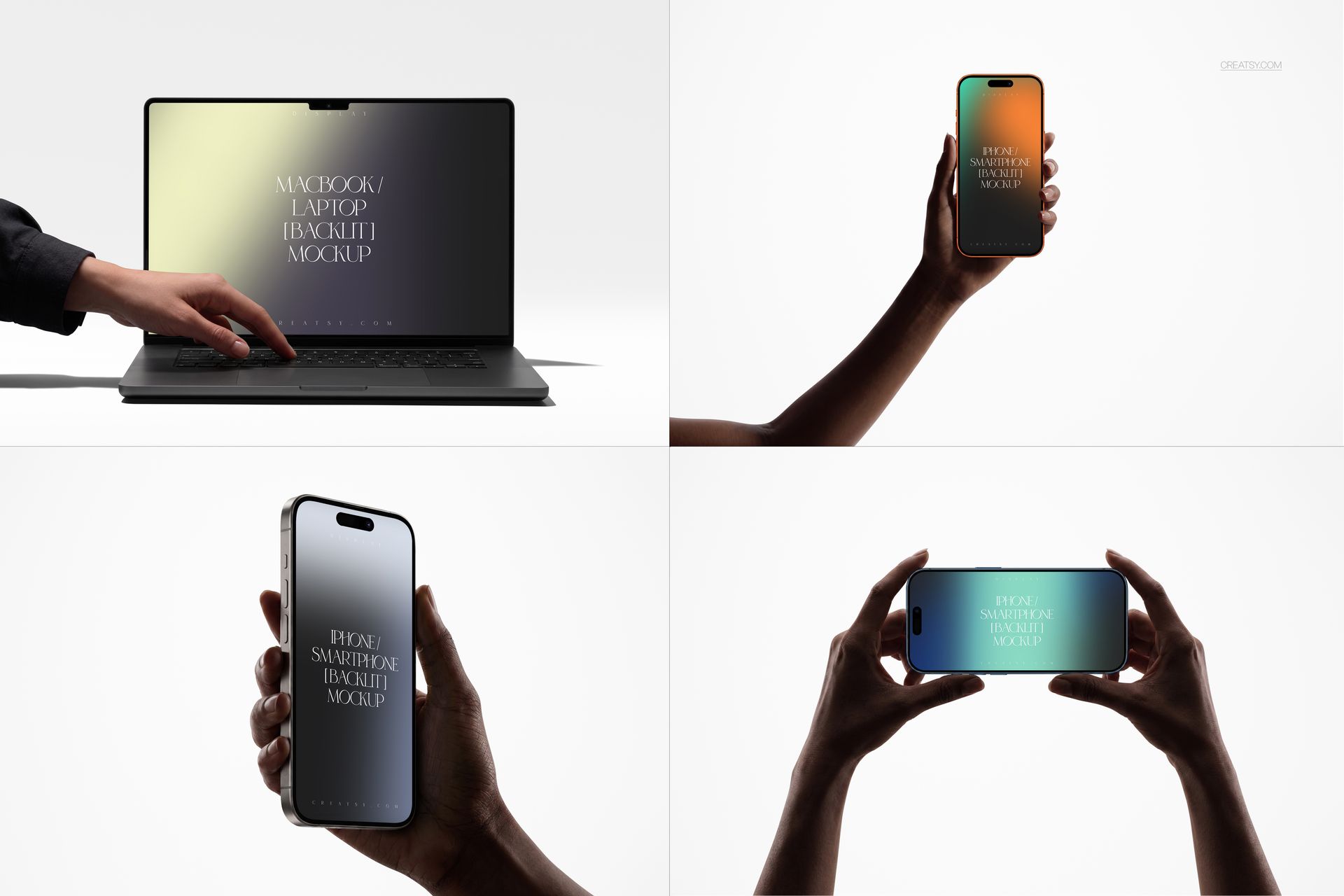
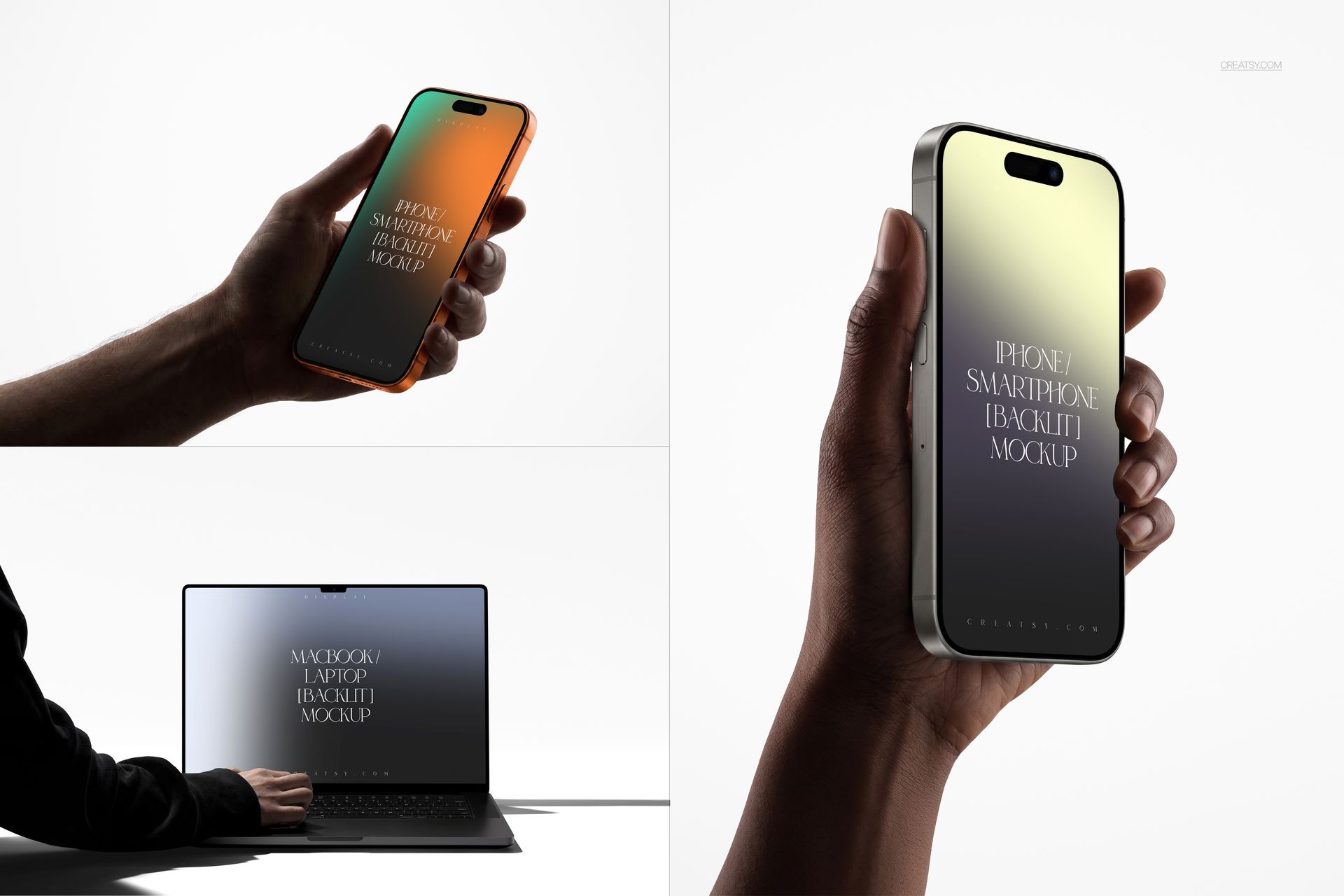
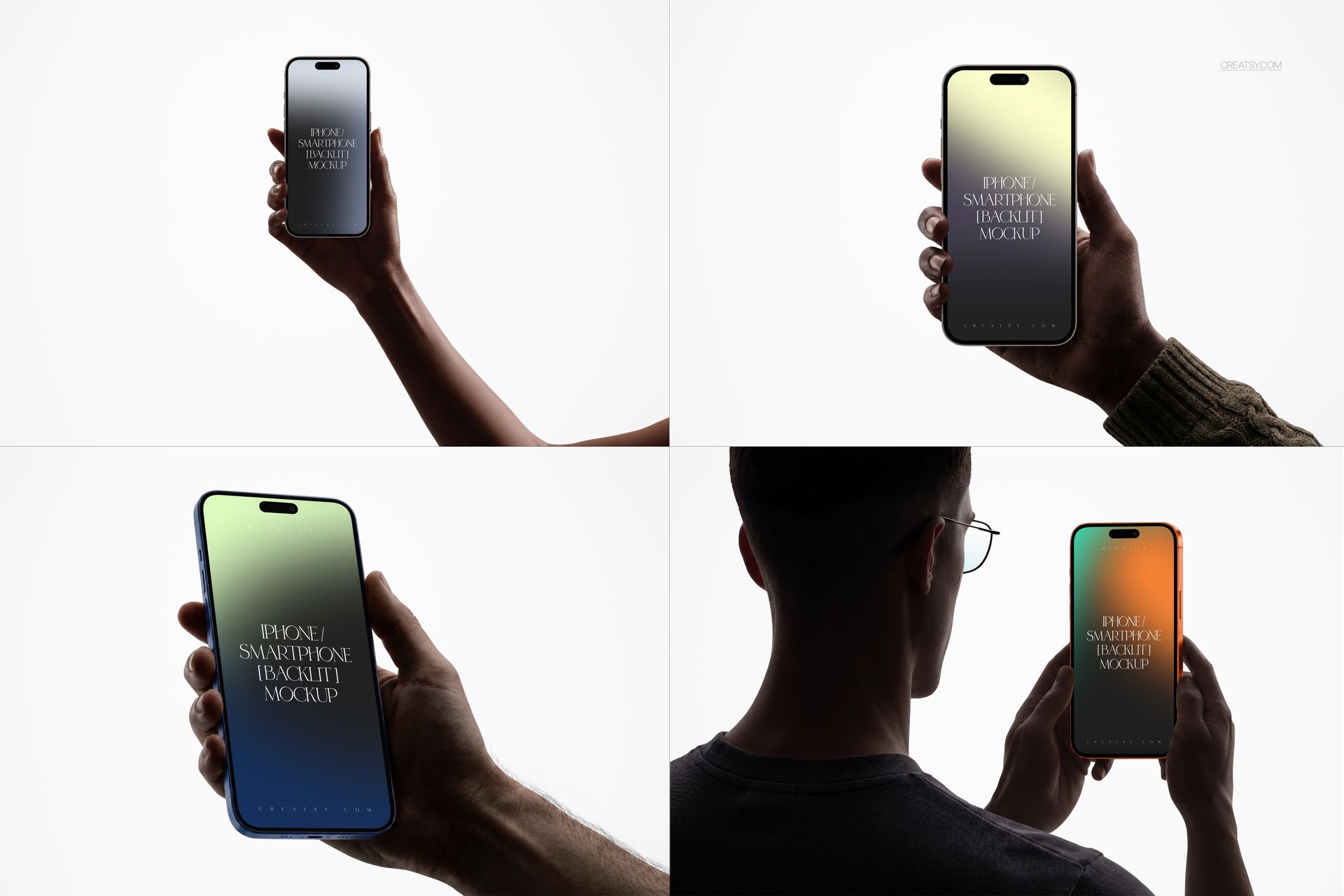
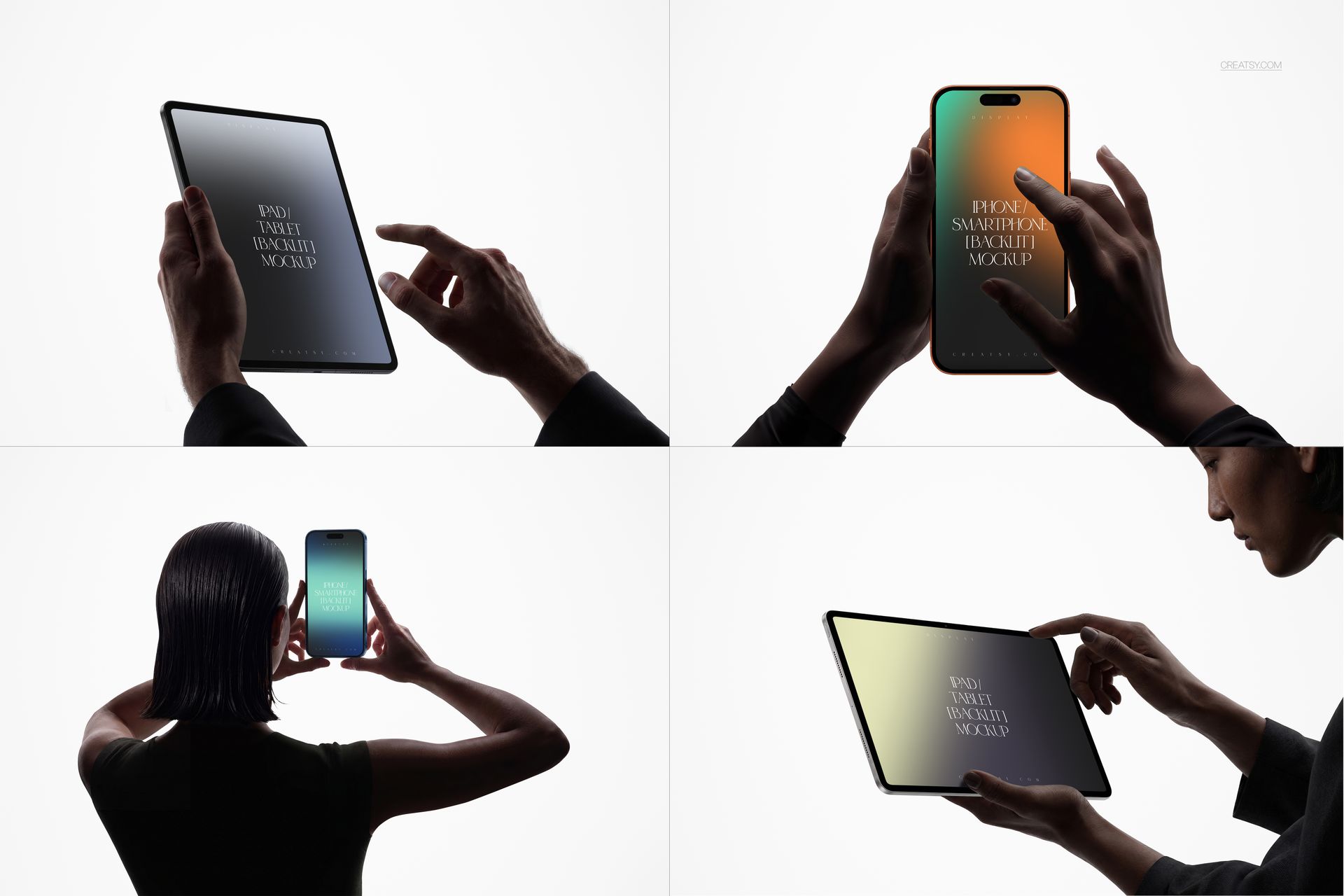
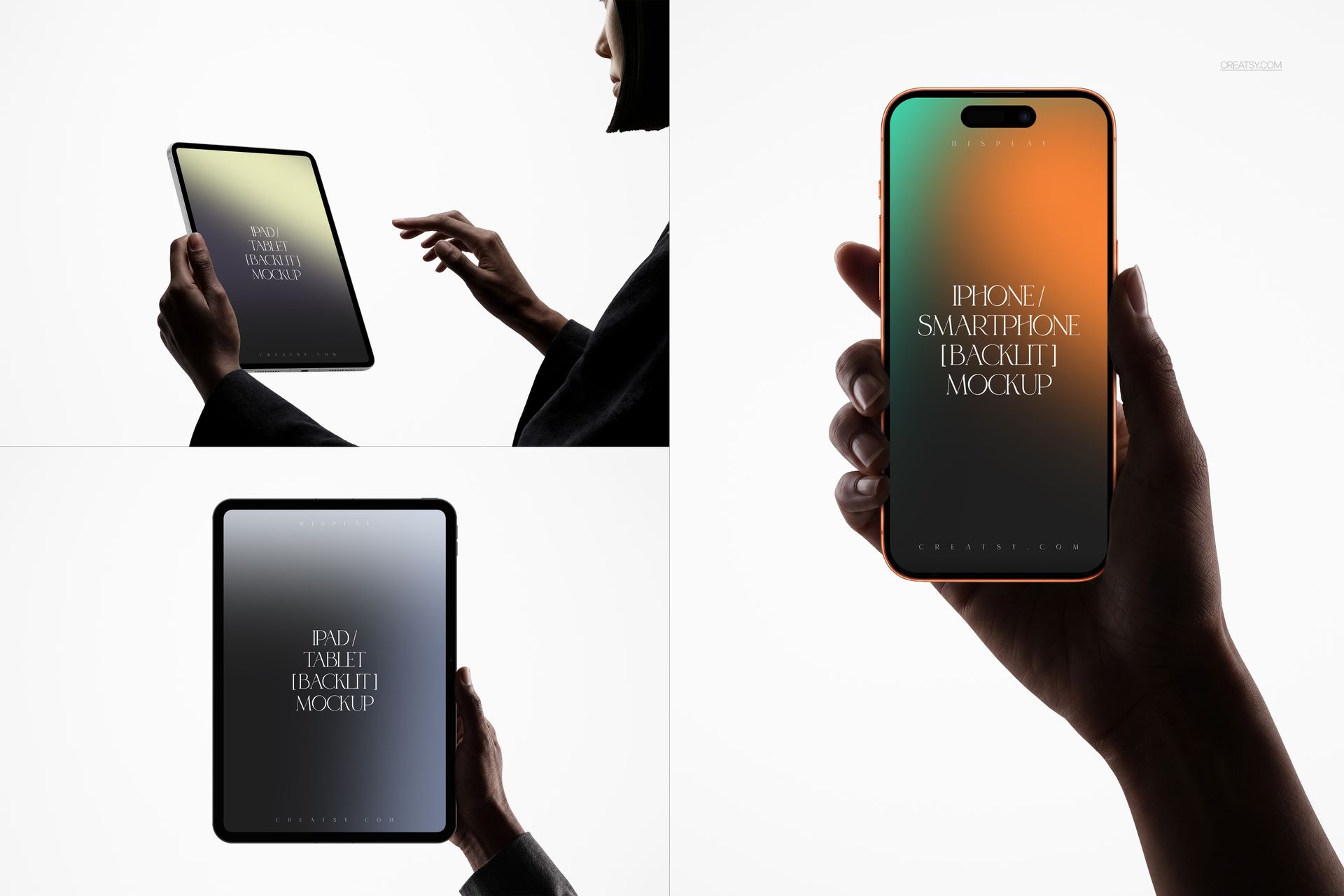
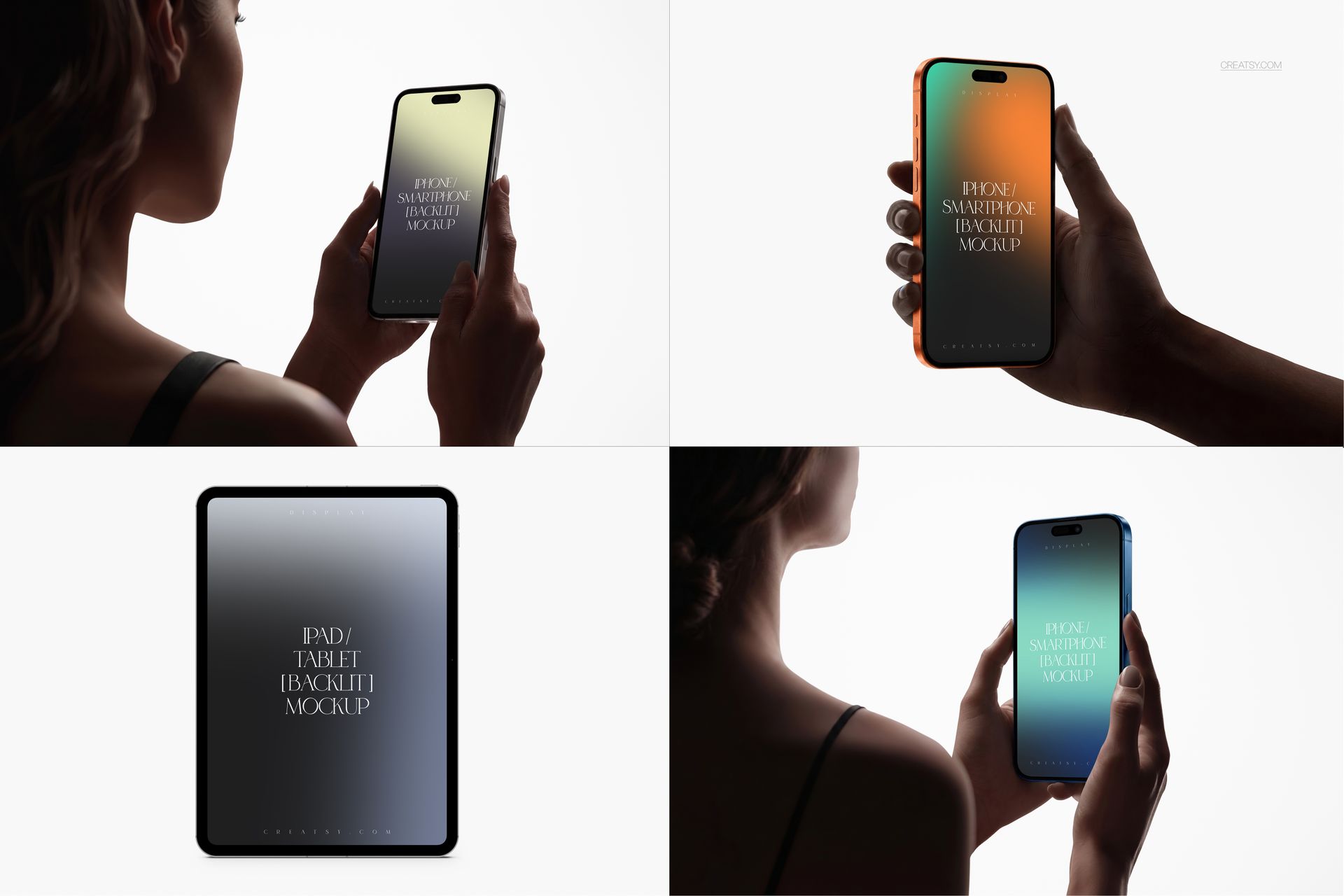
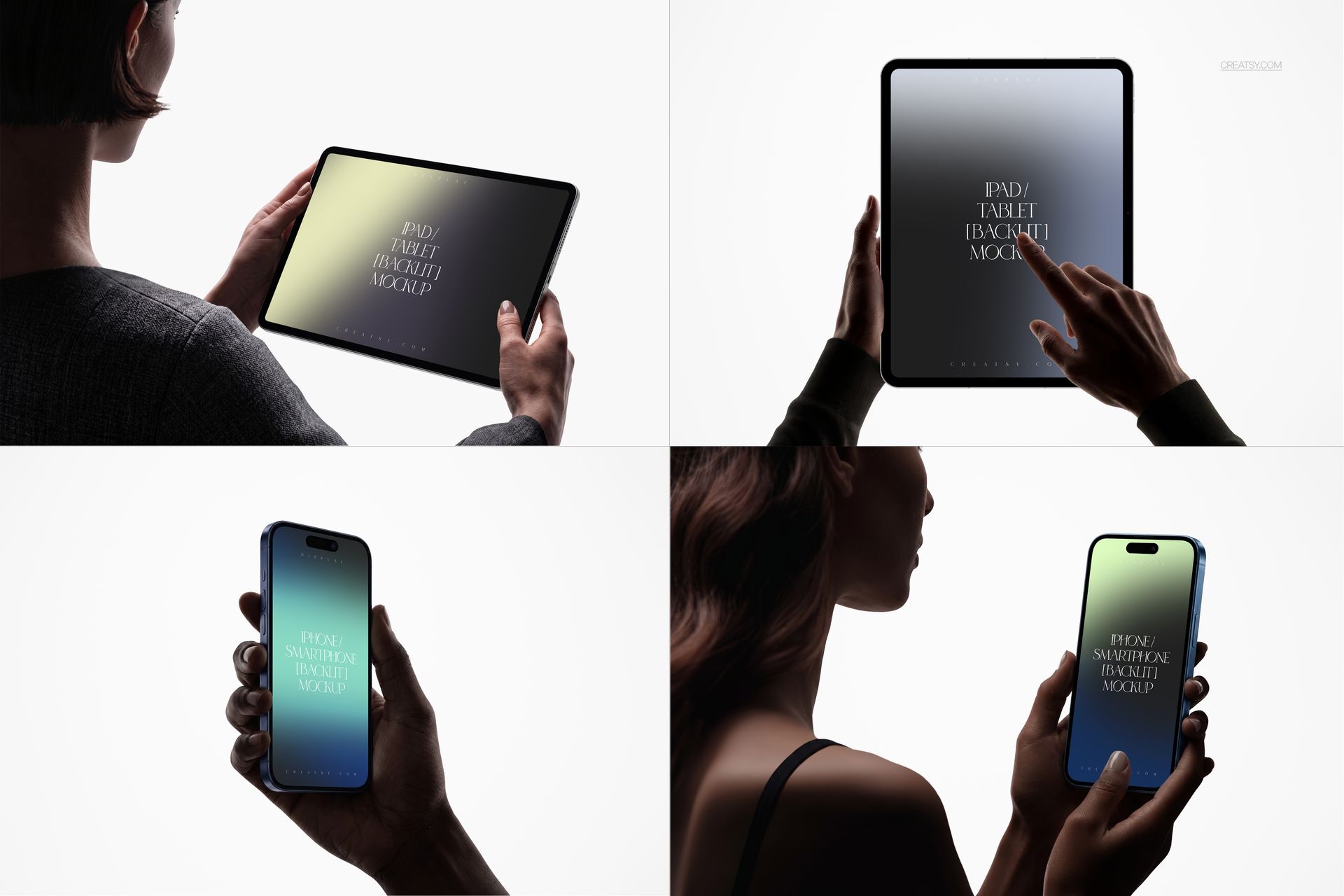
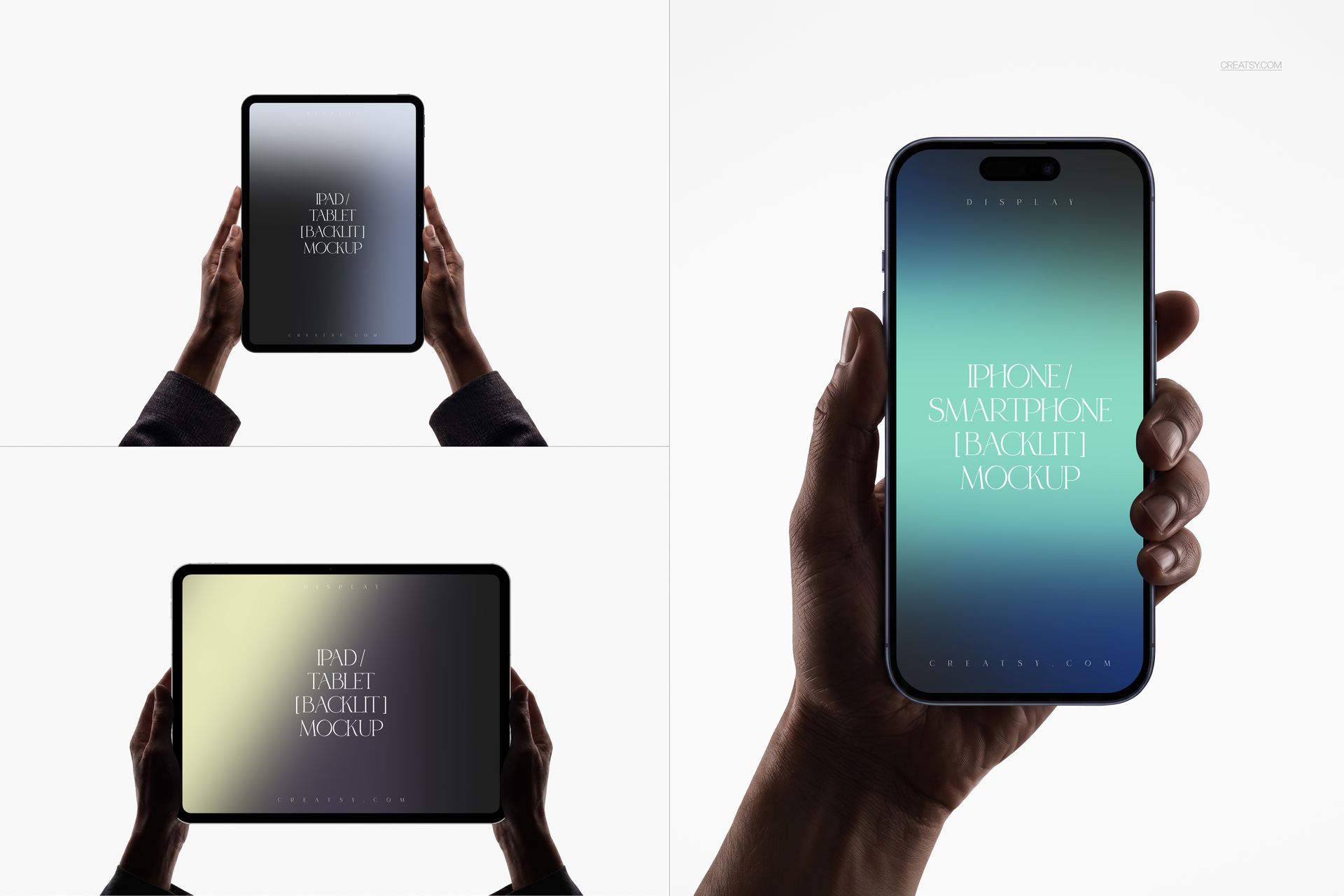
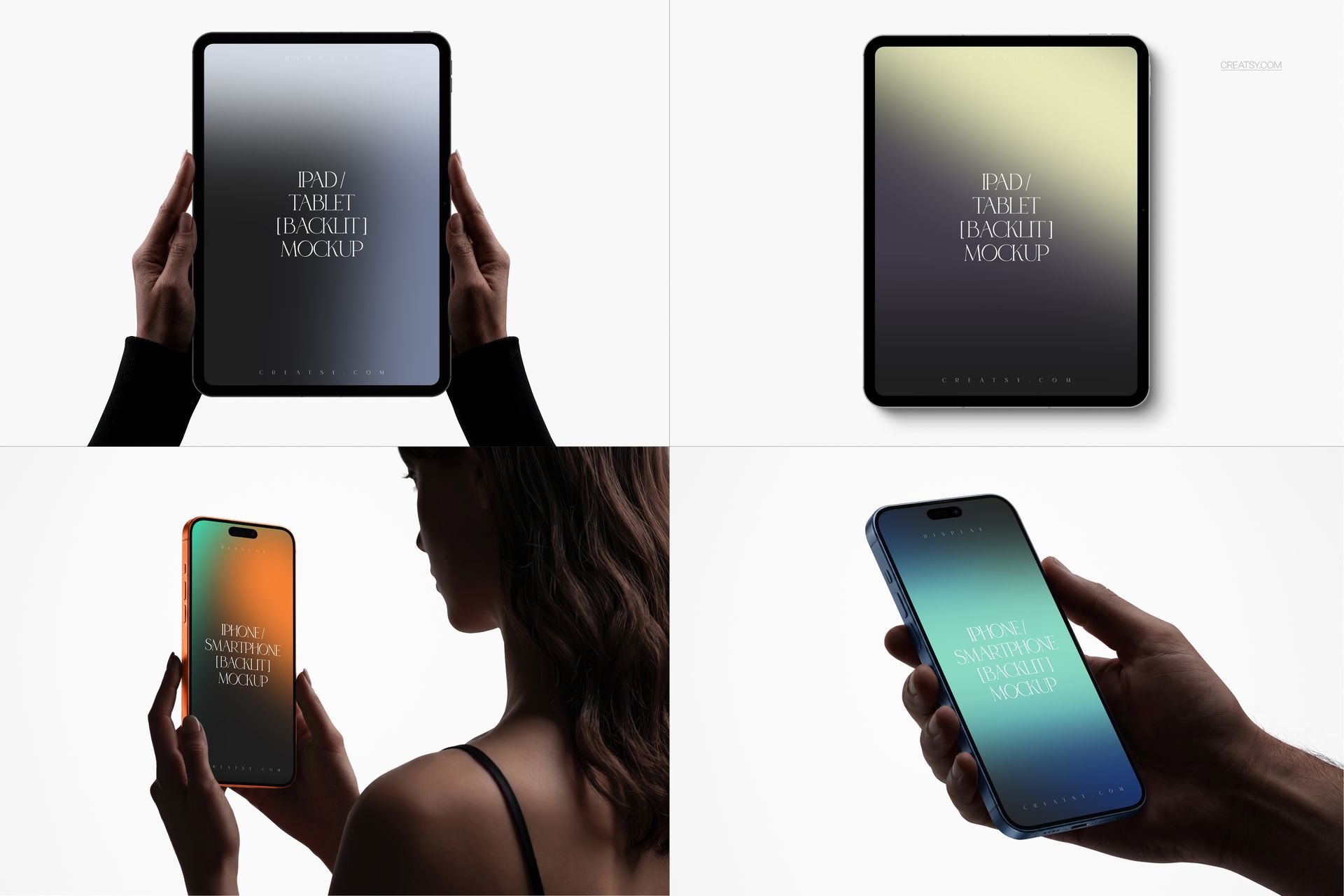
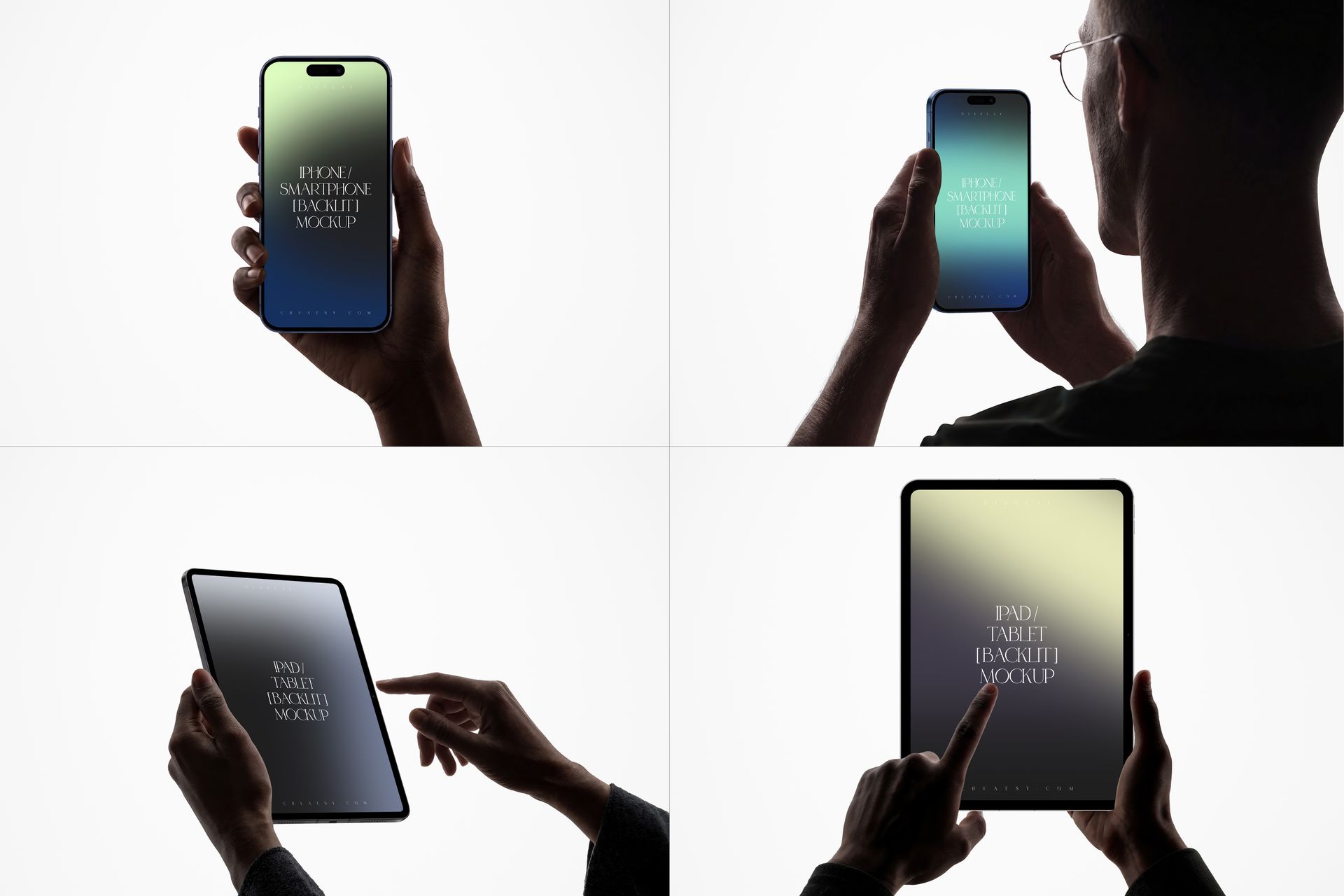
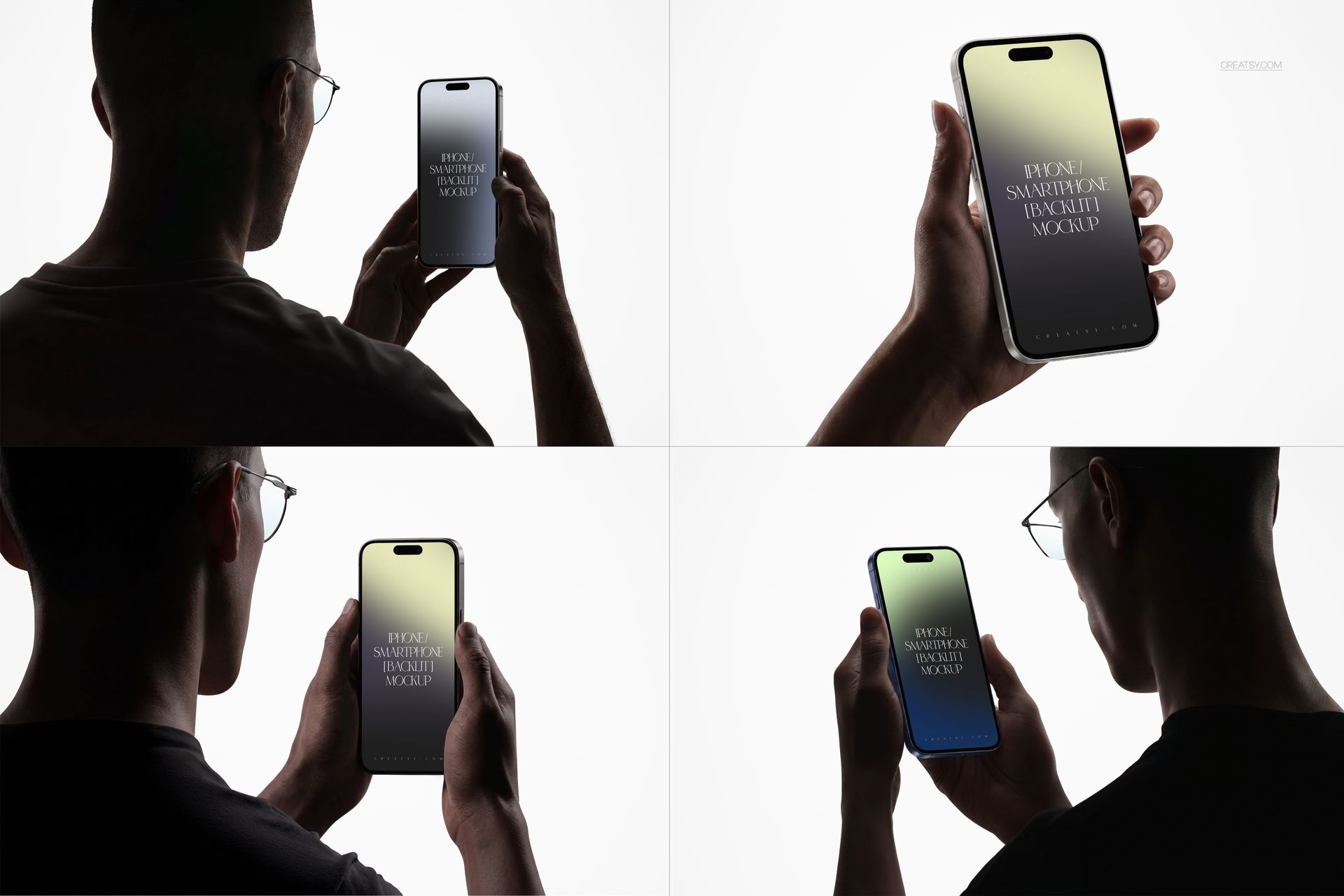
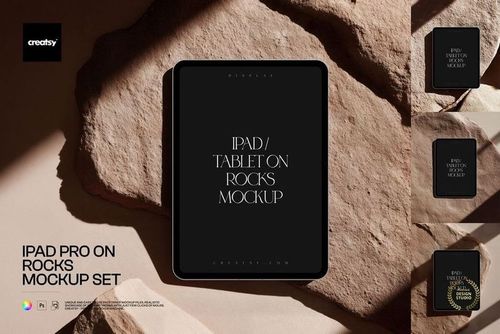
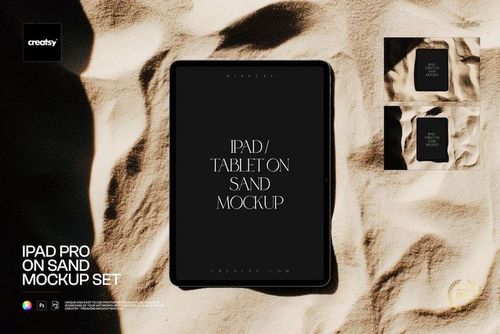
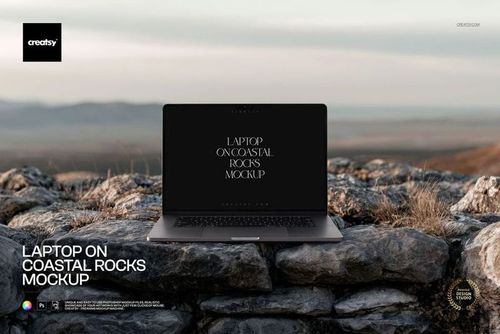
Backlit iPhone, iPad Pro and Laptop in Hands Mockup Set
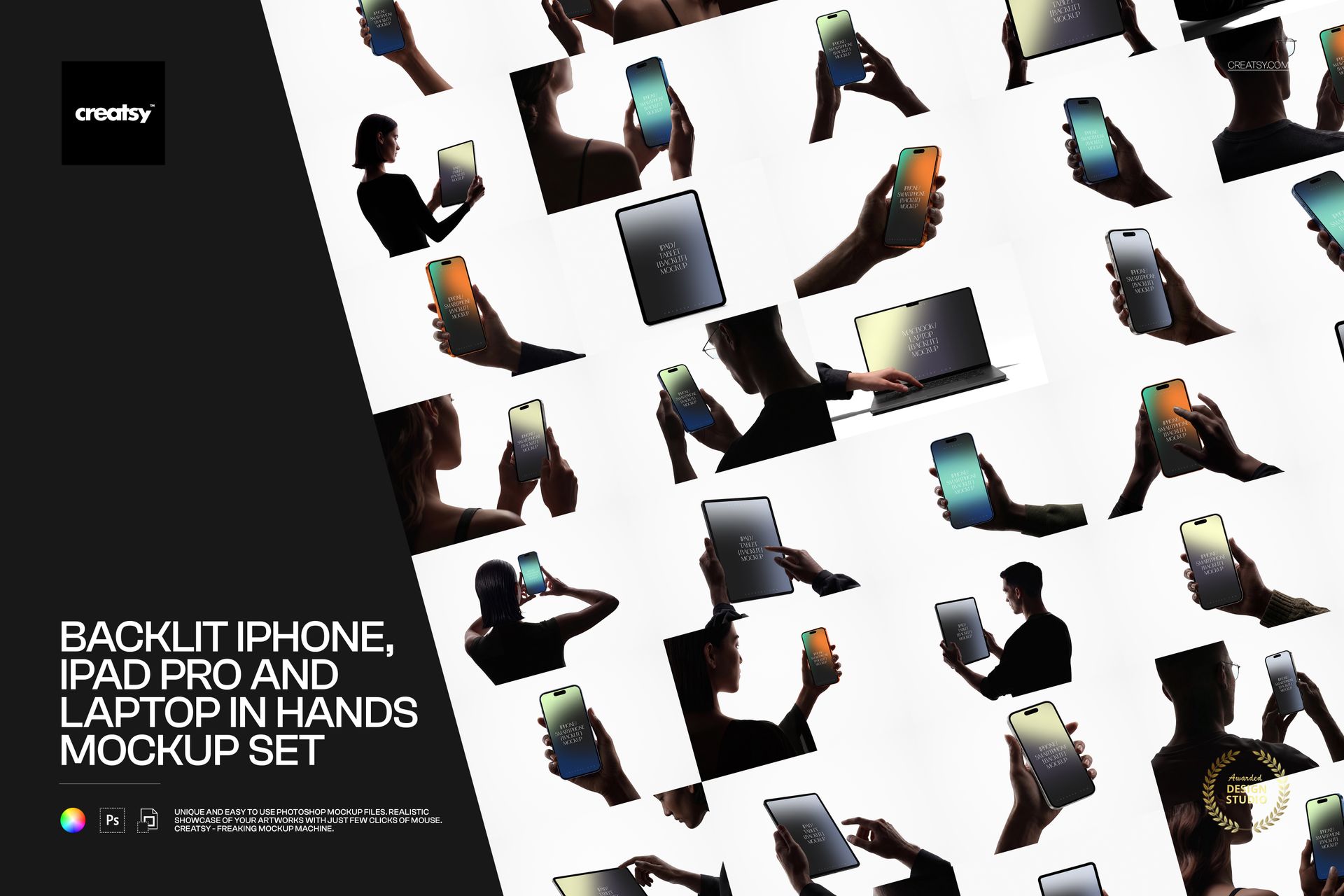
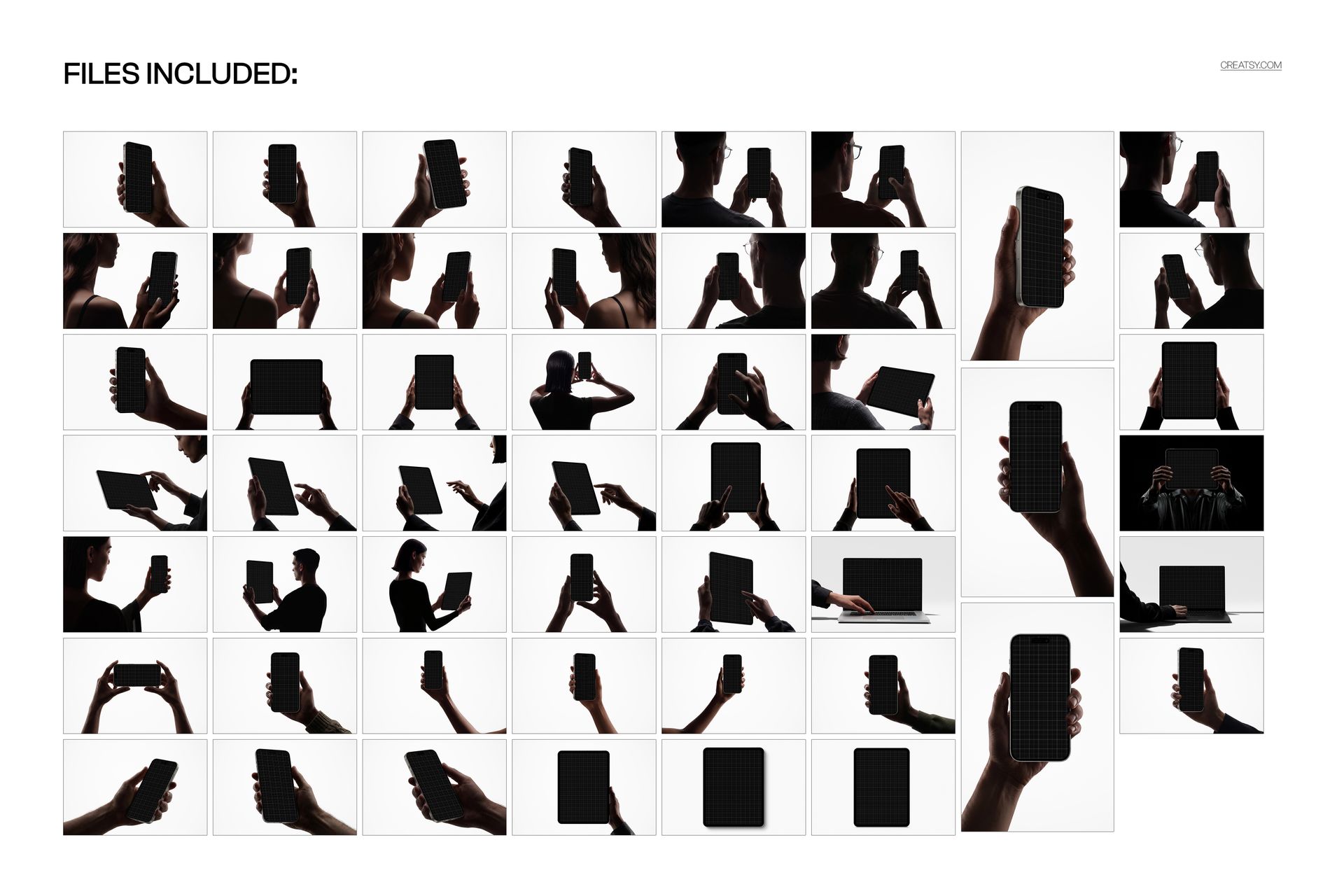
A bright screen against a backlit hand gives an interface immediate visual focus. This 51-scene device mockup set brings together iPhone, iPad Pro and laptop views, including handheld, over-the-shoulder and closer compositions for a coordinated digital campaign.
Choose the device and viewpoint that best explain each part of your project. The collection supports a connected presentation across phone, tablet and laptop without implying that every scene contains all three devices.
What Is Included
51 layered PSD mockups and 51 JPG previews, 102 files in total.
48 landscape canvases at 6000 × 4000 px and 3 portrait canvases at 4000 × 6000 px, all at 300 DPI.
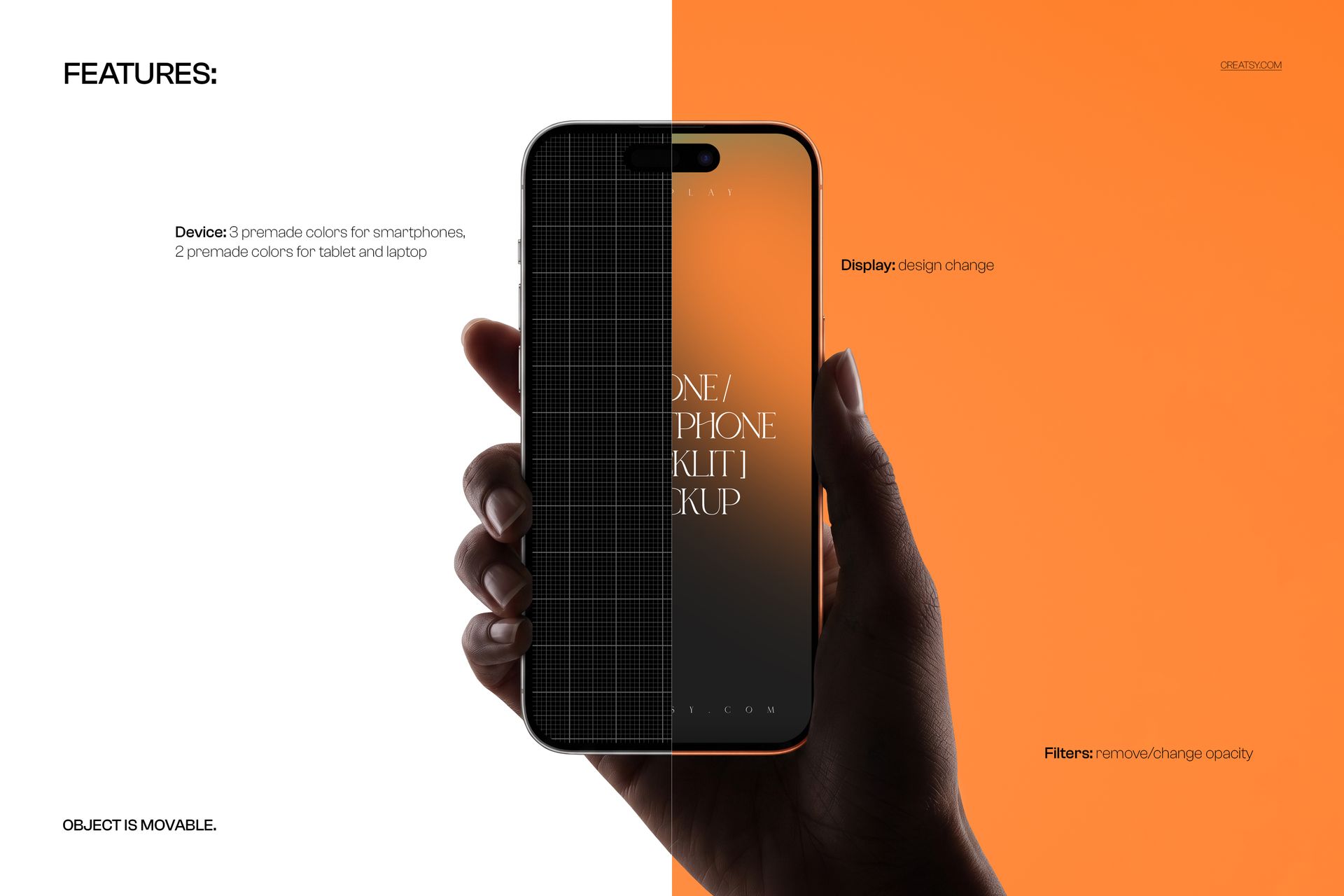
Editable screen designs, movable mockup objects and filters that can be adjusted or removed.
Three premade body colors for smartphones and two for the tablet and laptop.
A Consistent Story Across Device Sizes
Pair a phone view with a tablet or laptop scene to show how one brand language carries across screen formats. Backlit hands and restrained surroundings keep attention on the display, while the range of viewpoints offers variety for a longer case study or launch gallery.
Easy Smart Object Editing
Edit the organized PSD layers in Adobe Photoshop CC2020 or newer, or Photopea. Replace display artwork through Smart Objects, choose the available body color, position the movable mockup objects and adjust filter opacity to suit your screen content.
Perfect For
Digital agencies, UI designers, app teams and web studios presenting multi-device projects, campaign visuals and client-facing interface concepts.
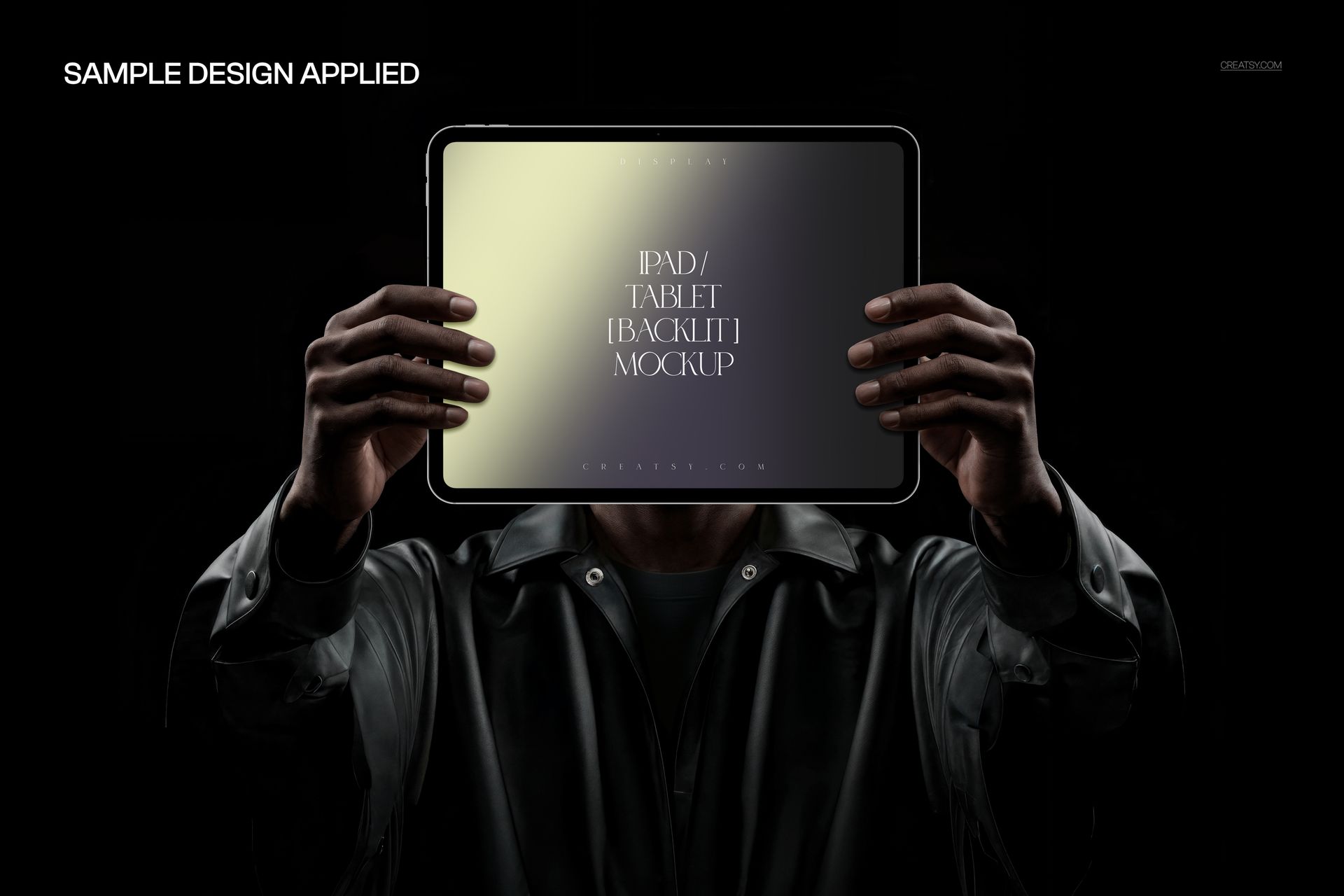
This is a digital mockup collection, not working software or a physical device package. Sample artwork in the previews is not included.