Easter Eggs in Straw Nest Mockup
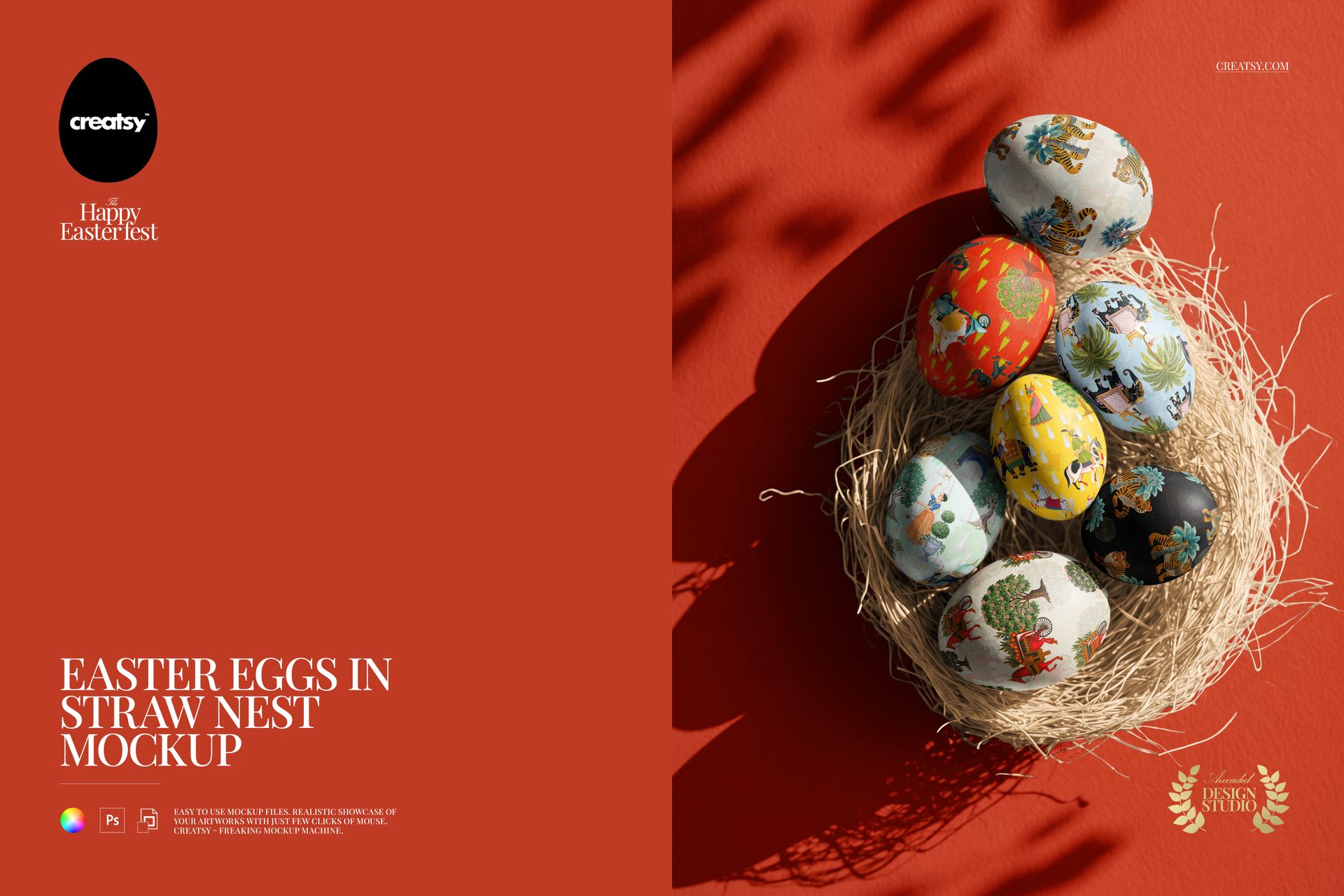
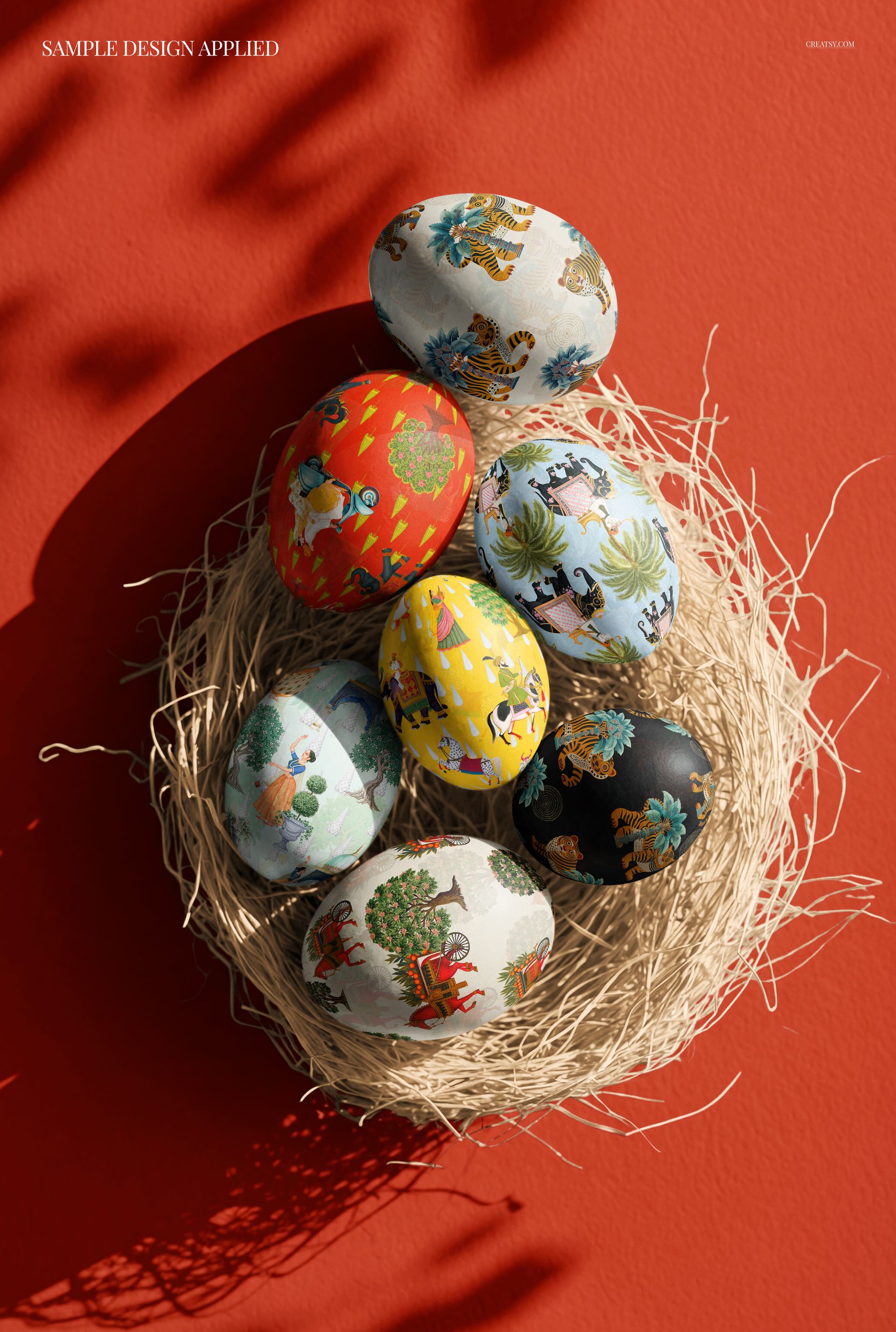
Turn a group of seven Easter eggs into a coordinated pattern presentation. Viewed from above, the eggs rest in a textured straw nest with long, directional shadows across the background. The tall portrait composition pairs rounded design surfaces with the fine lines of the nest, giving spring artwork a distinctive setting.
What Is Included
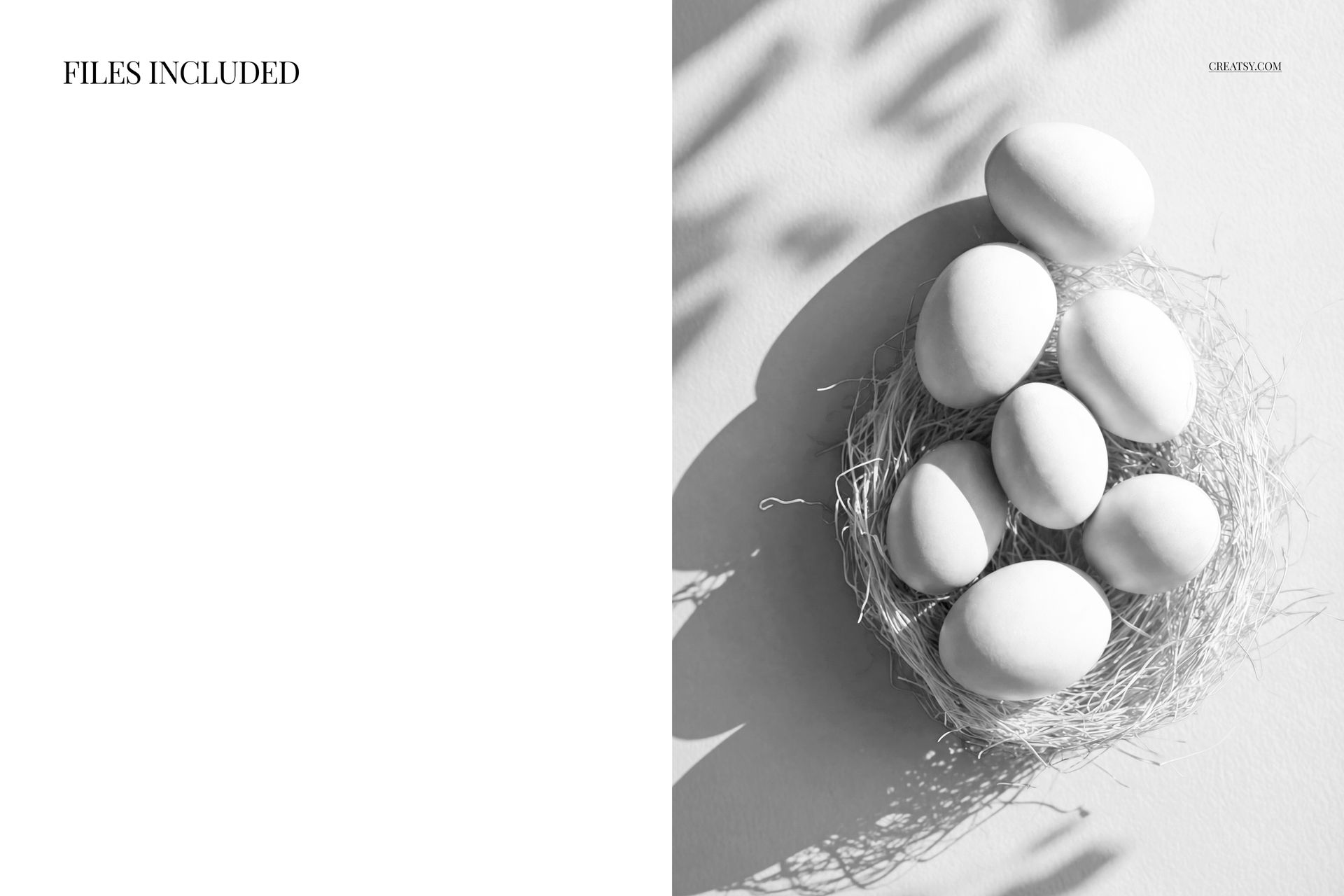
1 layered PSD containing one scene with seven eggs, 4000 × 7000 px at 300 DPI.
1 JPG preview, 2 files in total.
Coordinate the Eggs, Nest and Background
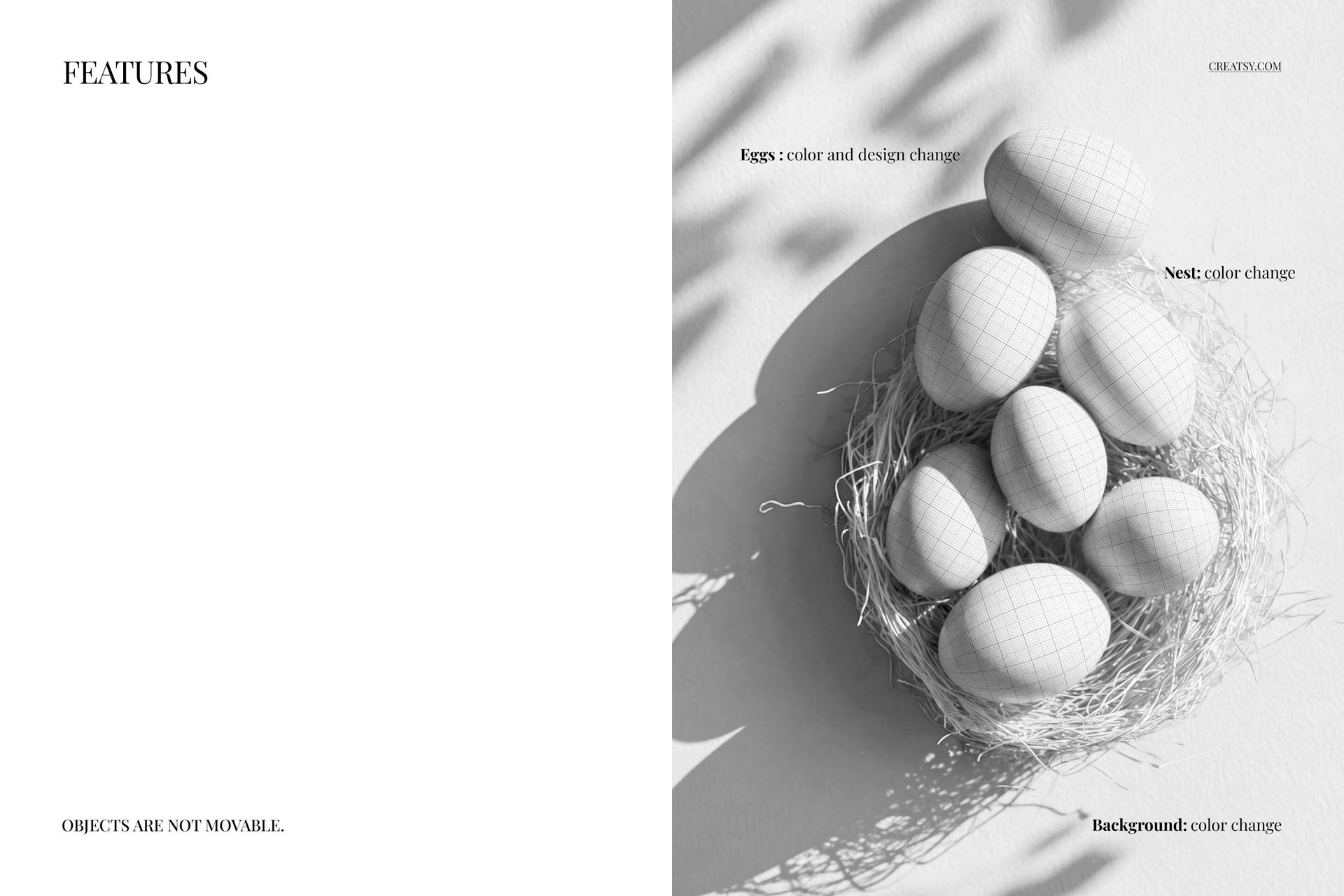
Change the egg colors and designs, then adjust the nest and background colors to support your palette. Use botanical illustrations, geometric repeats or contrasting colorways to show how a collection works across several curved surfaces. The objects stay in their original positions; this is a fixed composition, not a scene builder.
Easy Smart Object Editing
Replace the egg artwork through Smart Objects in Adobe Photoshop CC2020 or newer, or in the free online editor Photopea. The well-organized layers help you compare designs within the same arrangement, keeping the lighting and composition consistent between proposals.
Perfect For
Surface pattern designers, illustrators and seasonal creative teams can use this mockup for Easter collection pitches, portfolio images and spring campaign visuals.
Digital mockup only. The preview artwork is not included, and no physical eggs or nest are supplied.