Slim Can on Cactus Mockup
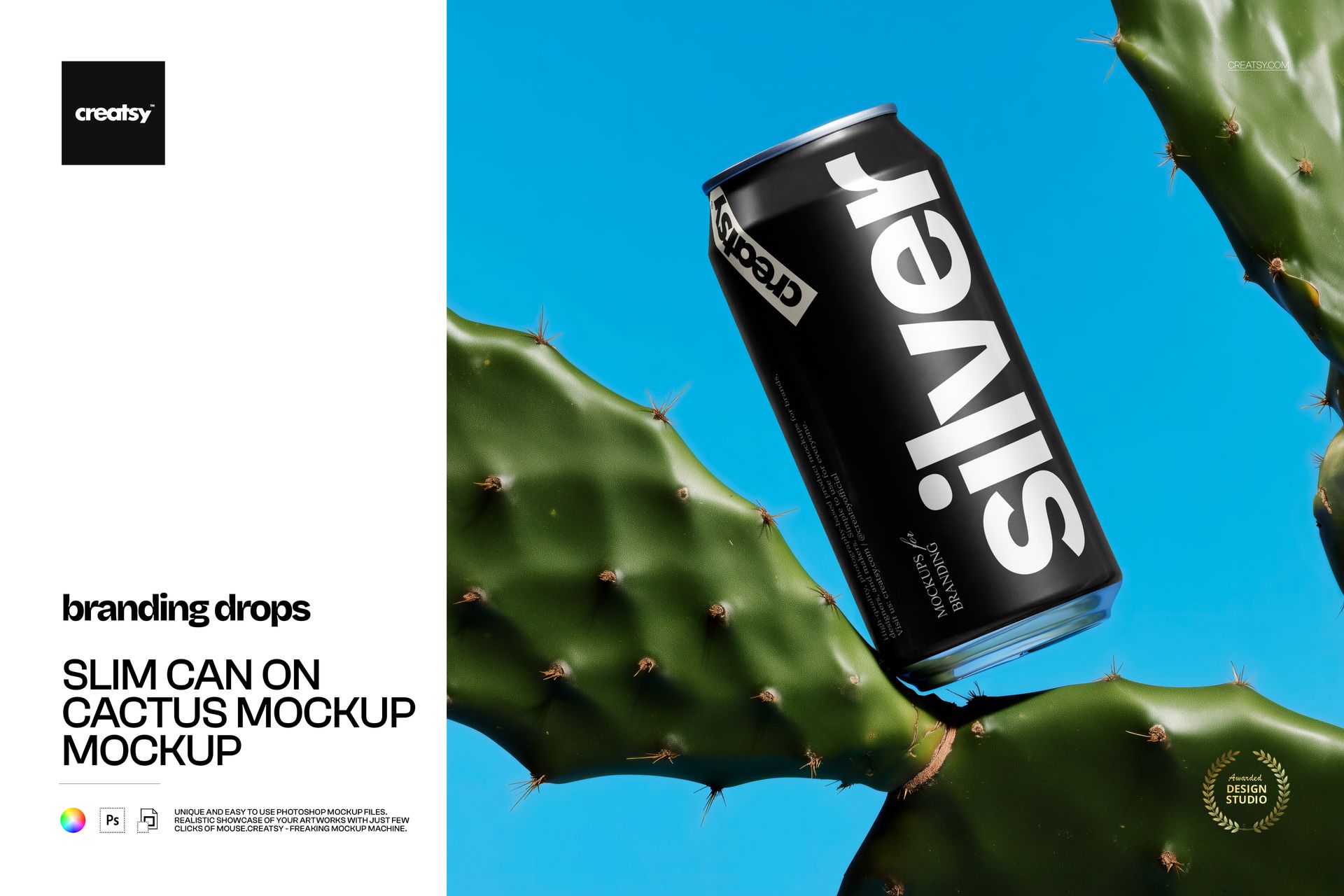
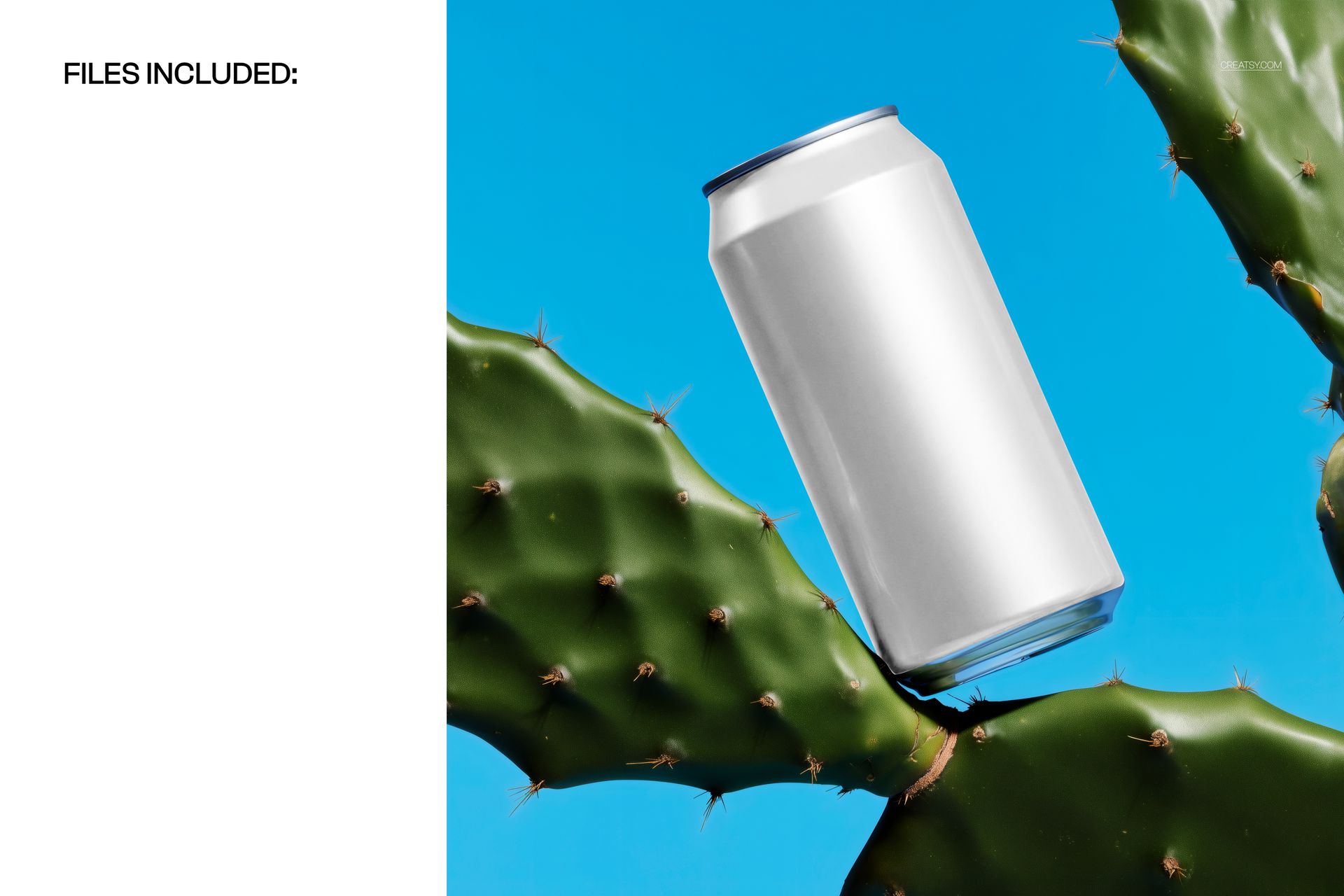
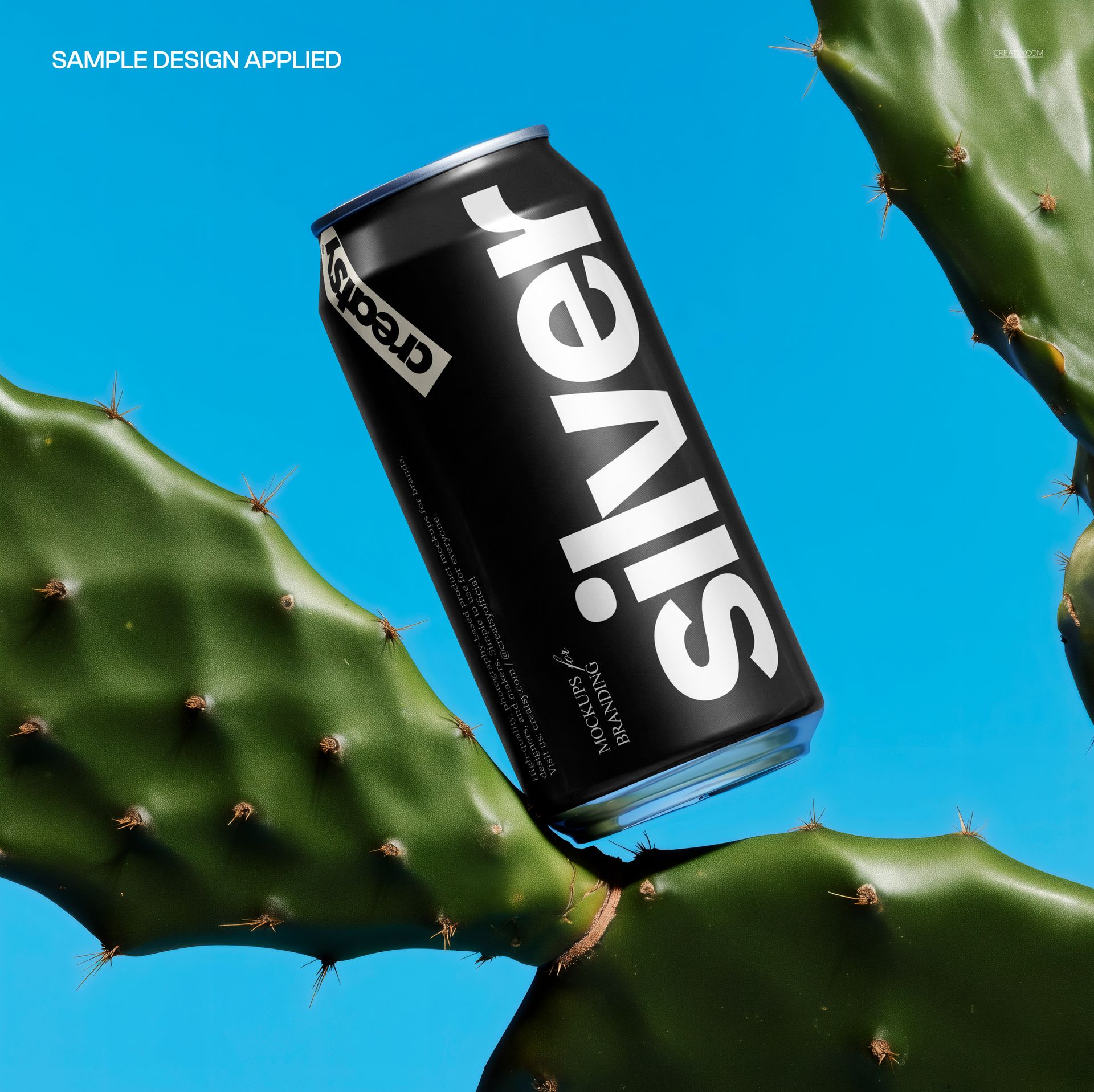
A slender can balances diagonally between prickly cactus pads, framed by bright blue sky. The smooth metal, pronounced highlights and textured greenery give beverage artwork a bold outdoor setting without surrounding it with other products.
Use this slim can on cactus mockup to present a soda, sparkling water or energy drink concept as a focused campaign image. The narrow silhouette draws attention to the relationship between your brand name, flavor cue and illustration, while the fixed composition makes successive design variations easy to compare.
What Is Included
1 layered PSD mockup with a single can scene.
4000 × 4000 px artwork canvas at 300 DPI.
1 JPG preview, giving 2 files in the download.
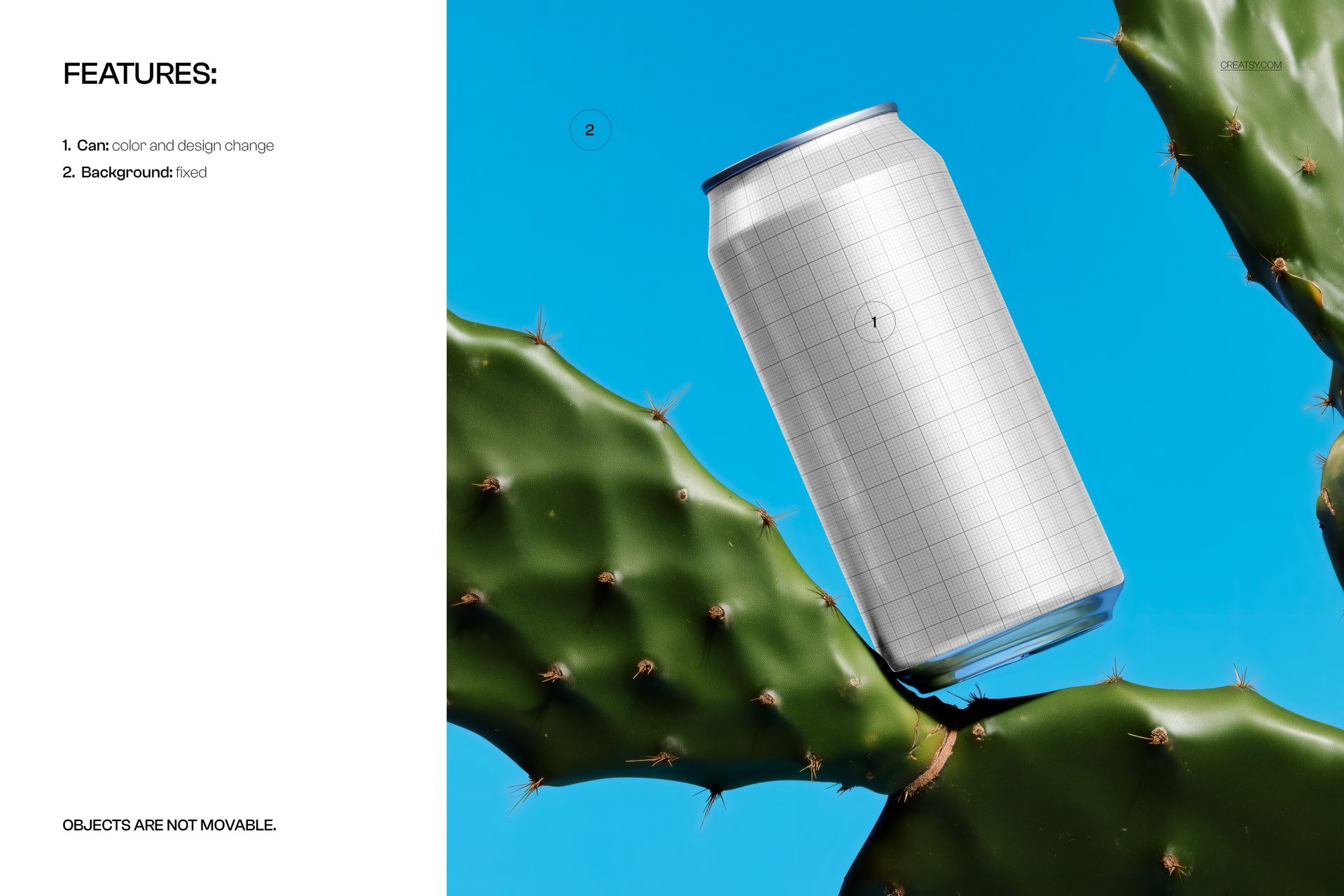
Editable Can, Fixed Cactus Setting
Change the can color and applied design. The blue background stays fixed, and the scene objects are not movable. Choose this file when its cactus arrangement and angled can already suit your art direction, rather than when you need to rearrange a scene.
Editing in Photoshop and Photopea
The file works in Adobe Photoshop CC2020 or newer and Photopea. Use the organized layers to update the can design and color, then review the result at full size and at your intended display size before exporting a presentation image.
Made for Beverage Brand Presentations
Packaging designers, beverage brands and creative studios can use this single-product view for launch concepts, client decks, portfolio case studies and social campaign visuals. It is especially useful when one can design needs a distinctive hero image.
This is a digital mockup, not a physical can. Sample artwork shown in the previews is for presentation only and is not included.