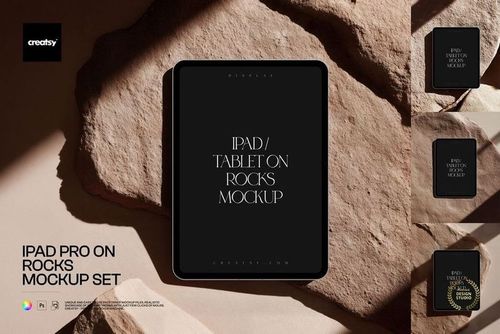
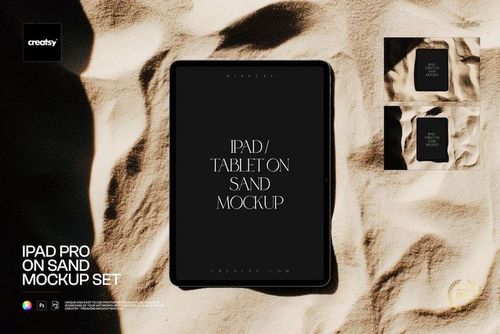
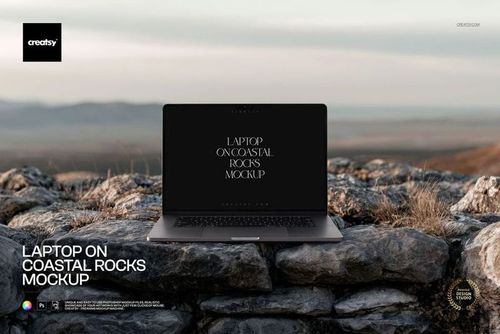
Place Your Screen Design in a Striking Boulder Landscape
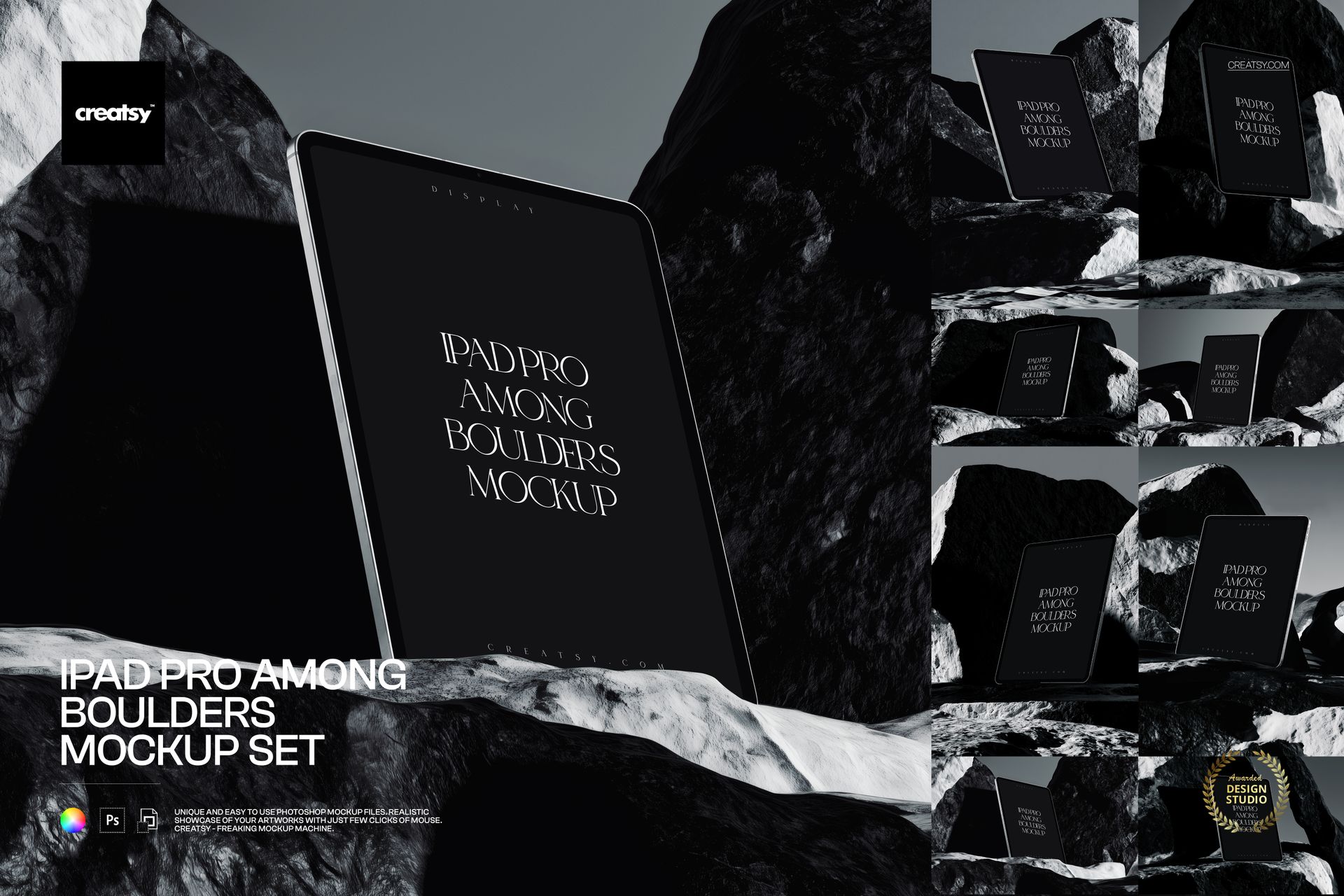
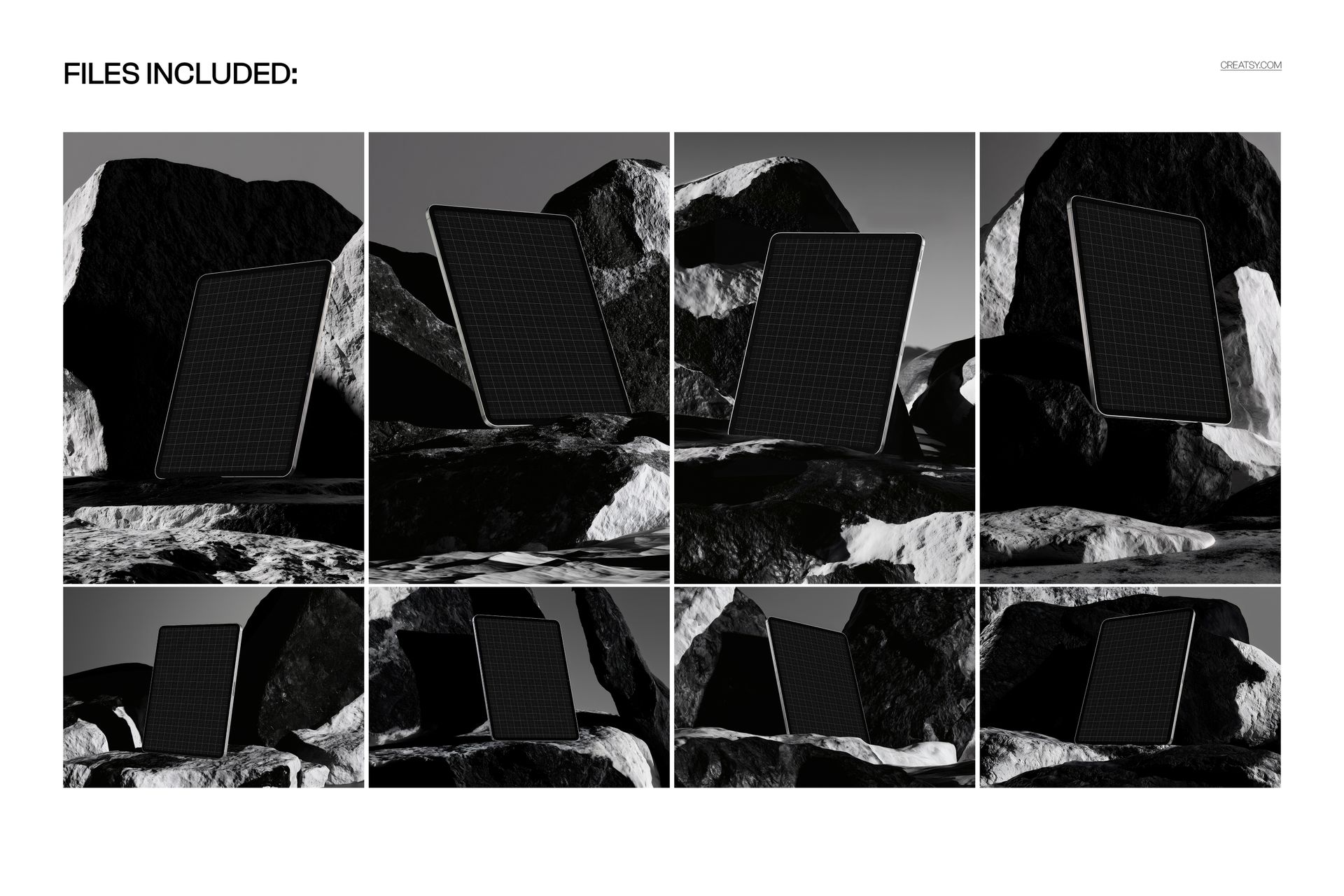
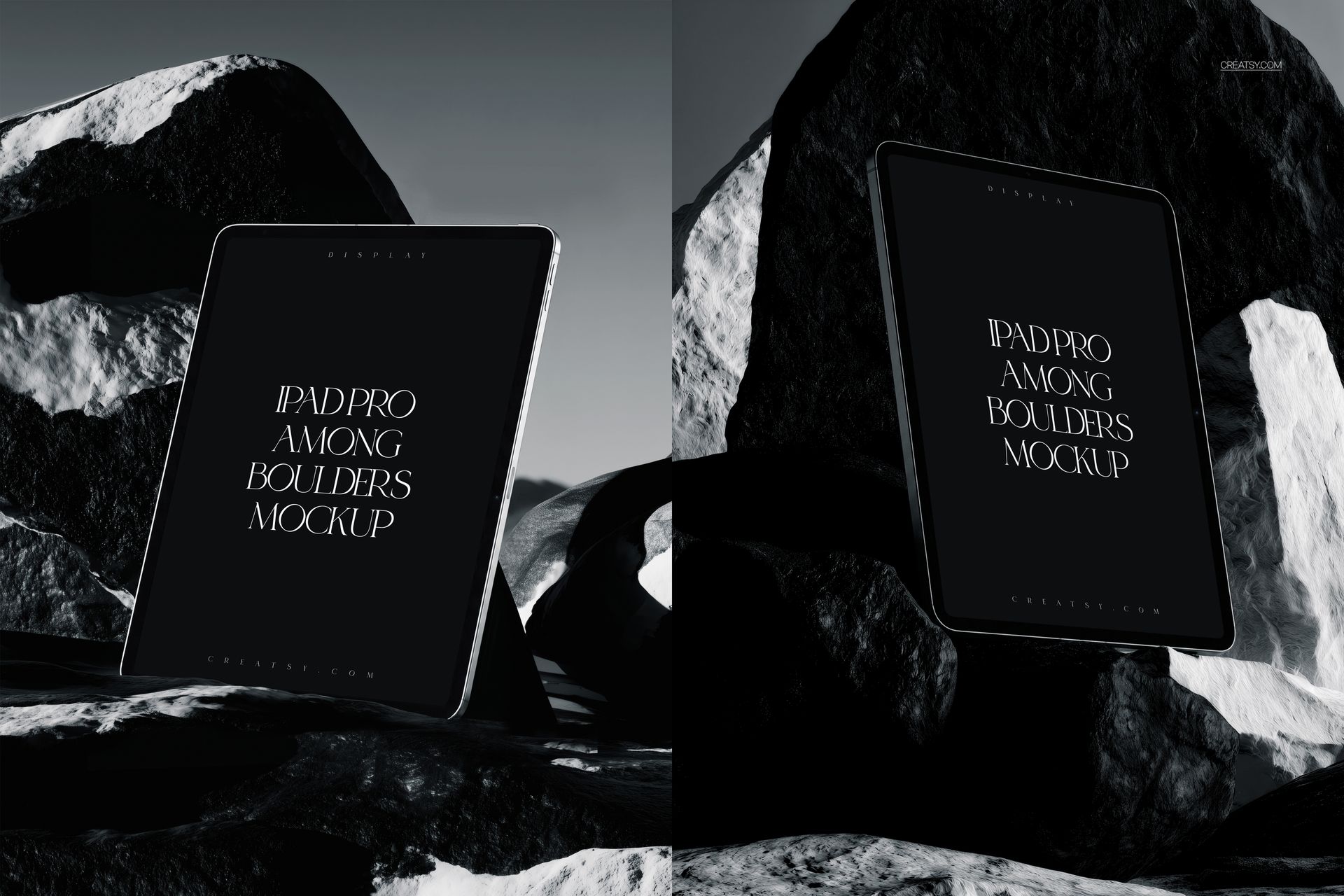
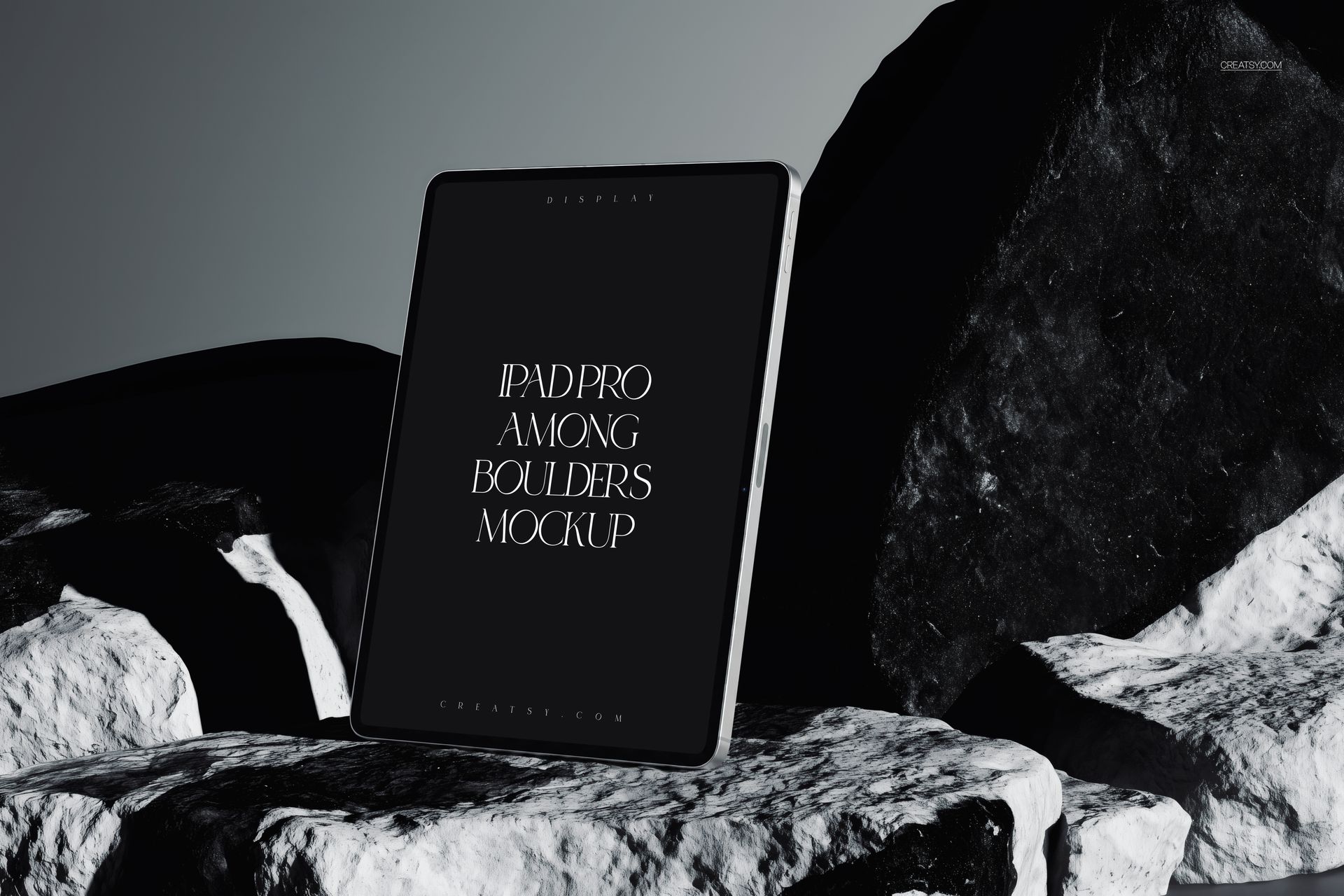
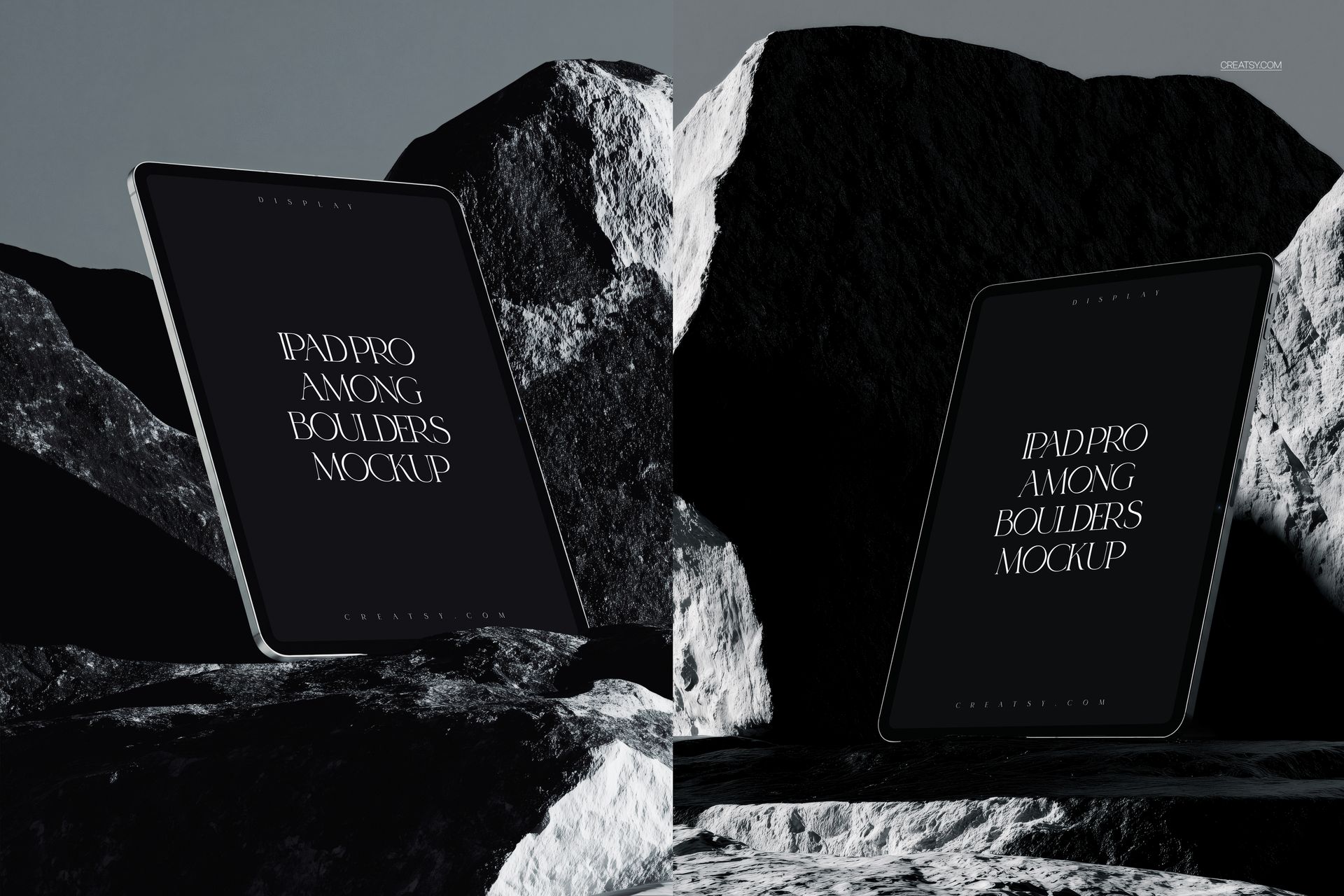
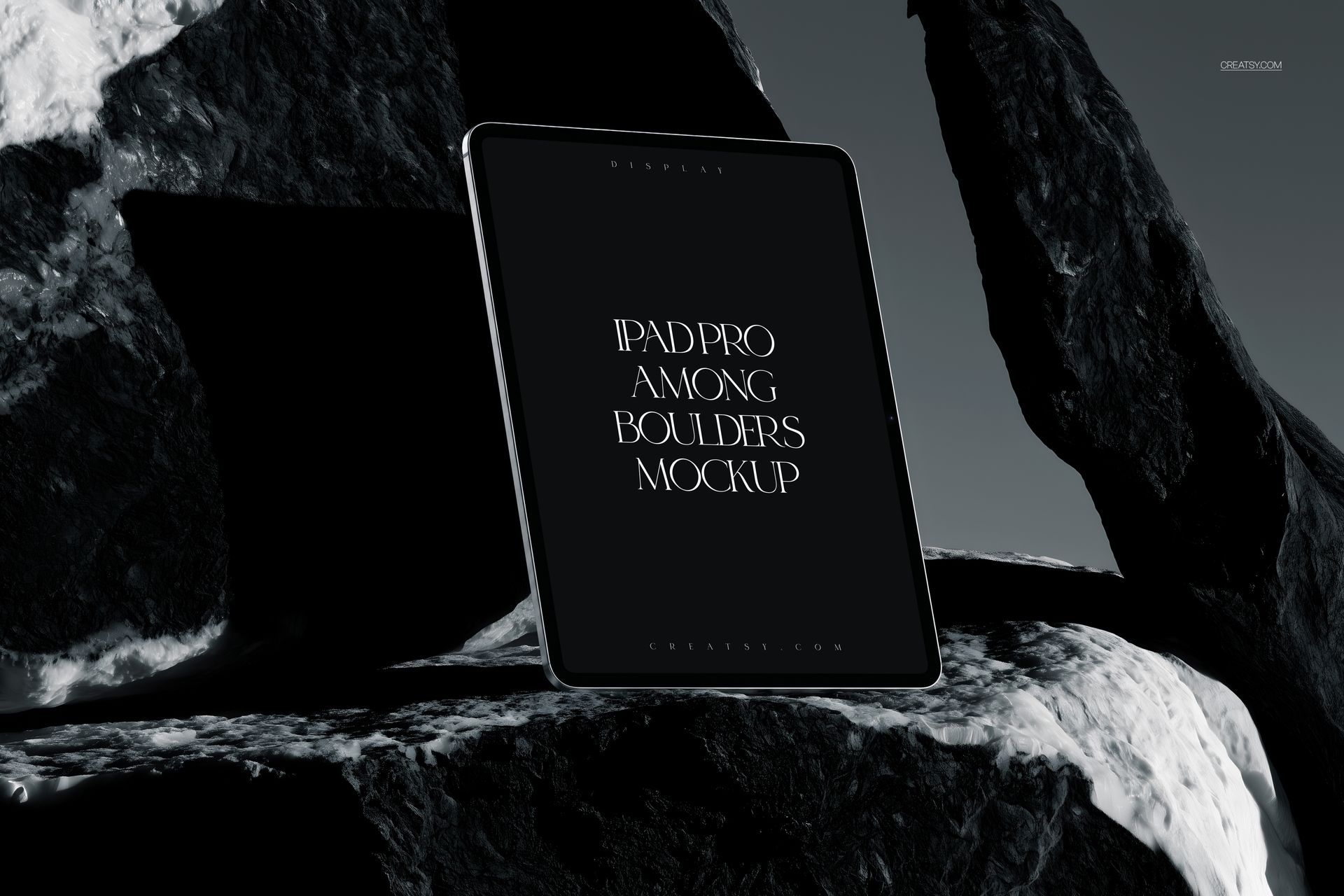
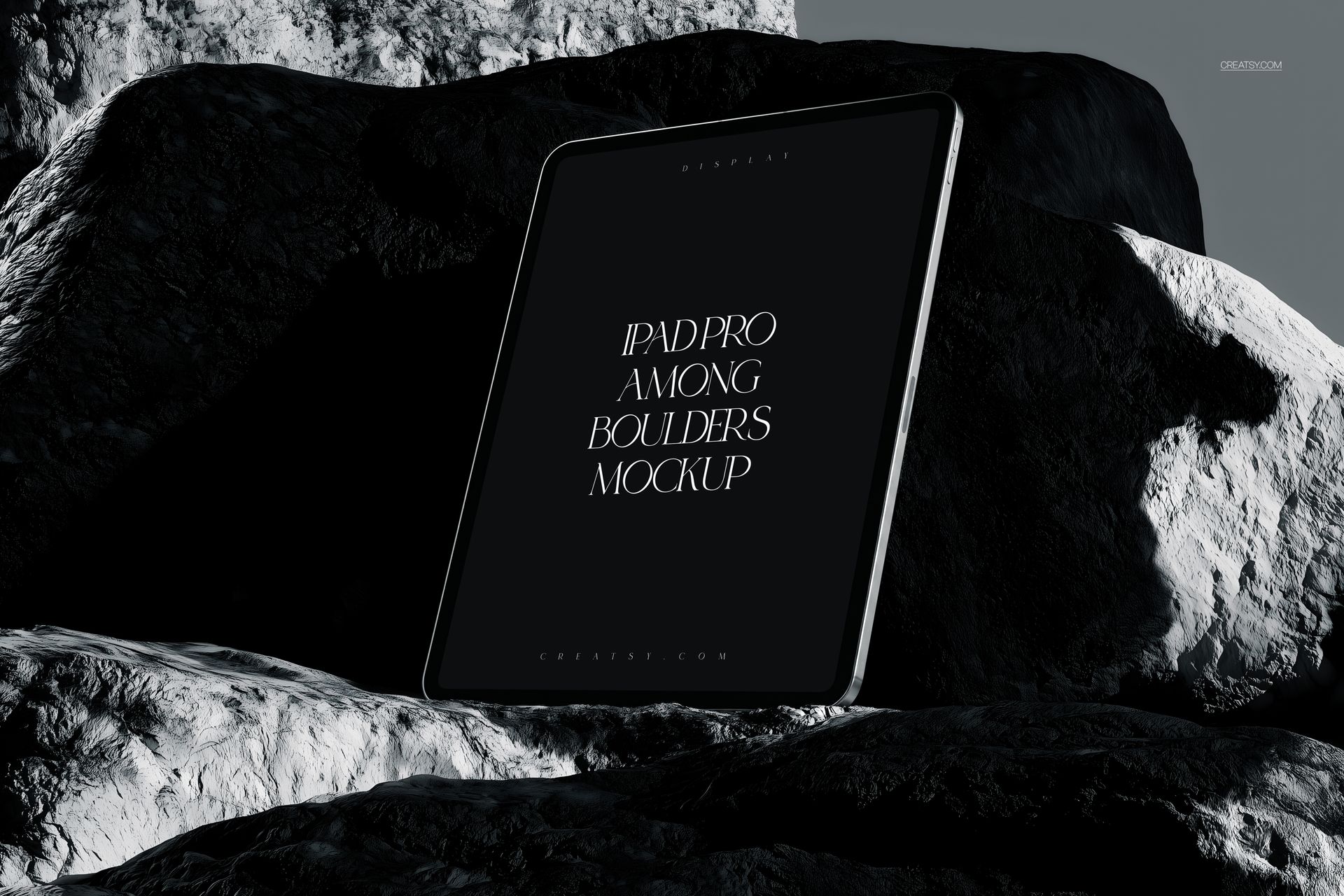
Create a bold presentation for apps, websites and digital artwork with the iPad Pro Among Boulders Mockup Set. Eight carefully composed scenes position the tablet between sculptural black rocks, sharp highlights and a muted gray backdrop. The high-contrast monochrome styling gives screen content a cinematic, editorial character while keeping the display easy to notice.
The set combines portrait and landscape compositions, making it easier to build a consistent visual campaign across case studies, social media, presentation slides, website headers and portfolio pages.
What Is Included
8 layered PSD mockup files
8 matching JPG preview files
4 portrait scenes at 4000 x 6000 px
4 landscape scenes at 6000 x 4000 px
300 DPI resolution
Compatibility with Adobe Photoshop CC 2020 or newer and Photopea
Control the Final Look
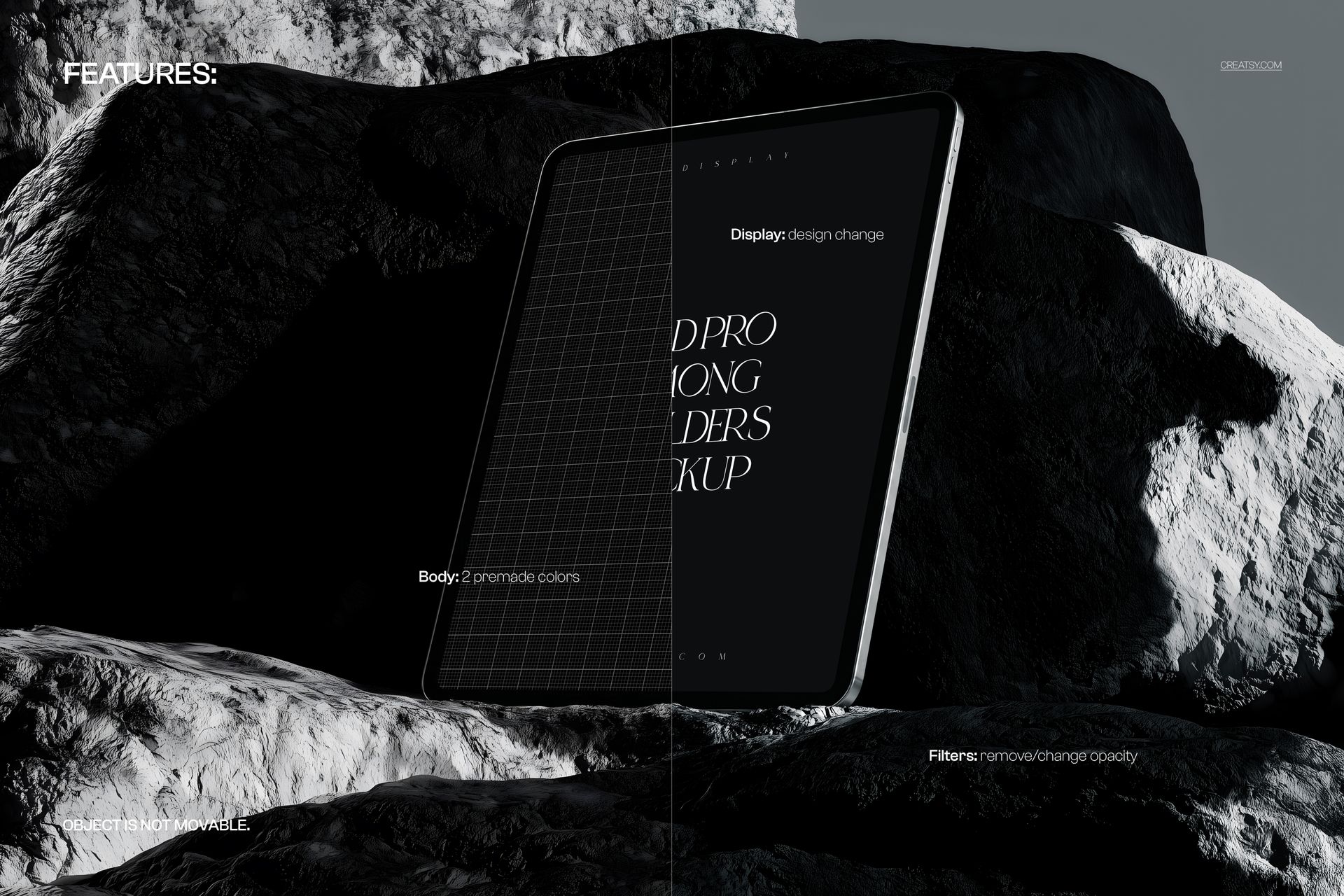
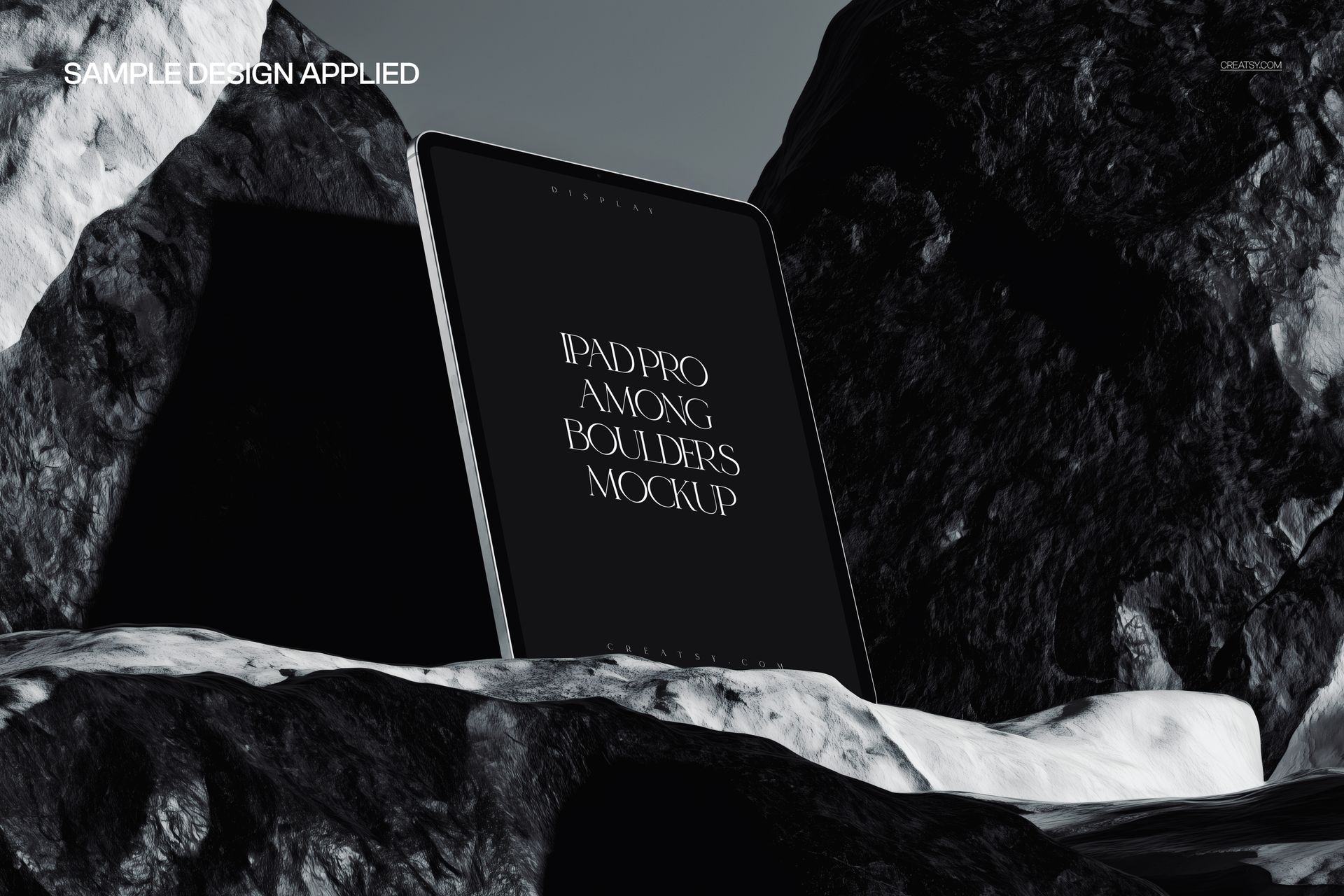
Replace the tablet display through a Smart Object and preserve the original perspective, lighting and shadows. Clearly organized layers help you move from artwork to a finished presentation quickly.
Insert a custom screen design
Choose between 2 premade device body colors
Remove filters or adjust their opacity
Work with organized layers and folders
The iPad and boulders remain fixed in every scene. This protects the intended composition and realistic contact between the device, rocks, highlights and shadows.
Designed For
App launches and interface presentations
UI and UX case studies
Website, dashboard and landing page concepts
Digital art, photography and poster portfolios
Brand campaigns, pitch decks and client approvals
Social media and online shop graphics
Use this set when a clean studio mockup feels too conventional and your screen design needs a darker, more sculptural visual setting.