Towel Mockup Set
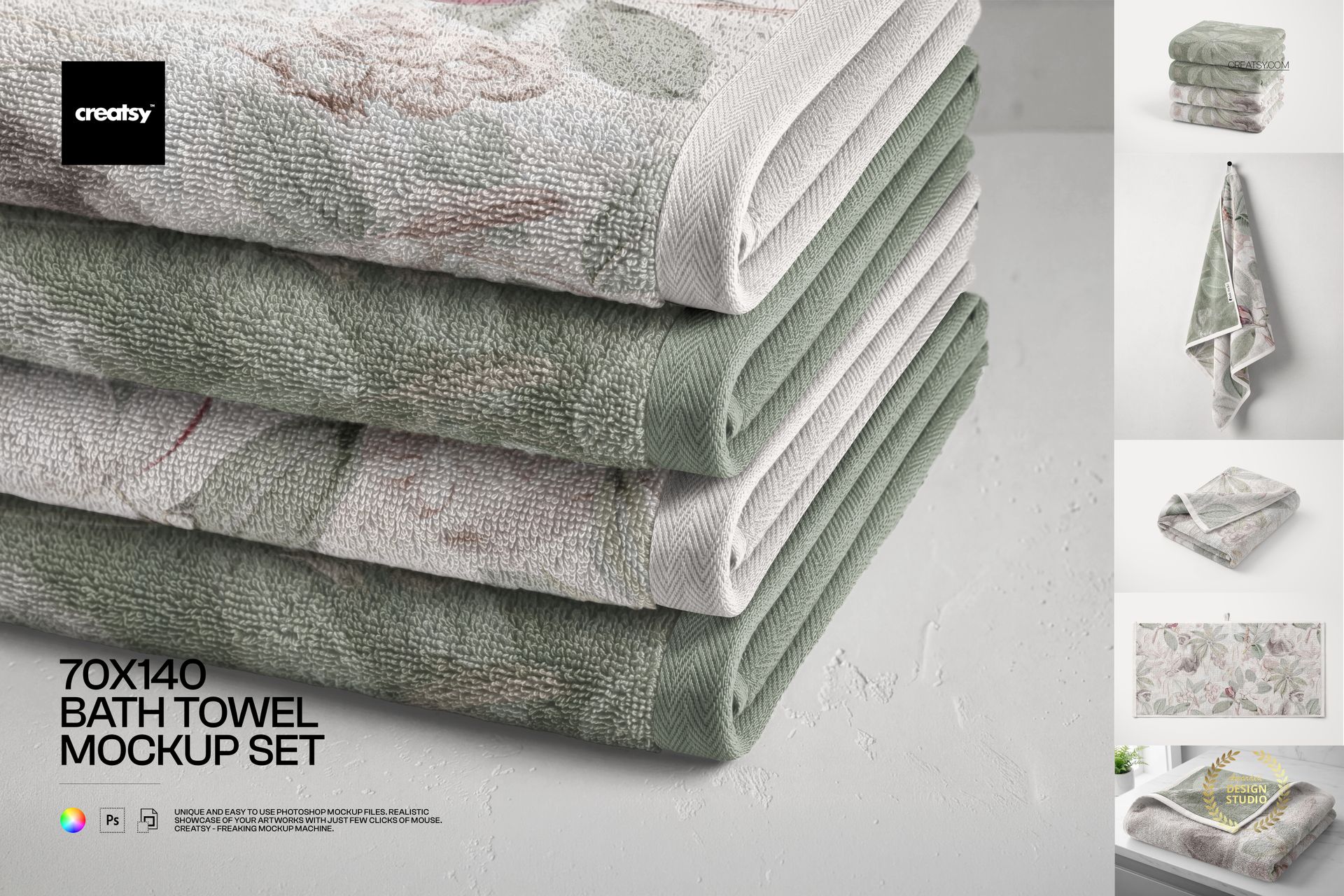
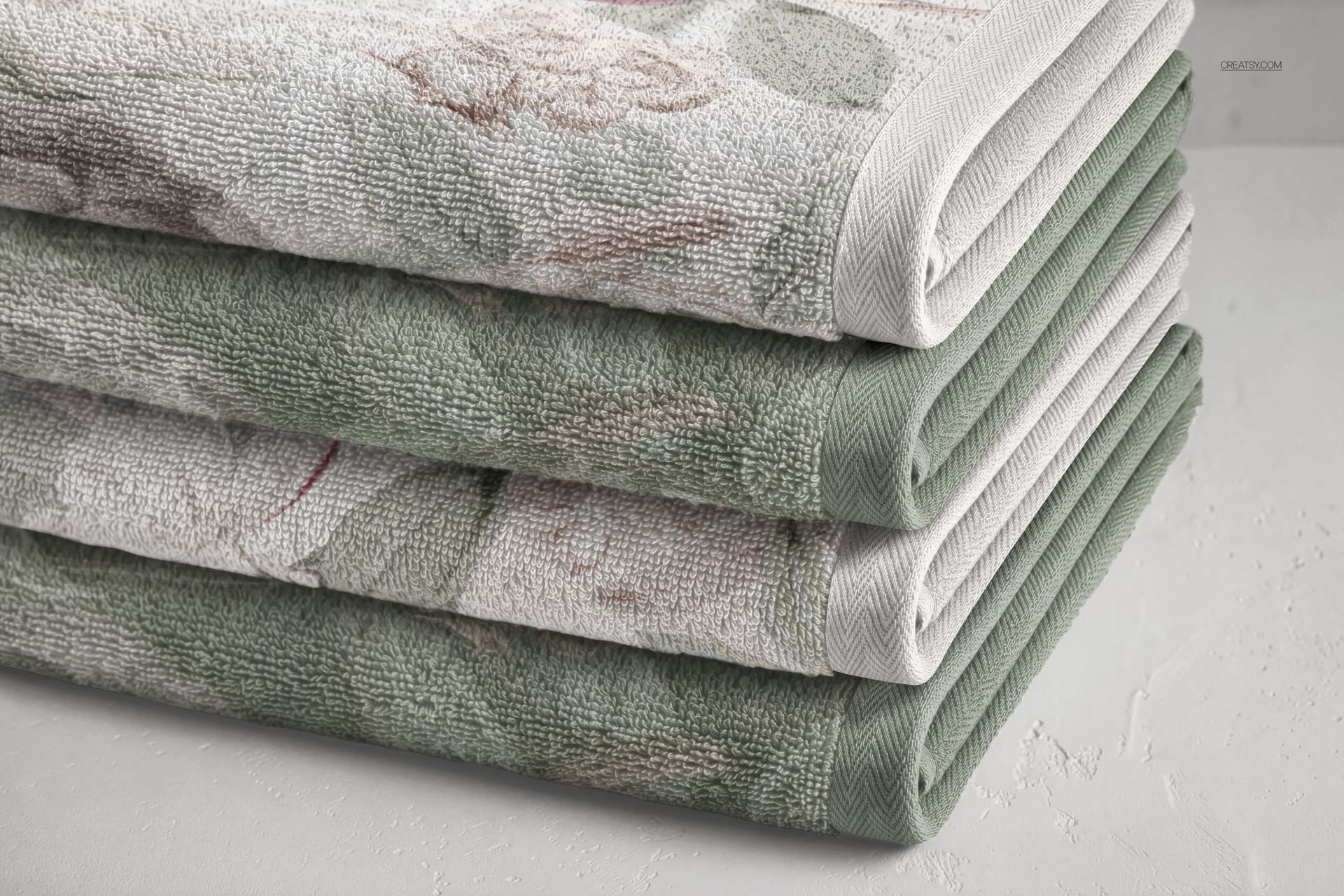
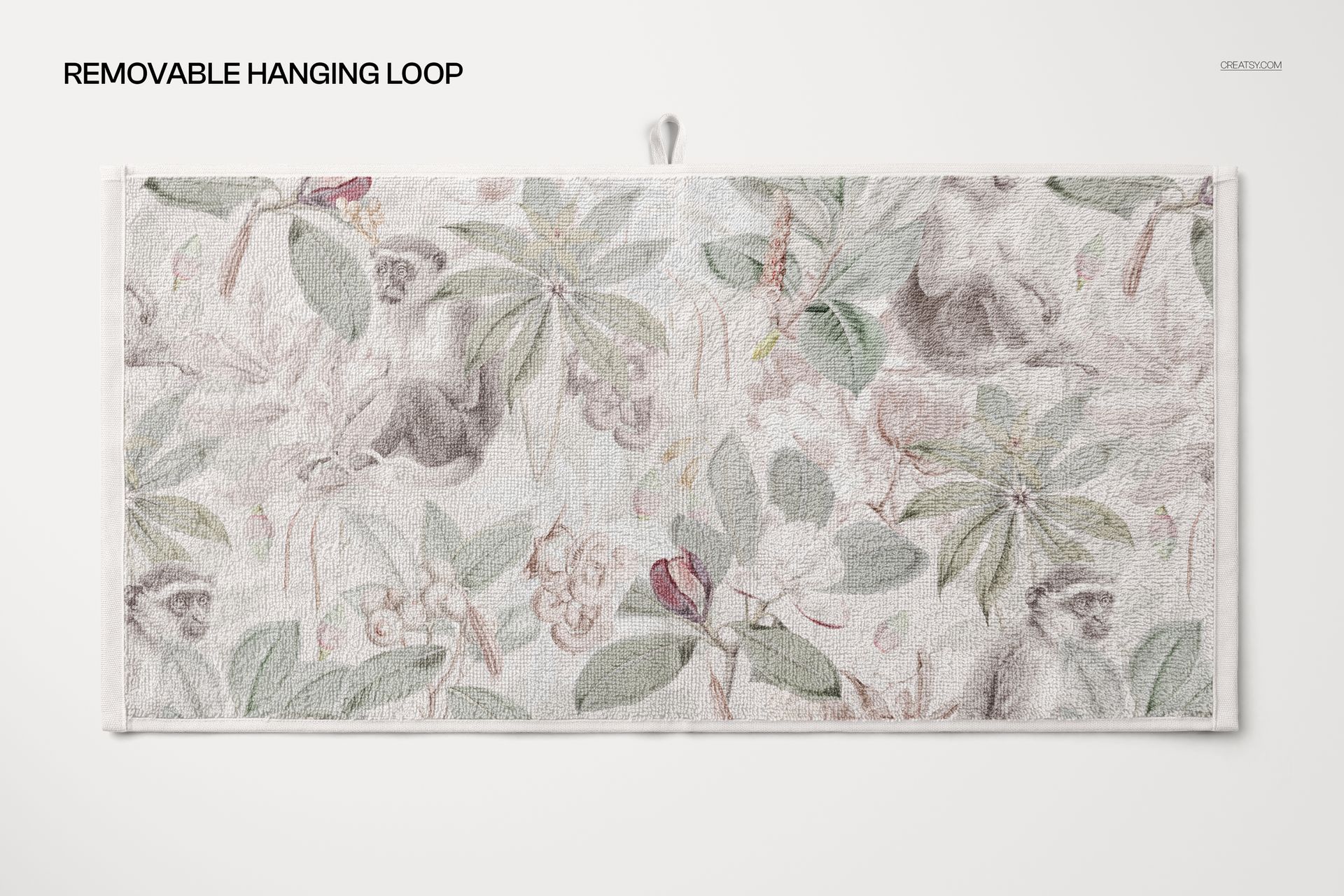
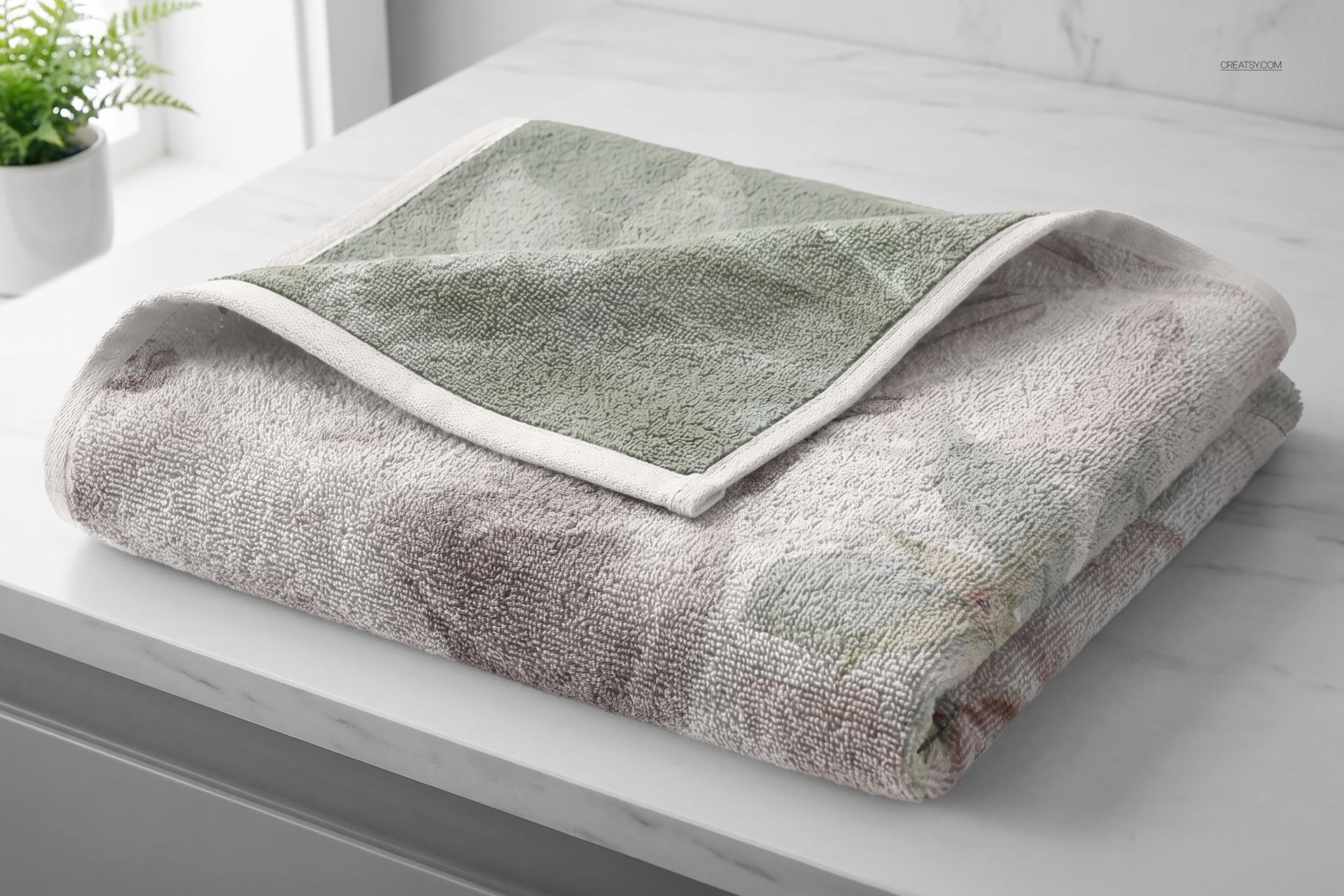
Show a bath towel design open, folded and hanging, with the same attention to its pattern and finishing details. This completely rebuilt set presents a 70 × 140 cm terry-textured towel in six scenes, from a full flat lay to a close-up of stacked edges. Use the different views to explain how a print reads across the whole towel and how it looks when the fabric is folded or draped.
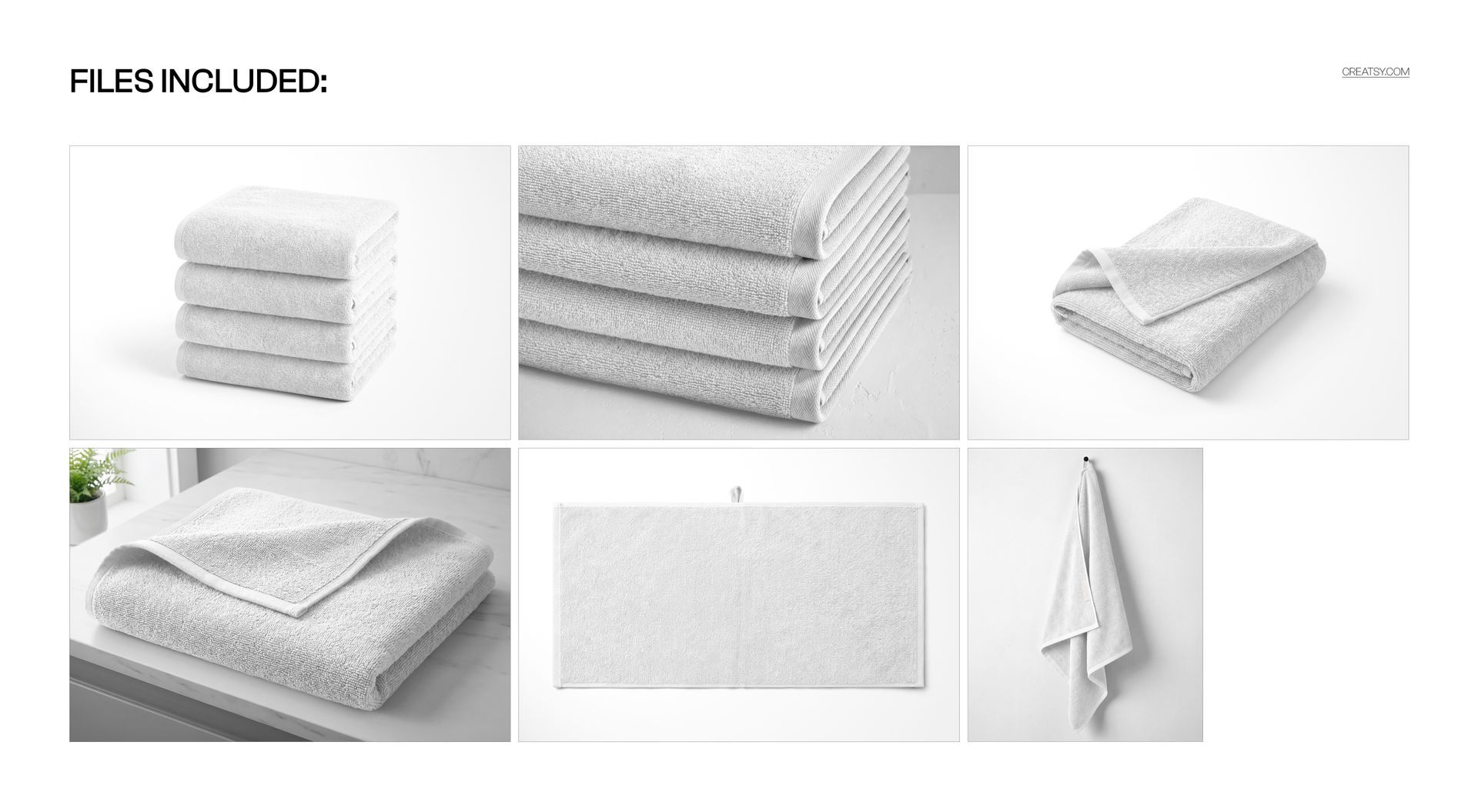
Six Scenes in the New Package
5 layered PSD mockups and 1 PSB mockup, plus 6 matching JPG previews: 12 files in total.
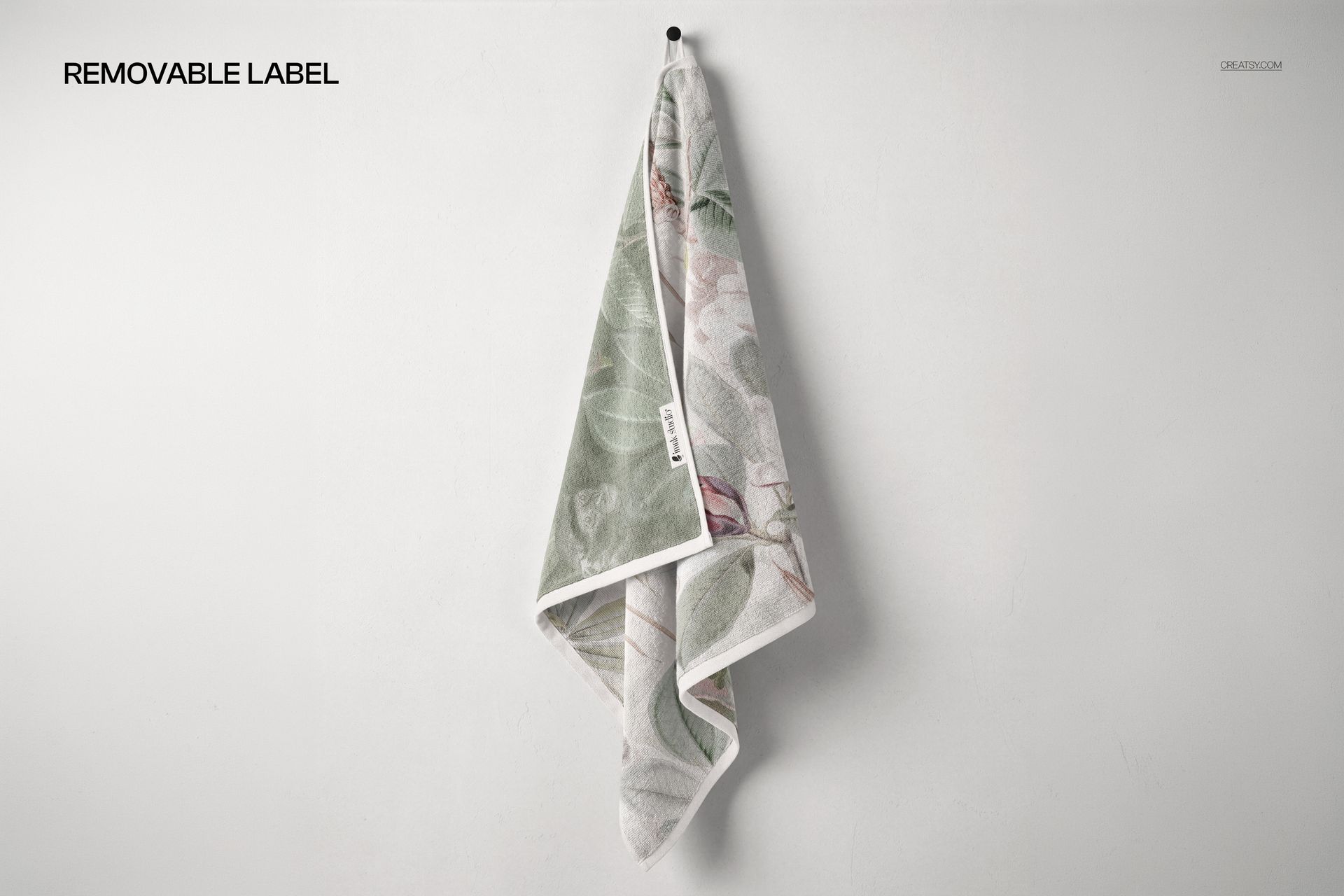
Folded towel, bathroom setting, towel stack, stack close-up, top flat lay and hanging towel scenes.
Approximately 6000 × 4000 px for the landscape scenes and 4800 × 6000 px for the hanging scene.
Coordinate the Fabric and Finishing Details
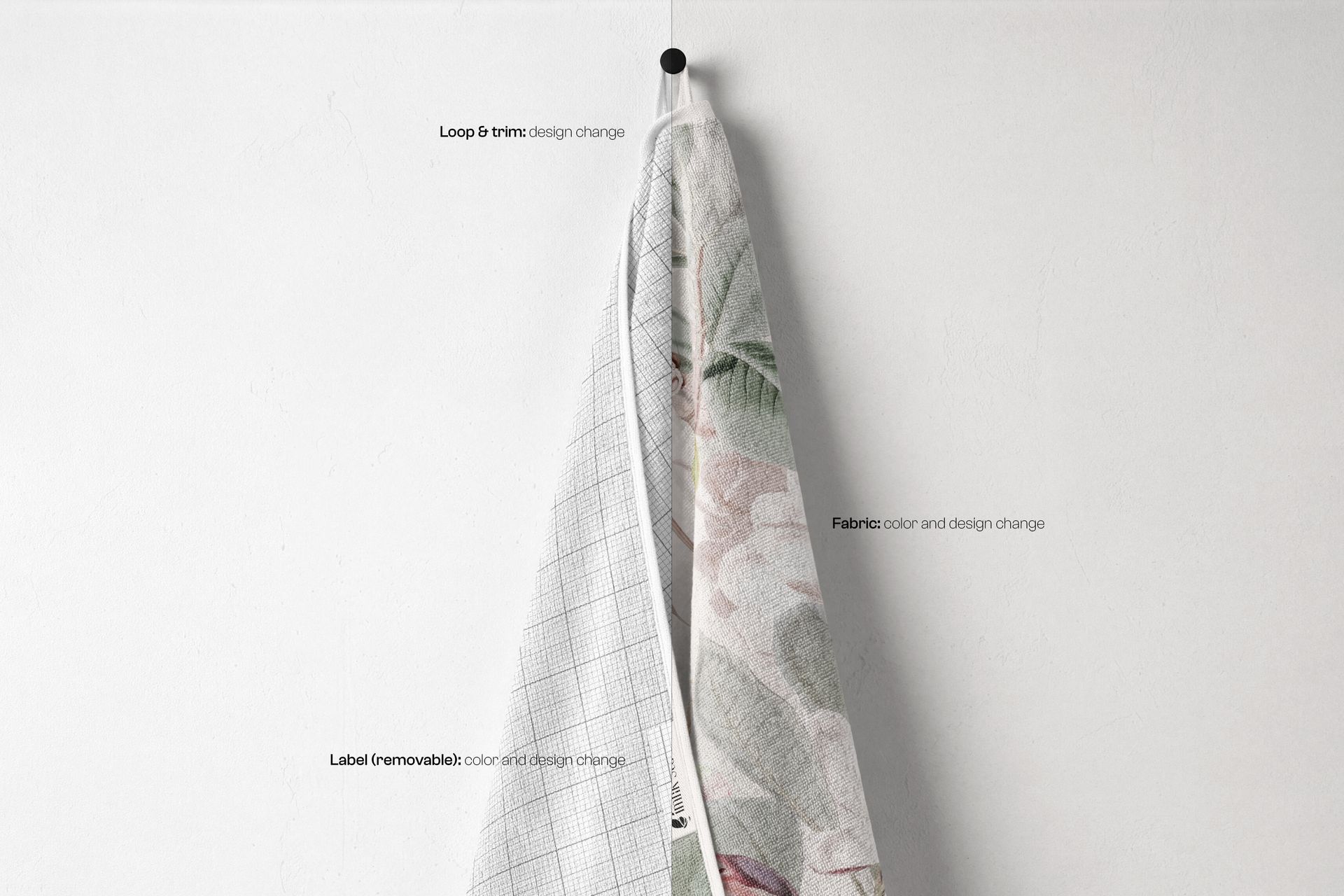
Change the fabric color and design to present your own patterns or artwork.
Add a design to the loop and trim for a coordinated or contrasting finish.
Change the label color and design, or hide the label. A removable hanging loop is also shown among the available scene features.
Smart Object Editing in Photoshop and Photopea
The updated files work in Adobe Photoshop and Photopea, including the PSB scene. Add your artwork inside the relevant Smart Object, save its contents and return to the scene. The prepared Smart Object warp adapts the artwork to the towel surface; use the available detail layers to finish the presentation.
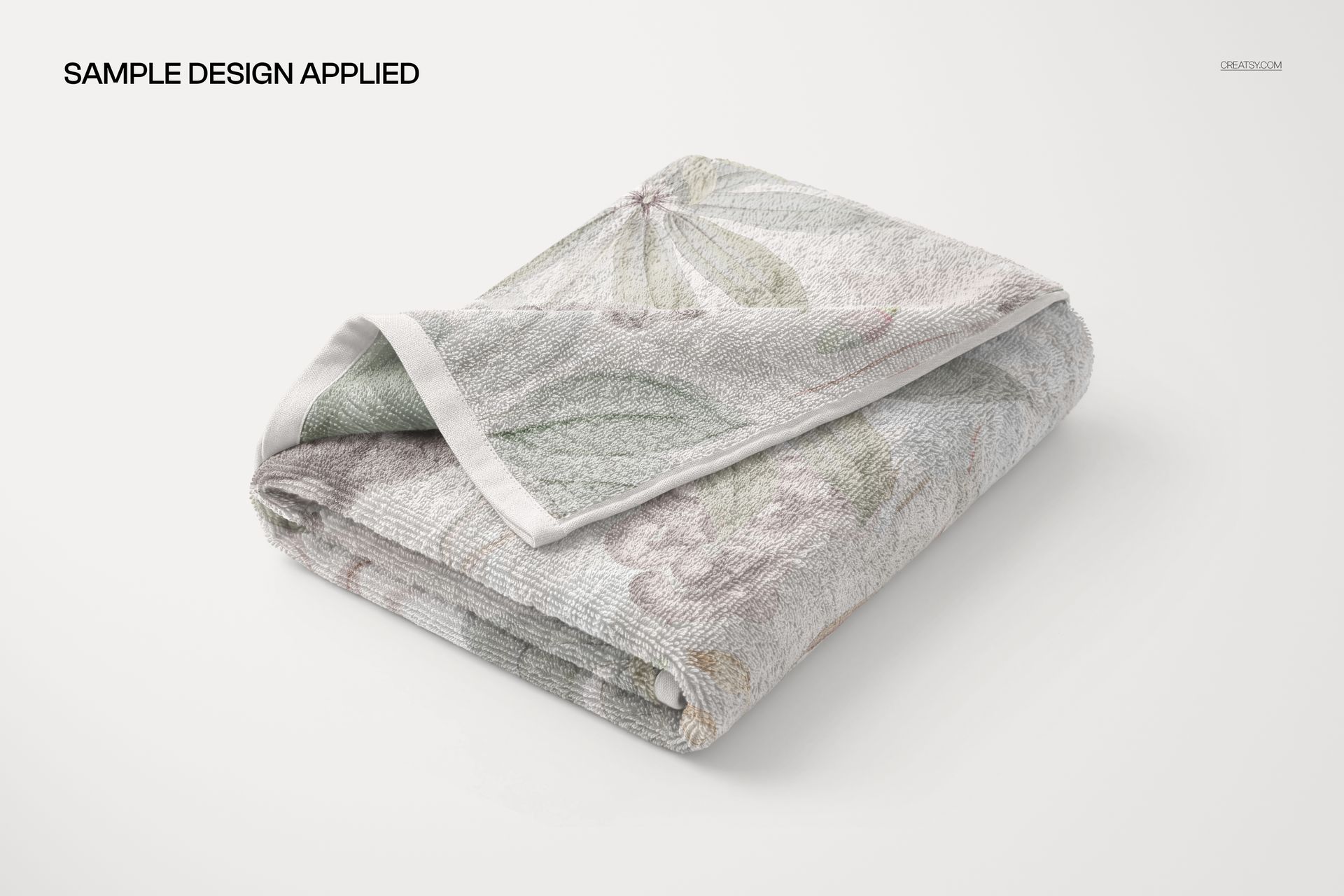
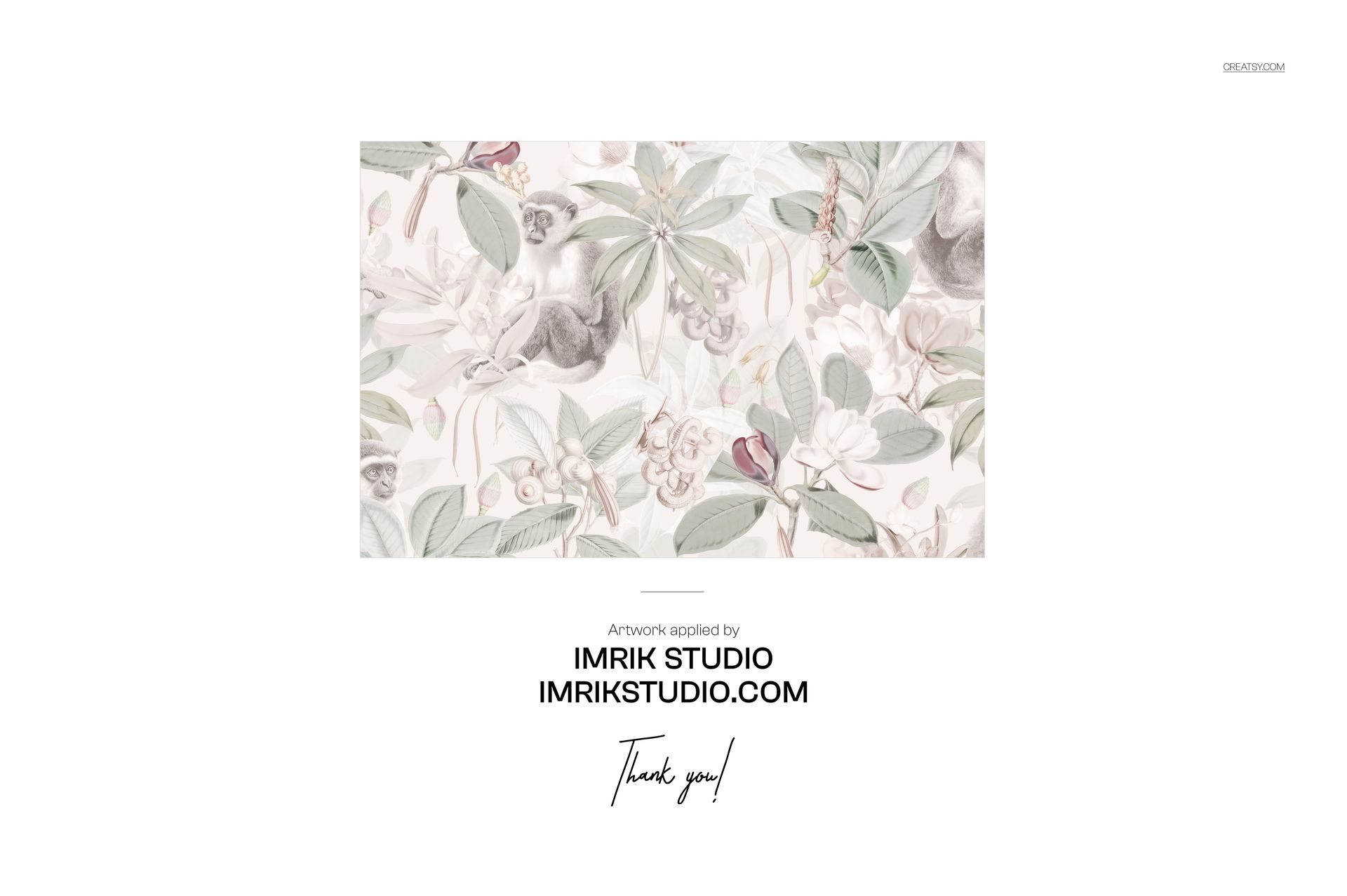
Built for surface pattern portfolios, home textile collections and hotel or spa branding concepts. This is a digital mockup set, not a physical towel. The sample artwork shown in the previews is not included.







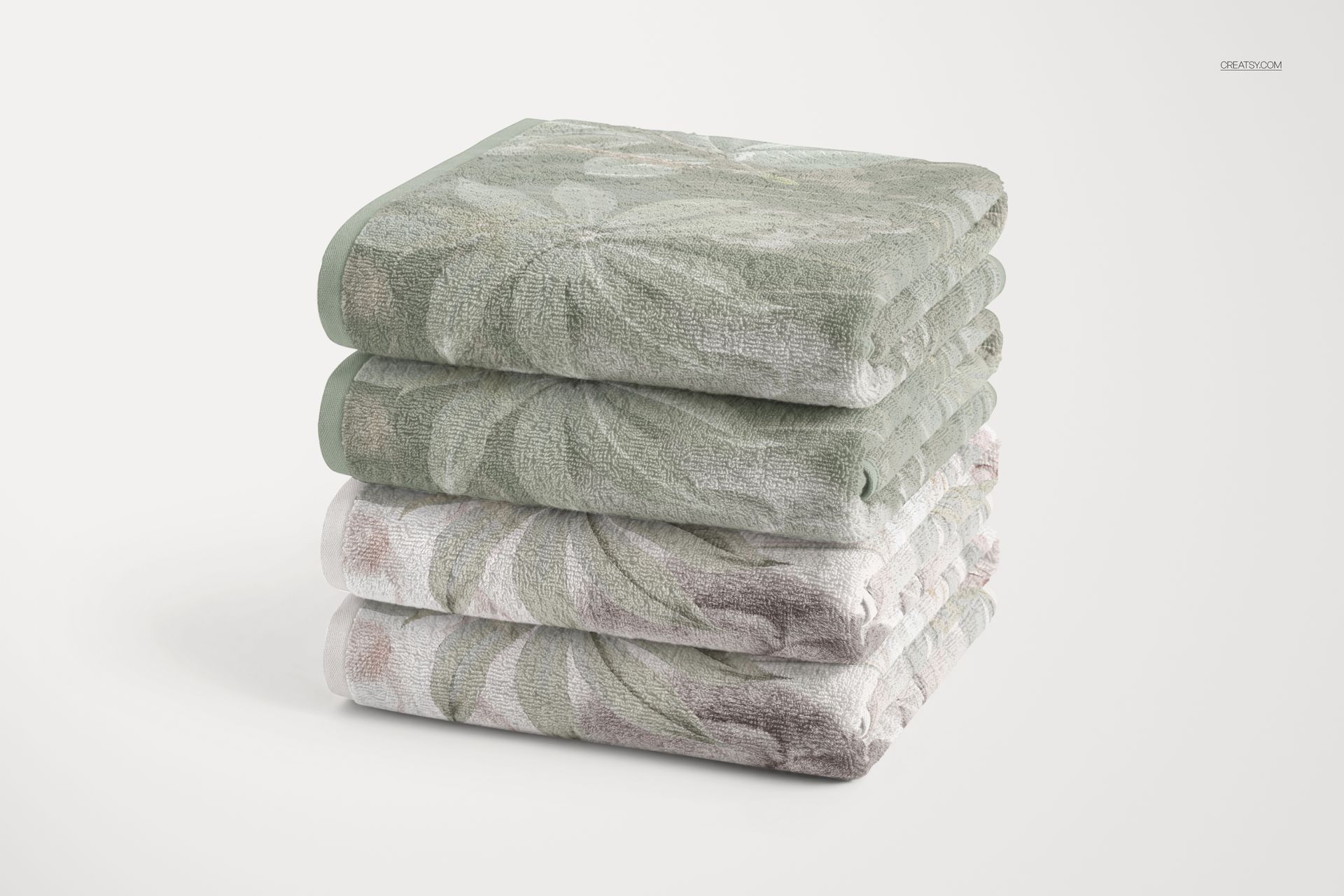







Sub-par mockups, not what I expected from Creatsy. The design layer is different size / proportions in the different mockups. When applying design the edges looks really bad. The folded towel version locks Photoshop so I have to Force quit. (a shame since that was the mockup I intended to use). Strange application of design in "stack of towels", multiple / confusing design layers on each towel in the stack.
Thank you for your detailed feedback. We’re sorry the previous version was frustrating to use, especially the folded towel file. We have now replaced the entire package with a rebuilt six-scene set. Please download the updated files and let us know how they work for you. If you encounter any issues, send us a message with the scene name so we can help.