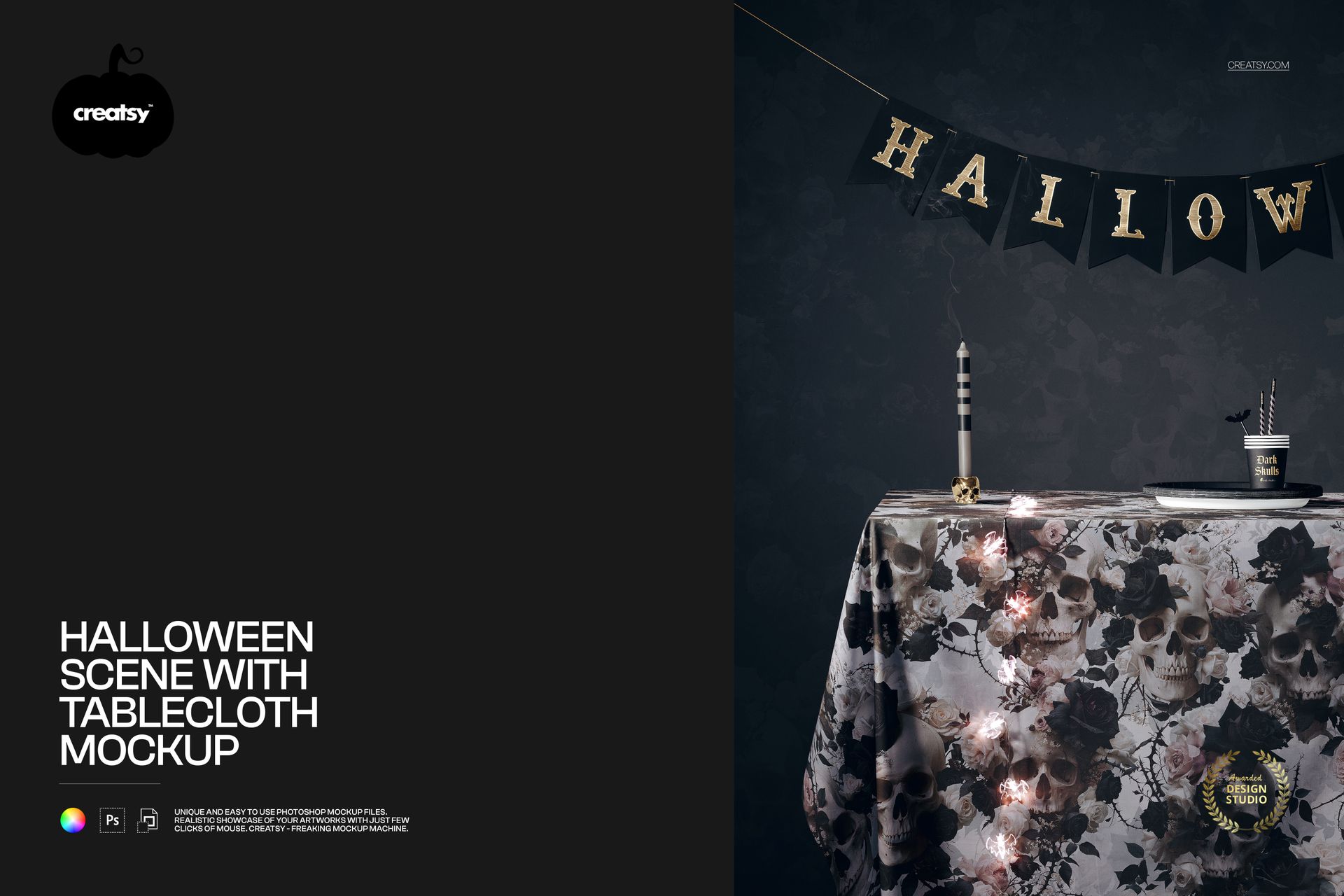
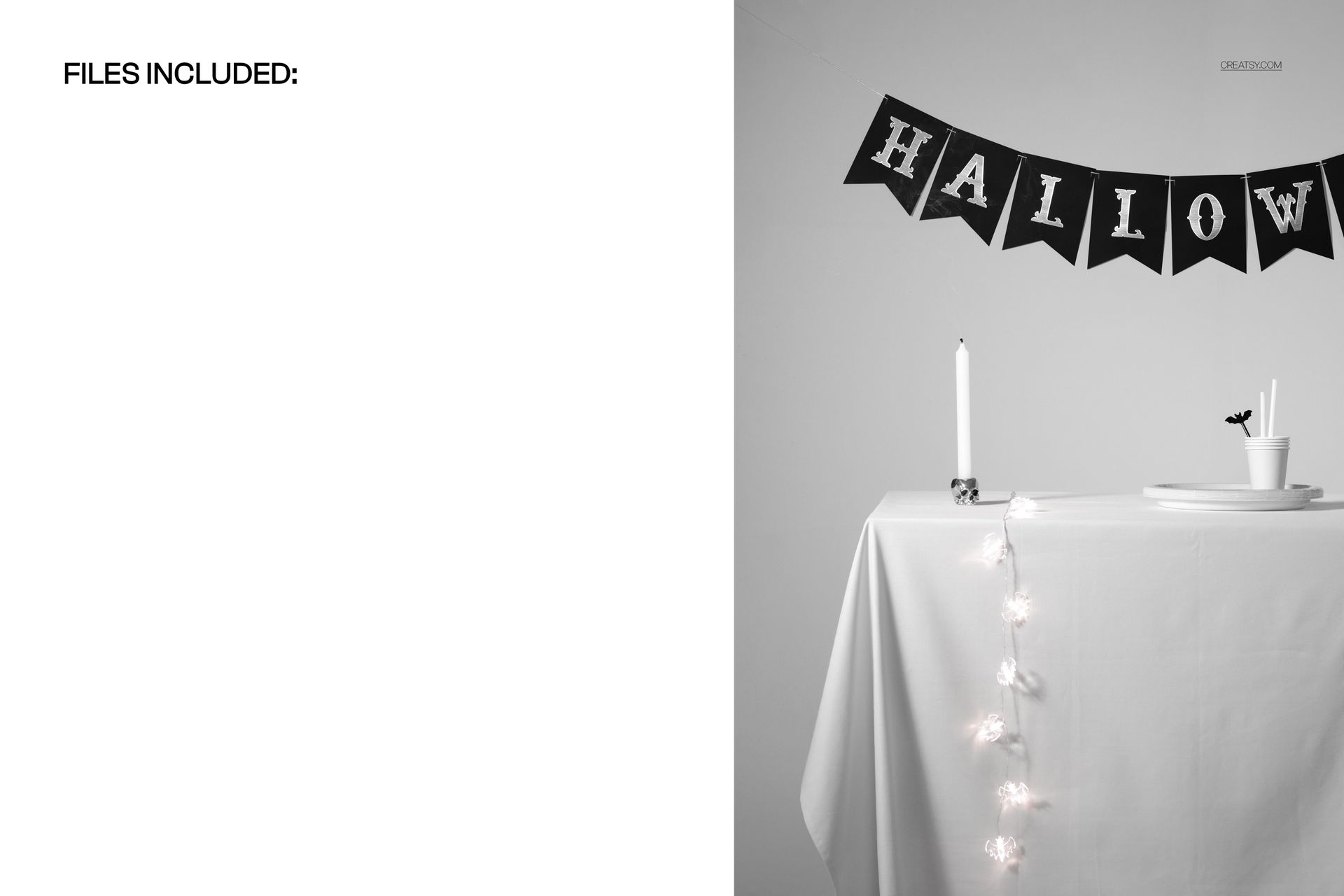
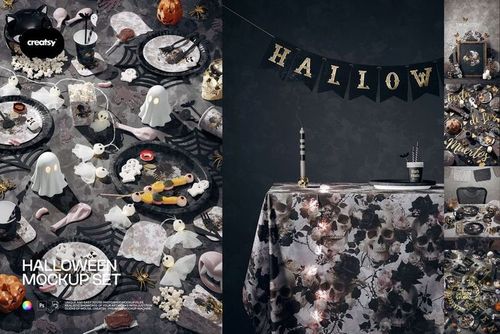
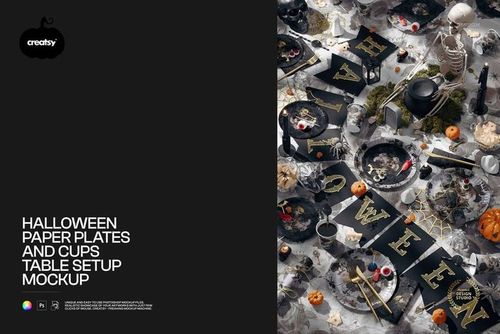
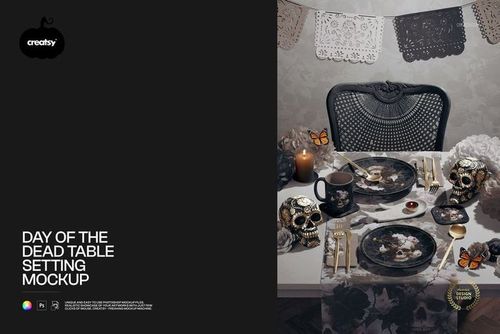
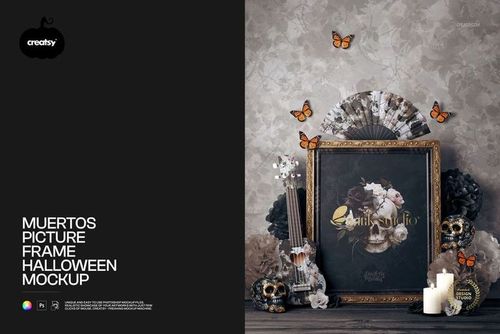
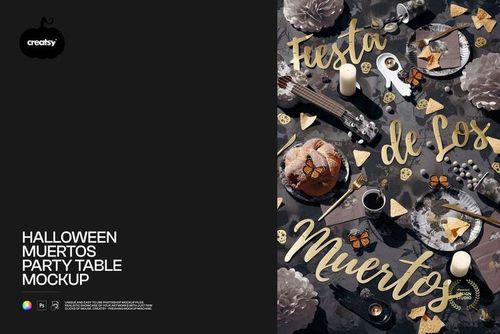
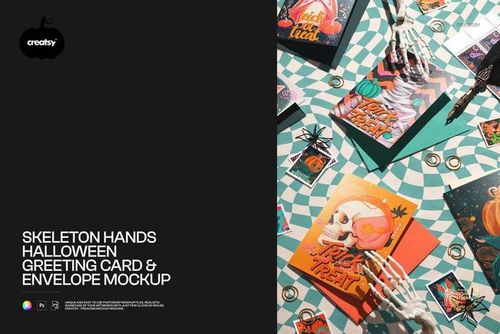
Set the table for a Halloween your customers will remember. This halloween tablecloth mockup drops your own pattern onto a moody party table, complete with a HALLOWEEN letter banner, a flickering candle, cups, straws and bat-shaped string lights. Add your artwork, set your colors, and turn a flat print into a spooky, styled scene that looks ready for the season.
Made for surface and textile designers, party and event brands, Etsy and Shopify sellers and anyone building a Halloween collection, this editable PSD gives your tablecloth design a real, atmospheric setting. Every part that carries a pattern runs on a smart object, so your print, your colors and your branding go in without a photoshoot or a single prop.
Why a Halloween tablecloth mockup helps you sell
Seasonal buyers scroll fast and buy on feeling. A print shown flat on a white square is easy to skip, but the same print on a dressed Halloween table, lit low with candles and lights, tells a shopper exactly how it will feel at their party. This mockup gives your design that mood in one image, so your listing, your ad or your social post stops the scroll and sells the season, not just the fabric.
What you can customize
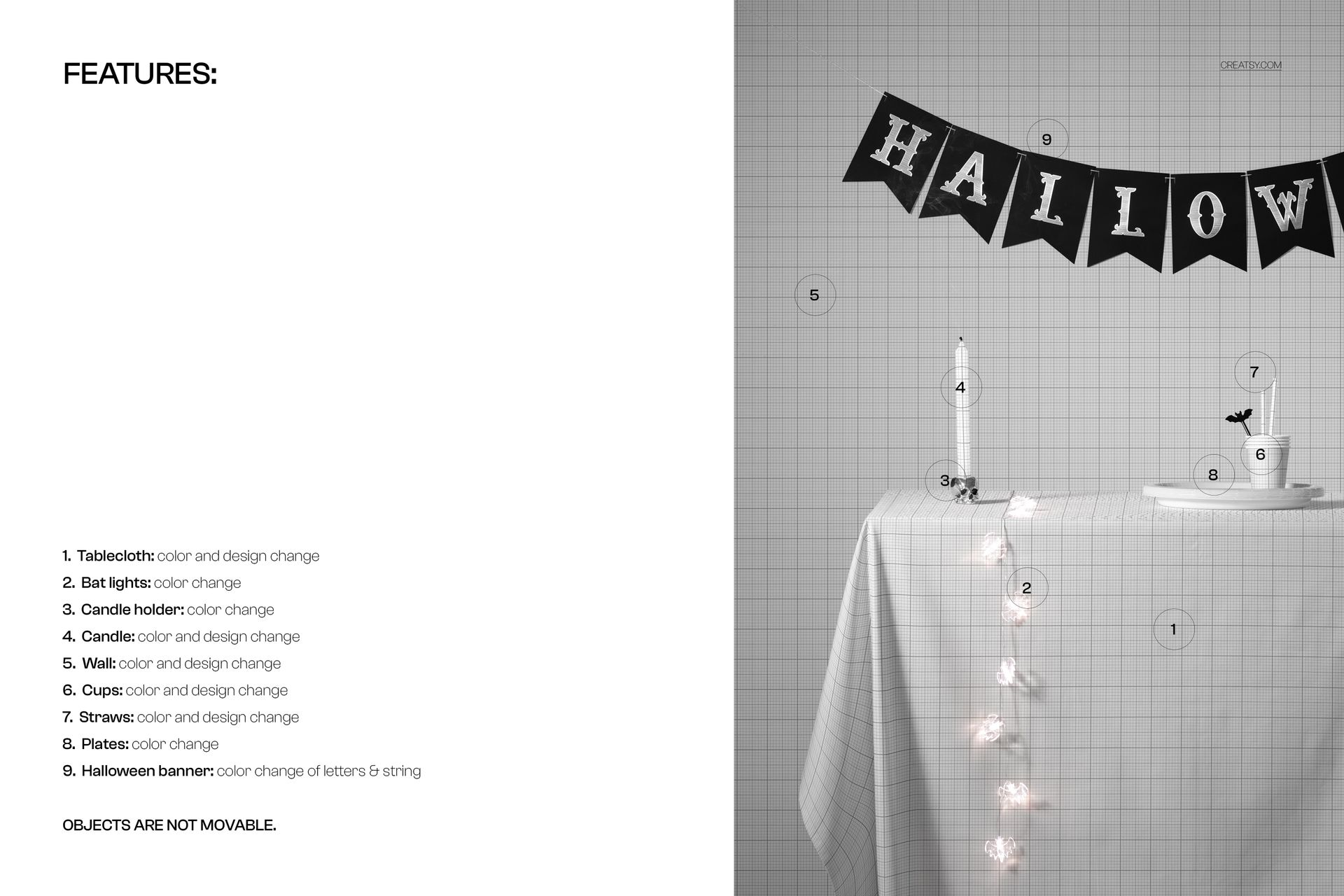
This is a full party scene, and almost everything is yours to brand:
Tablecloth: add your own pattern and set its color, the star of the scene.
Candle: change the candle color and add your own design or label.
Cups and straws: recolor and redesign the drinkware to match your theme.
Wall: set the backdrop color and drop in your own texture or pattern.
Halloween banner: recolor the letters and the string to fit your palette.
Bat lights, candle holder and plates: change their colors to complete the look.
How it works
No retouching skills needed. Open the tablecloth smart object, paste your pattern, and save. The low light, the shadows and the drape are already in the scene, so your design falls over the table like real cloth. Recolor the cups, the candle, the banner and the wall to match, and export. The scene is styled and the props stay in place, so you brand the pieces rather than move them, and you can swap in a new pattern or a whole seasonal range from the same file in minutes.
Where to use it
One render covers a lot of ground in the run-up to Halloween. Use it for Etsy and Shopify product images, ecommerce listings, seasonal ad creative, Instagram and Pinterest posts, party brand lookbooks, client presentations and label previews before you print. It is a fast way to show a Halloween tablecloth, a party textile line or a full spooky table collection looking finished and on theme.
Who it is for
Surface and textile pattern designers, party and event supply brands, home and seasonal decor labels, and Etsy or Shopify sellers with Halloween tablecloths, table linens or party goods. Use it to launch a seasonal print, present a collection to a buyer, or fill a shop with atmospheric, on-brand images without styling a real table.
File details
1 layered PSD file plus a JPG preview
6000 x 4000 px, 300 dpi
Adobe Photoshop CC2020 or newer, and Photopea (free online editor)
smart objects with color and design on the tablecloth, candle, cups, straws and wall
color controls for the bat lights, candle holder, plates and the banner letters and string
well organized, named layers
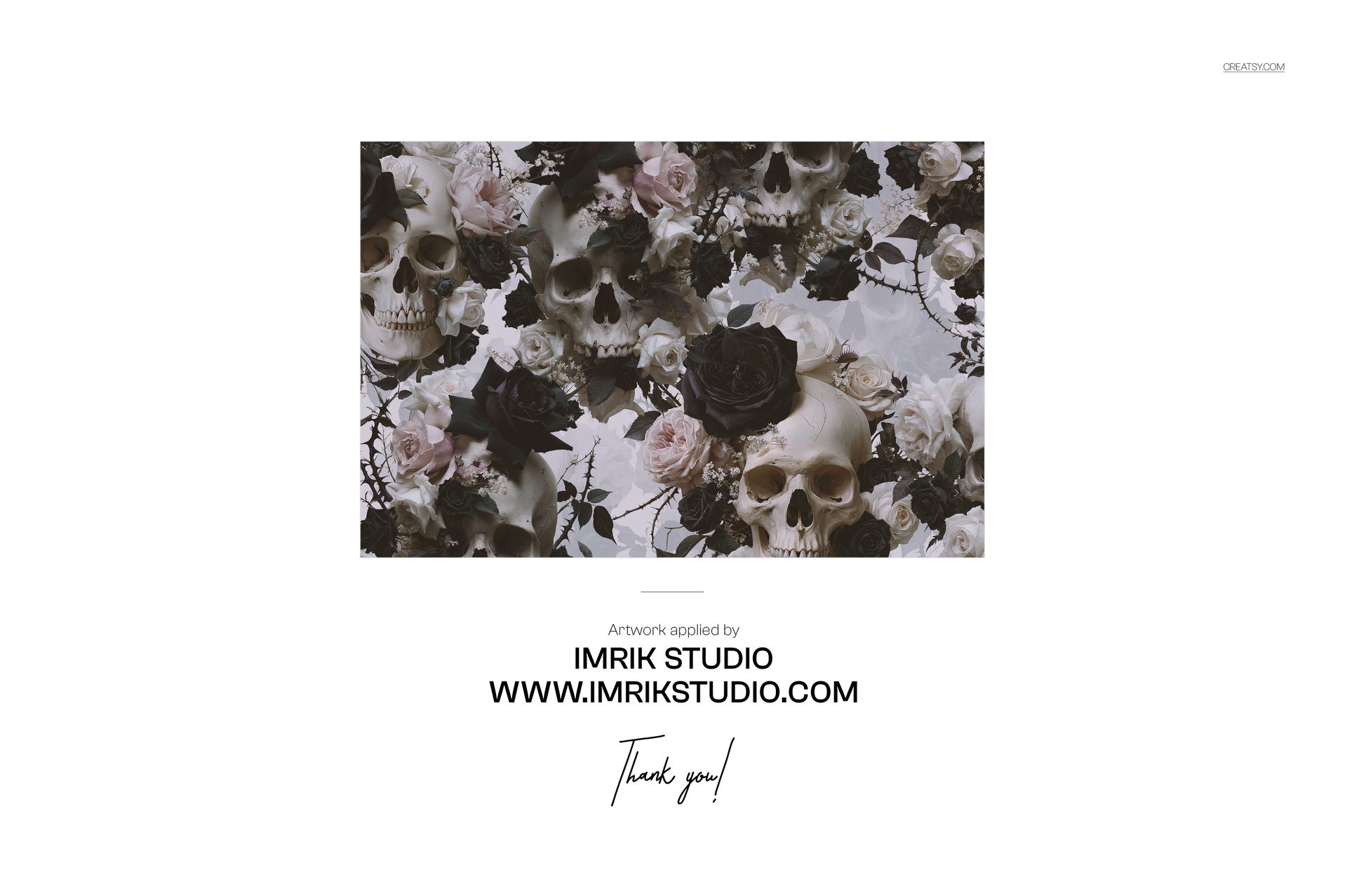
Demo design by Imrik Studio, shown for display and not included in the download.