Halloween Paper Plates and Cups Table Setup Mockup
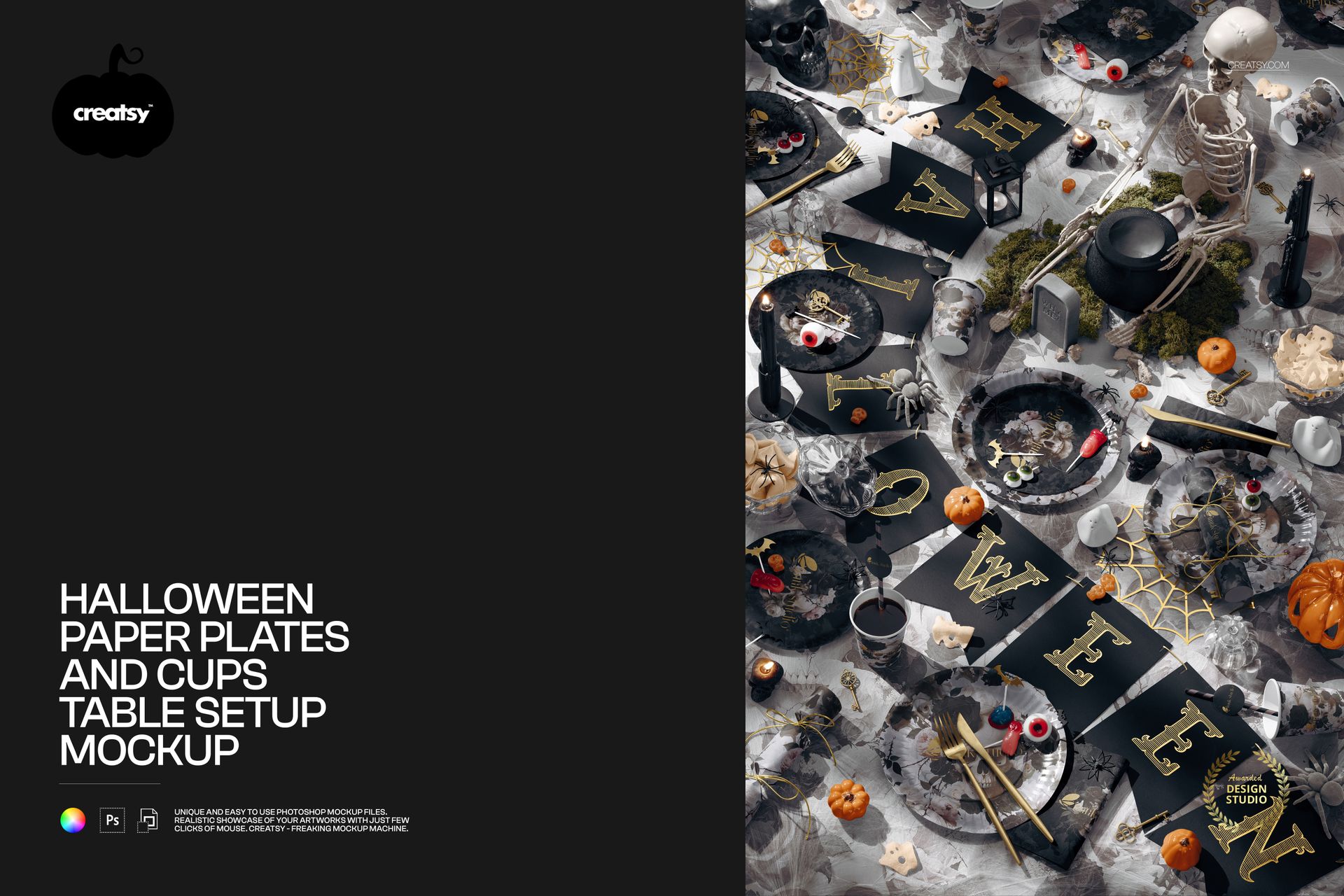
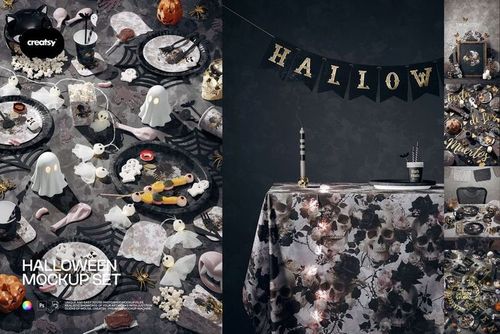
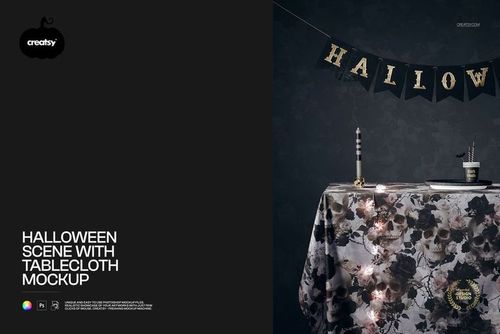
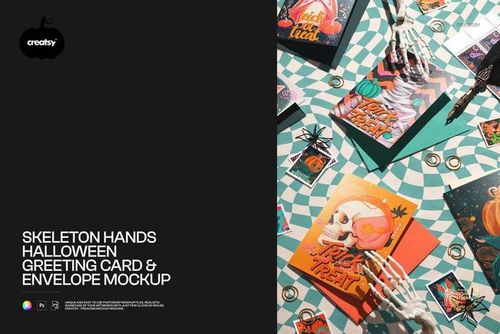
A skeleton centerpiece, candlelight and a letter banner set the mood for a full Halloween table. This overhead mockup brings paper plates, cups, napkins and a patterned tablecloth into one styled composition, helping you show how a seasonal collection works together rather than presenting each design as an isolated swatch.
What Is Included
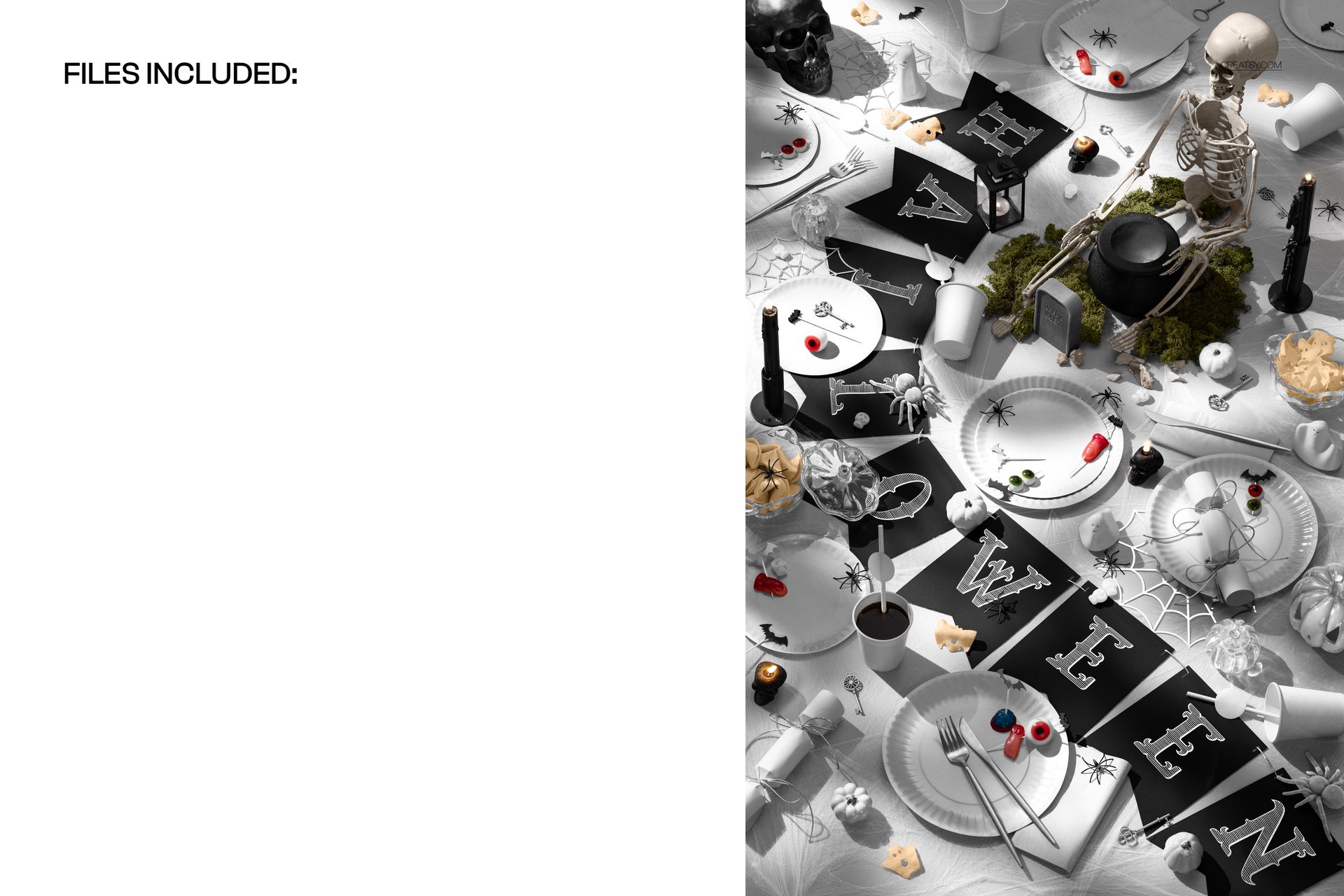
1 layered PSD containing one editable table scene.
1 JPG preview, supplied as a reference image rather than an editable mockup.
A portrait-oriented 4000 × 6000 px document at 300 DPI with organized layers, compatible with Adobe Photoshop CC2020 or newer and Photopea.
Coordinate the Table, Keep the Styling
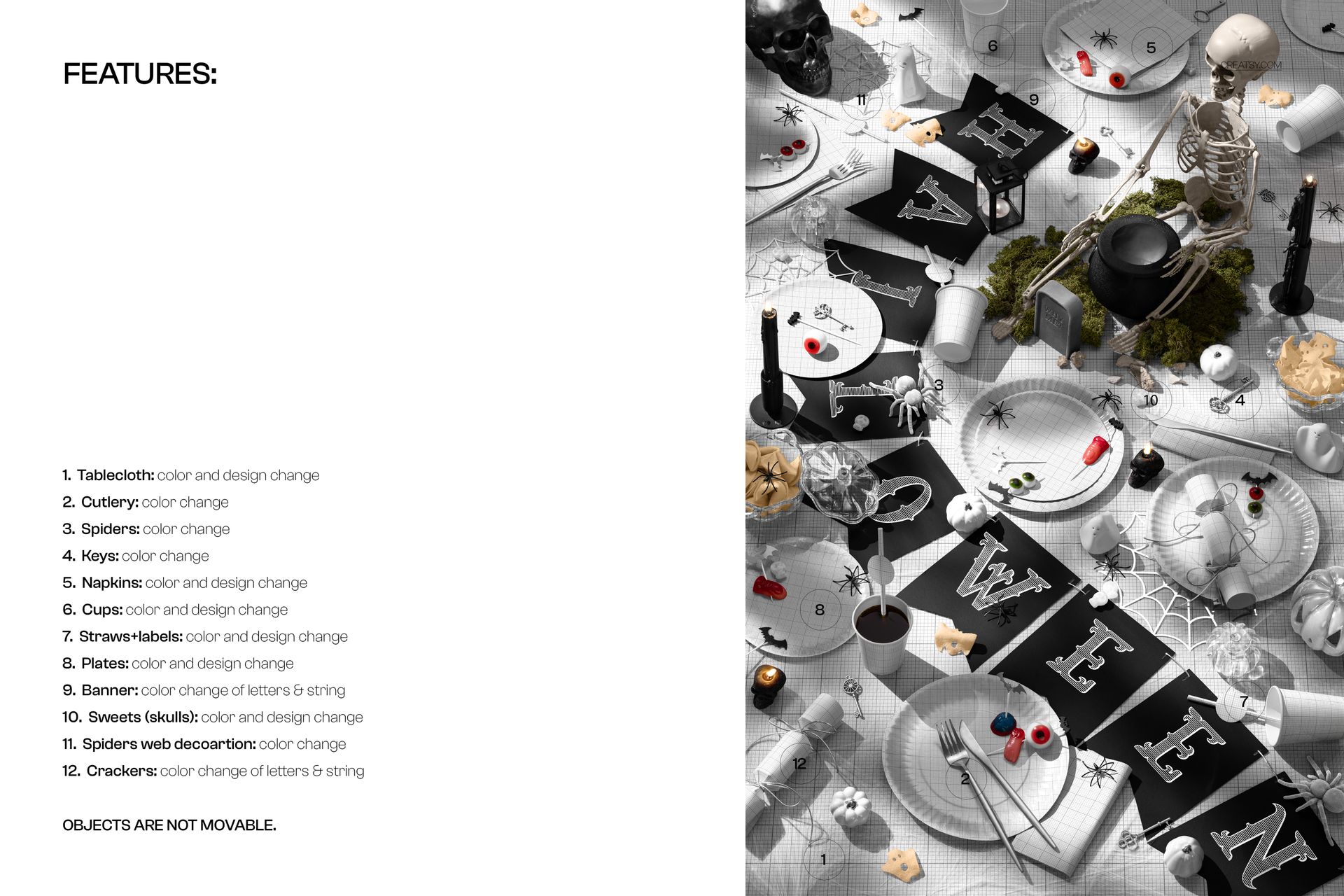
Change the color and design of the paper plates, cups, napkins, tablecloth, straws and labels, and skull-shaped sweets. Color controls also cover the cutlery, spiders, keys, spider-web decorations, and banner letters and string. Objects are not movable: the styled arrangement stays in place while you develop the collection.
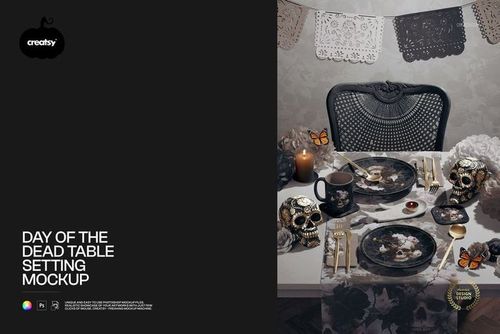
Use the scene to compare a bold cup print with quieter napkins, or carry a shared accent color from the tablecloth into the plates and decorative details. The mix of broad and small surfaces makes it easier to see whether the designs belong to the same range.
Easy Smart Object Editing
Open the PSD in Photoshop CC2020 or newer, or in Photopea. Replace artwork in the relevant Smart Objects, save those edits and return to the main scene. Adjust the available colors, then export an image for your presentation.
Perfect For
Surface pattern designers presenting coordinated Halloween collections.
Partyware brands and event stylists preparing seasonal lookbooks or client concepts.
Illustrators showing gothic florals, playful motifs or graphic Halloween themes in context.
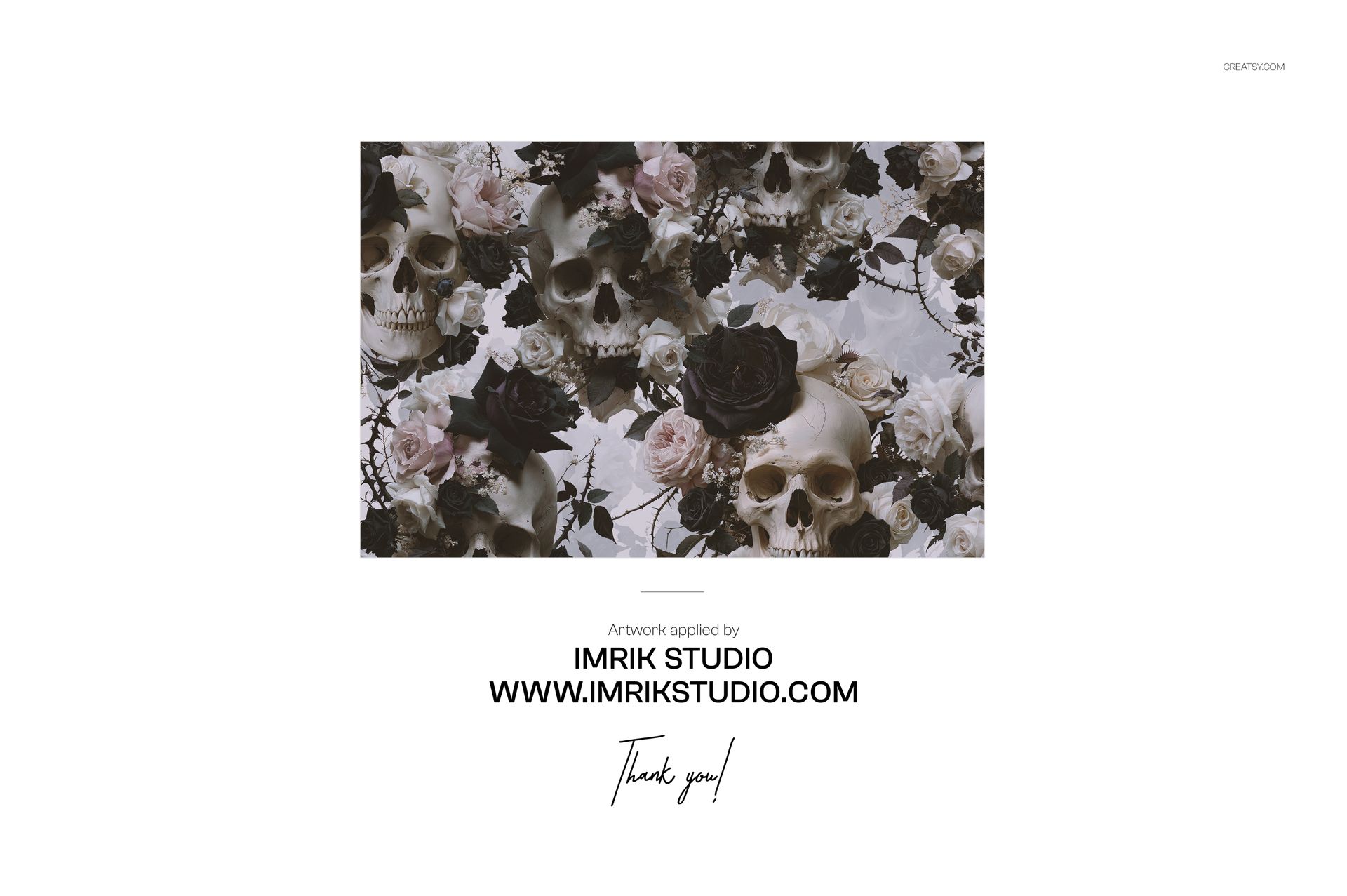
This is a digital mockup, not physical party supplies or a production template. The example artwork by Imrik Studio is shown for presentation only and is not included.