Laptop on Coastal Rocks Mockup
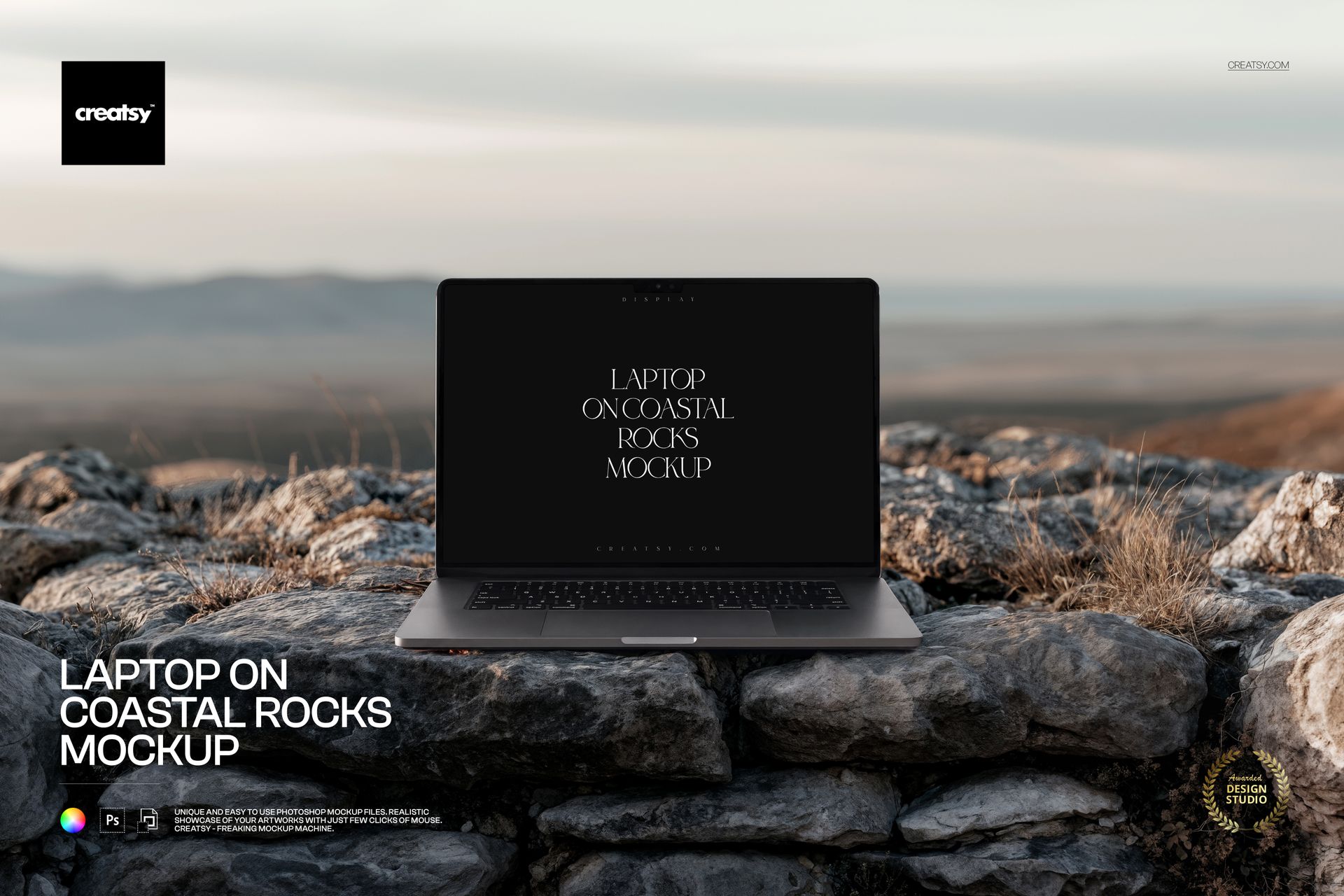
Rough coastal stone, dry grasses and a softly blurred horizon frame a laptop shown almost straight on. Use this laptop on coastal rocks mockup to place a website, desktop interface or digital artwork in an outdoor setting, with the screen as the focal point and the surrounding landscape adding a quiet, natural mood.
A Coastal Setting for Screen-Based Work
The horizontal composition gives travel websites, outdoor brands and photography portfolios a setting that relates to their subject. It also offers a change of pace within a web design case study, especially when paired with flat interface screenshots that explain the finer details.
What Is Included
1 layered PSD mockup with one editable laptop scene.
6000 × 4000 px landscape document at 300 DPI.
1 JPG preview, 2 files in total.
Compatibility with Adobe Photoshop CC2020 or newer and Photopea.
Screen Editing, Body Options and Filters
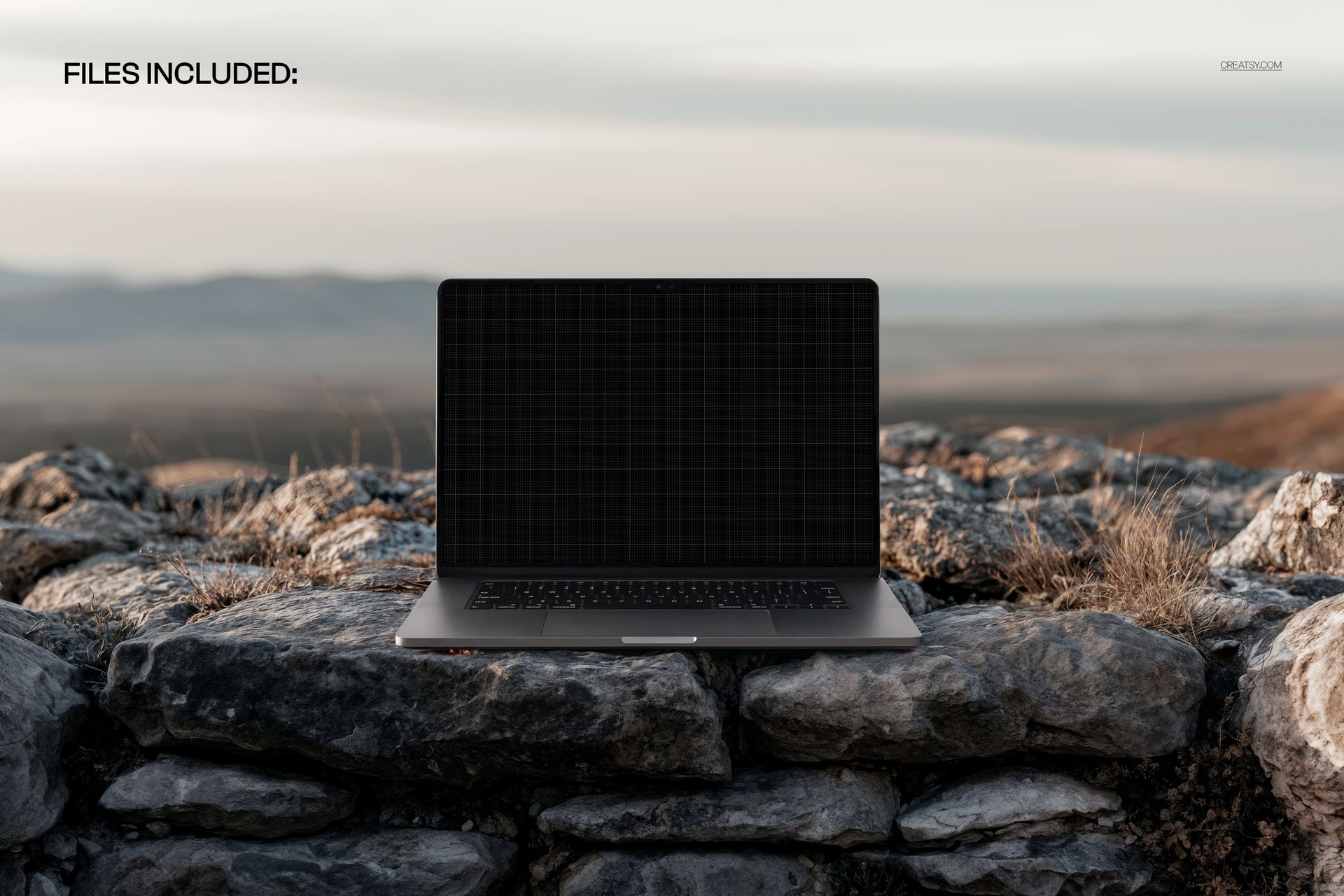
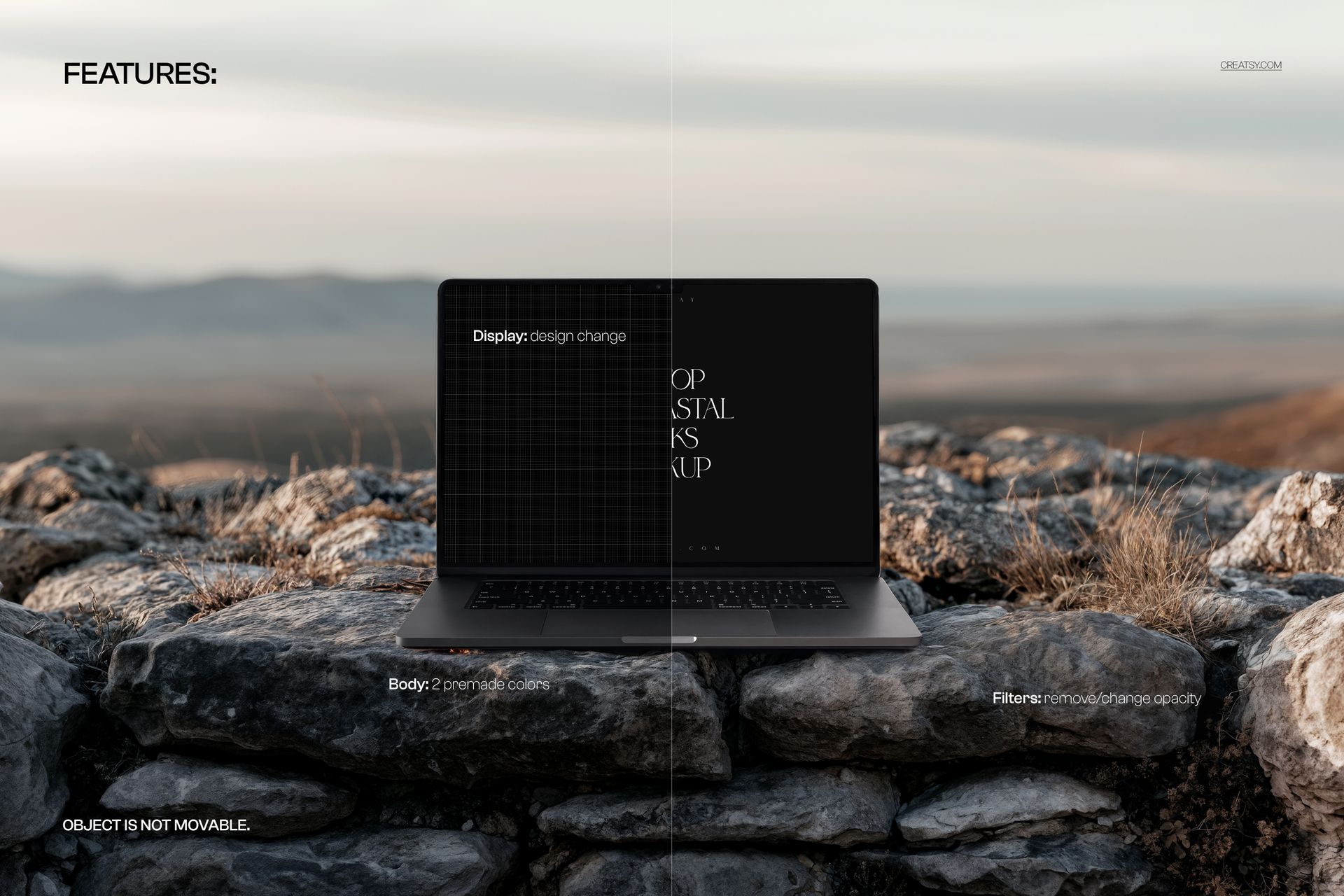
Replace the display artwork, choose between two premade laptop body colors, and remove the filter effects or adjust their opacity. The object is not movable, so the laptop remains in its coastal composition.
Easy Smart Object Editing
Open the PSD in Photoshop or Photopea, open the display Smart Object and insert your artwork. Save the Smart Object changes to update the scene, then compare the body options and filter strength before exporting. Organized layers keep these adjustments easy to find.
Perfect For
Web designers presenting landing pages, desktop layouts and client concepts.
Branding studios preparing nature-inspired campaign visuals.
Photographers and creative agencies building digital portfolio presentations.
This is a digital presentation mockup, not a physical laptop or a working website. Sample screen artwork shown in the previews is not included.