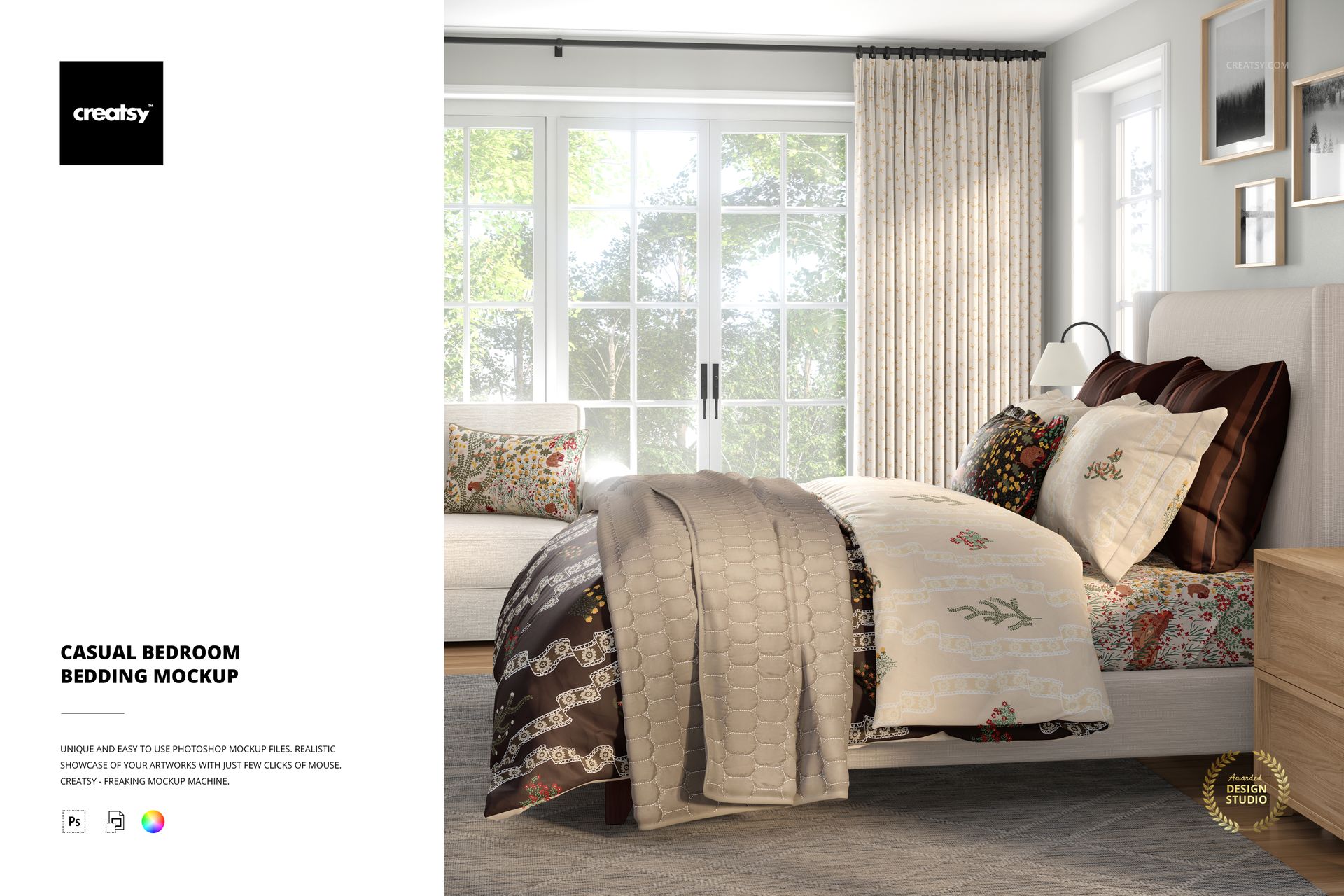
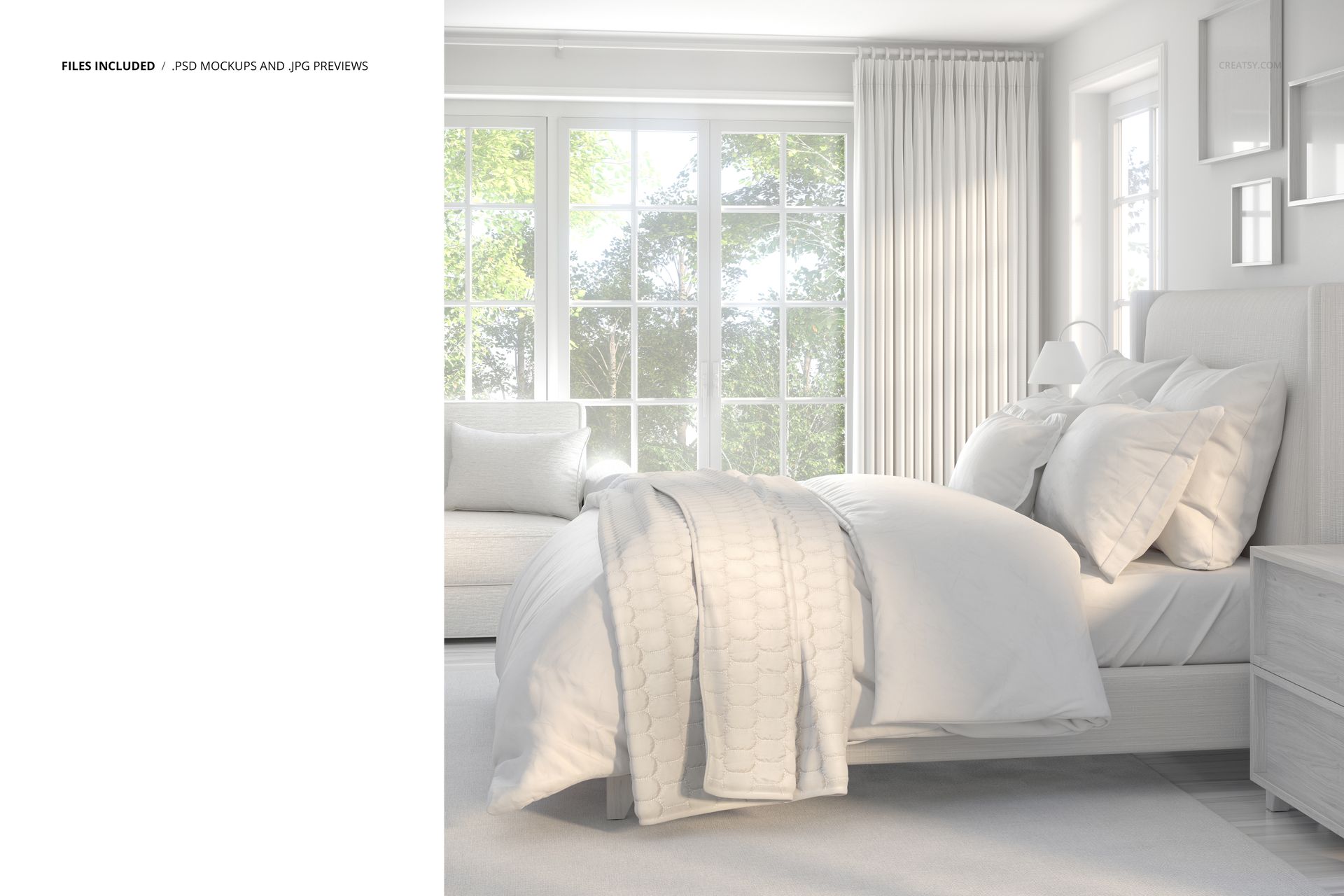
Create cozy, light-filled bedroom scenes for your textile designs with this Free Casual Bedroom Bedding Mockup. Showcase complete bedding collections, surface patterns, and interior palettes in a sunlit room with a large window, layered comforter, pillows, coverlet, and coordinated decor. Ideal for designers presenting full-room stories, not just single products. Free for commercial use – see license for details.
Highlights
Format: 1× PSD, 6000×6000 px, 300 dpi
Workflow: Smart Objects; clearly named, well-organized layers
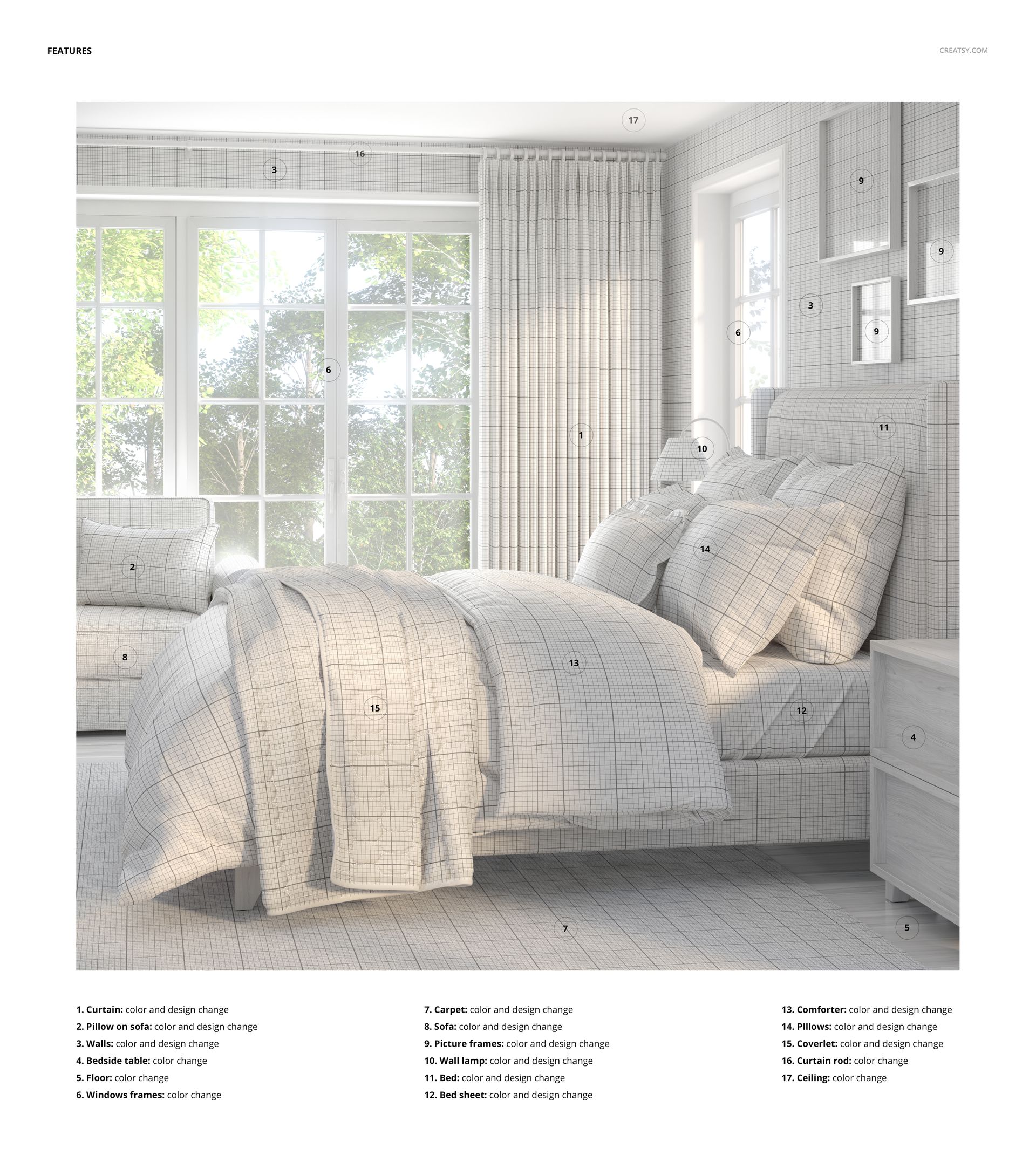
Editable textiles: curtains, sofa pillow, carpet, sofa, bed sheet, comforter, pillows, coverlet
Editable decor & room elements: walls, bedside table, floor, window frames, picture frames, wall lamp, bed, curtain rod, ceiling
Scene: casual bedroom with upholstered bed, bedside table, sofa bench, and large window with greenery outside
Apps: Photoshop (min. CC 2020) + Photopea (free online editor)
Use cases: bedding collections, pattern design portfolios, catalog spreads, ecommerce lifestyle images, social media
License: free for personal & commercial use (see terms)
What’s inside / Specs
- Smart Objects for all patterned textiles (curtains, bedding, pillows, carpet, sofa)
- Color controls for walls, furniture, decor, window frames, curtain rod, ceiling, and floor
- Adjustable lighting and shadows for realistic depth and soft daylight feel
Style: relaxed, contemporary bedroom with natural light and layered fabrics perfect for showcasing coordinated sets
Compatibility: Photoshop CC 2020 or newer; works in Photopea
Approx. size: ~687–720 MB (rchive may vary by compression)
How-to (Photoshop & Photopea)
Open the PSD in Photoshop (CC 2020+) or Photopea.
Insert your designs into the textile Smart Objects (bedding, pillows, curtains, carpet, sofa) and Save to update the mockup.
Adjust colors of walls, furniture, and decor to match your collection or brand palette.
Fine-tune shadows and highlights to emphasize texture and depth.
Export high-resolution JPG/PNG/WebP files for online shops, lookbooks, or client presentations.
License & usage
Free for personal & commercial use (for 1 business, up to 5,000 end products). PSD source files cannot be resold, shared, or redistributed as-is. Please check the full license – “Freebie” row – for complete terms and restrictions.















I love this mockup so much! I was able to change every single detail. The file was so well organized and so easy to use. I love all of Creatsy's mockups!!
That’s exactly what we aim for - thank you so much! 🧡 So happy every detail worked for you!