Easter Egg in Spring Garden Mockup
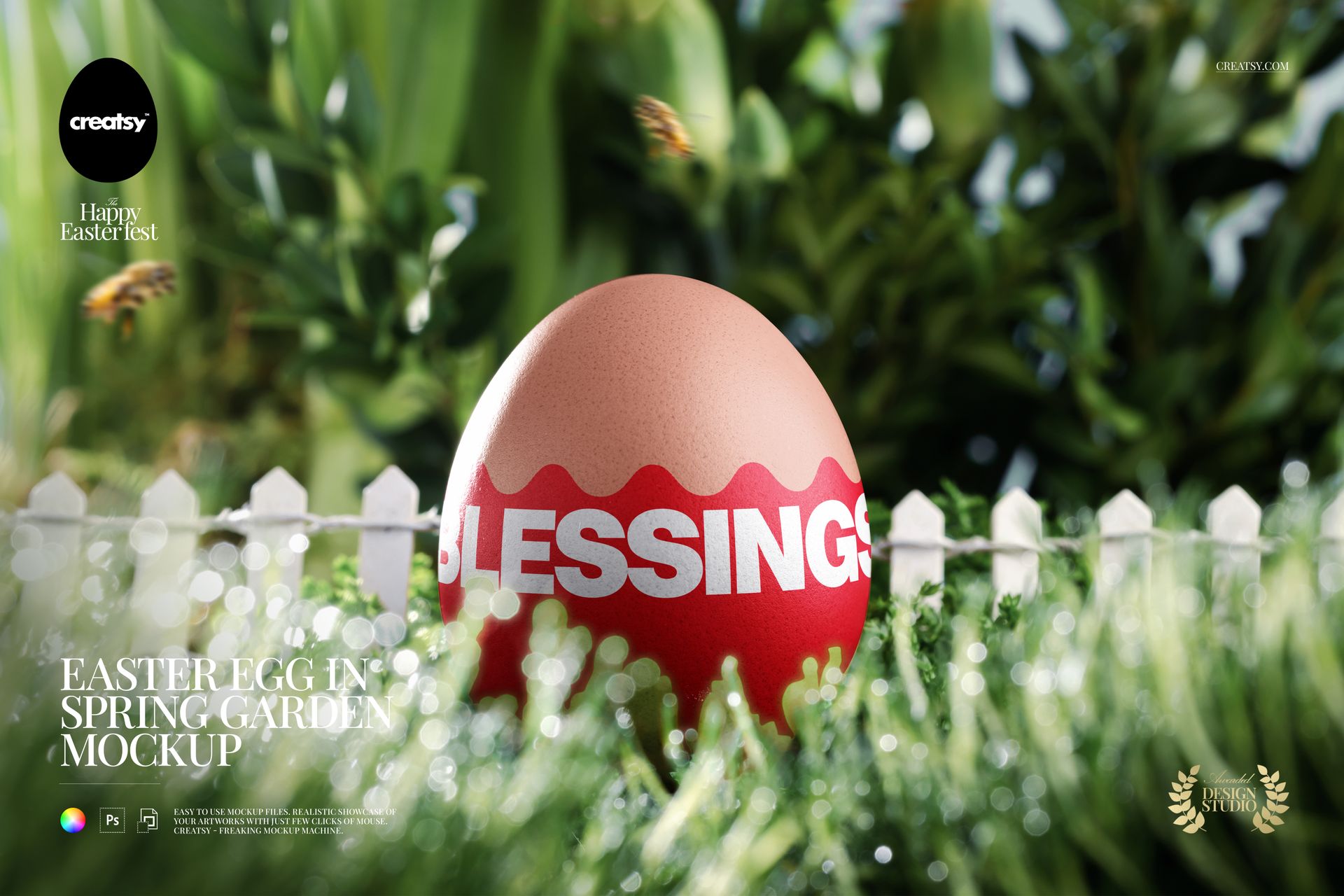
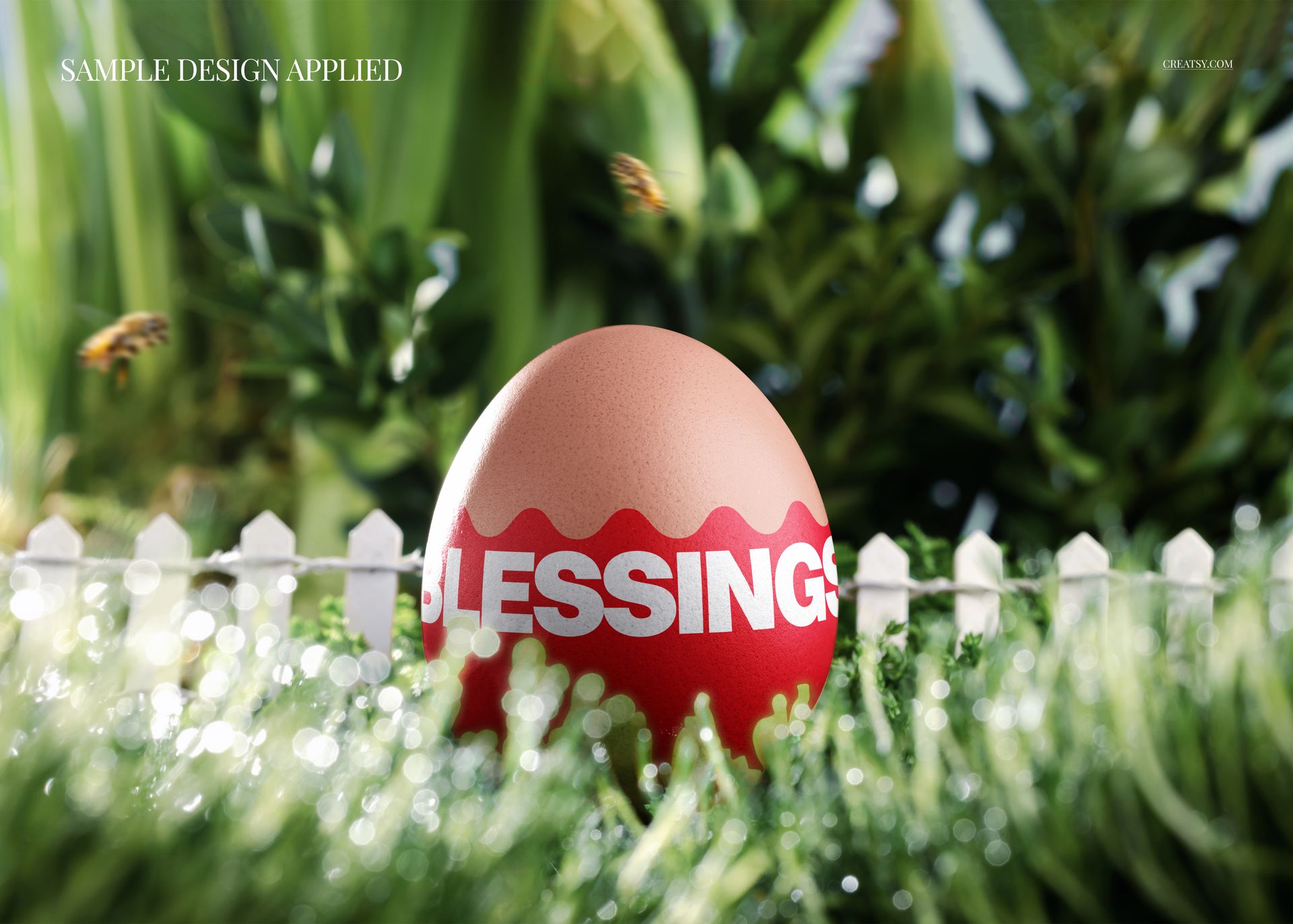
A white picket fence, fresh greenery and softly blurred garden details set the scene for one decorated Easter egg. The egg remains the focal point, giving seasonal lettering, floral artwork and repeat patterns a lively outdoor presentation without requiring a styled photo shoot.
A Clear Focal Point in a Lush Setting
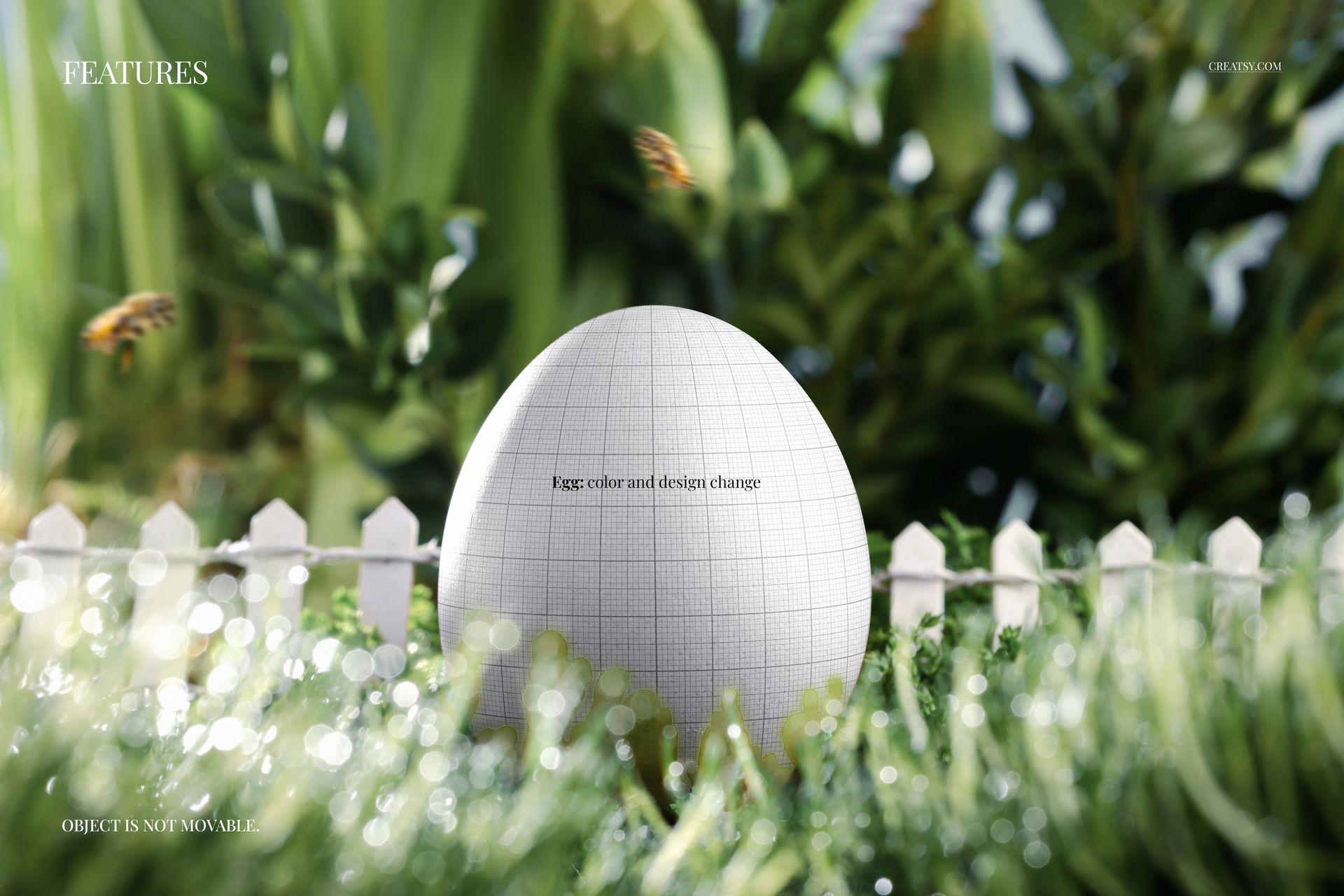
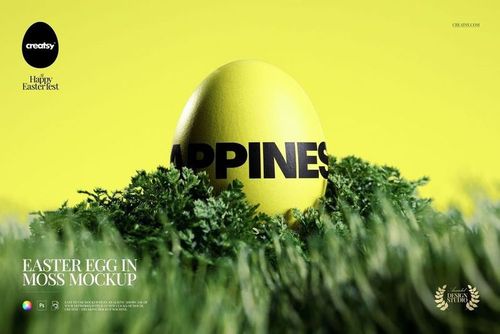
Change the egg color and design while keeping the established garden composition. The blurred foreground and background create depth around your artwork, making this scene useful for spring campaign images and illustrated collection previews. The egg is not movable, so you can compare several design options within the same view.
What Is Included
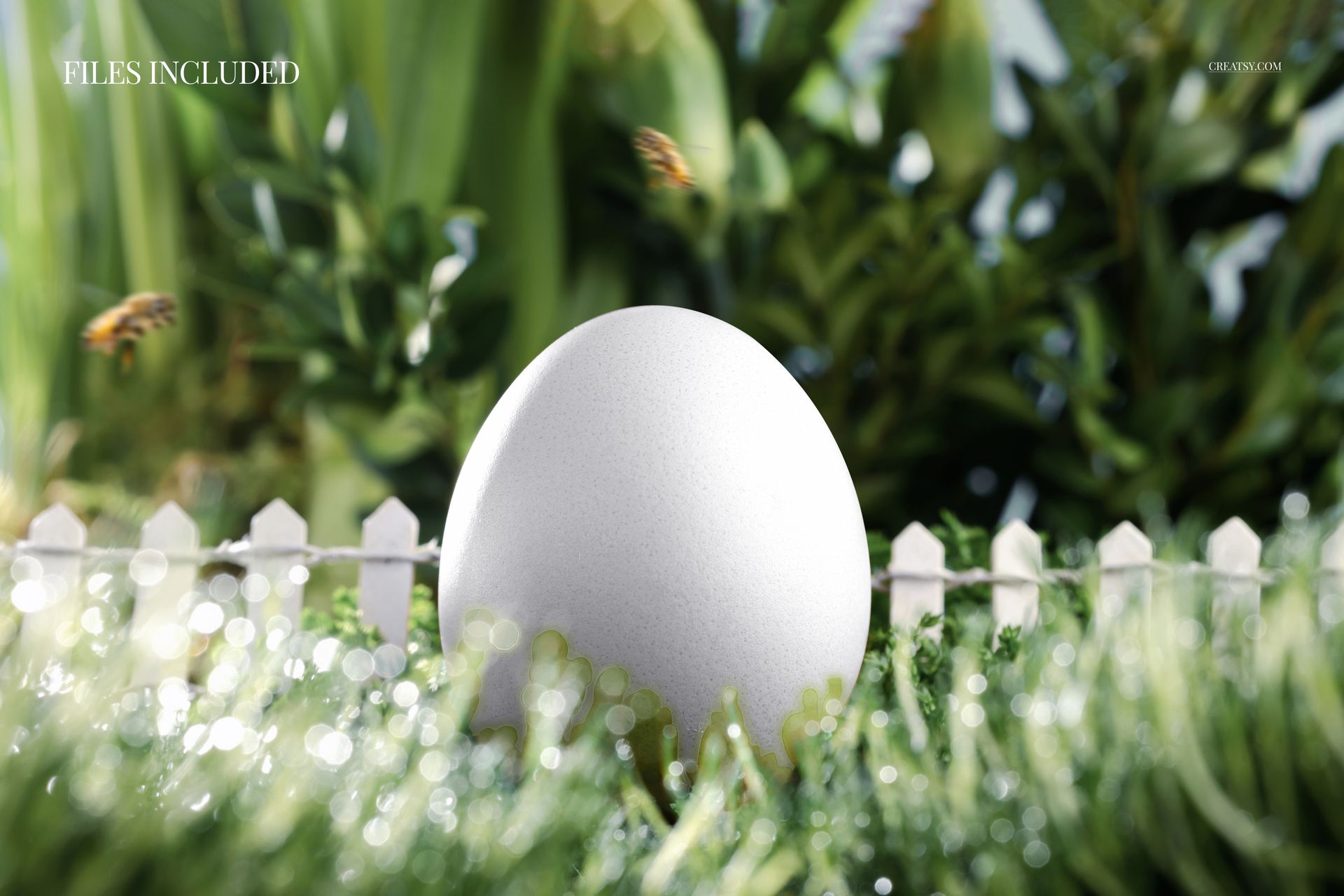
1 layered PSD mockup, 5620 × 4000 px at 300 DPI.
1 JPG preview, 2 files in total.
One landscape garden scene with editable egg color and artwork.
Well-organized layers for Adobe Photoshop CC2020 or newer and Photopea.
Personalize the Egg Artwork
Open the PSD, locate the egg design controls and add your own illustration, pattern or greeting. Refine the egg color to suit the artwork, then review the full scene and your intended campaign crop before exporting.
Where It Fits
Use it for Easter greetings, surface pattern portfolios, seasonal branding and spring collection presentations. This is a digital mockup, not a physical egg or a garden scene builder. Sample artwork featured in the previews is not included.