Product Details
Halloween and Day of the Dead Mockup Bundle
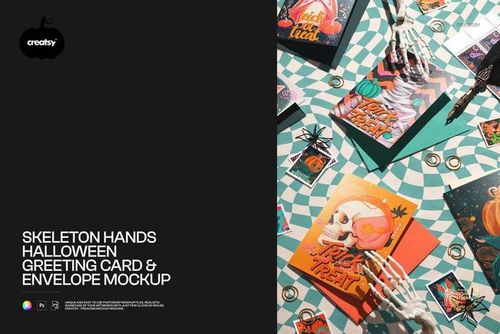
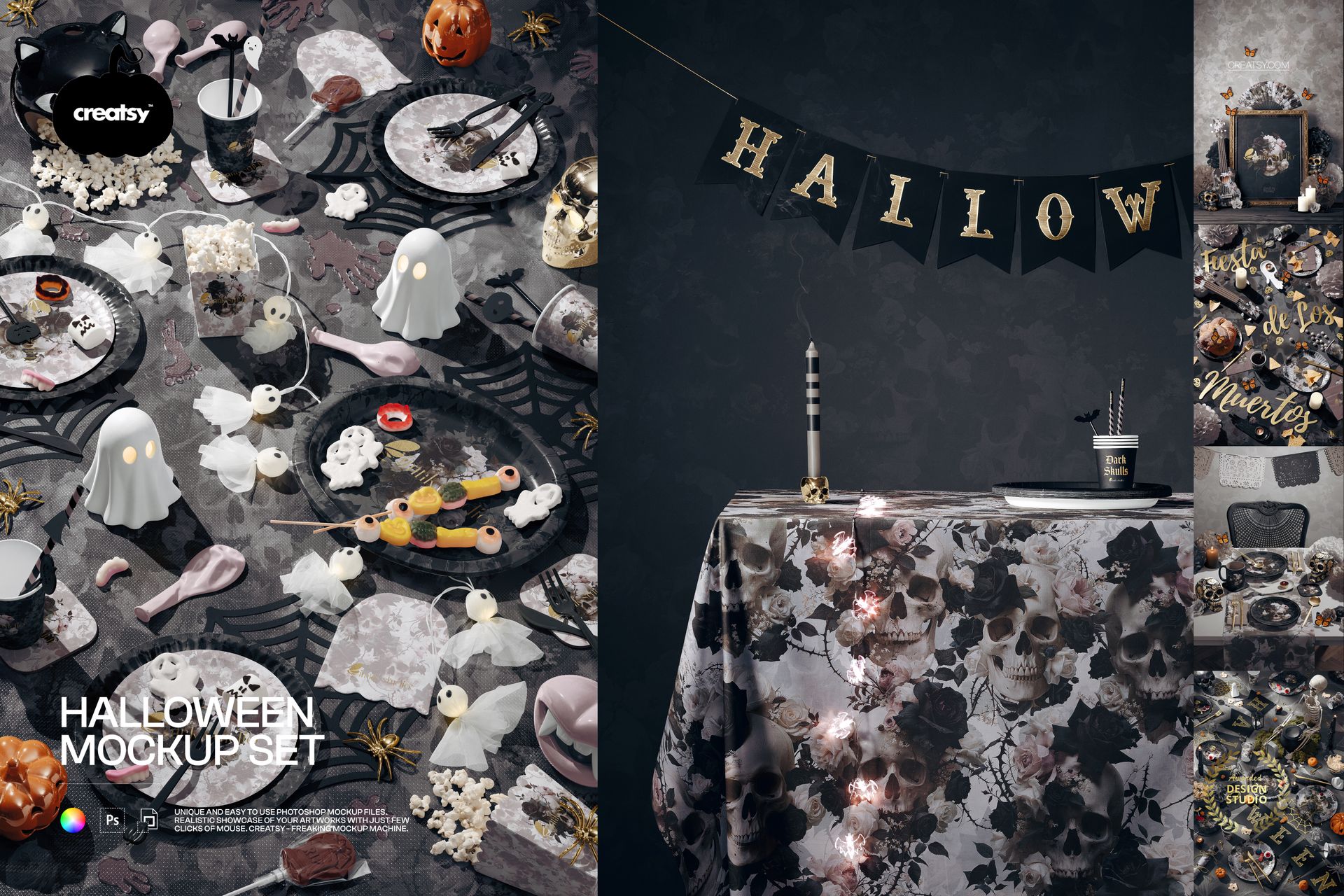
Present a complete seasonal collection across six coordinated Halloween and Day of the Dead mockups. The bundle combines decorated party tables, paper tableware, table linens, wall and prop surfaces, and a front-facing art frame scene, giving designers several ways to show one visual identity in a consistent campaign.
Use the layered files to review pattern scale, color balance and artwork placement before production or presentation. The scenes preserve their original perspective, lighting and shadows while the supported surfaces and colors can be customized.
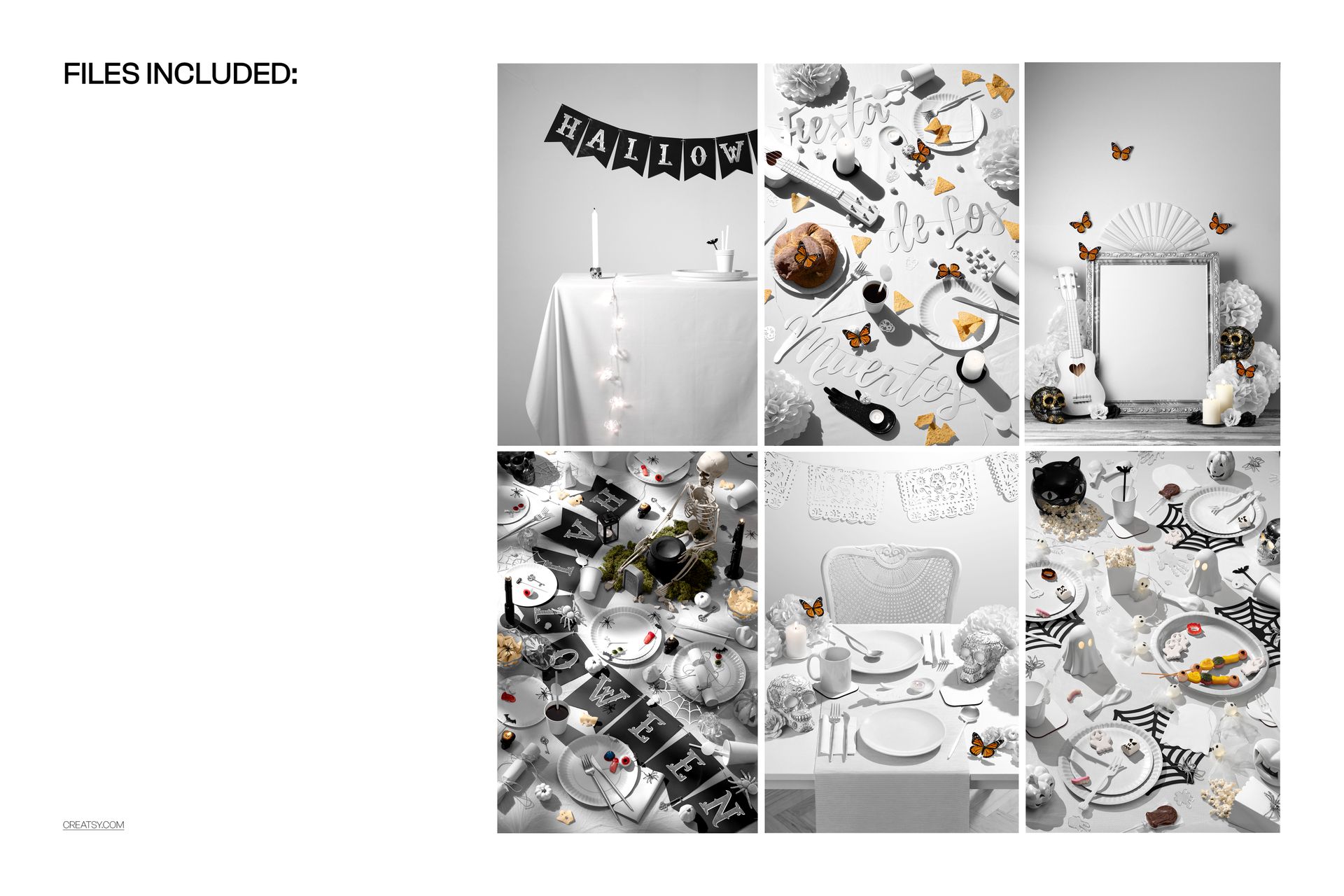
Six Mockups Included
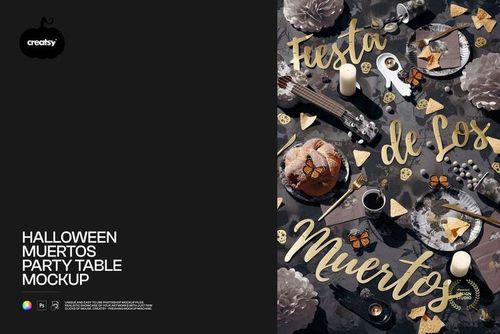
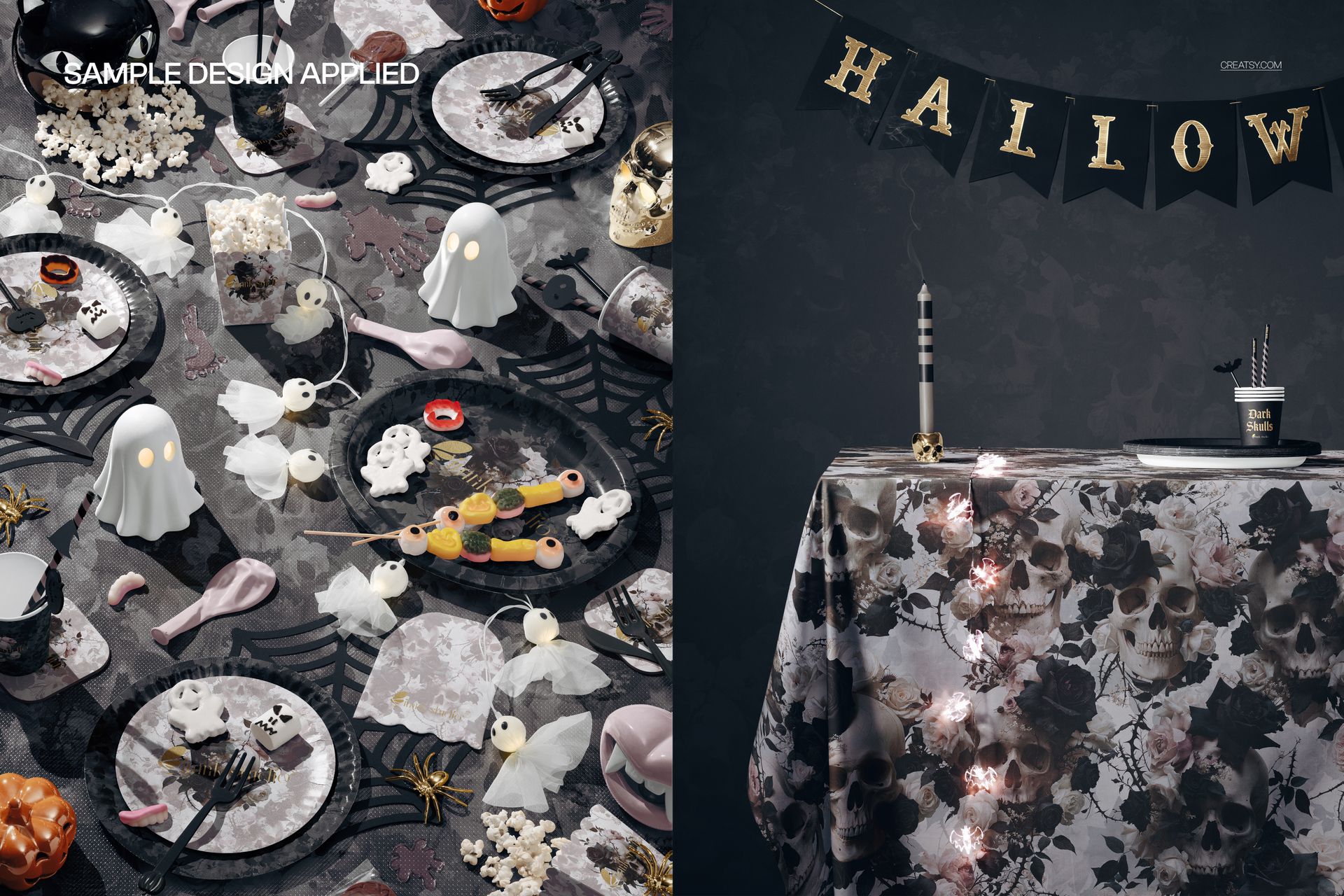
Halloween Muertos Party Table Mockup
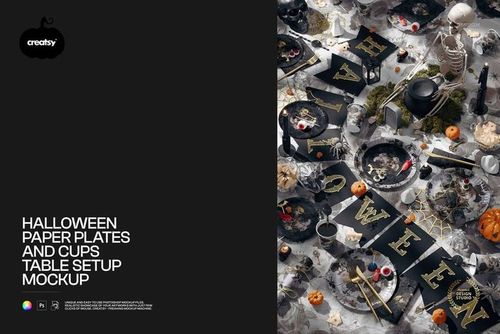
Halloween Paper Plates and Cups Table Setup Mockup
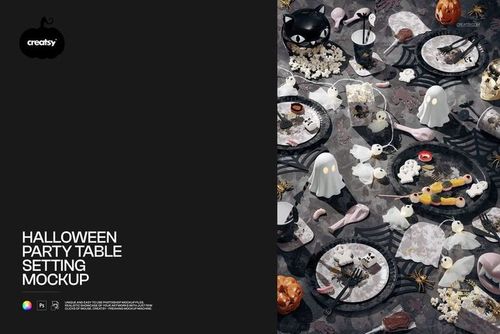
Halloween Party Table Setting Mockup
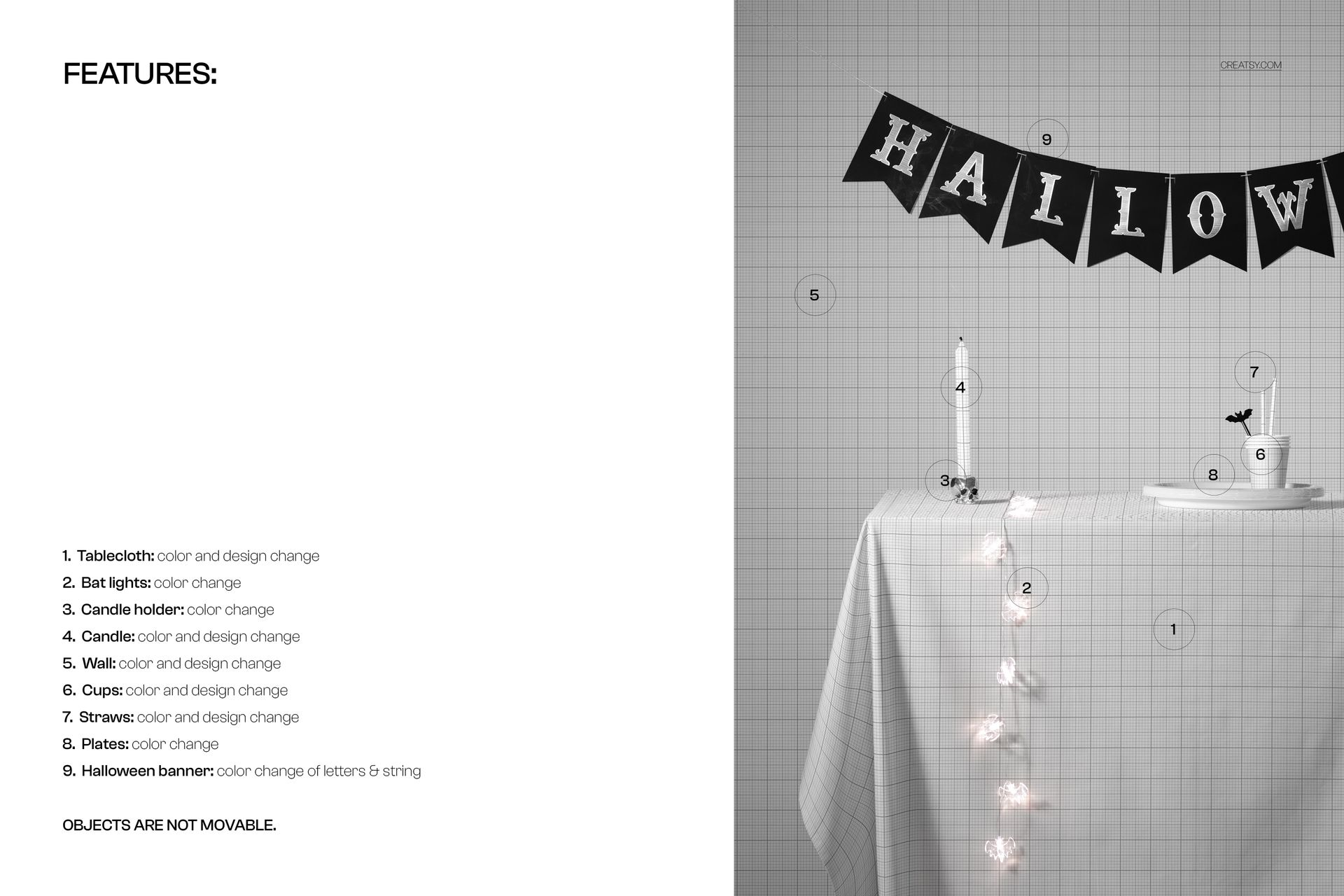
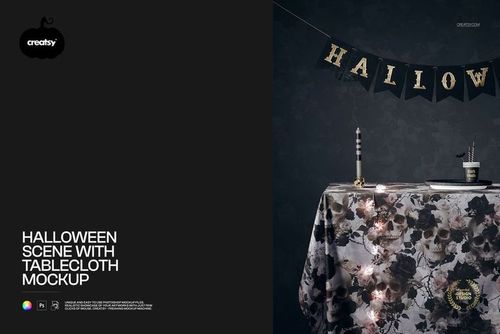
Halloween Scene with Tablecloth Mockup
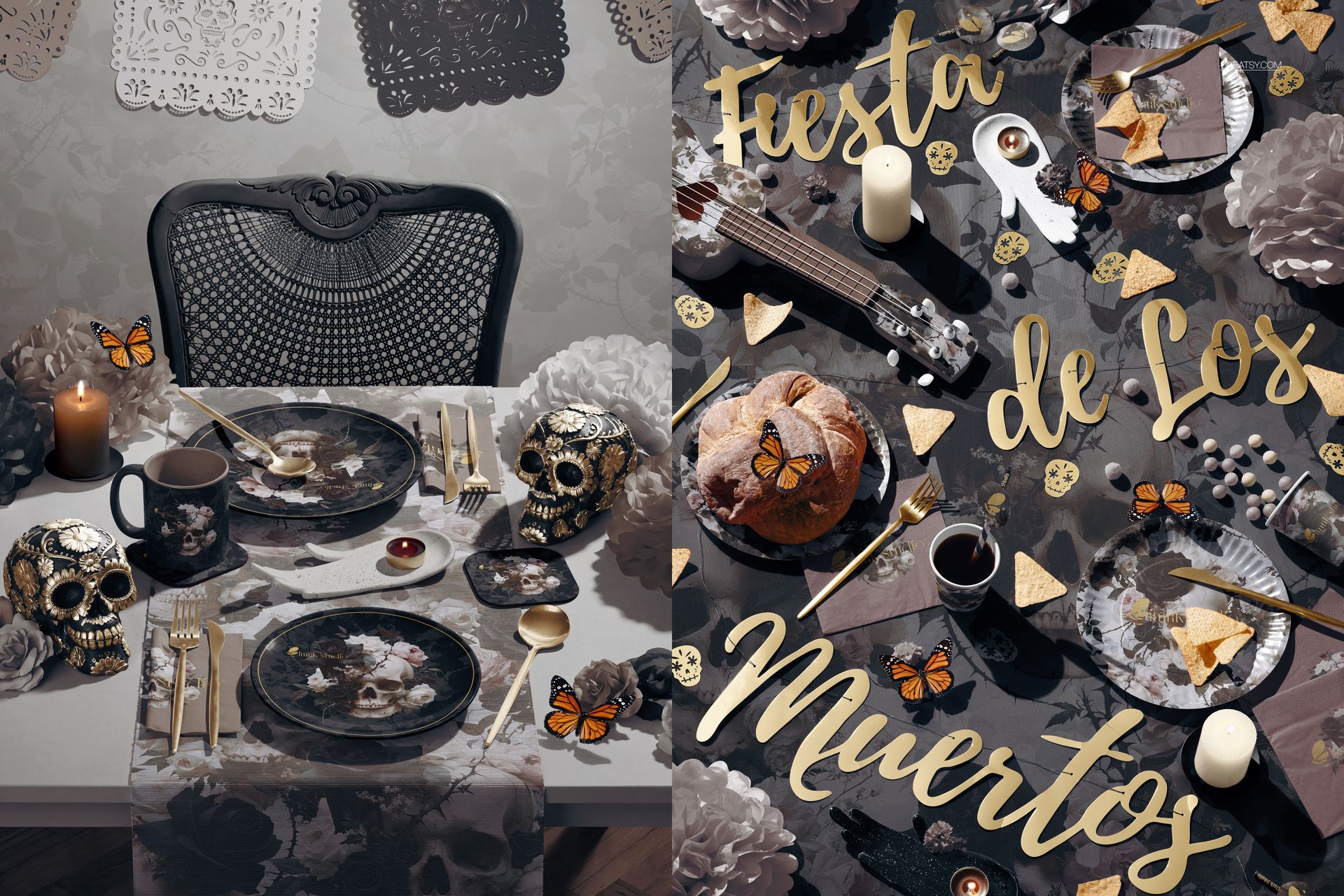
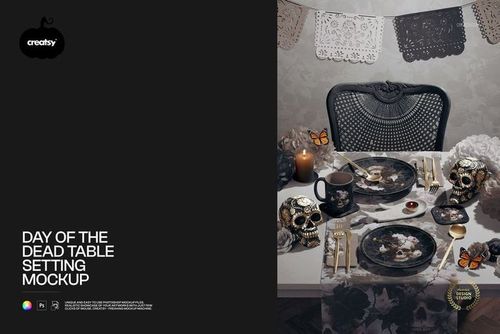
Day of the Dead Table Setting Mockup
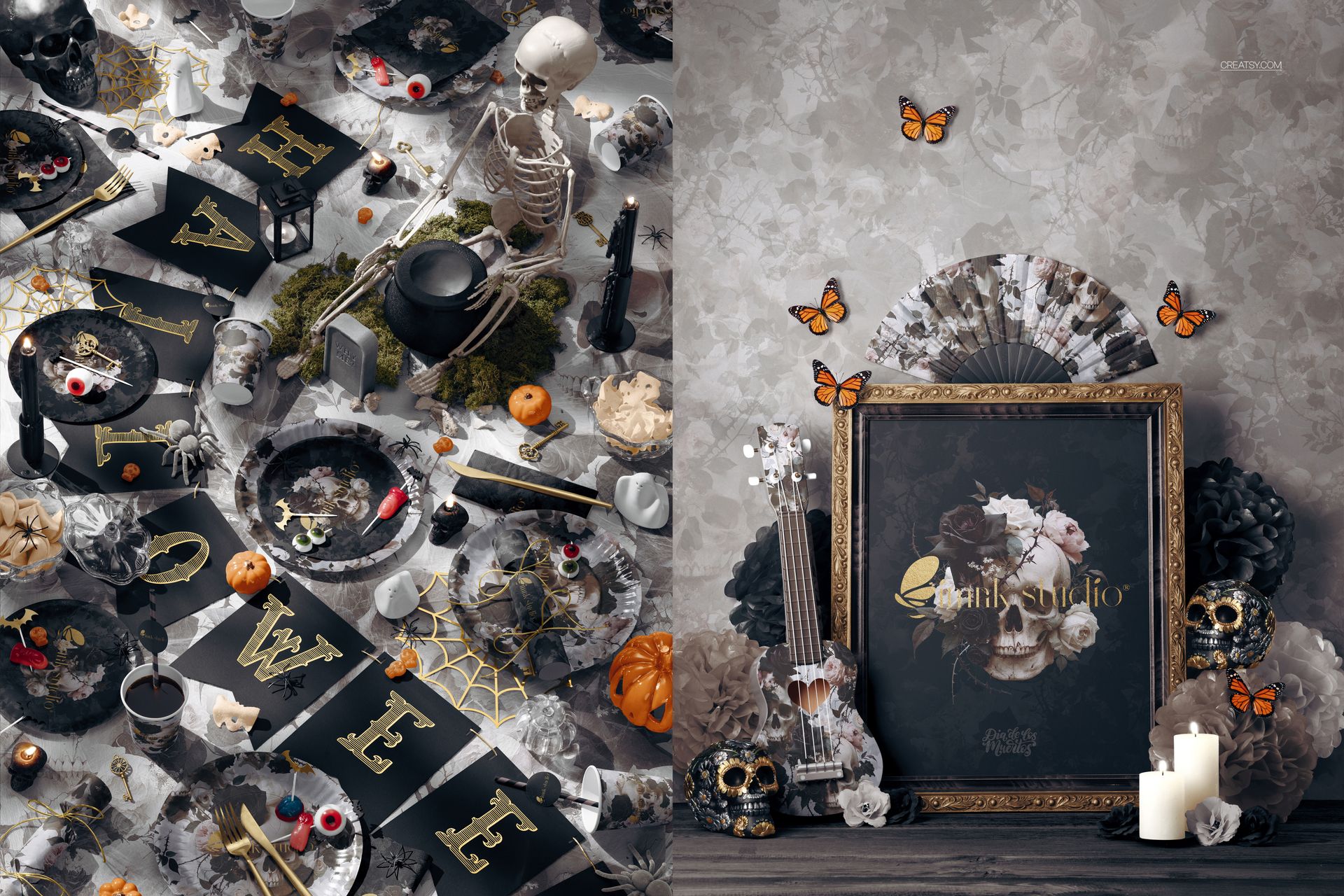
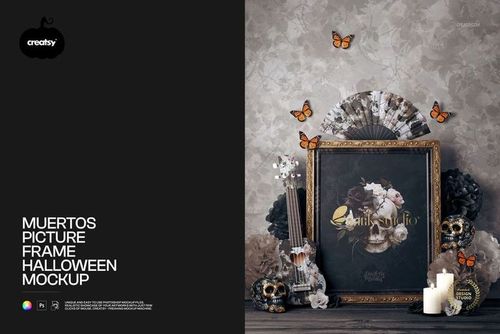
Muertos Picture Frame Halloween Mockup
Files and Package Details
6 editable layered mockup files: 5 PSD and 1 PSB
6 included JPG images
12 digital files in total
Mixed portrait and landscape compositions
Complete bundle requires Adobe Photoshop CC 2020 or newer
Package size: approximately 5.91 GB for Windows and 6.35 GB for macOS
Resolution and orientation vary by product. Verified editable canvases include 4000 x 6000 px portrait and 6000 x 4000 px landscape documents, with 300 DPI listed for applicable products. Check the individual file specifications when an exact canvas size is required.
Editable Surfaces Across the Bundle
Tablecloths, a table runner and selected wall surfaces
Paper plates, cups, mugs, straws, napkins and coasters
Frame color and displayed artwork
Hand fan and ukulele colors and designs
Banner lettering, strings, labels and selected decorative details
Flowers, candles, skulls, spiders, butterflies and other scene accents where supported
Fixed Scene Layouts
The compositions and props remain in preset positions and cannot be moved. These files are designed for artwork placement and color customization while retaining the photographed or rendered layout of each scene.
Ideal Uses
Halloween and Day of the Dead collection launches
Partyware, table linen and surface pattern presentations
Seasonal e-commerce banners and product listing images
Event styling proposals and client approvals
Advertising, email and social media campaigns
Illustration, textile and art print portfolios
Sample Artwork Credit
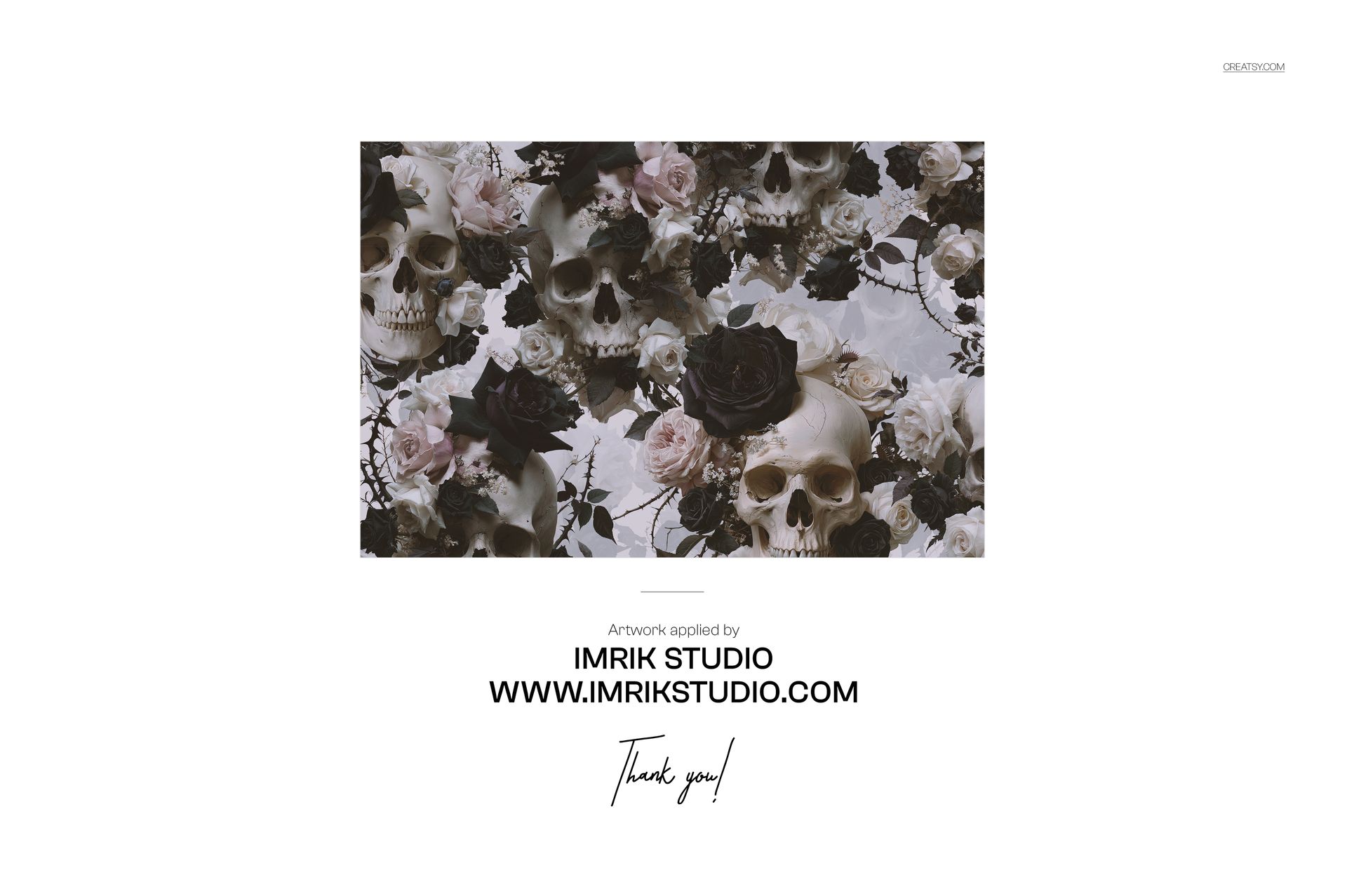
The sample artwork shown in the previews is by IMRIK STUDIO. Visit https://www.imrikstudio.com/ to explore the studio’s work. The artwork is used only to demonstrate the mockups and is not included in the bundle.
Digital Product
This bundle contains downloadable digital files. No physical tableware, textiles, decorations, picture frames or printed products are supplied.
File details
- Compatibility


- Products in bundle
- 6
- Package size
- 5.91 GB
 |6.35 GB
- Files type
- .psd, .jpg
INCLUDED/6
MEET THE SHOP

Creatsy
Poland
Bring your ideas to life.
We're a family-run studio in Katowice, Poland, making PSD mockups by hand since 2016. Everything in this shop starts in our own studio. We shoot the photography, build the 3D, and put together every Smart Object PSD ourselves - then we test it, organize the layers, and only ship it once it actually works...
 15$6715$79.00
 15$2550$30.00
 15$1870$22.00
 15$1615$19.00

HOW IT WORKS
3 clicks. That's it.
No tutorial needed. If you can copy-paste, you can use this.
- 1OpenDouble-click the smart object inside the PSD - in Adobe Photoshop, or free in your browser with Photopea.
- 2PasteDrop in your pattern, print, or artwork. Any design, any style.
- 3SaveHit save and the mockup wraps it in for you - shadows, folds, and lighting included.
FROM IDEA TO IMAGE
Built for real workflows
Skip the photo shoot Show your artwork on the real product type for approvals or listings - no studio, no model, no sample.
See it on the product, not a swatch Drop your file into the smart object and the scene's lighting and folds wrap around it, so you judge the real thing before you commit.
Smart Objects
Edit once and you're done. Your artwork drops into a smart object and the mockup updates itself - no masking, no warping by hand.
Perfectly Organized
Named layers and folders you can actually navigate. Find what you need, change what you want, and get out fast.
Print-Ready
High-resolution files built to hold up on screen and in print. Exact size and DPI are in this product's Details above.
Related Products
- 15$2550$30.00
- 15$1615$19.00