Mailing Box on a Rocky Coast Mockup Set

ID: 1423300949 | Updated: Apr 28, 2024

Product Details

Mailing Box on a Rocky Coast Mockup Set

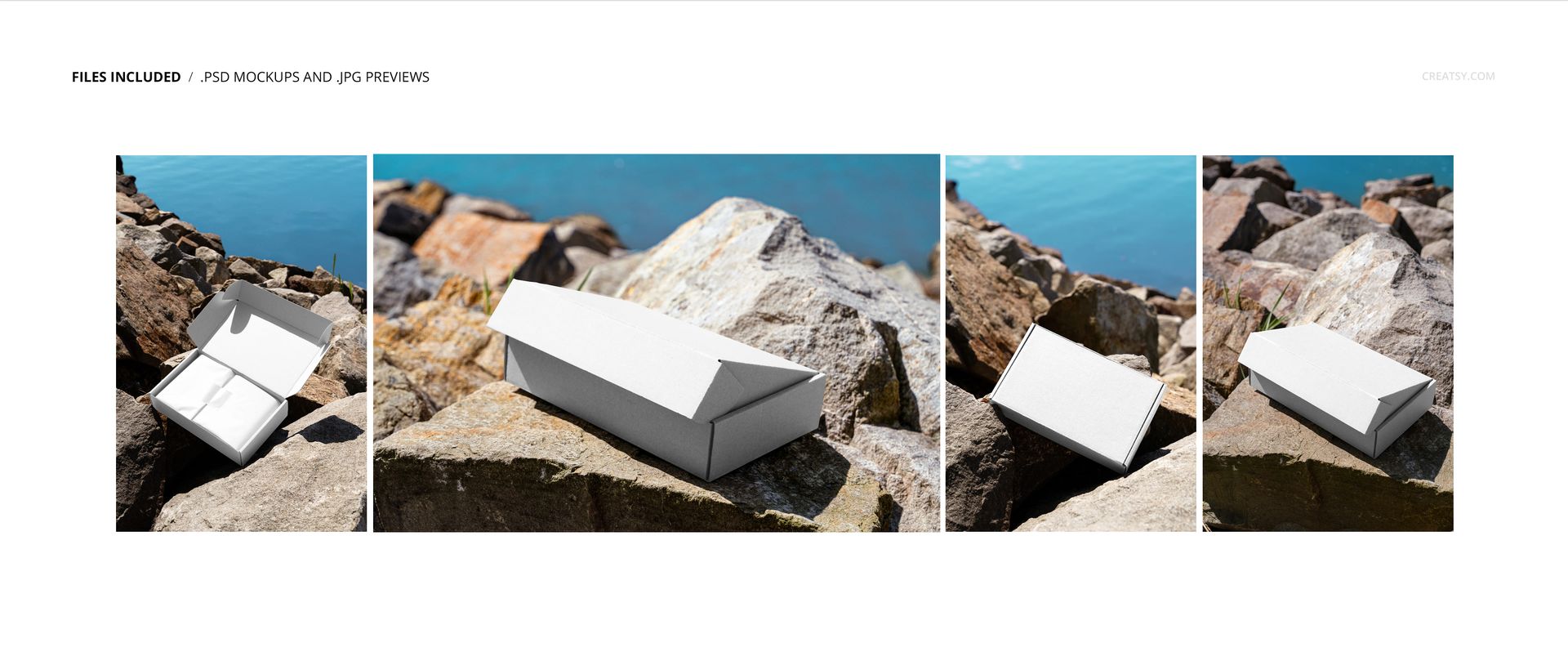
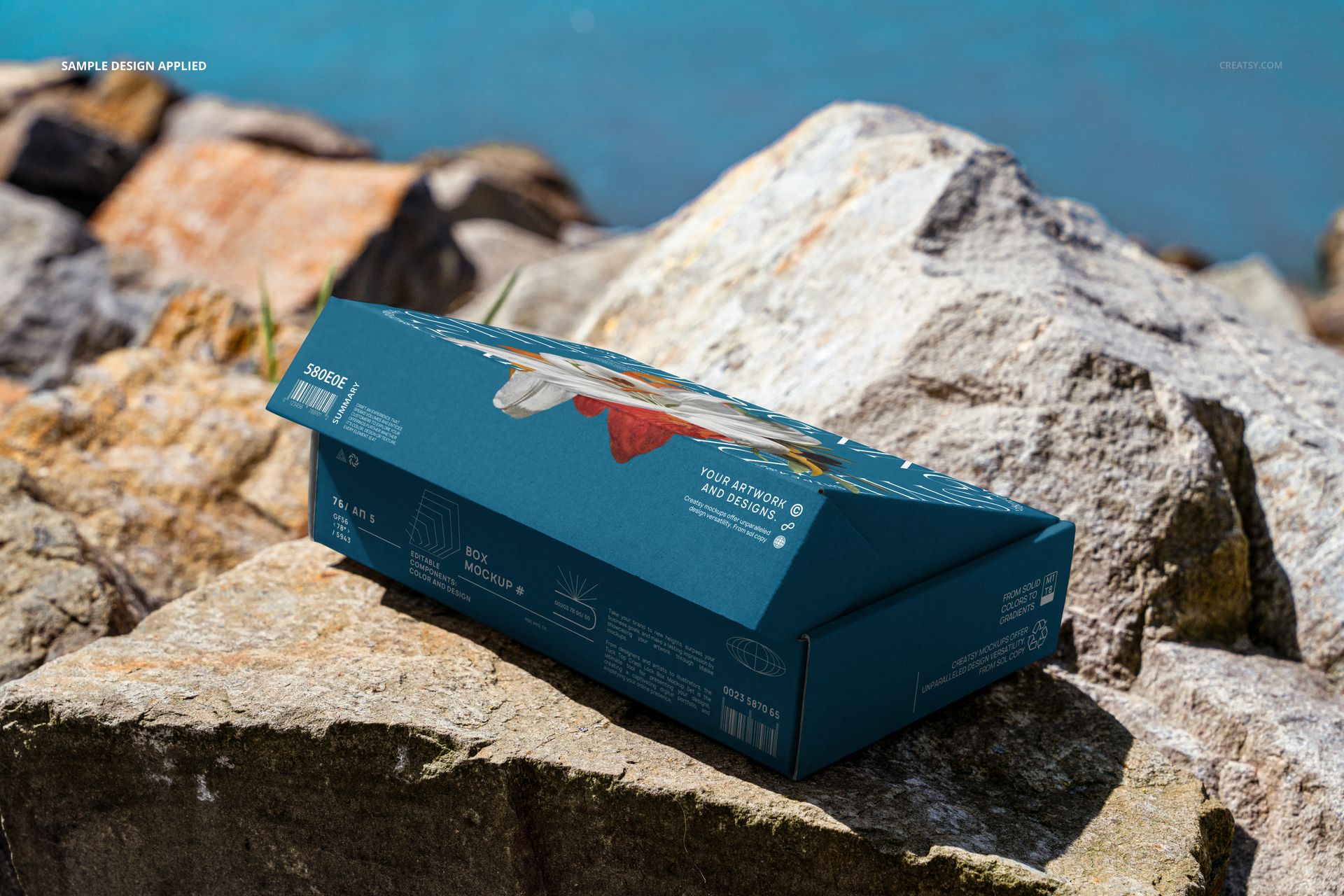
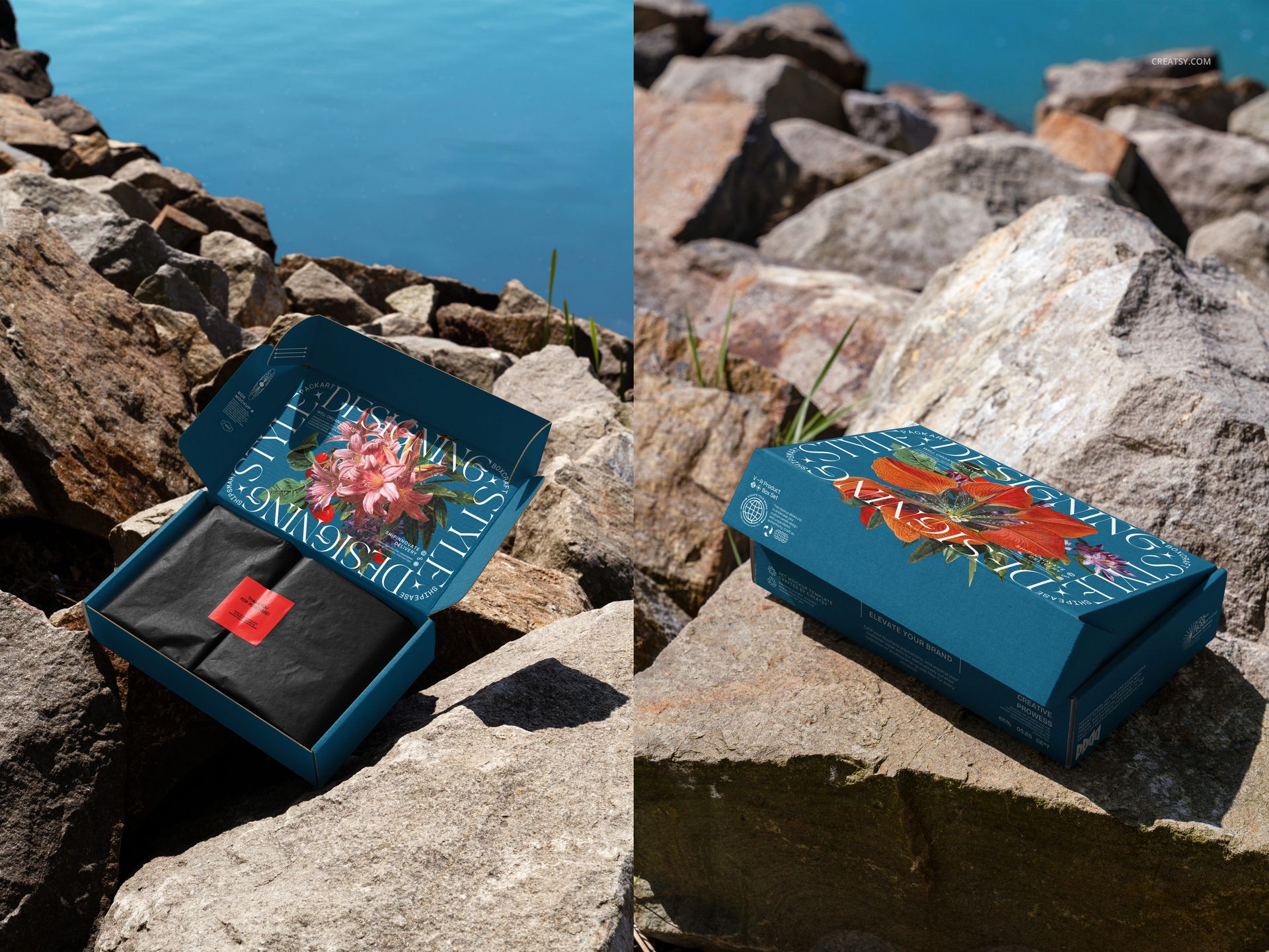
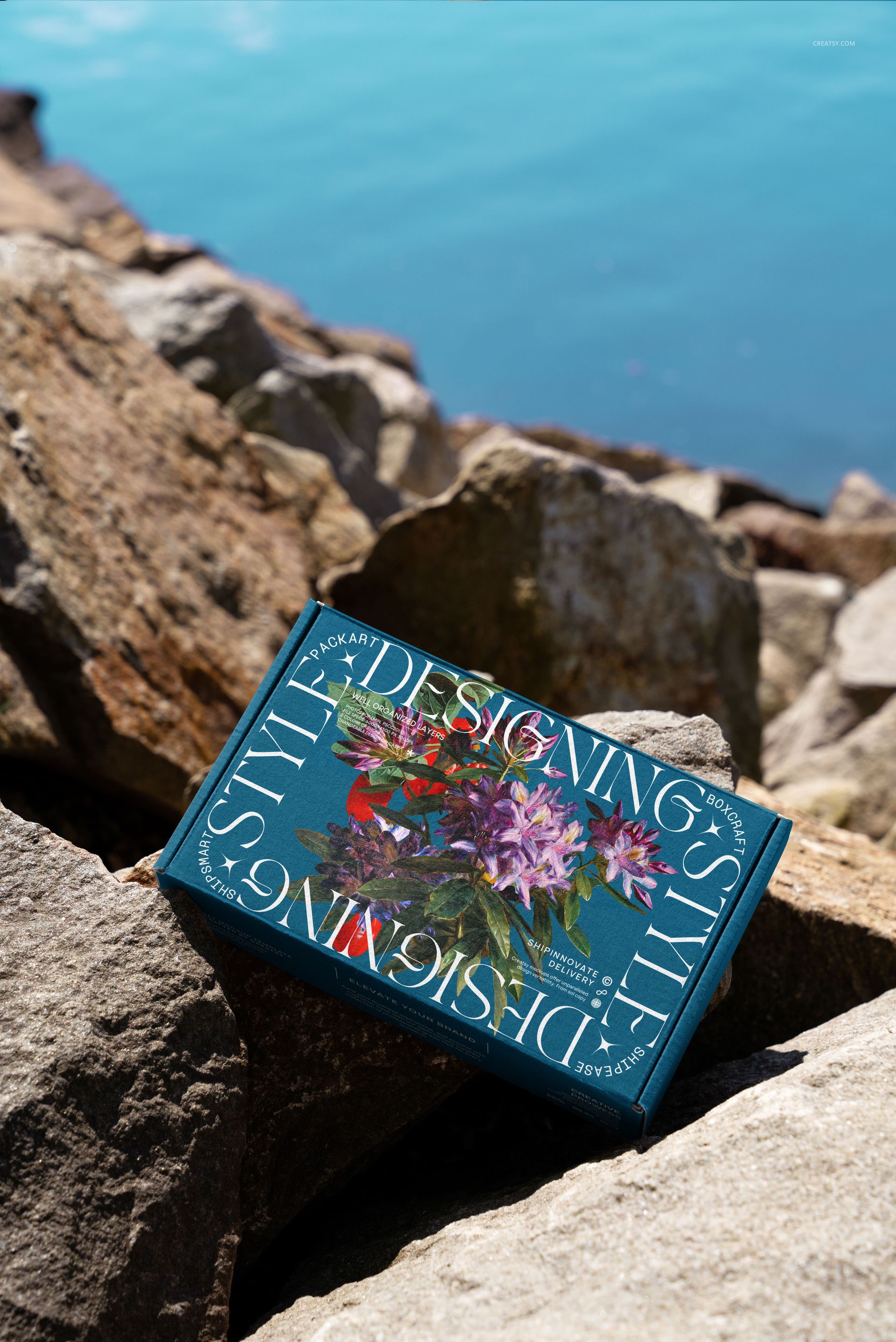
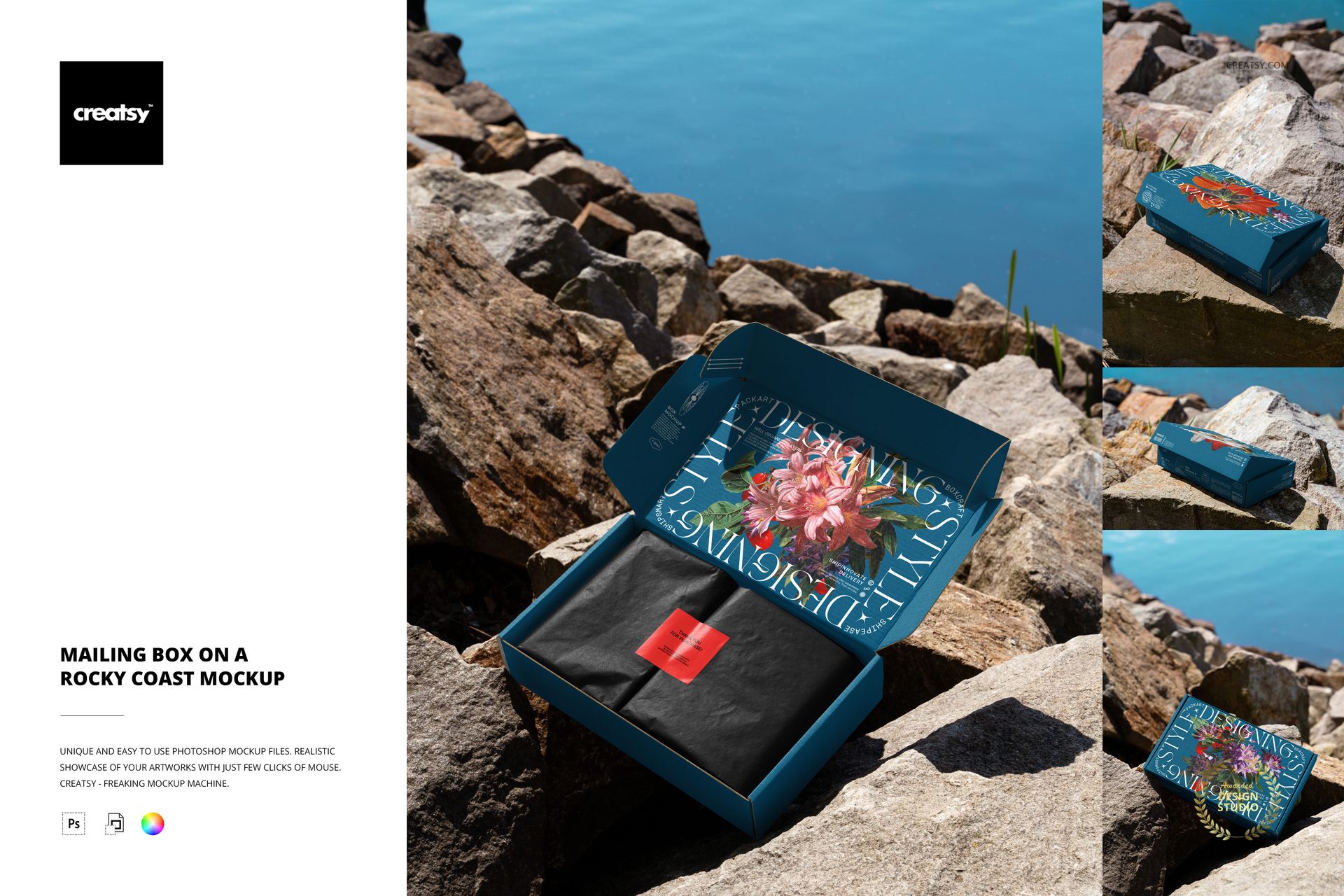
Rough stone, blue water and strong daylight give this mailing box presentation a distinctly coastal character. Four PSD scenes move between a closed exterior, a low side view, a lid-forward composition and an open box with wrapping paper inside. The varied perspectives let a packaging concept unfold across several images while keeping the same outdoor setting.

Show the parcel before and after opening

Use the closed views to introduce a logo, illustration or repeat pattern, then move to the open scene to reveal the inside-lid artwork. The low side angle adds another useful check: does the branding still read when the top panel is foreshortened and the narrow sides carry more of the message? This makes the set useful for packaging designers, illustrators and lifestyle brands building a small campaign gallery.

What Is Included

  • Four layered PSD mockups showing a mailing box on a rocky shoreline.

  • Four small JPG previews, eight files in total.

  • Open and closed box presentations with varied viewpoints.

  • Organized layers and Smart Object artwork editing.

  • Product-confirmed compatibility with Photoshop CC2020 or later and Photopea.

Keep one identity recognizable across four views

Choose a consistent logo scale, accent color and illustration style before editing the individual scenes. A detailed lid can lead the presentation, but a simpler side-panel mark helps the identity survive the lower viewing angle. Compare the finished views together to catch an artwork change that looks convincing in one scene but becomes crowded in another.

This is a digital mockup set. No physical packaging is supplied, and the sample artwork shown in the previews is not included.

File details

Compatibility
PhotopeaAdobe Photoshop
Package size
252 MB252 MB|264 MB264 MB
Files type
.psd, .jpg
Files size
6000x4000
TEST FOR FREE

MEET THE SHOP

Creatsy logo

Creatsy

Poland
4.7 (681)

Bring your ideas to life.

We're a family-run studio in Katowice, Poland, making PSD mockups by hand since 2016. Everything in this shop starts in our own studio. We shoot the photography, build the 3D, and put together every Smart Object PSD ourselves - then we test it, organize the layers, and only ship it once it actually works...
GO TO SHOP

HOW IT WORKS

3 clicks. That's it.

No tutorial needed. If you can copy-paste, you can use this.

  1. 1OpenDouble-click the smart object inside the PSD - in Adobe Photoshop, or free in your browser with Photopea.
  2. 2PasteDrop in your pattern, print, or artwork. Any design, any style.
  3. 3SaveHit save and the mockup wraps it in for you - shadows, folds, and lighting included.

FROM IDEA TO IMAGE

Built for real workflows

Get the label signed off before the print run Wrap your design onto the box, pouch, or bottle and show the client exactly what ships.

See it on the product, not a swatch Drop your file into the smart object and the scene's lighting and folds wrap around it, so you judge the real thing before you commit.

Smart Objects

Edit once and you're done. Your artwork drops into a smart object and the mockup updates itself - no masking, no warping by hand.

Perfectly Organized

Named layers and folders you can actually navigate. Find what you need, change what you want, and get out fast.

Print-Ready

High-resolution files built to hold up on screen and in print. Exact size and DPI are in this product's Details above.