Mailing Box Mockup Set 4
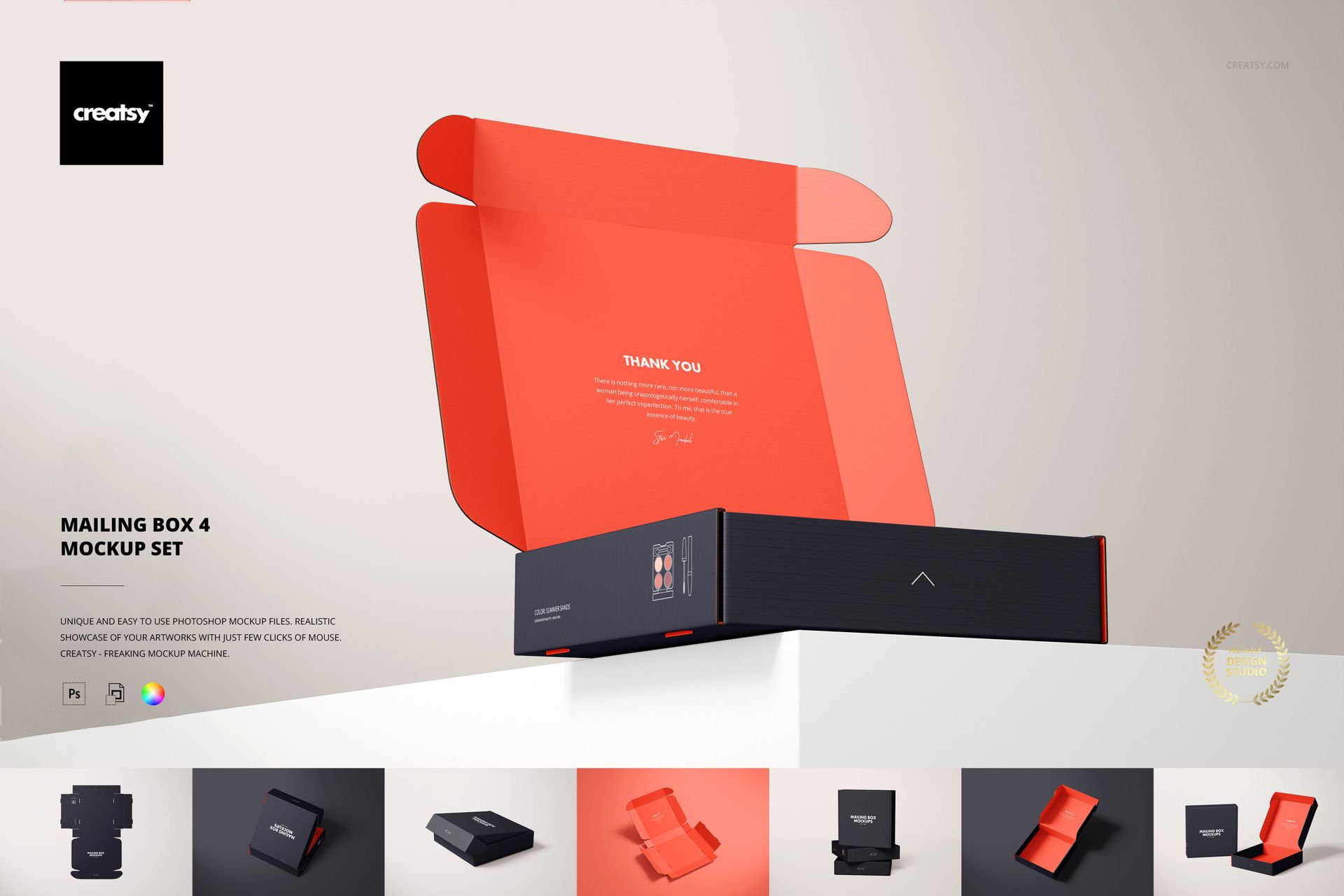
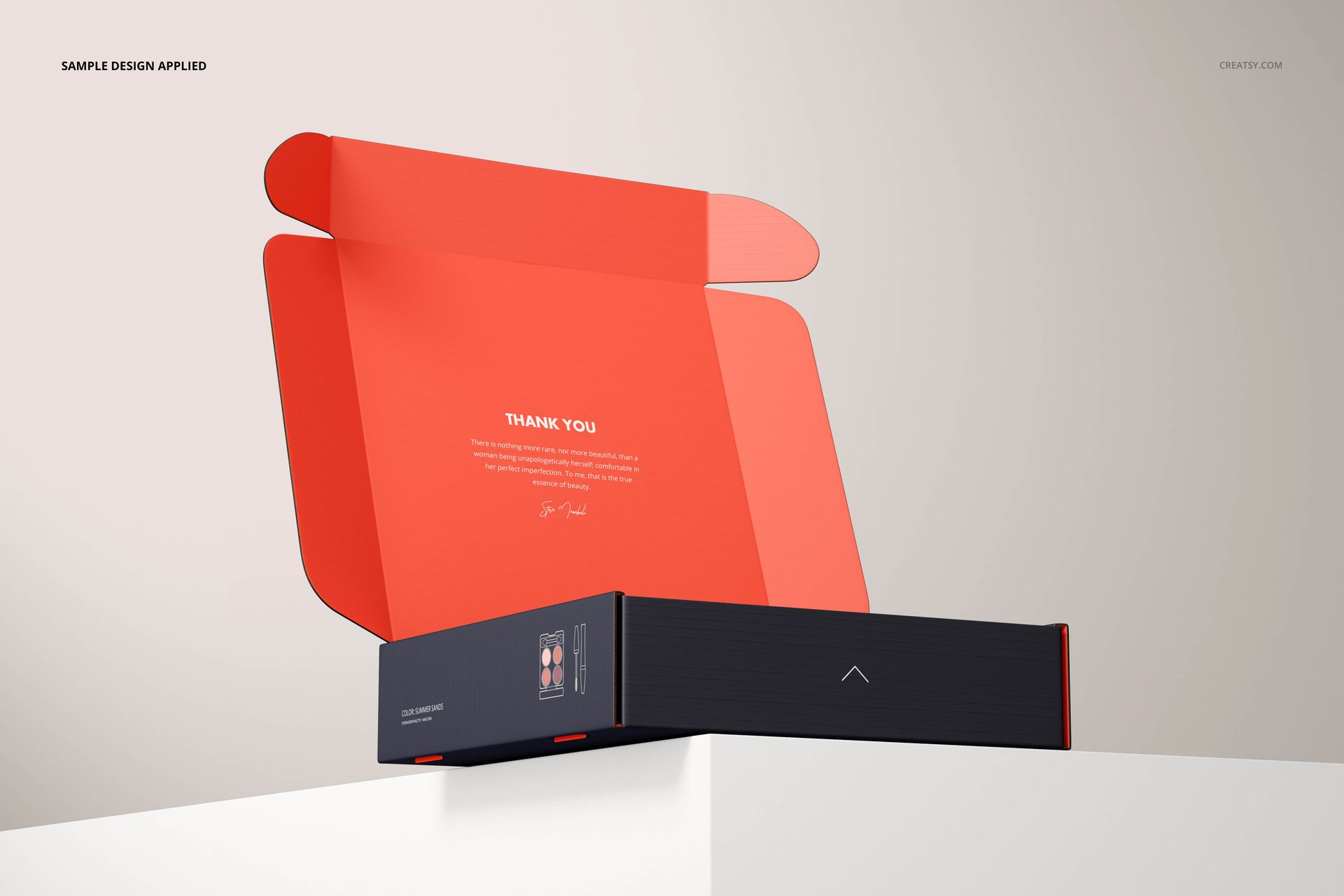
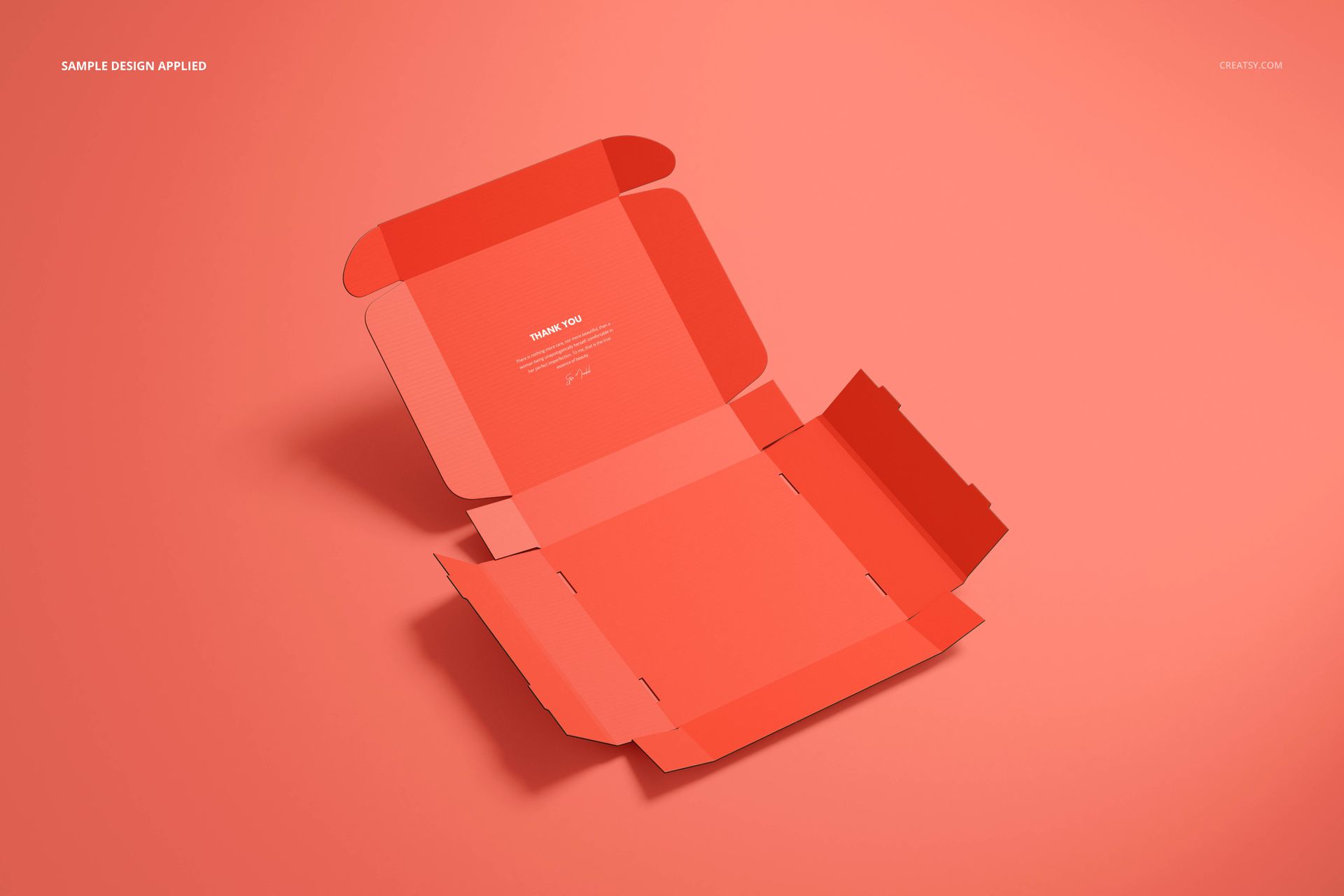
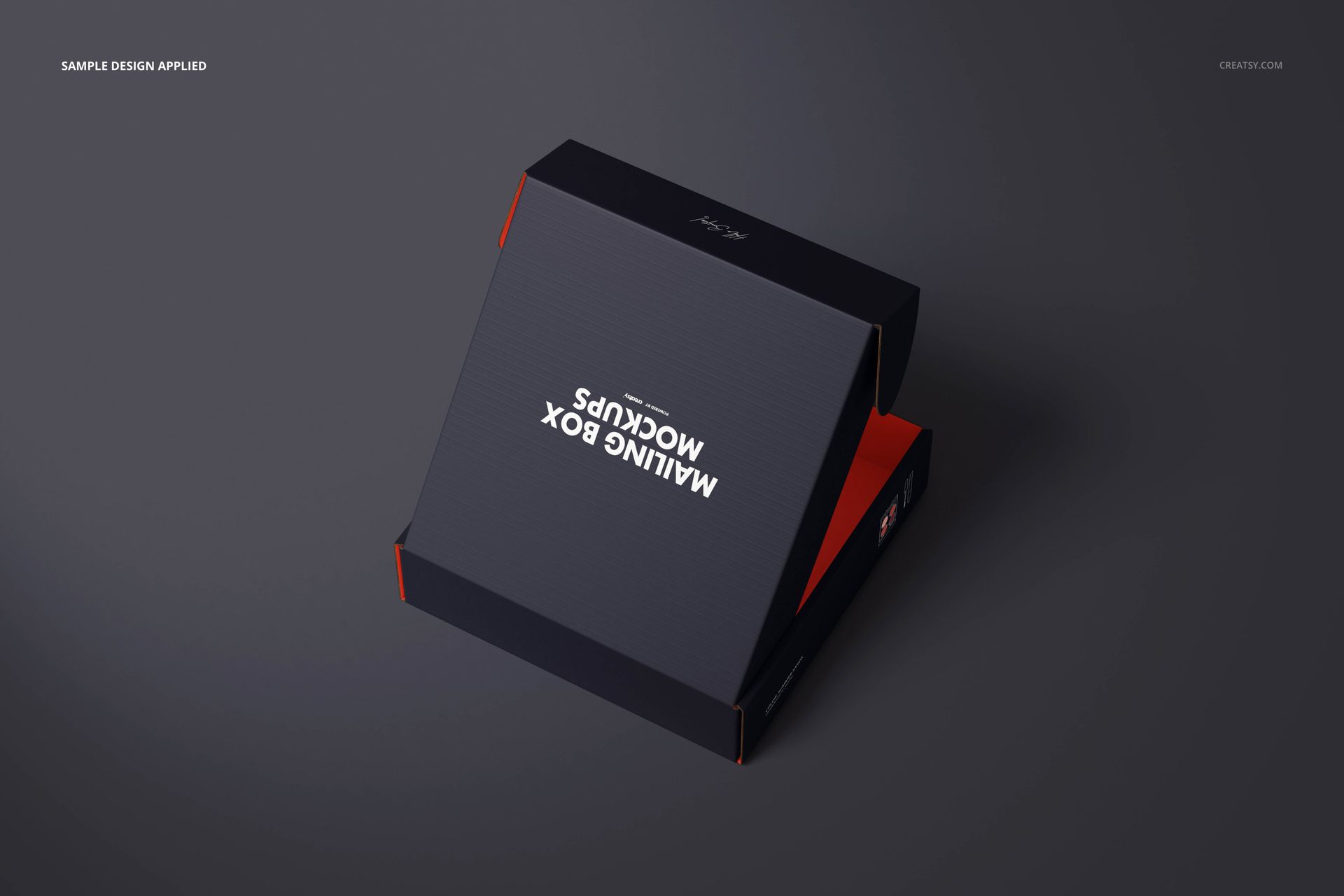
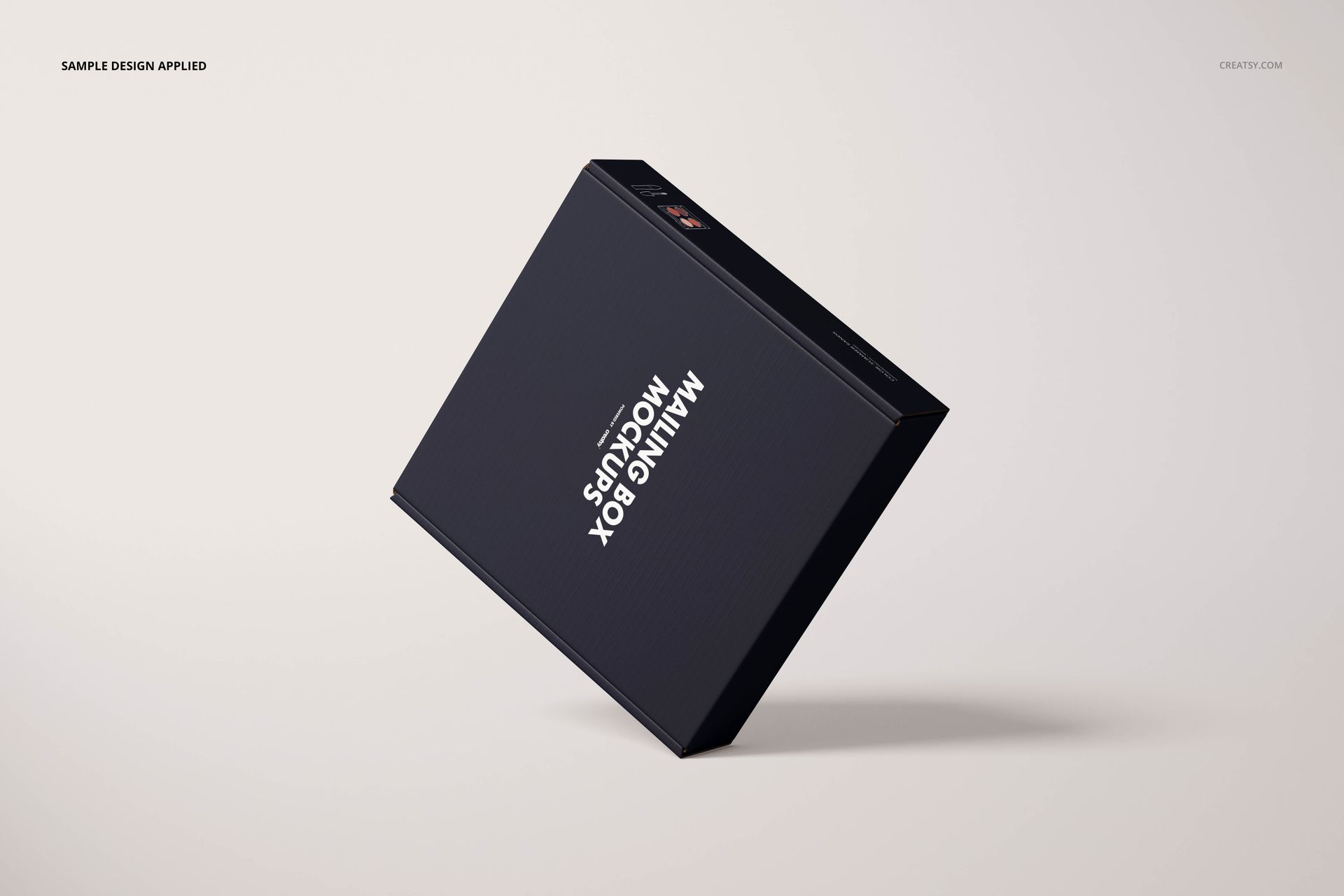
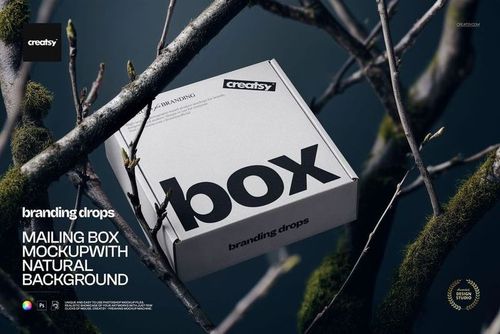
The outside introduces a brand; the inside continues the story. This 20 × 20 × 5 cm square mailing box mockup set gives you 13 PSD presentations to develop both, from closed lid views and stacked boxes to open interiors and the unfolded carton.
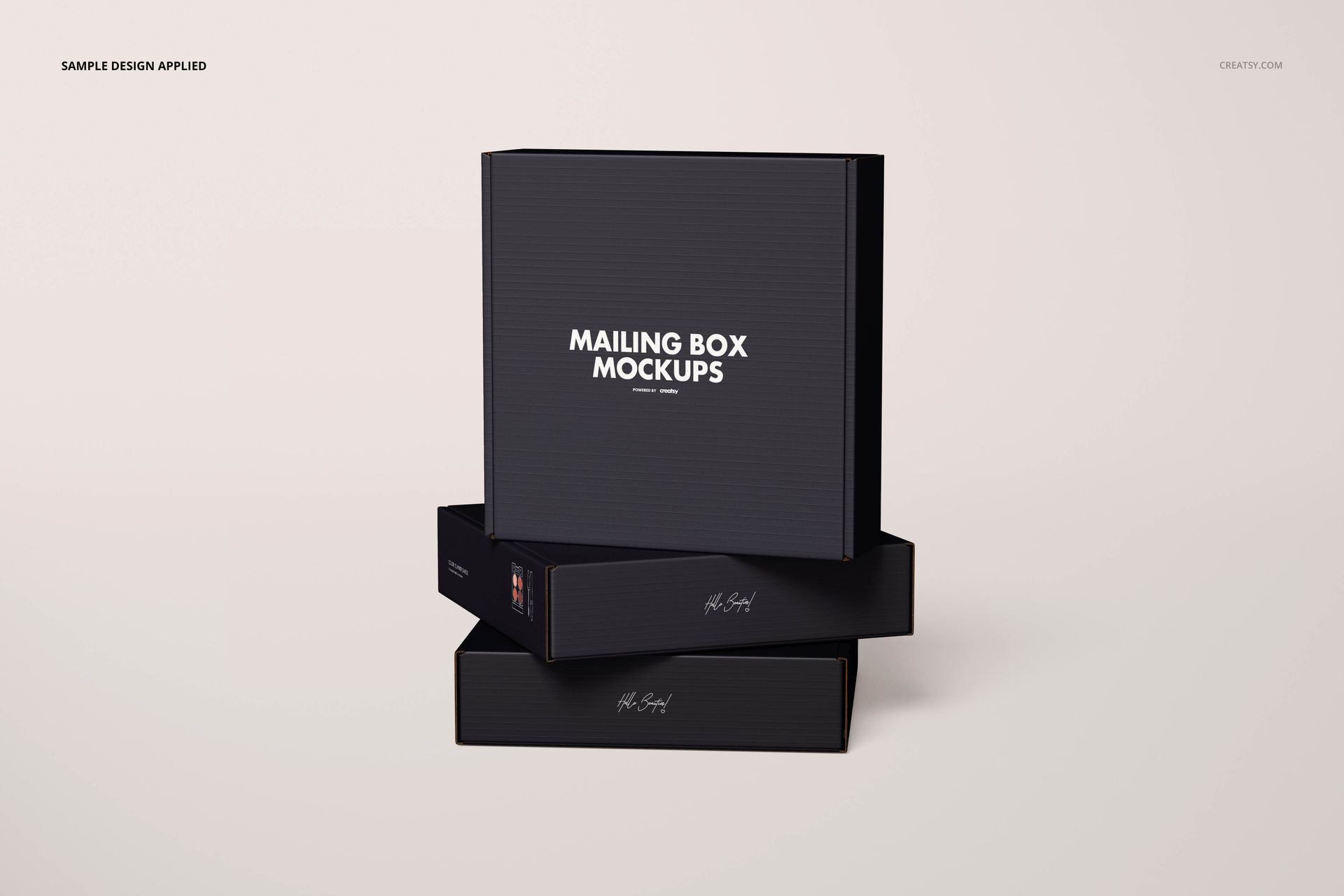
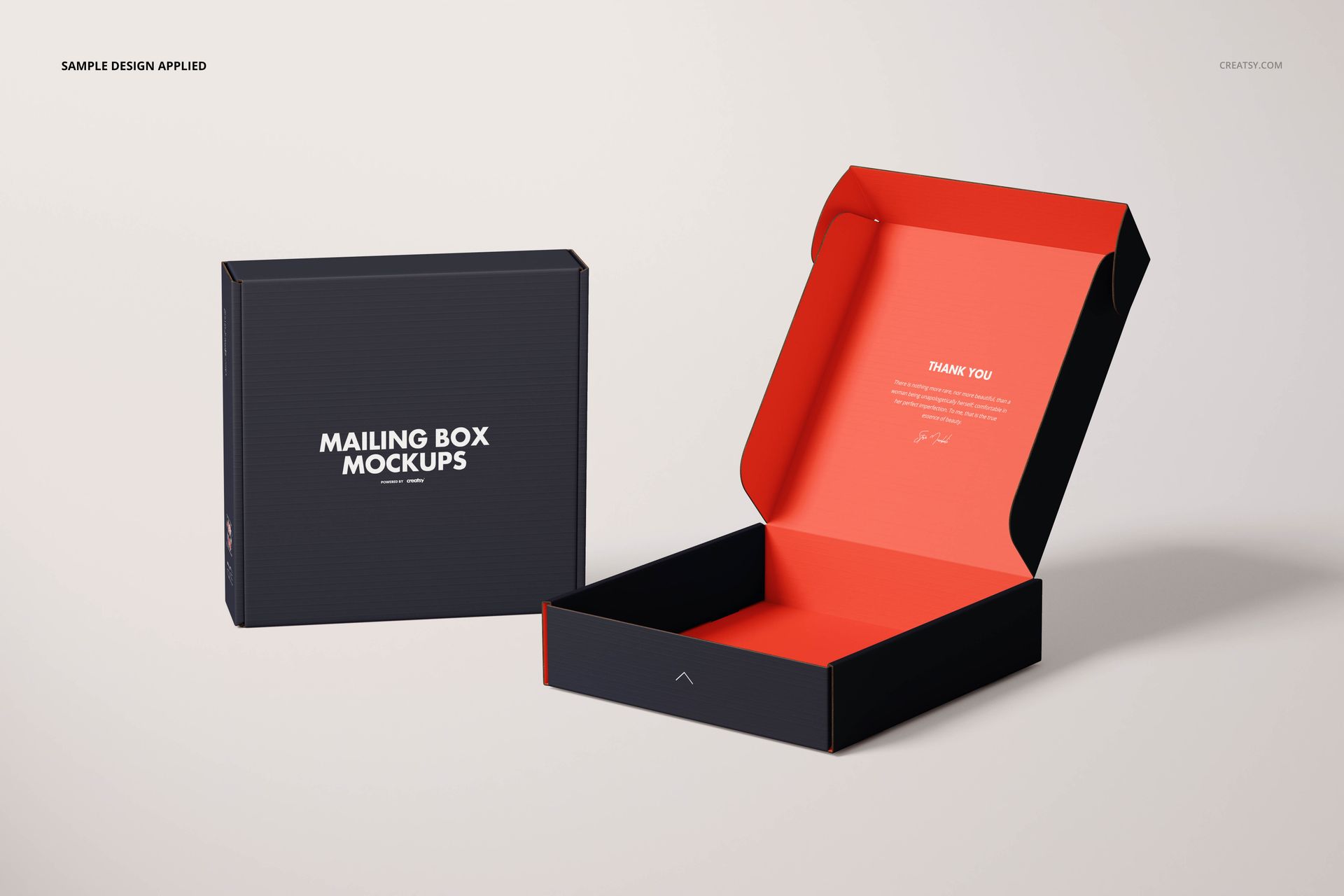
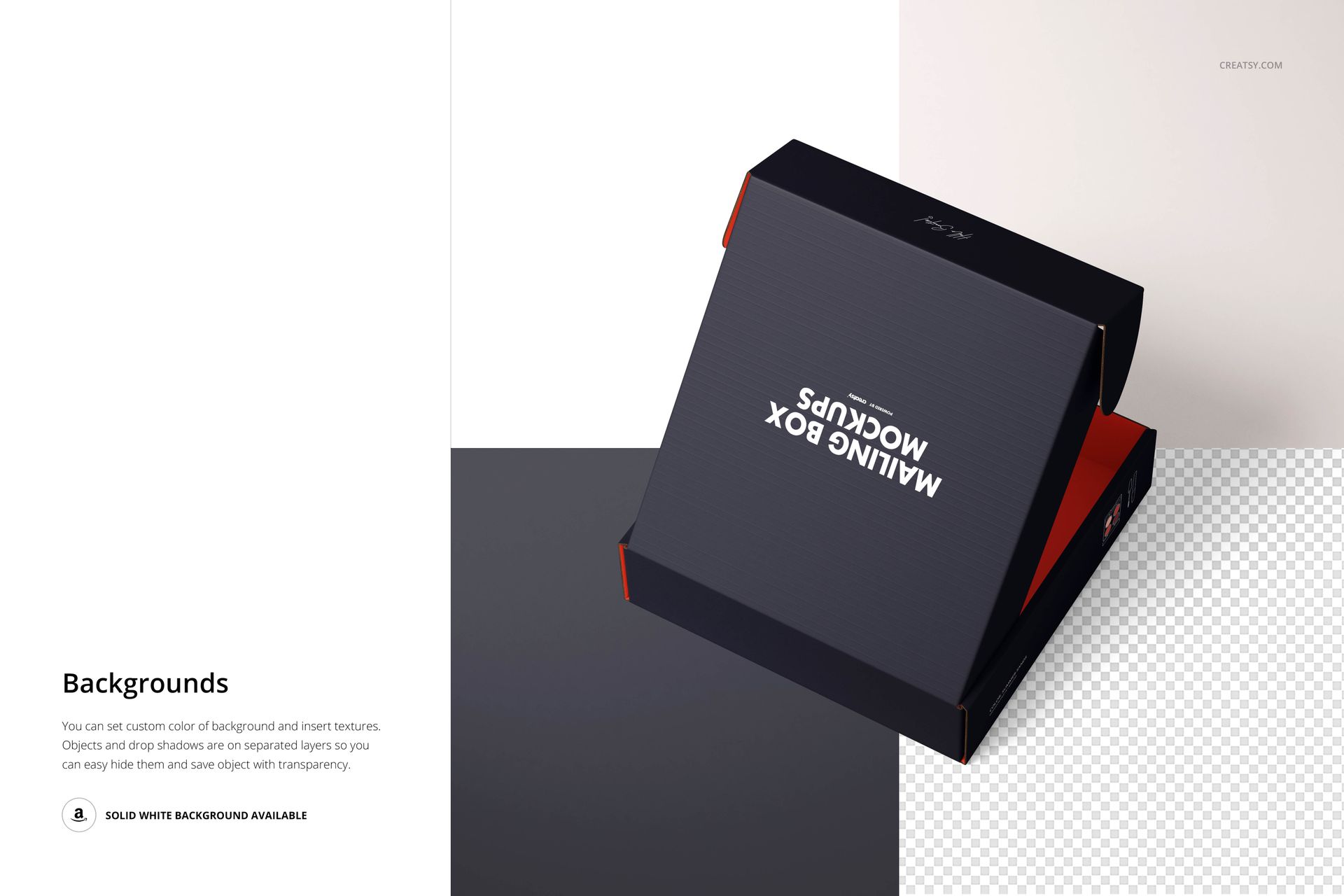
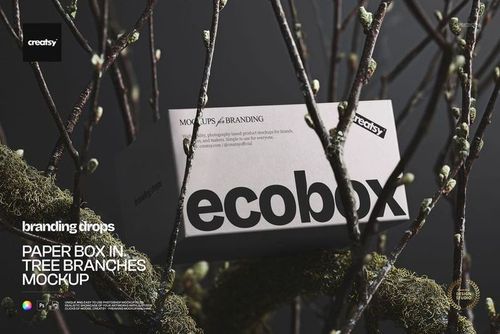
Show a quiet logo-led exterior with a colorful reveal, compare white and kraft surfaces, or carry a pattern from the lid onto the side panels. The range of studio views helps explain how one packaging identity looks before, during and after opening.
What Is Included
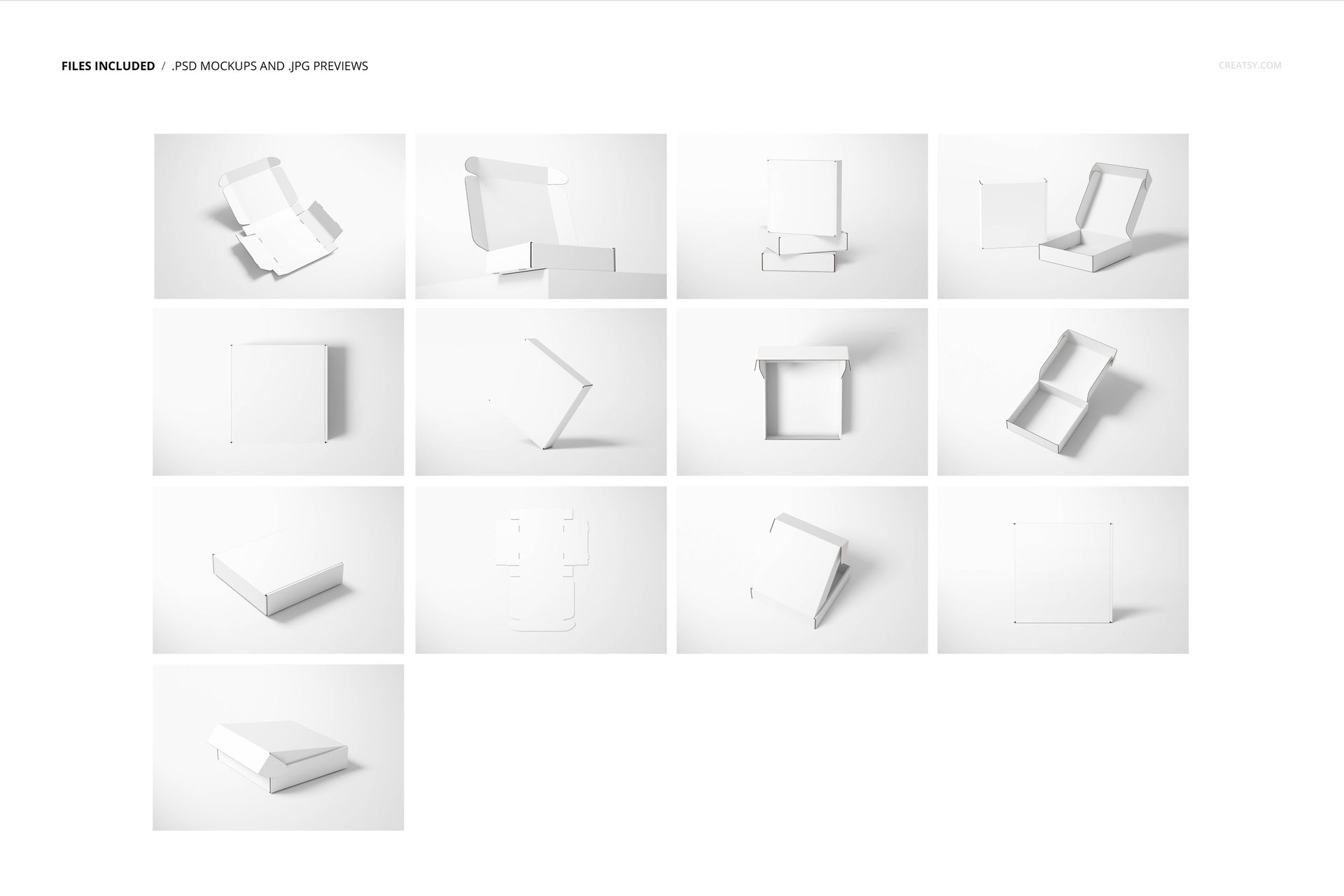
13 layered PSD mockup files, each 6000 × 4000 px at 300 DPI.
13 JPG previews at 6000 × 4000 px.
1 PDF user manual, 27 files in total.
One Square Mailer, Several Ways to Present It
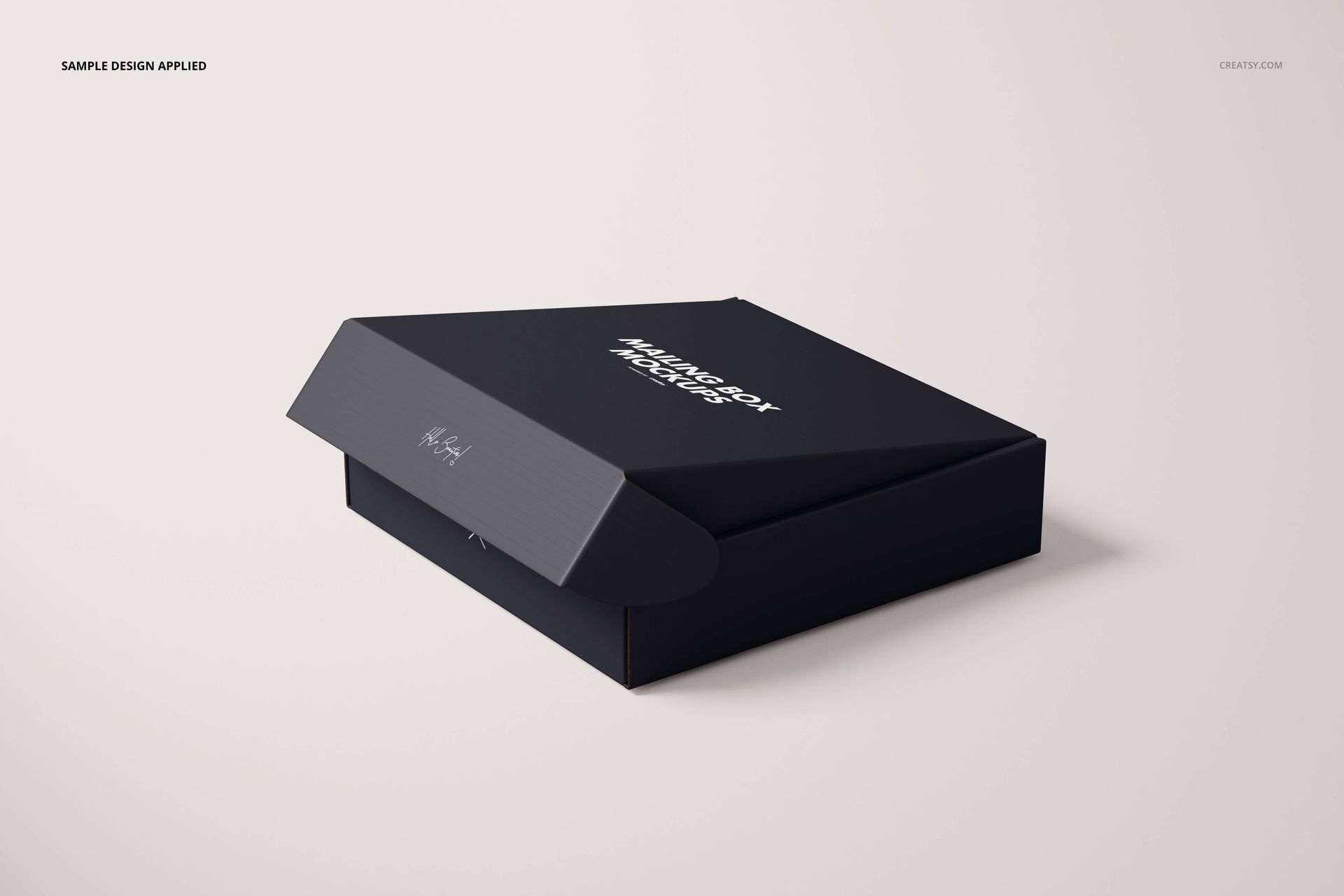
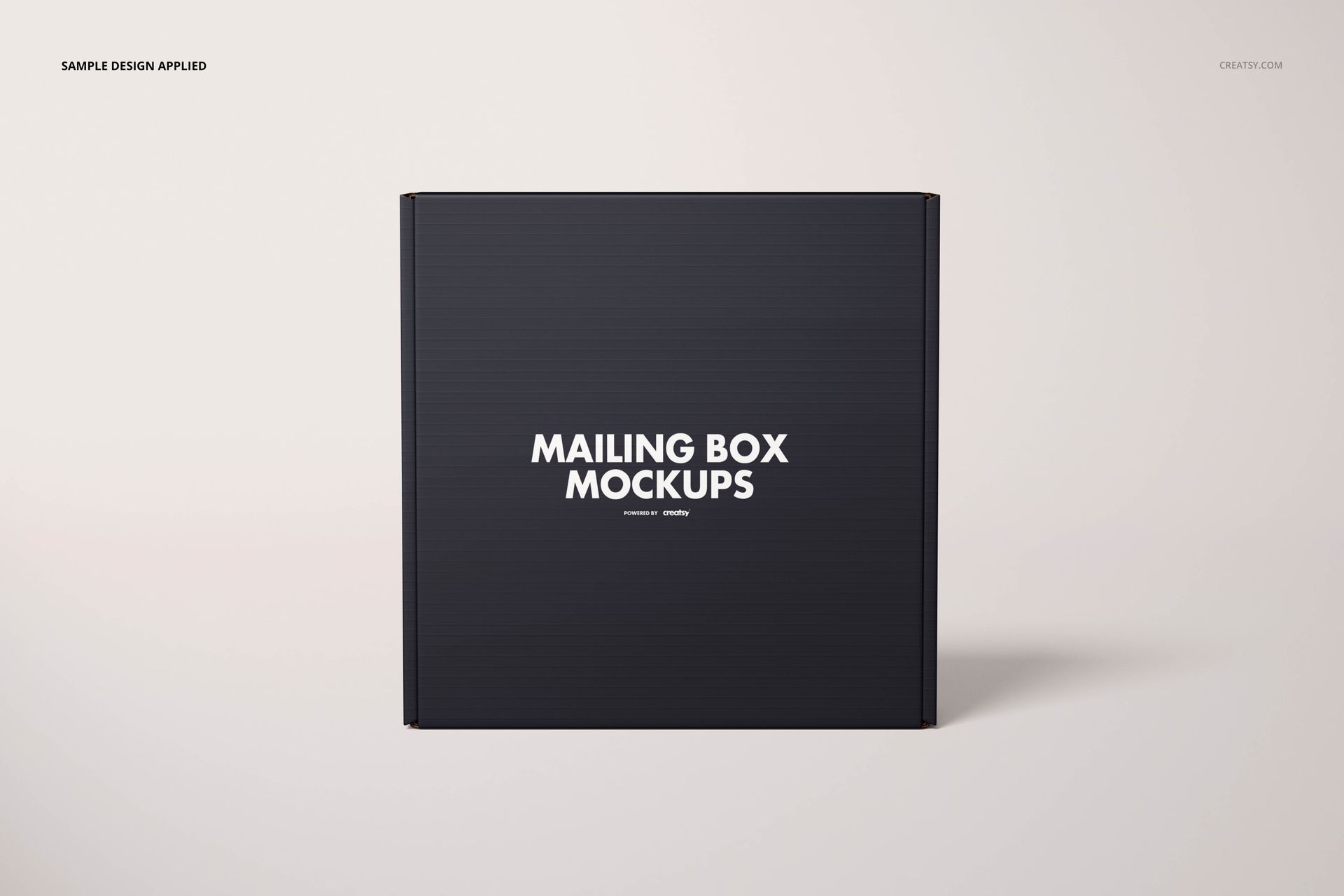
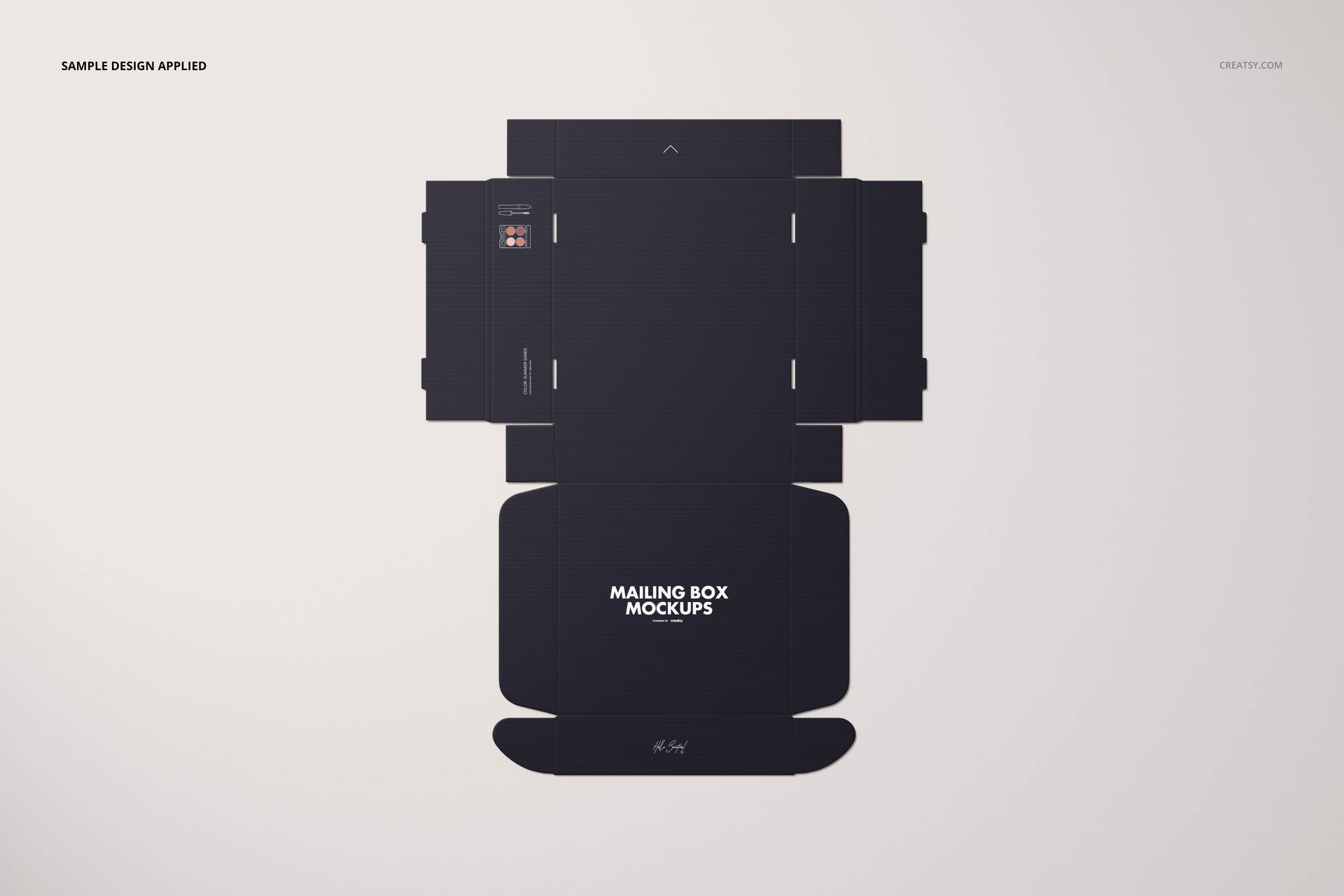
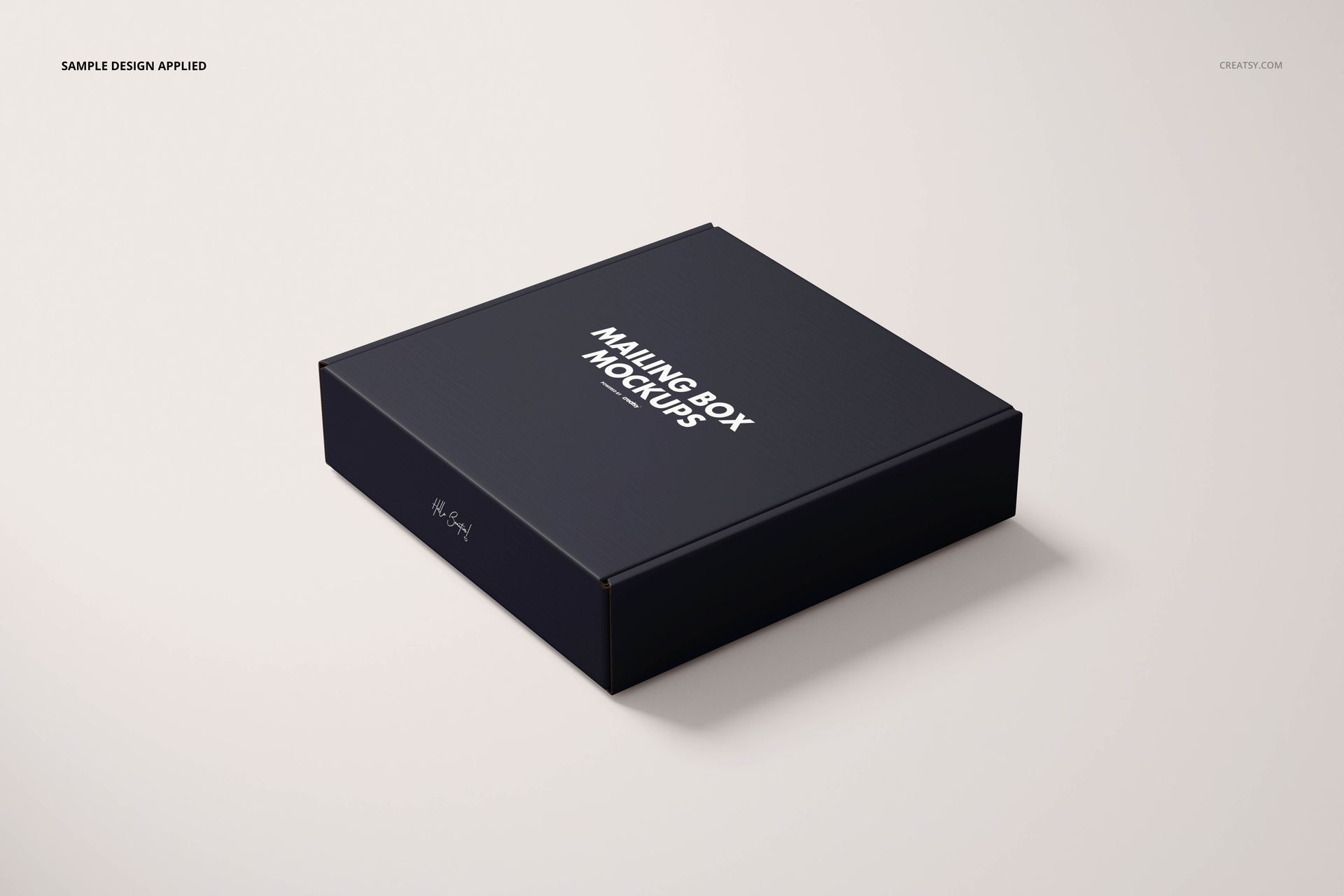
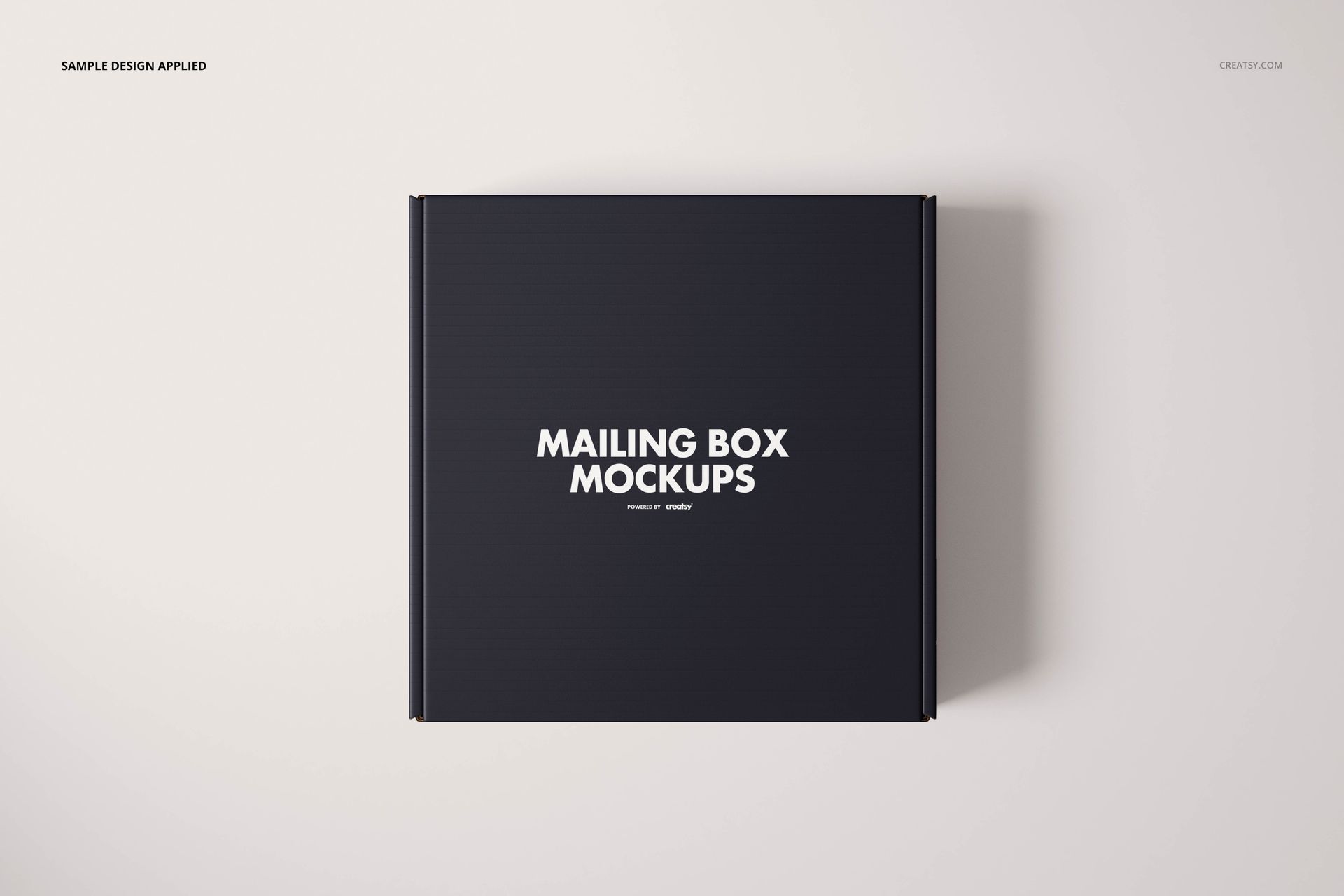
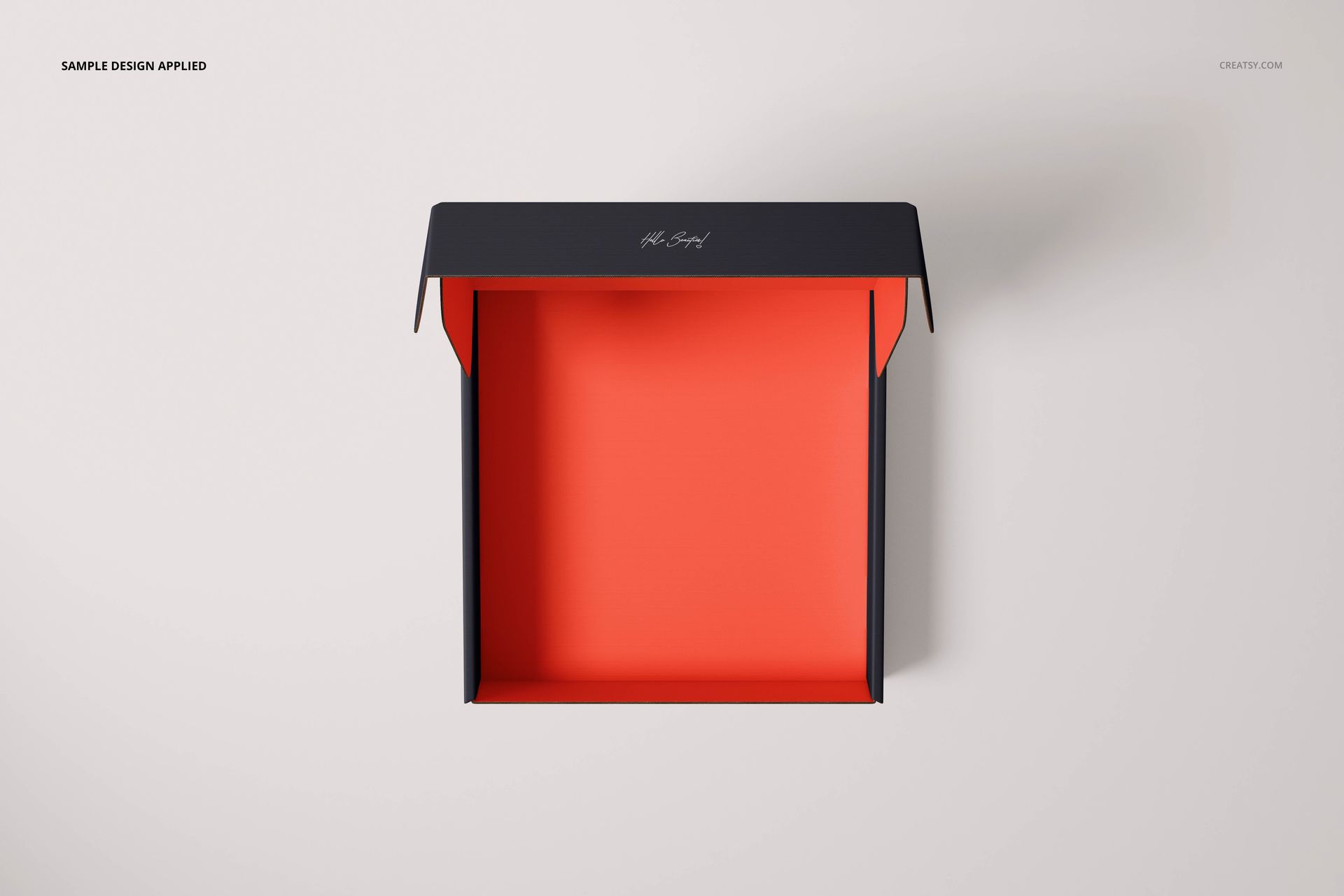
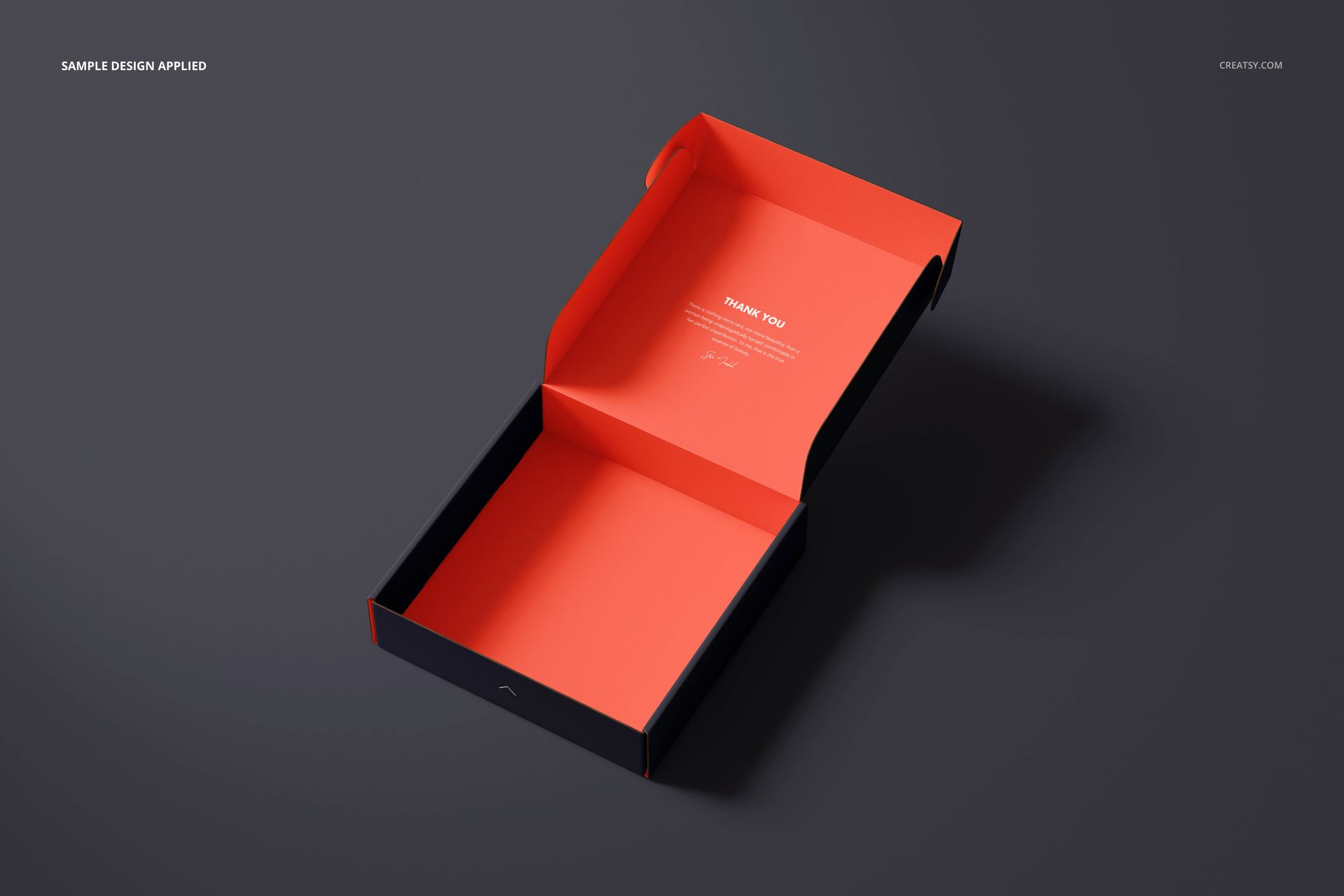
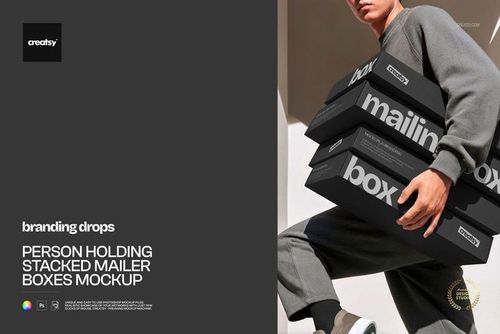
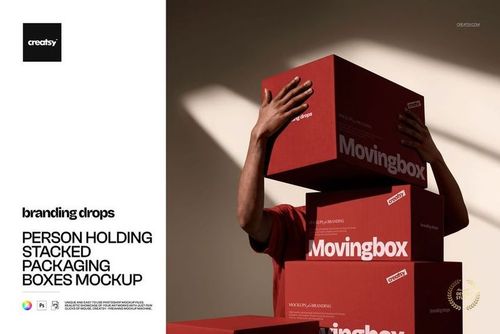
The scenes include closed, partly open and fully open boxes, an unfolded layout, a stack and a paired open-and-closed composition. Front-facing, overhead and angled views reveal different panels, while a balanced upright pose adds variety to a presentation gallery.
Inside, Outside and Background Controls
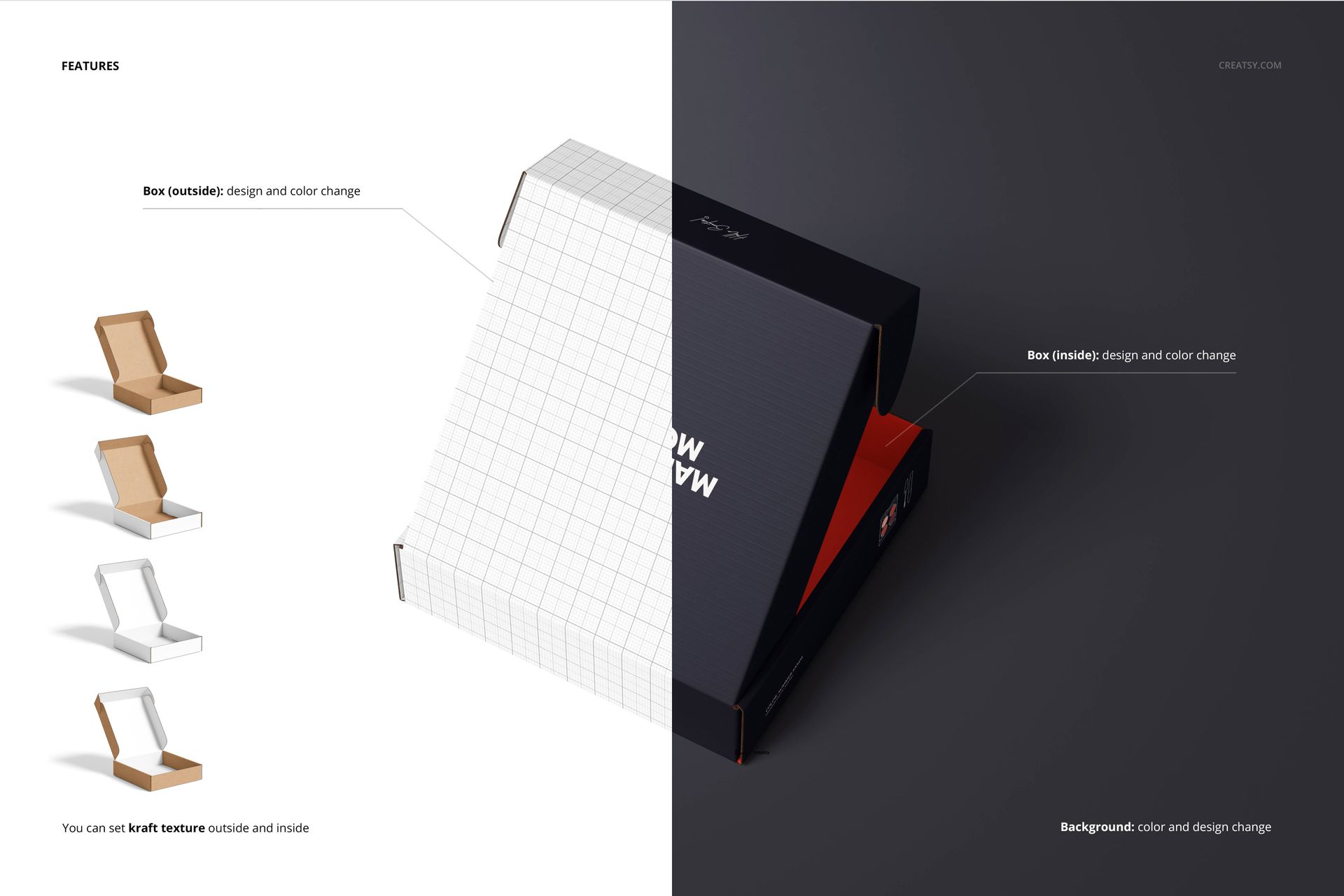
Change artwork and colors on the box exterior and interior. Apply the kraft texture inside, outside or on both surfaces, or use the white options shown in the previews. Change the background color or insert a texture; separate object and drop-shadow layers also support transparent-background exports.
Easy Smart Object Editing
Use Adobe Photoshop CC2020 or newer to place your designs into the Smart Objects. Save each artwork edit, return to the mockup and review it in the prepared perspective. Organized layers and the included manual help you locate the relevant controls.
This digital set is suited to packaging designers, small product brands and print studios presenting square mailer concepts. No physical boxes are supplied, and the sample patterns and artwork are not included.













Thank you! It's work for my current project. Rad mockup set with fair price.
Thank you so much for your review! We’re really glad the set worked well for your project and that you found it a great value.