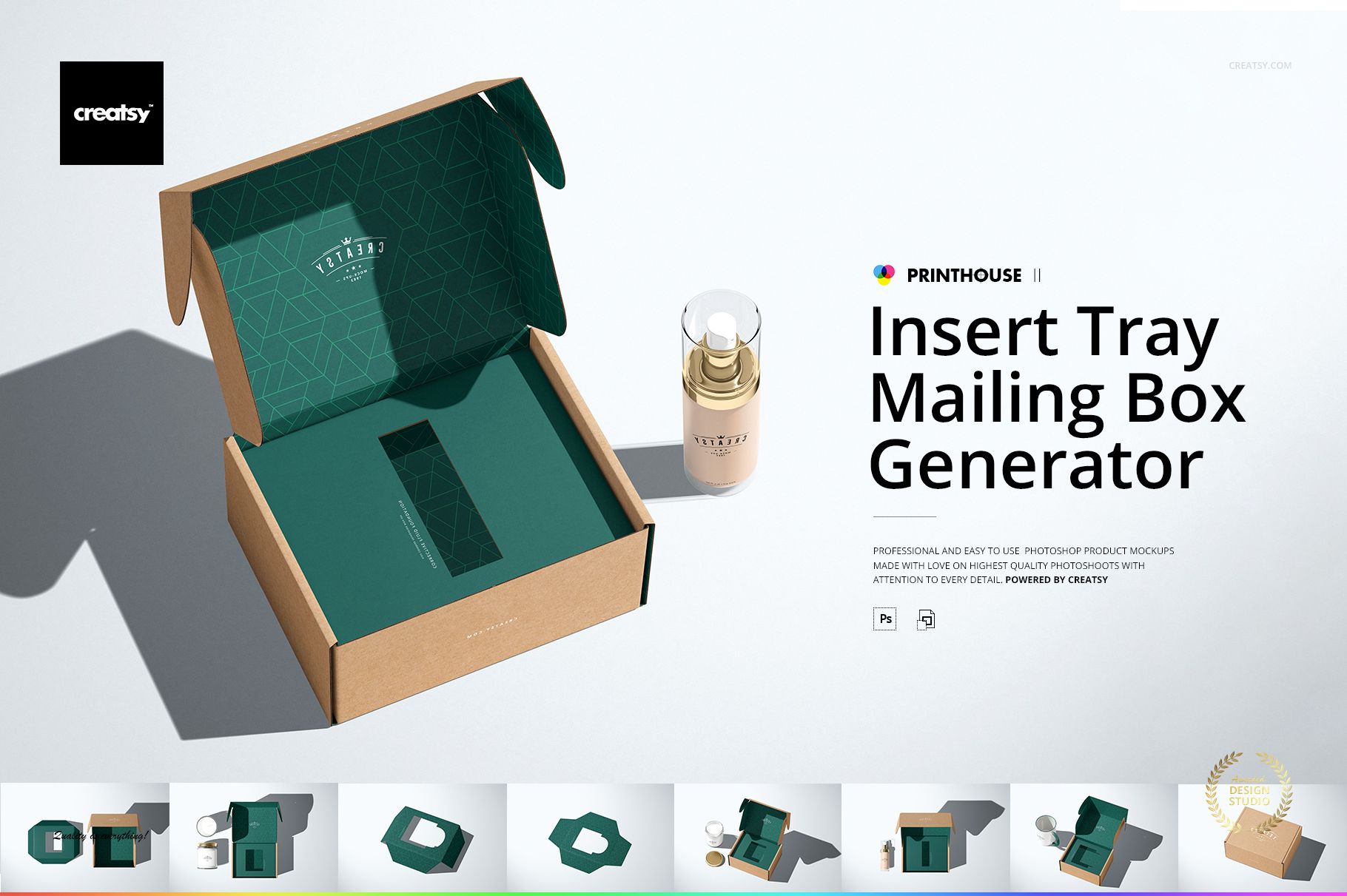
Insert Tray Generator Mailing Box Mockup Set
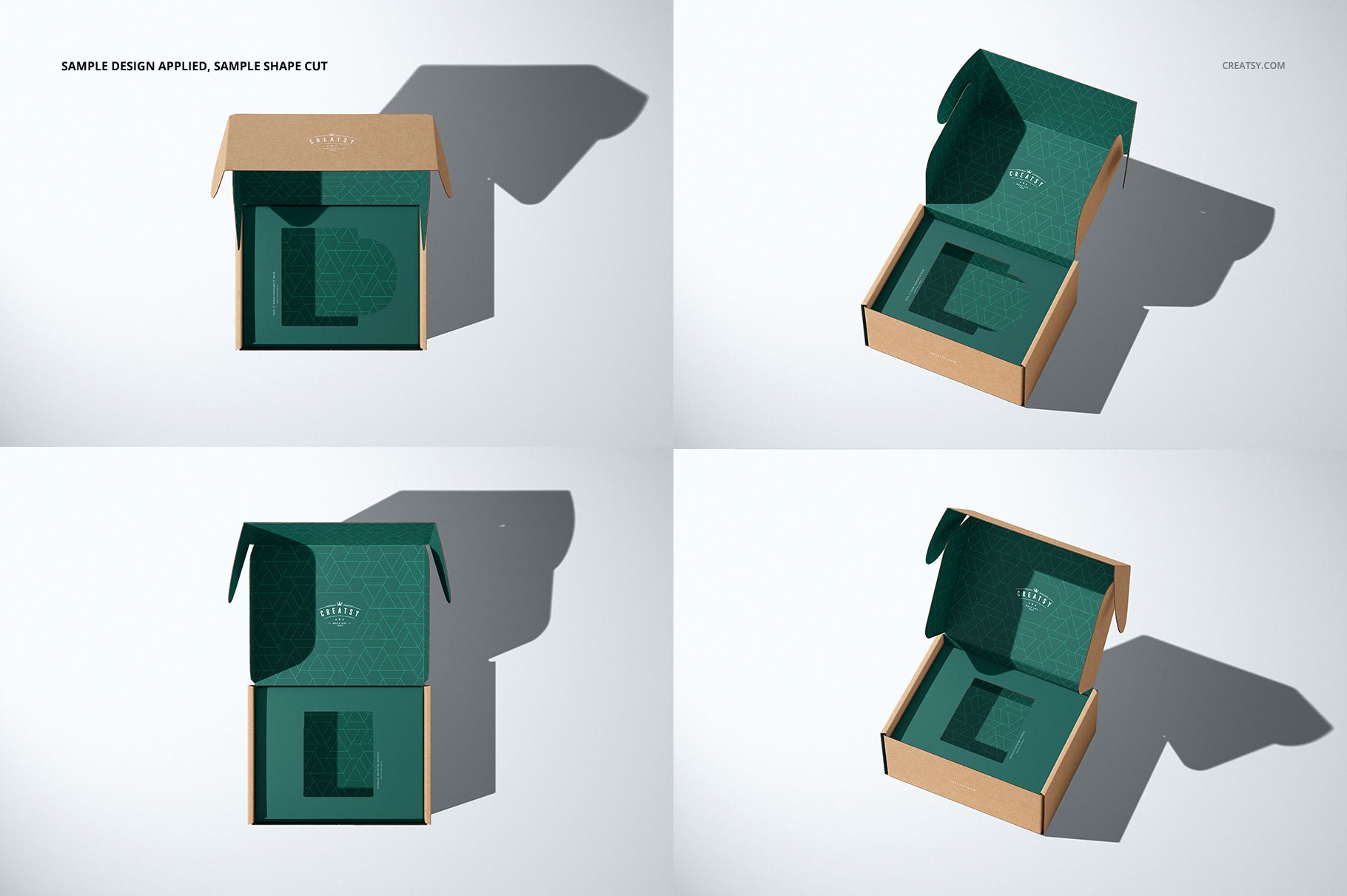
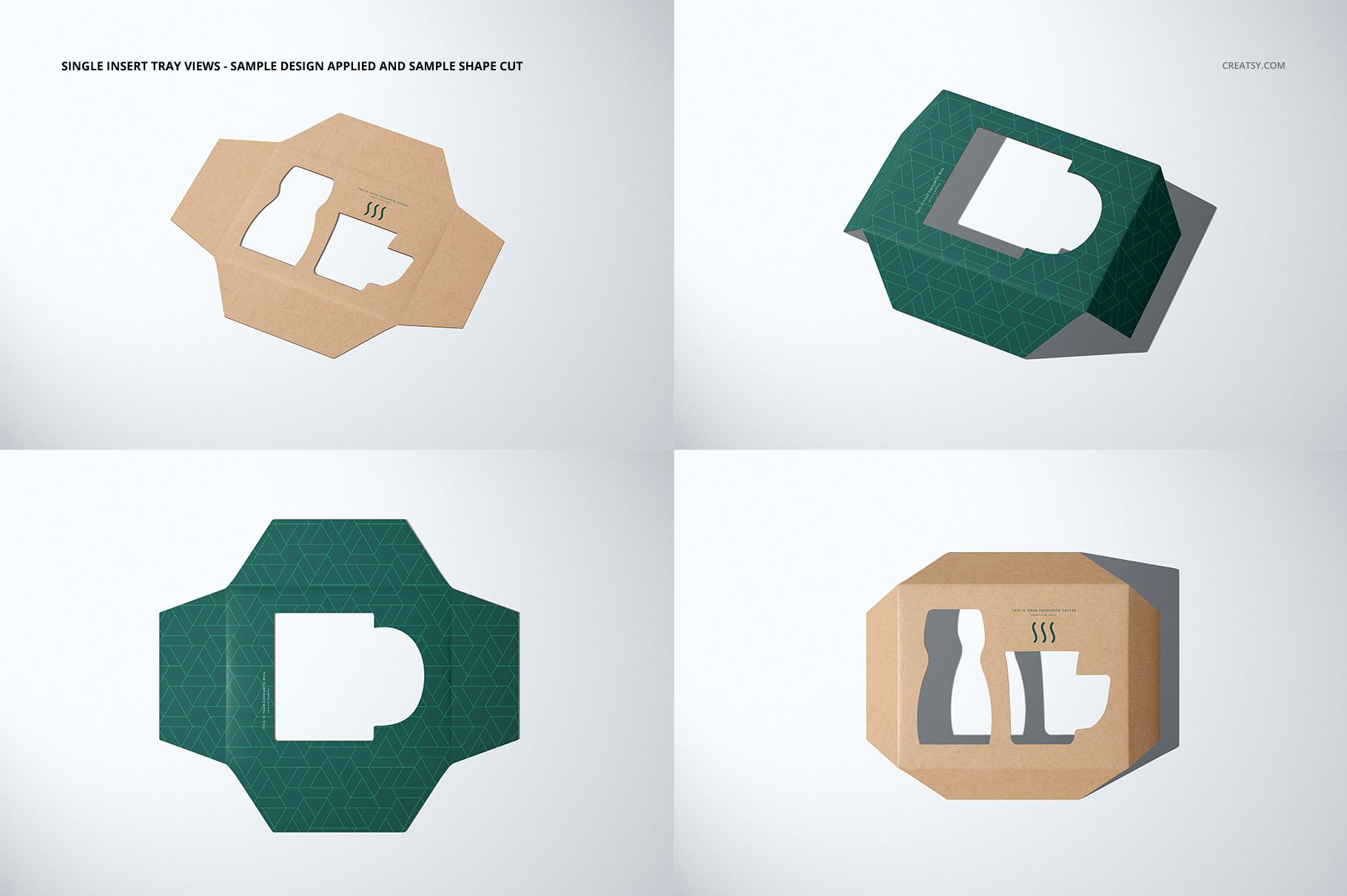
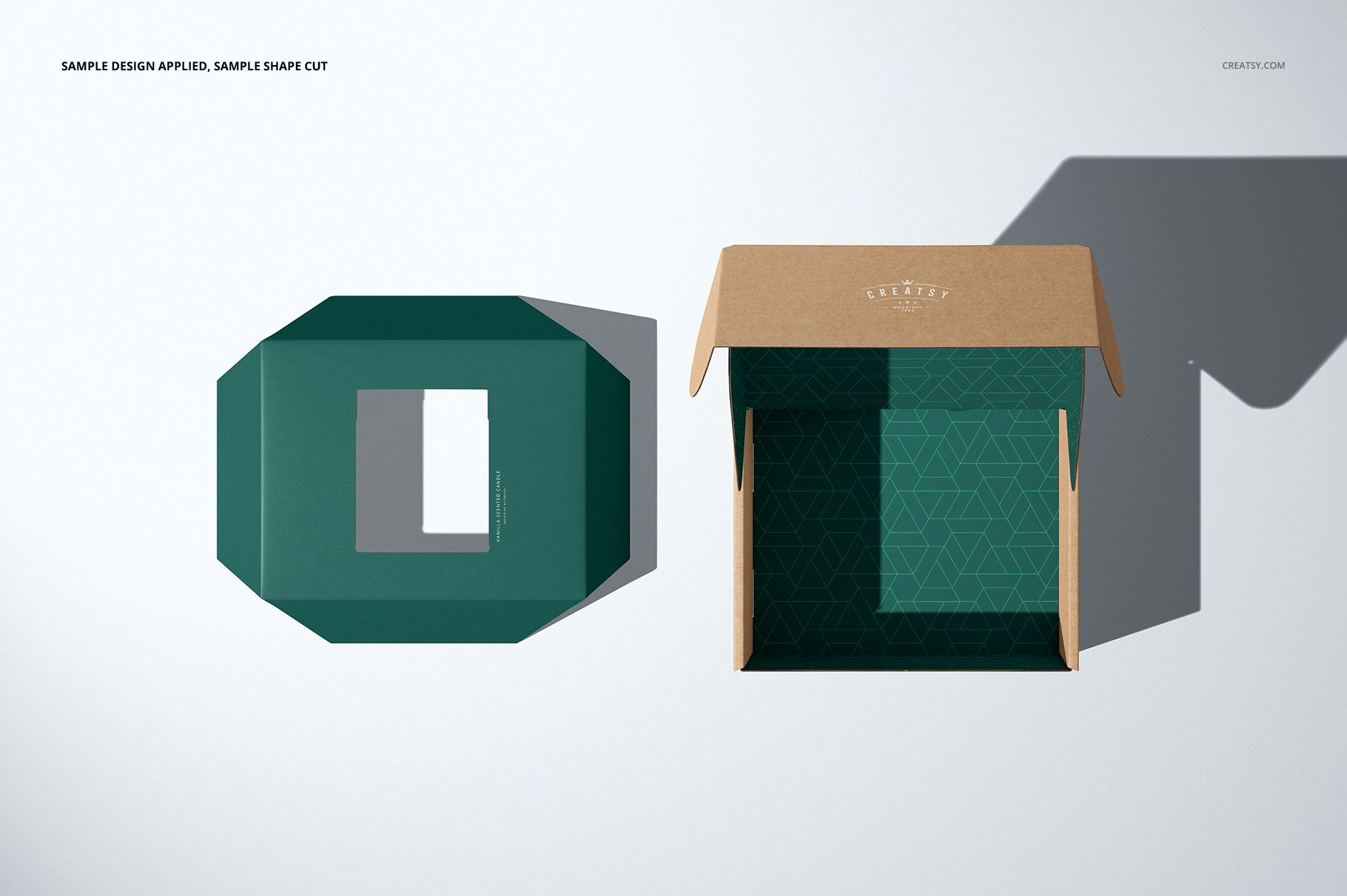
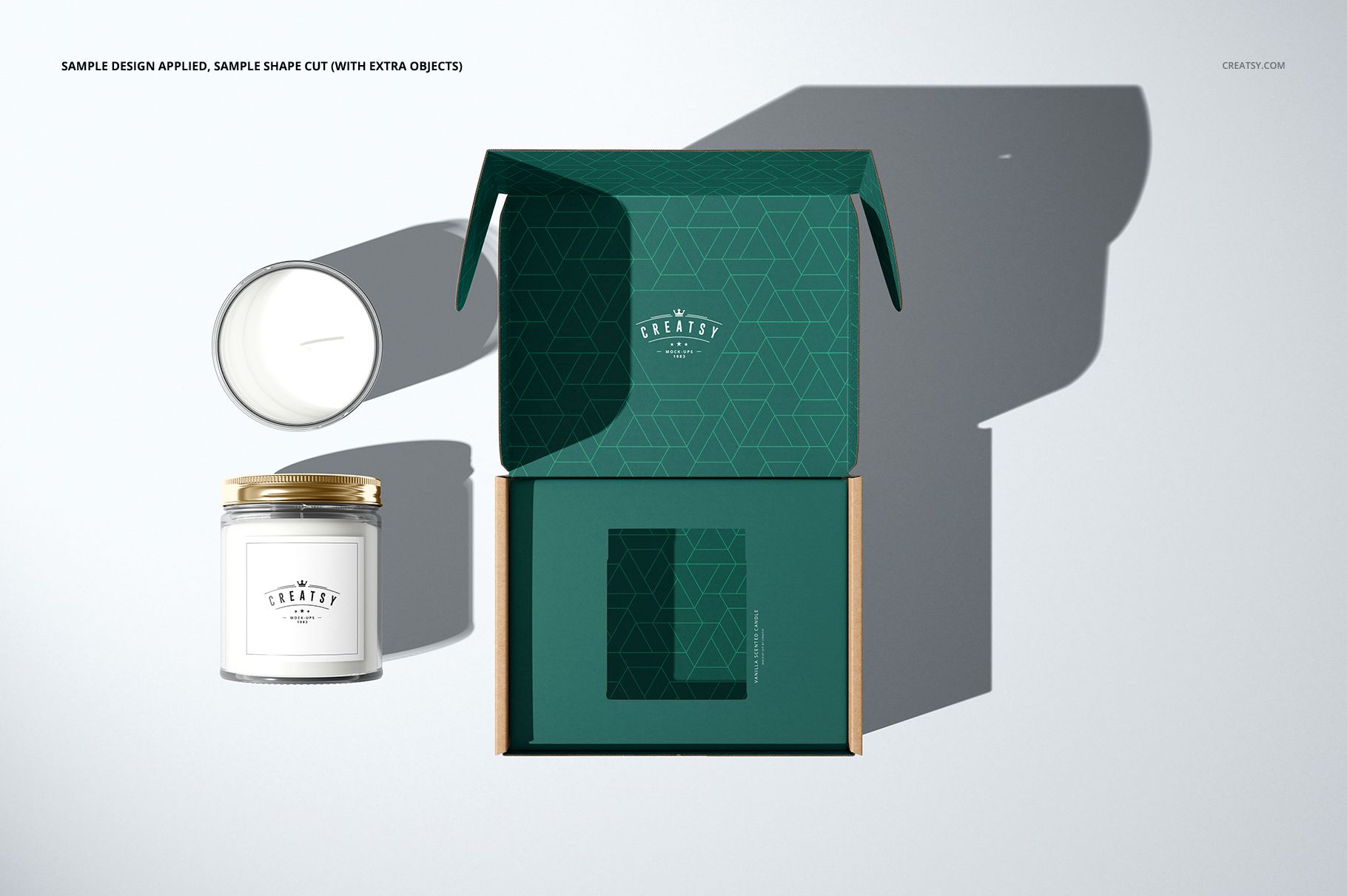
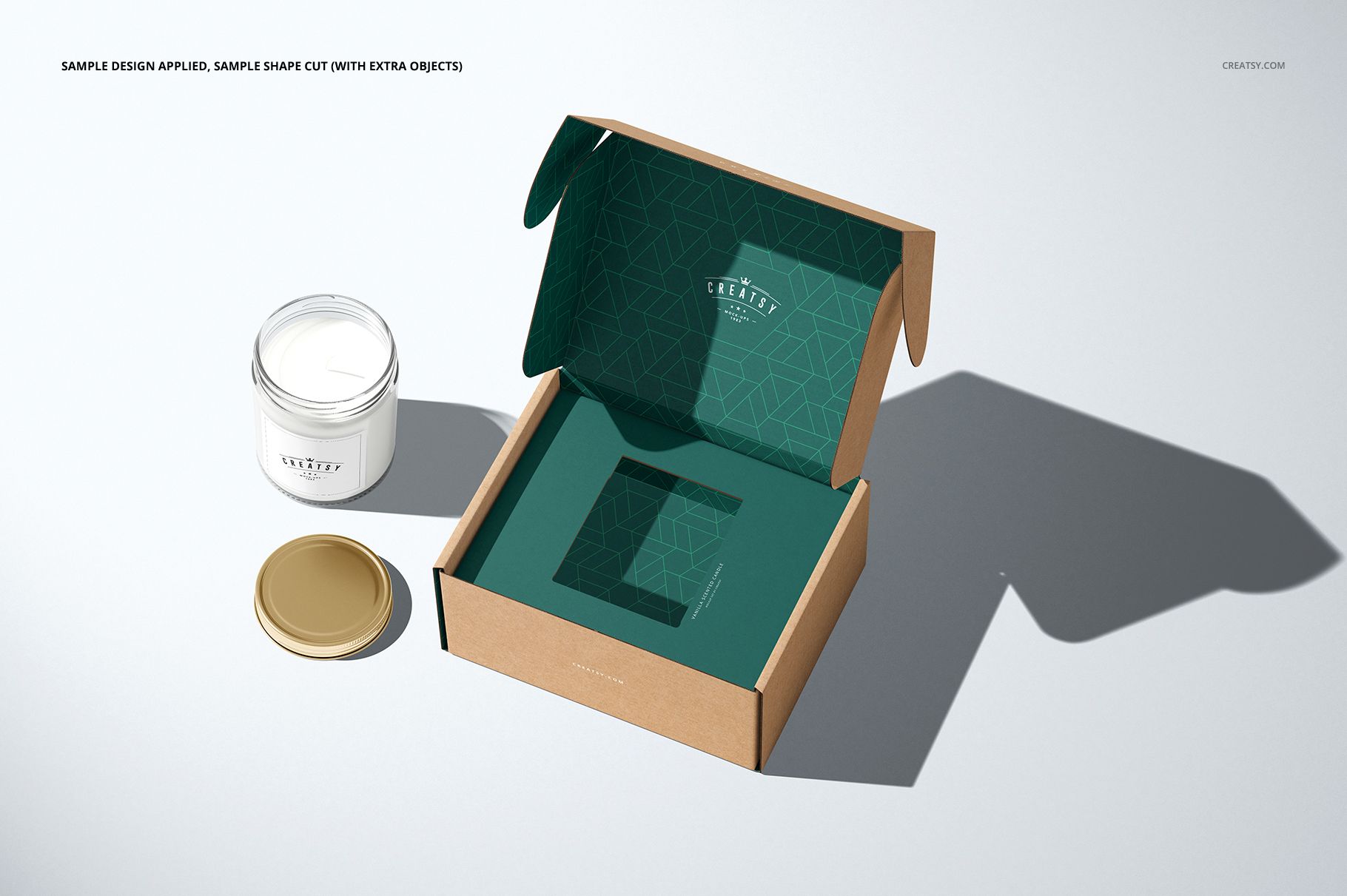
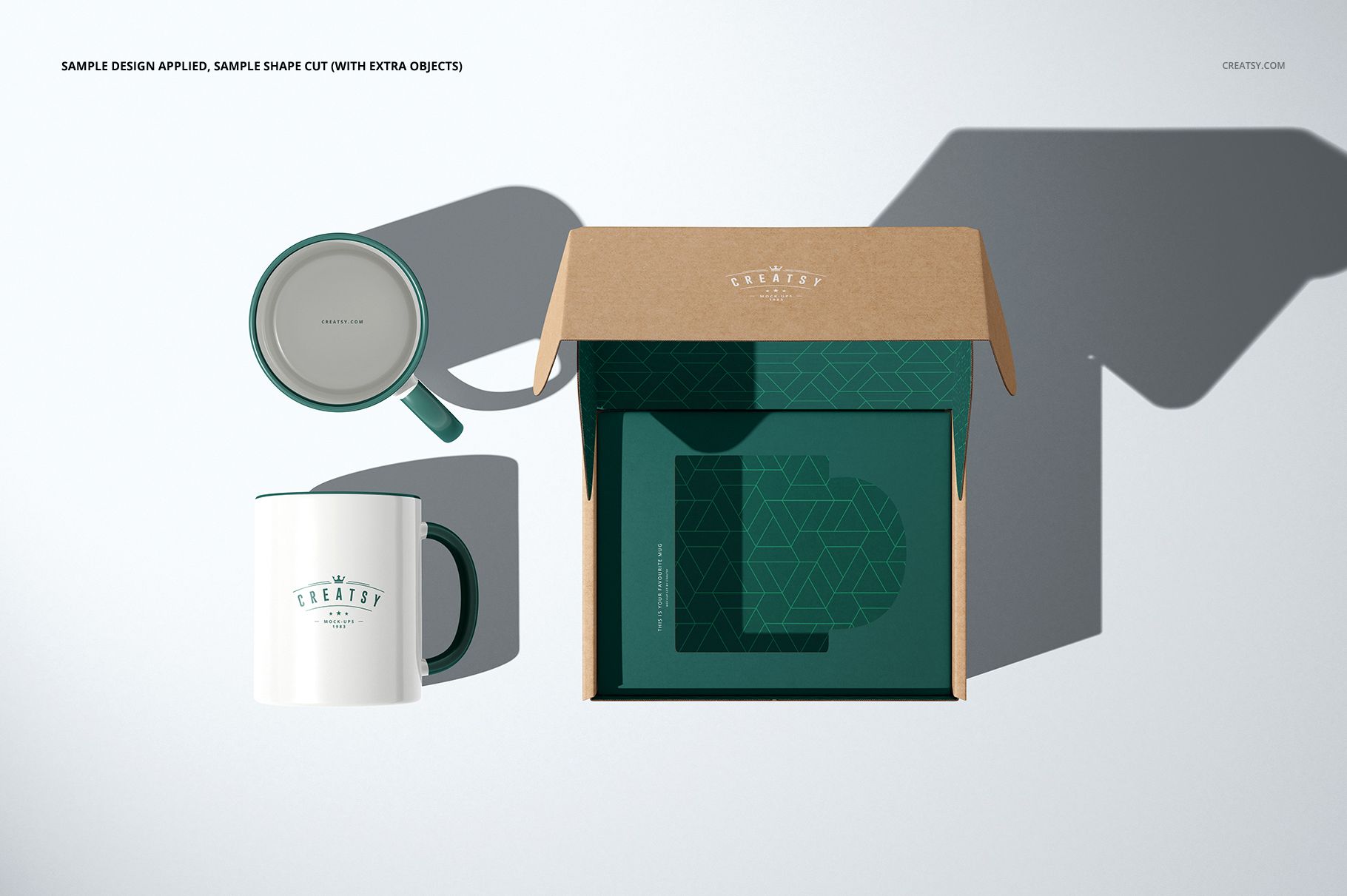
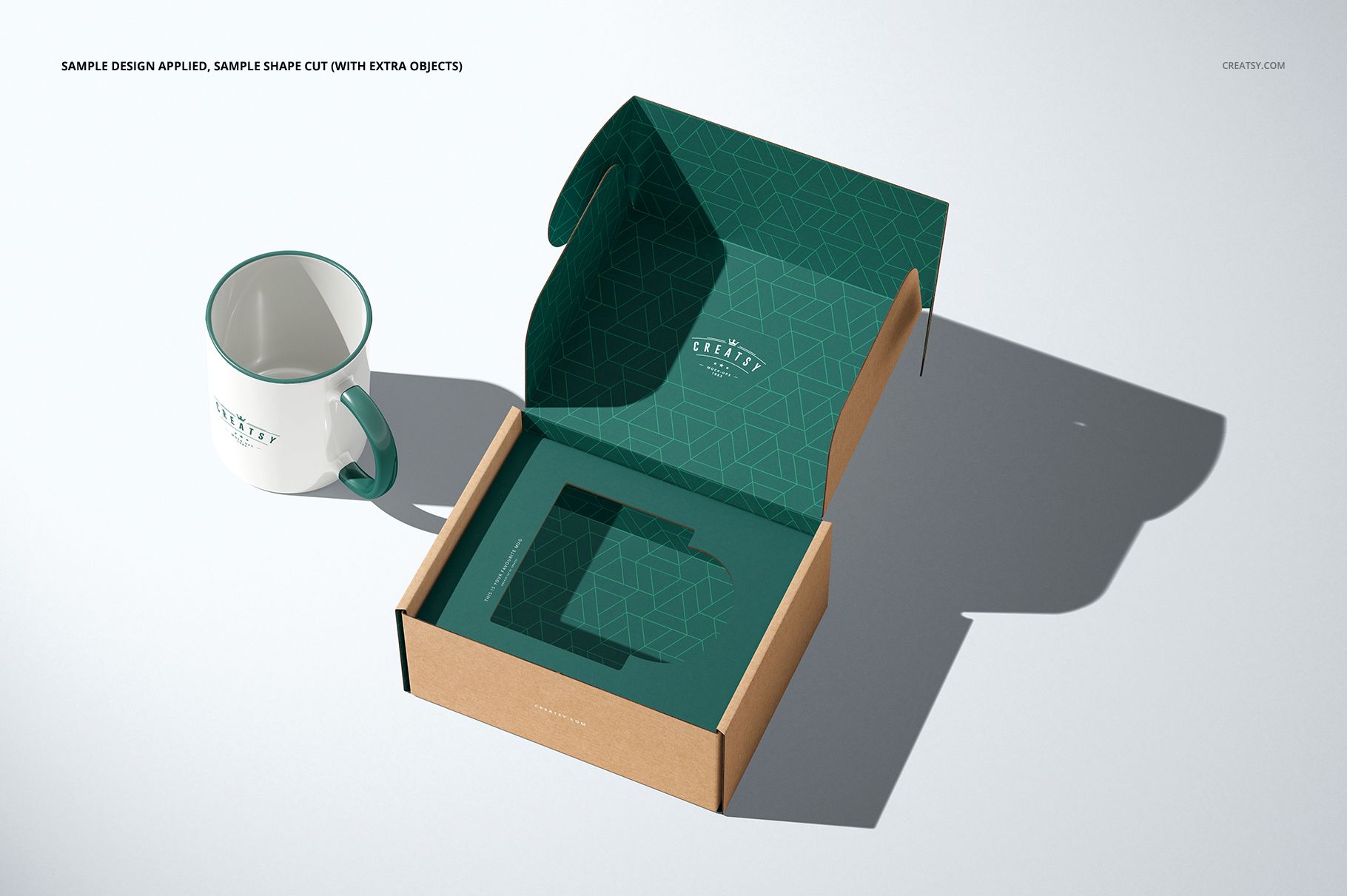
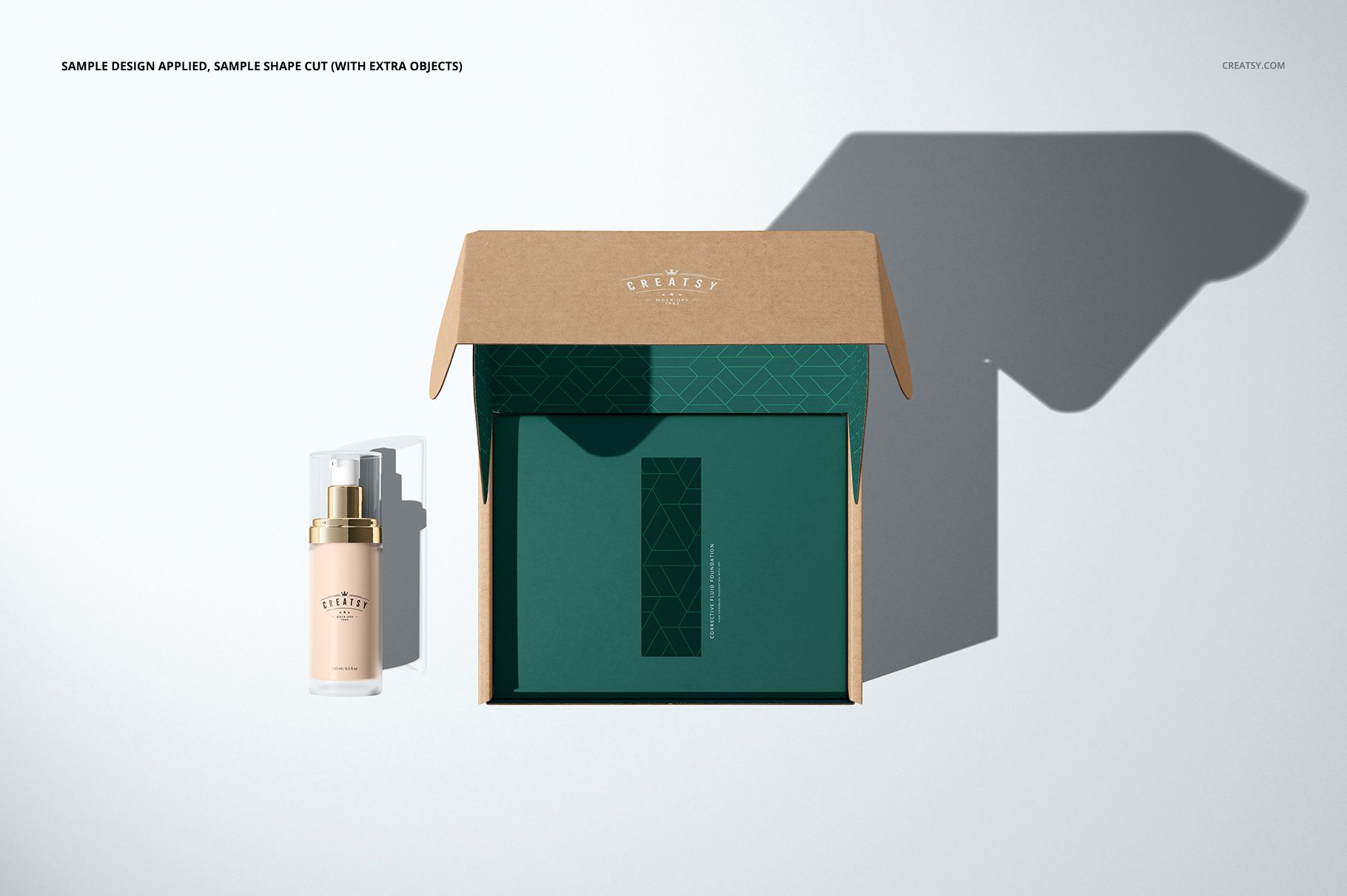
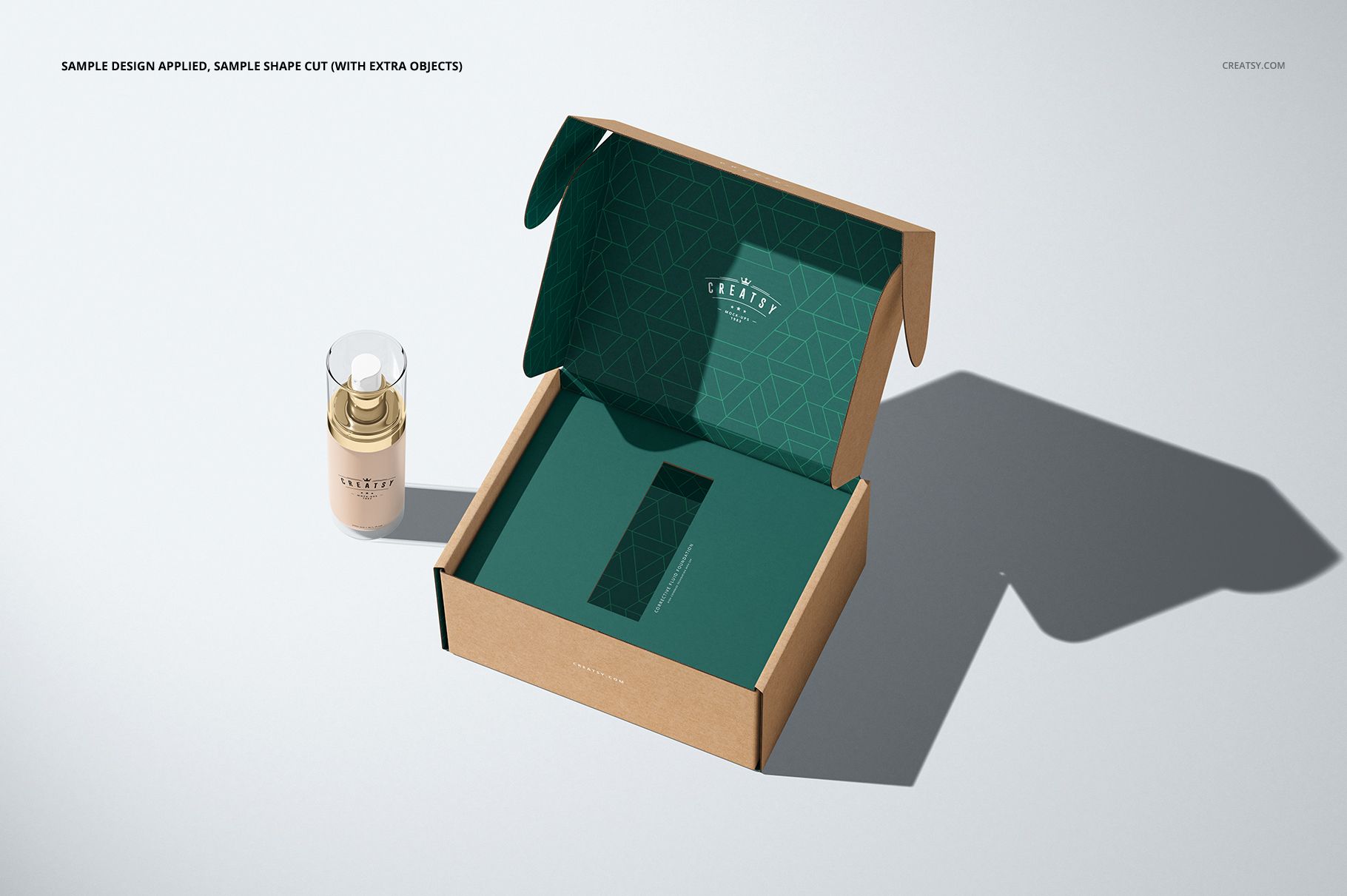
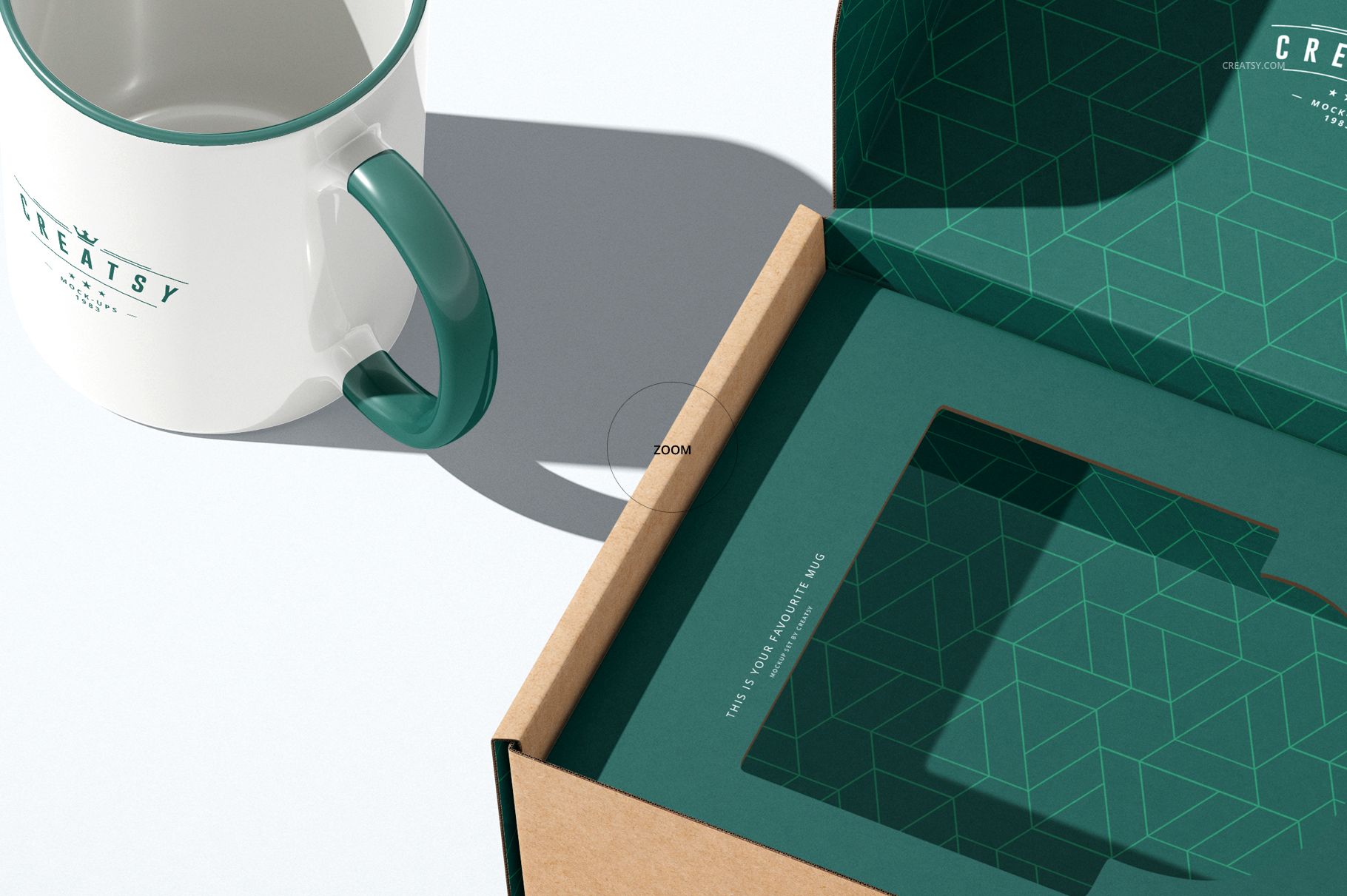
The opening in an insert tray is part of the packaging design, not just empty space. This mailing box mockup set lets you present custom-shaped cutouts alongside the printed tray, inner lid and outer box. Show a mug-shaped opening, a narrow space for a cosmetic container or another silhouette, then compare the result from above and at an angle.
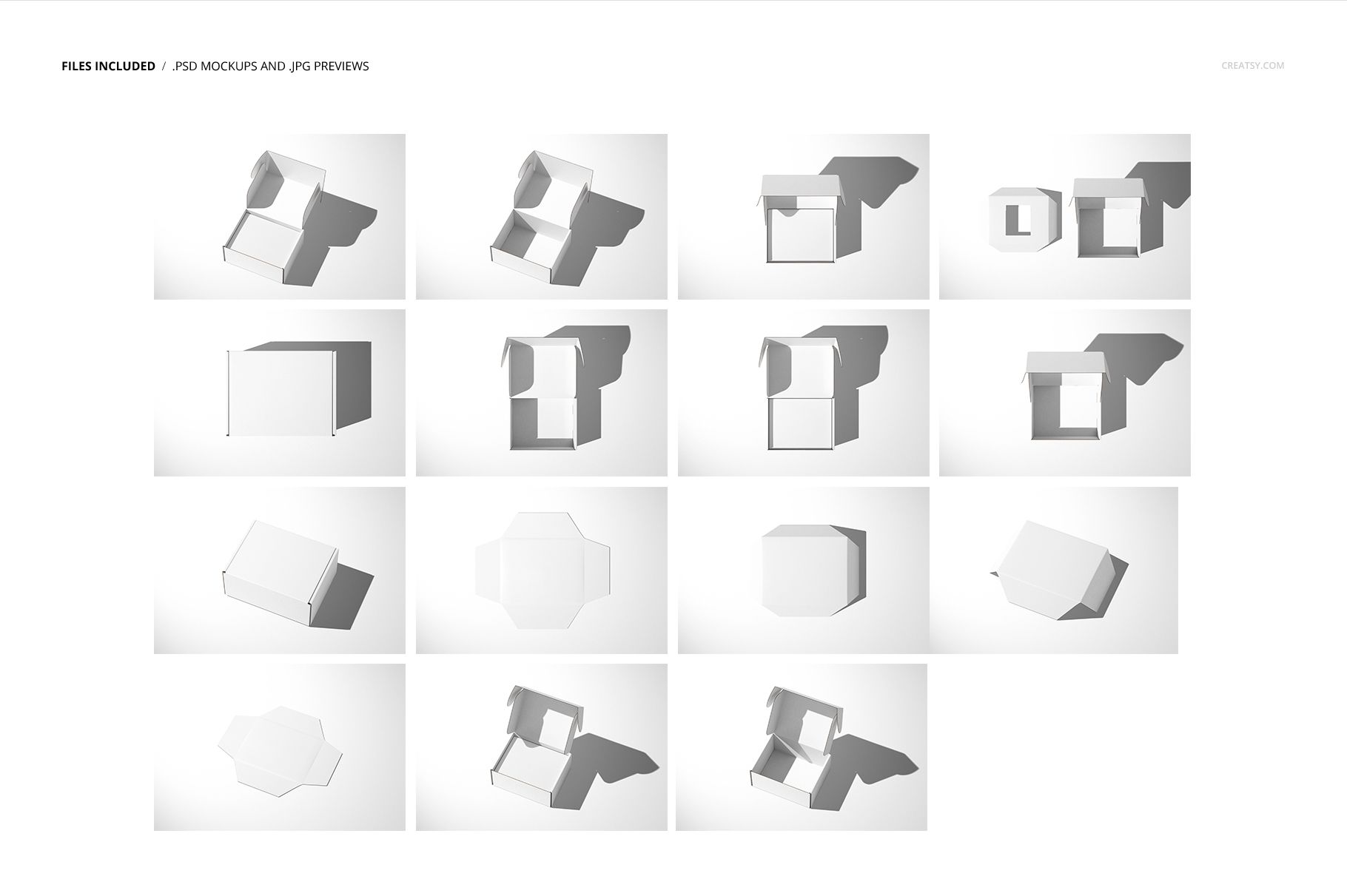
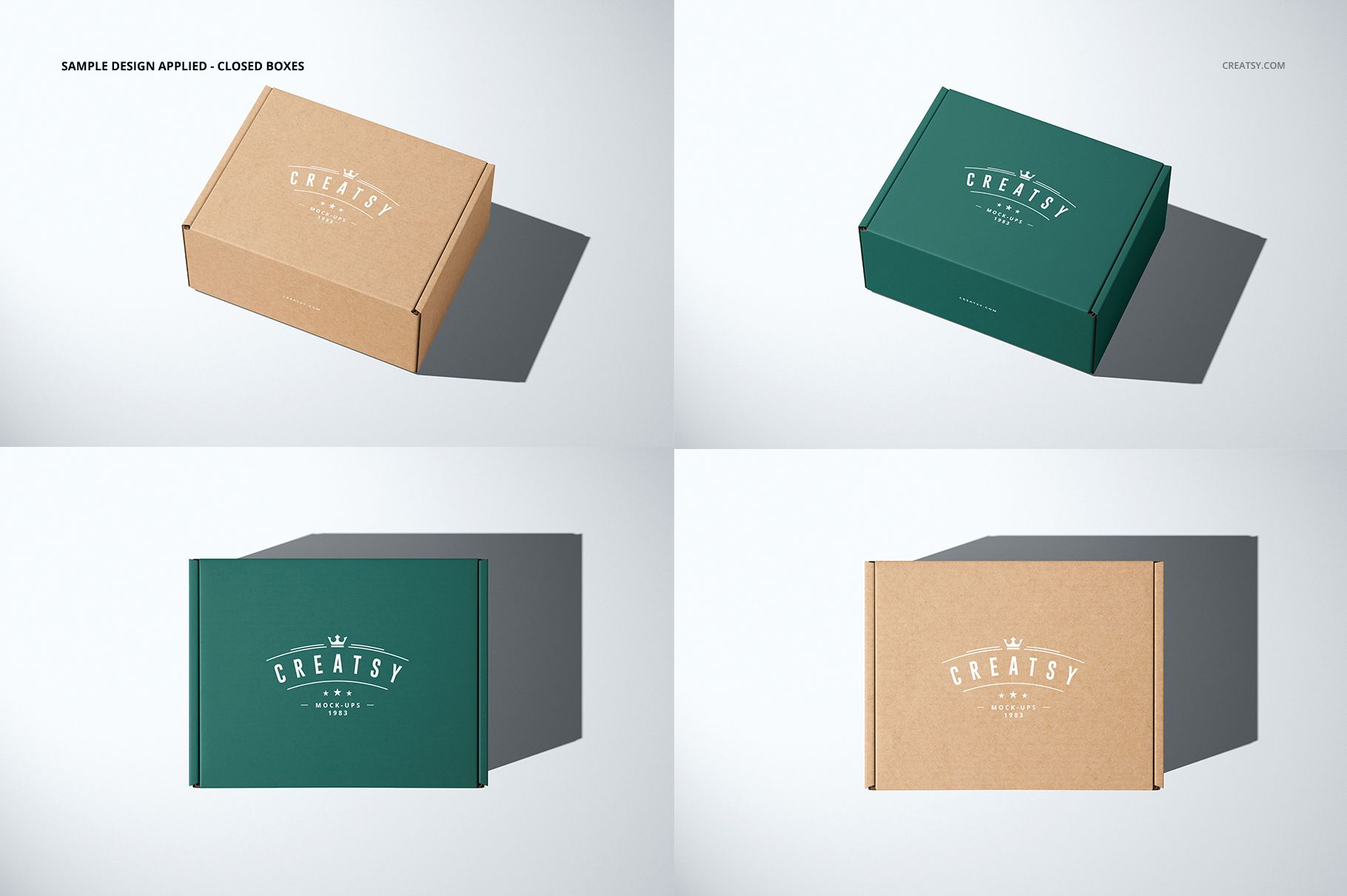
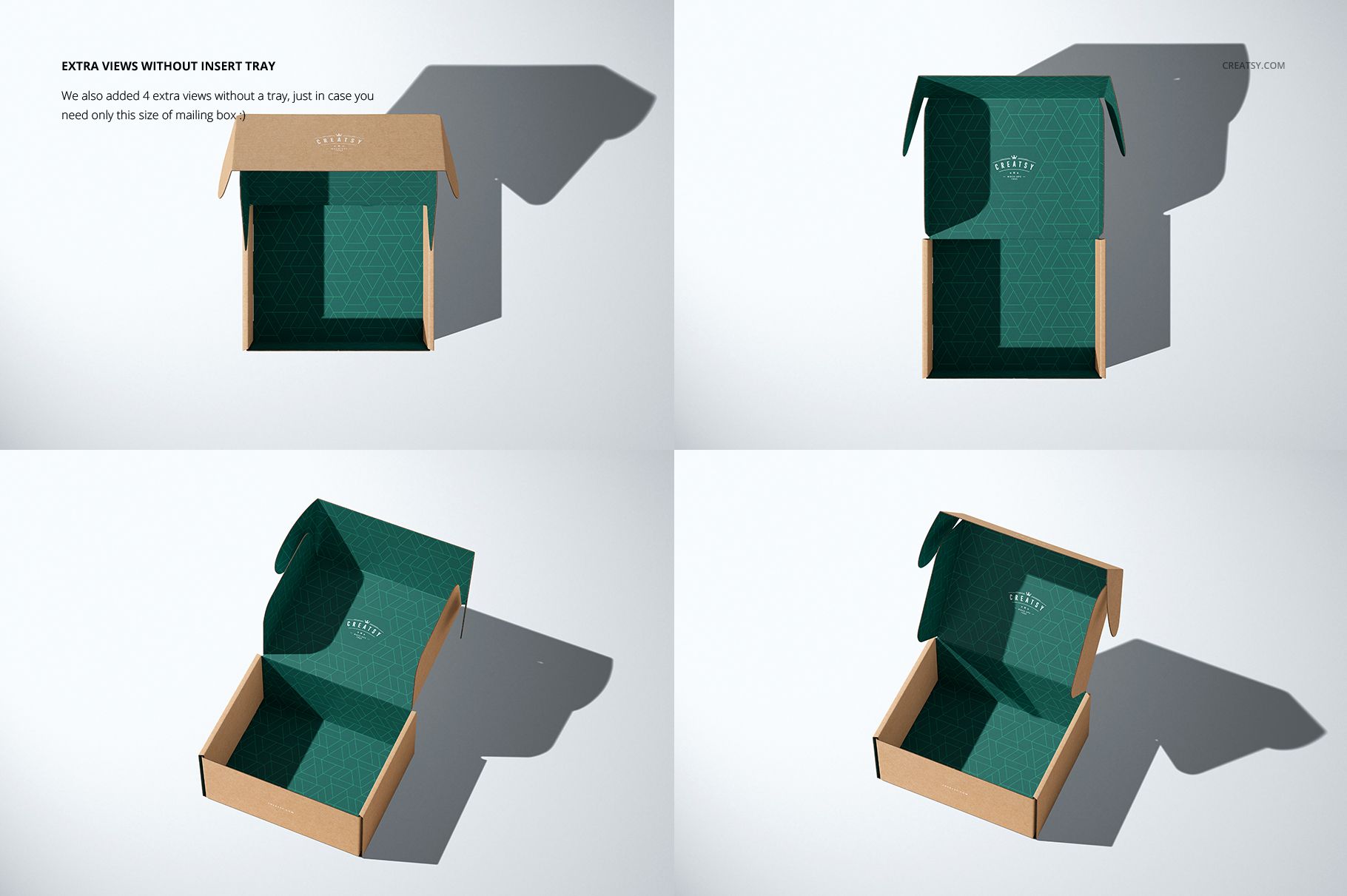
Standalone tray views make the insert easy to explain before showing it inside the box. Closed-box views and four extra open-box views without a tray help you carry the same branding through the complete presentation.
What Is Included
15 layered PSD mockup files covering mailing boxes and separate insert trays in multiple views.
15 JPG previews, a PDF user manual and an MP4 sample-use video.
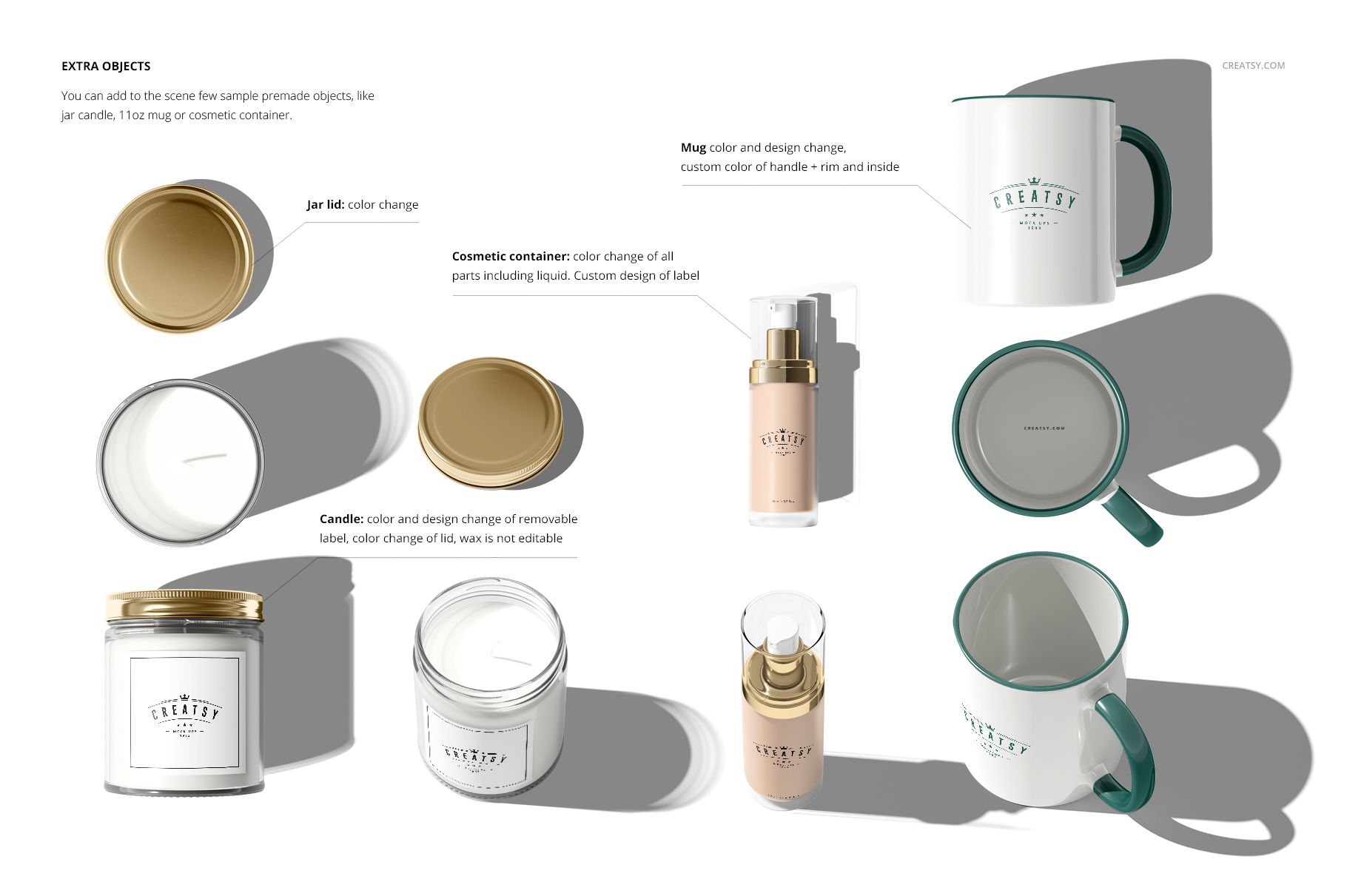
Premade sample objects: a jar candle, an 11 oz mug and a cosmetic container.
Open and closed box compositions, plus flat and folded insert-tray views.
Shape the Insert, Then Compare the Finish
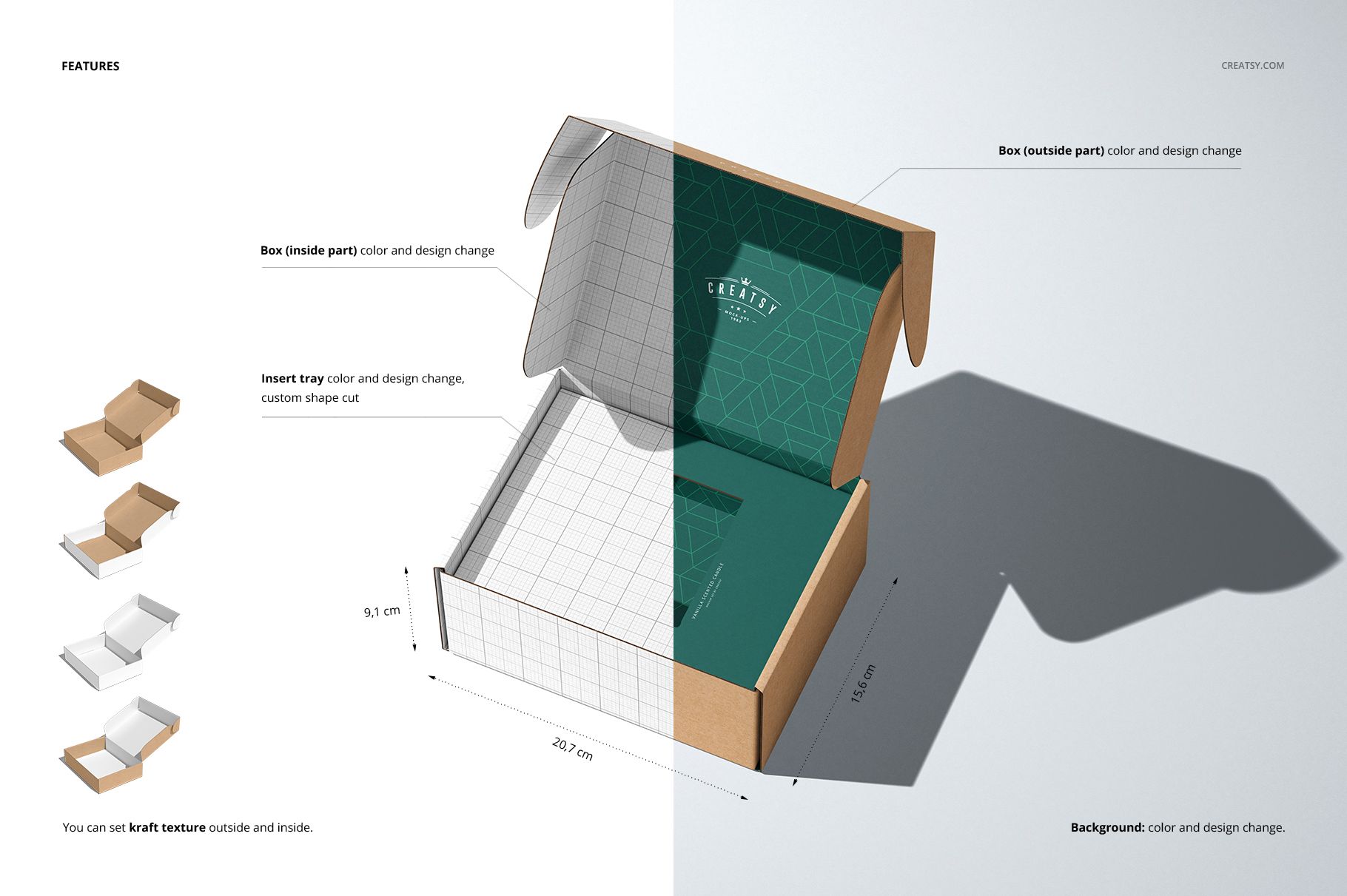
Change the tray artwork, color and cutout shape together with the outside and inside of the box. Kraft texture options for the exterior and interior let you compare a kraft shell with a printed lining or a coordinated finish throughout. The box shown measures 20.7 × 15.6 × 9.1 cm. Use the top views to judge artwork around the opening and the angled views to show the tray as a folded component.
Easy Smart Object Editing
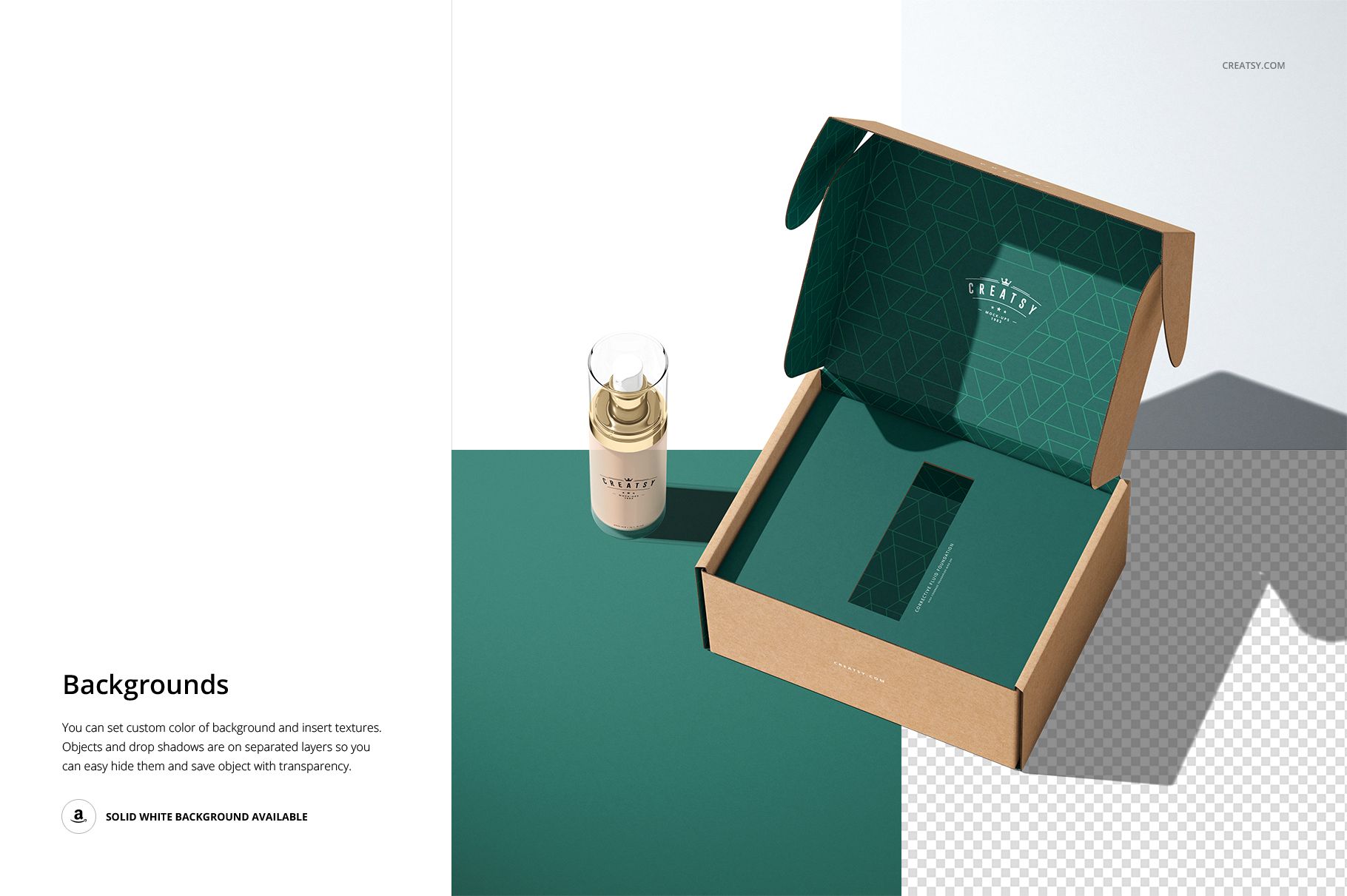
Open the PSD files in Adobe Photoshop CC2015 or newer, or Photopea. Use the organized layers and Smart Objects to add your artwork, then adjust the supported colors and insert cutout. Background color and texture can be changed, while separate object and drop-shadow layers allow transparent-background exports. Follow the included PDF manual and sample-use video for the tray workflow.
Perfect For
Present candle gift packaging, mug shipping concepts and cosmetic-box branding to clients or build a portfolio case study showing how the outer print and inner insert work together. This is a digital mockup set, not a physical box. The sample patterns and artwork shown in the previews are not included.