Mailing Box on Blooming Tree Mockup Set
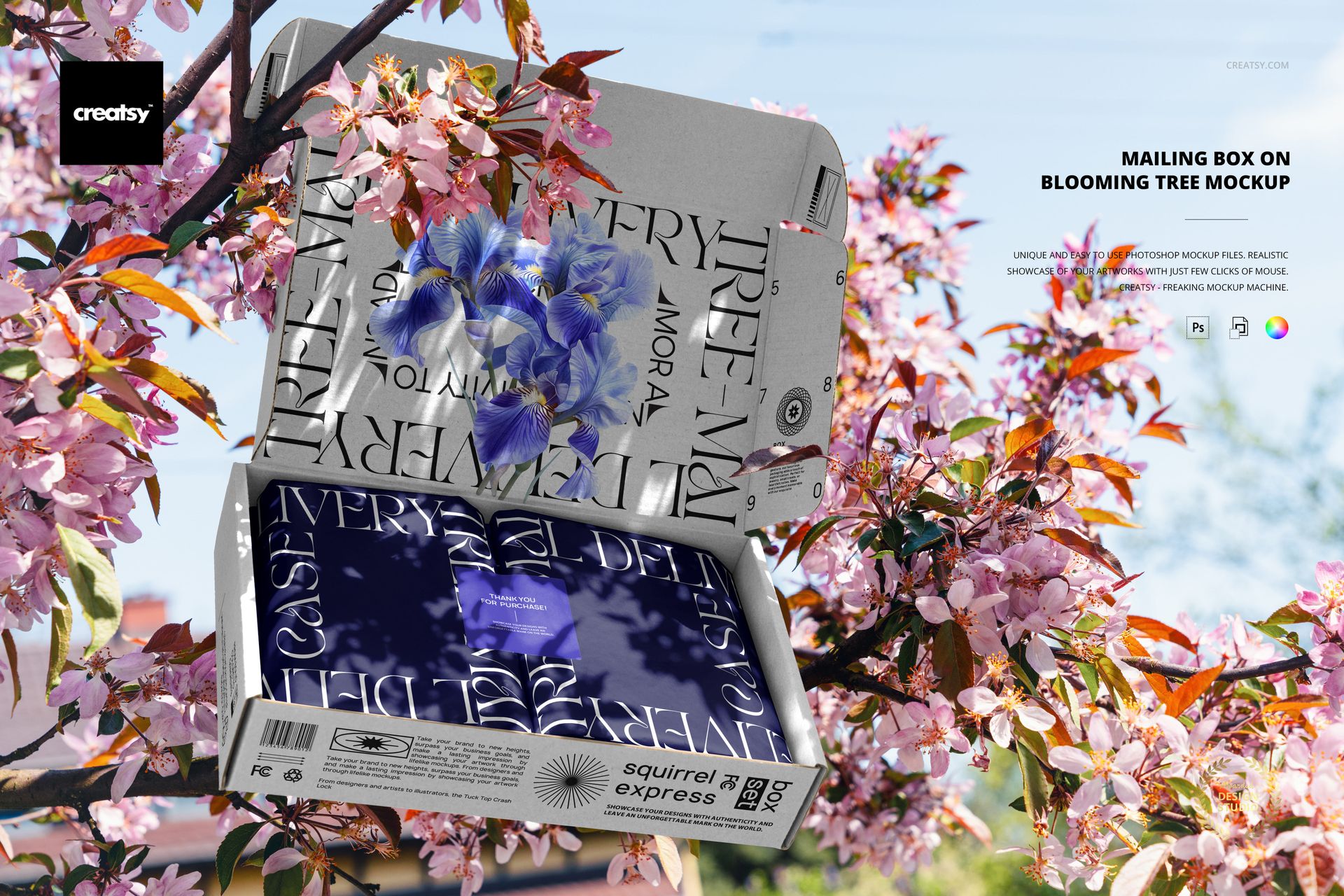
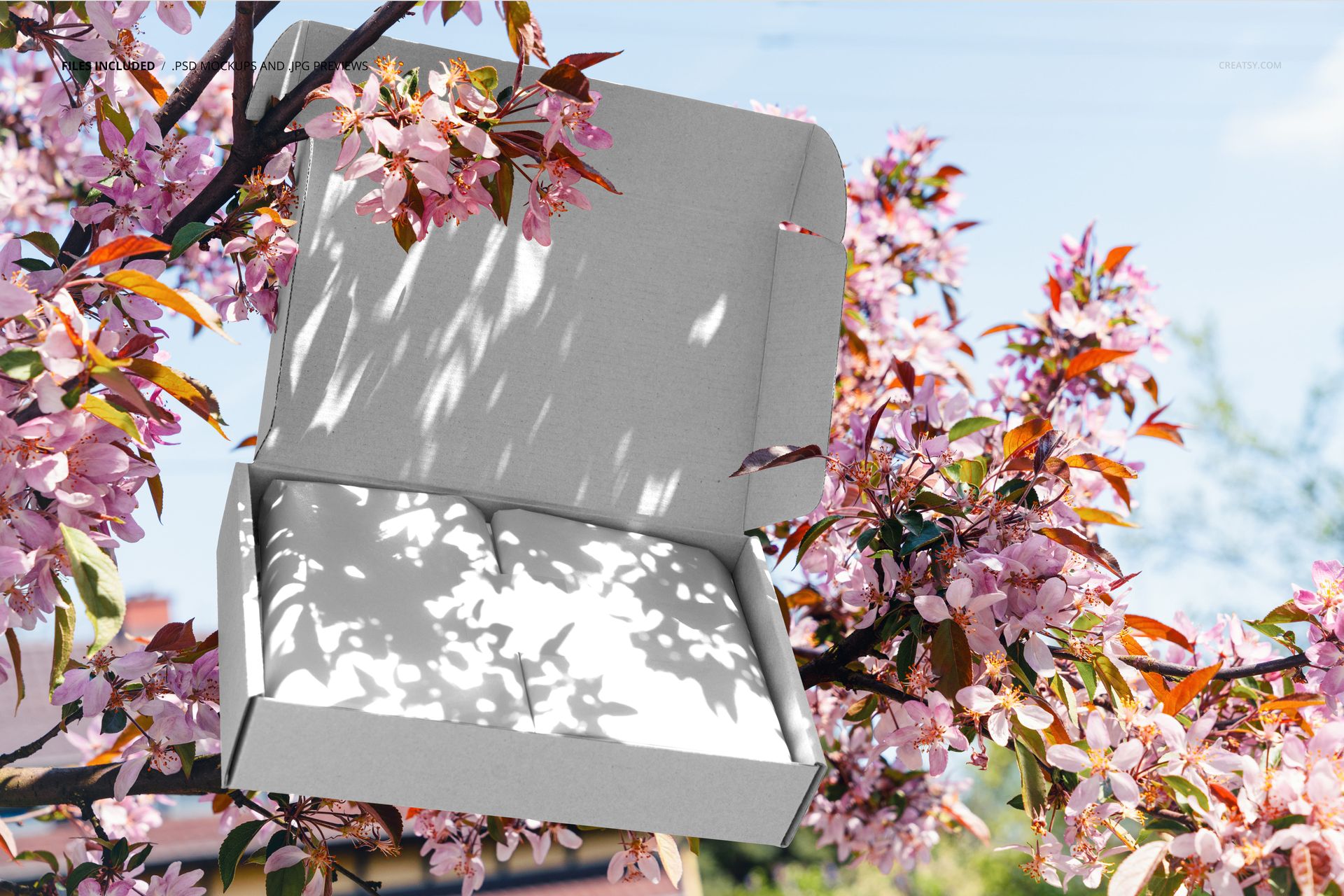
Let the setting carry the season. An open mailing box sits among pink blossoms, dark branches and a pale blue sky, with sunlight filtering across the raised lid and wrapped interior. This mailing box on blooming tree mockup gives a packaging concept a spring campaign setting without turning the box into a distant background detail.
The nearly front-facing open view emphasizes the inner lid and front panel. Flowers overlapping the upper edge add depth, while the broad lid leaves room for a strong illustration, a short message or distinctive typography.
What Is Included
1 layered PSD mockup containing one composed outdoor scene.
6000 × 4000 px at 300 DPI, in landscape orientation.
1 JPG reference preview at 512 × 341 px, for 2 files in total.
Organized layers for working with your packaging artwork.
A Blooming Frame for the Interior
Use this view when the inside of the package deserves attention. The raised lid, folded wrapping and small square detail visible in the styled preview help tell an unboxing story within the flowering branches. The gallery shows designed and blank versions of the same scene, not additional camera angles.
Easy Smart Object Editing
Open the PSD in Adobe Photoshop CC2020 or newer, or Photopea. Place your artwork in the relevant Smart Objects, save the edited contents and review the result in the prepared scene. Check each visible packaging surface so the front panel and interior work together.
Perfect For
Spring launches and seasonal gifting campaigns.
Packaging studios presenting interior branding to clients.
Illustrators showing botanical or typographic artwork on a mailer.
Brands building a nature-led packaging portfolio.
This is a digital mockup, not a physical package or a manufacturing template. Sample artwork is shown for presentation only and is not included.