Mailing Box Mockup Set - Outdoor Edition
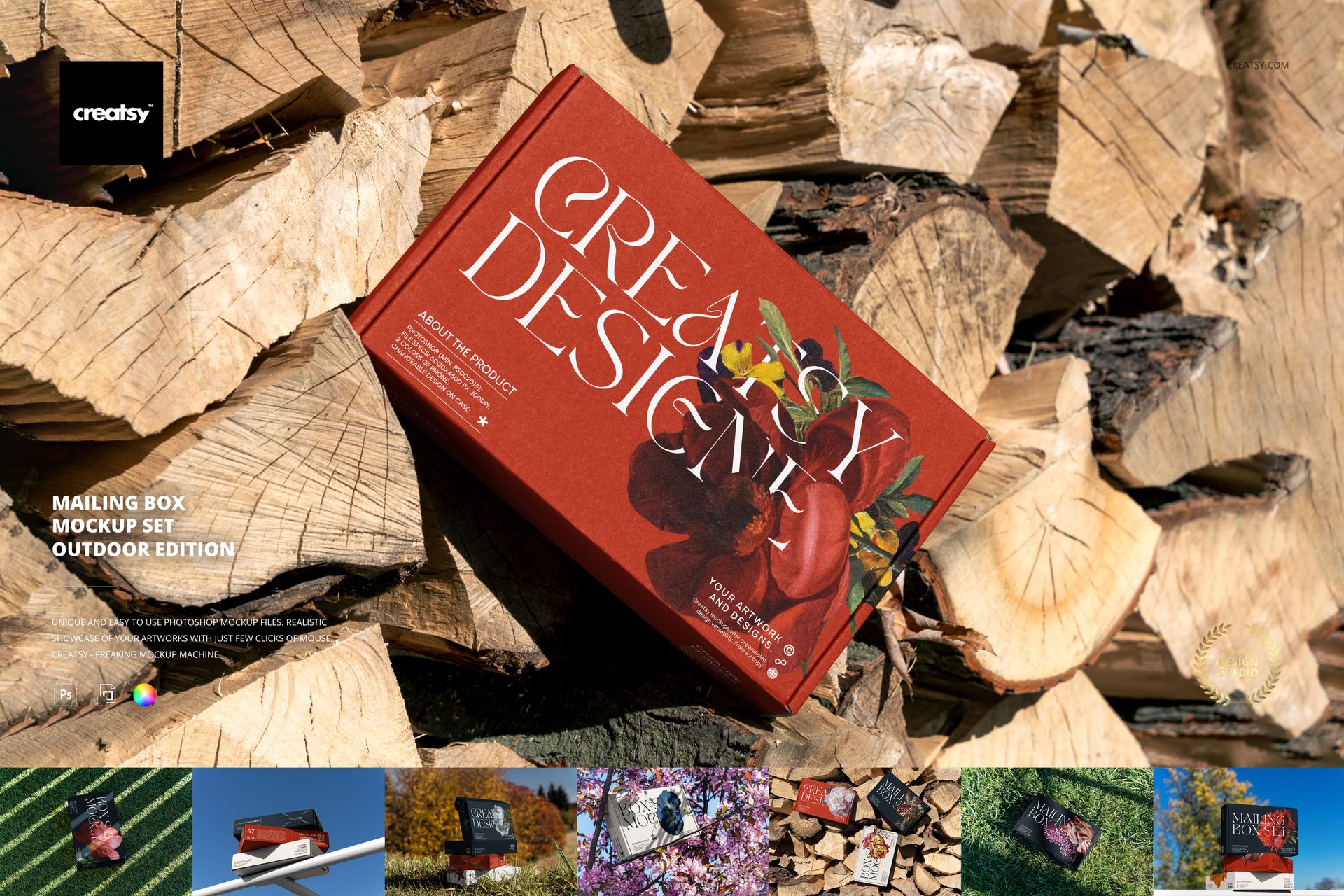
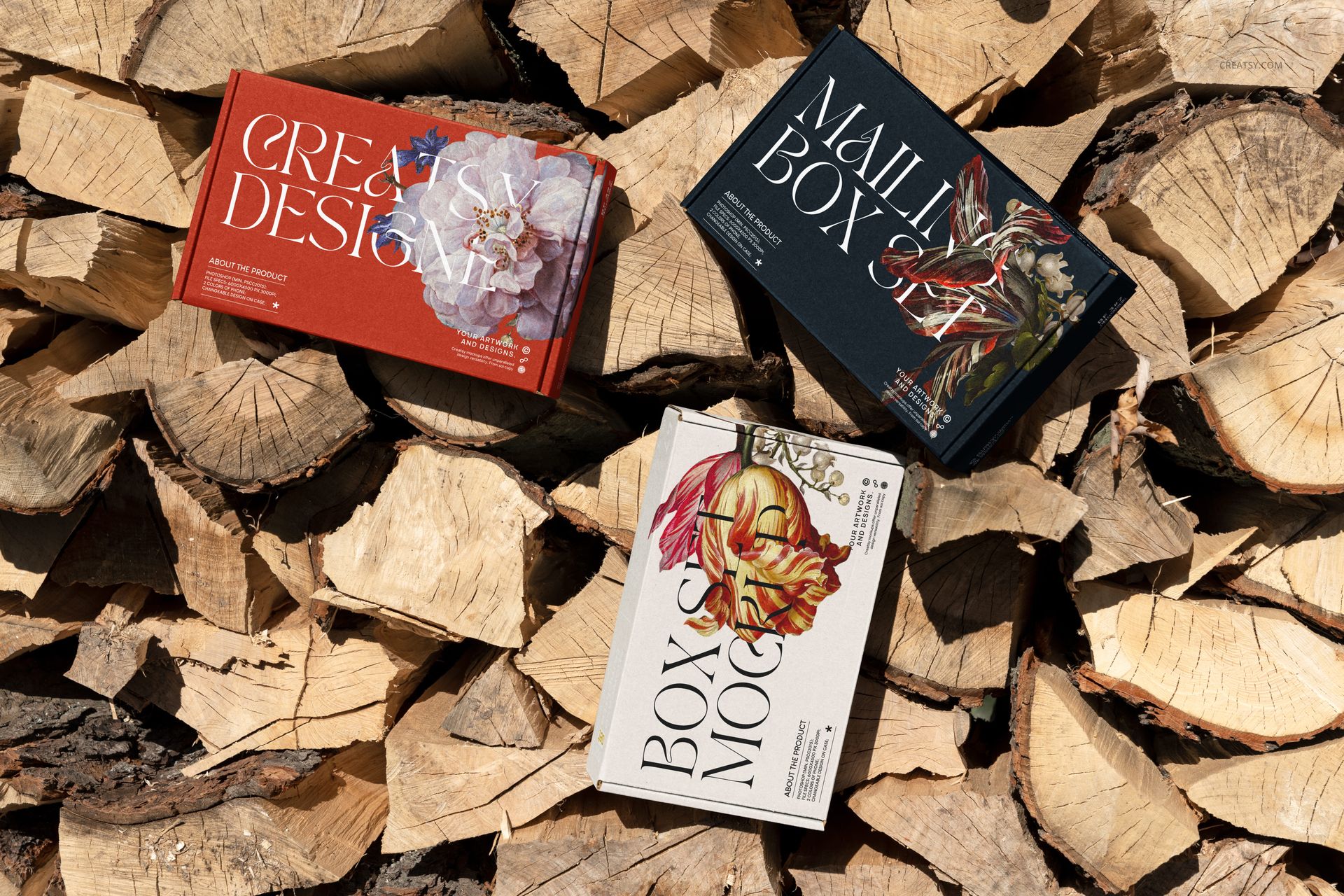
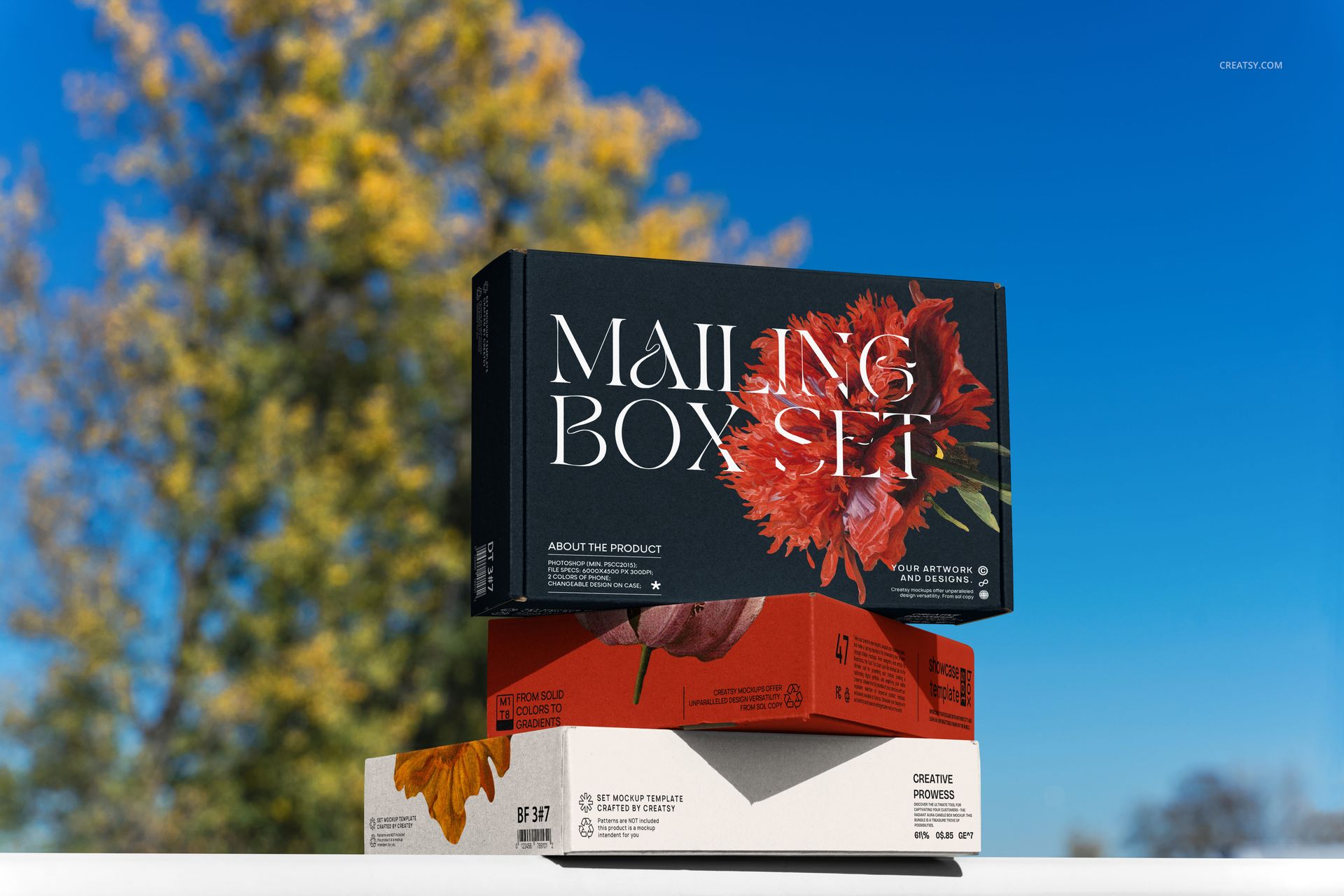
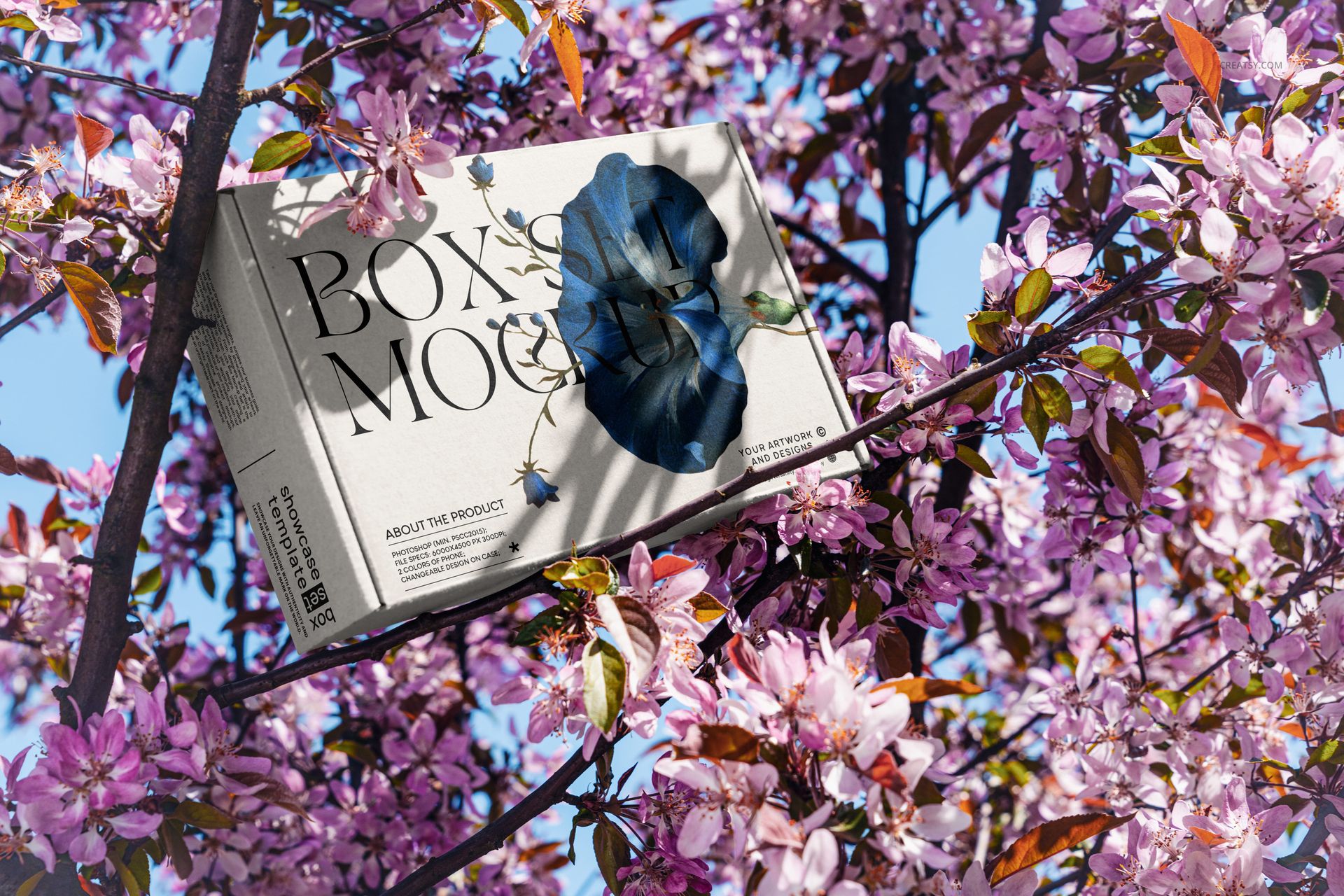
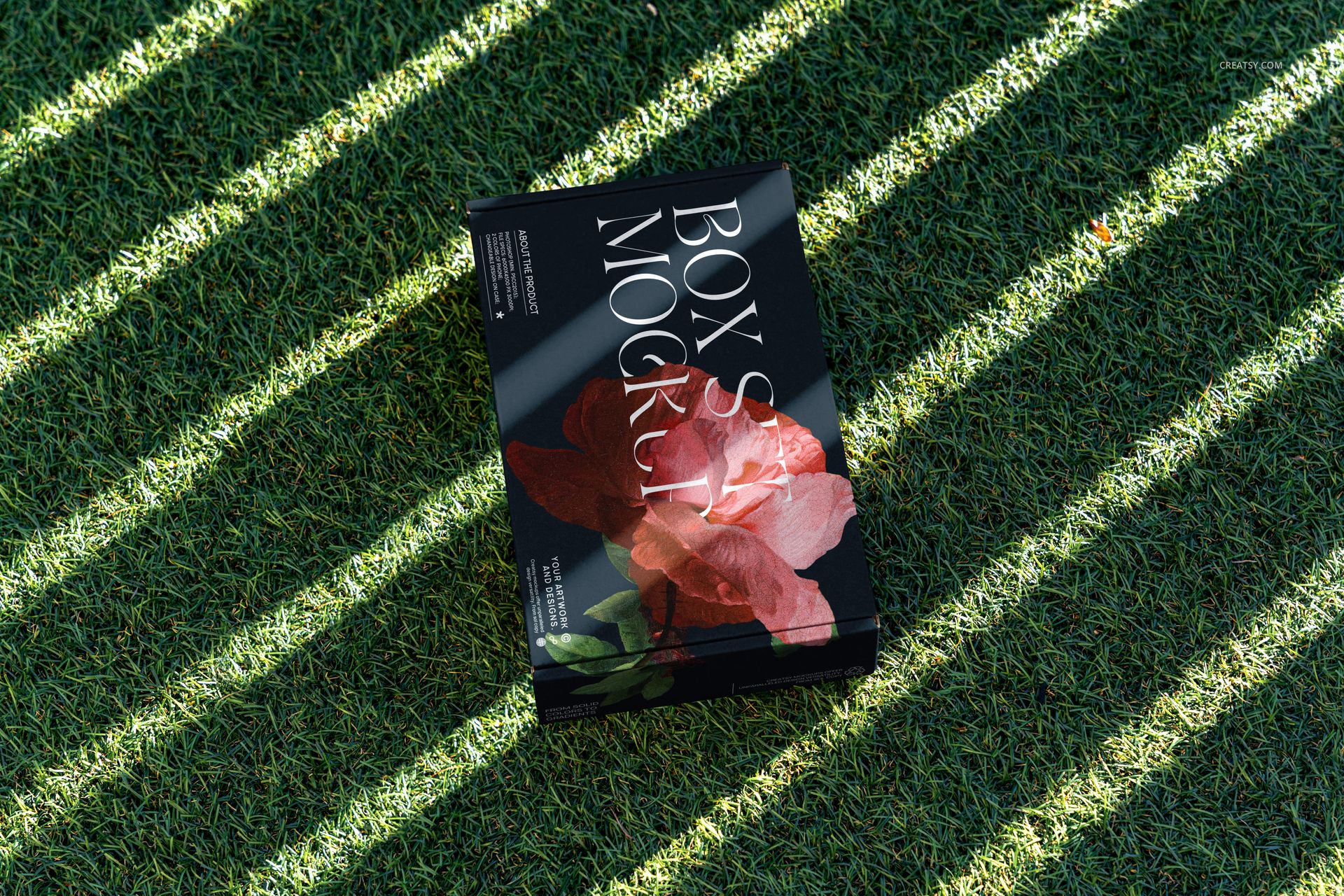
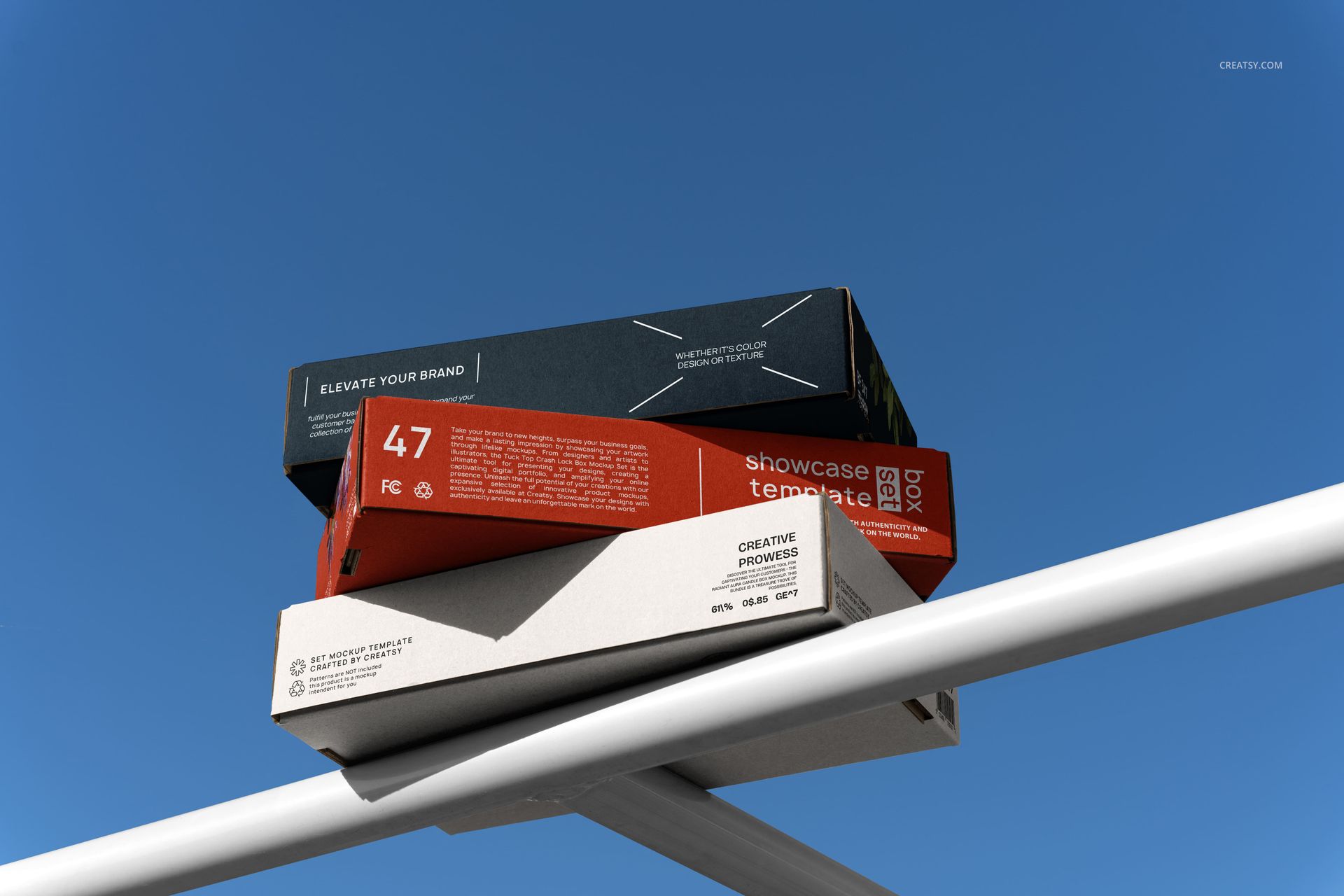
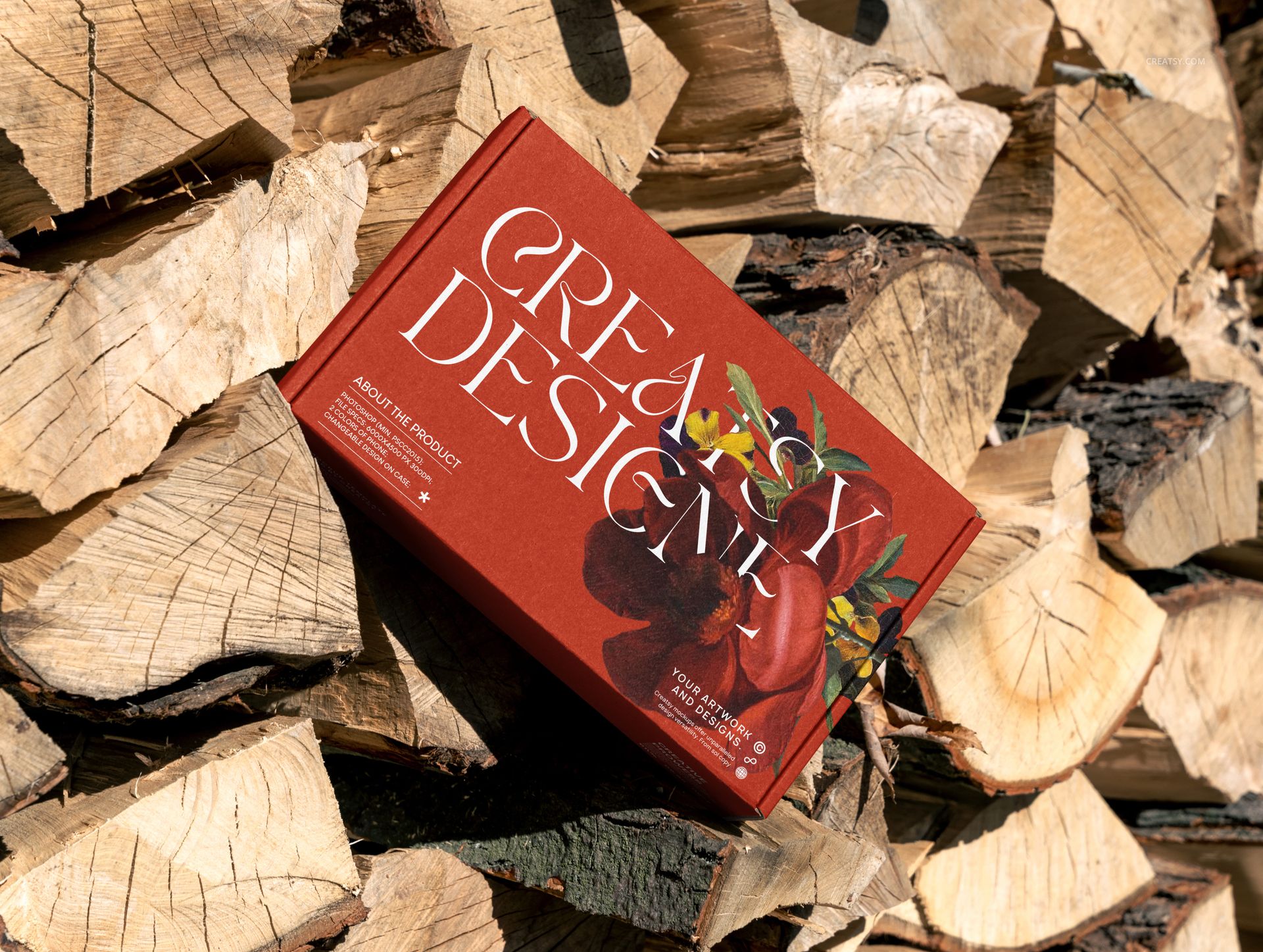
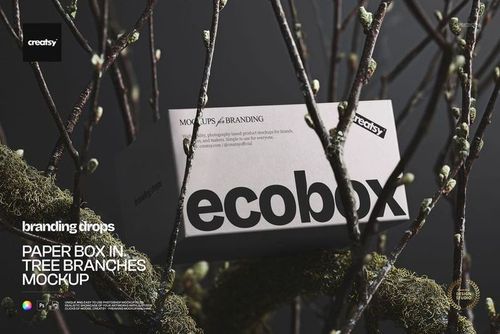
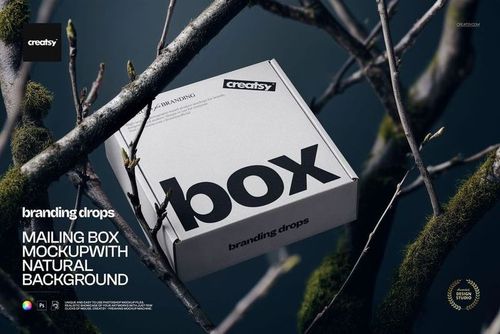
Sunlit grass, split firewood and flowering branches give packaging a setting with texture and a sense of season. This eight-scene outdoor mailing box mockup set brings your artwork into open-air compositions, from a single lid viewed from above to grouped boxes against blue sky. Build a packaging presentation that connects a brand with the atmosphere around it.
What Is Included
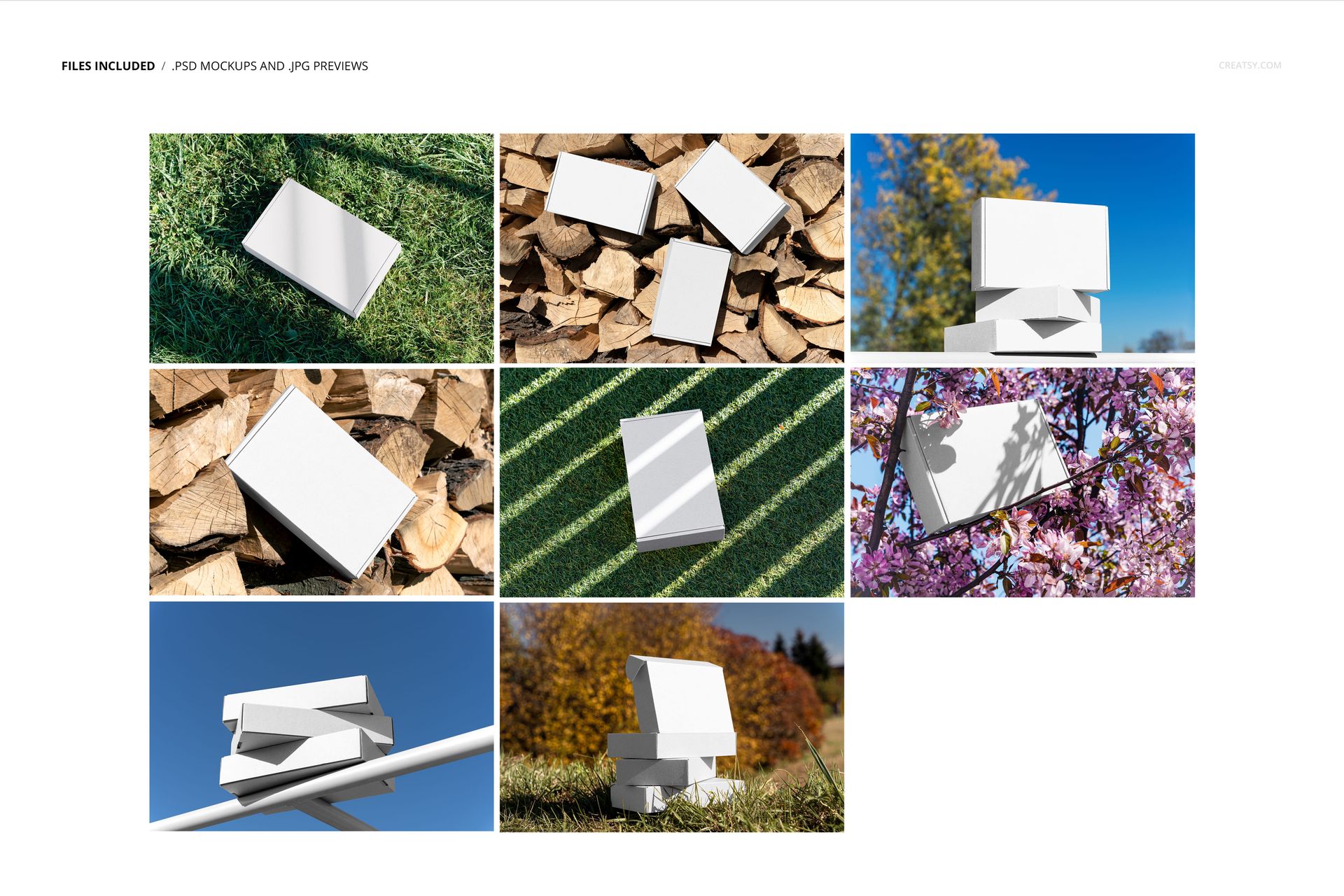
8 layered PSD mockup files with organized layers.
8 small JPG reference thumbnails, 16 files in total.
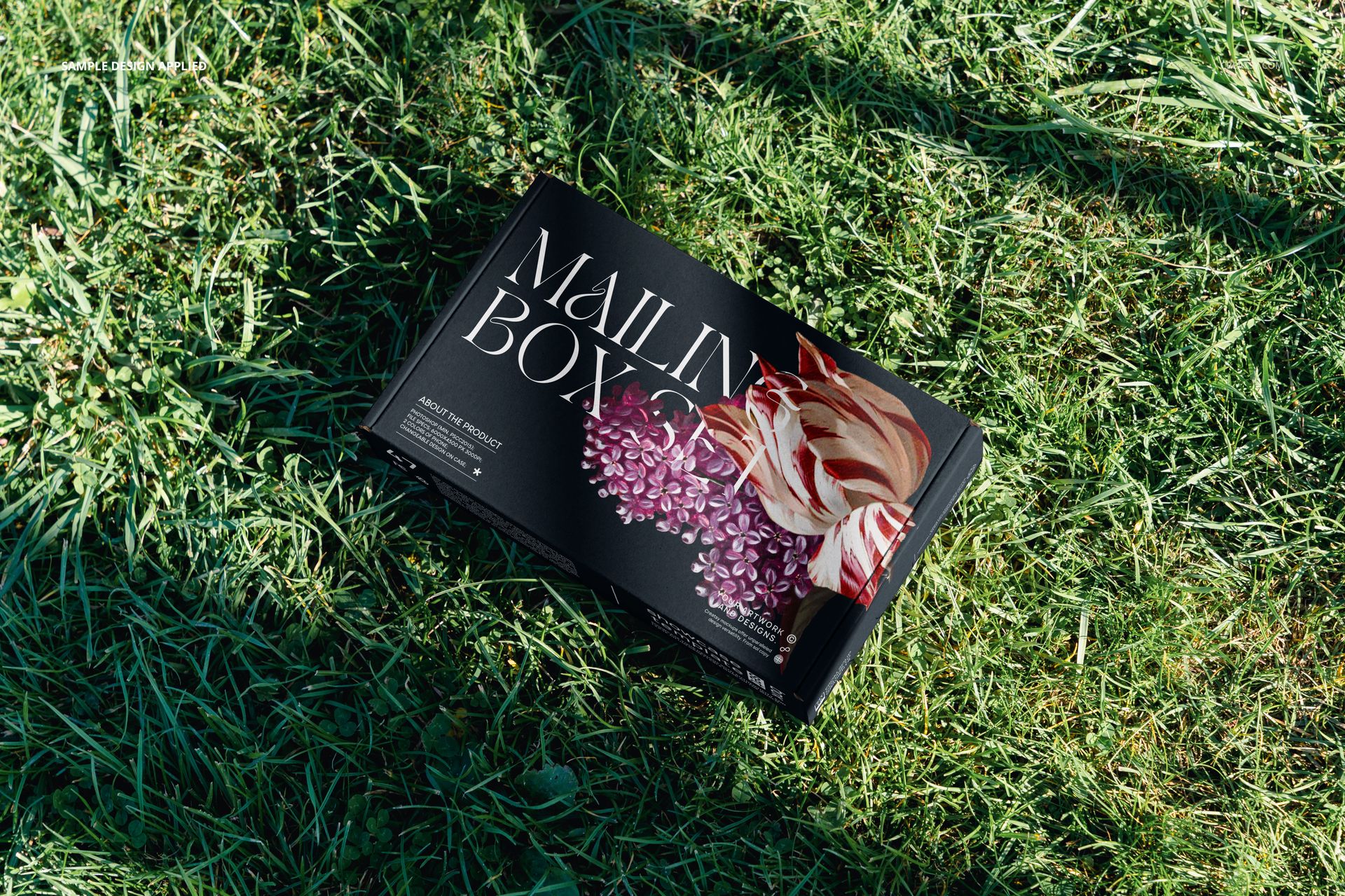
Single-box views on grass, on cut wood and among flowering branches.
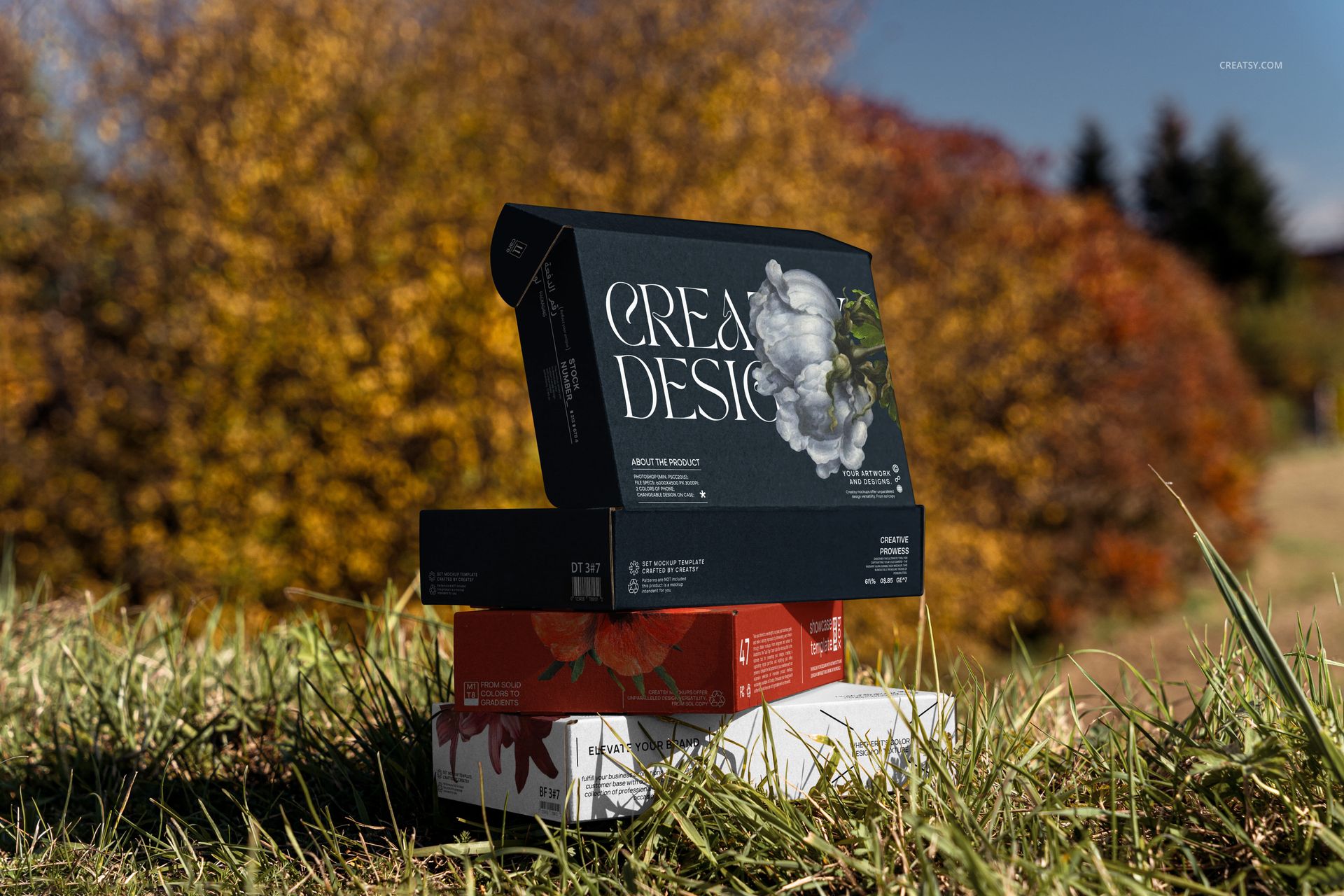
Grouped boxes on stacked firewood, against autumn foliage and on a white railing.
A mix of overhead, front and low-angle perspectives, including an open-lid arrangement.
From Blossom to Autumn Color
The scenes offer different ways to frame the same identity. Pink blossom can accompany a spring collection, while warm wood and golden foliage suggest a more rustic seasonal direction. Clear blue sky gives the stacked compositions a simpler backdrop. Choose the environment that supports your artwork, whether it is botanical illustration, bold typography or a restrained logo.
Easy Smart Object Editing
Open the chosen PSD in Adobe Photoshop CC2015 or newer, or in Photopea. Use the organized layers to find the artwork Smart Objects, insert your design and save the Smart Object to update the scene. Review the visible lid and side panels before exporting your finished presentation.
Perfect For
Packaging designers creating outdoor campaign concepts and client presentations.
Illustrators and surface pattern designers showing artwork on mailing boxes.
Independent shops developing imagery for seasonal collections or gift packaging.
This is a digital mockup set, not a physical packaging product or a manufacturing template. Sample graphics shown in the previews are for demonstration and are not included.