Noissue Mailing Box Mockup Set v.7
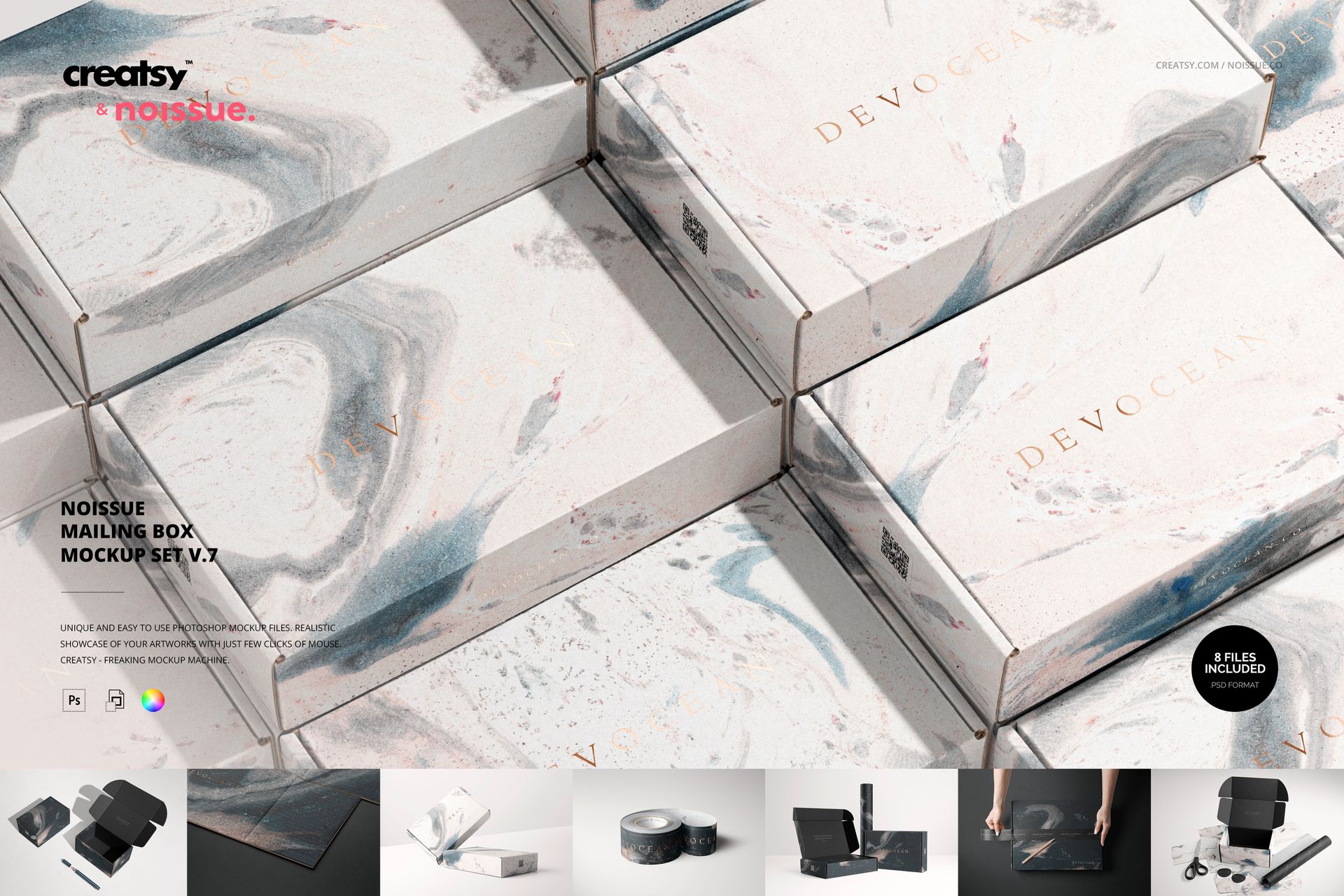
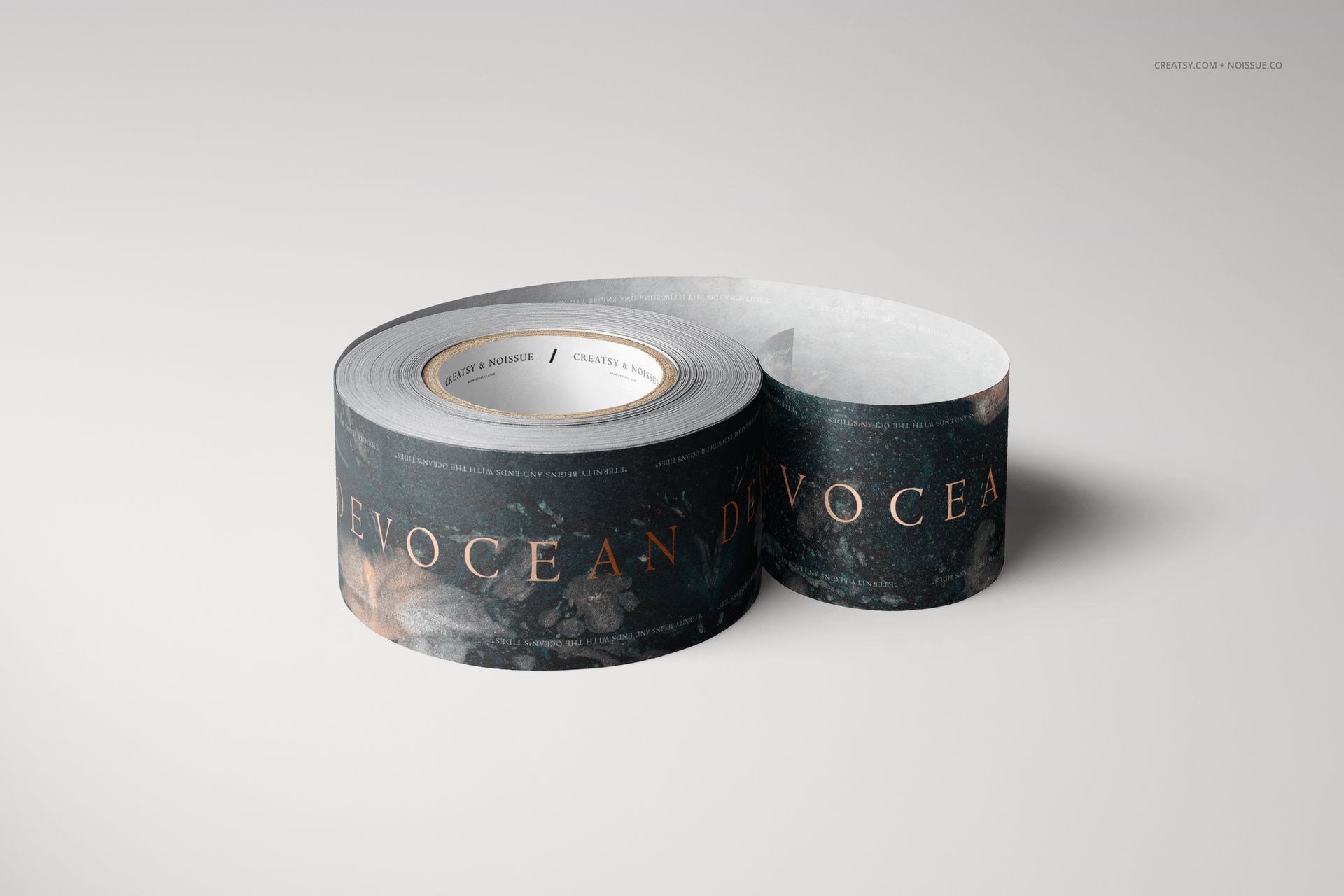
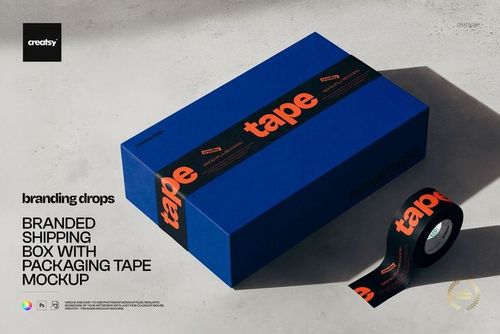
A branded tape roll and the strip being placed across a mailing box tell two parts of the same packaging story. This eight-file set brings them together with open boxes, closed-box pairings, a repeated box arrangement and a close-up of printed cardboard. Use it to show how a brand carries from the outer carton to the materials used to prepare an order.
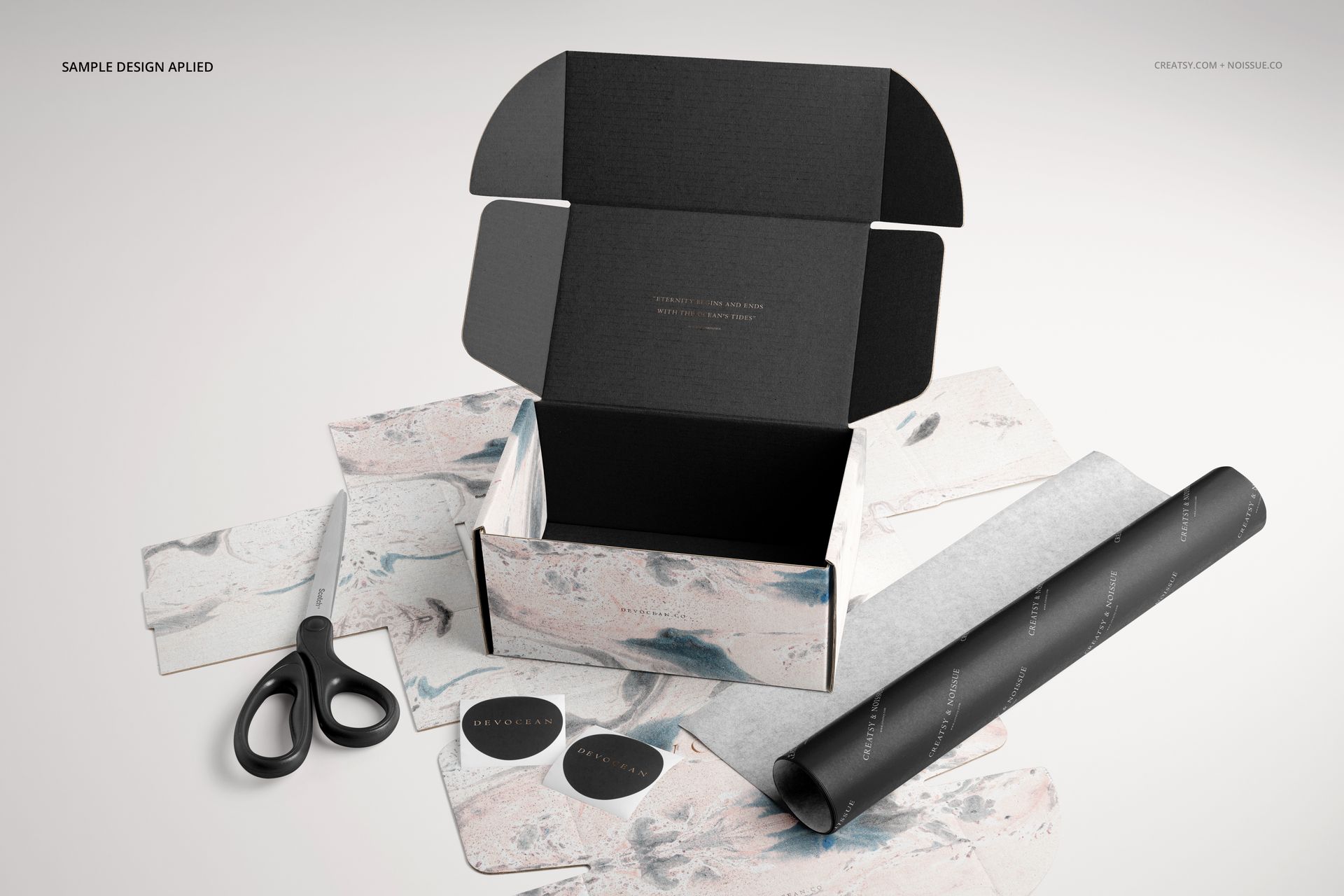
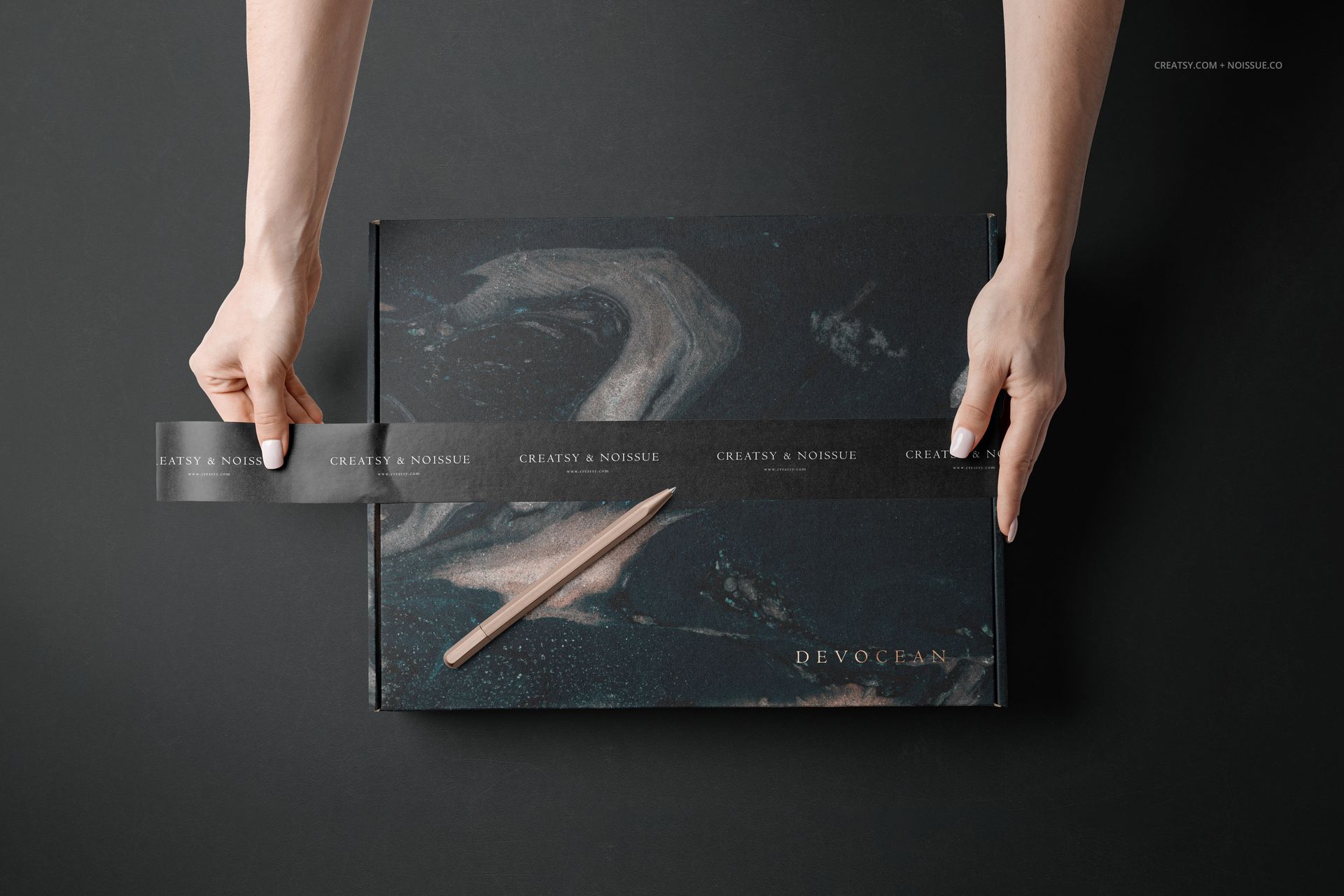
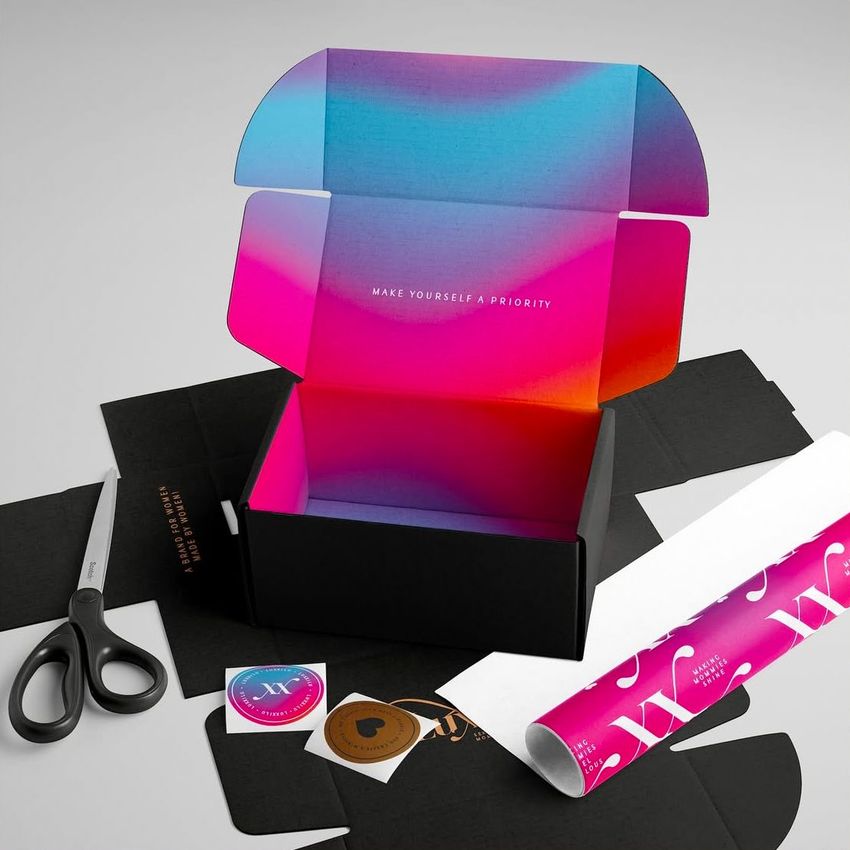
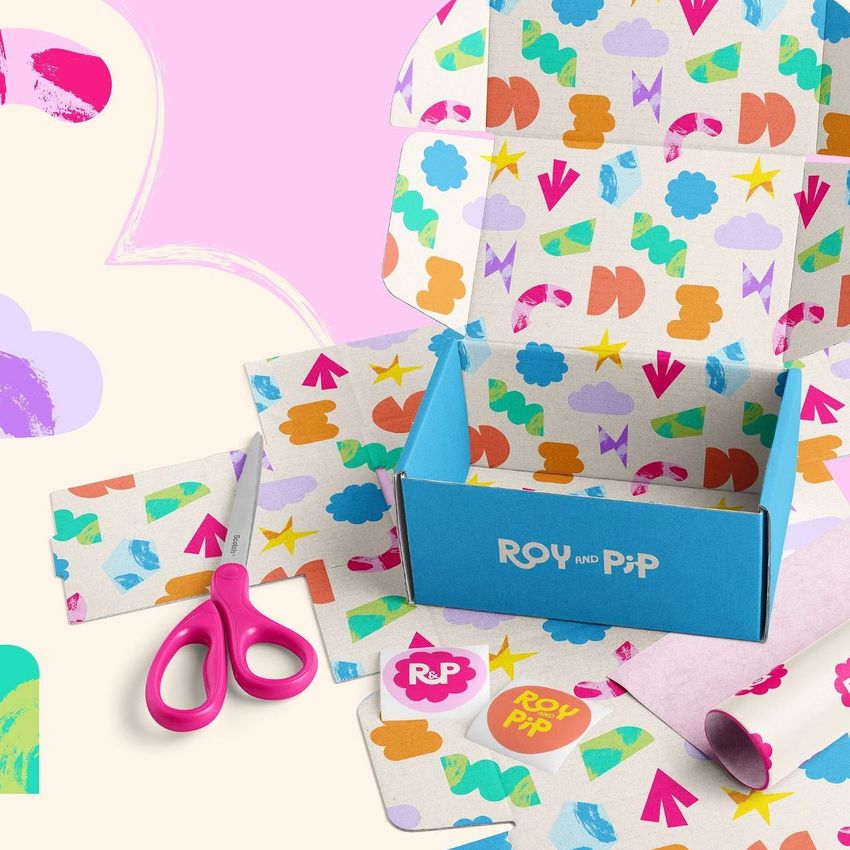
The scenes range from an overhead view with hands applying tape to a tabletop composition with an open box, tissue paper, stickers and scissors. That variety helps you present both the finished package and the choices behind it, without relying on one hero image for every detail.
What Is Included
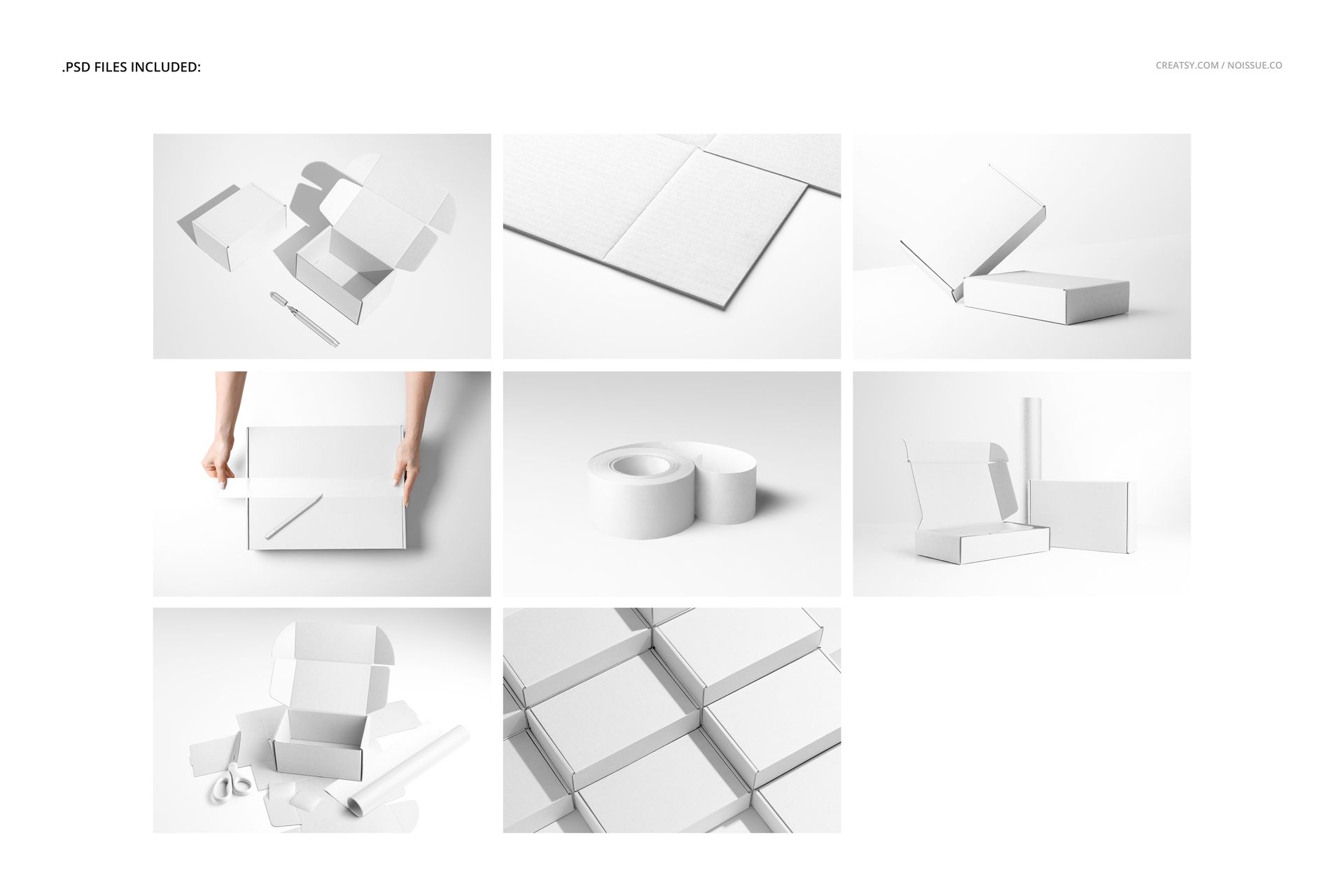
8 layered PSD mockup files with multiple mailing-box and packing-material compositions.
8 JPG previews and 1 PDF user manual, 17 files in total.
A standalone tape-roll scene with a curved strip, plus hands applying tape across a closed box.
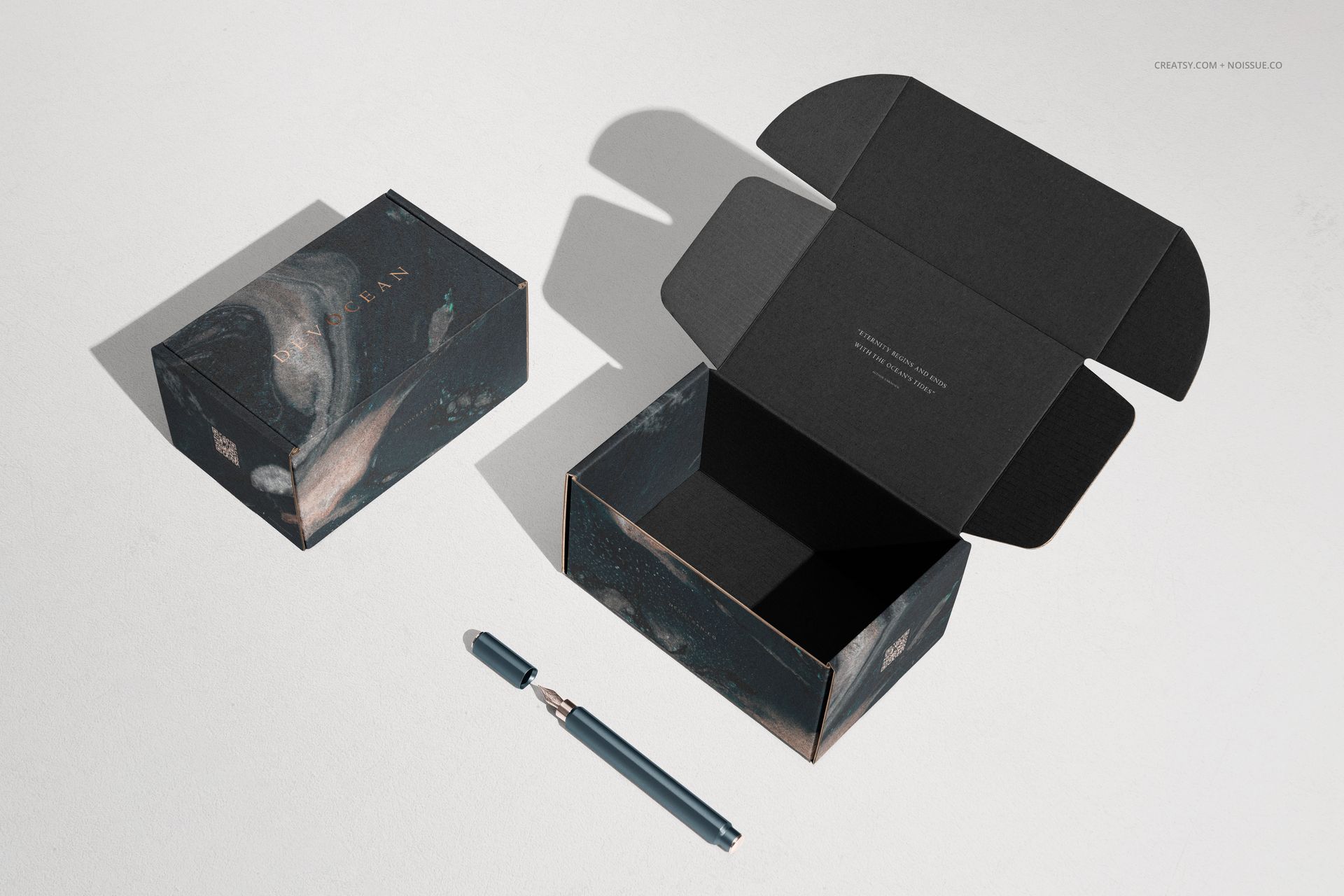
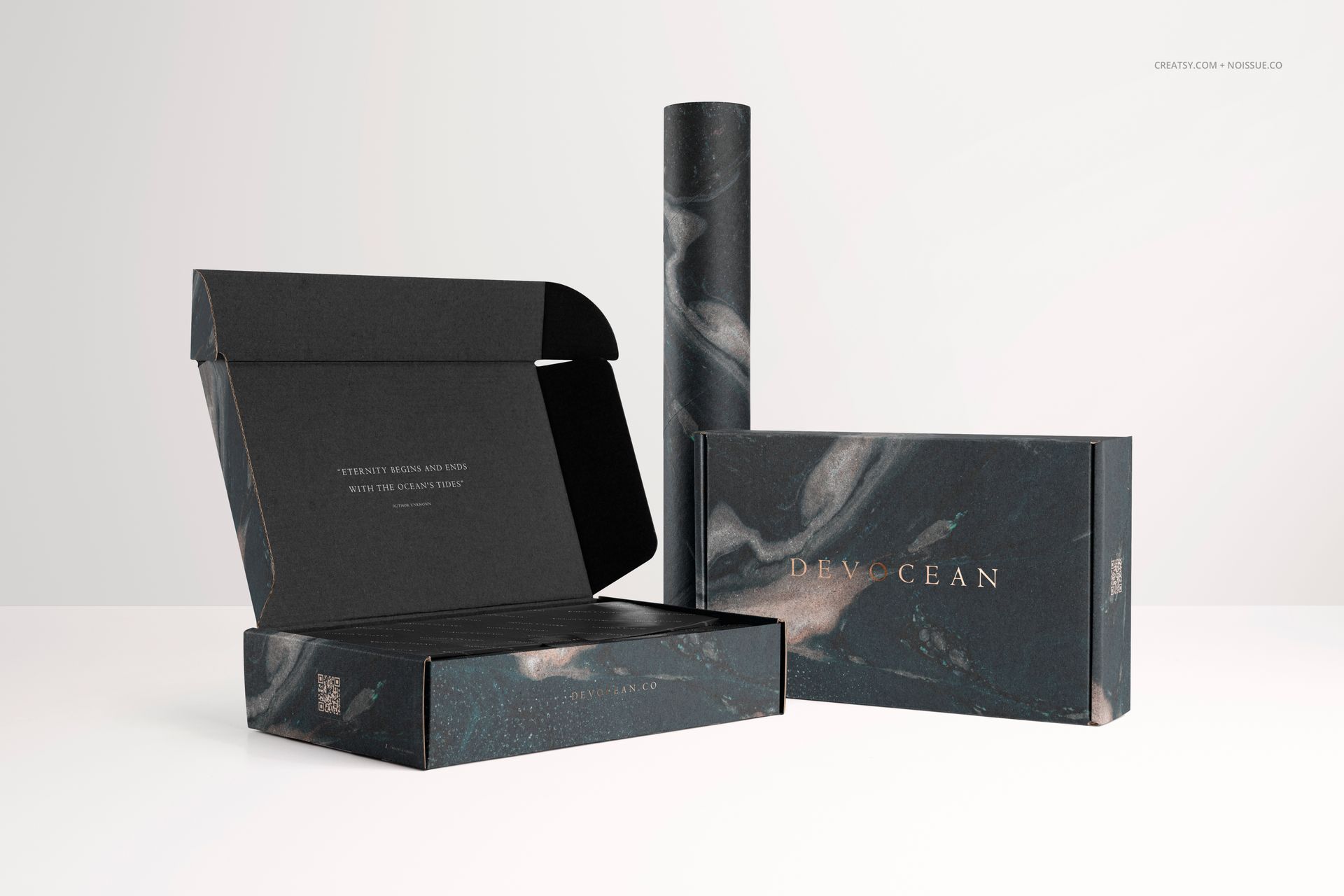
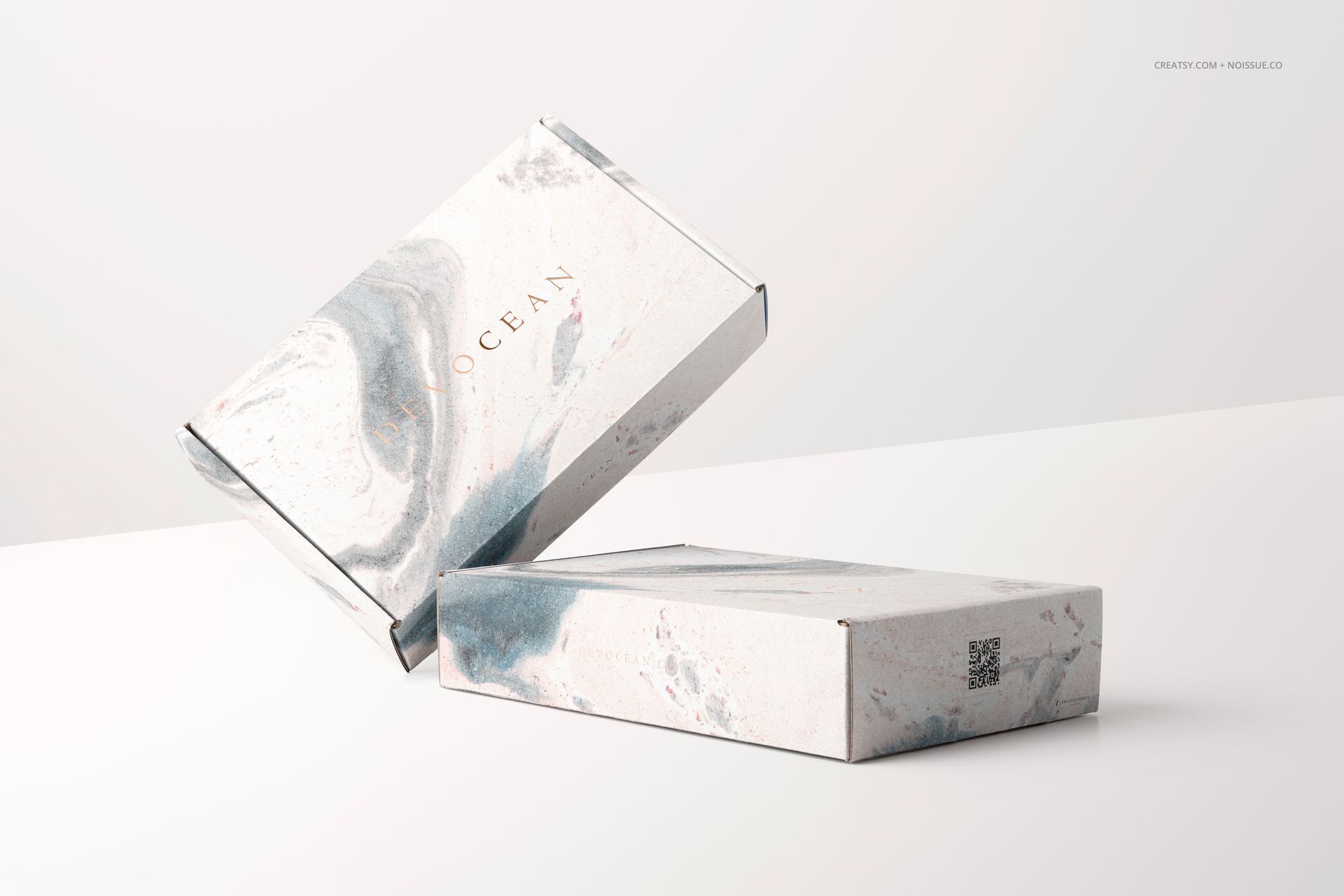
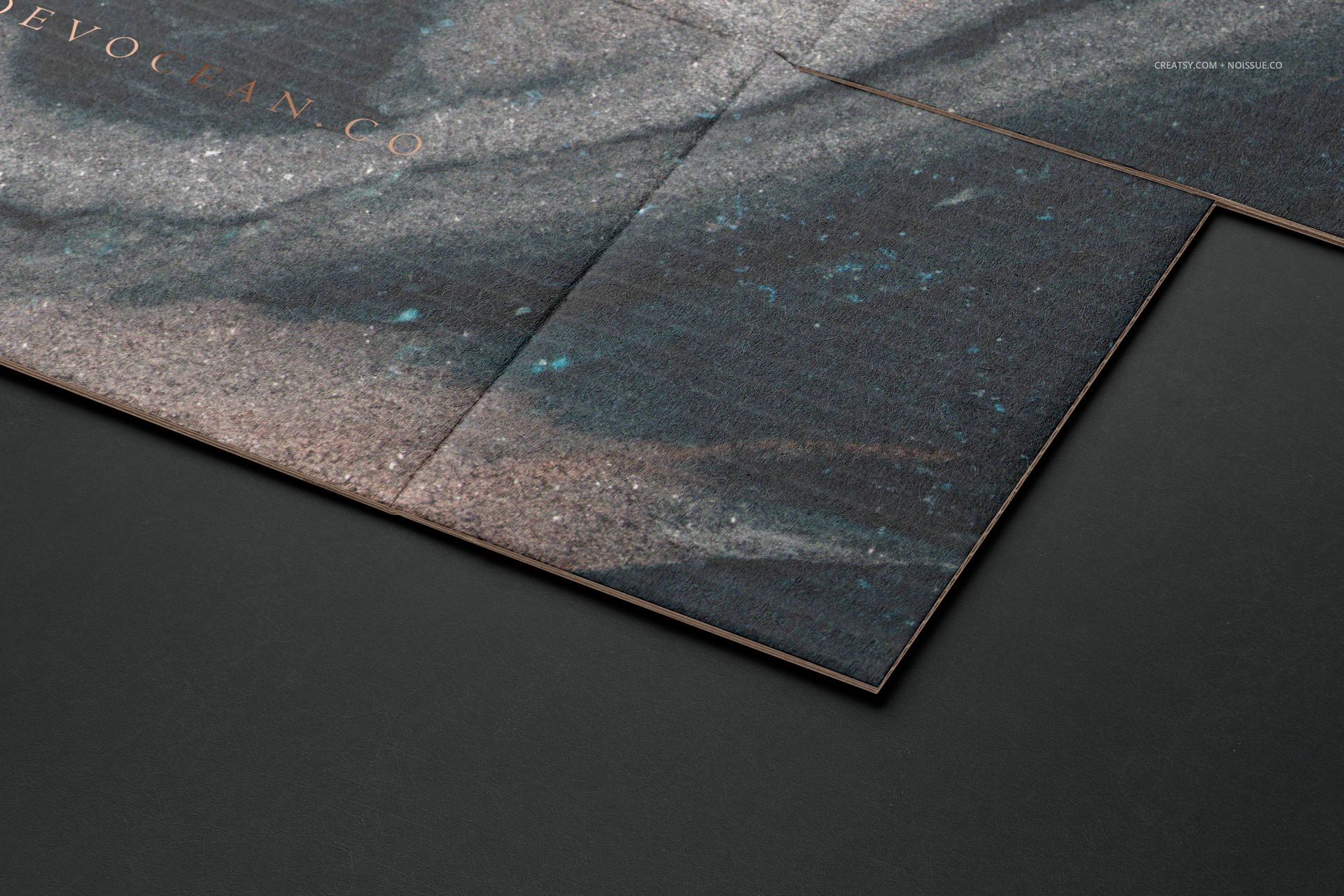
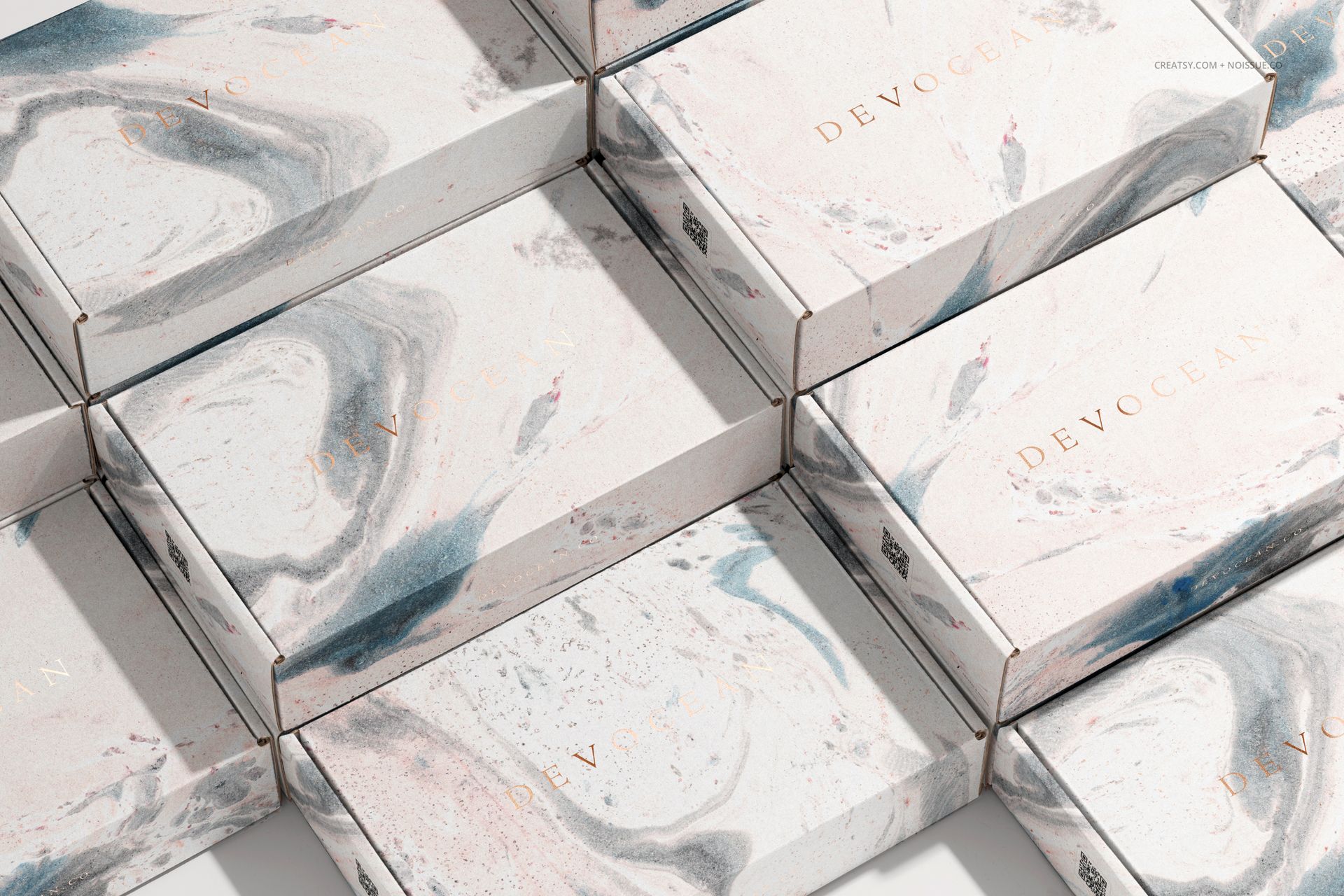
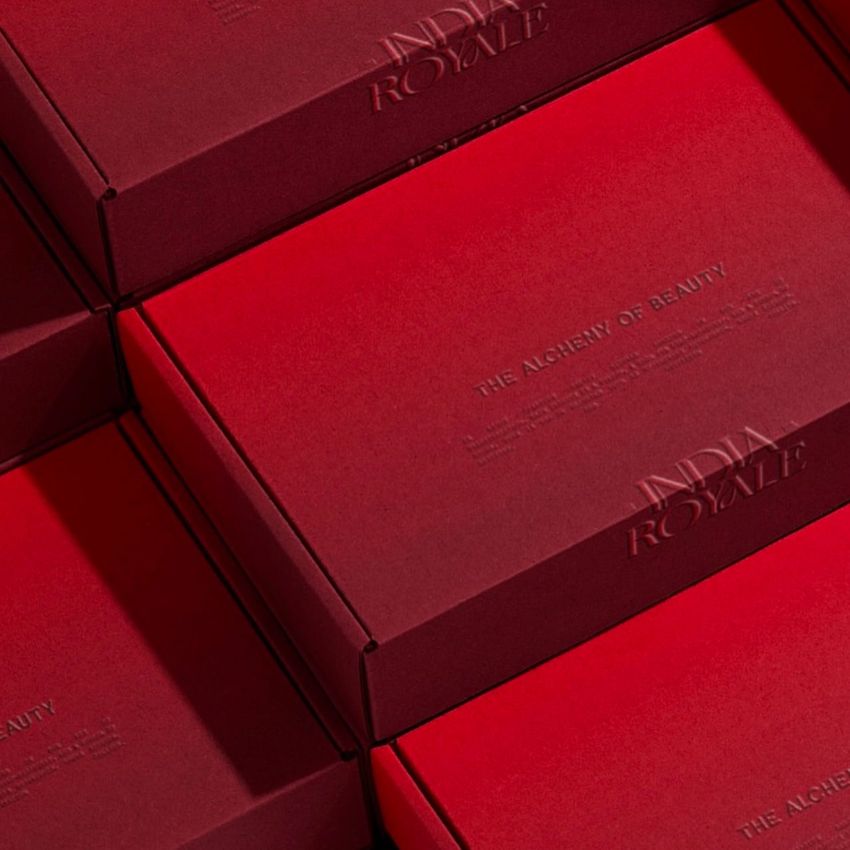
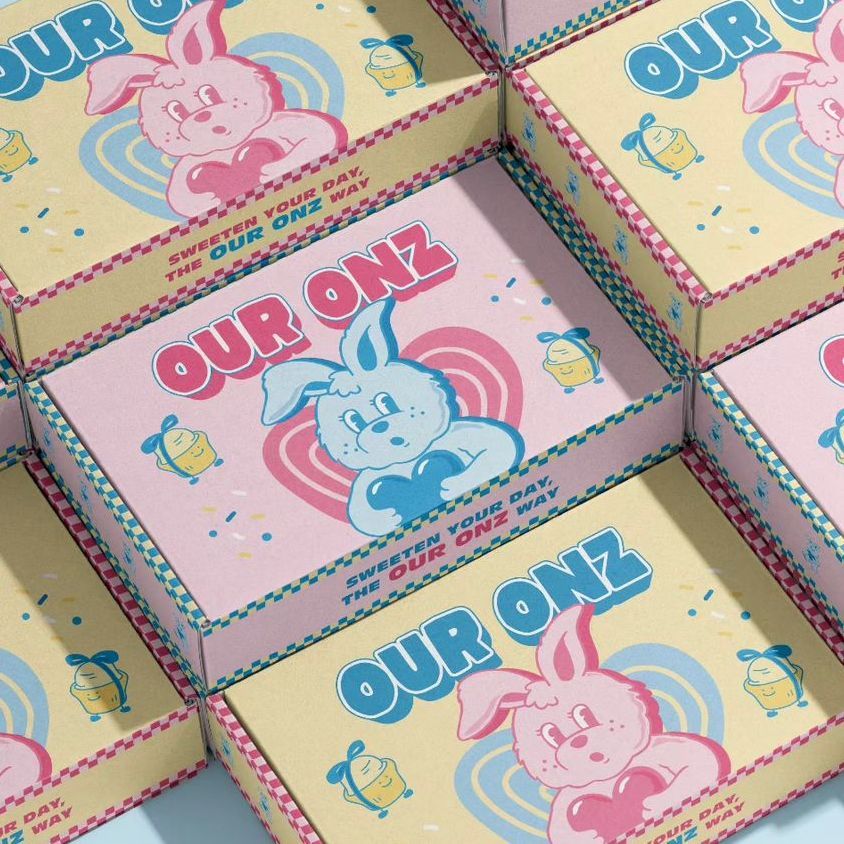
Open and closed box views, grouped boxes, a packaging-material arrangement and a printed-cardboard close-up.
Connect the Tape to the Box Artwork
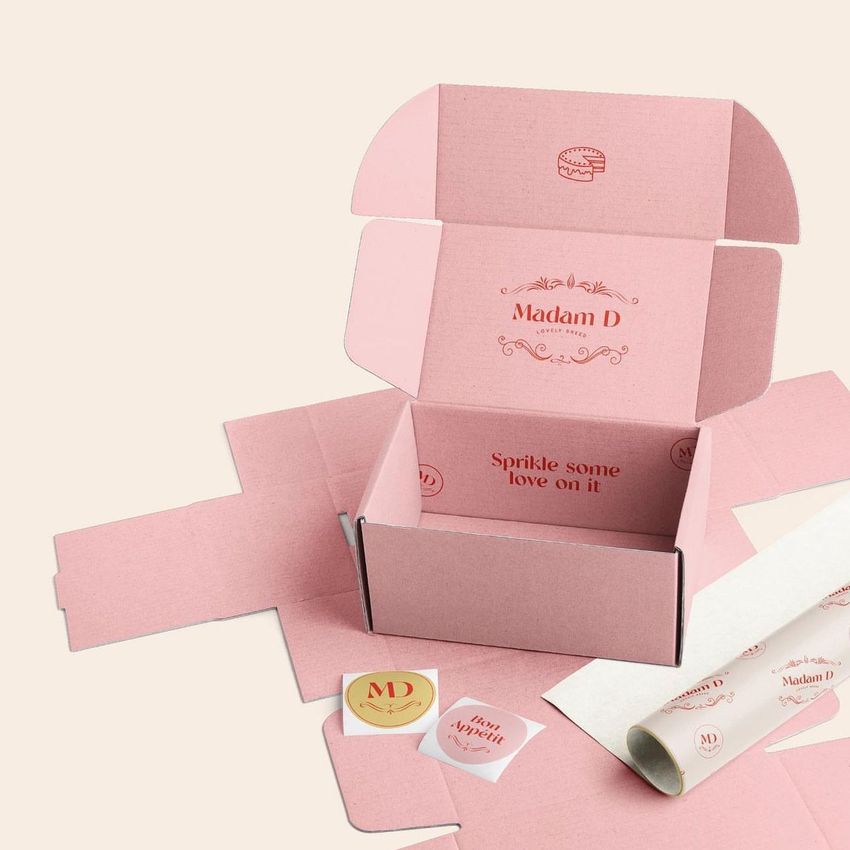
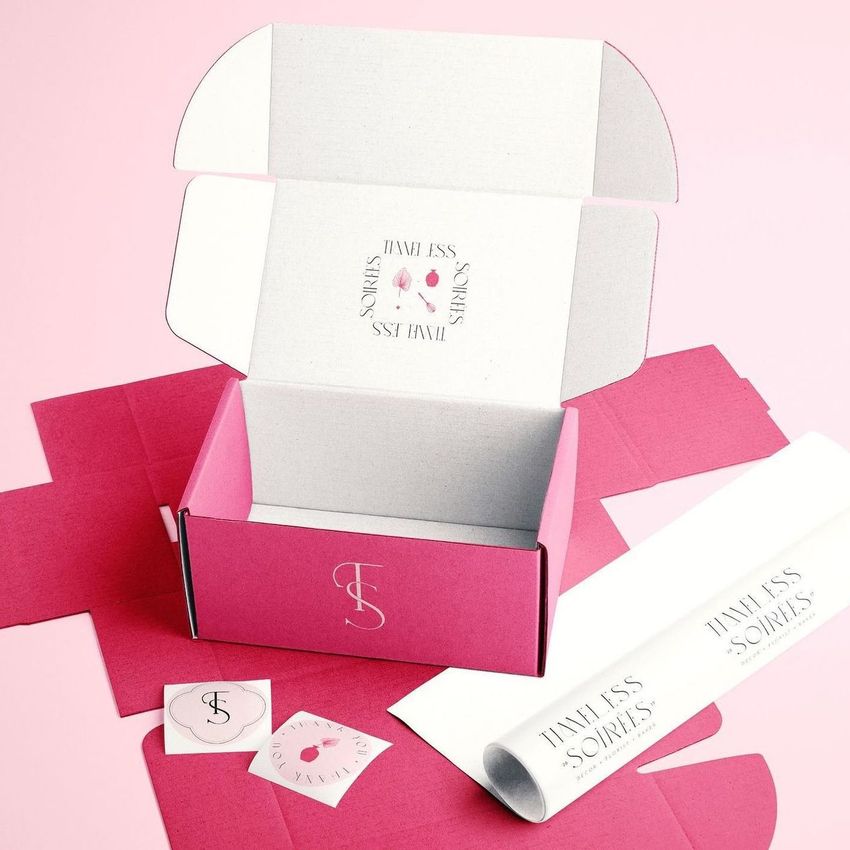
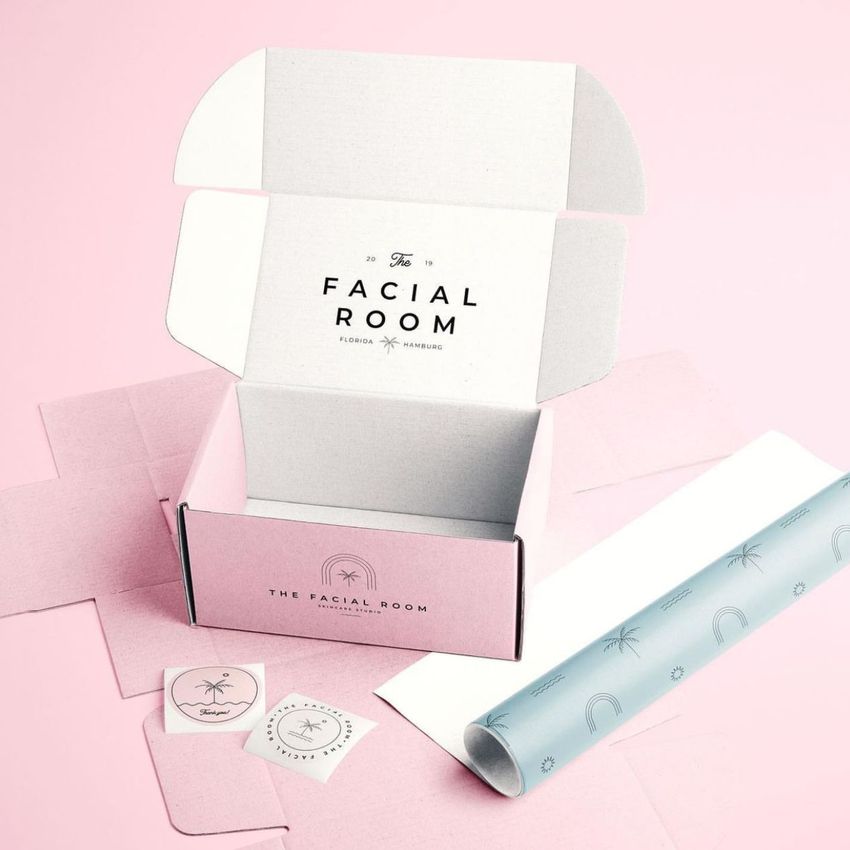
Compare a bold exterior print with a quieter tape repeat, or let a repeated wordmark become the link between plain and patterned packaging. Open-box views bring the inner-lid message into the presentation, while the grouped composition shows how a design reads across several visible box faces. The mockups were created as part of the Creatsy and noissue collaboration.
Easy Smart Object Editing
Work in Adobe Photoshop CC2020 or newer. Add your artwork through the Smart Objects and adjust the supported colors using the organized layers. In multi-box compositions, each box has its own design layer, so check every visible box after replacing artwork. Keep the prepared lighting and surface details in place while you refine the print.
Perfect For
Branding studios, packaging designers and online retailers can build packaging proposals, launch imagery and portfolio case studies that connect boxes, tape and wrapping materials. This is a digital mockup set, not physical packaging. Preview patterns and sample artwork are not included.














The file has too many layers, a nightmare to edit certain parts, and the resolution is not great.
Thank you for your review, and we’re sorry to hear about your experience. Due to the inclusion of multiple boxes in this mockup, each box has its own design layer to allow for individual editing. However, the process can be automated so that designs are applied automatically, saving time and effort. Unfortunately, this level of layer complexity is necessary to provide flexibility, such as editing each box individually. Could you clarify if the resolution issue you’re experiencing is with the JPG preview files or the PSD files? The JPG files are only provided as thumbnails for systems that may not display PSD previews automatically. The mockup is based on photos taken with a high-end Canon EOS R5 camera, and the resolution of the PSD files is 6000x4000px, ensuring high quality for most design needs. If you have any further questions or concerns, please don’t hesitate to contact us directly via email. We’re happy to help!