Pile of Mailing Boxes Mockup
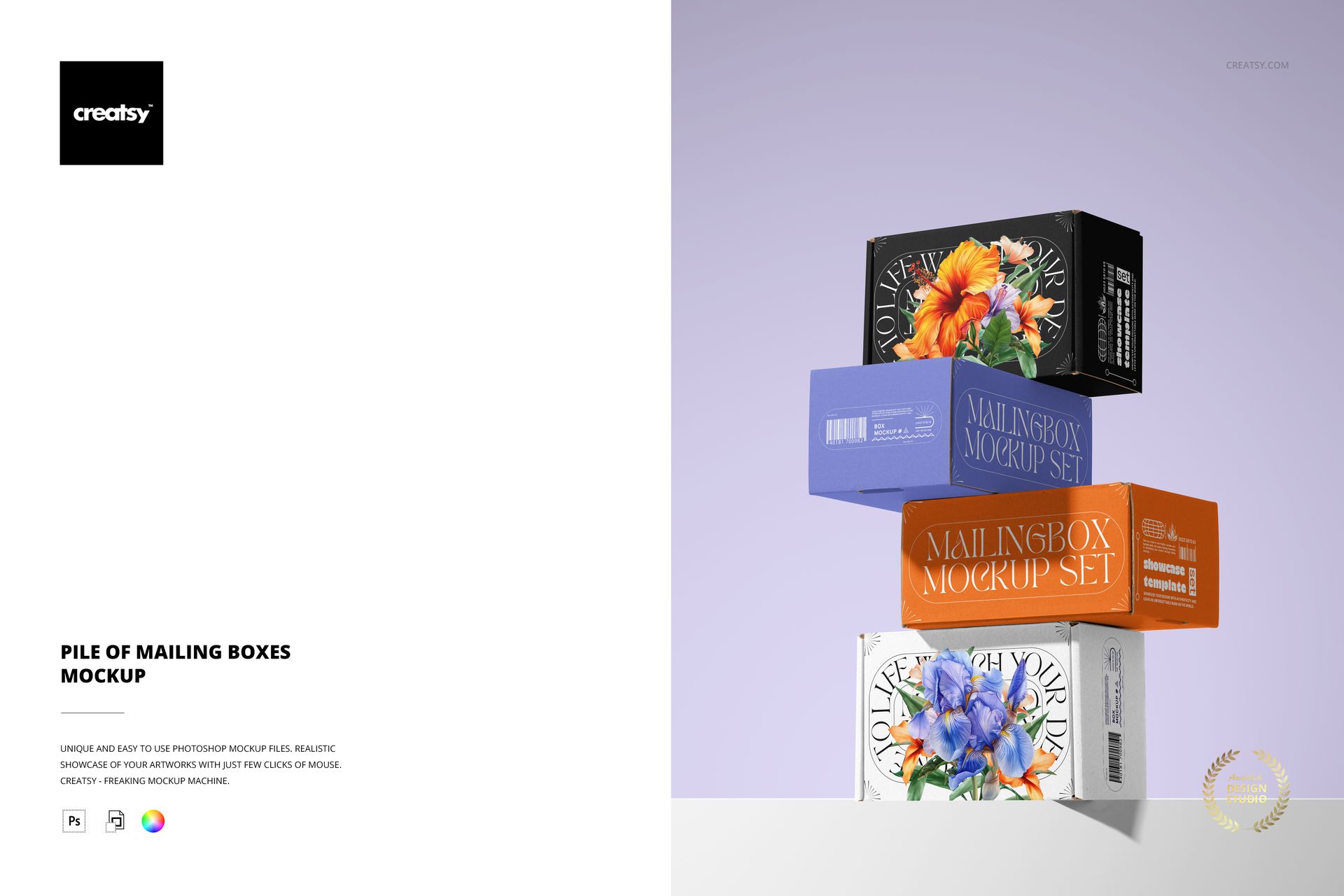
Four closed mailing boxes rise in an offset stack, turning a packaging range into one striking composition. Broad faces, narrow side panels and cast shadows give logos, illustrated wraps and contrasting colorways a place to work together. This stacked boxes mockup is useful when a single pack cannot tell the whole collection story.
What Is Included
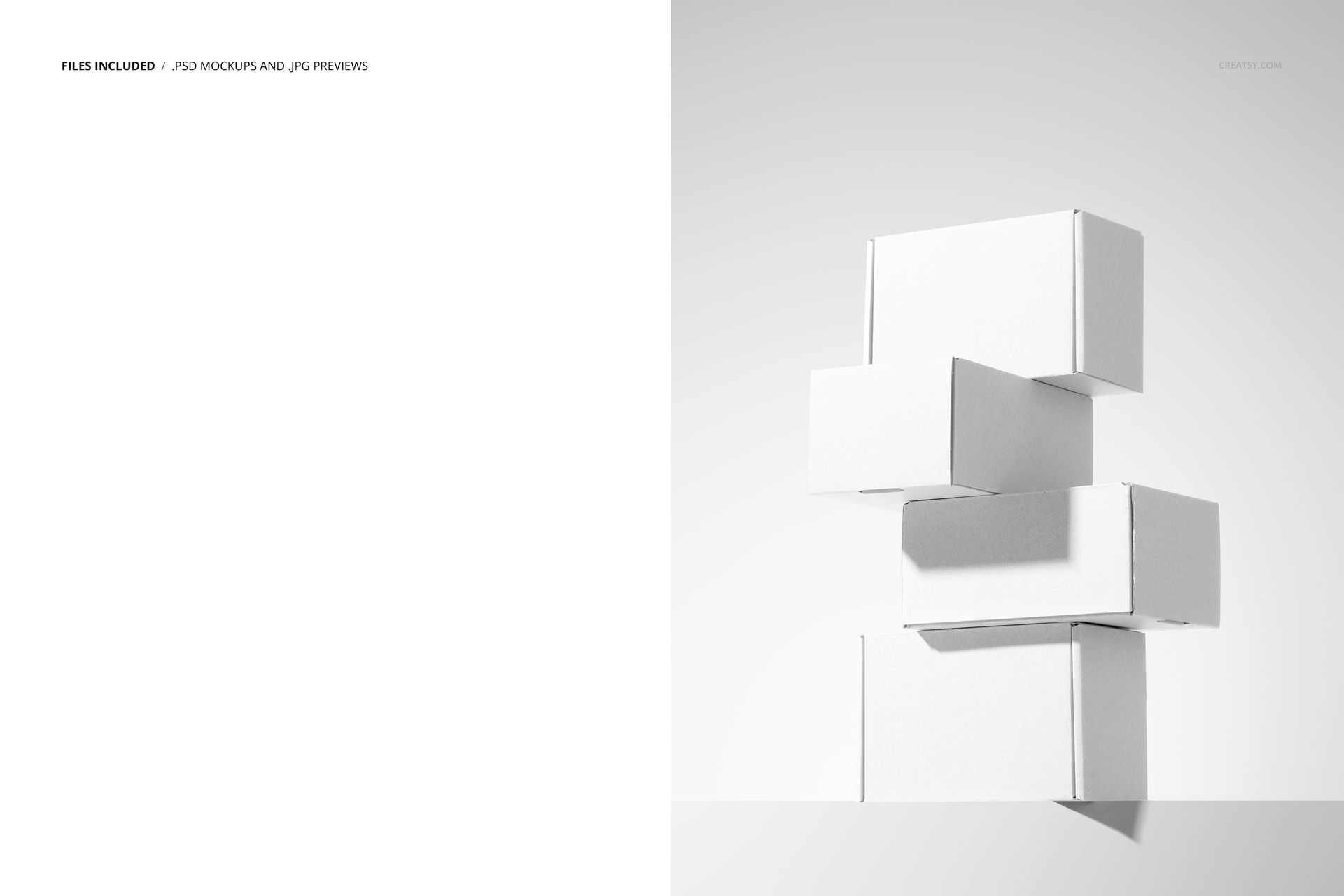
1 layered PSD mockup containing the four-box composition.
1 JPG preview for reference, not an additional editable scene.
Organized layers for working in Adobe Photoshop CC or Photopea.
A Packaging Collection in One Frame
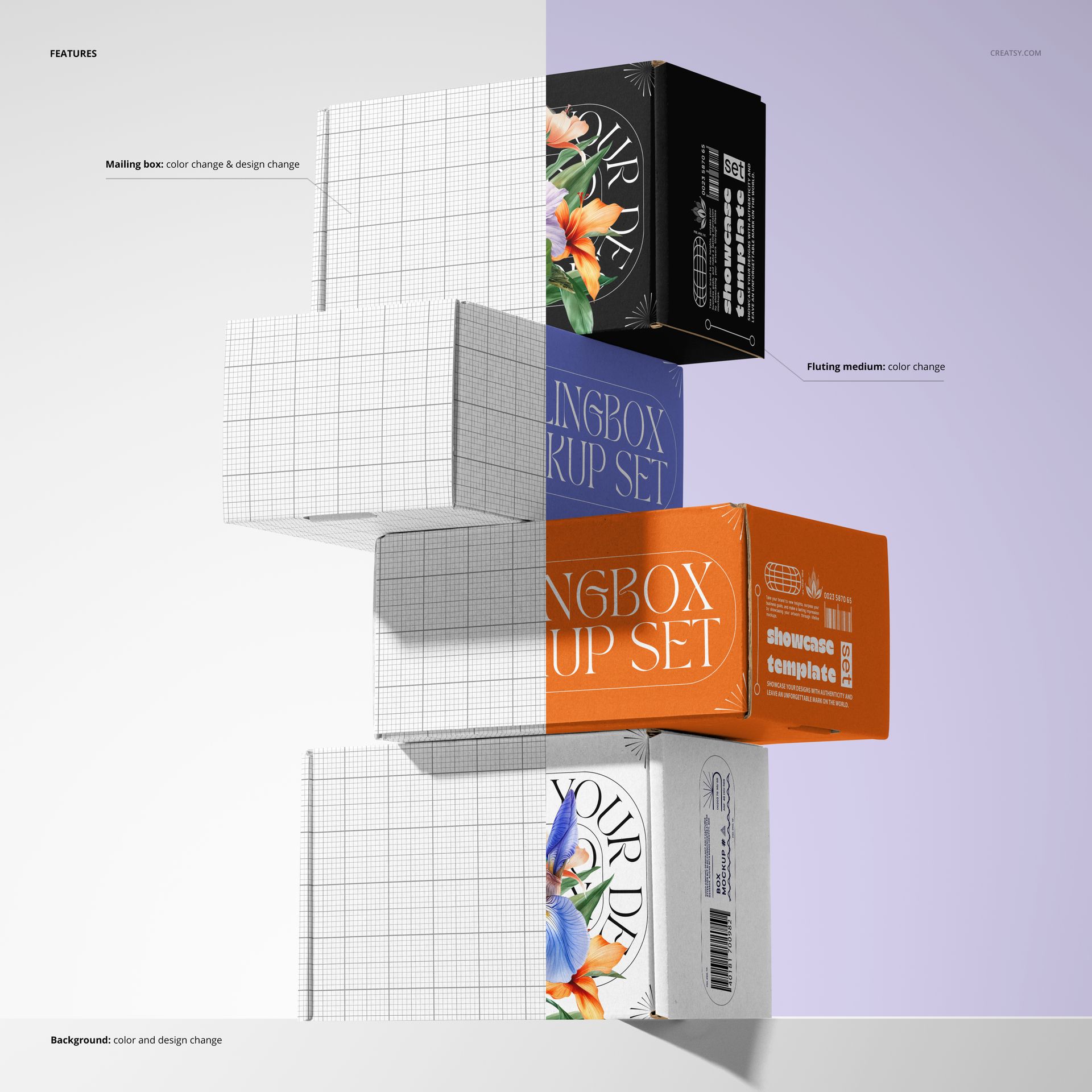
The alternating box angles let a viewer read the main artwork alongside its supporting side-panel graphics. Use the stack to show a shared visual language across several pack designs, or repeat one identity to see how its rhythm holds across the composition. The previews demonstrate changes to mailing-box color and artwork, the exposed cardboard fluting color, and the background color and design.
Easy Smart Object Editing
Open the PSD in Photoshop CC or Photopea, locate the artwork Smart Object, add your design and save the Smart Object to update the scene. Work through the relevant design layers, then review the box faces and edges together before exporting your presentation.
Perfect For
Packaging designers, brand studios and surface pattern designers can use this scene for coordinated shipping ranges, subscription packaging concepts and collection-led portfolio images. It is a presentation mockup, not a structural packaging template.
This is a digital product. No physical boxes are supplied, and the sample artwork shown in the previews is not included.
















extra!
Thank you so much! We’re so happy you like it. We truly appreciate your support.