Mailing Box Mockup Set - Winter Edition
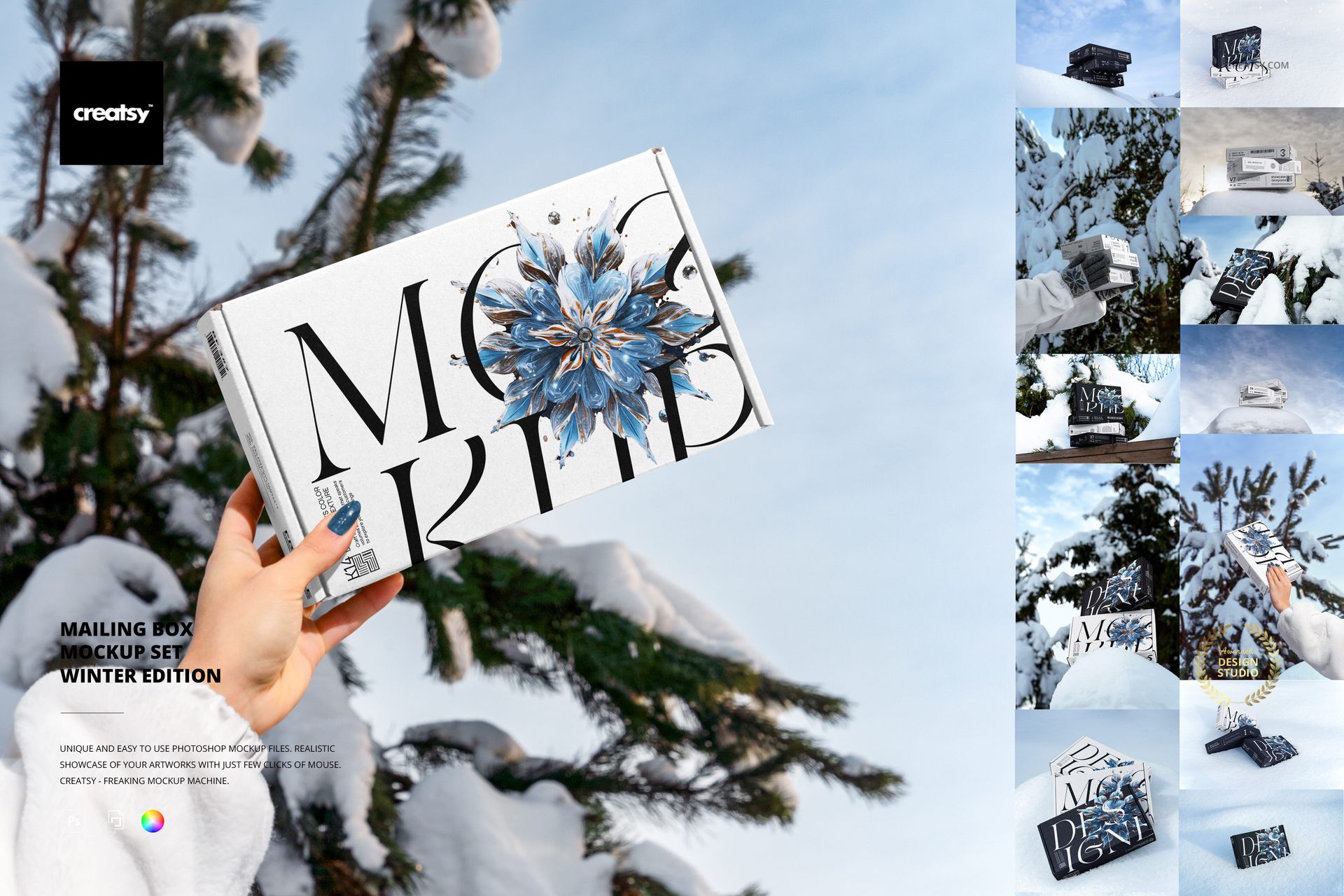
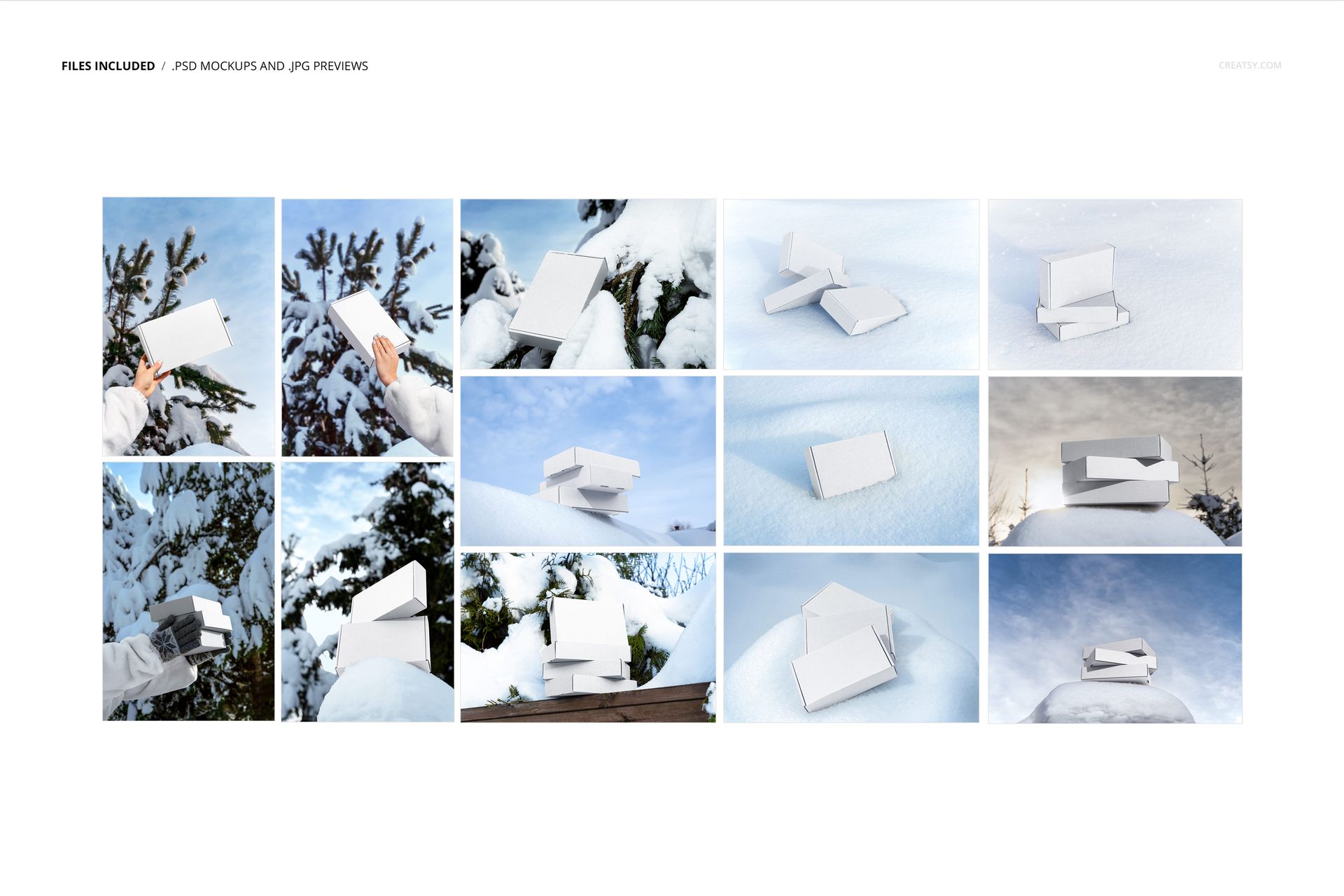
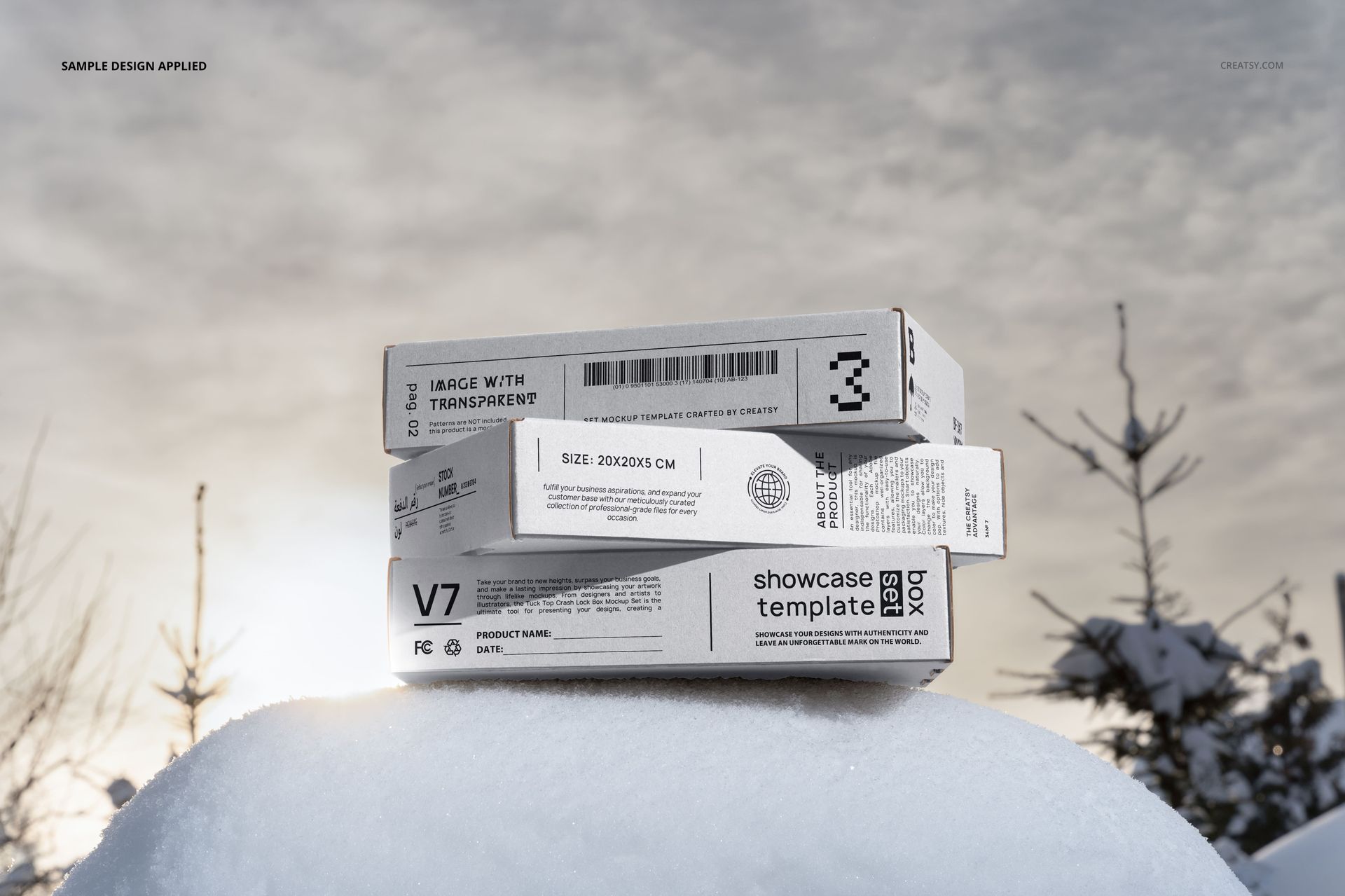
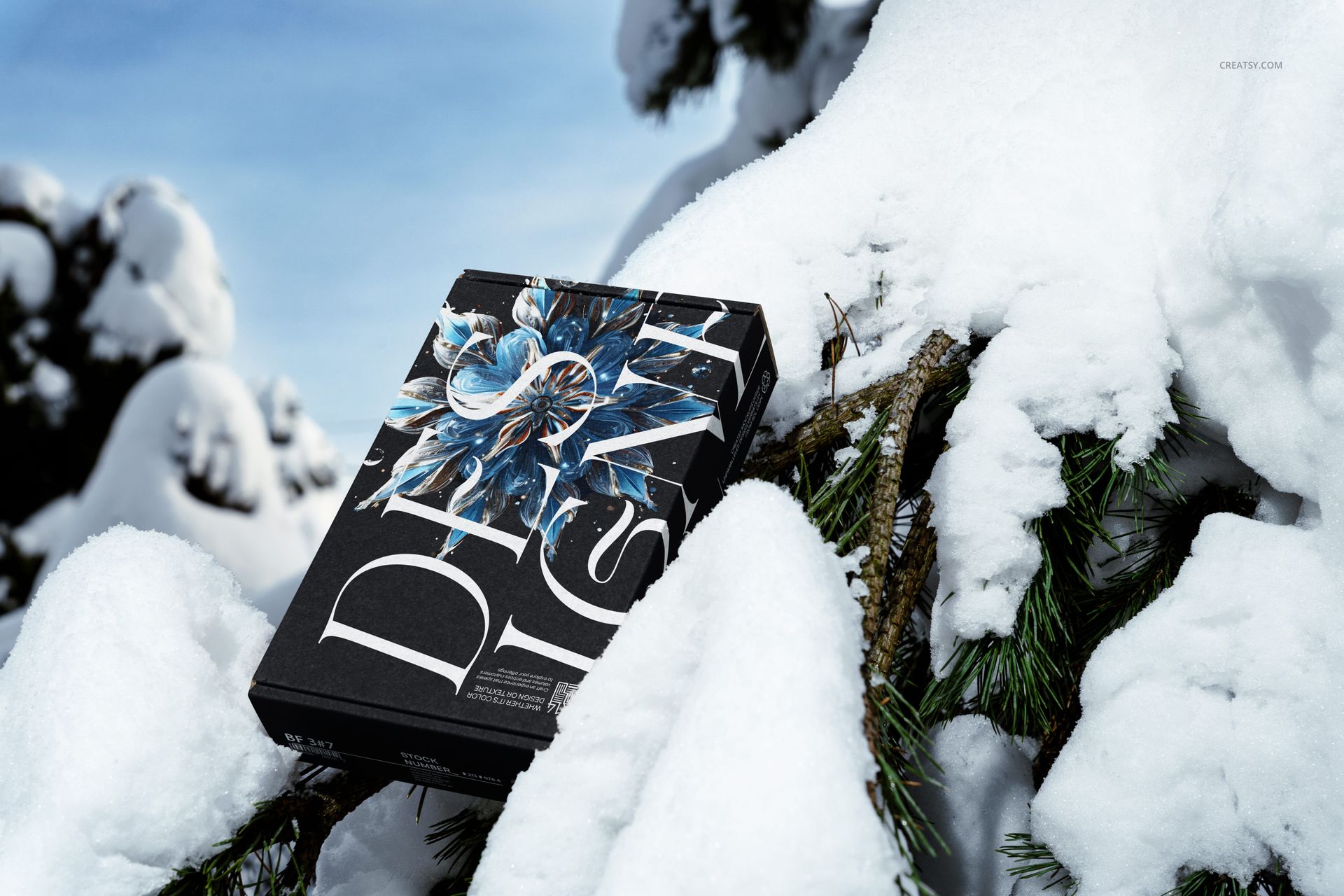
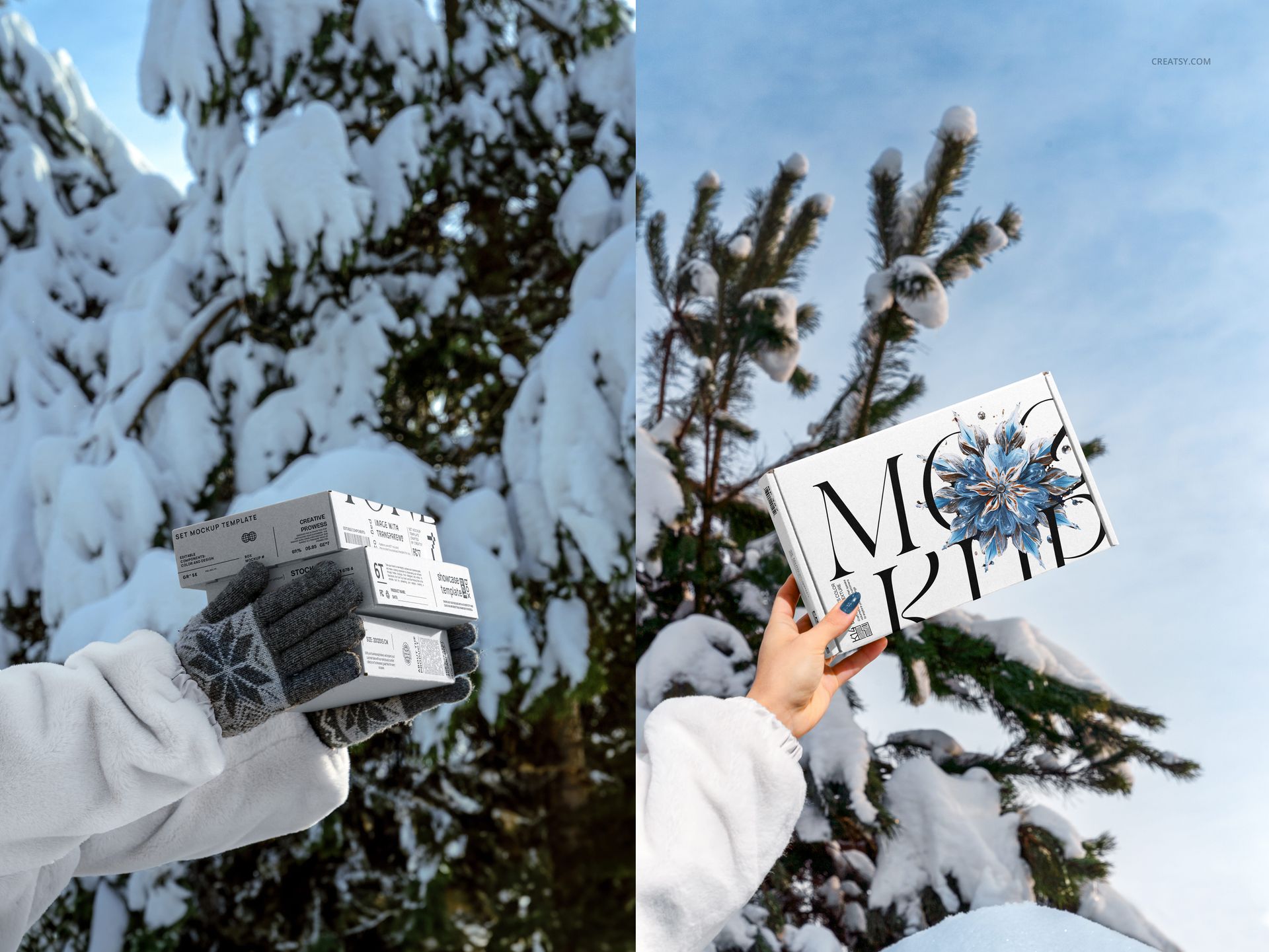
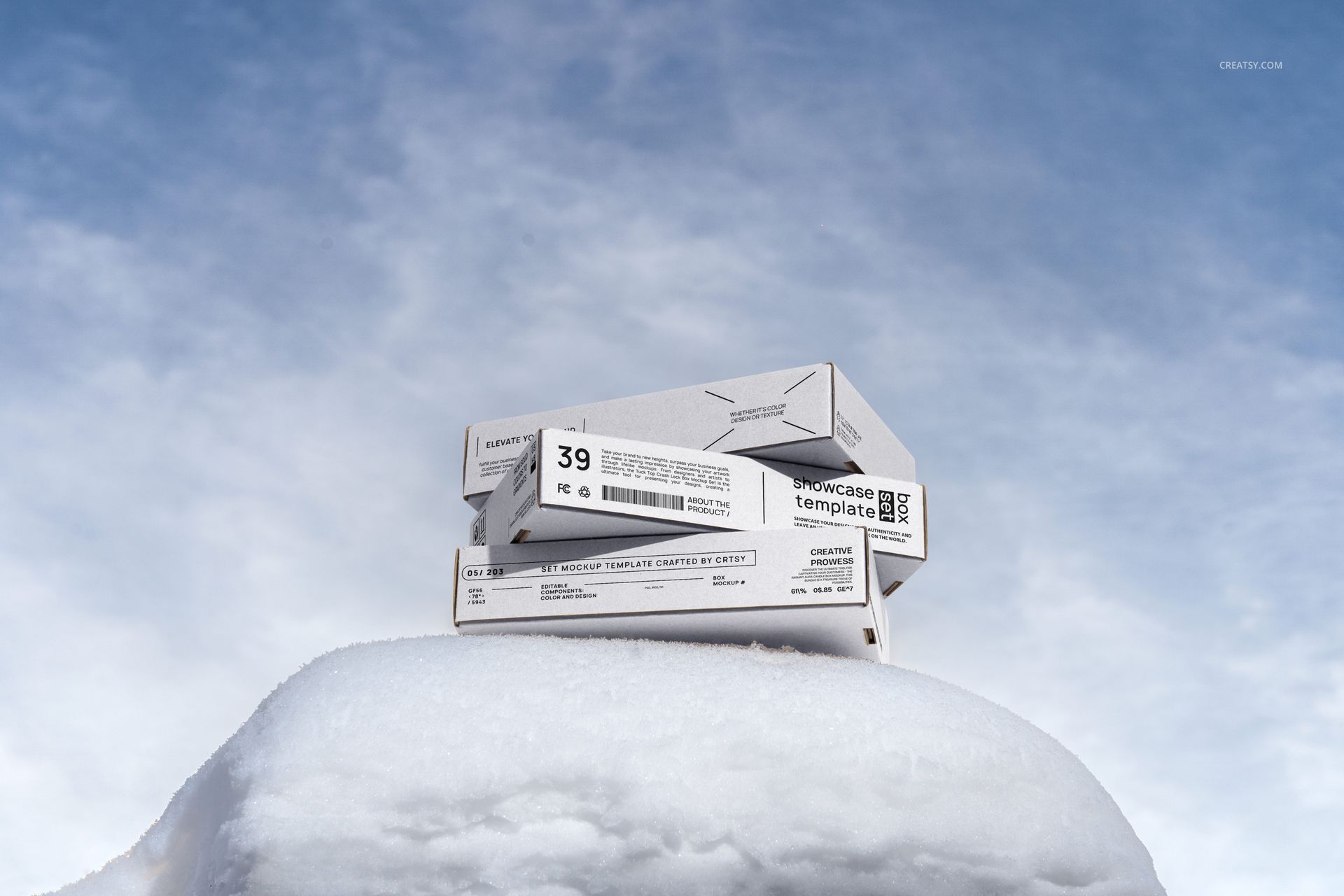
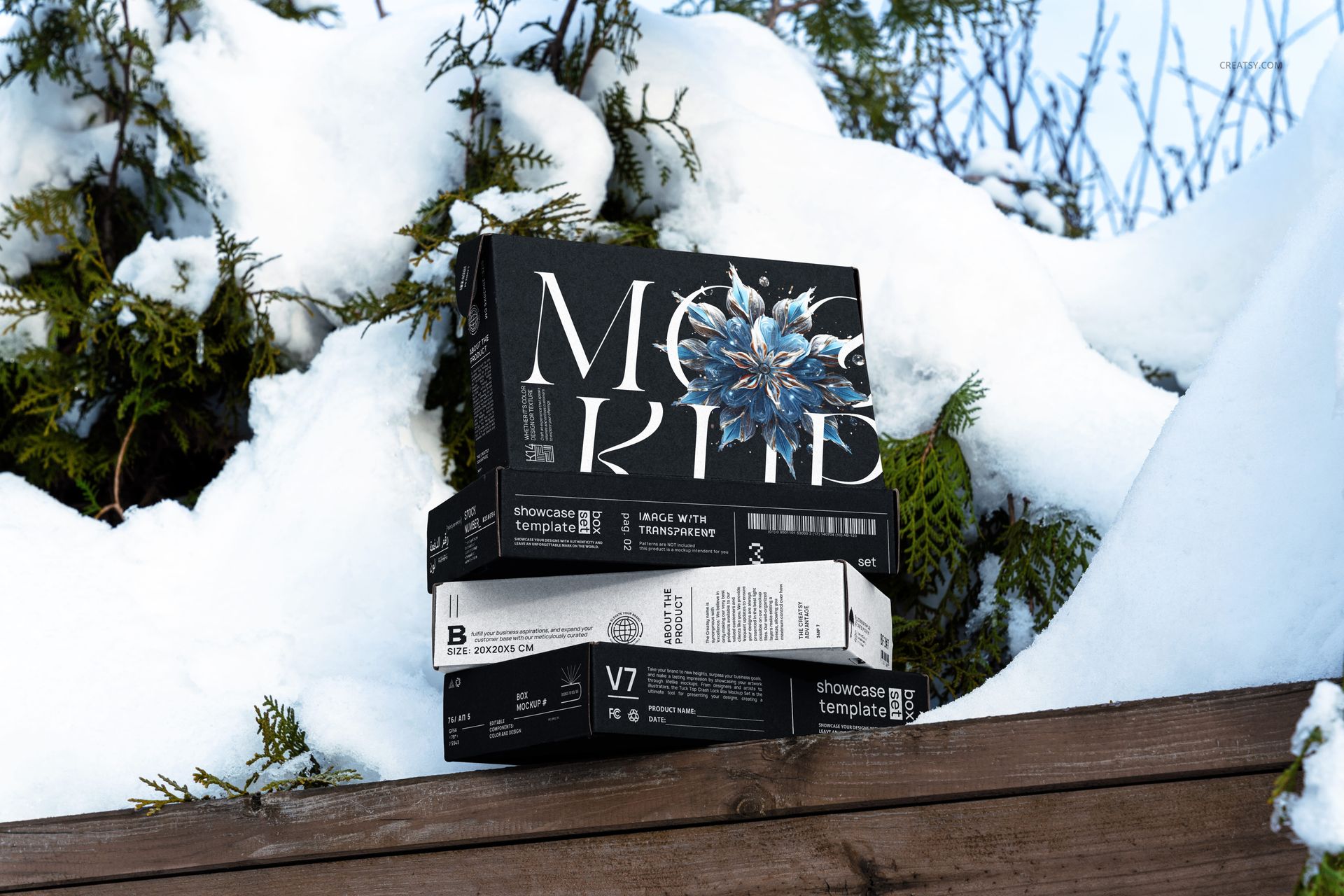
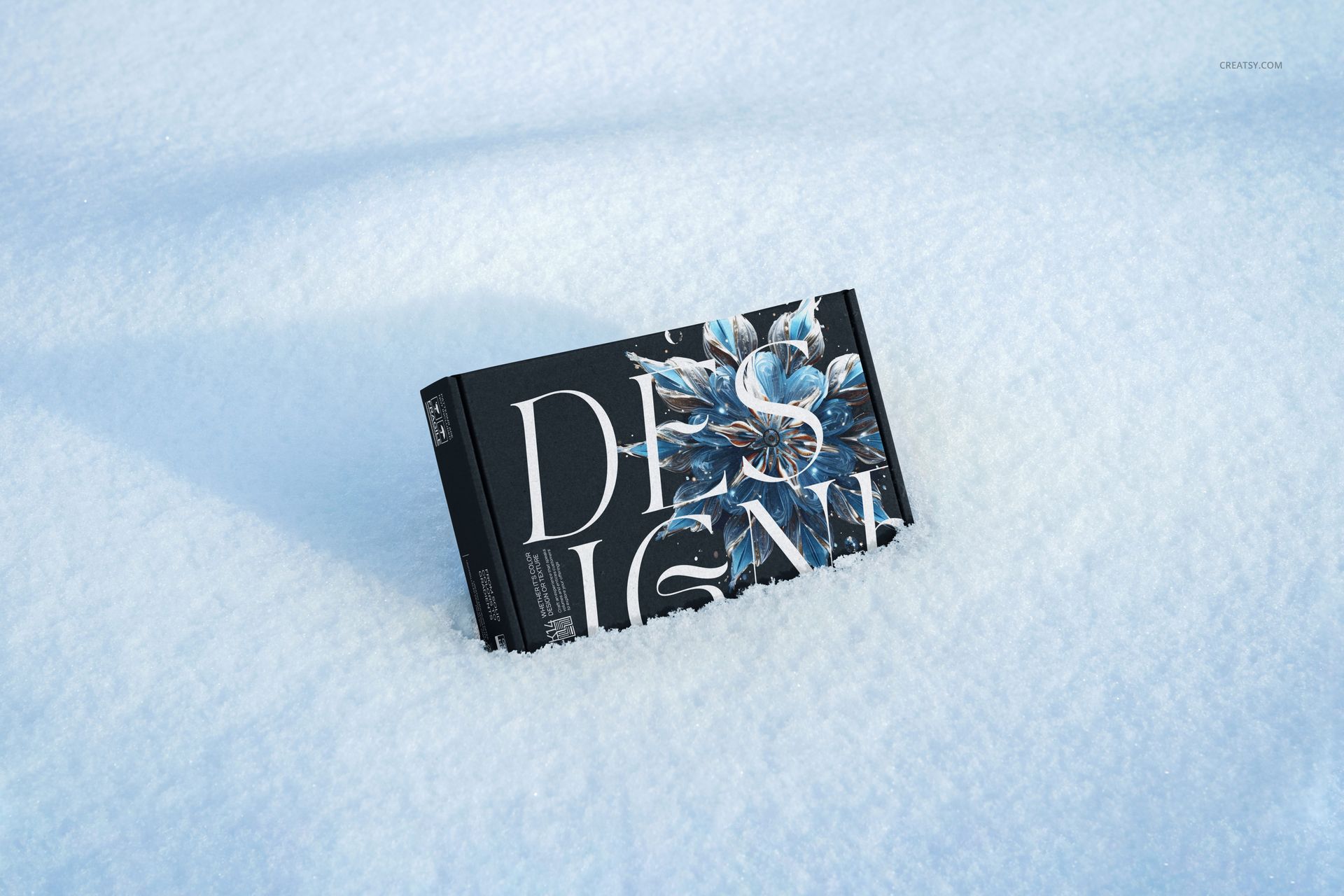
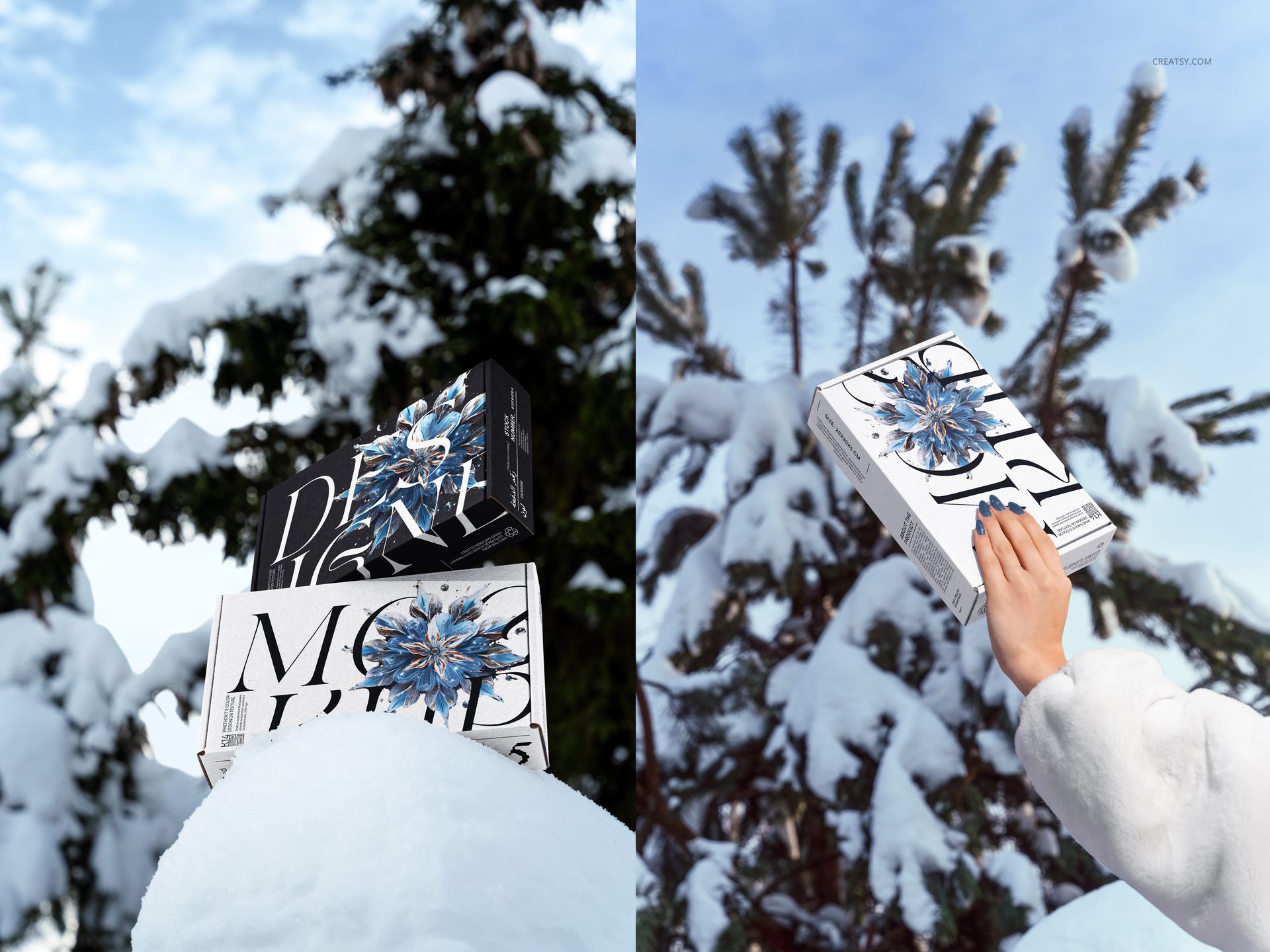
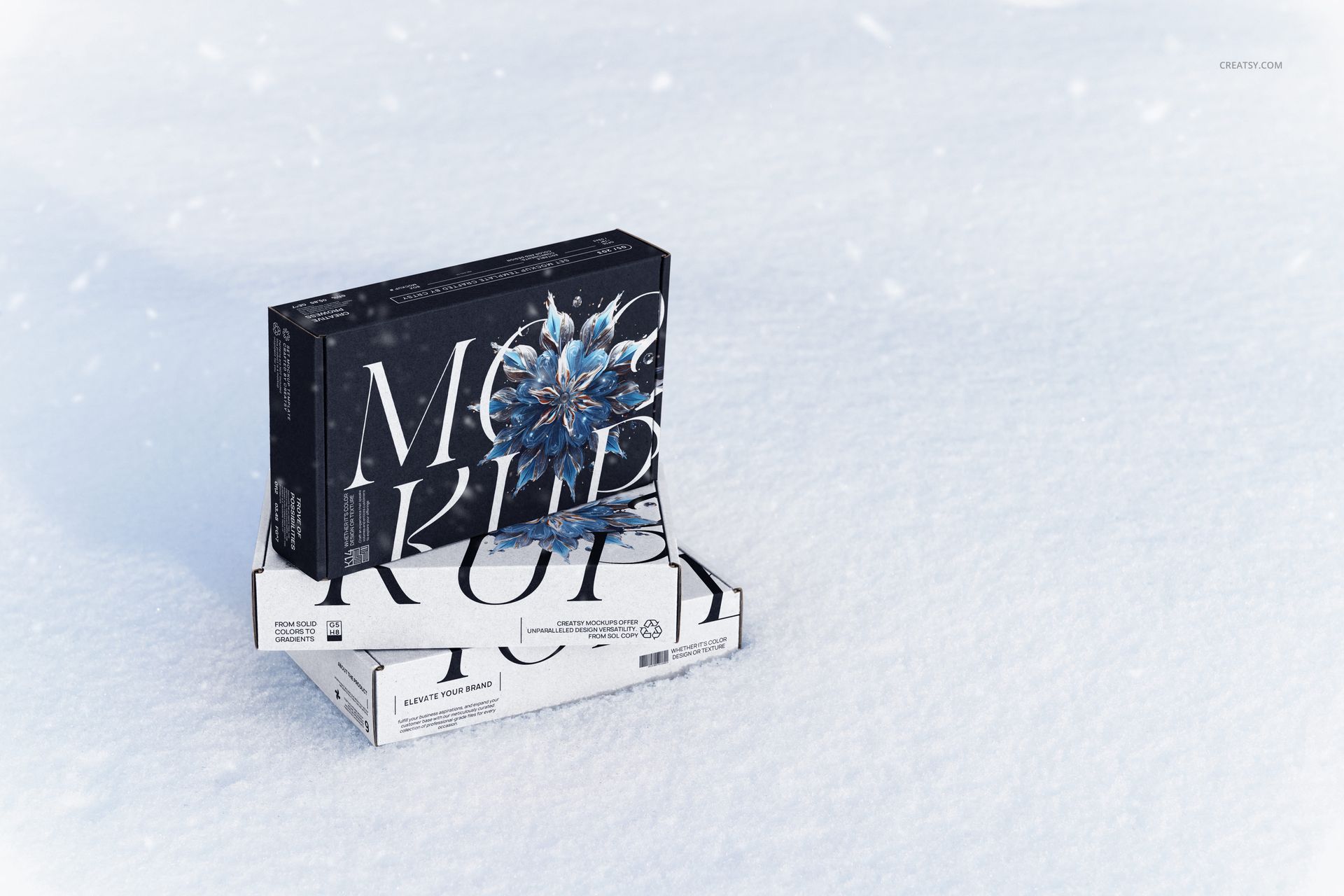
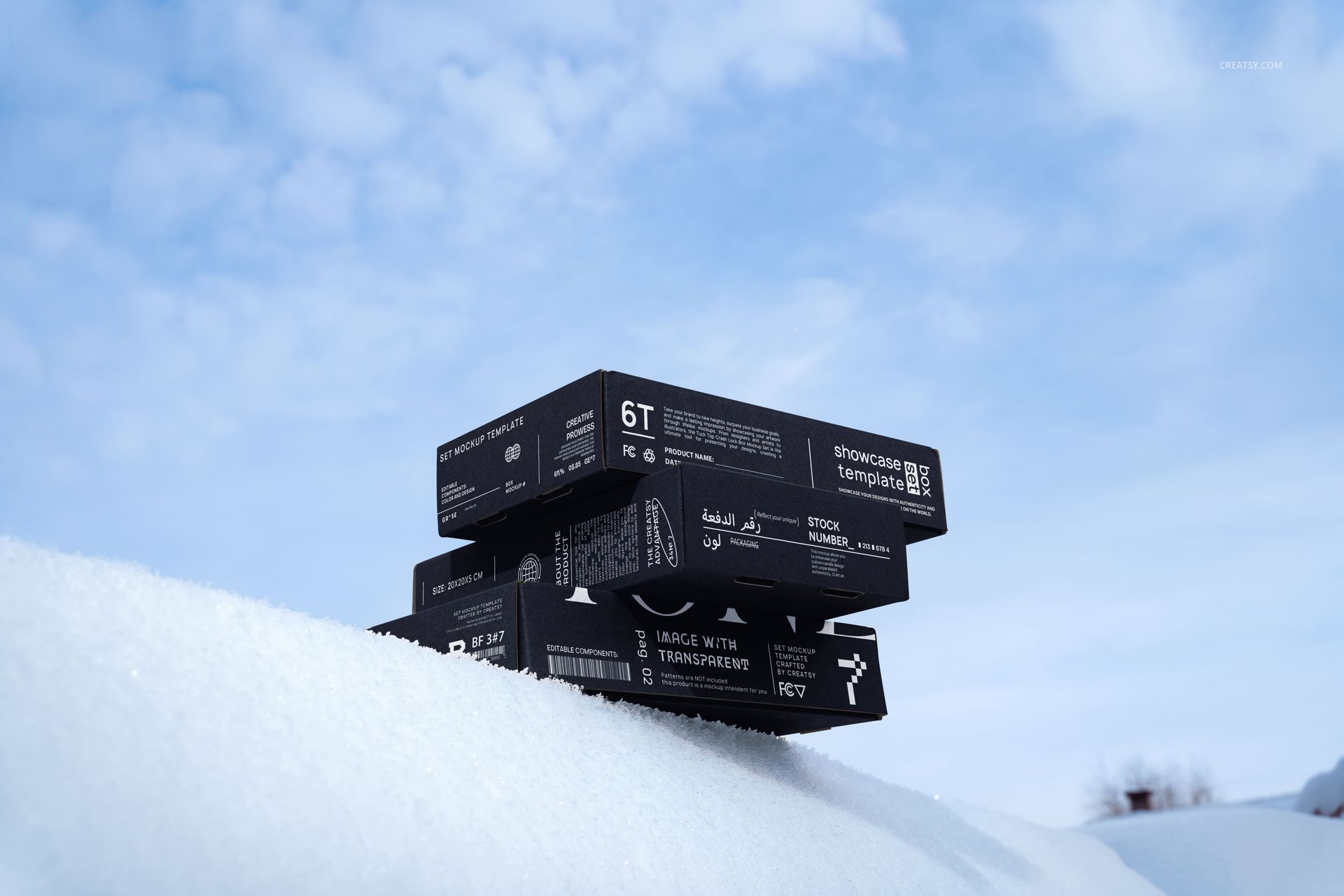
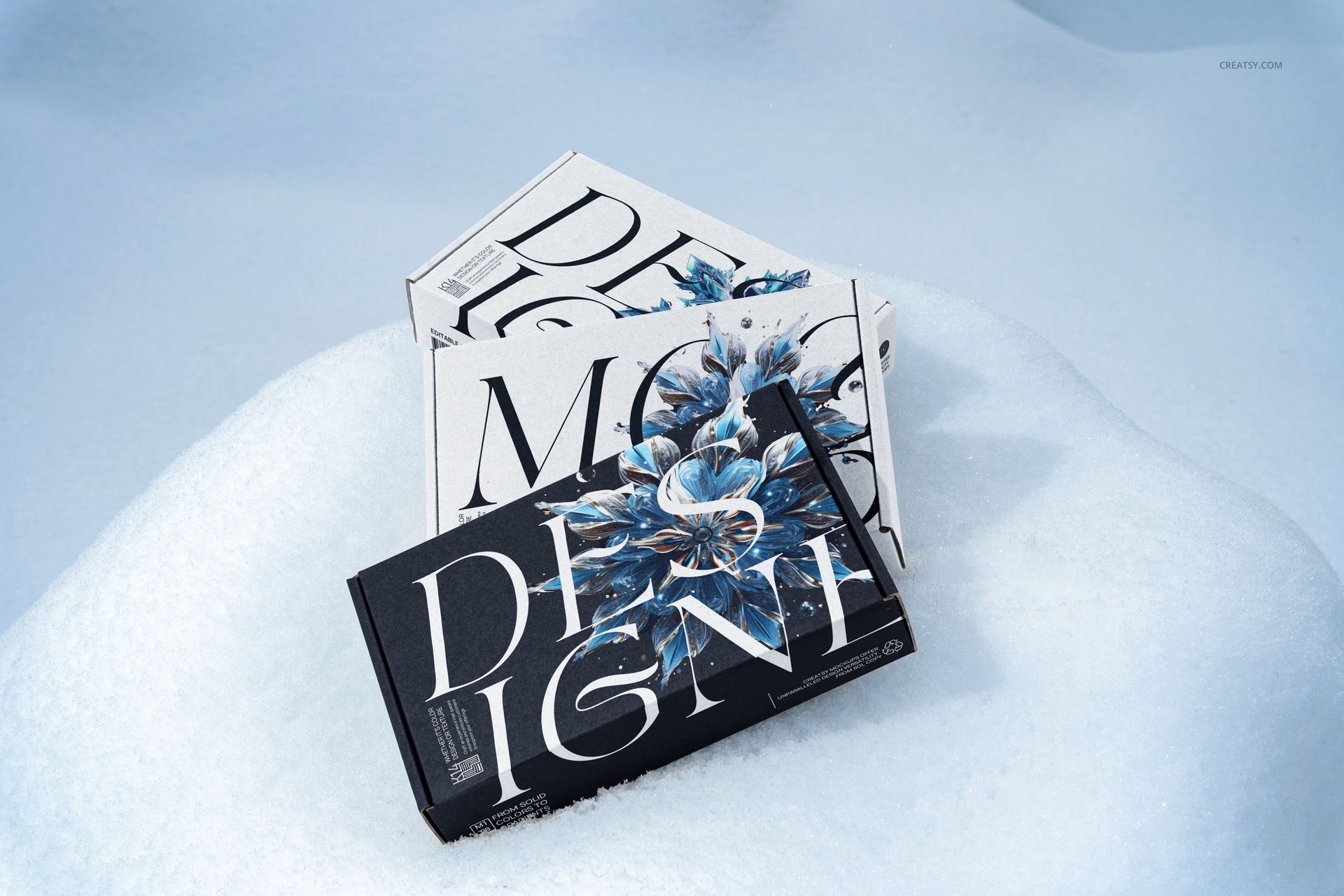
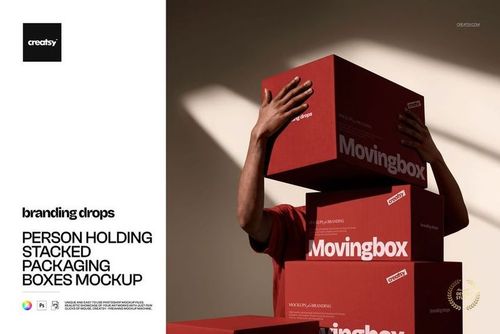
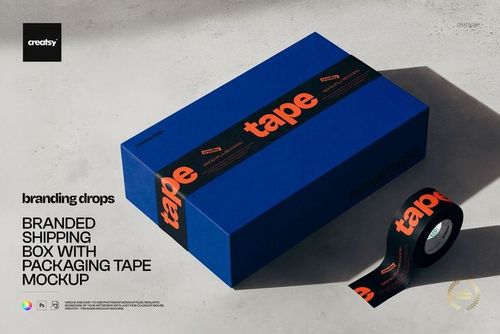
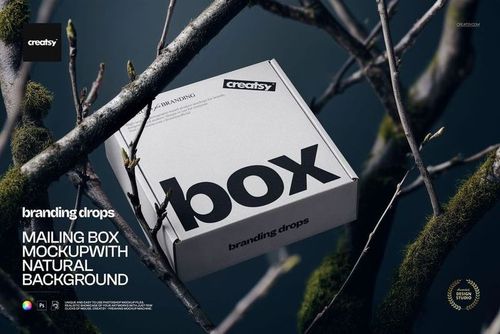
Cold light, deep snow and evergreen branches give this winter mailing box mockup set a clear seasonal setting. Present packaging on snowy surfaces, nestled among branches or held in a hand, with open, closed and stacked arrangements across 13 editable PSD scenes.
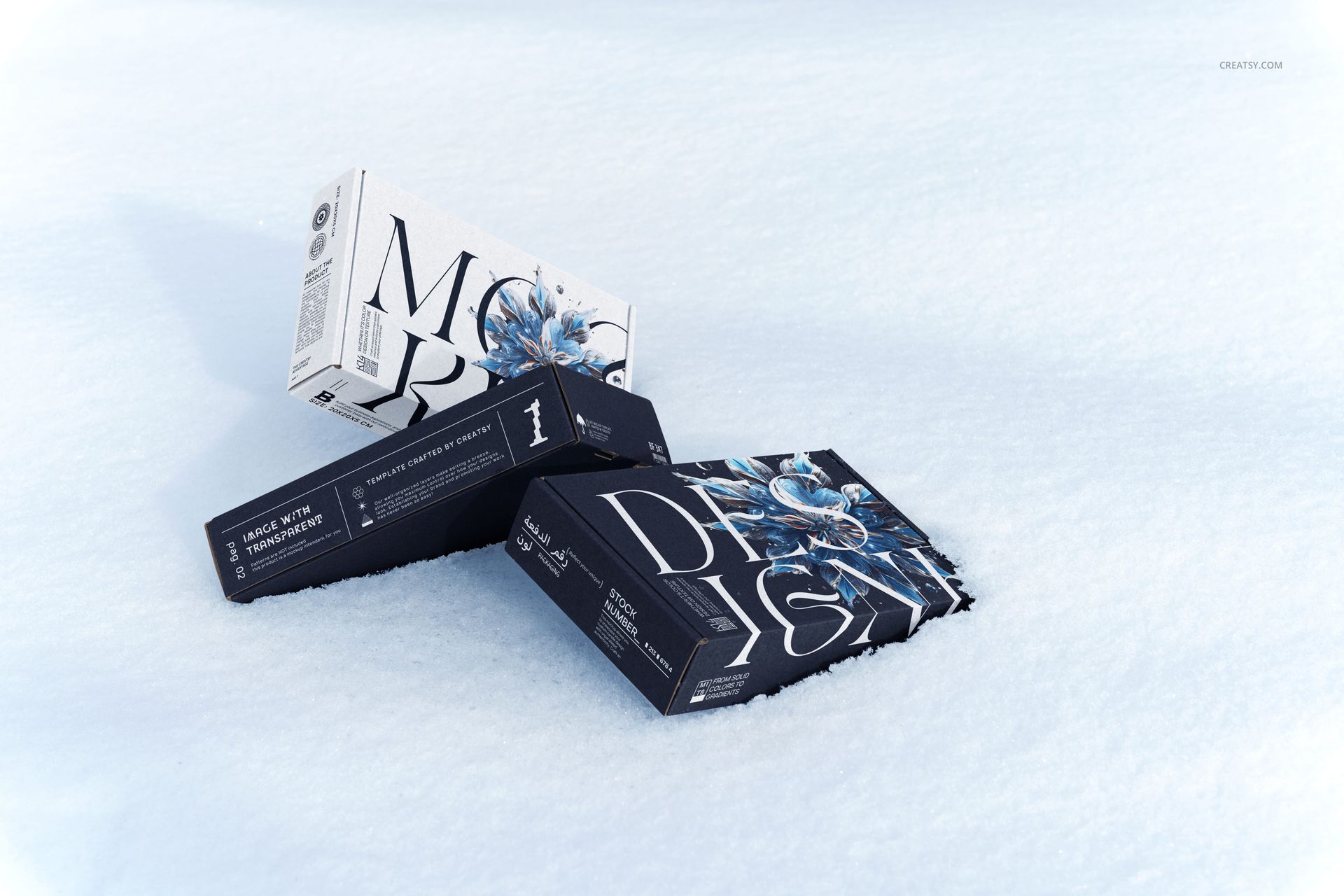
The mix of close views and wider outdoor compositions helps you show both the artwork and the atmosphere of a winter launch. Compare a light and dark packaging direction, carry a pattern from the lid onto the side panels, or build a coordinated gallery for a seasonal collection.
What Is Included
13 layered PSD mockup files with winter mailing box scenes.
13 JPG preview thumbnails for identifying the files, not additional editable mockups.
26 files in total, with organized layers for working on the packaging artwork.
A Winter Campaign, Not a Studio Backdrop
Snow-covered trees, low-angle box stacks and hand-held views add context that a plain background cannot provide. Open-box arrangements let you show the relationship between exterior and interior artwork, while the closed-box scenes concentrate attention on the lid and visible edges.
Easy Smart Object Editing
Open a PSD in Adobe Photoshop CC2015 or newer, or in Photopea. Place your design into the artwork Smart Object, save its contents and review the result in the scene. Work through the relevant artwork layers and files individually when building a consistent multi-image presentation.
Perfect For
Packaging and branding designers presenting winter product launches.
Surface pattern designers developing seasonal box collections.
Gift and subscription-box brands planning holiday campaign visuals.
This is a digital mockup set. No physical packaging is supplied, and the sample artwork shown in the previews is not included.