Person Holding Stacked Packaging Boxes Mockup
Packaging becomes more convincing the moment it has a sense of scale.
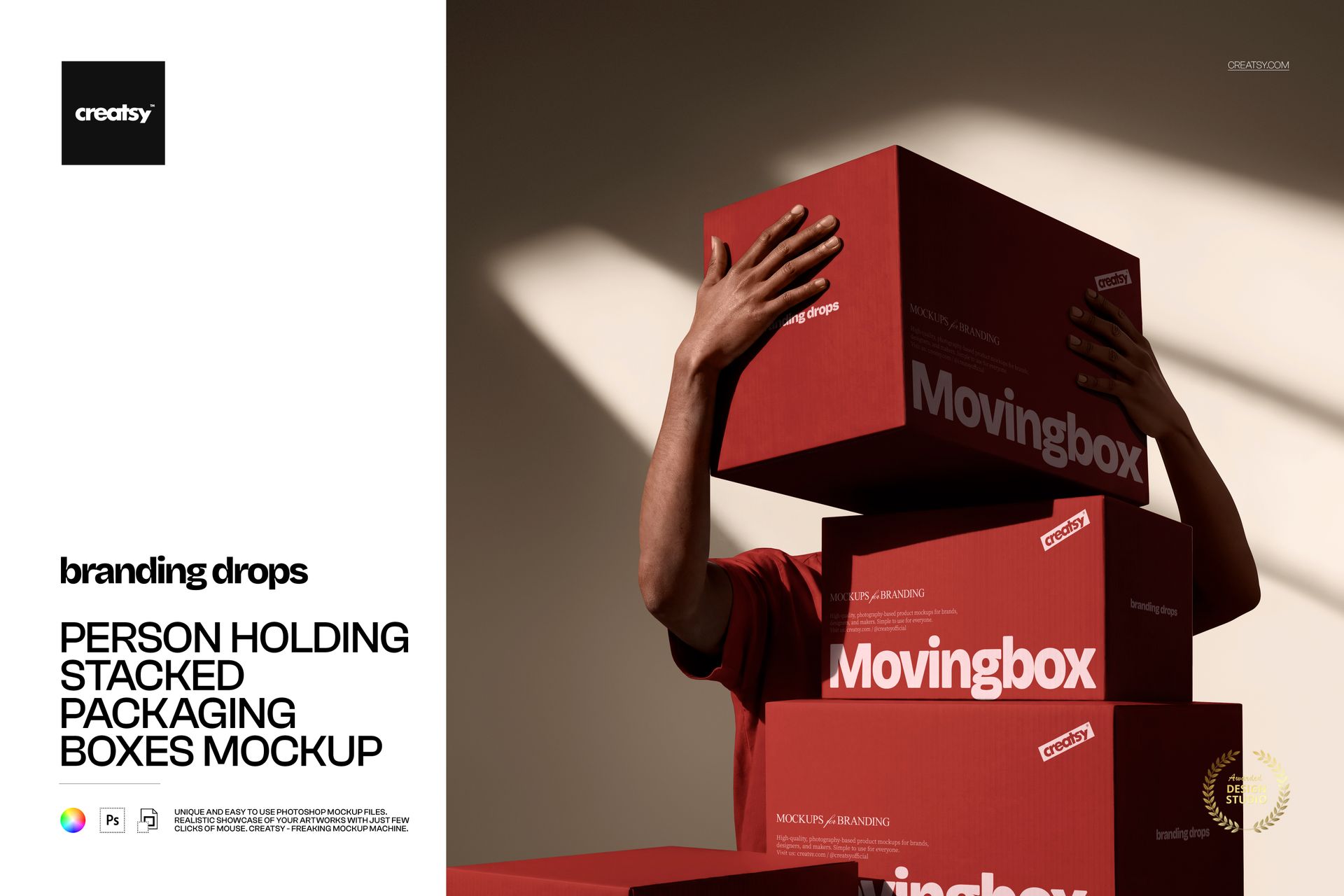
This Person Holding Stacked Packaging Boxes Mockup places three vertically stacked boxes in someone’s arms, transforming a standard packaging presentation into a bold, human-centered campaign image. The person remains partially hidden behind the packages, so your box artwork stays in focus while the visible arms and body add movement, proportion and a real-world feel.
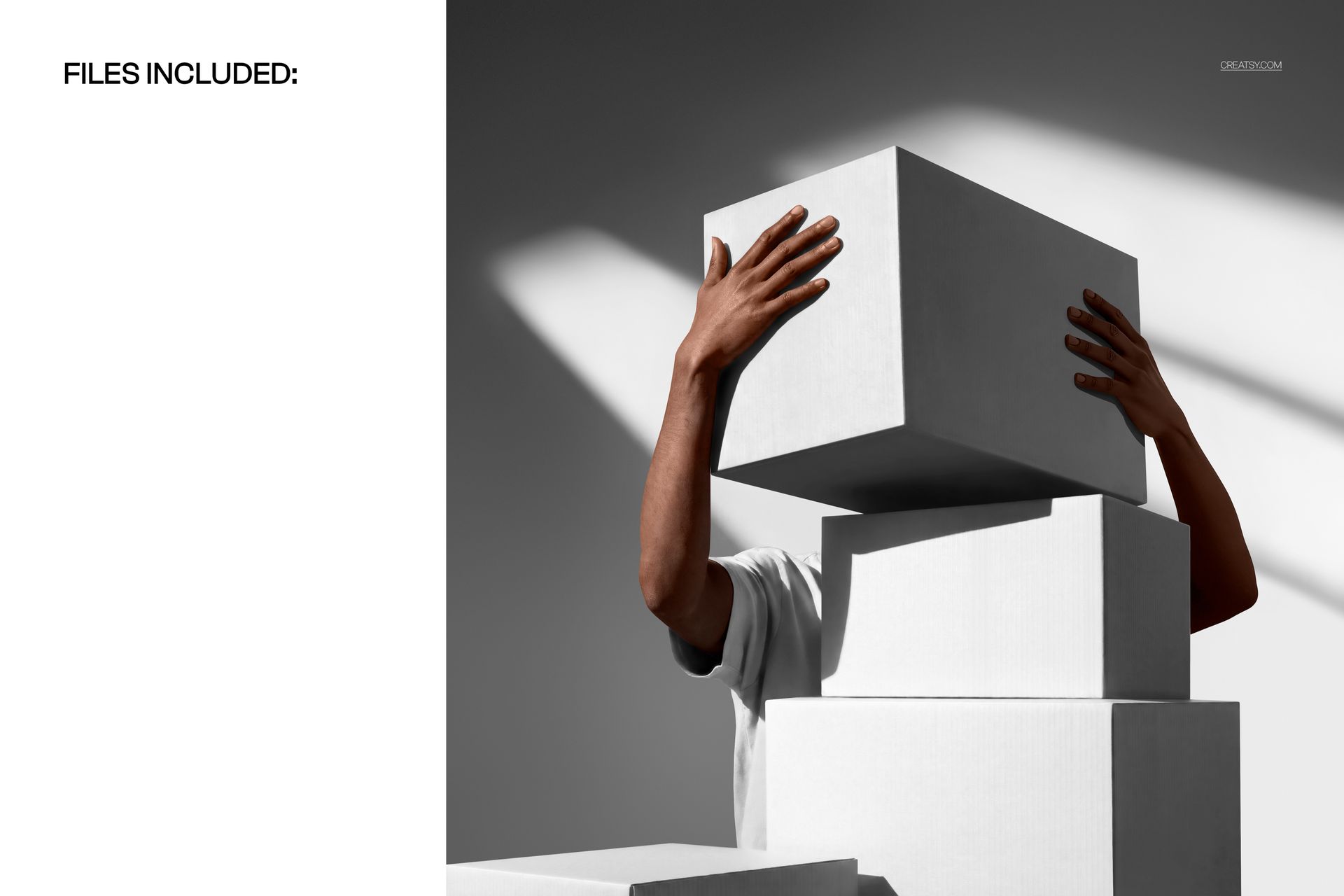
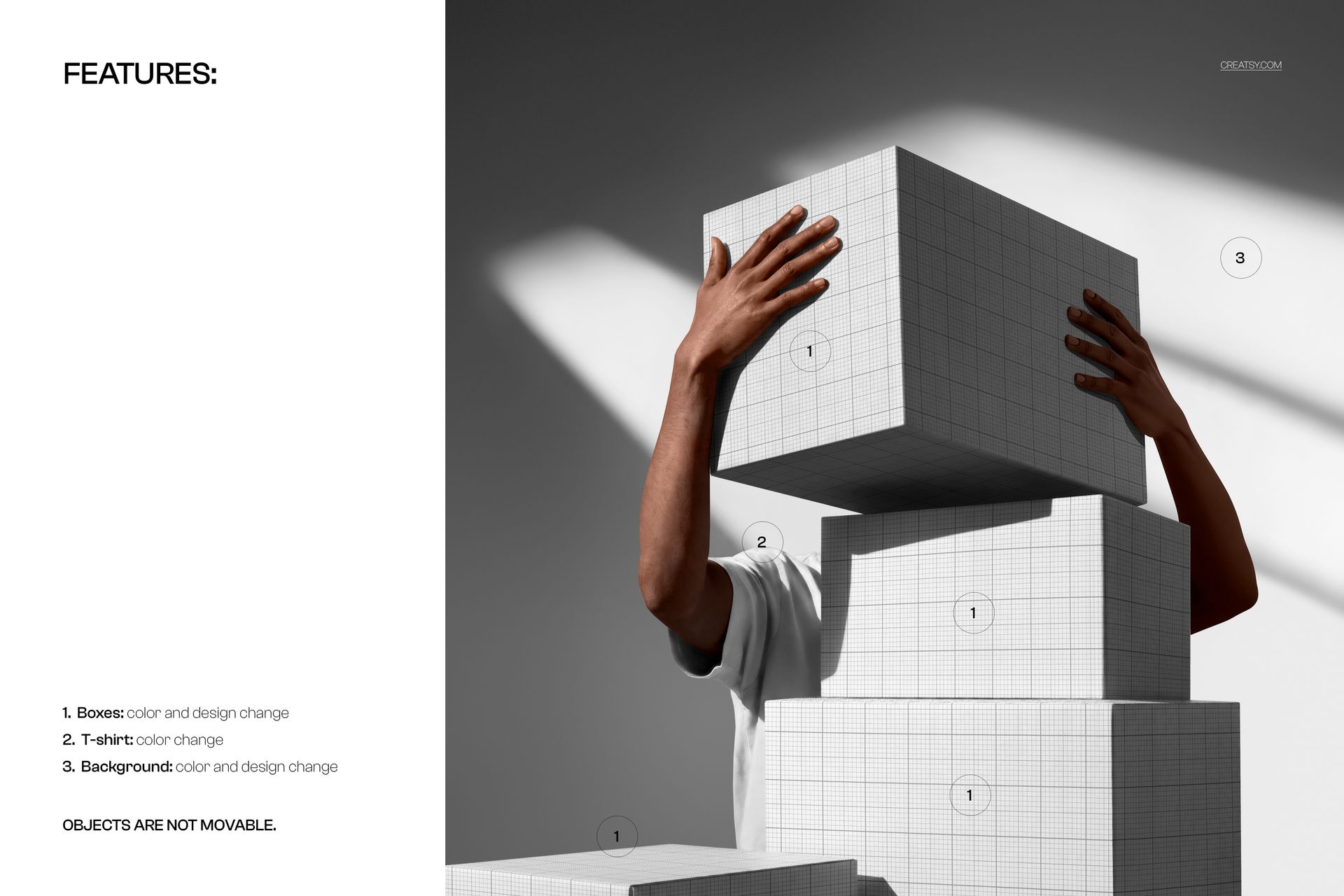
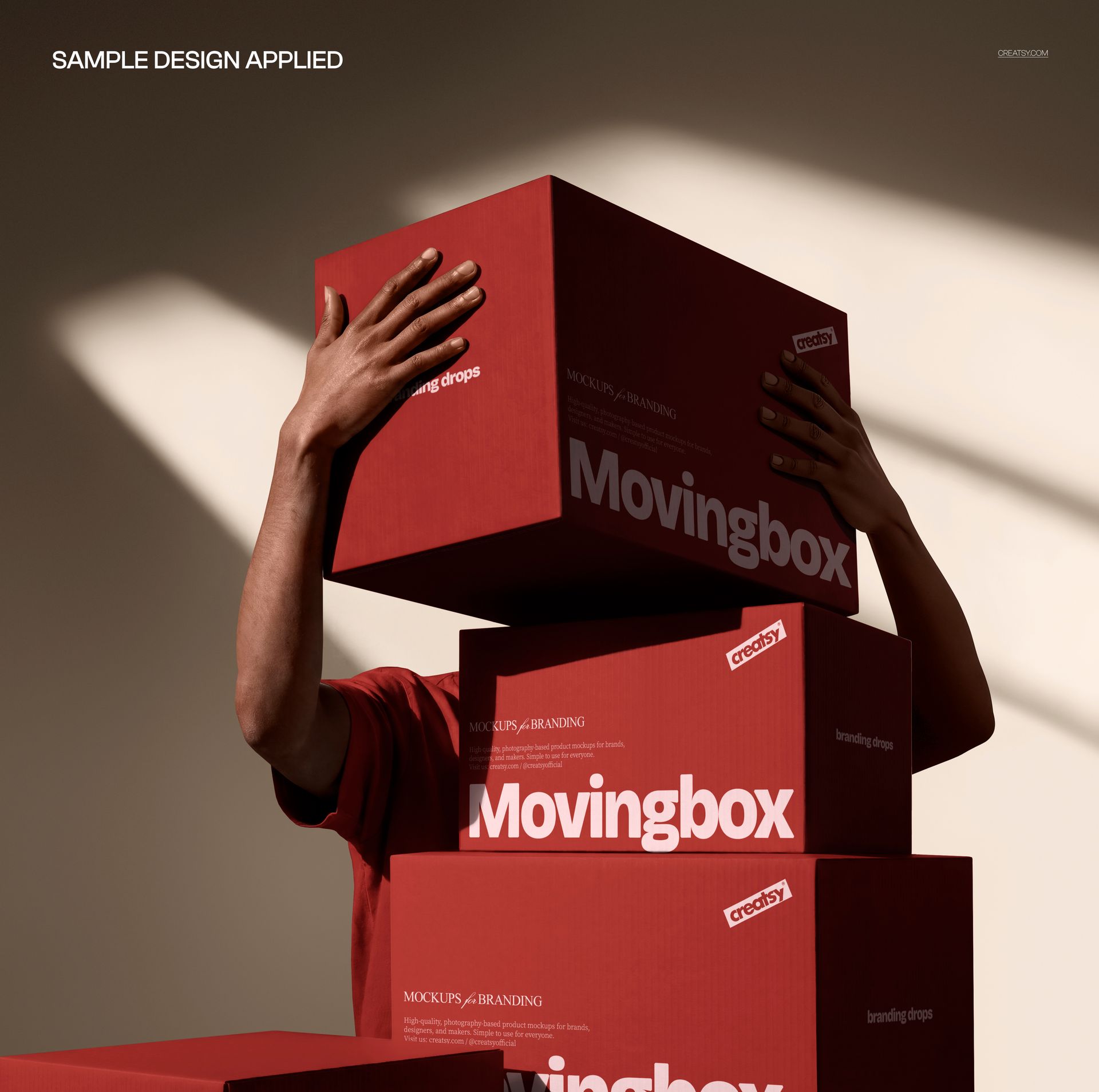
The front-facing composition is ideal for presenting shipping box branding, ecommerce packaging, subscription boxes, product launch kits and coordinated packaging systems. Preview images show the scene with plain white boxes, a grid-based design and a vibrant red treatment against a clean, naturally lit background.
Show the Scale of Your Packaging
A flat box template can communicate structure, but it rarely shows how the packaging feels when handled. This mockup adds that missing human context.
The stacked boxes immediately communicate volume and presence. Customers and clients can see how the packaging may look during delivery, fulfillment or a branded unboxing moment. It is particularly useful for businesses that want their shipping materials to feel like an intentional part of the customer experience.
Use the scene to present:
Direct-to-consumer shipping packaging
Subscription box identities
Fashion and lifestyle deliveries
Beauty and skincare mailers
Stationery and print product packaging
Corporate welcome kits
Influencer and press packages
Seasonal ecommerce campaigns
Product launch box systems
Branded fulfillment materials
One Scene, Three Strong Brand Touchpoints
The three-box arrangement gives you more visual impact than an isolated single package. It can help demonstrate how a brand identity works across a coordinated group of parcels or show how one recognizable visual system remains consistent at different positions within the stack.
Try the mockup with:
A continuous visual identity across all boxes
Complementary patterns from one collection
A logo-led minimalist packaging system
Bold typography and directional messaging
Seasonal artwork for a product launch
Different colors from the same brand palette
A campaign message divided across the composition
Branded shipping boxes for multiple product lines
The vertical arrangement also works naturally in square social media posts, ecommerce campaign graphics, portfolio covers and website launch banners.
Built for Packaging That Gets Seen
Shipping packaging no longer appears only at the customer’s door. It is photographed during unboxings, shared on social media and included in brand campaigns. A memorable mailer box can become part of the product story itself.
This mockup is a strong choice when you need to show that your packaging is:
Easy to recognize
Consistent with the wider brand identity
Designed for a premium delivery experience
Visually effective at a larger scale
Ready for photography and social sharing
More considered than a plain shipping carton
The human element makes the scene feel active and relatable without distracting from the package design.
Useful for Branding Presentations and Campaigns
Use this mockup when preparing:
Client packaging proposals
Brand identity case studies
Behance portfolio projects
Ecommerce launch campaigns
Instagram and Pinterest content
Website hero graphics
Newsletter visuals
Product delivery announcements
Packaging design approvals
Retail and fulfillment presentations
It can also help clients understand the impact of a packaging system before physical samples are printed.
Simple Smart Object Workflow
Open the PSD in Adobe Photoshop or Photopea, double-click the relevant Smart Object, add your artwork and save the file. The product page describes the standard Creatsy workflow as placing artwork inside a Smart Object so the mockup handles the scene’s lighting, perspective and shadows without manual warping.
This makes it easy to compare design directions, test branding concepts and create presentation-ready packaging visuals without arranging a photoshoot or producing multiple physical boxes.
What You Can Showcase
Shipping box designs
Mailer packaging artwork
Subscription box branding
Ecommerce packaging systems
Parcel and delivery branding
Logo placement on cardboard boxes
Patterns and illustrations for packaging
Direct-to-consumer brand identity
Product launch kits
Seasonal delivery boxes
Corporate gift and welcome packages
Social media campaign visuals
Client approval presentations
Packaging portfolio projects
File Specifications
Part of Branding Drops Mockup Bundle
Pack includes 1 PSD file
2 files included in total
File types: PSD and JPG
PSD dimensions: 4100x4100 px
Resolution: 300 DPI
Compatible with Adobe Photoshop CC2020 or newer
Compatible with Photopea
Well organized layers
Smart Object editing workflow
Package size listed as approximately 133 MB for Windows and 139 MB for macOS