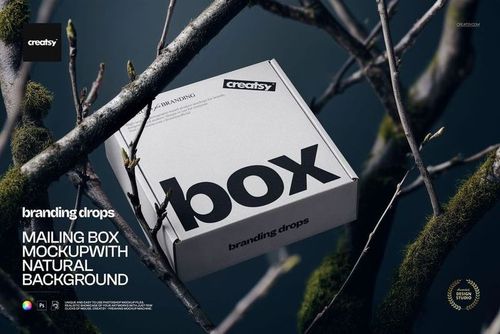
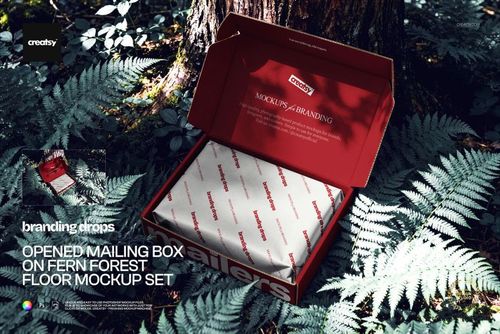
Paper Box in Tree Branches Mockup
Put your packaging somewhere unexpected.
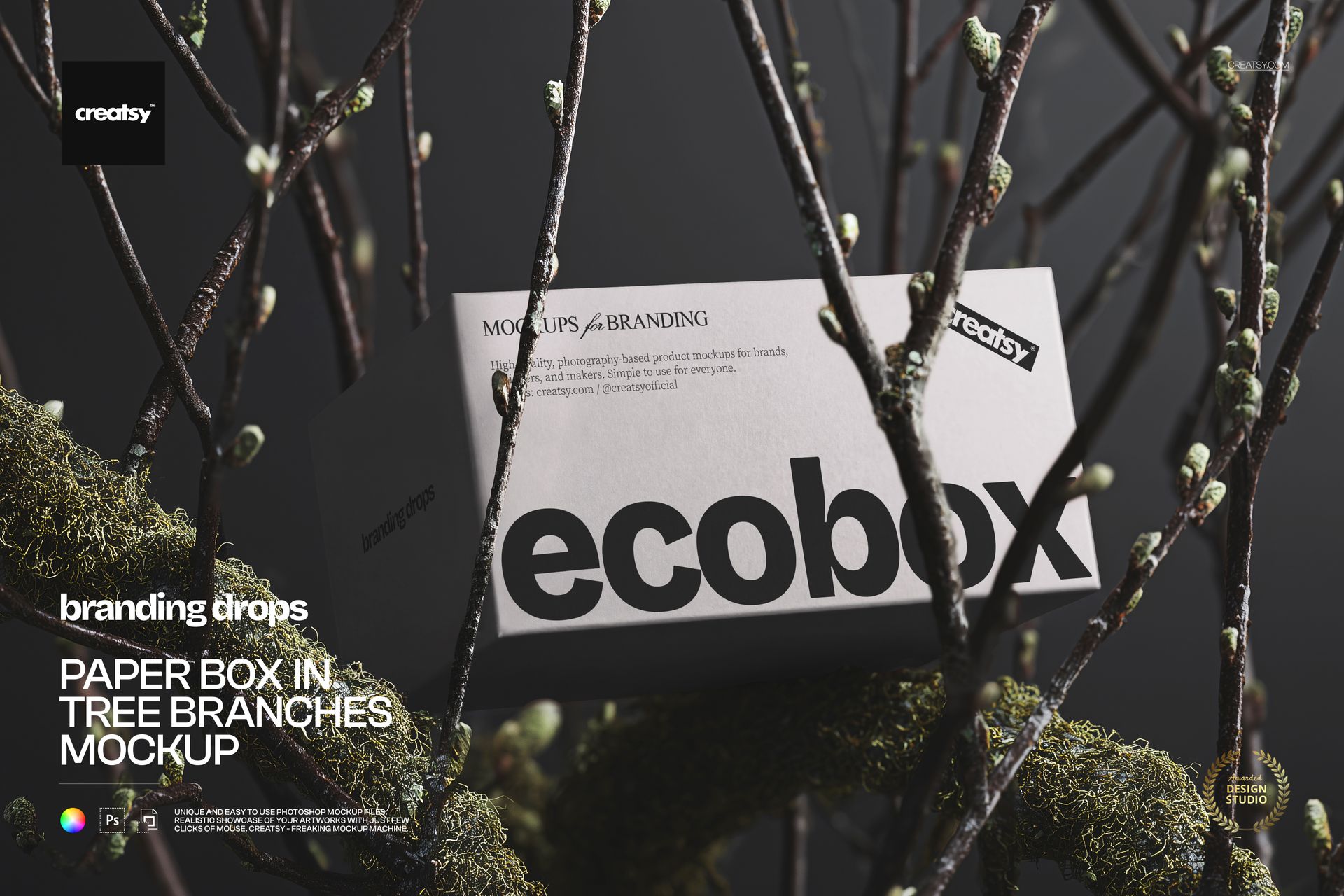
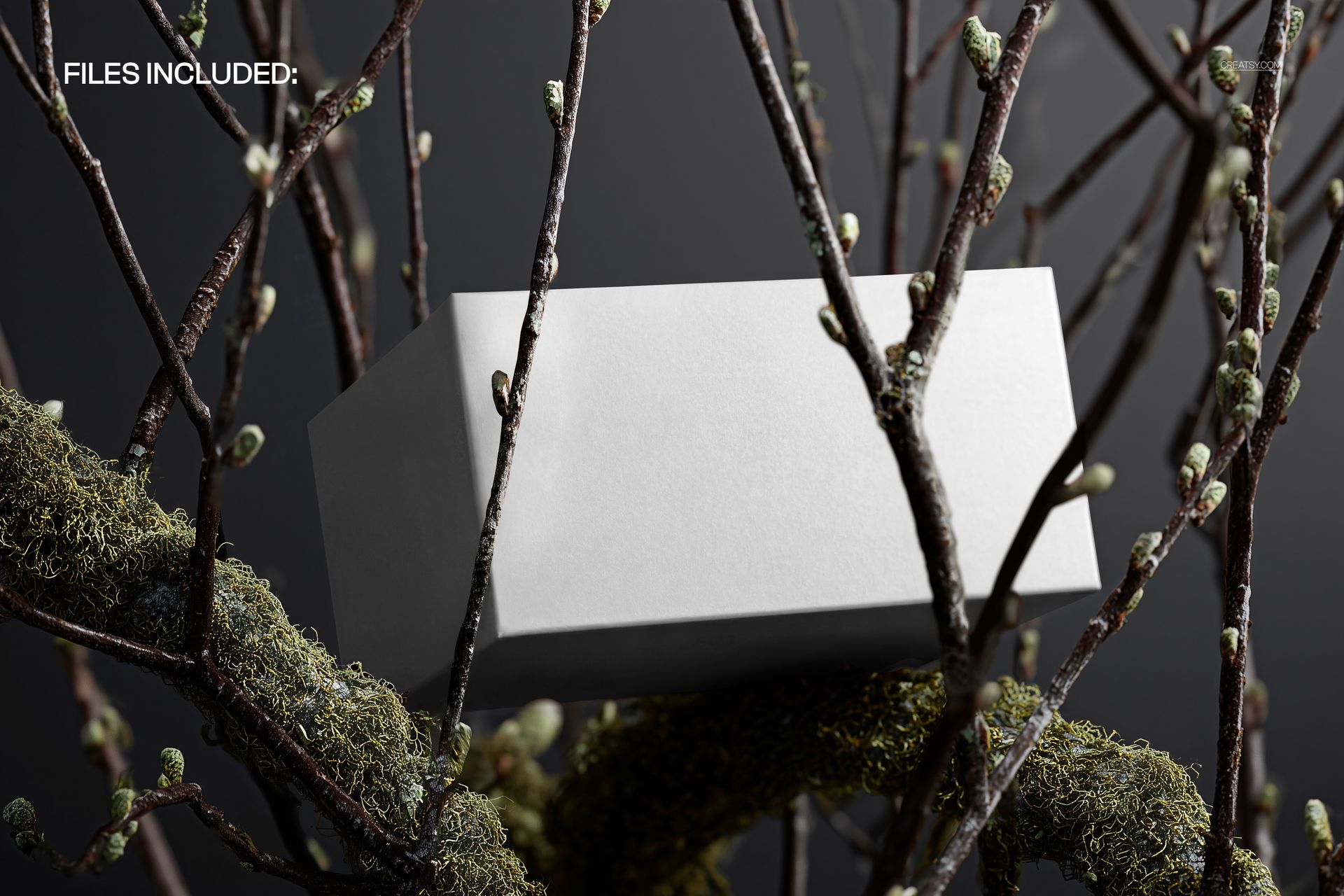
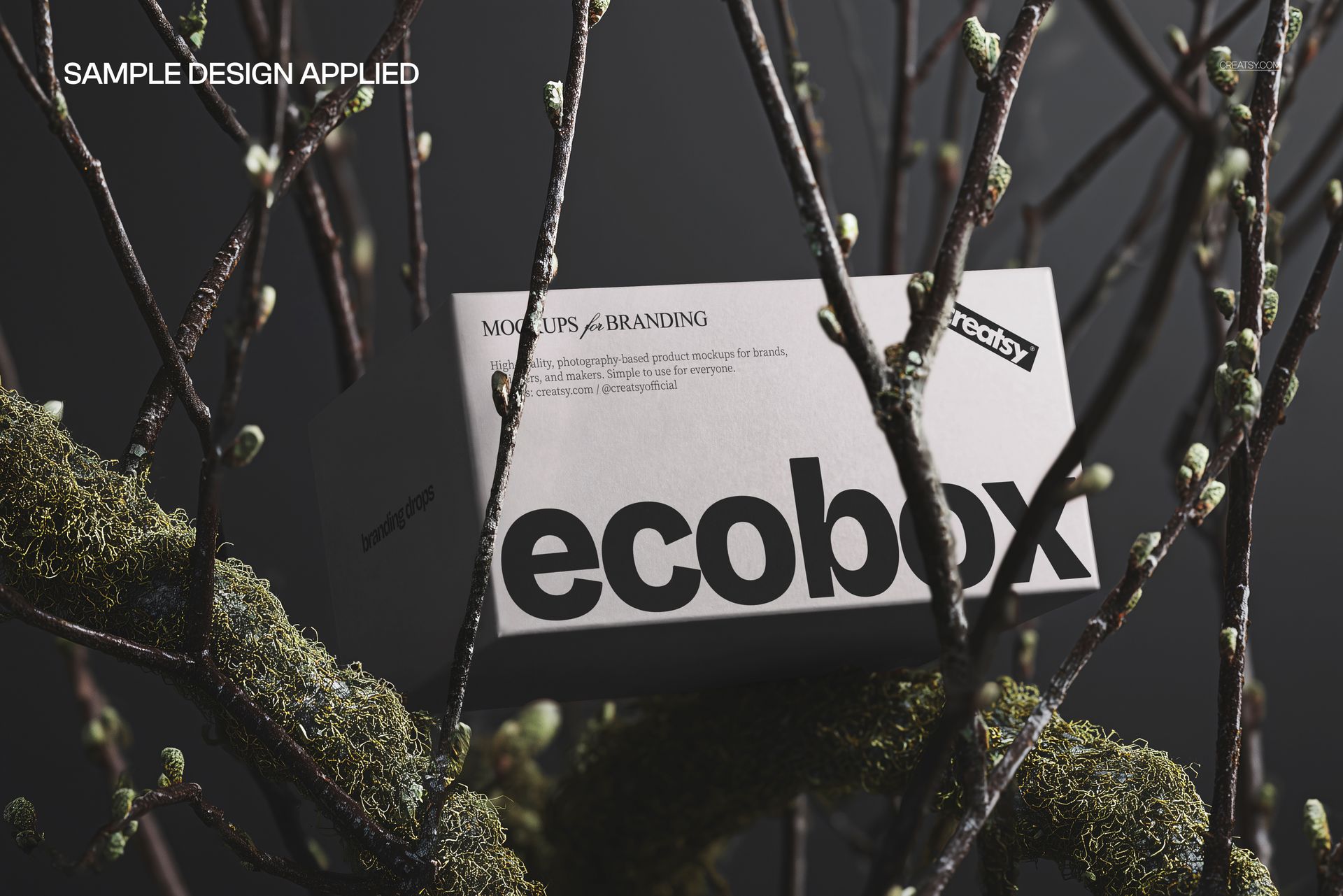
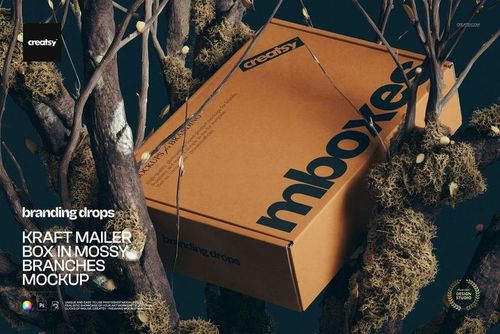
The Paper Box in Tree Branches Mockup presents a rectangular paper box among textured tree branches and patches of green moss. The dark, natural setting creates a strong contrast with the clean packaging surface, giving your artwork a tactile and atmospheric presentation without losing focus on the box itself.
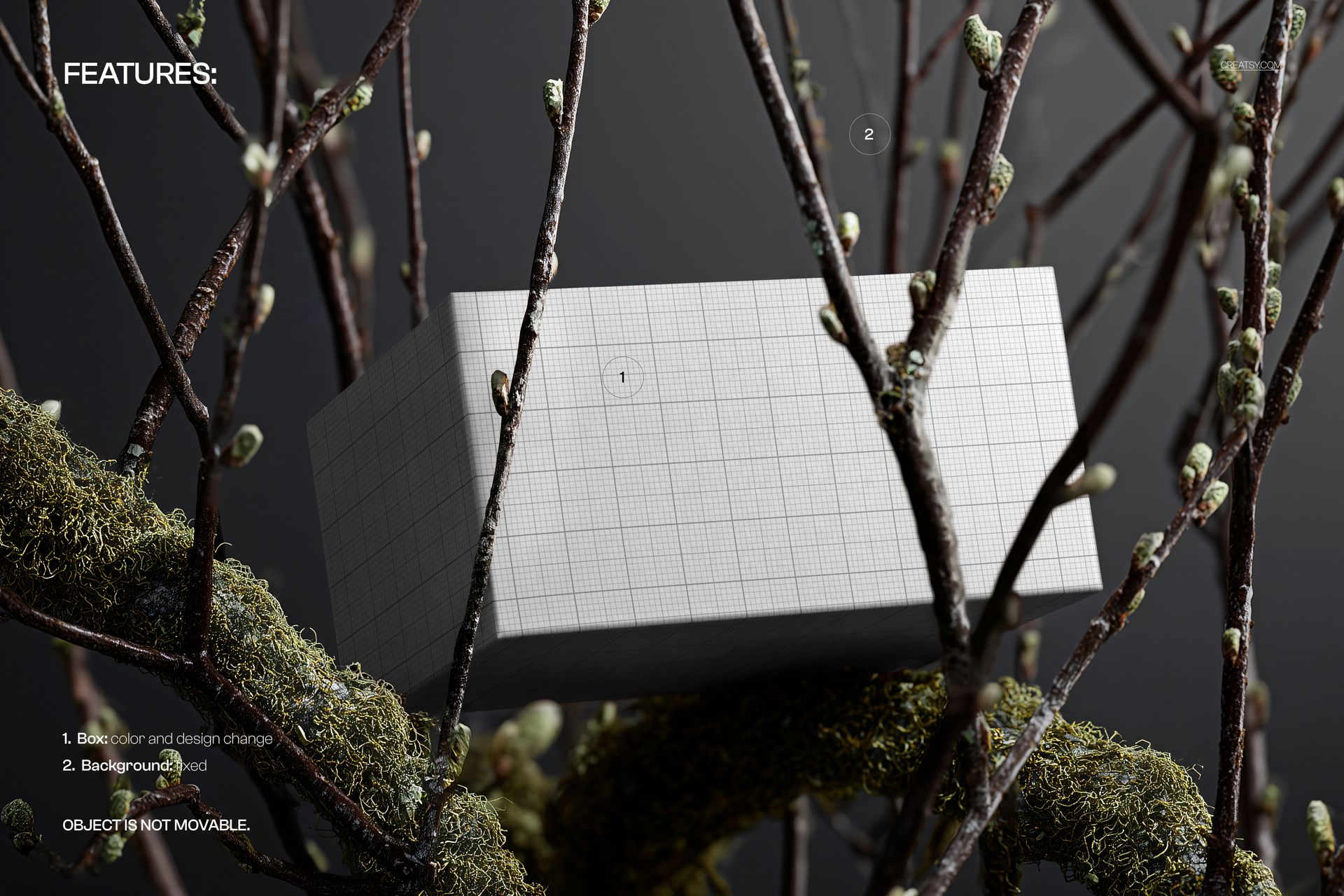
Both the front and side of the packaging remain visible, allowing viewers to understand more than the main label. They can also see how the colors, pattern or wider visual system continue around the box. Preview images demonstrate plain packaging, a structured grid design and a more nature-led graphic treatment.
A Packaging Scene with a Distinct Point of View
A plain studio background is useful for showing technical details, but it does not always communicate the personality of a brand.
Here, the moss, bark and intertwined branches become part of the visual story. They add texture and depth while suggesting nature, craftsmanship, exploration and organic materials. This makes the mockup especially effective when the packaging needs to feel connected to a wider brand concept.
It can support visual identities for:
Natural skincare products
Soaps and bath products
Candles and home fragrance
Herbal and botanical collections
Wellness and self-care brands
Artisanal food products
Sustainable lifestyle goods
Boutique stationery
Handmade accessories
Premium gift products
The scene is not limited to nature-focused designs. A geometric pattern, minimalist logo or bold color palette can create an interesting contrast against the organic surroundings.
Show the Front and Side as One Design System
Packaging artwork rarely ends on the front panel.
The angled position of the box helps you show how the brand identity continues onto the side. This is useful for presenting a repeated pattern, secondary typography, product information, illustrations or coordinated color blocking.
Use this mockup to evaluate:
The hierarchy of the front panel
Logo and product name placement
Pattern scale across multiple surfaces
The transition between front and side artwork
Contrast between the box and its environment
The overall mood of the packaging collection
How the design may appear in a campaign image
This makes the scene useful not only as a final marketing visual, but also as part of the design review process.
Create a More Emotional Product Presentation
Customers often respond to packaging before they know the full details of the product. The environment around the box can influence whether the brand feels clinical, luxurious, playful, natural or handcrafted.
The branches and moss introduce a strong sensory quality. Viewers can almost imagine the texture of the bark and the cool, damp woodland setting. That atmosphere helps a flat packaging design feel more tangible and memorable.
Use the finished image for:
Brand identity presentations
Packaging design portfolios
Product launch campaigns
Website hero sections
Instagram and Pinterest posts
Client approval decks
Behance case studies
Newsletter graphics
Digital catalogs
Wholesale presentations
Seasonal campaign concepts
The scene can work as a standalone hero image or as an atmospheric addition to a broader series of cleaner product views.
Useful for Organic and Sustainable Brand Concepts
Brands connected with sustainability, natural ingredients or responsible materials often need visual content that supports those values without relying on generic green icons.
A woodland-inspired setting can communicate those associations more naturally. The packaging is shown alongside real organic textures rather than artificial decorative props, creating a visual direction that feels grounded and considered.
Try the scene with:
Botanical illustrations
Earthy neutral palettes
Herbal and floral patterns
Minimal black typography
Recycled-paper-inspired colors
Bold contemporary graphics
Woodland artwork
Natural ingredient branding
Hand-drawn product labels
Premium wellness packaging
The mockup can help you explore whether a design feels genuinely connected to the intended brand story.
Straightforward Smart Object Editing
Open the PSD in Adobe Photoshop or Photopea, locate the Smart Object and add your own packaging artwork. Save the Smart Object and the mockup updates the box while preserving the existing perspective, lighting and natural shadows.
The organized layer structure helps you move through the file without manually masking or warping the artwork.
This workflow allows you to:
Test several packaging concepts
Compare color and pattern variations
Prepare client presentation images
Create campaign visuals before production
Review artwork before ordering samples
Build a coordinated packaging portfolio
What You Can Showcase
Use this mockup to present:
Rectangular paper box designs
Cosmetic and skincare cartons
Soap packaging
Candle boxes
Wellness product packaging
Botanical brand identities
Organic product collections
Gift packaging concepts
Illustrated paper cartons
Geometric box artwork
Logo-led packaging systems
Front and side panel layouts
Seasonal product collections
Client packaging proposals
Natural lifestyle campaigns
File Specifications
Product title: Paper Box in Tree Branches Mockup
Category: Mailing Boxes & Shipping Labels
Part of Branding Drops Mockup Bundle
Pack includes 1 PSD file
2 files included in total
File formats: PSD and JPG
PSD dimensions: 5500x3500 px
Resolution: 300 DPI
Compatible with Adobe Photoshop CC2020 or newer
Compatible with Photopea
Smart Object editing workflow
Well organized layers
This product is not AI-generated.