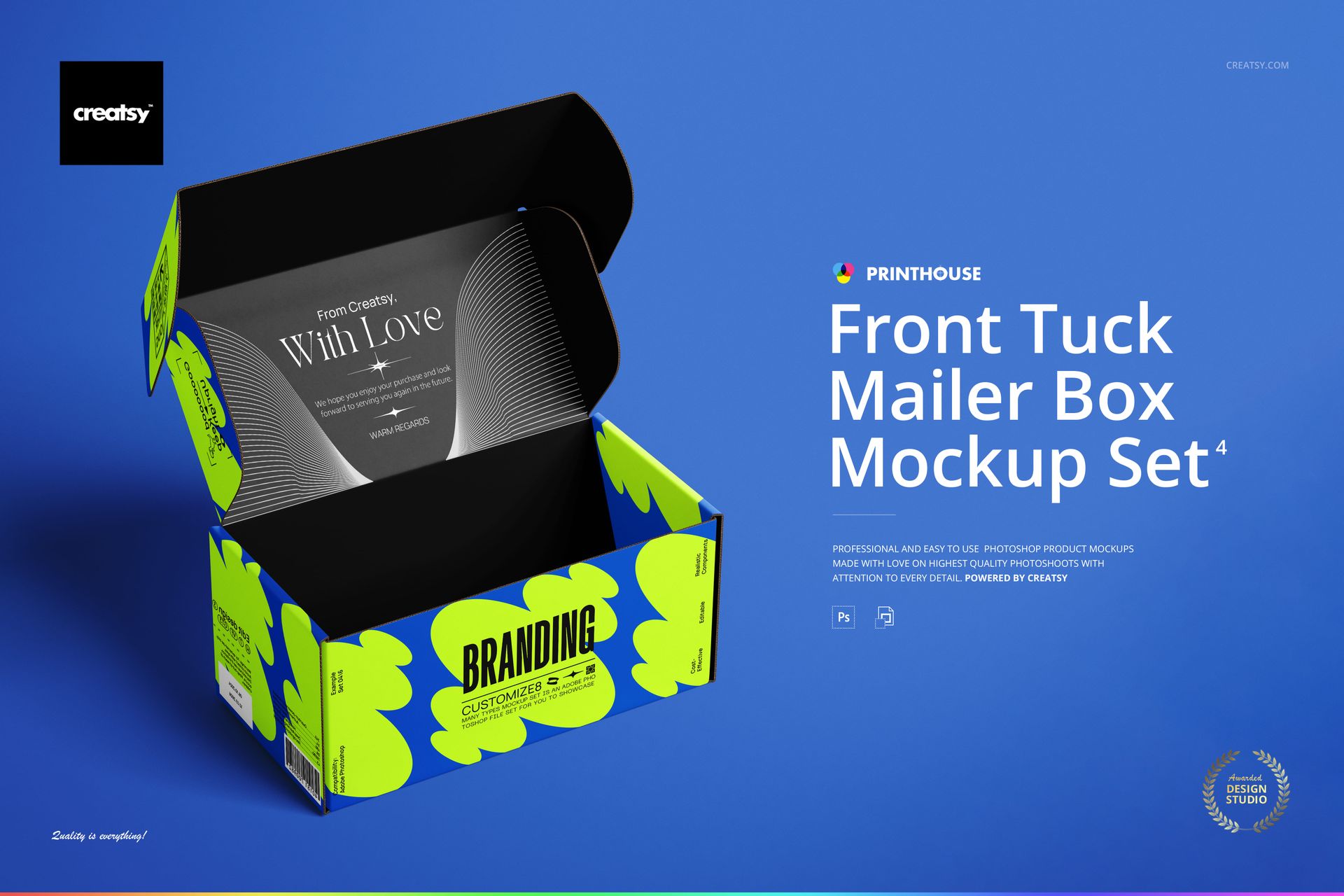
Front Tuck Mailer Box Mockup Set 4
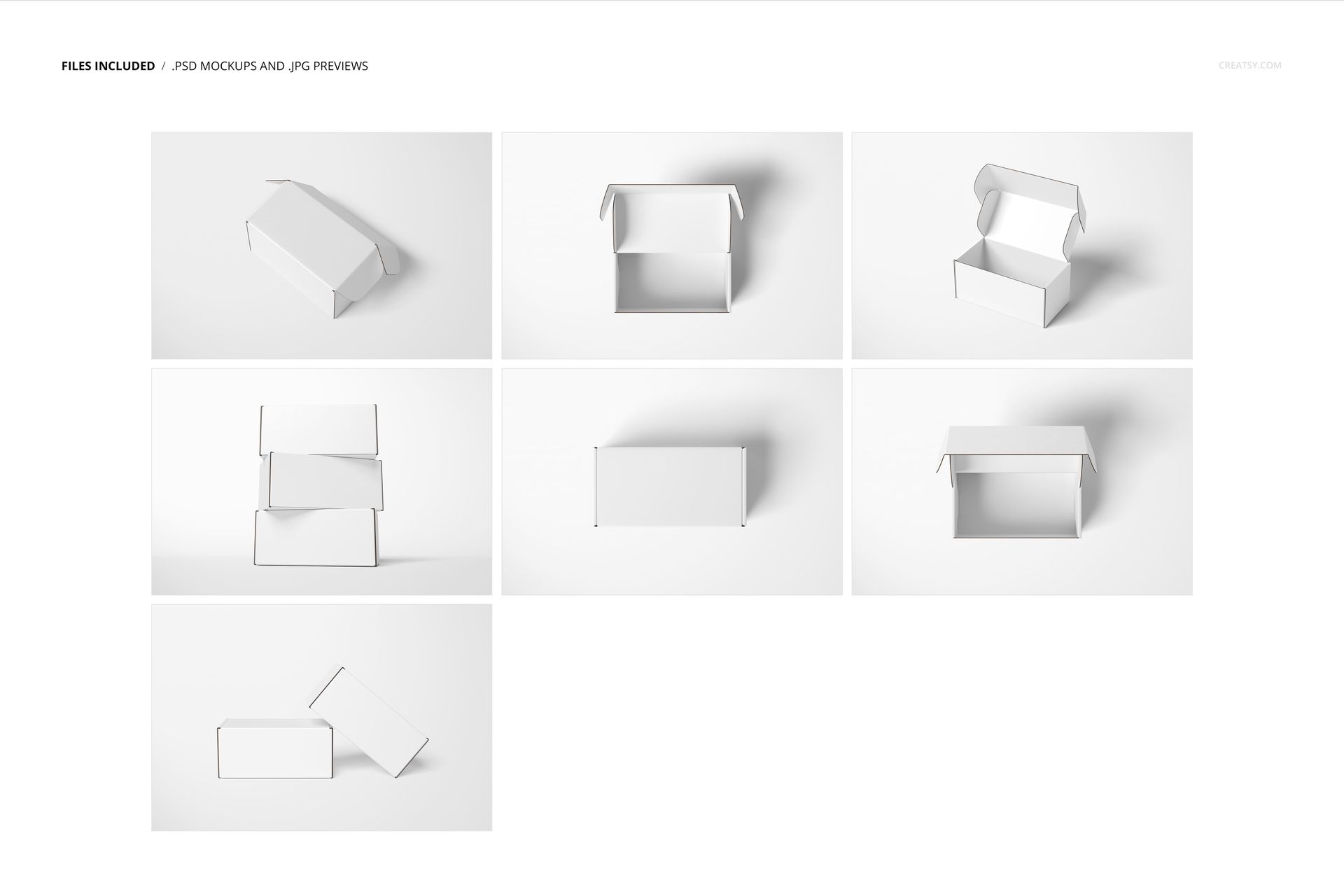
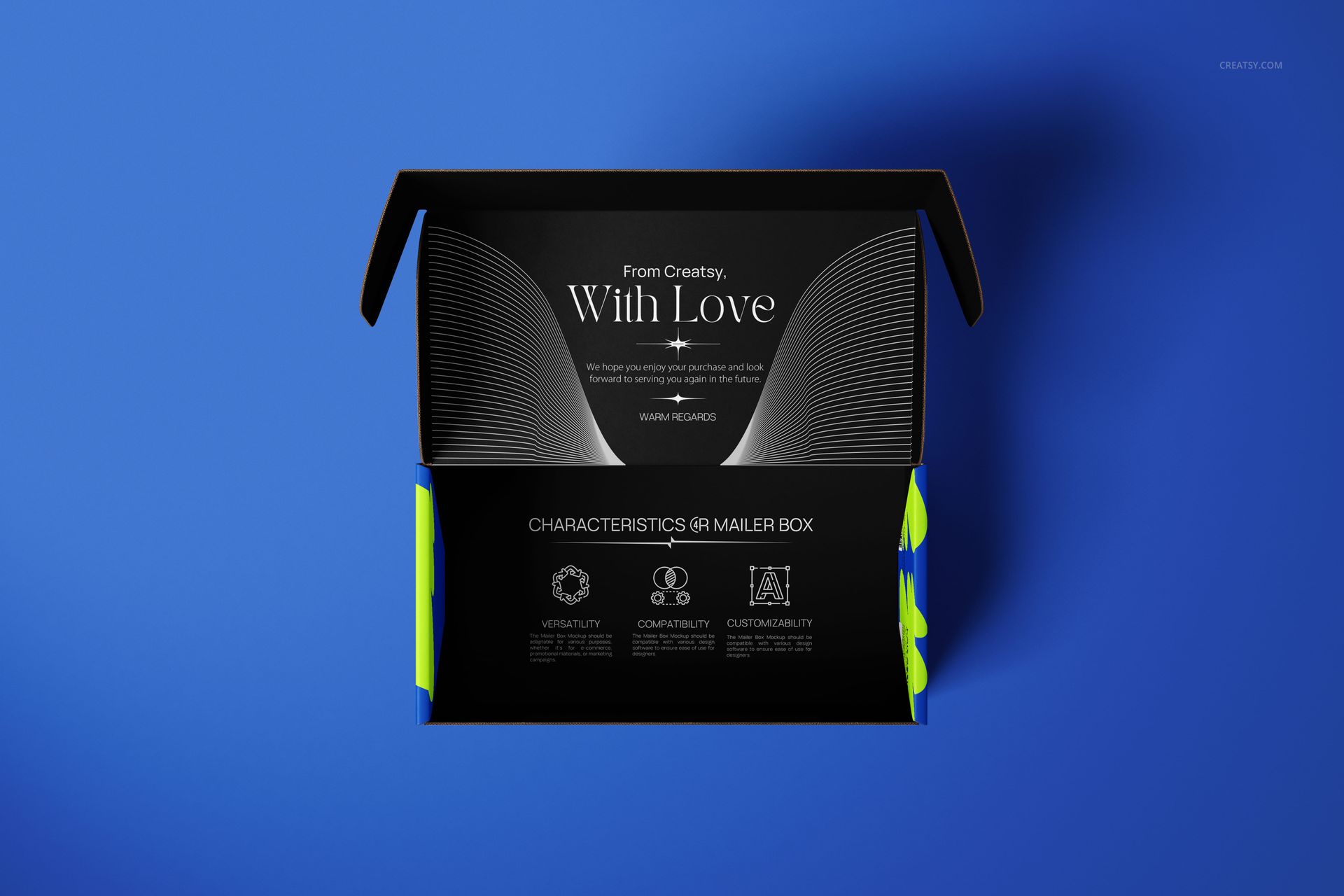
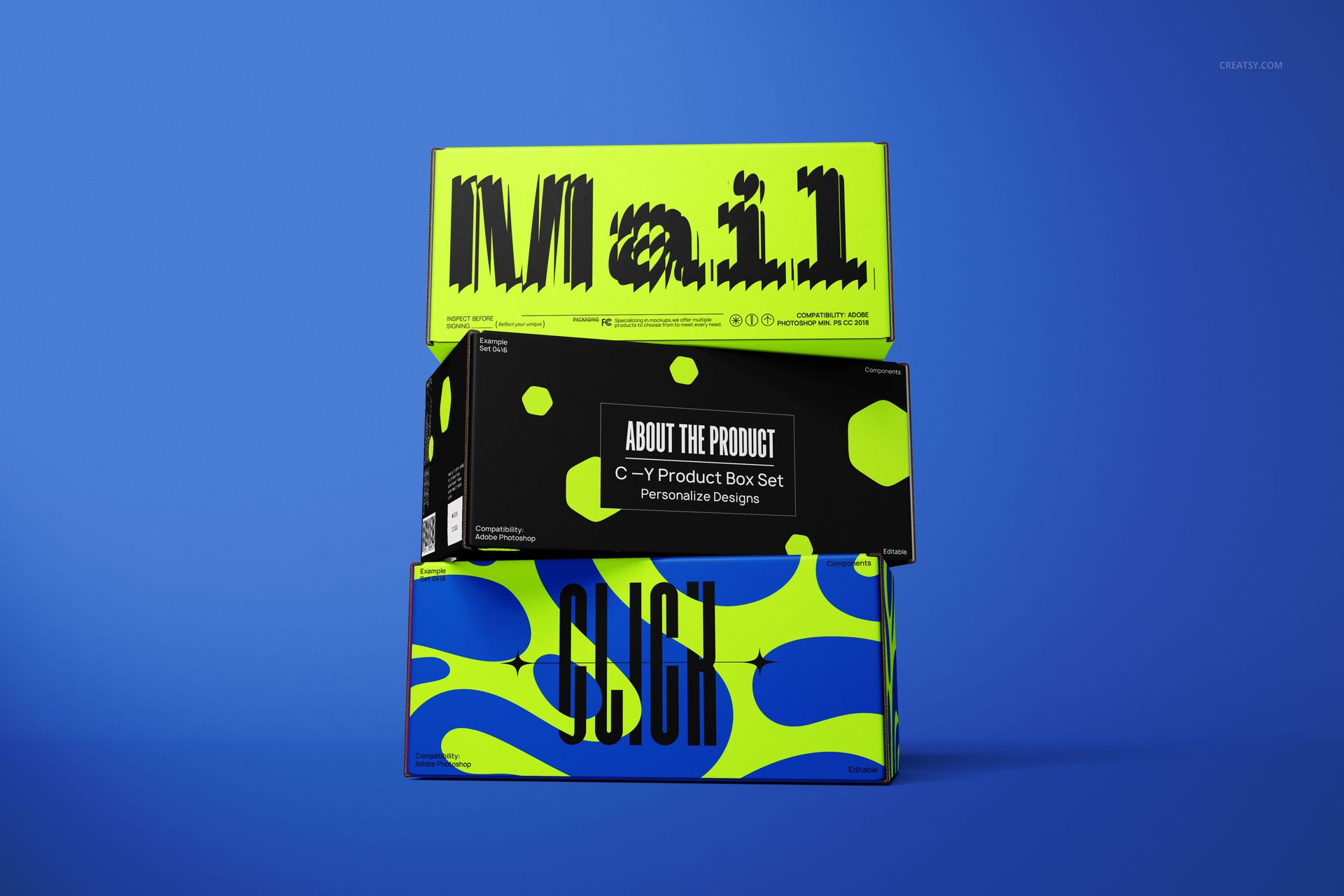
A mailer tells two stories: the branding seen before opening and the message waiting inside. This front tuck mailer box mockup set brings both into one presentation, with seven PSD scenes spanning open interiors, closed lids, an exposed tuck flap and grouped boxes.
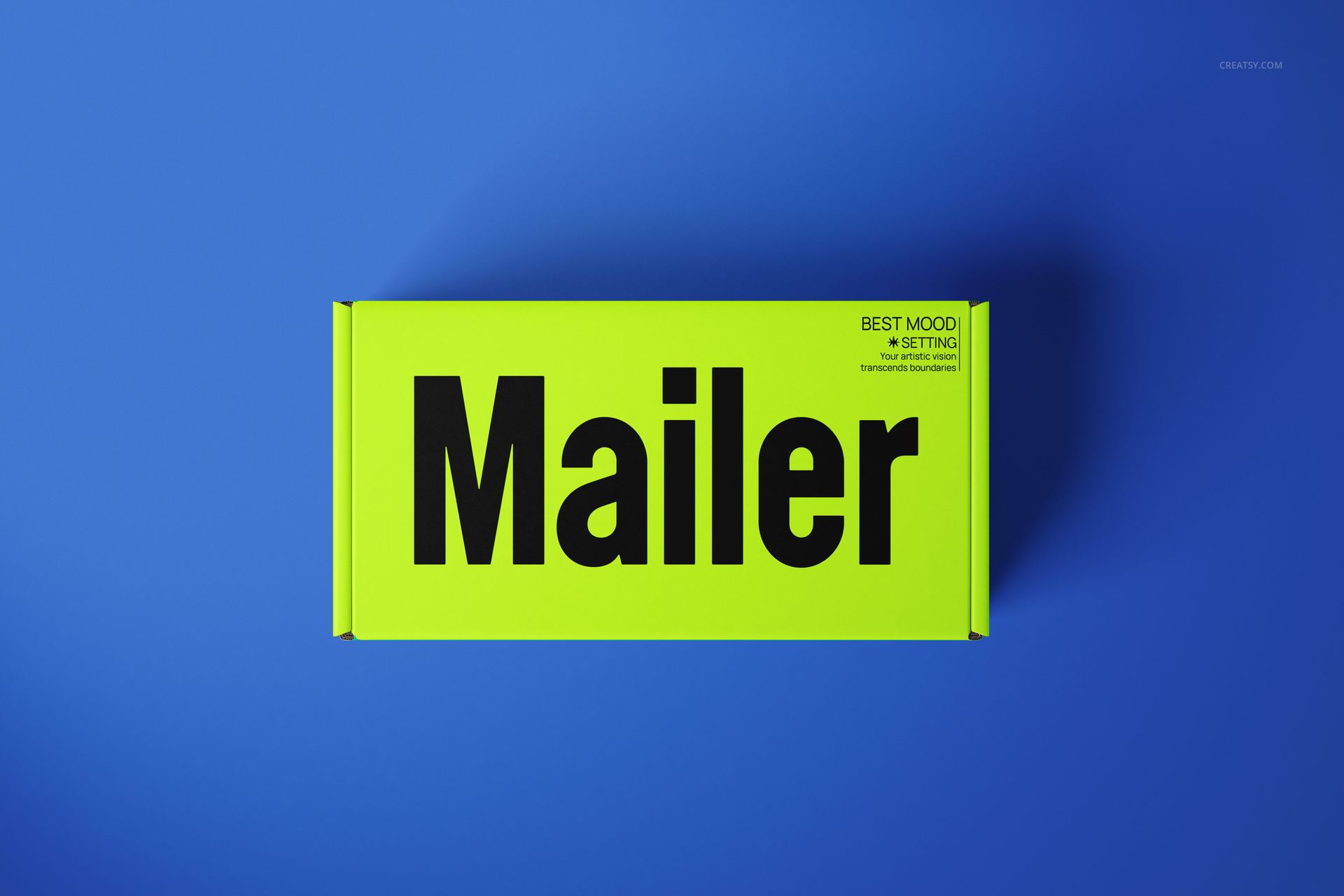
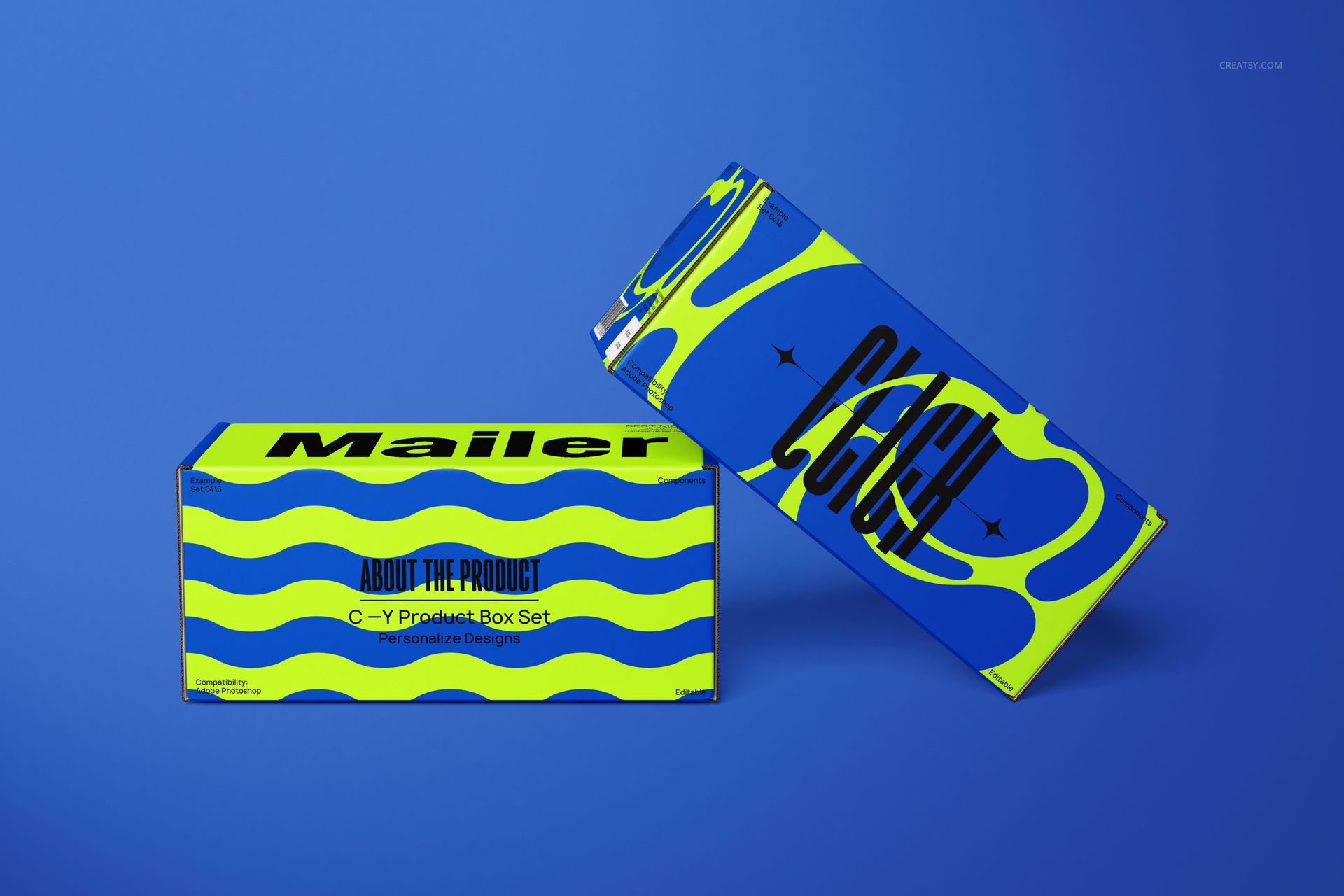
Use the single-box views to establish the main design, then the two-box arrangement and three-box stack to show how a packaging range holds together. The rectangular panels give typography and repeat patterns different jobs: a clear headline on the lid, supporting details around the sides and a more personal greeting inside.
What Is Included
7 layered PSD mockup files with open, closed and grouped box compositions.
6000 × 4000 px at 300 DPI per PSD, in landscape orientation.
7 small JPG reference previews, 512 × 341 px each, bringing the package to 14 files in total.
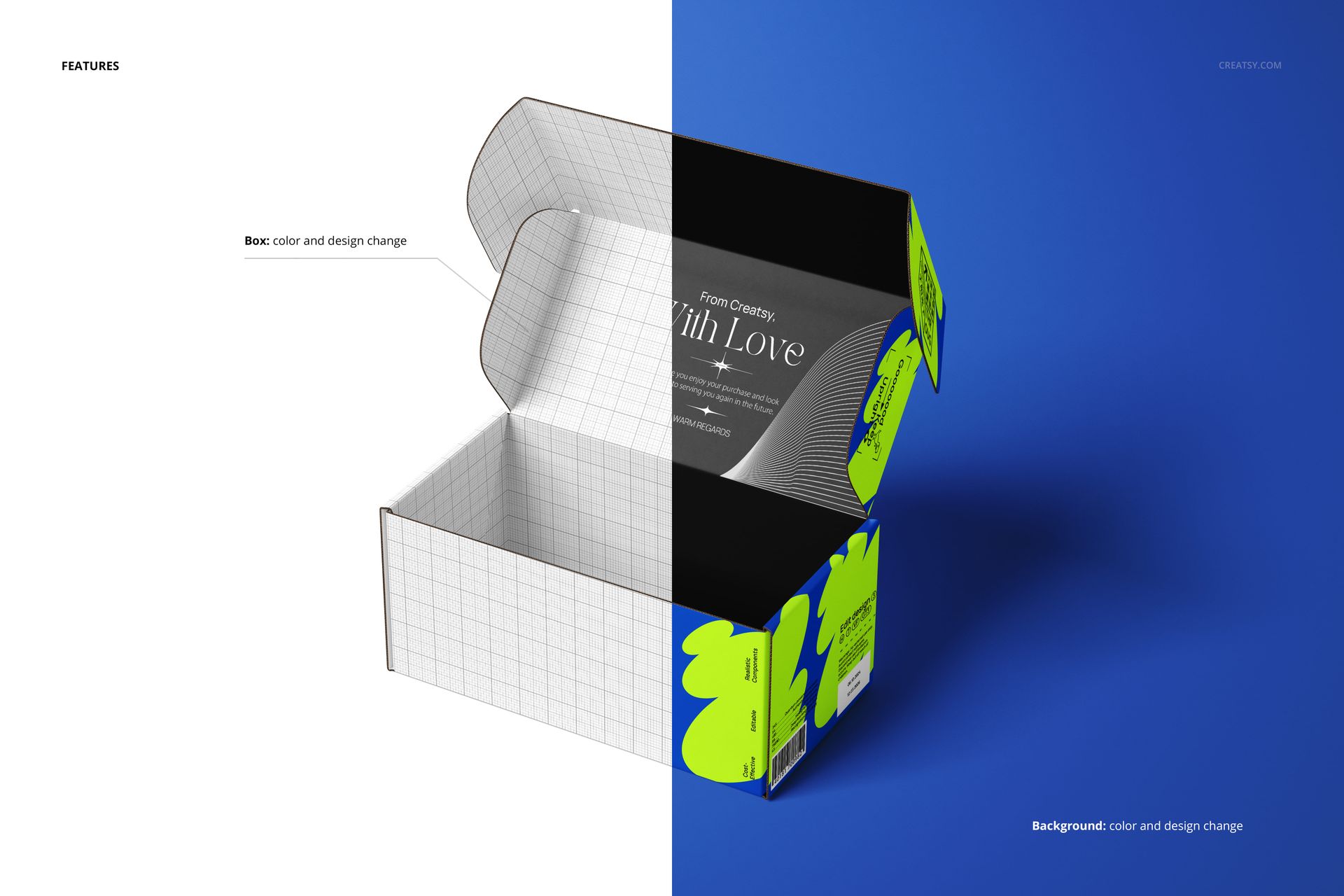
Organized layers for box artwork, color changes and background adjustments.
Show the Outside and the Opening Moment
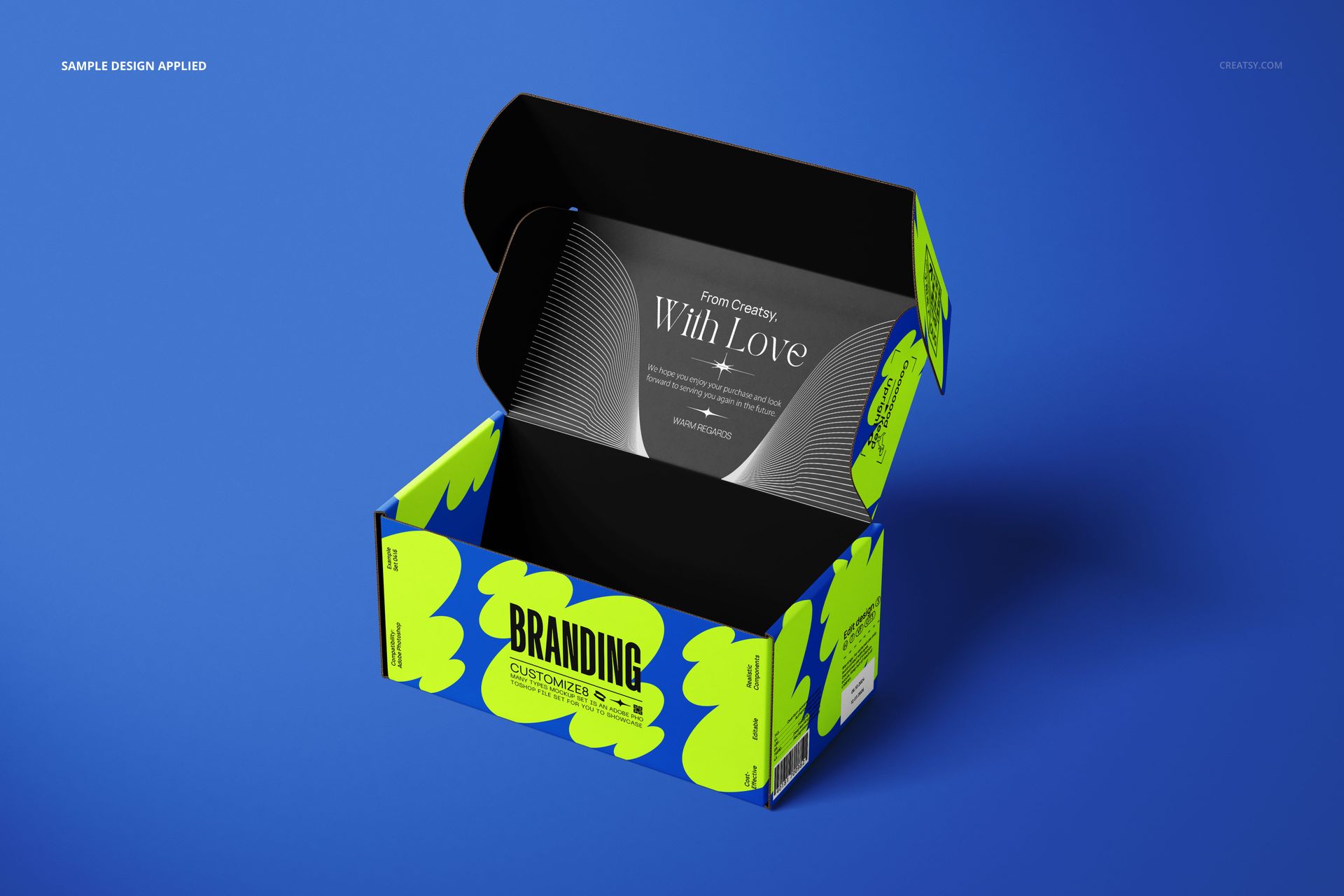
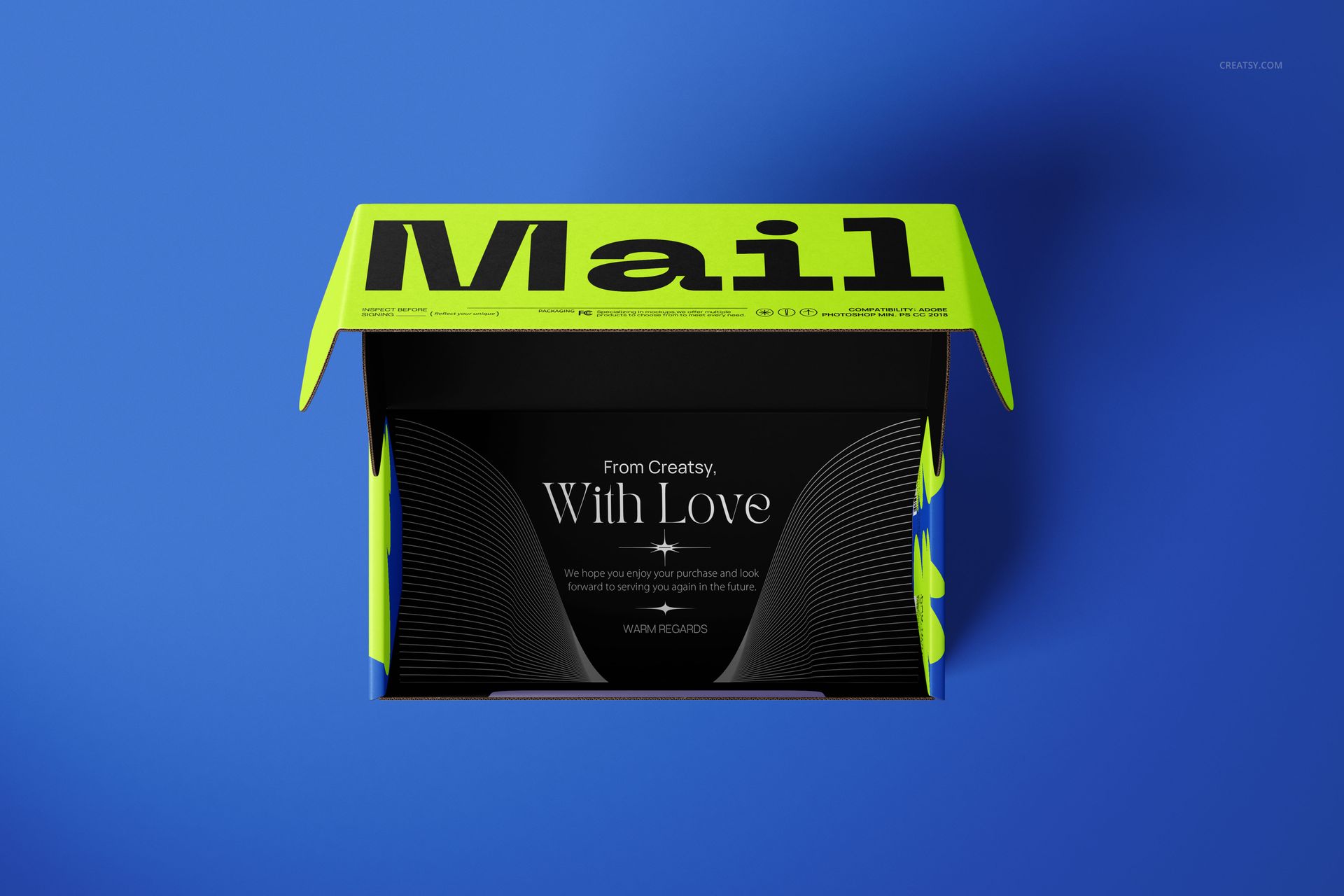
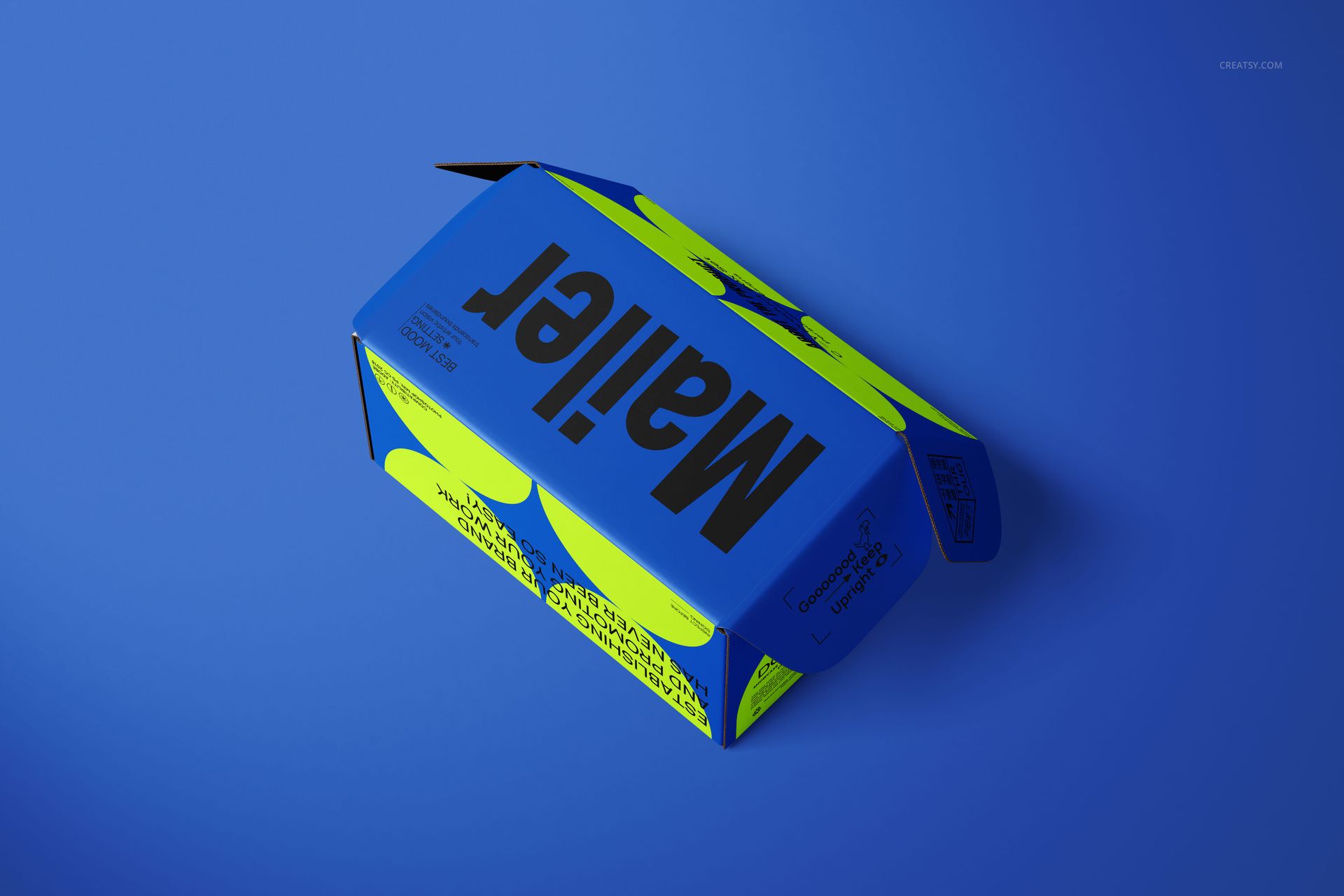
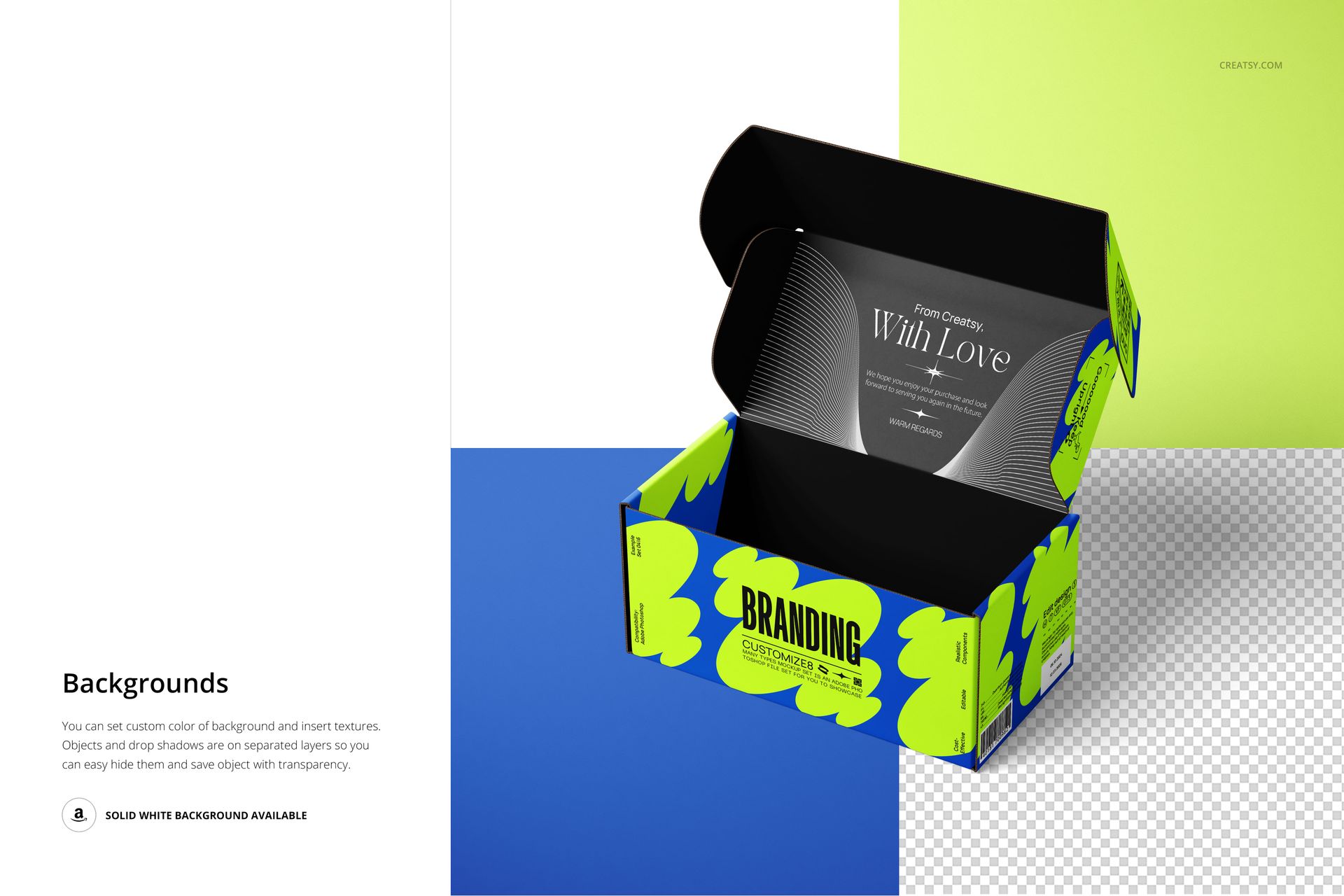
The raised-lid scenes reveal the interior alongside the printed exterior, while the view with the front flap extended helps you inspect artwork near the closure. These are useful companions to a clean top view: one explains the brand at a glance, another shows what the recipient discovers after opening.
Layered Editing and Background Control
Work in Adobe Photoshop or Photopea, replace the artwork through the organized PSD layers and adjust the box colors for your concept. Background colors and textures can be changed. Objects and drop shadows are on separate layers, with white-background and transparent-background options shown in the product previews.
Perfect For
Packaging designers presenting exterior and interior branding together.
Subscription and gift-box brands planning a welcome message.
Surface pattern designers comparing repeat scale across lid and side panels.
Brand studios building a coordinated packaging portfolio.
This is a digital mockup product, not a physical box or a production dieline. The sample artwork shown in the previews is not included.