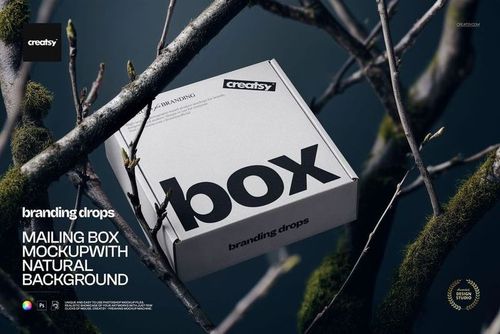
Mailing Box in the Bush Mockup

ID: 1716902229 | Updated: Apr 28, 2024

Product Details

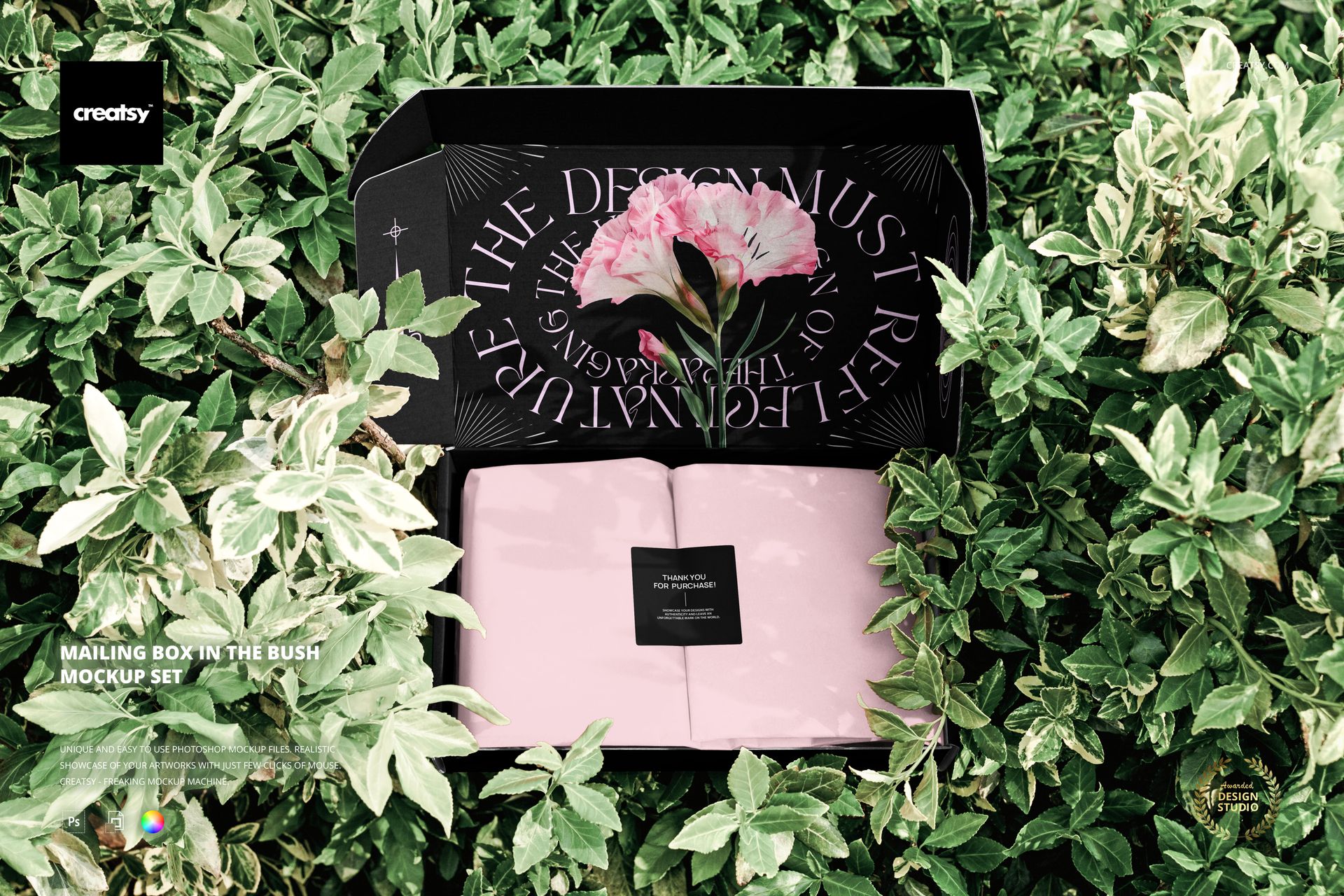
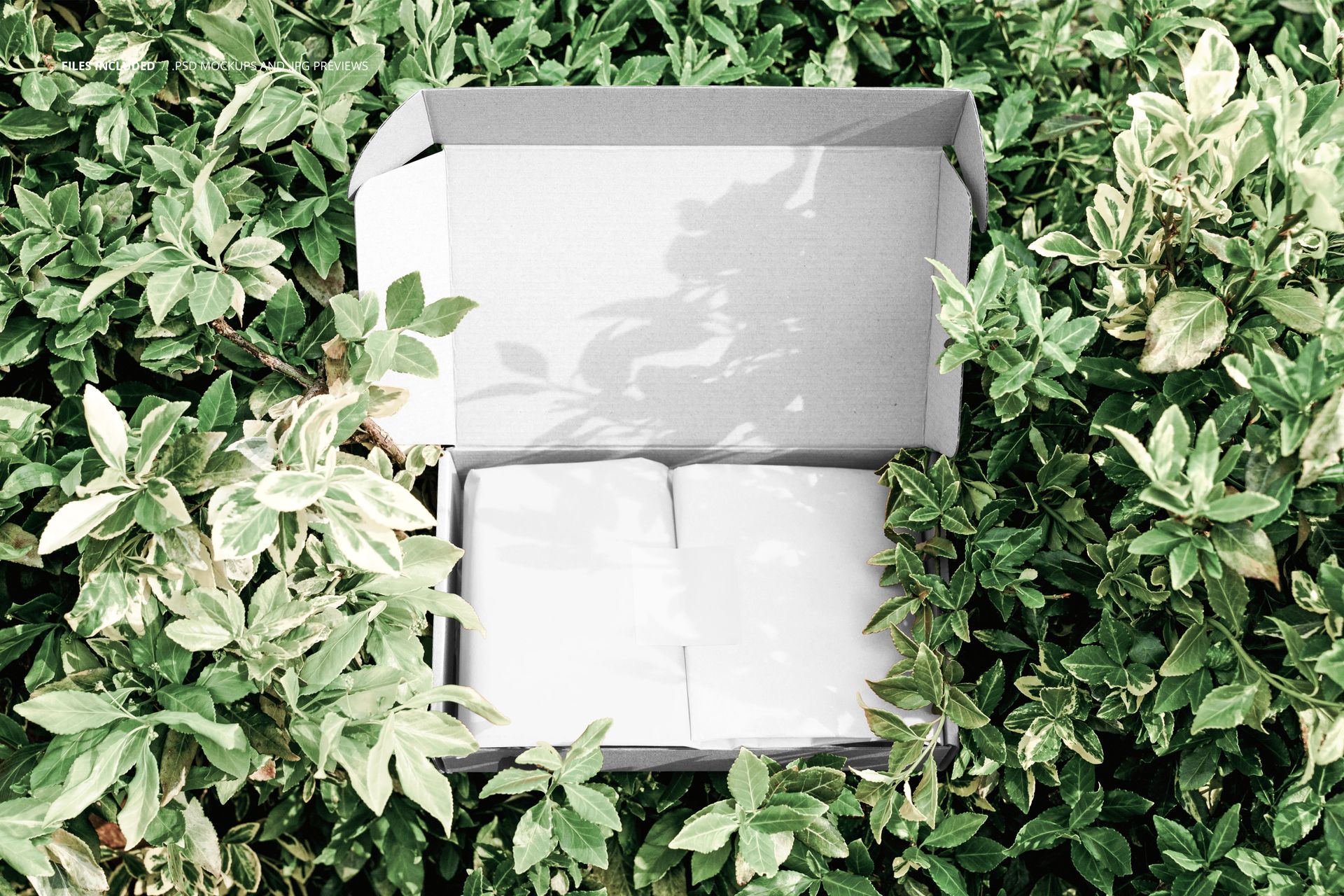
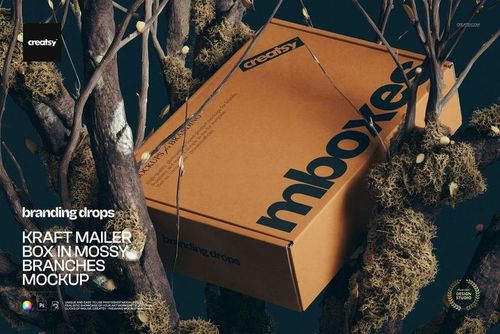
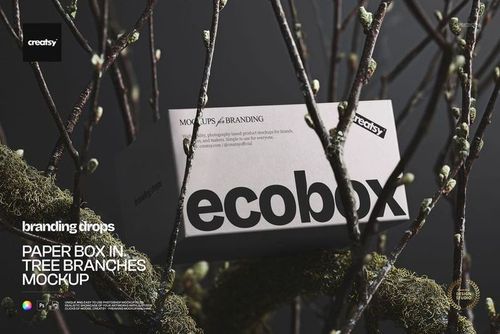
A mailing box nestled among lush green foliage in an outdoor bush setting, surrounded by natural leaves and branches that frame the packaging in an organic, botanical context. This Mailing Box in the Bush Mockup places your shipping box design in a nature-inspired environment where the contrast between clean packaging surfaces and dense greenery creates a visual that feels fresh, earthy, and deliberately unconventional. The natural setting works particularly well for brands that connect their identity to sustainability, botanicals, wellness, organic products, or any positioning where an association with nature strengthens the brand message.

Why This Mockup Works

Most mailing box mockups place the packaging on a desk, doorstep, or plain background. This one deliberately breaks that pattern by embedding the box in natural greenery, which immediately signals a different kind of brand story. The dark green foliage creates rich contrast against the box surfaces, making lighter designs and typography stand out with exceptional clarity. The natural lighting filtering through the leaves produces soft, organic shadows on the box that add depth without the artificiality of studio lighting. For brands built around nature, sustainability, clean ingredients, or outdoor lifestyles, this environmental context communicates values before the customer even reads the packaging text. The result is imagery that works for brand identity presentations, e-commerce listings, social media content, and marketing campaigns where the unboxing experience begins with the visual context around the box.

What Is Included

The download contains 1 PSD file at 6000x4000 pixels and 300 DPI resolution. The scene features a mailing box positioned among natural bush foliage in outdoor lighting. The box surfaces are editable through organized smart object layers, allowing you to apply your branding, patterns, or artwork to the visible panels. The total file size is 100.29 MB, and the file opens in Adobe Photoshop CC2020 or newer as well as in Photopea for browser-based editing.

What You Can Customize

Replace the artwork on the mailing box surfaces using smart object layers. Apply your brand logo, shipping label design, pattern, typography, or promotional graphics to the editable panels. The smart object mapping preserves the natural lighting, leaf shadows, and environmental interactions from the original photograph, so your design integrates naturally into the bush setting rather than appearing as a flat overlay. Well-organized layers support quick iterations for testing multiple branding concepts, seasonal packaging variations, or product-specific designs without rebuilding the composition.

Who This Mockup Is For

E-commerce brands with a natural, organic, or sustainability-focused identity will find this bush-setting mockup valuable for creating shipping box visuals that reinforce their brand values through environmental context. Packaging designers working on botanical skincare, wellness supplements, organic food delivery, or eco-friendly product brands can use this mockup to present mailing box concepts in a setting that resonates with the target audience. Subscription box companies and direct-to-consumer brands looking for distinctive unboxing-moment imagery benefit from the unconventional natural backdrop that sets their marketing materials apart from standard studio mockups.

File Specifications

Format: PSD (Adobe Photoshop CC2020 or newer, also compatible with Photopea). Files included: 1. Resolution: 6000x4000 pixels at 300 DPI. File size: 100.29 MB. Layers: well organized with smart objects for box surfaces.

File details

Compatibility
PhotopeaAdobe Photoshop
Number of files included
2
Package size
100 MB100 MB|105 MB105 MB
Files type
.psd, .jpg
Files size
6000x4000
TEST FOR FREE

MEET THE SHOP

Creatsy logo

Creatsy

Poland
4.7 (648)

Bring your ideas to life.

We're a family-run studio in Katowice, Poland, making PSD mockups by hand since 2016. Everything in this shop starts in our own studio. We shoot the photography, build the 3D, and put together every Smart Object PSD ourselves - then we test it, organize the layers, and only ship it once it actually works...
GO TO SHOP

HOW IT WORKS

3 clicks. That's it.

No tutorial needed. If you can copy-paste, you can use this.

  1. 1OpenDouble-click the smart object inside the PSD - in Adobe Photoshop, or free in your browser with Photopea.
  2. 2PasteDrop in your pattern, print, or artwork. Any design, any style.
  3. 3SaveHit save and the mockup wraps it in for you - shadows, folds, and lighting included.

FROM IDEA TO IMAGE

Built for real workflows

Get the label signed off before the print run Wrap your design onto the box, pouch, or bottle and show the client exactly what ships.

See it on the product, not a swatch Drop your file into the smart object and the scene's lighting and folds wrap around it, so you judge the real thing before you commit.

Smart Objects

Edit once and you're done. Your artwork drops into a smart object and the mockup updates itself - no masking, no warping by hand.

Perfectly Organized

Named layers and folders you can actually navigate. Find what you need, change what you want, and get out fast.

Print-Ready

High-resolution files built to hold up on screen and in print. Exact size and DPI are in this product's Details above.