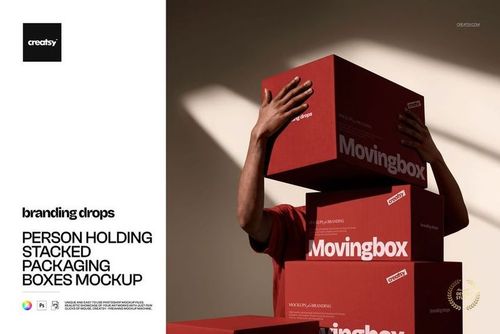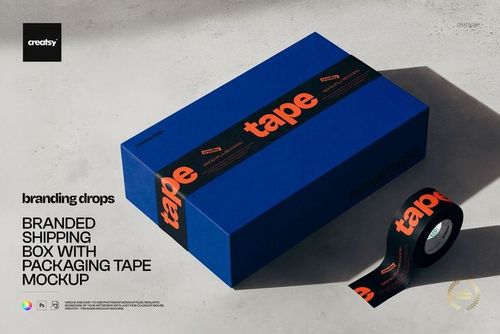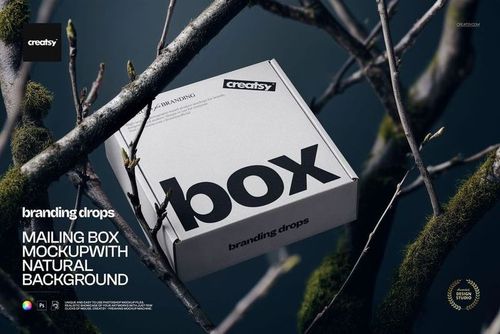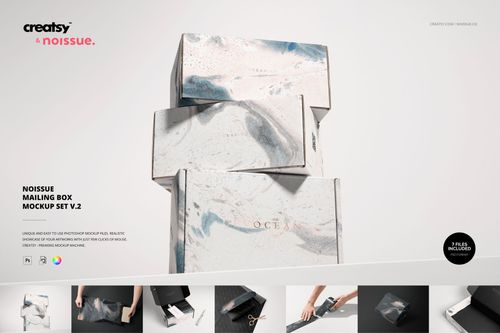
Noissue Mailing Box Mockup Bundle
Product Details
Noissue Mailing Box Mockup Bundle
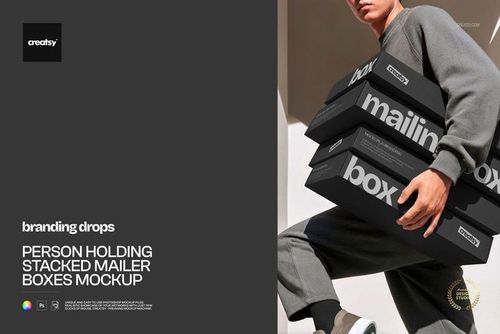
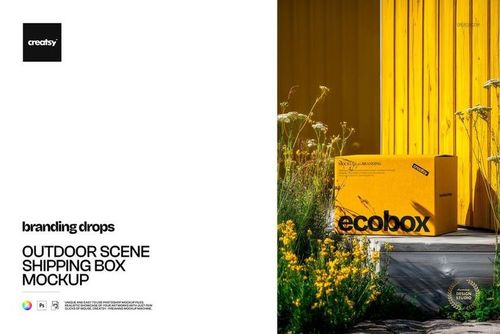
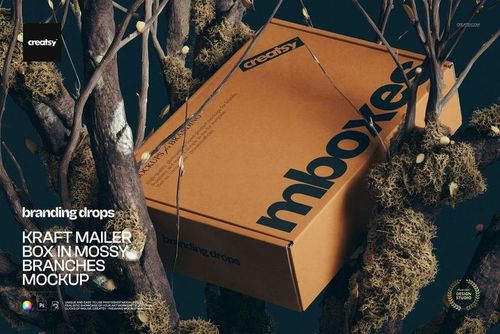
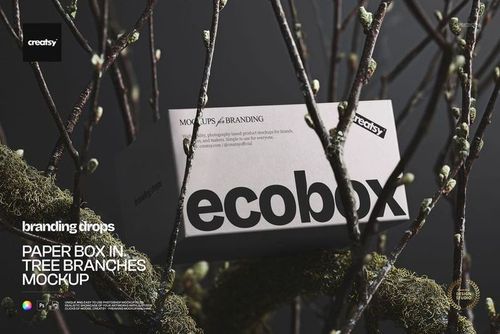
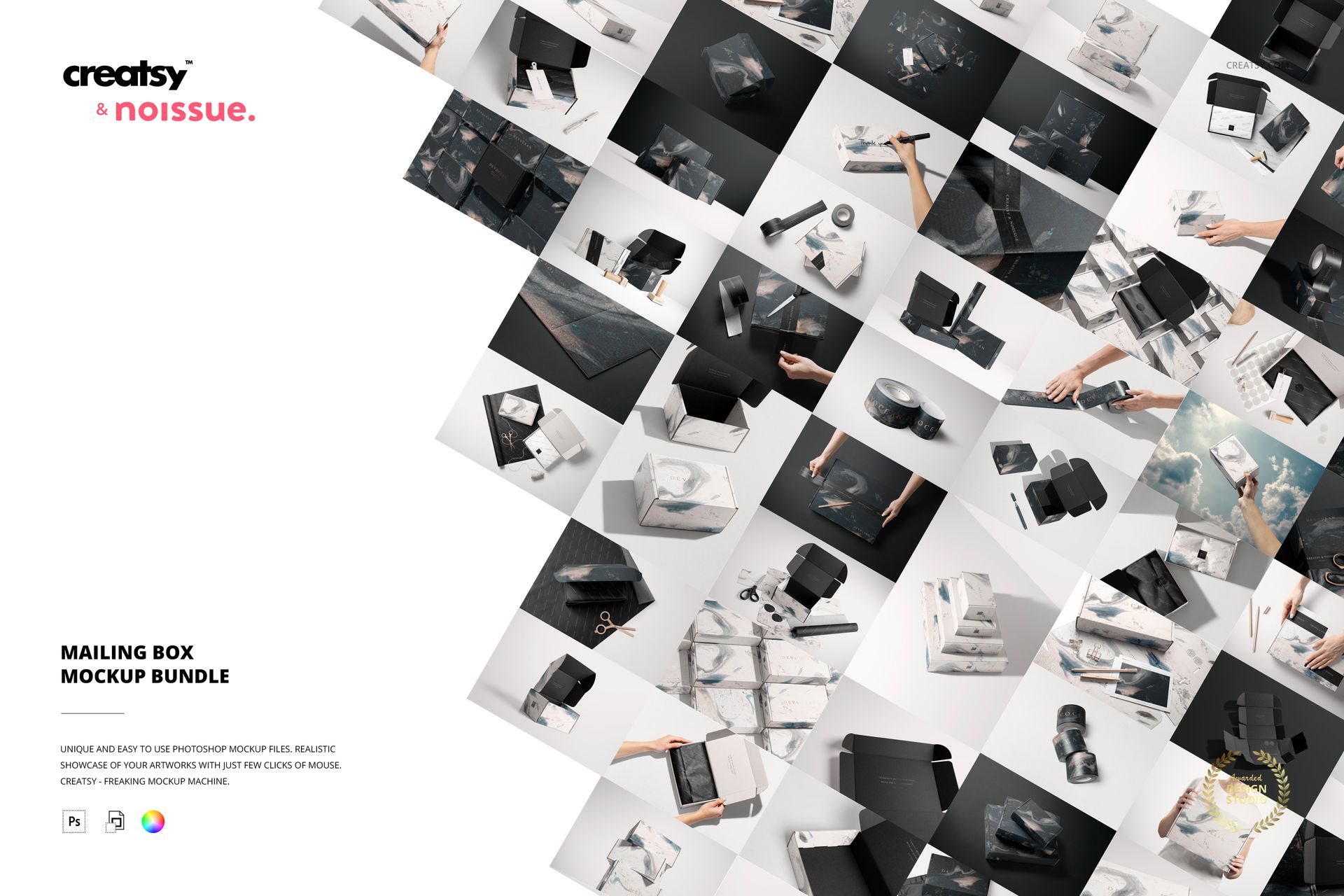
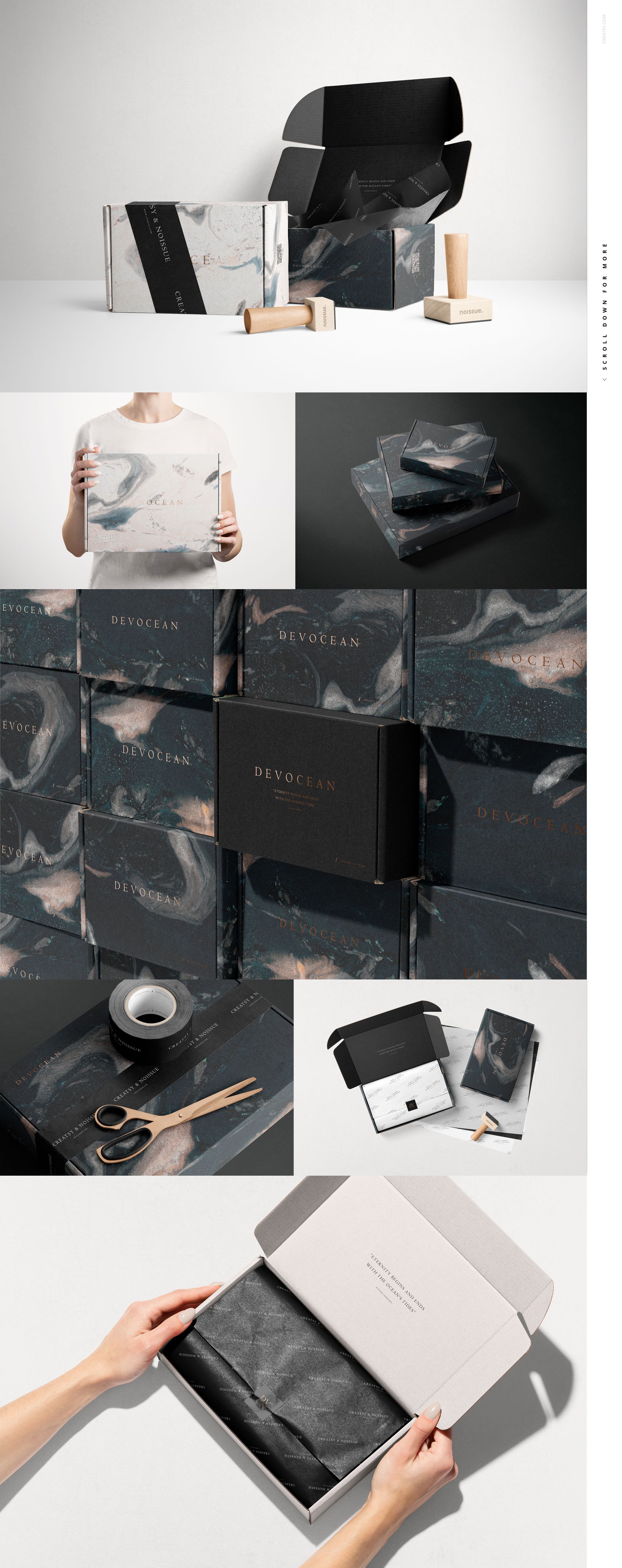
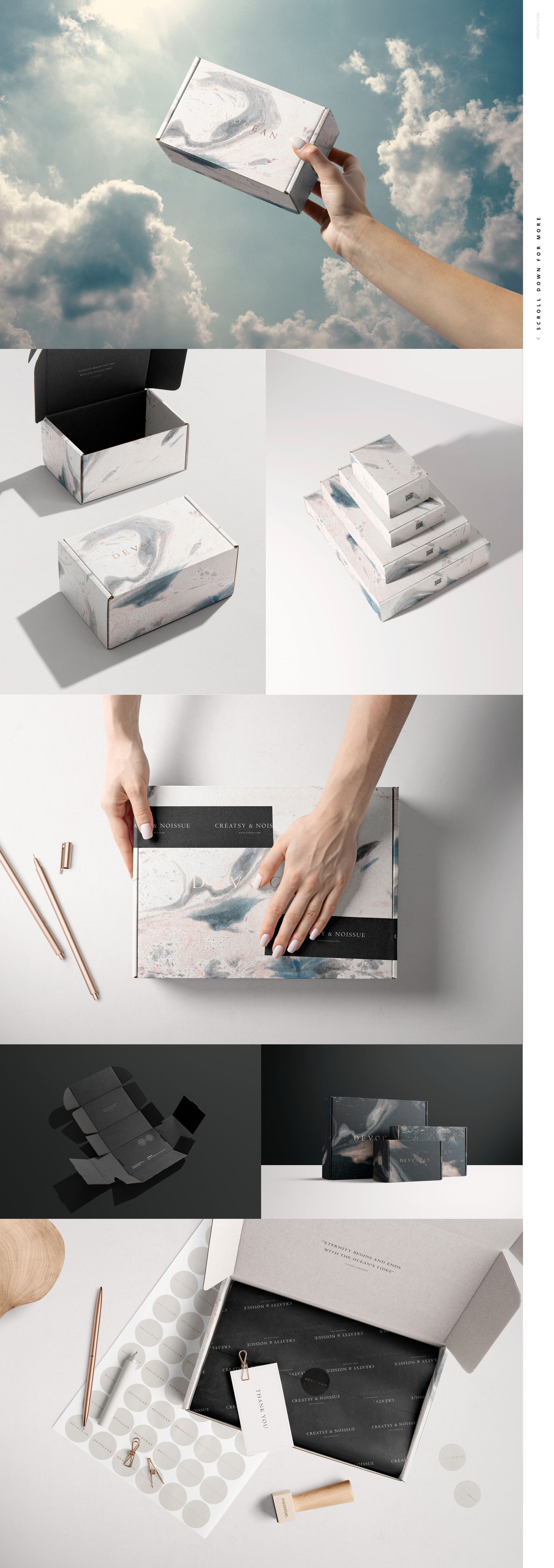
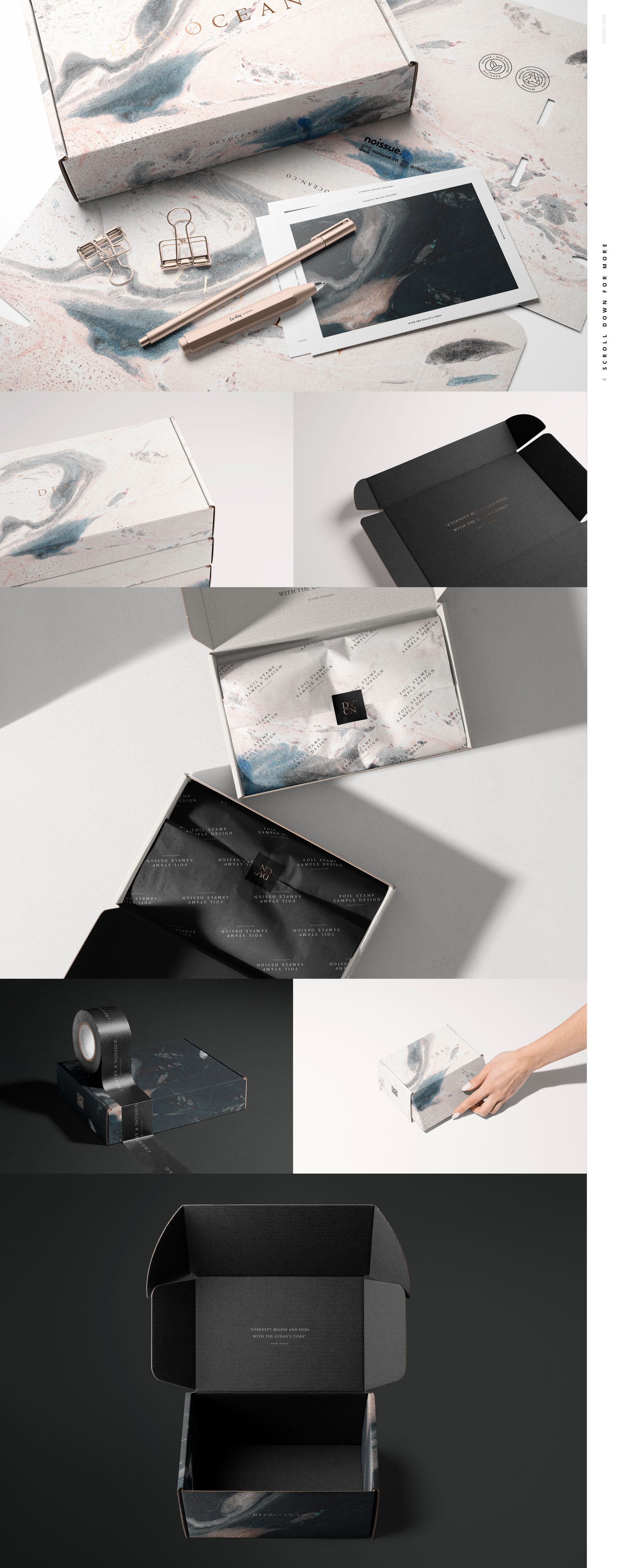
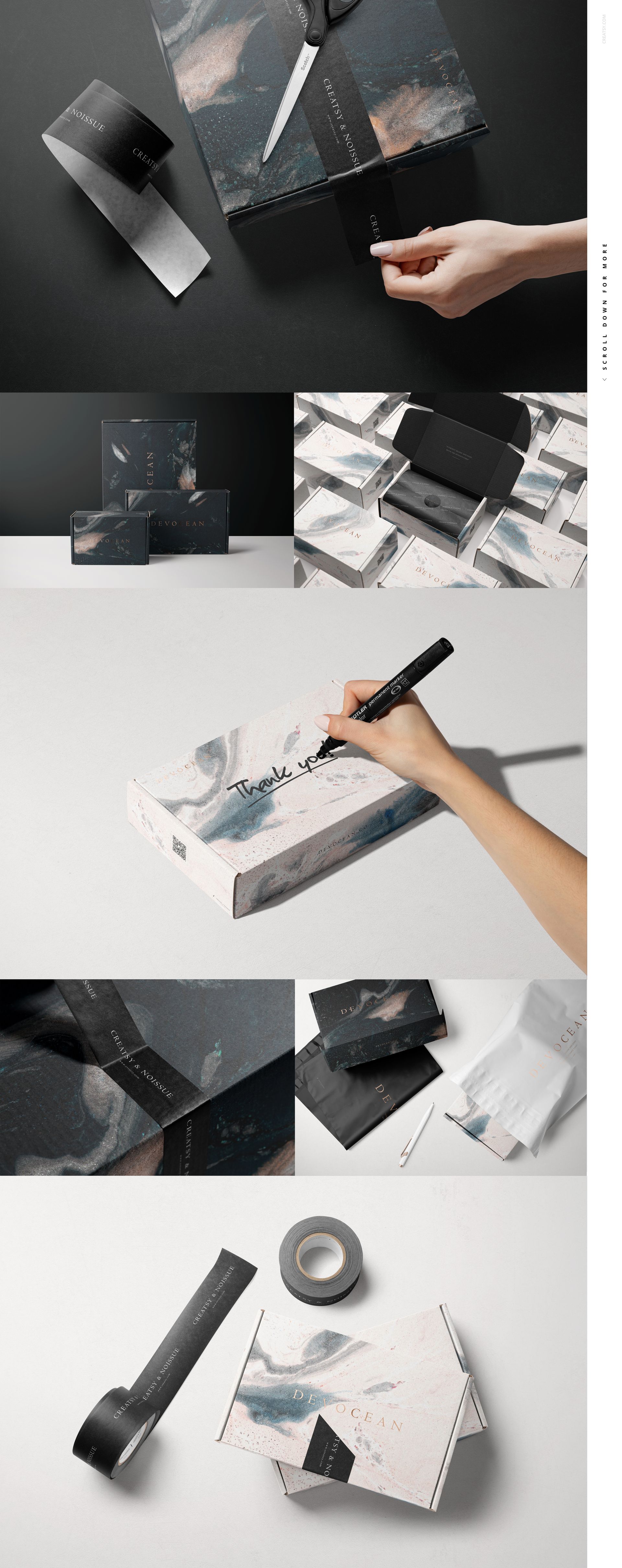
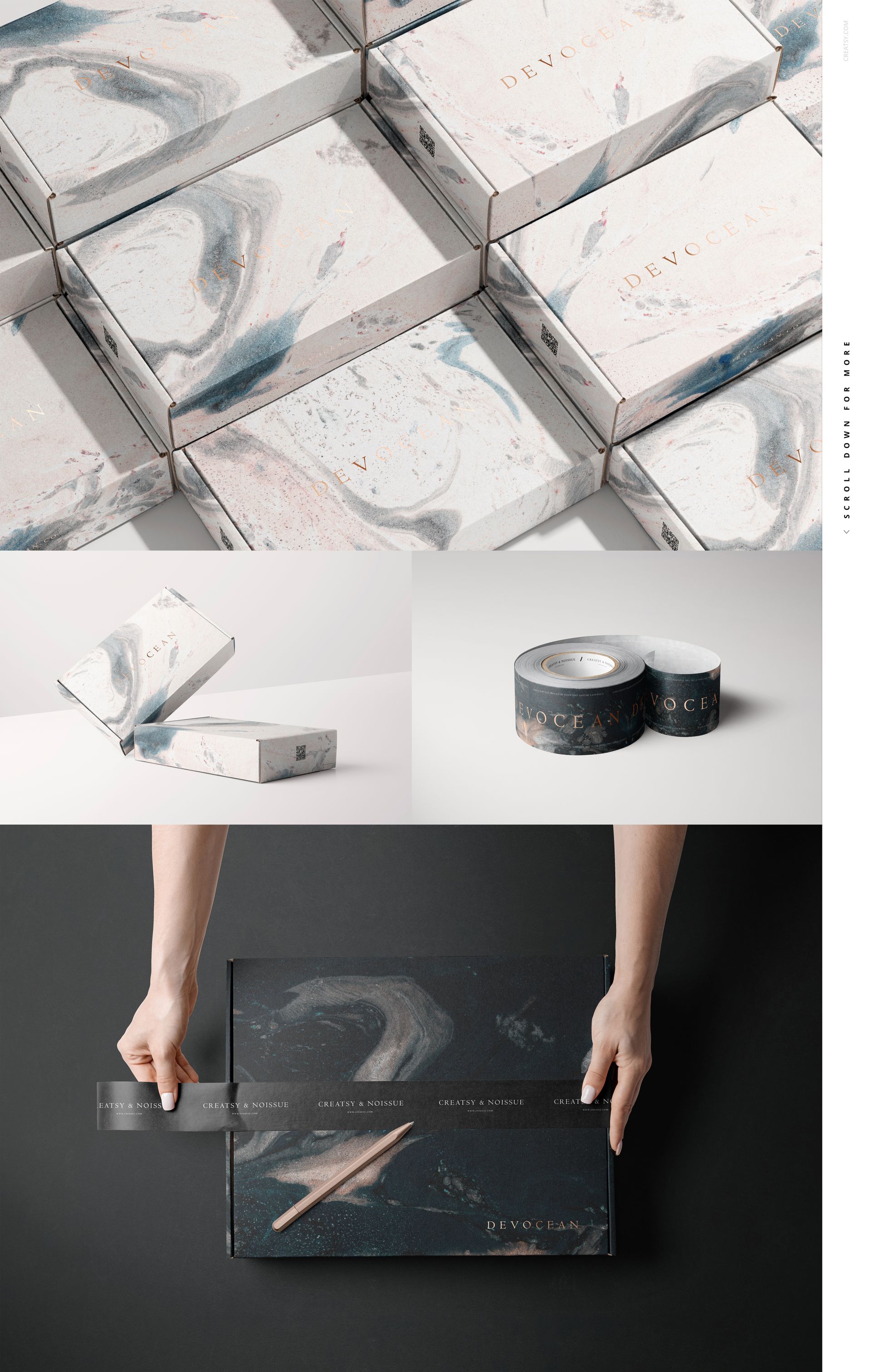
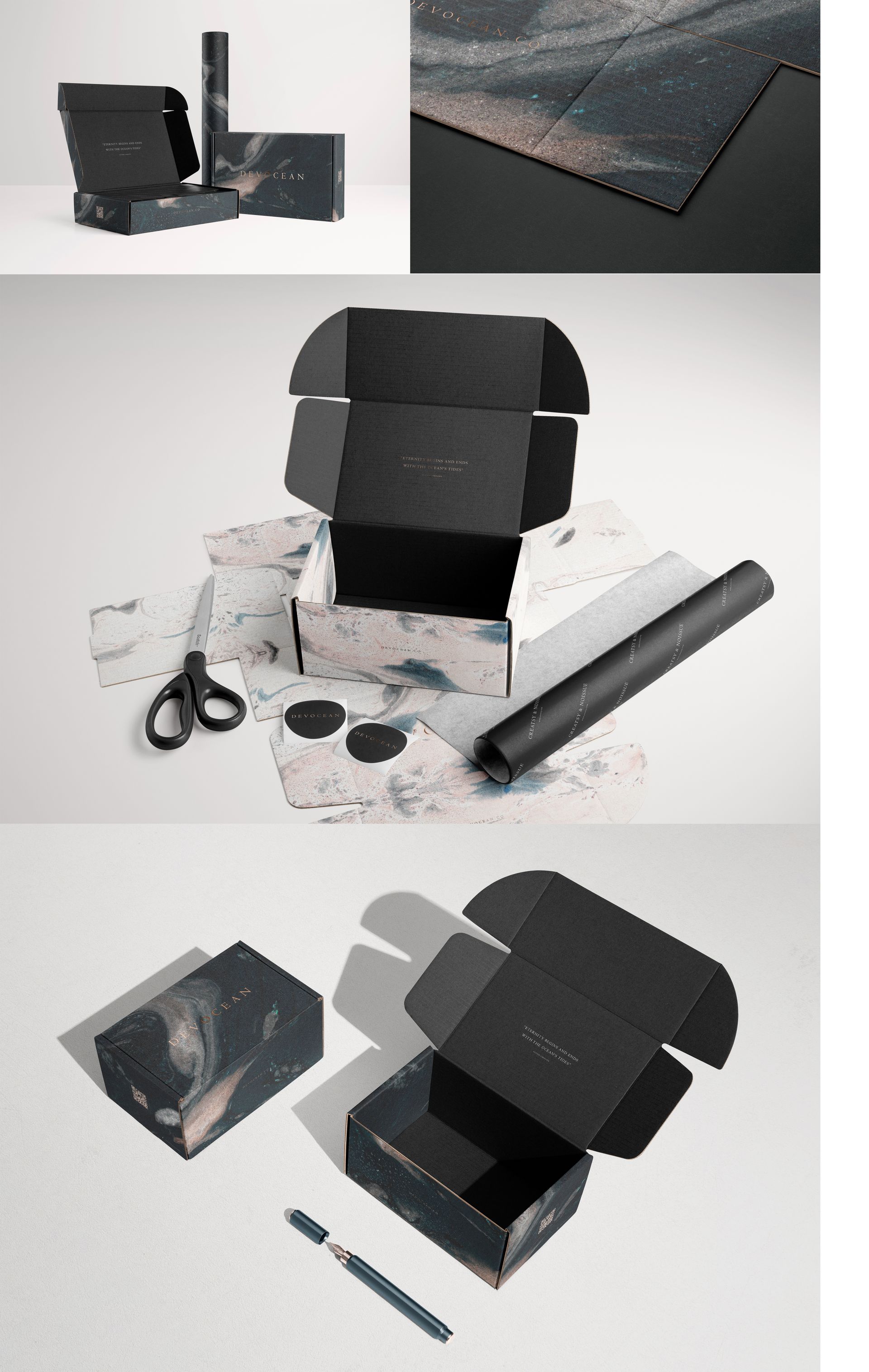
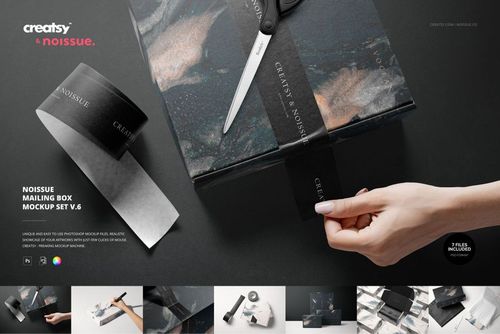
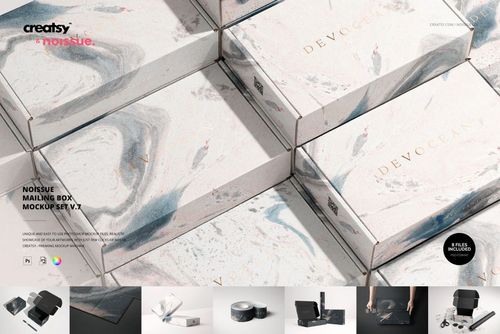
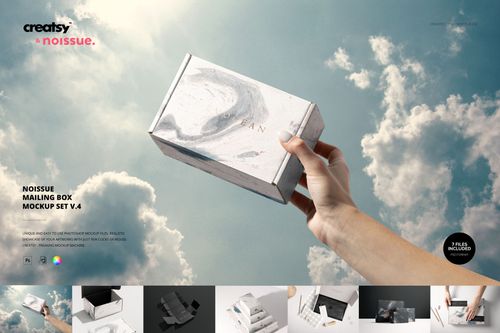
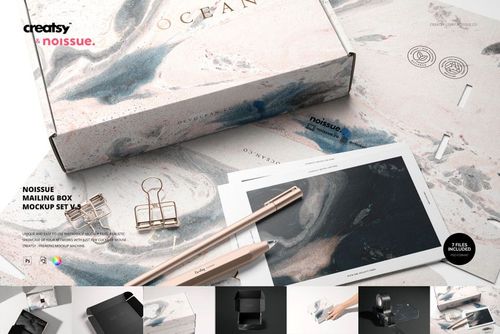
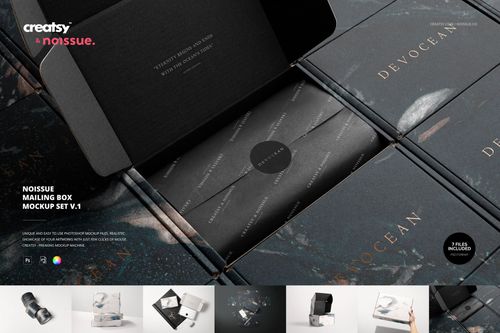
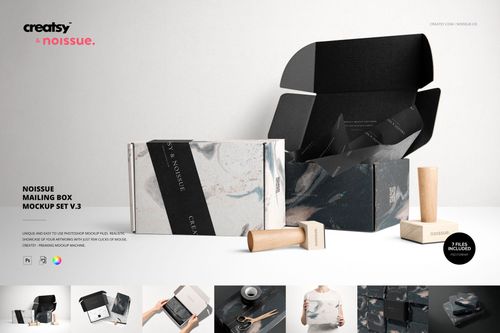
Bring the outside of a parcel and the details inside it into one packaging presentation. This Noissue mailing box mockup collection combines seven sets and 50 editable scenes, from closed boxes and stacked arrangements to tissue-lined interiors, branded tape and hands preparing a parcel. Use the different viewpoints to show how a visual identity carries across an entire delivery experience.
What Is Included
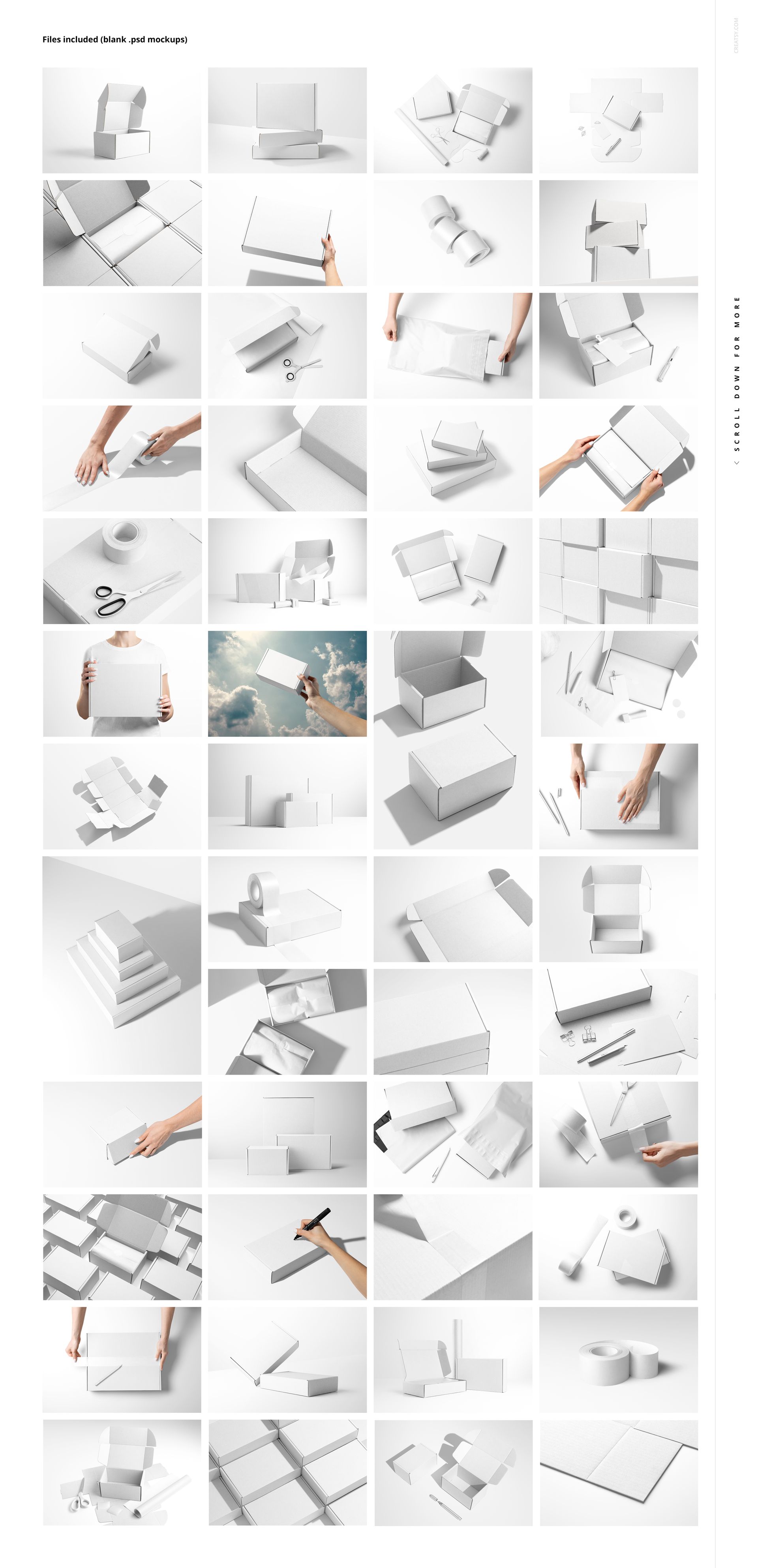
50 layered mockup files across Noissue Mailing Box Mockup Set v.1 through v.7: 44 PSD and 6 PSB files.
50 JPG previews and 7 PDF user manual files distributed across the seven included sets.
Open and closed boxes, grouped compositions, overhead views, perspective scenes and hand-held packaging shots.
Scenes featuring packaging tape, tissue paper, stickers, cards and stationery alongside the boxes.
Editable colors and artwork, with background color controls described for the collection. The objects and available surfaces differ by scene.
A Collection for the Whole Packaging Identity
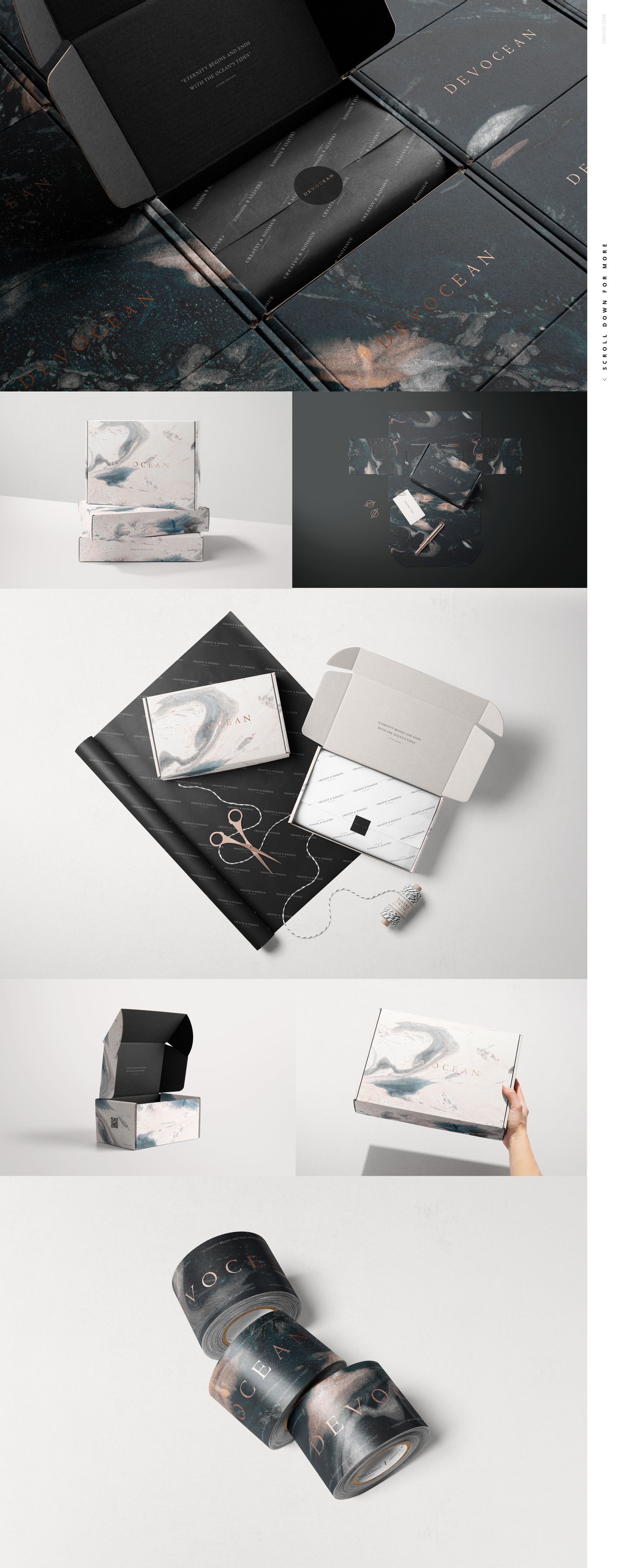
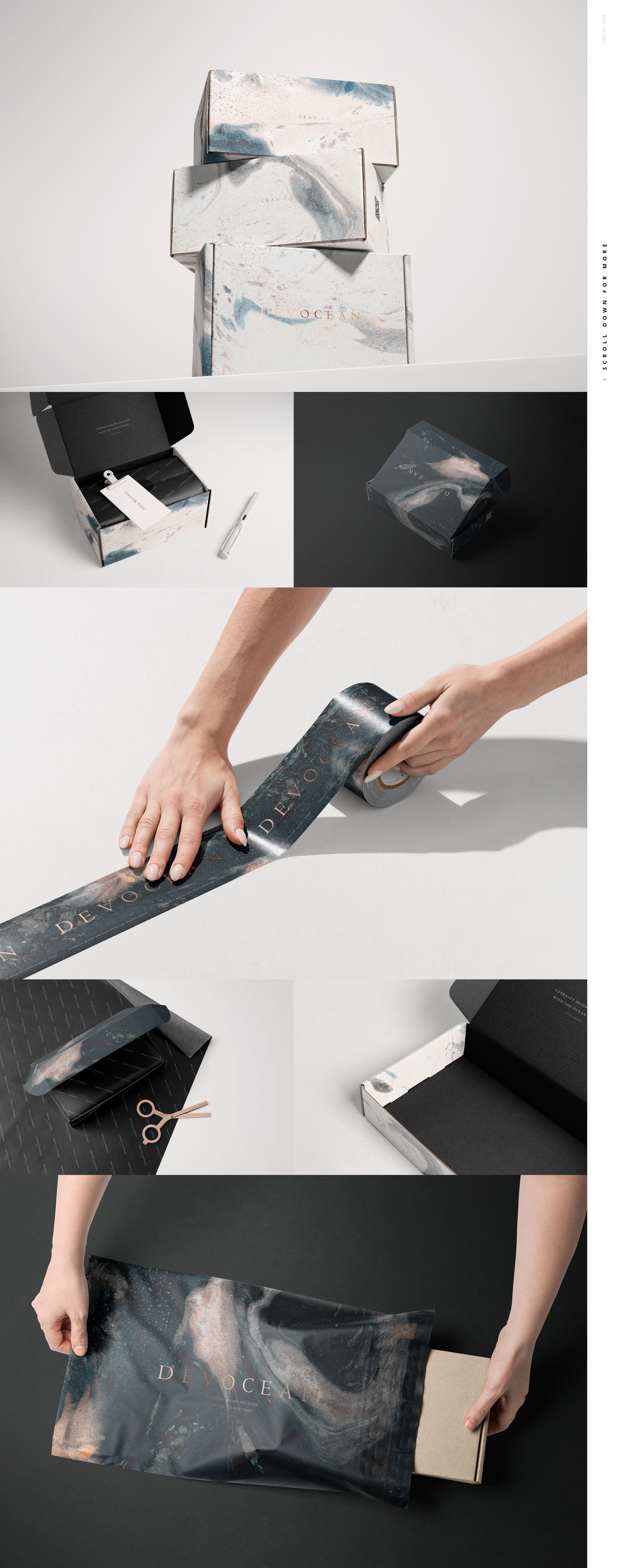
A closed lid introduces the brand; an open interior gives a message or secondary pattern room to appear. The tape, paper and stationery scenes let you extend that same identity beyond the box itself. Mix restrained layouts with close-up texture views, or use grouped boxes to present coordinated colorways without relying on a single hero image.
Easy Smart Object Editing
Open a chosen PSD or PSB in Adobe Photoshop CC2020 or later. Locate the artwork Smart Object, place your design, save that Smart Object and return to the main document. Adjust the available color layers and repeat for the surfaces used in that scene. Consult the included PDF help files for guidance.
Perfect For
Brand designers presenting a coordinated shipping and unboxing identity to a client.
Online shops planning packaging imagery for product launches, gift orders or seasonal collections.
Surface pattern designers building portfolio examples across boxes, paper and tape.
This is a digital mockup collection, not physical packaging or a print-ready box dieline. The example patterns and branding shown in the previews are not included.
File details
- Compatibility


- Products in bundle
- 7
- Package size
- 21.7 GB
 |23.3 GB
- Files type
- .psd, .jpg, .pdf
- Files size
- 6000x4000
INCLUDED/7
Made with Creatsy
Real designs. Real customers. See how creatives use Creatsy mockups to turn their artwork, branding, and product ideas into polished visuals.


MEET THE SHOP

Creatsy
Poland
Bring your ideas to life.
We're a family-run studio in Katowice, Poland, making PSD mockups by hand since 2016. Everything in this shop starts in our own studio. We shoot the photography, build the 3D, and put together every Smart Object PSD ourselves - then we test it, organize the layers, and only ship it once it actually works...
 15$2550$30.00
 15$1870$22.00
 15$1615$19.00
 15$2040$24.00

HOW IT WORKS
3 clicks. That's it.
No tutorial needed. If you can copy-paste, you can use this.
- 1OpenDouble-click the smart object inside the PSD - in Adobe Photoshop, or free in your browser with Photopea.
- 2PasteDrop in your pattern, print, or artwork. Any design, any style.
- 3SaveHit save and the mockup wraps it in for you - shadows, folds, and lighting included.
FROM IDEA TO IMAGE
Built for real workflows
Get the label signed off before the print run Wrap your design onto the box, pouch, or bottle and show the client exactly what ships.
See it on the product, not a swatch Drop your file into the smart object and the scene's lighting and folds wrap around it, so you judge the real thing before you commit.
Smart Objects
Edit once and you're done. Your artwork drops into a smart object and the mockup updates itself - no masking, no warping by hand.
Perfectly Organized
Named layers and folders you can actually navigate. Find what you need, change what you want, and get out fast.
Print-Ready
High-resolution files built to hold up on screen and in print. Exact size and DPI are in this product's Details above.