Noissue Shipping Labels Mockup Set

ID: 1468039509 | Updated: May 29, 2022

Product Details

Noissue Shipping Labels Mockup Set

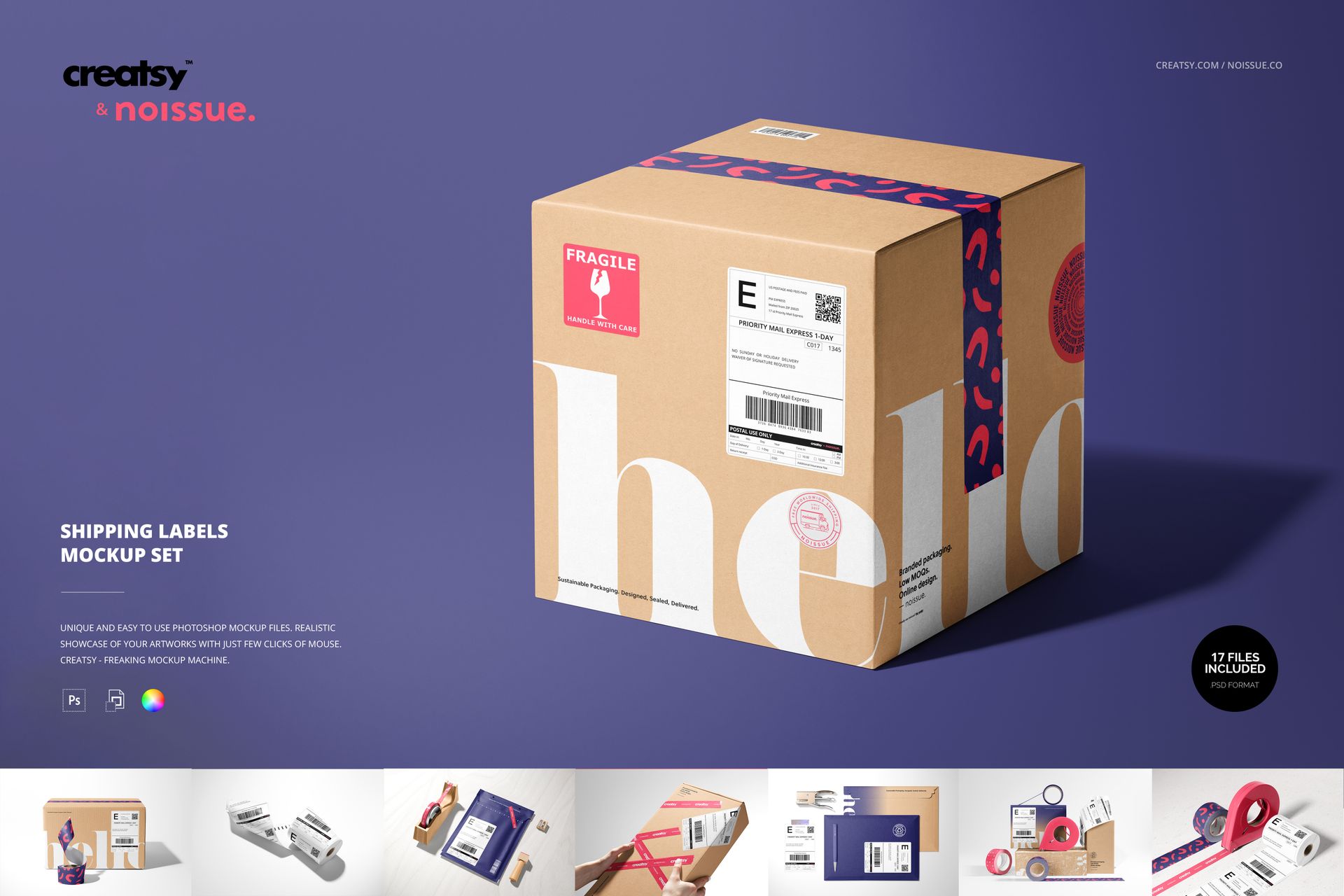
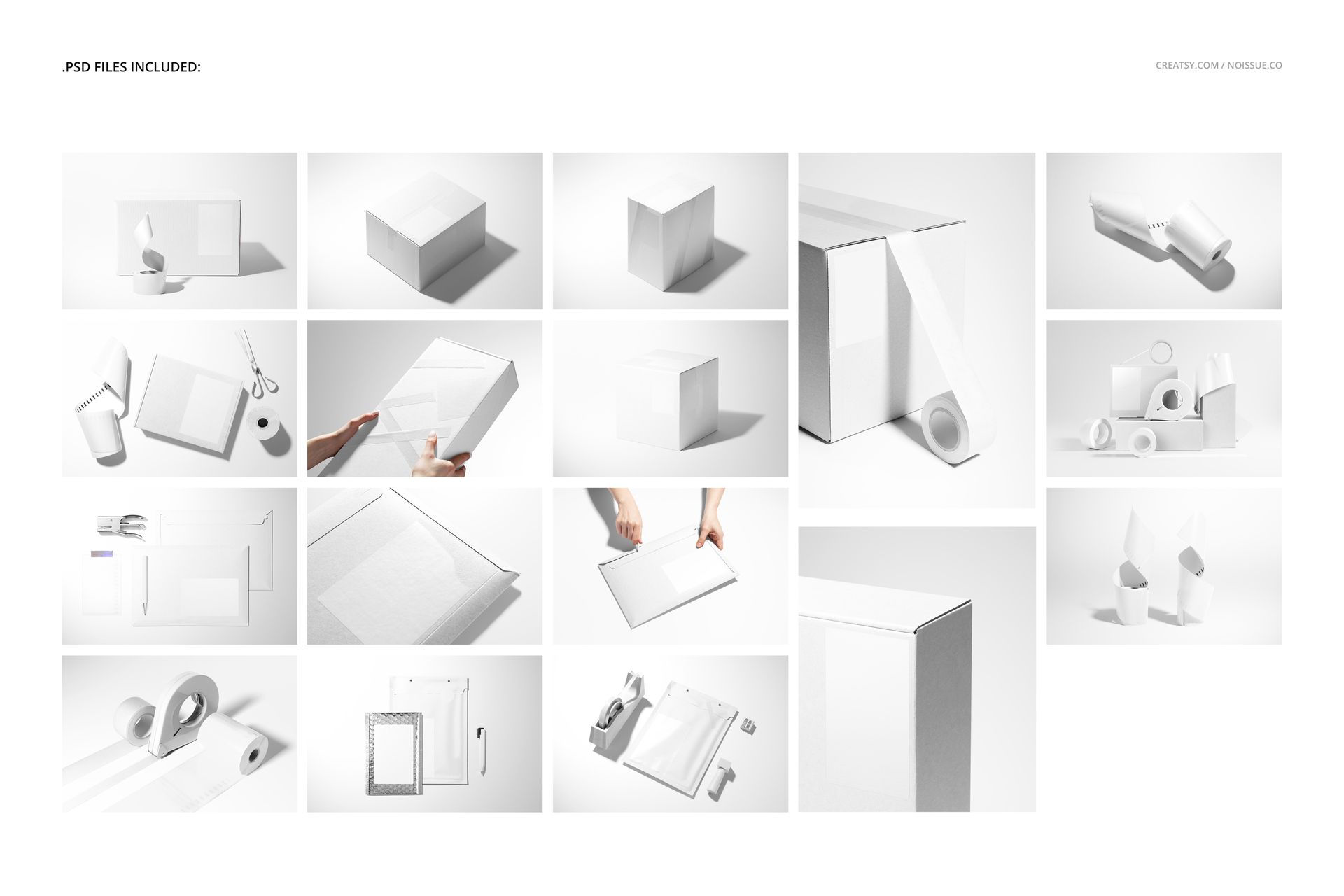
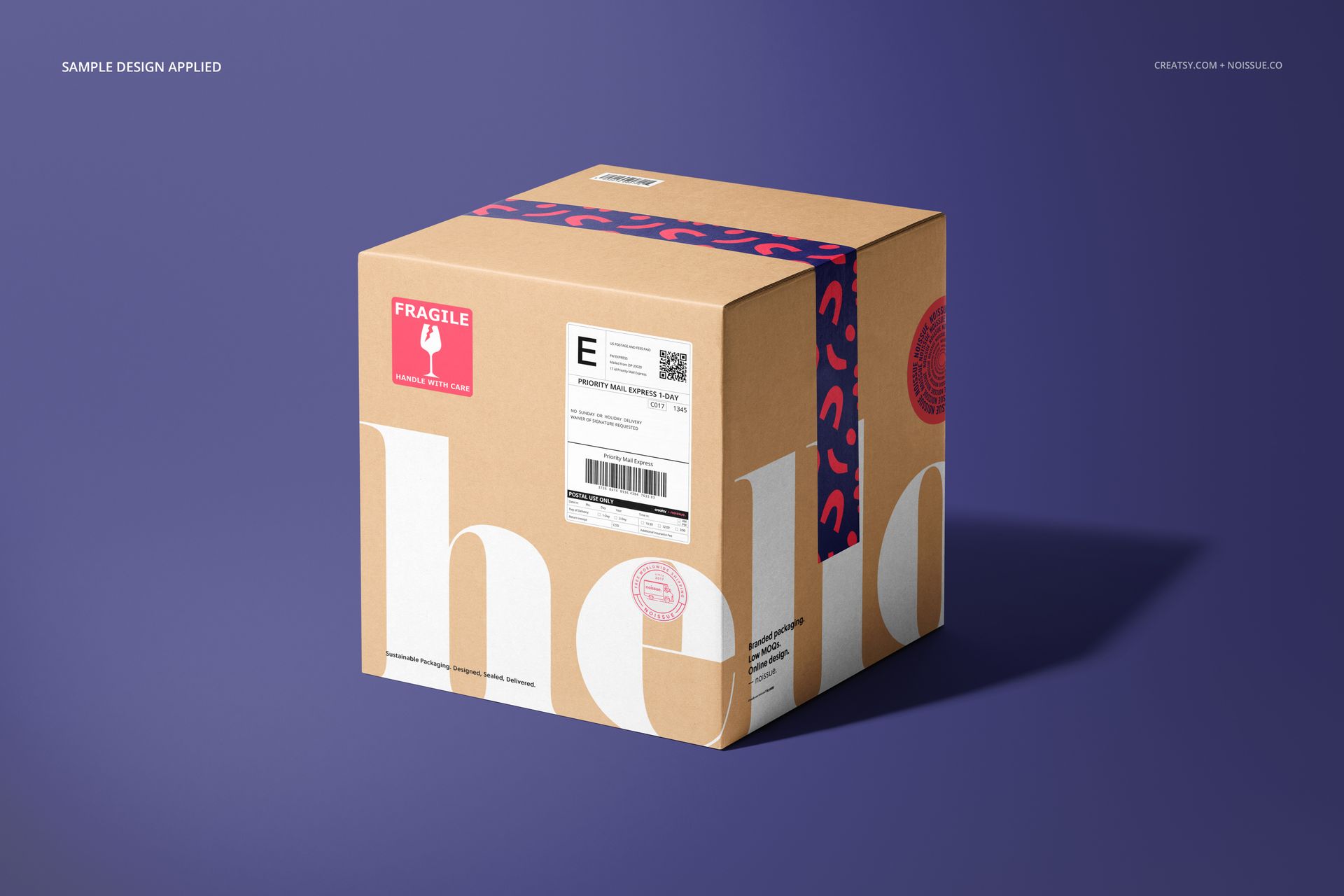
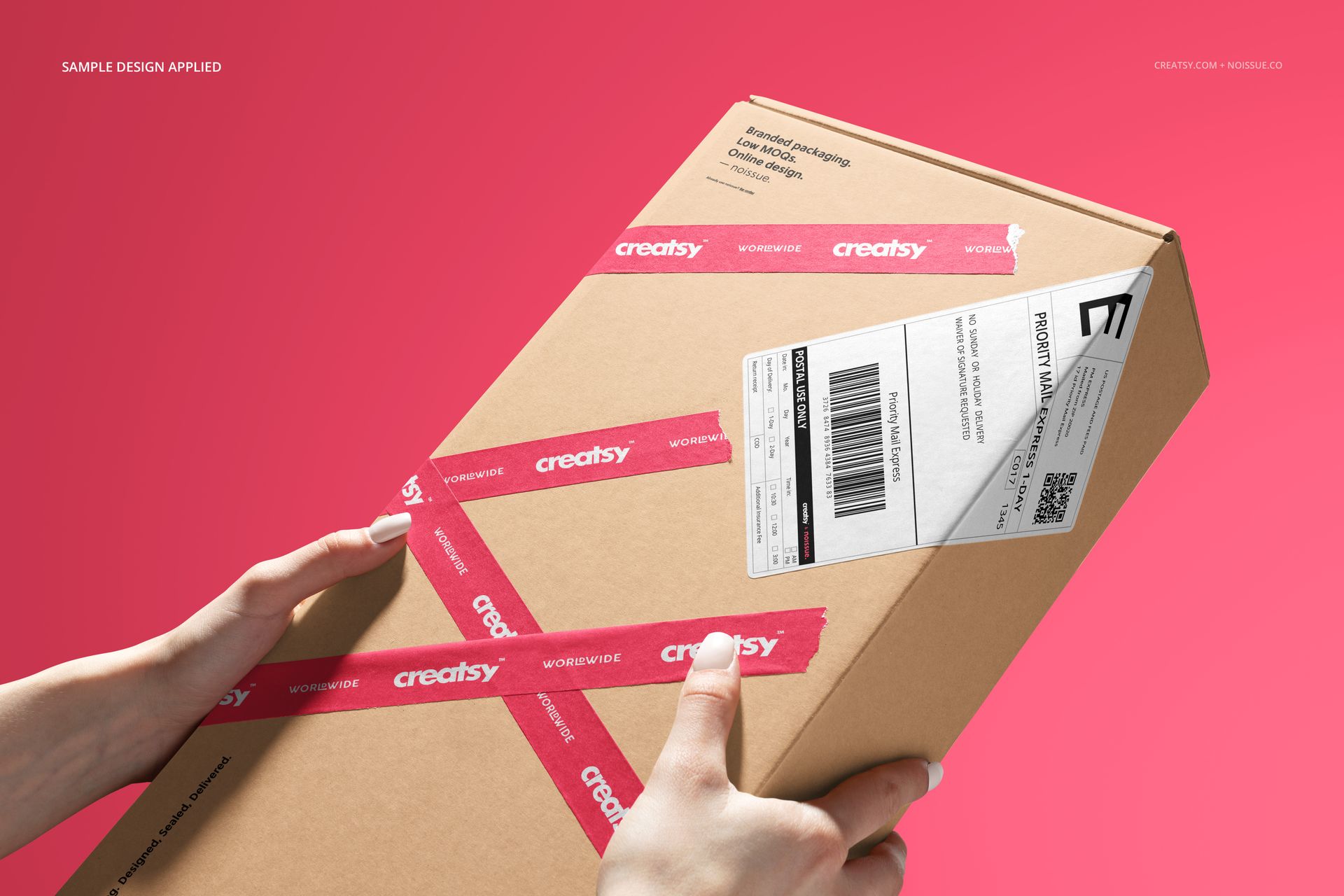
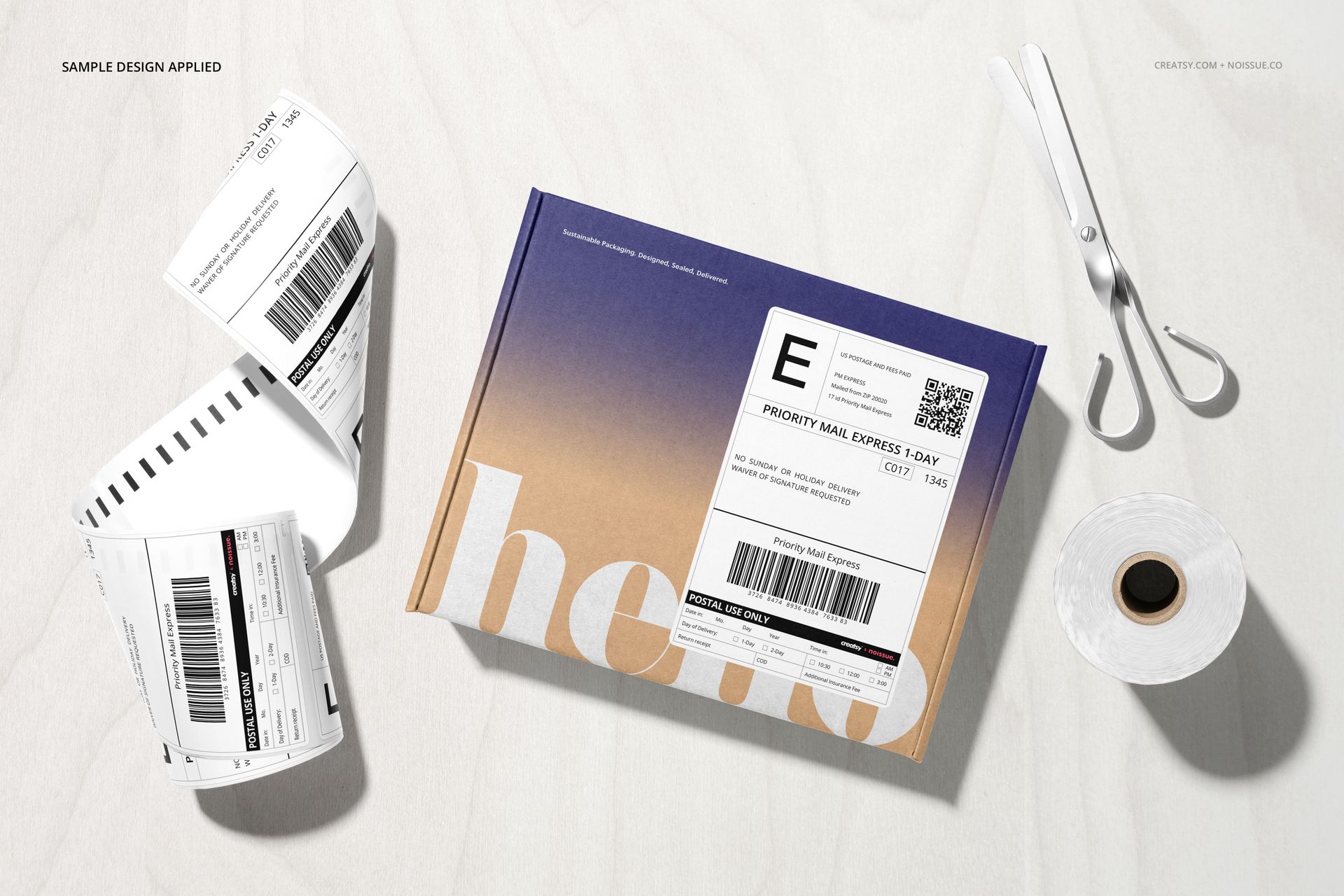
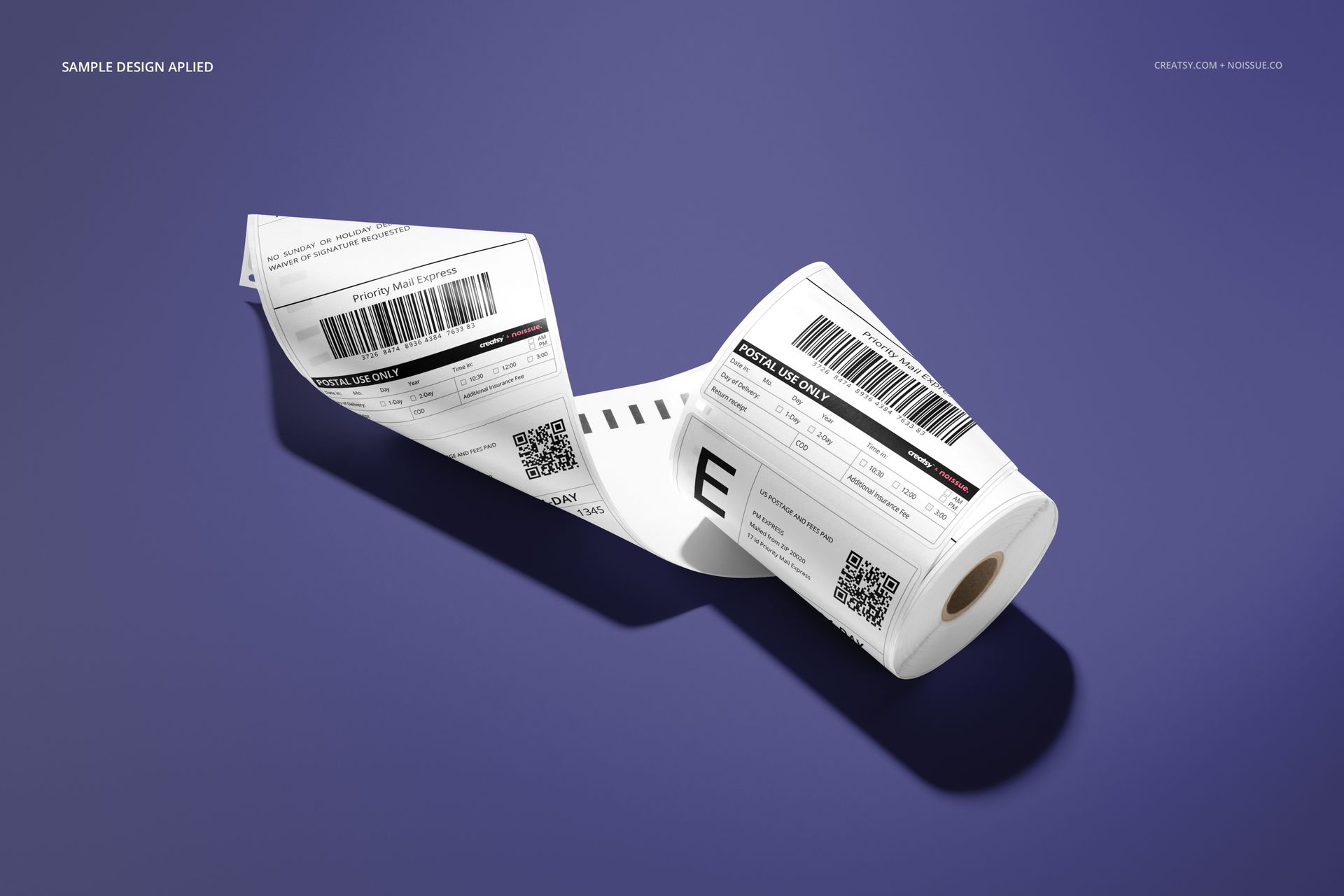
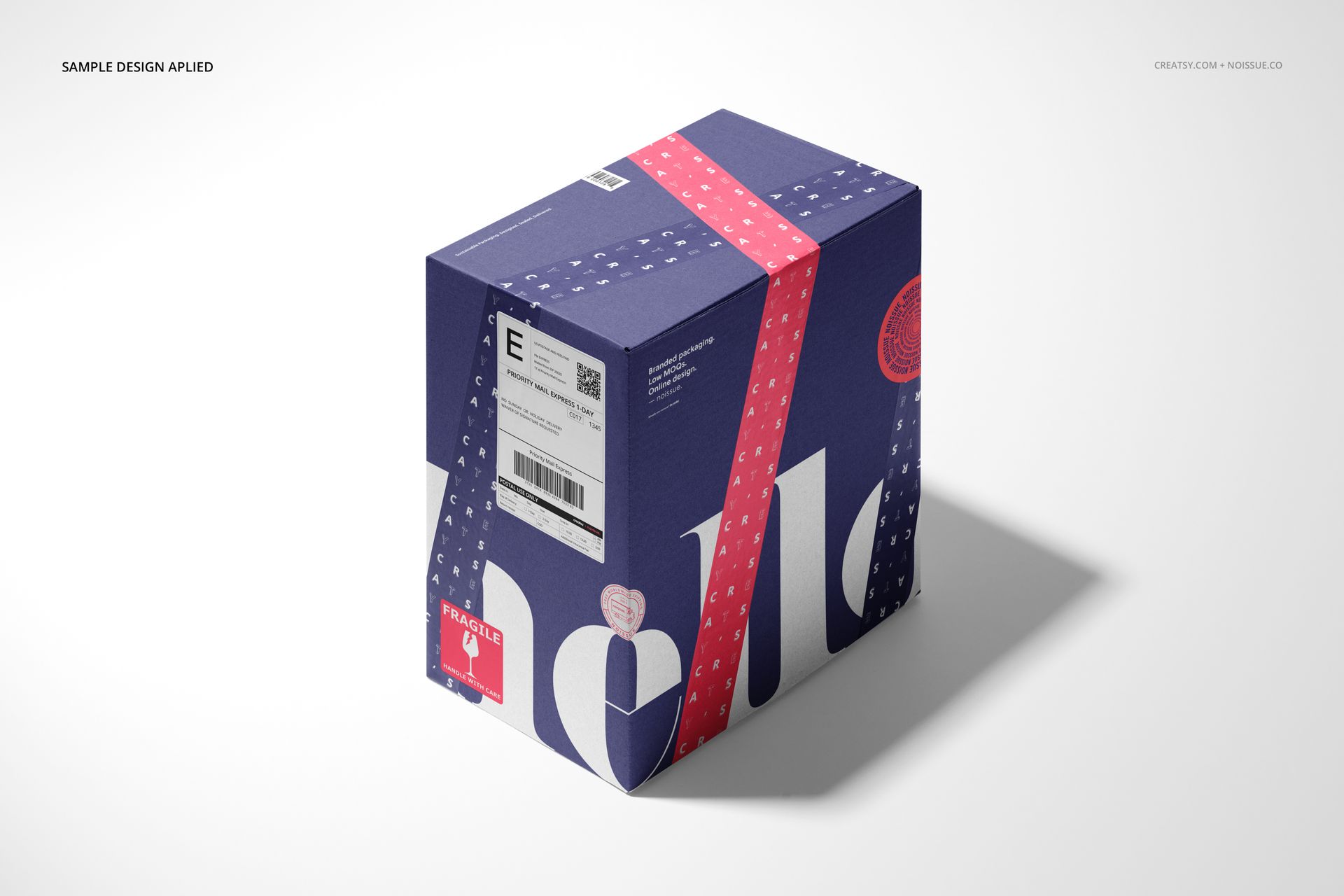
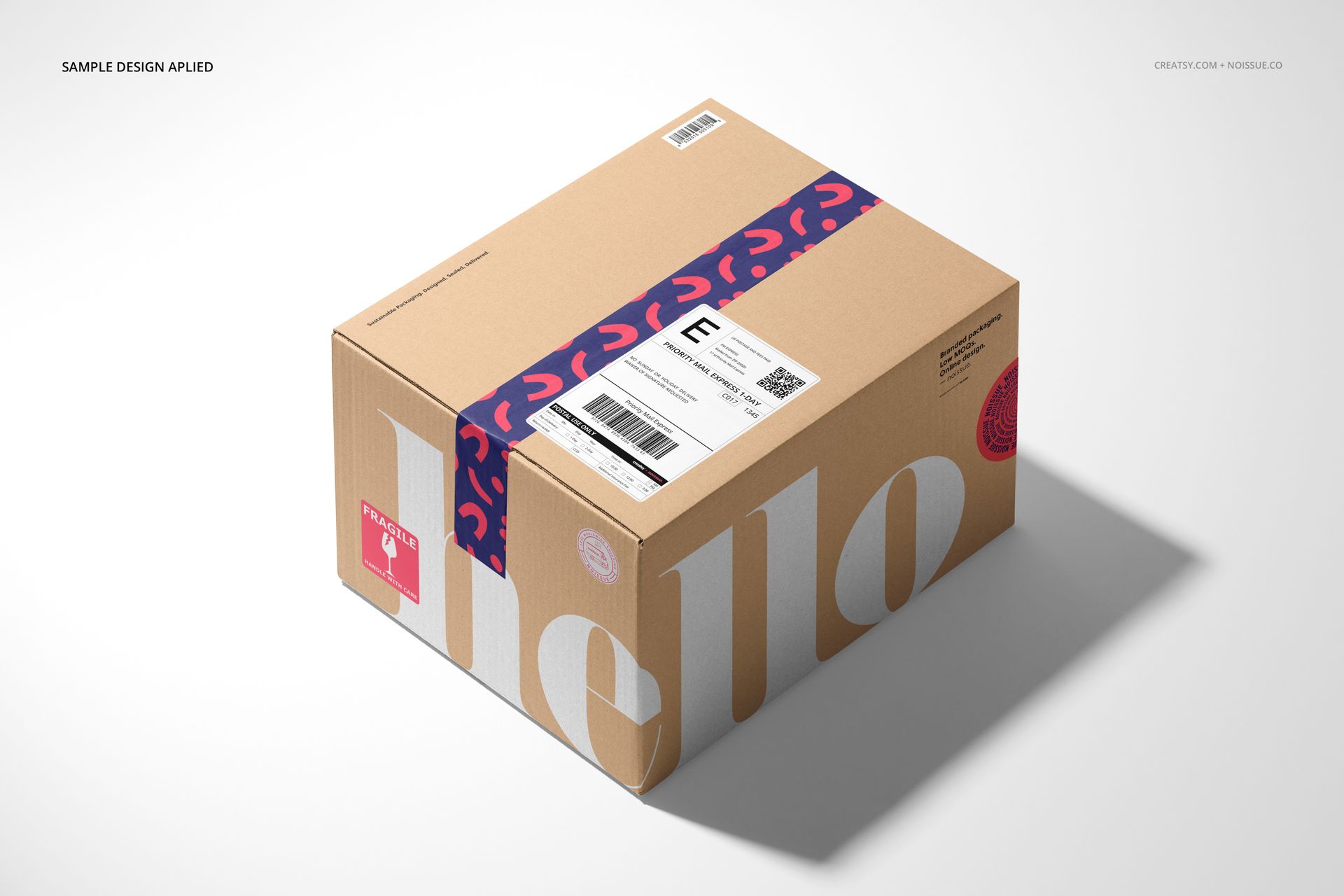
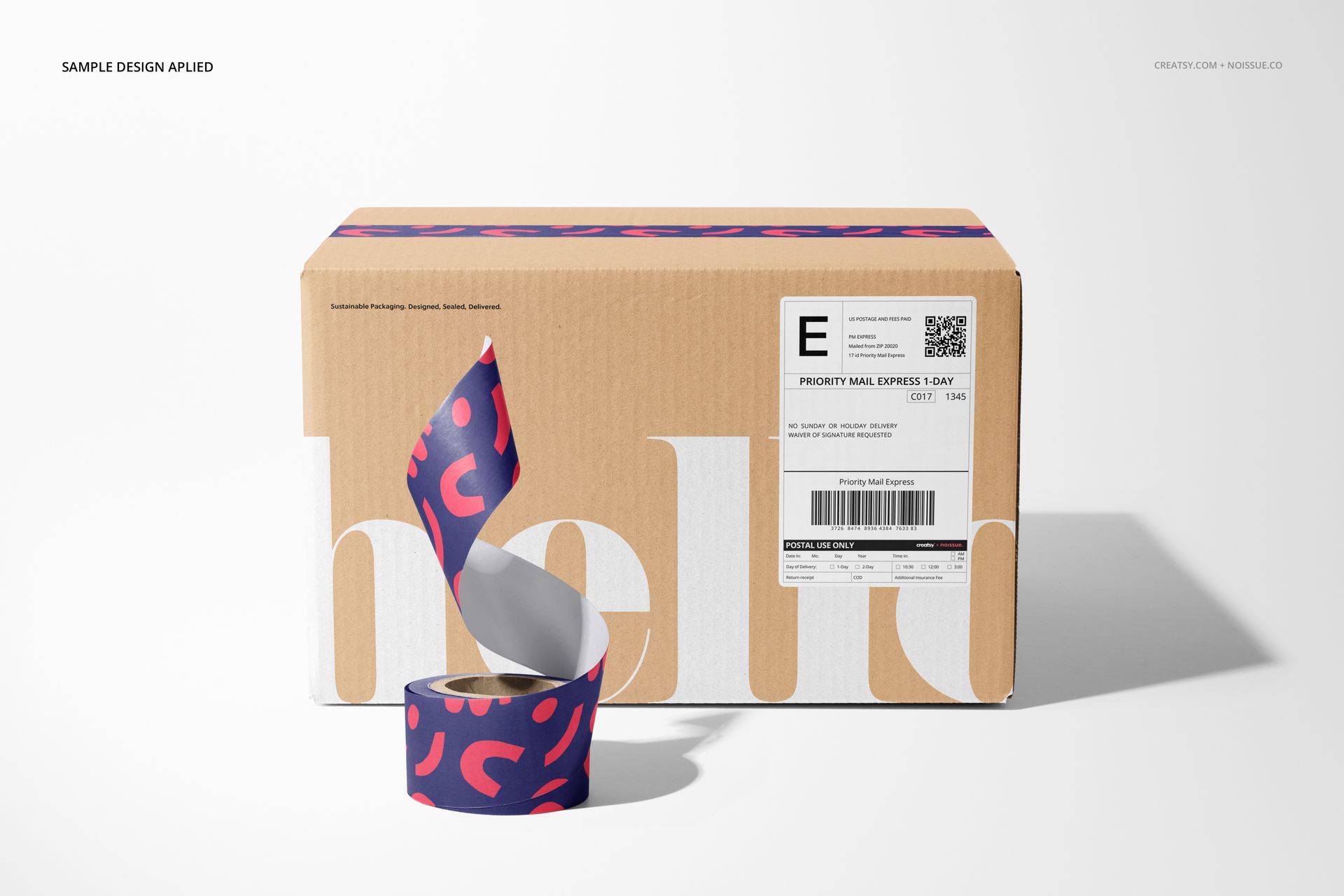
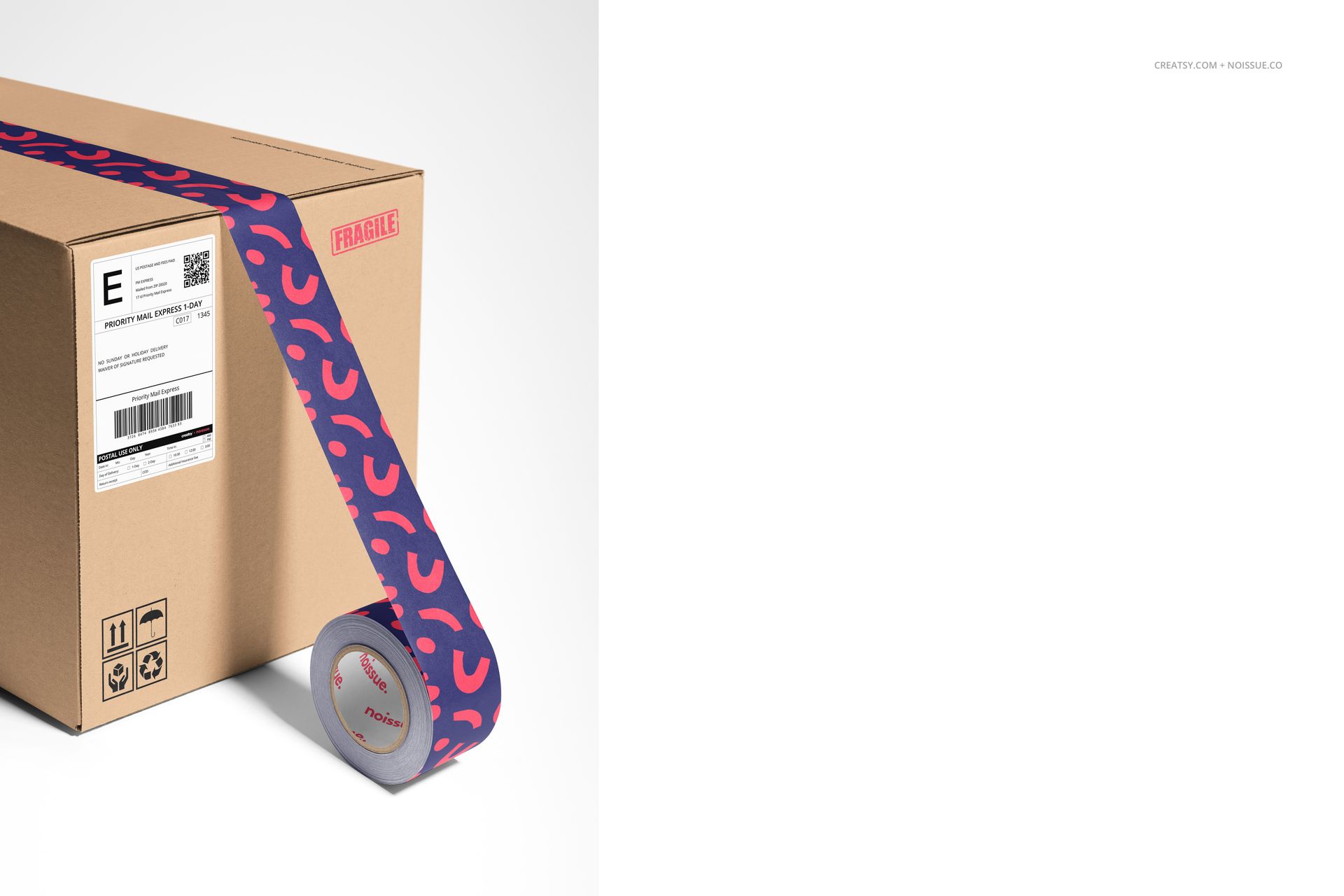
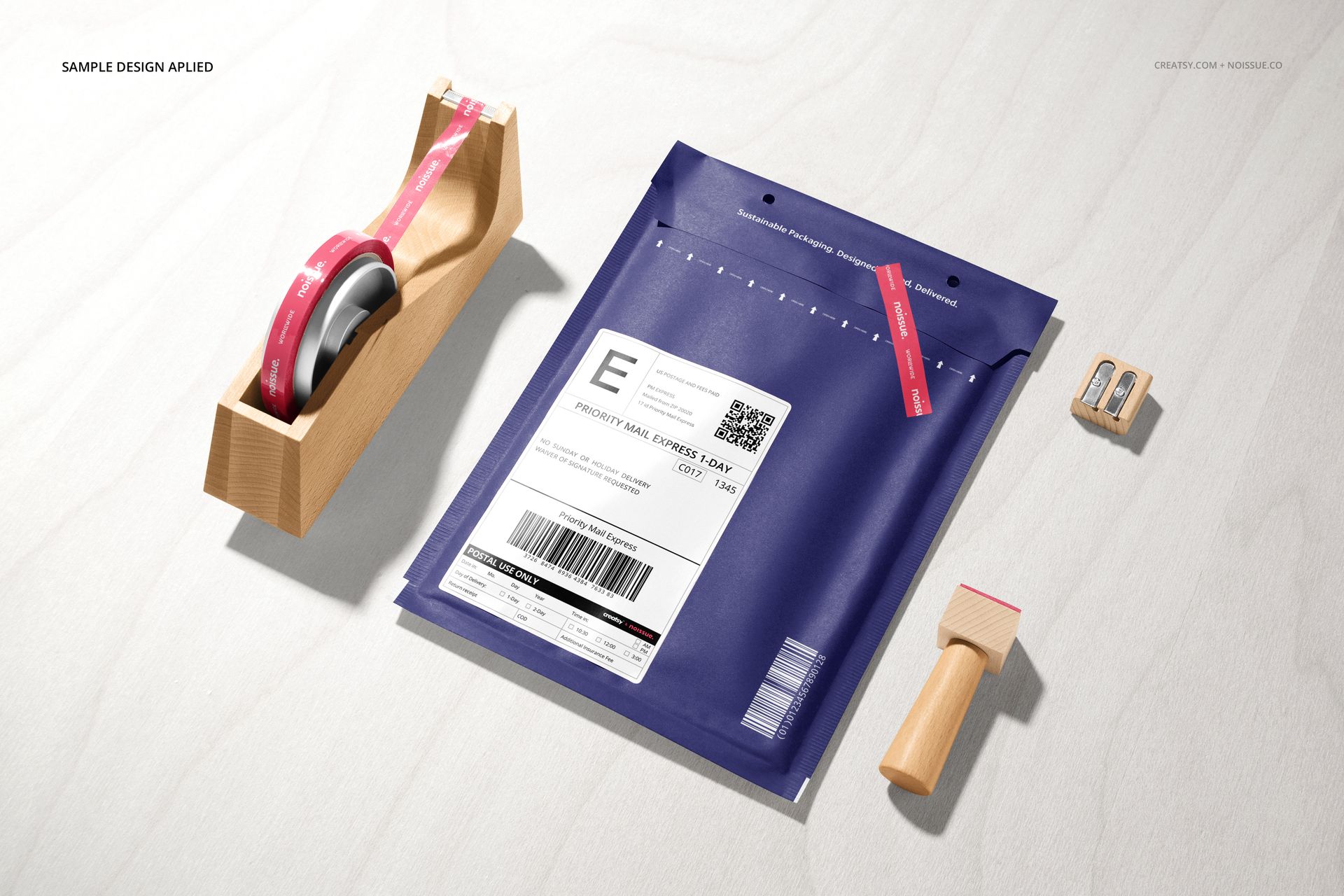
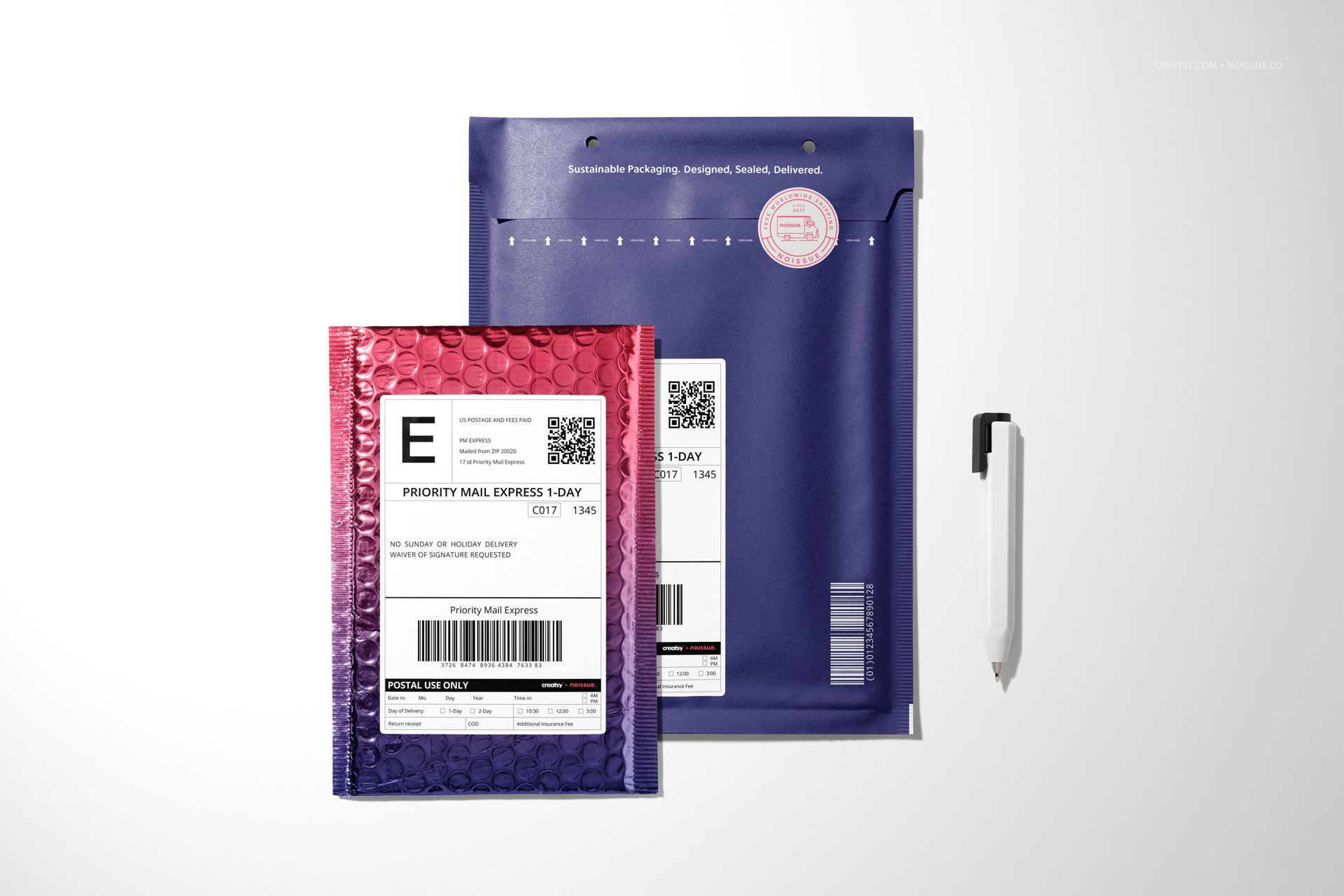
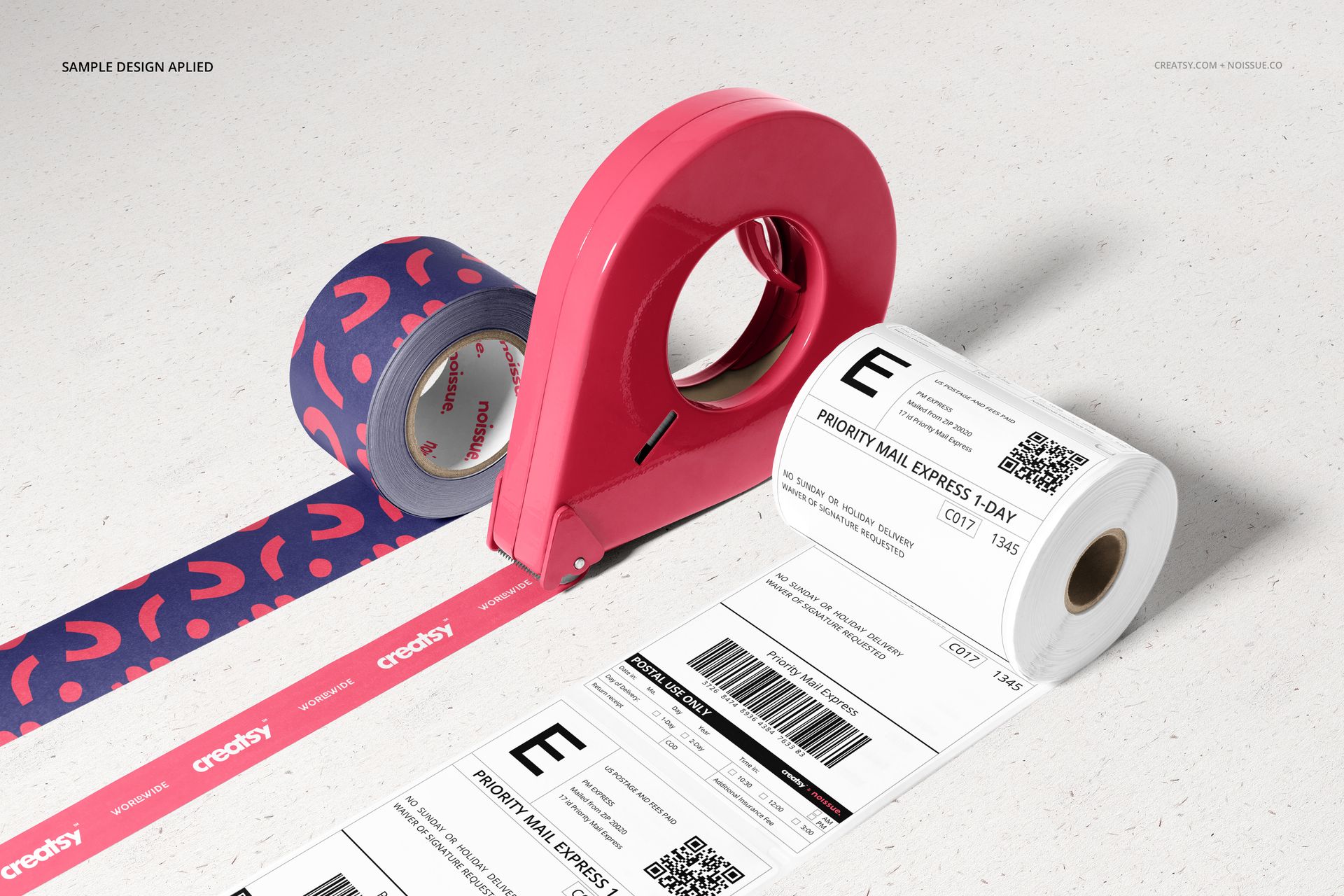
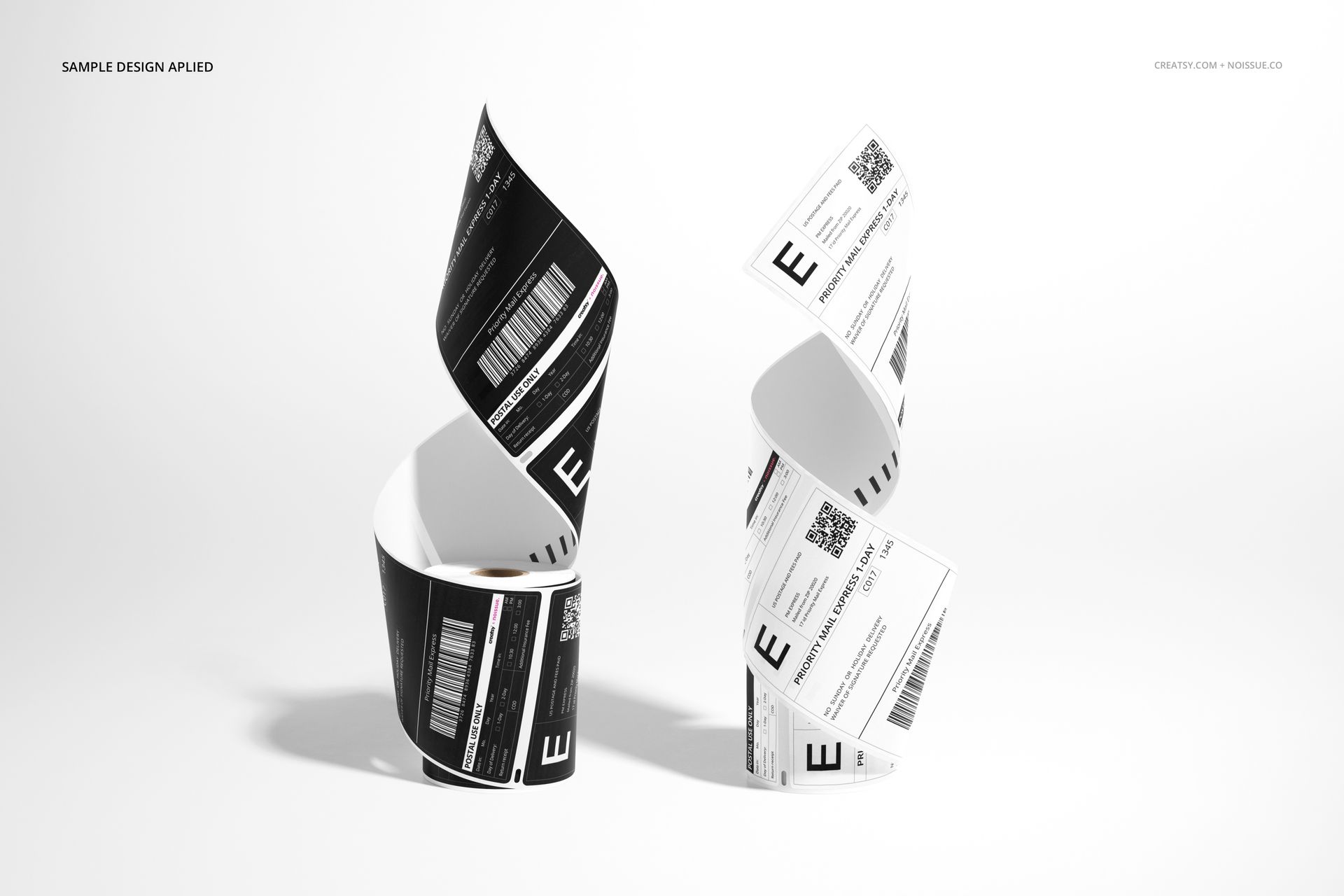
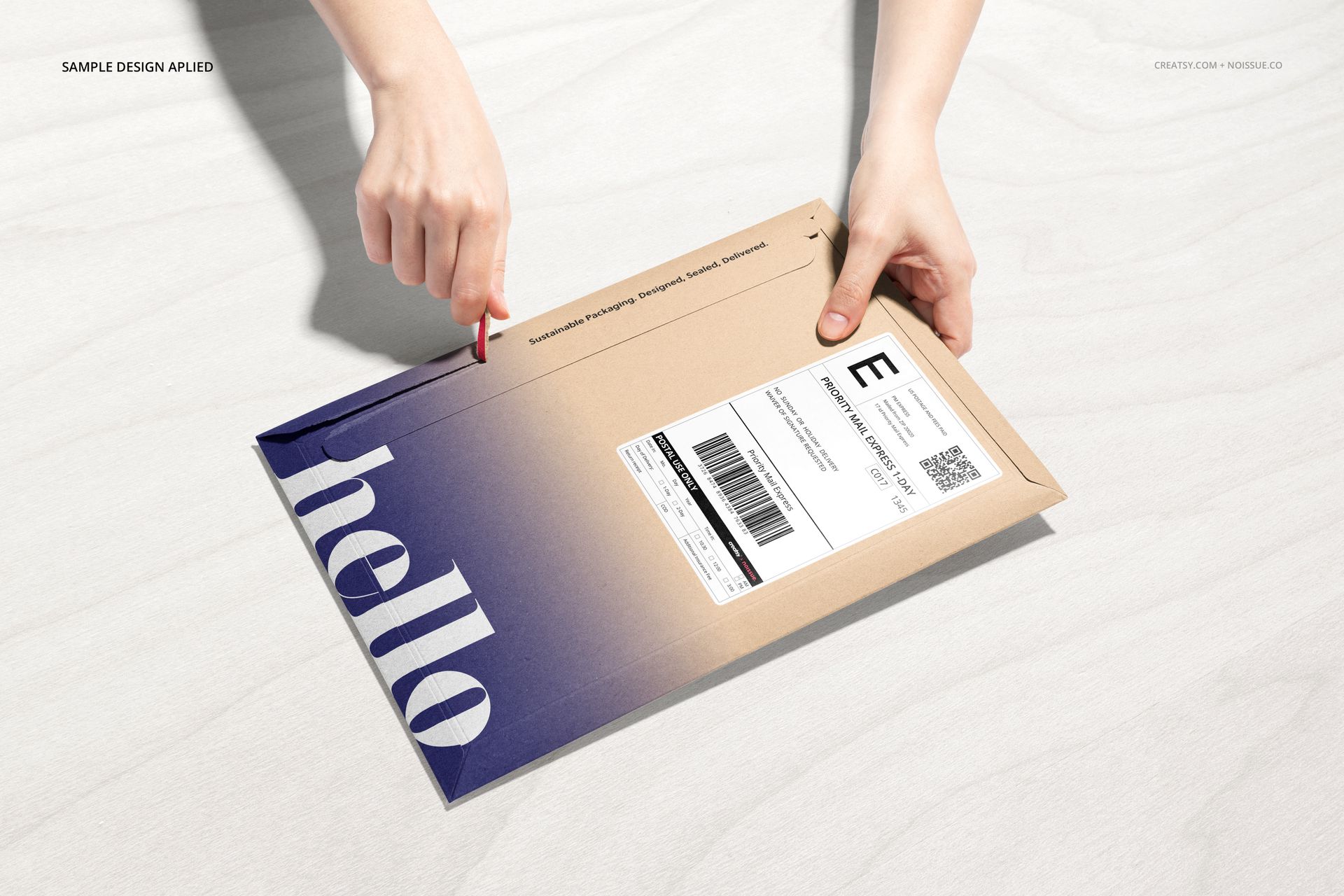
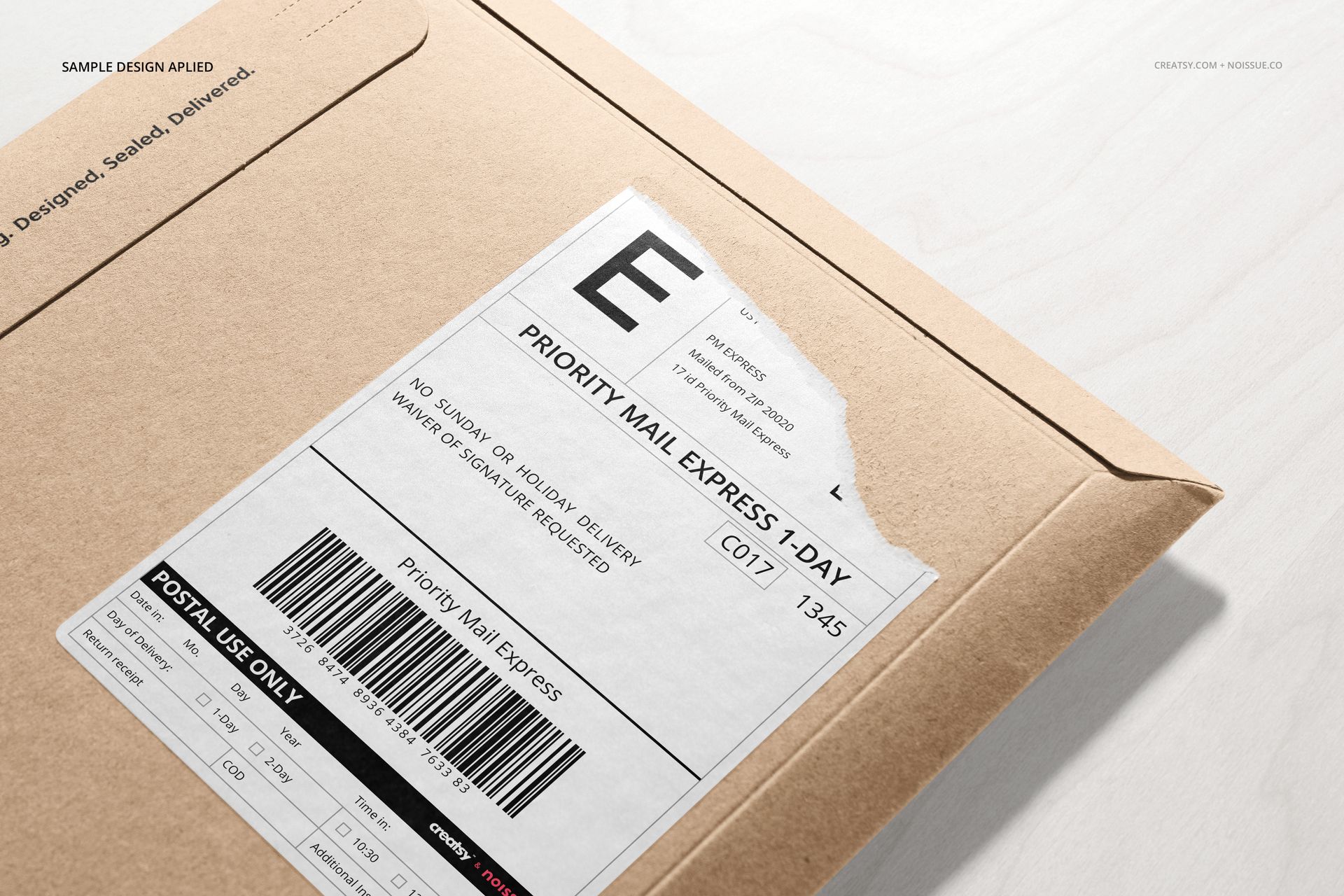
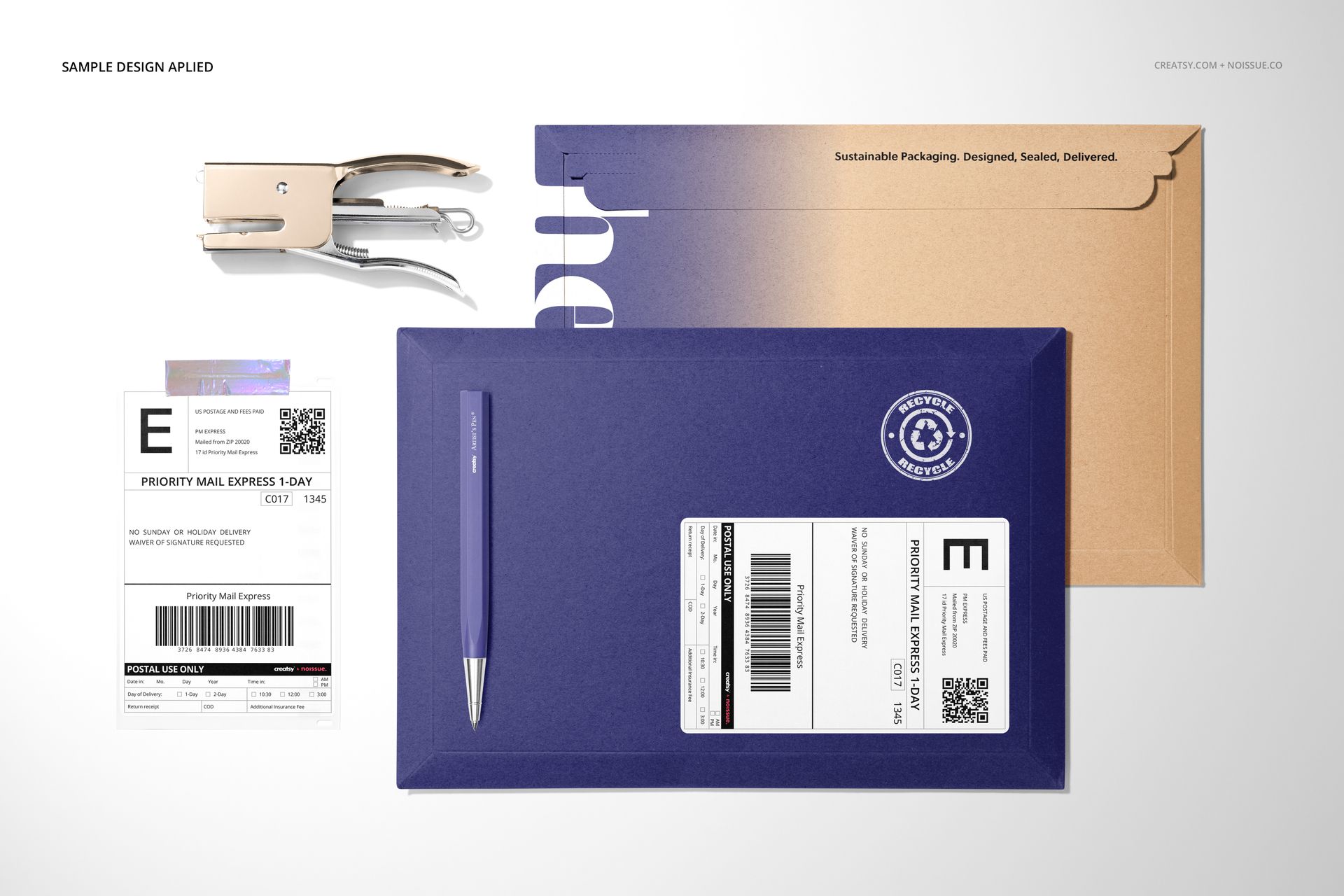
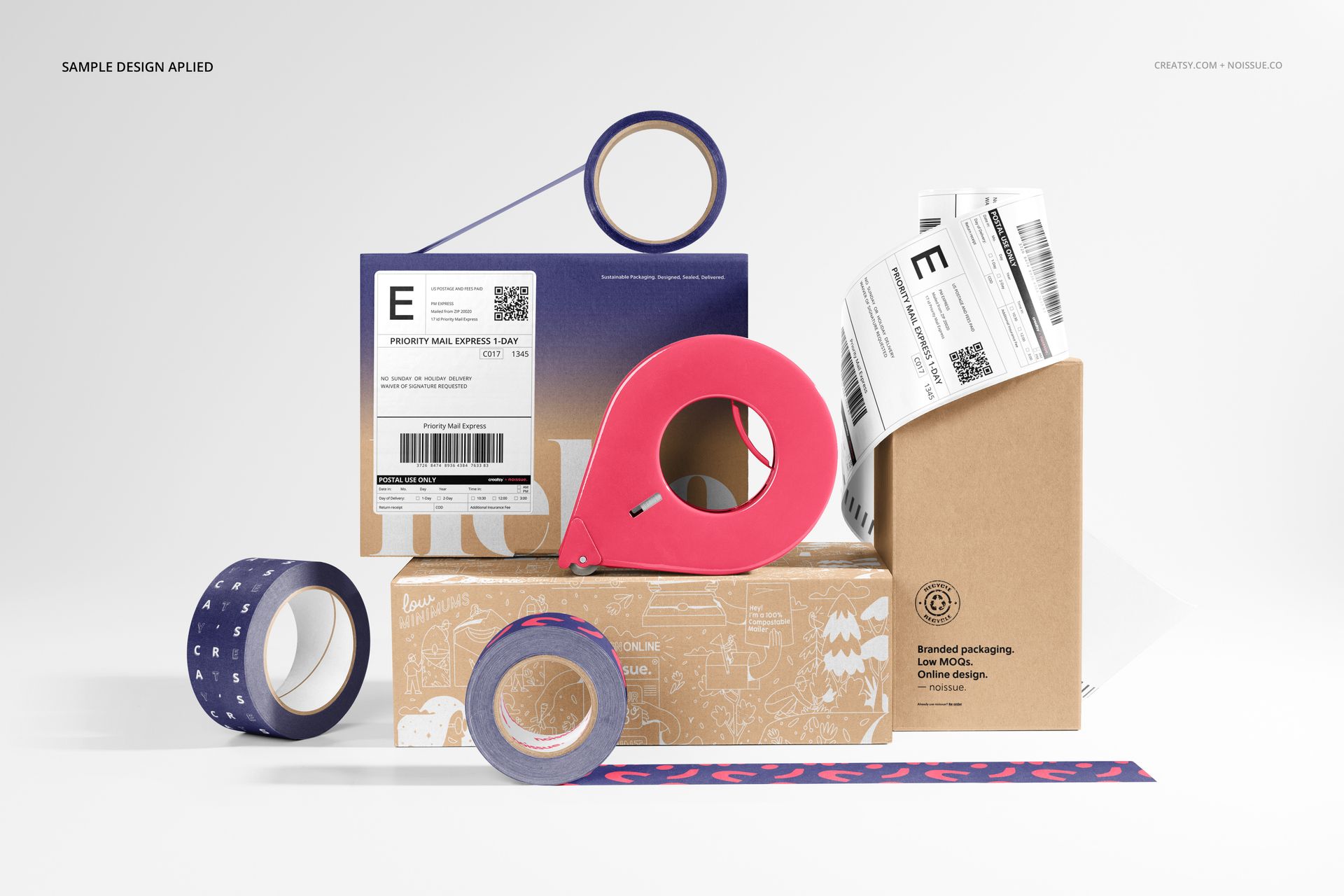
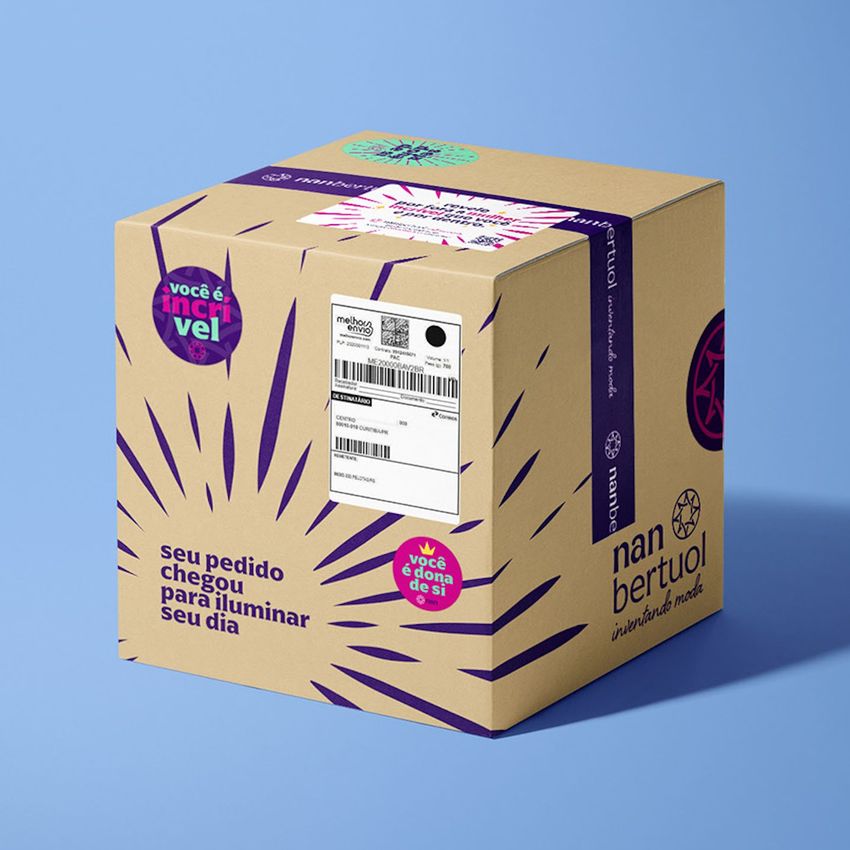
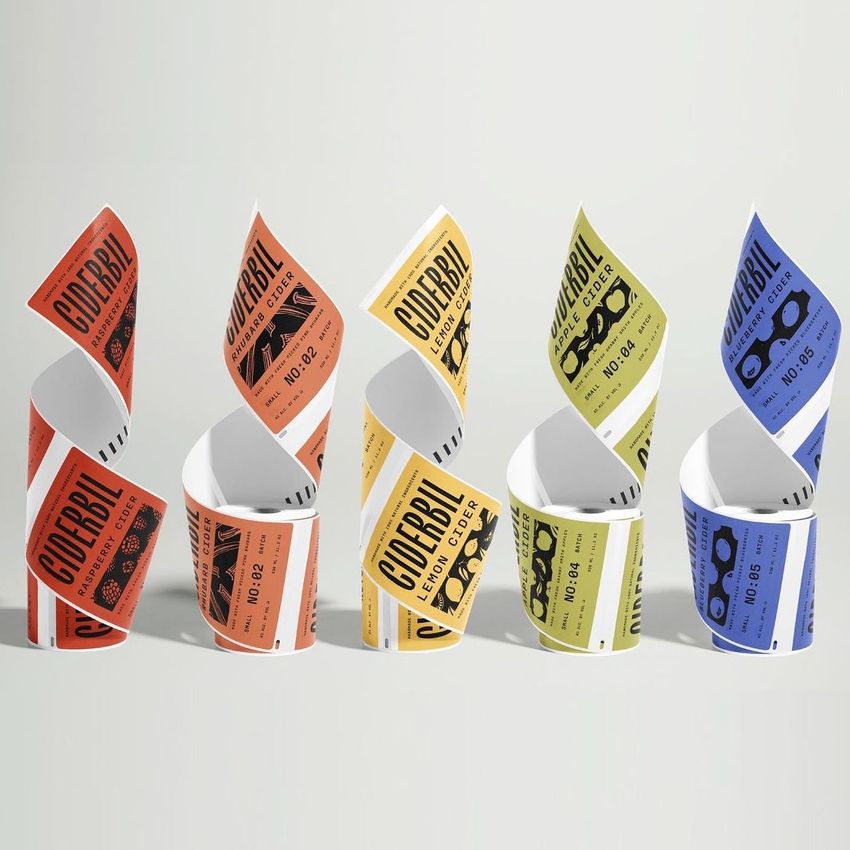
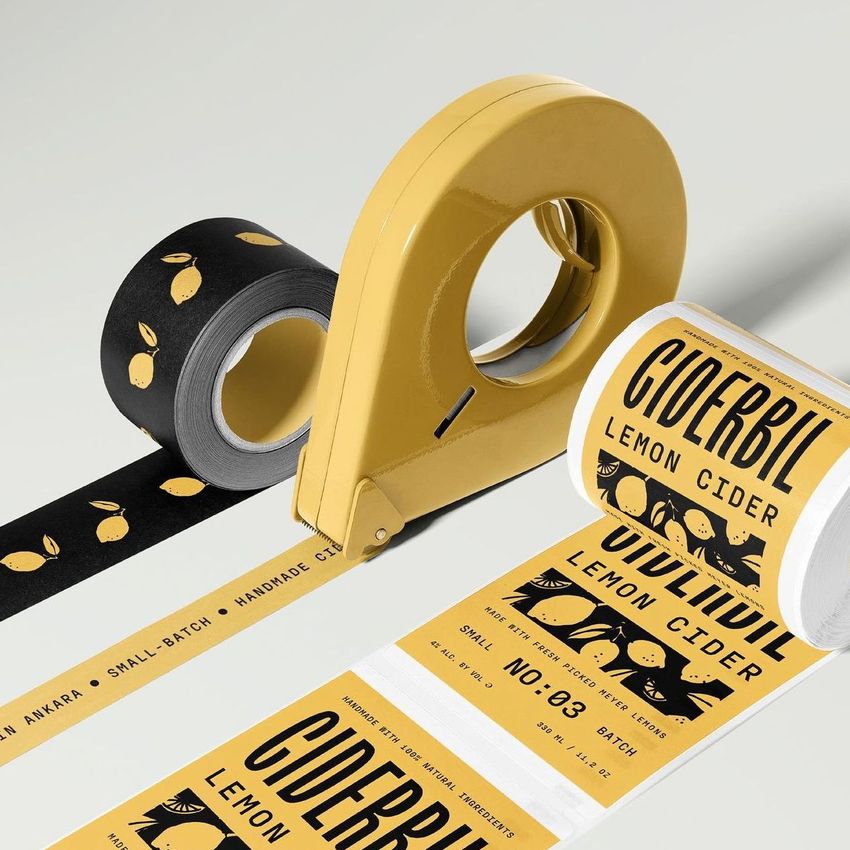
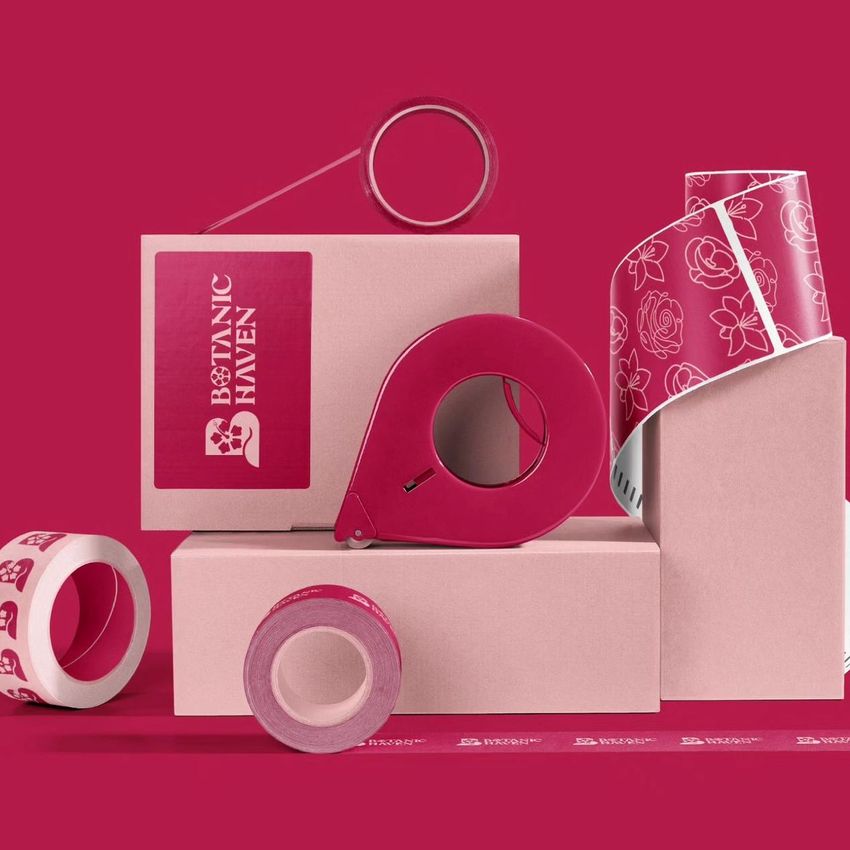
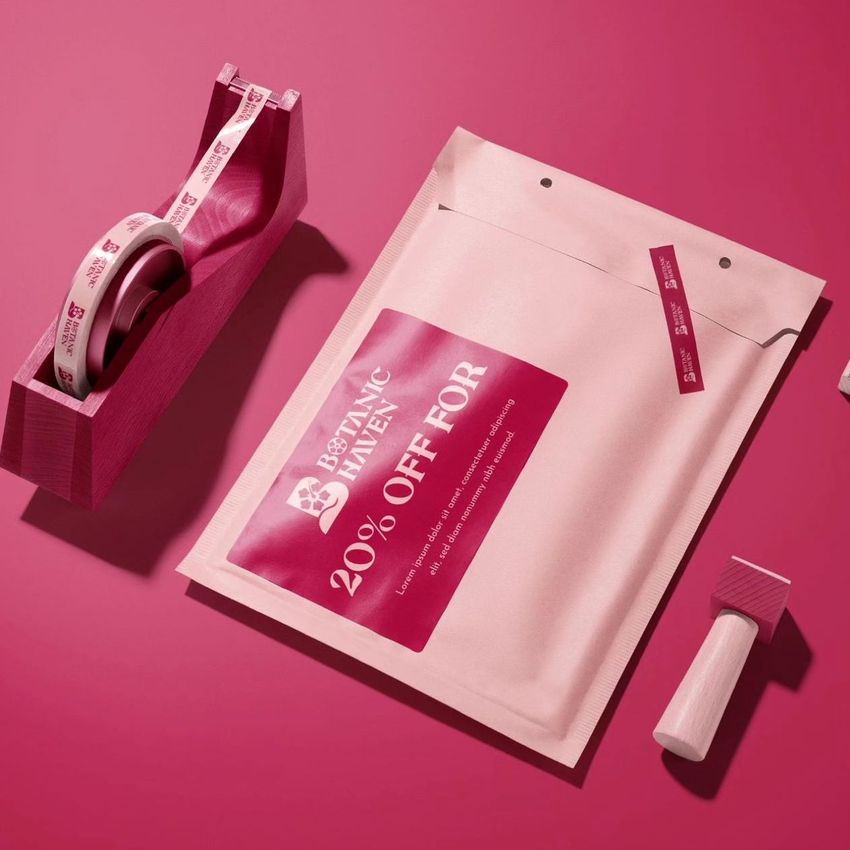
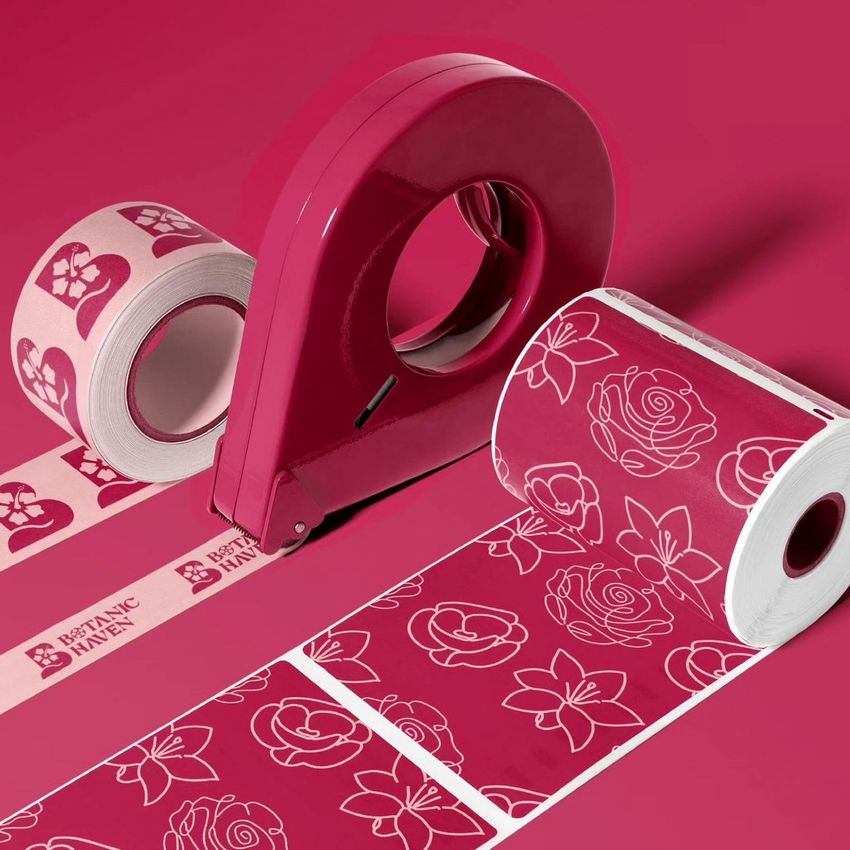
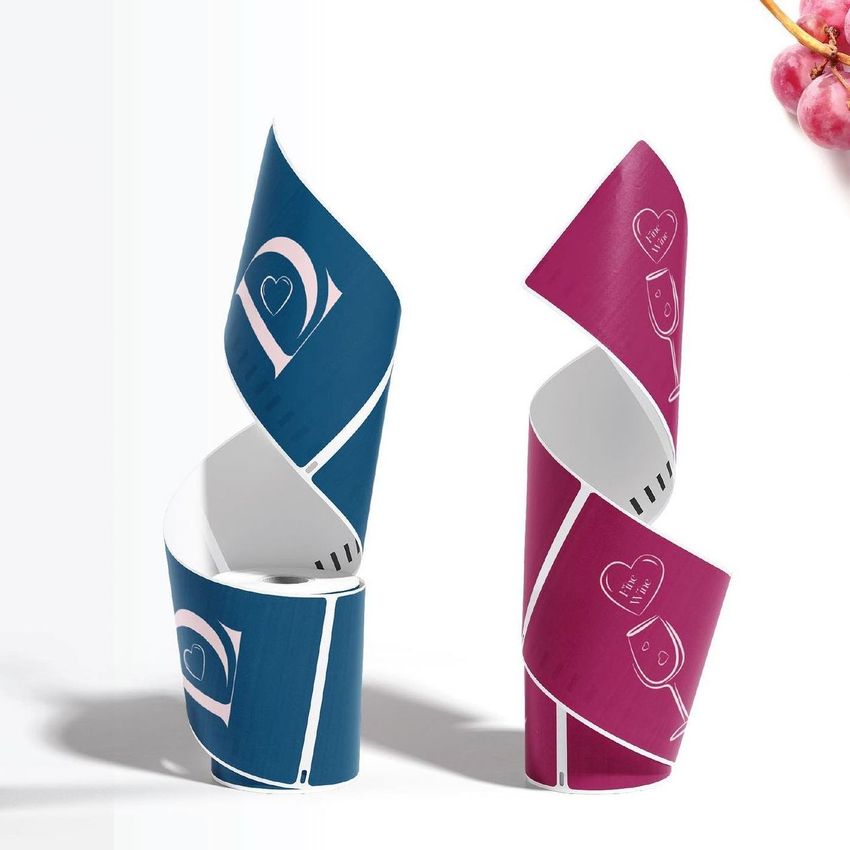
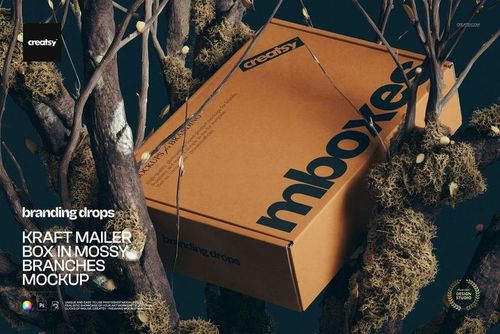
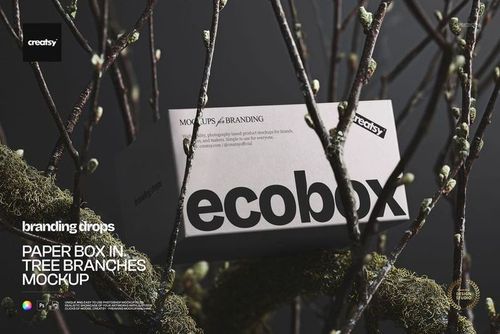
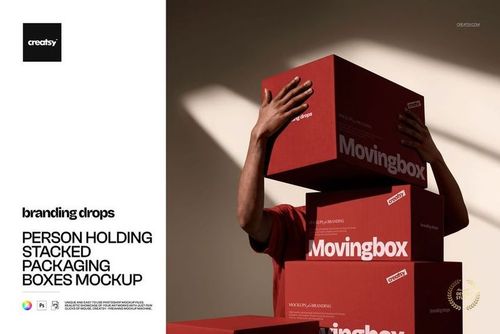
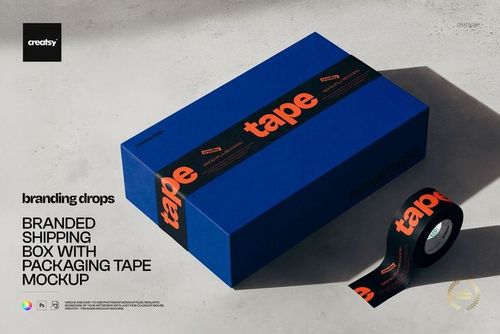
Follow a shipping label from the roll to the parcel. This 17-PSD collection brings label artwork into scenes with cardboard boxes, mailing envelopes, packing tape and desk tools, alongside closeups and curled label rolls. Created through the Creatsy and Noissue packaging collaboration, it helps present a shipping identity as a connected set of applications.

What Is Included

  • 17 layered PSD mockups covering parcels, mailers, label rolls and packing scenes.

  • 17 JPG previews for reference.

  • 1 PDF User Manual; 35 files in total.

Choose the View That Answers the Design Question

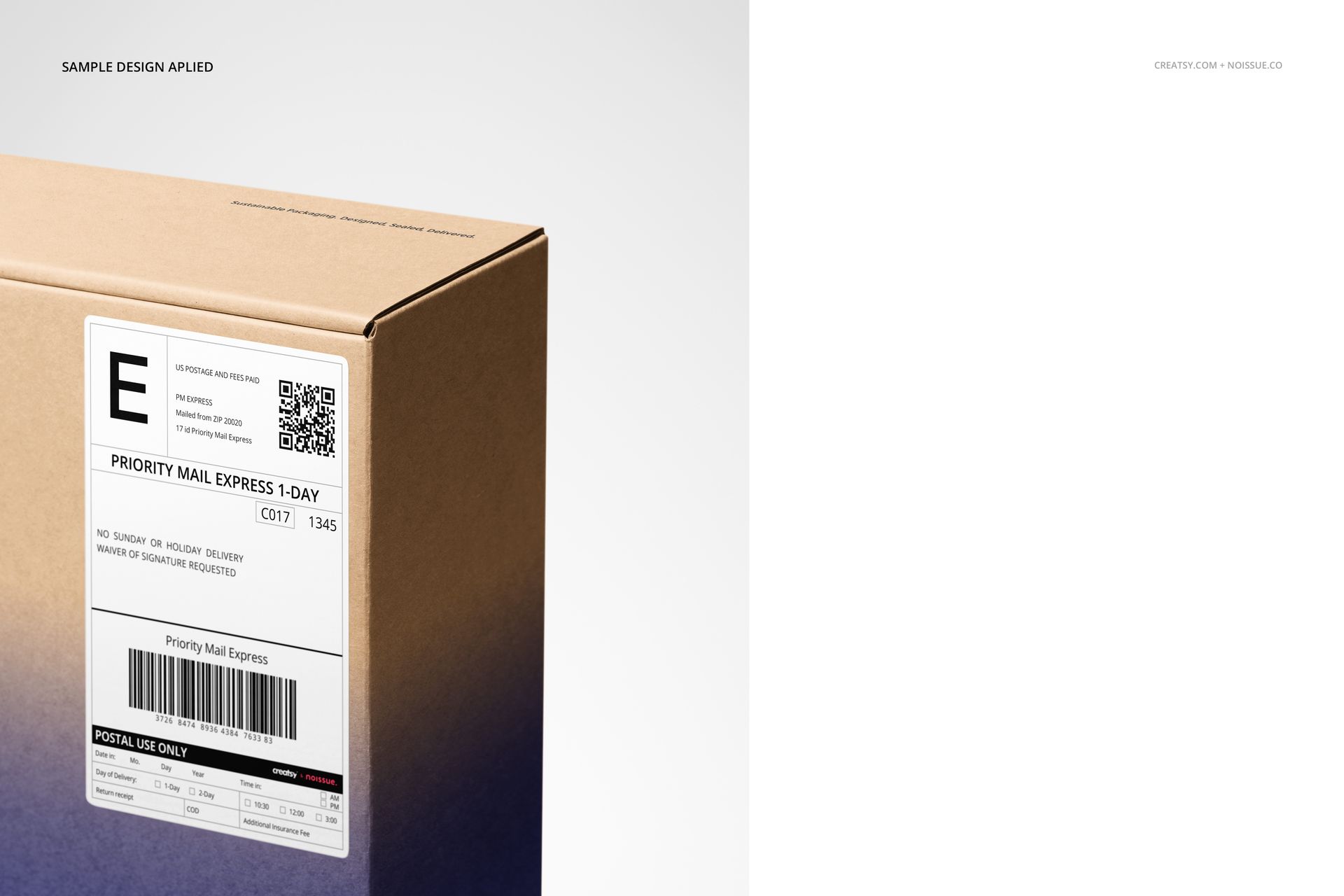
Use a closeup to examine the visual hierarchy of a label, a full parcel to judge its relationship with the packaging, or a roll scene to show repeating artwork. The collection also includes hands holding a box and opening a rigid mailer, plus flat-lay arrangements with packing tools. These views provide context for both shipping information and decorative branding.

Easy Smart Object Editing

Work in Adobe Photoshop CC2018 or newer, or Photopea. Replace artwork through Smart Objects and use the organized color layers for the supported color and design changes. Background controls allow color changes and added textures; object and drop-shadow controls support hiding elements and saving with transparency. Available components depend on the selected scene.

Perfect For

A useful set for packaging designers, ecommerce brands, label suppliers and branding studios preparing parcel graphics, promotional label concepts or client presentations. The mix of rolls and applied labels makes it possible to show an identity before and after it reaches the package.

This is a digital mockup collection. Physical shipping supplies and sample artwork are not included.


File details

Compatibility
PhotopeaAdobe Photoshop
Package size
7.9 GB7.9 GB|8.48 GB8.48 GB
Files type
.psd, .jpg, .pdf
Files size
6000x4000
TEST FOR FREE

35 files total: 17 JPG, 17 PSD, 1 PDF.

Reviews

Professional PSD mockups built in-house - editable, realistic, high-resolution, and supported by real people.

5 (1 rating)
Sort by:

victor_caizaluisa avatar
victor_caizaluisa
Oct 24, 2025

genial

Malgorzata Hapon avatar
Malgorzata Hapon Author
Jun 9, 2026

Thank you so much! We’re so happy you like the mockup and truly appreciate your support.


Made with Creatsy

Real designs. Real customers. See how creatives use Creatsy mockups to turn their artwork, branding, and product ideas into polished visuals.

MEET THE SHOP

Creatsy logo

Creatsy

Poland
4.7 (679)

Bring your ideas to life.

We're a family-run studio in Katowice, Poland, making PSD mockups by hand since 2016. Everything in this shop starts in our own studio. We shoot the photography, build the 3D, and put together every Smart Object PSD ourselves - then we test it, organize the layers, and only ship it once it actually works...
GO TO SHOP

HOW IT WORKS

3 clicks. That's it.

No tutorial needed. If you can copy-paste, you can use this.

  1. 1OpenDouble-click the smart object inside the PSD - in Adobe Photoshop, or free in your browser with Photopea.
  2. 2PasteDrop in your pattern, print, or artwork. Any design, any style.
  3. 3SaveHit save and the mockup wraps it in for you - shadows, folds, and lighting included.
FROM IDEA TO IMAGE

Built for real workflows

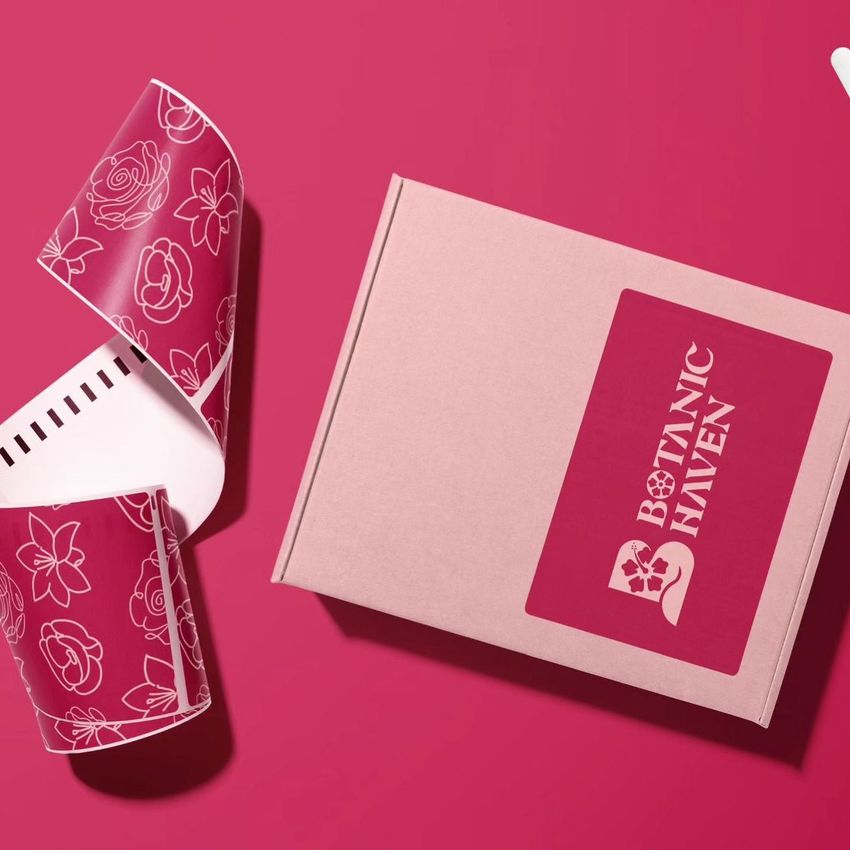
Get the label signed off before the print run Wrap your design onto the box, pouch, or bottle and show the client exactly what ships.

See it on the product, not a swatch Drop your file into the smart object and the scene's lighting and folds wrap around it, so you judge the real thing before you commit.

Smart Objects

Edit once and you're done. Your artwork drops into a smart object and the mockup updates itself - no masking, no warping by hand.

Perfectly Organized

Named layers and folders you can actually navigate. Find what you need, change what you want, and get out fast.

Print-Ready

High-resolution files built to hold up on screen and in print. Exact size and DPI are in this product's Details above.