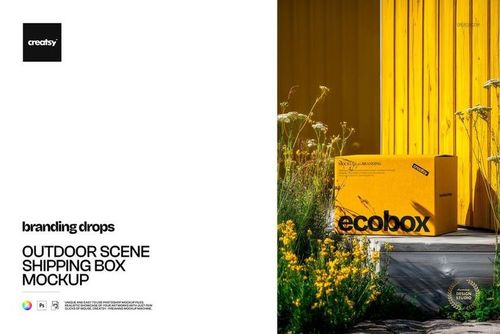
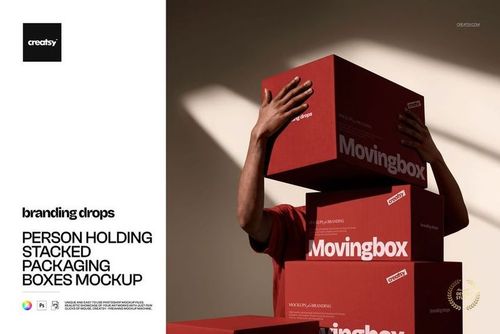
About this mailing box mockup
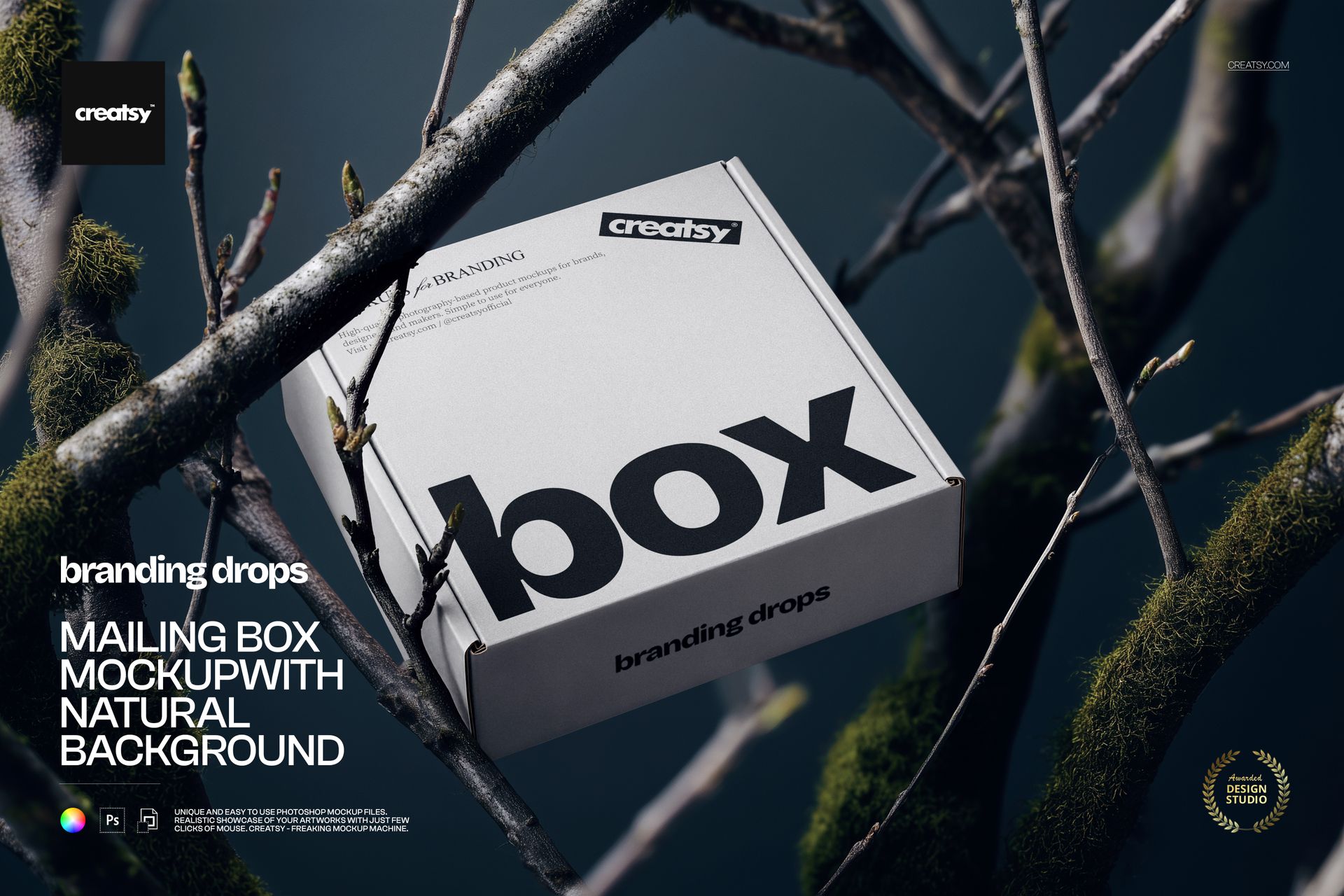
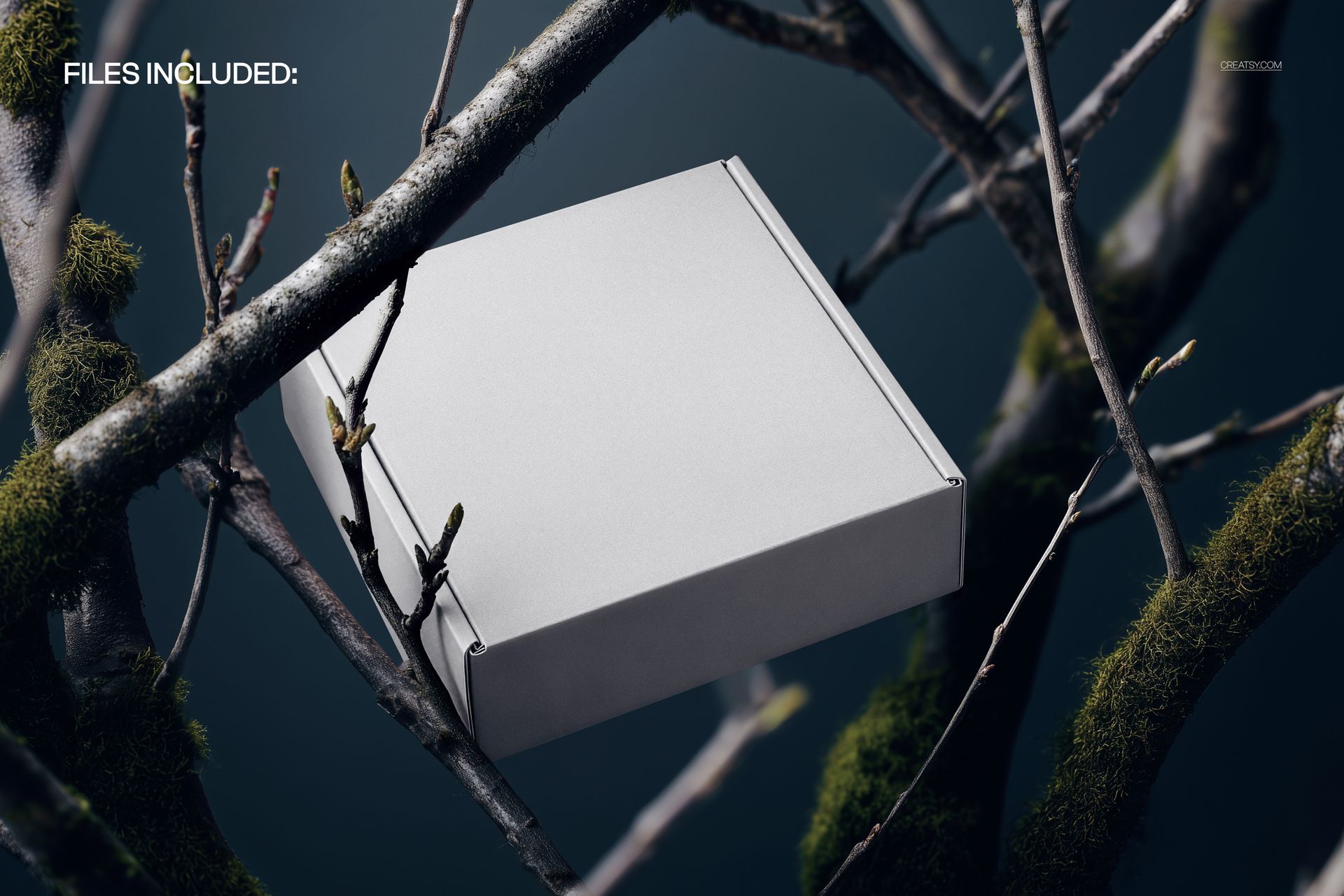
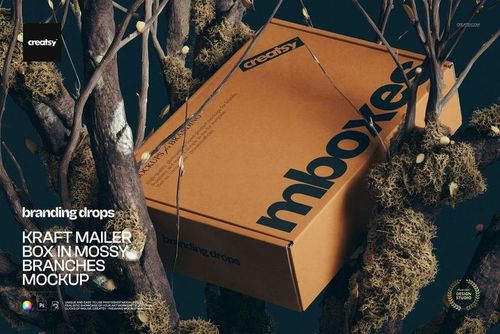
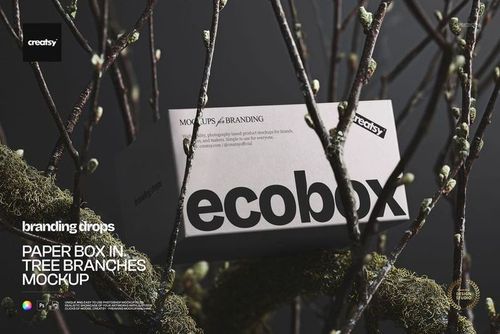
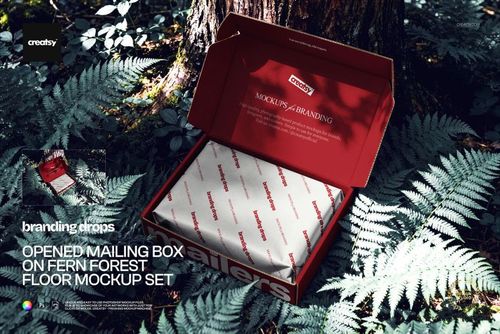
The Mailing Box Mockup with Natural Background by Creatsy is a mailing box mockup that sets your packaging on a corrugated mailer box resting among branches and greenery, lit low and moody like a nature editorial. It comes as a single layered PSD at 5000 x 3333 px and 300 dpi, large enough for a print sheet or a full-width shop banner.
The natural setting is the point. For an e-commerce or subscription brand that leans eco, kraft, or handmade, a box shown in real foliage says sustainable before a customer reads a word, and it separates your packaging from the flat white-studio shots everyone else uses. This mockup gives you that green, outdoors feel without carrying a box into the woods for a photo.
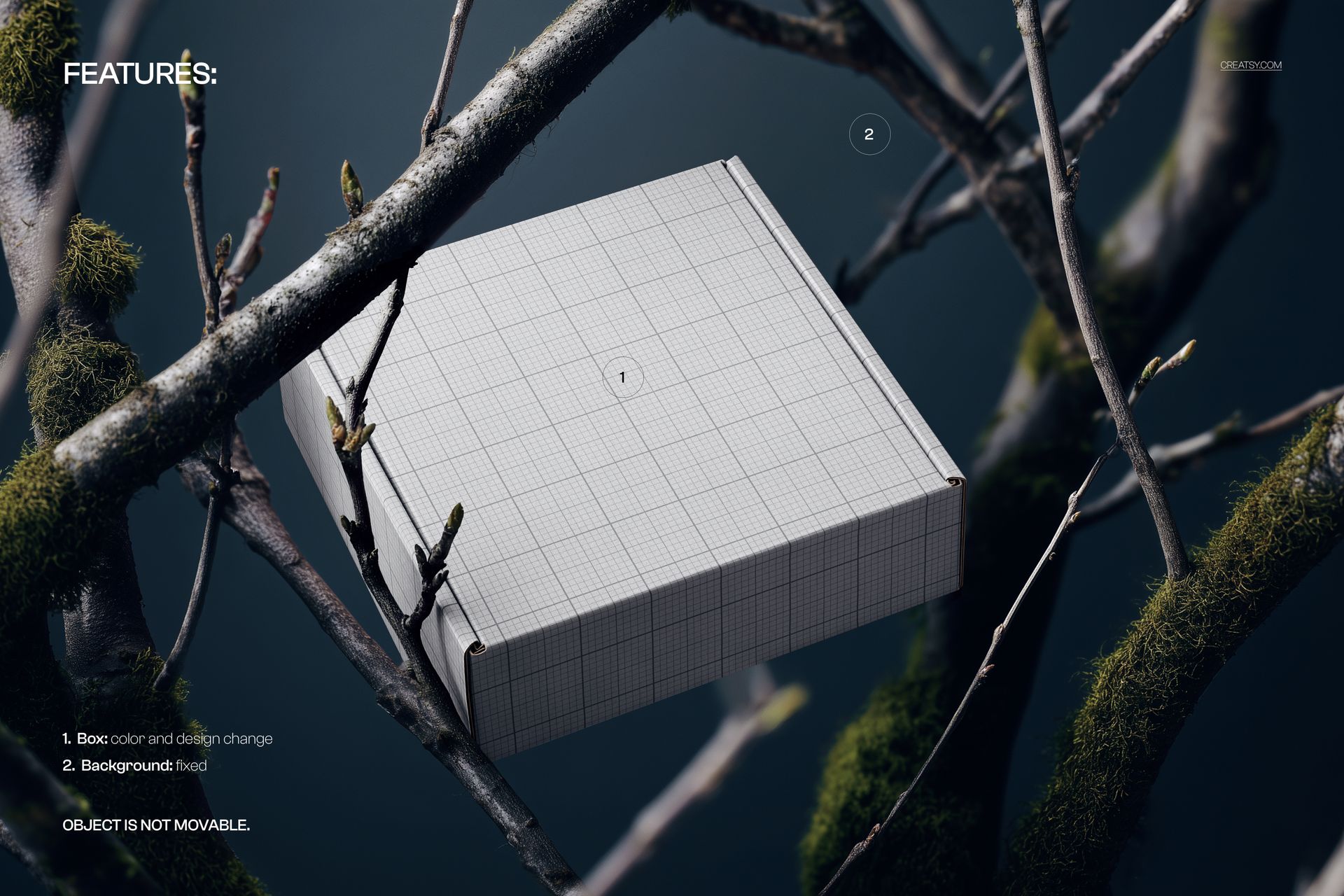
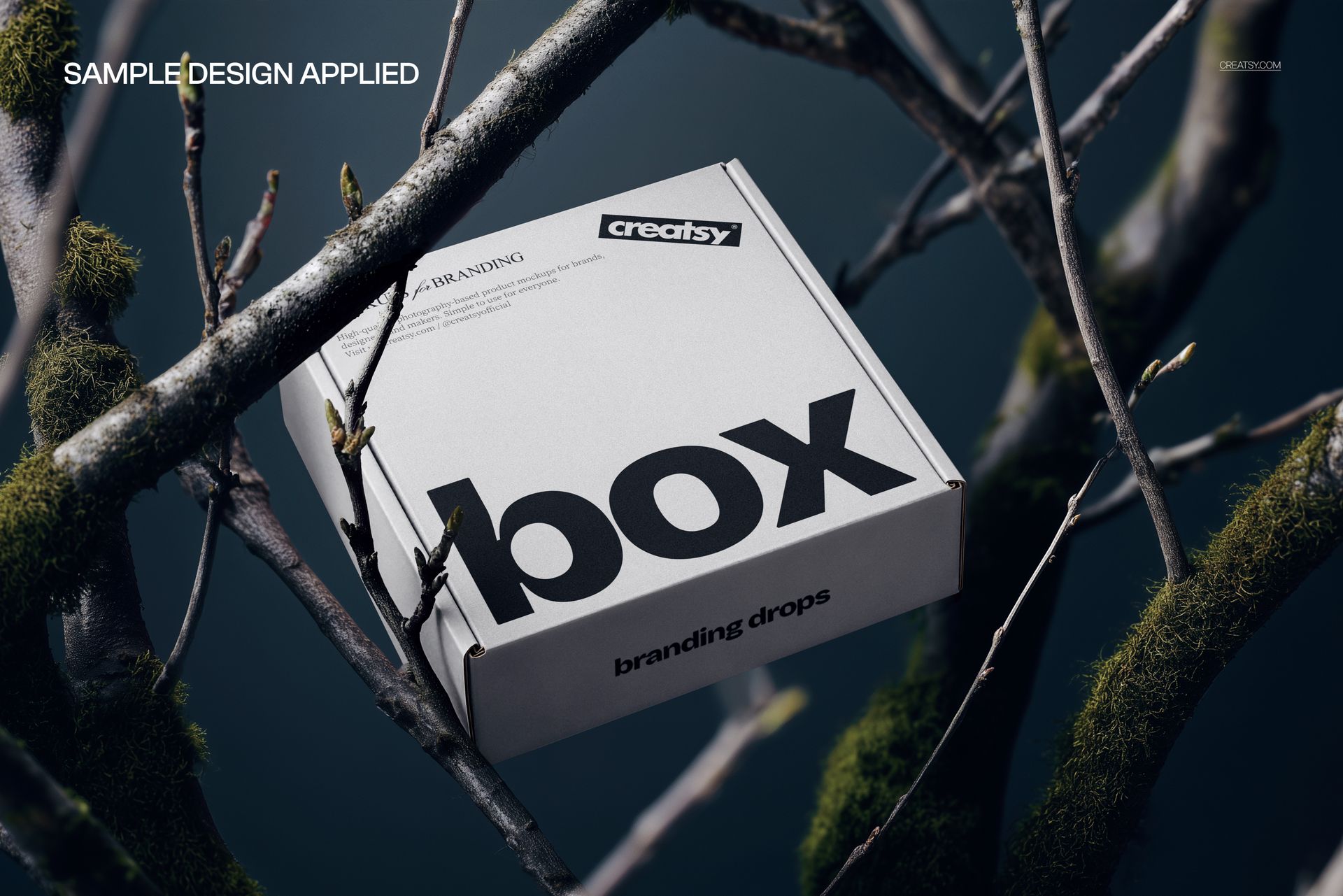
Your design goes on through a smart object, and the box color changes too, so you can wrap the mailer in your print and set the cardboard to kraft brown, white, or a brand shade. Double-click the box smart object, drop in your artwork, and save - it maps onto the box with the scene's shadows and soft light on top, so it reads like a real printed mailer rather than a flat sticker. The box arrives blank; the design shown in the previews is placeholder artwork and is not included. To set expectations up front: the natural background is fixed and the box stays in place, so this is built for one strong hero angle rather than a movable scene.
Use it to present shipping or subscription packaging to a client, to anchor a product page for an eco or handmade brand, or to build an Etsy or Creative Market listing for a box or packaging template. One PSD covers a styled outdoor shoot that would otherwise need a real printed box, a location, and the right light.
What you get
One layered .psd mockup of a mailing box on a natural, foliage background, plus a .jpg of the scene
5000 x 3333 px at 300 dpi, print-ready and web-ready
A smart object for the box design, so your artwork maps onto the mailer
Editable box color, so you can switch between kraft, white, or a brand shade
Well organized, clearly named layers
About 140 MB on Windows and 147 MB on Mac once unzipped
How it works
Open the .psd in Adobe Photoshop (CC2020 or newer), or free in Photopea.
Double-click the box smart object to open its own canvas.
Paste your artwork, fit it to the guide, and save that tab.
Set the box color to taste, then export a JPG or PNG.
Specifications
Files: layered .psd plus a .jpg
Dimensions: 5000 x 3333 px
Resolution: 300 dpi
Scene: mailing box on a fixed natural, foliage background
Editable: box design and box color via smart object
Fixed: the background and the box position
Software: Adobe Photoshop CC2020 or newer, and Photopea (free, browser-based)
File size: 140 MB Windows / 147 MB Mac
Who it is for
It suits packaging and branding designers presenting a mailer, eco, handmade, and subscription brands that want an outdoors, sustainable feel, and print or Etsy sellers offering box and packaging templates. It fits cosmetics, candles, jewelry, food, apparel, and craft brands that ship in mailer boxes. It is also a natural fit for a skincare or candle brand's unboxing shots and for a subscription service showing off its mailer in a seasonal campaign. If you sell or design shipping packaging and want a natural, editorial preview without a shoot, this is built for it.