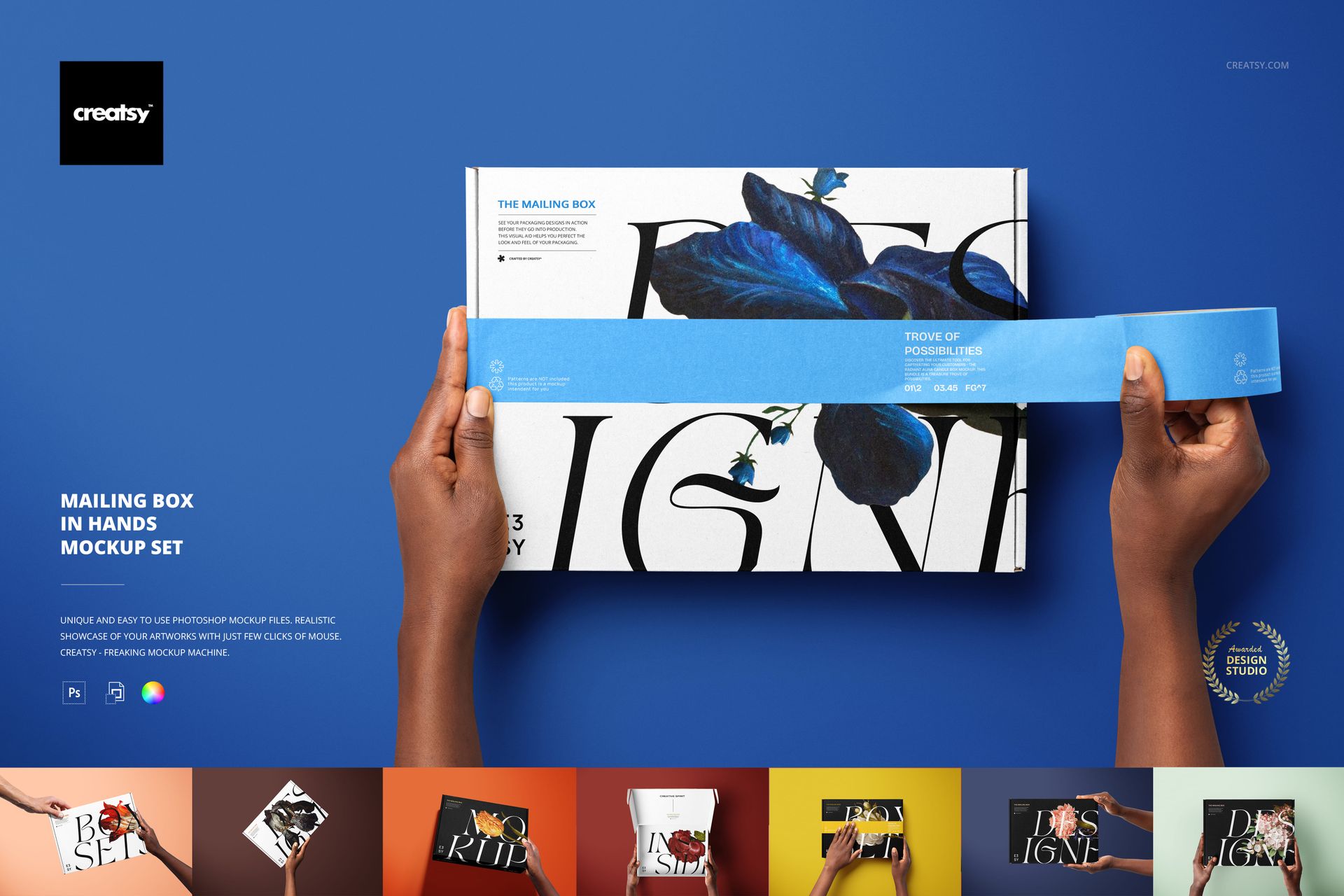
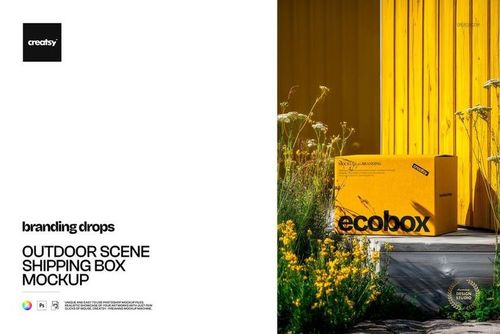
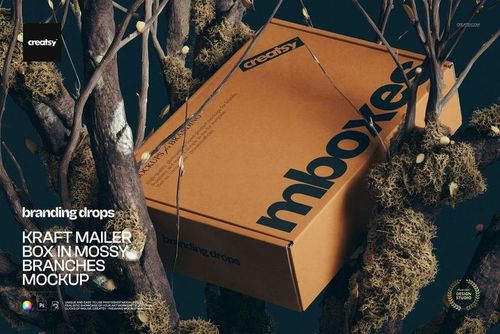
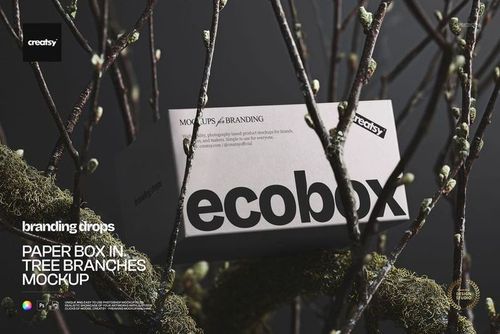
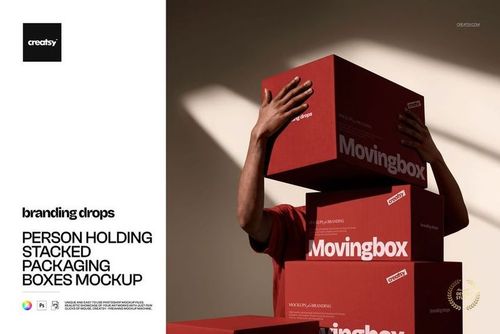
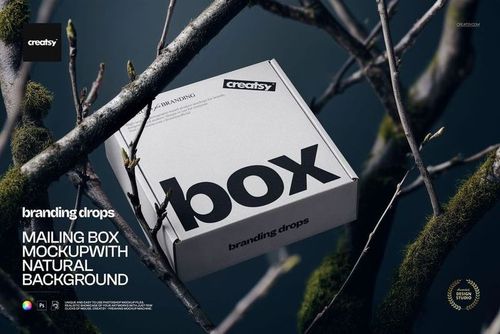
Mailing Box in Hands Mockup Set
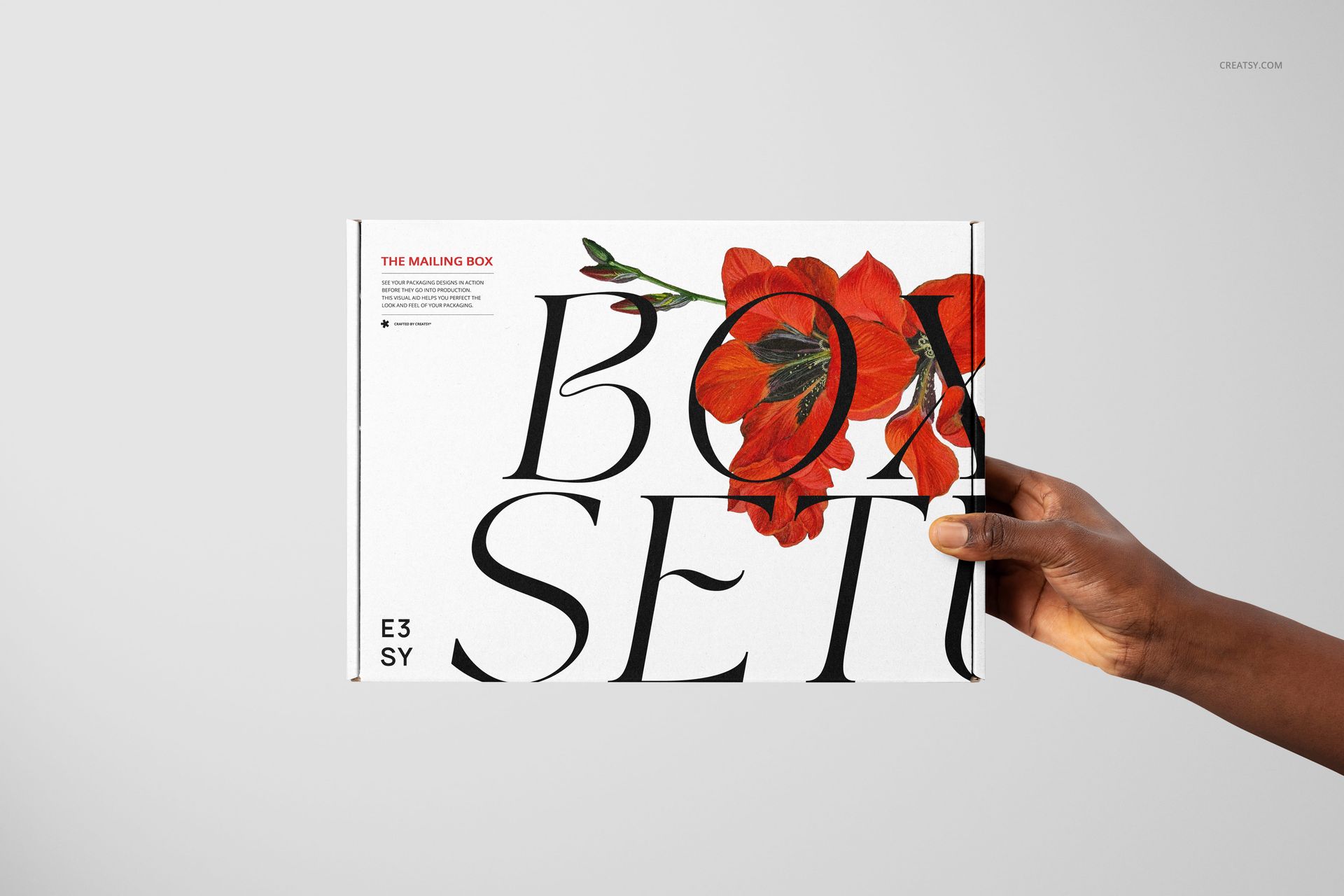
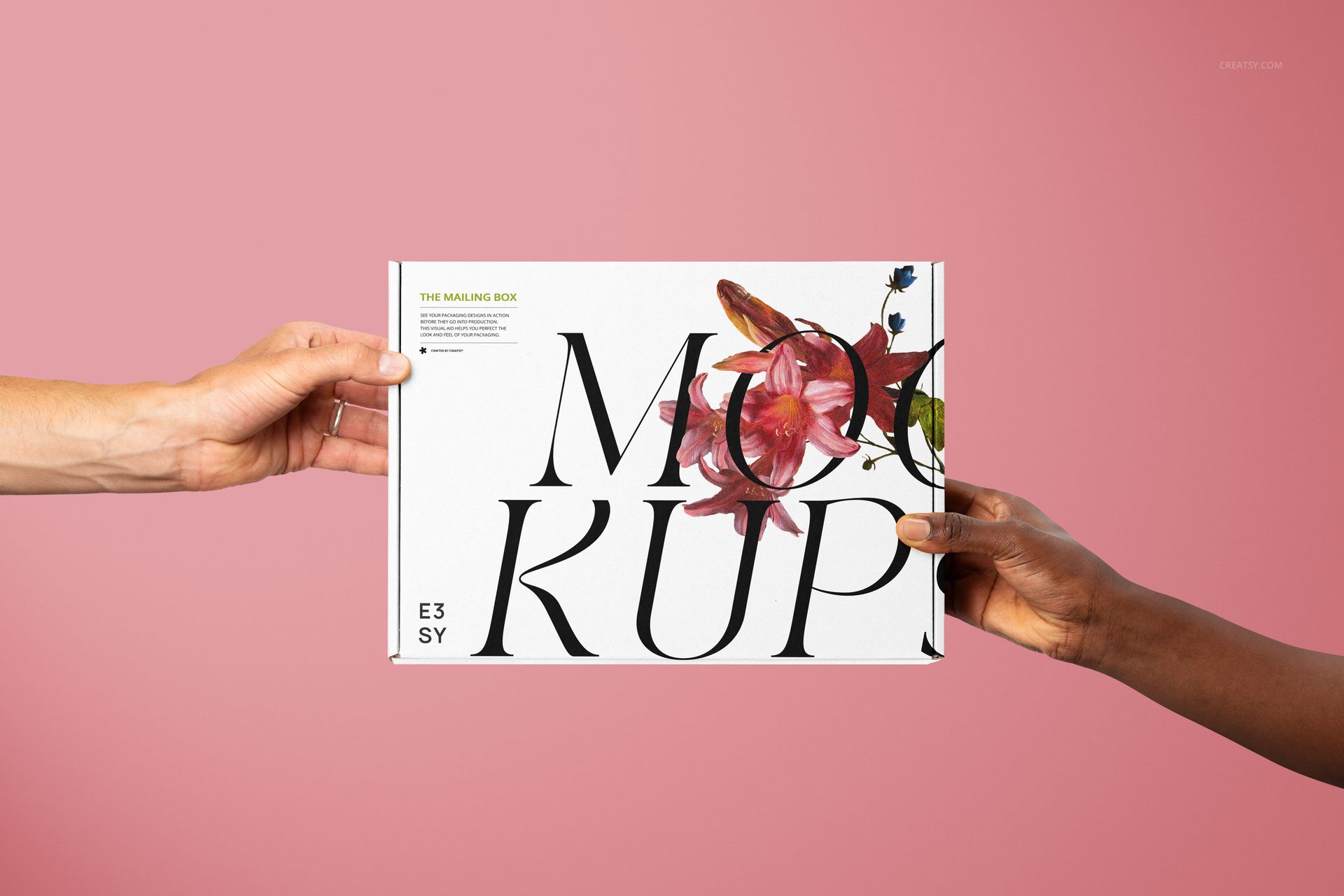
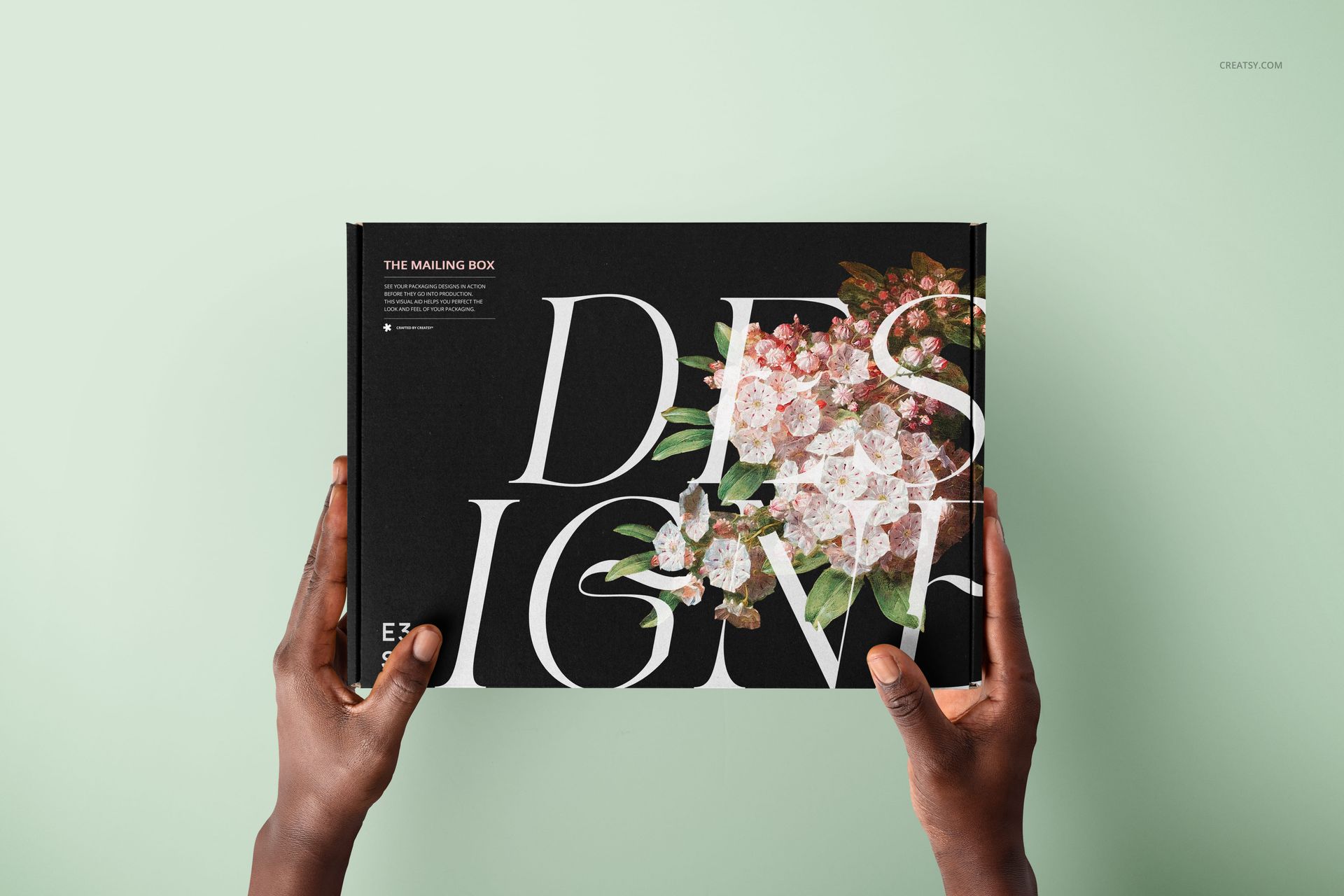
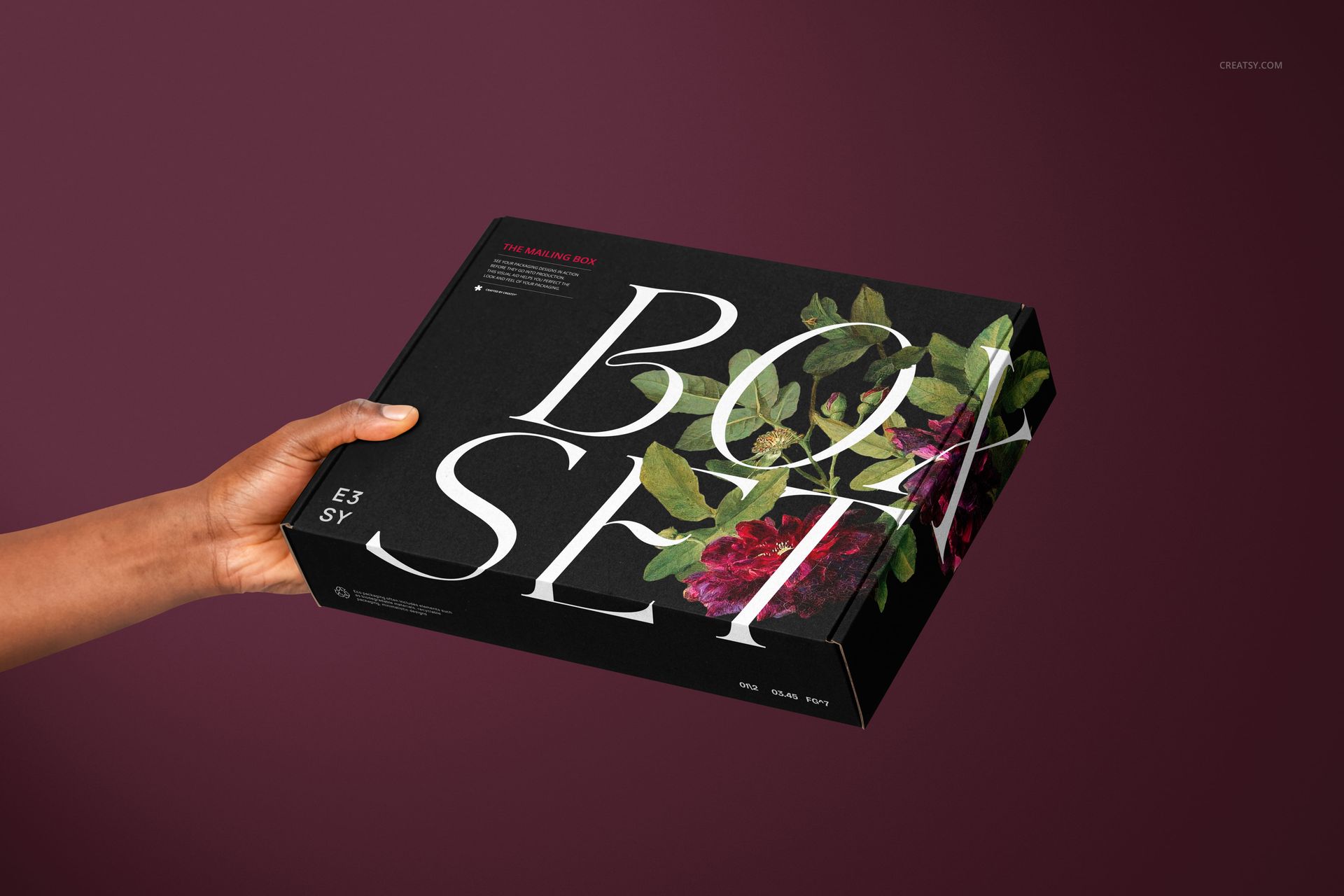
A parcel feels different when someone is about to receive it. These 14 hand-held mailing box scenes take your packaging from sealing and handover to an open-box reveal, with varied grips that give a brand presentation a human point of view.
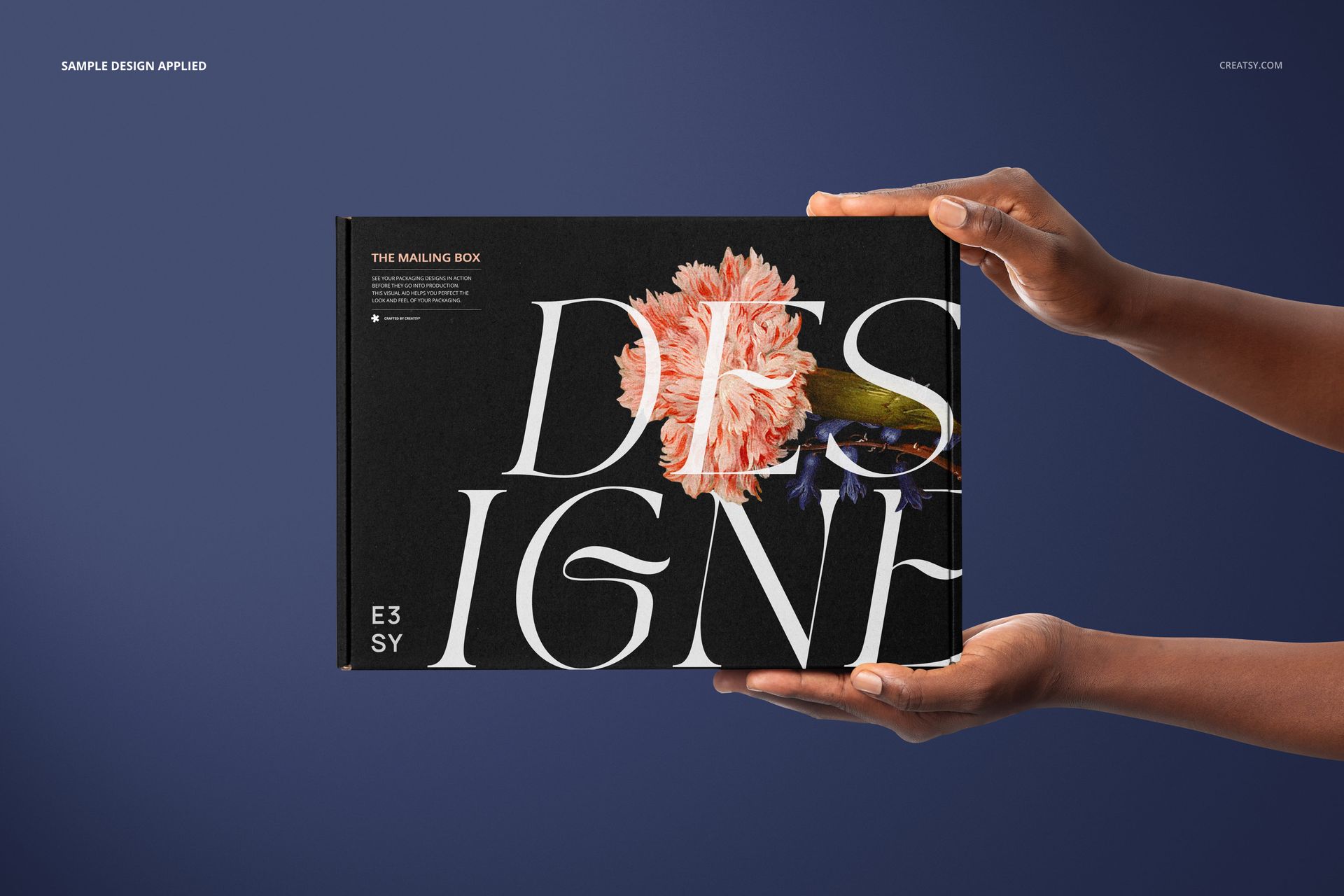
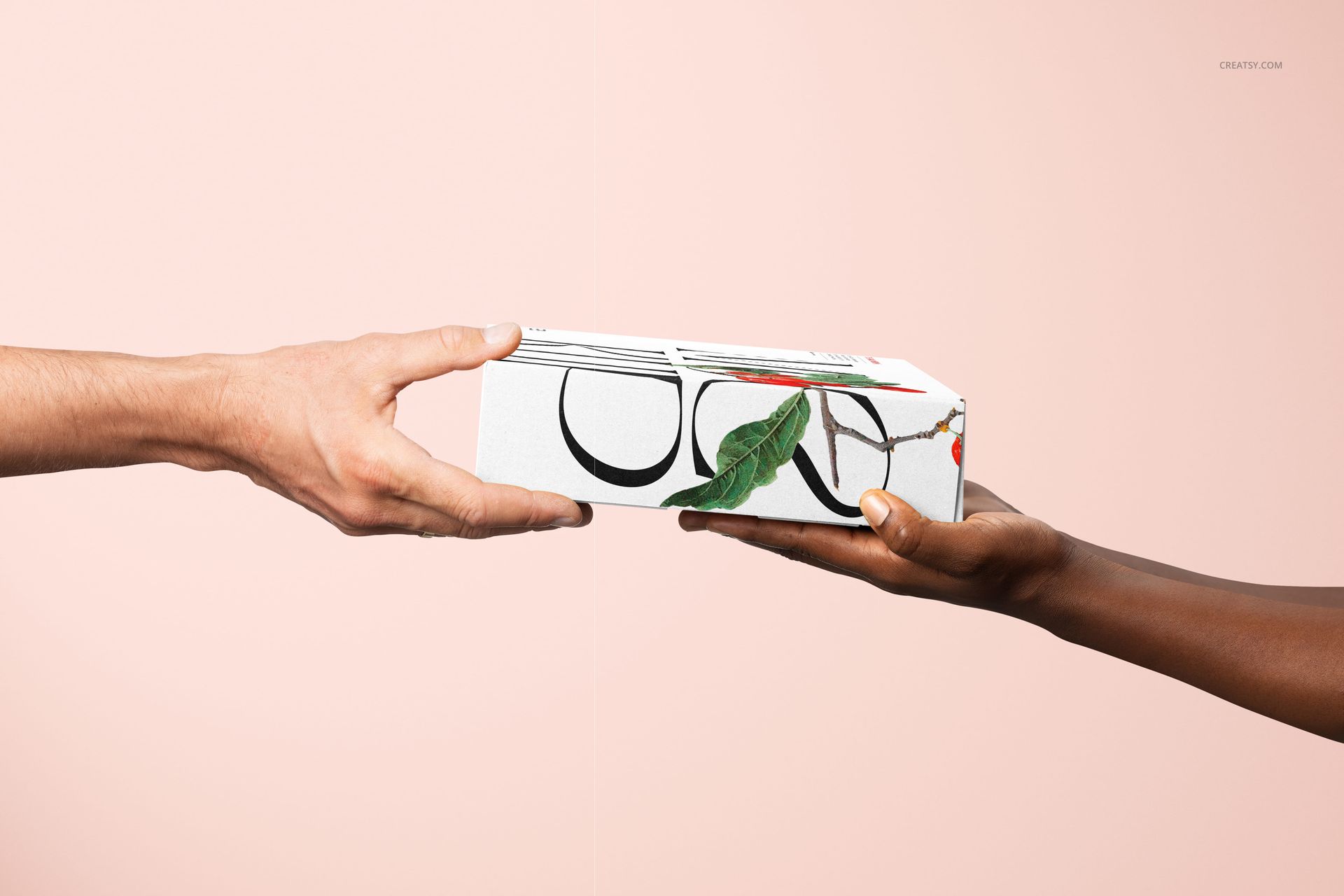
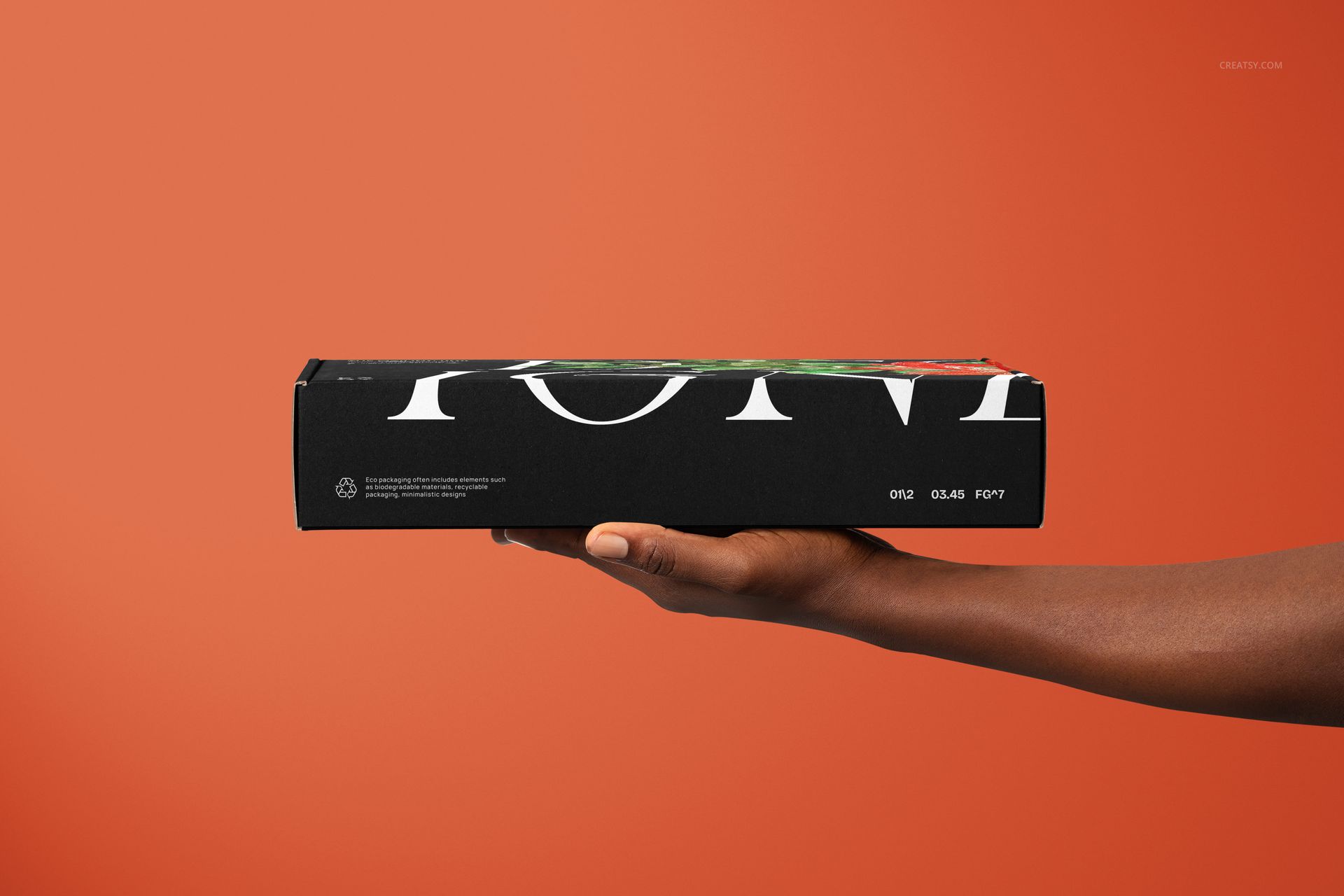
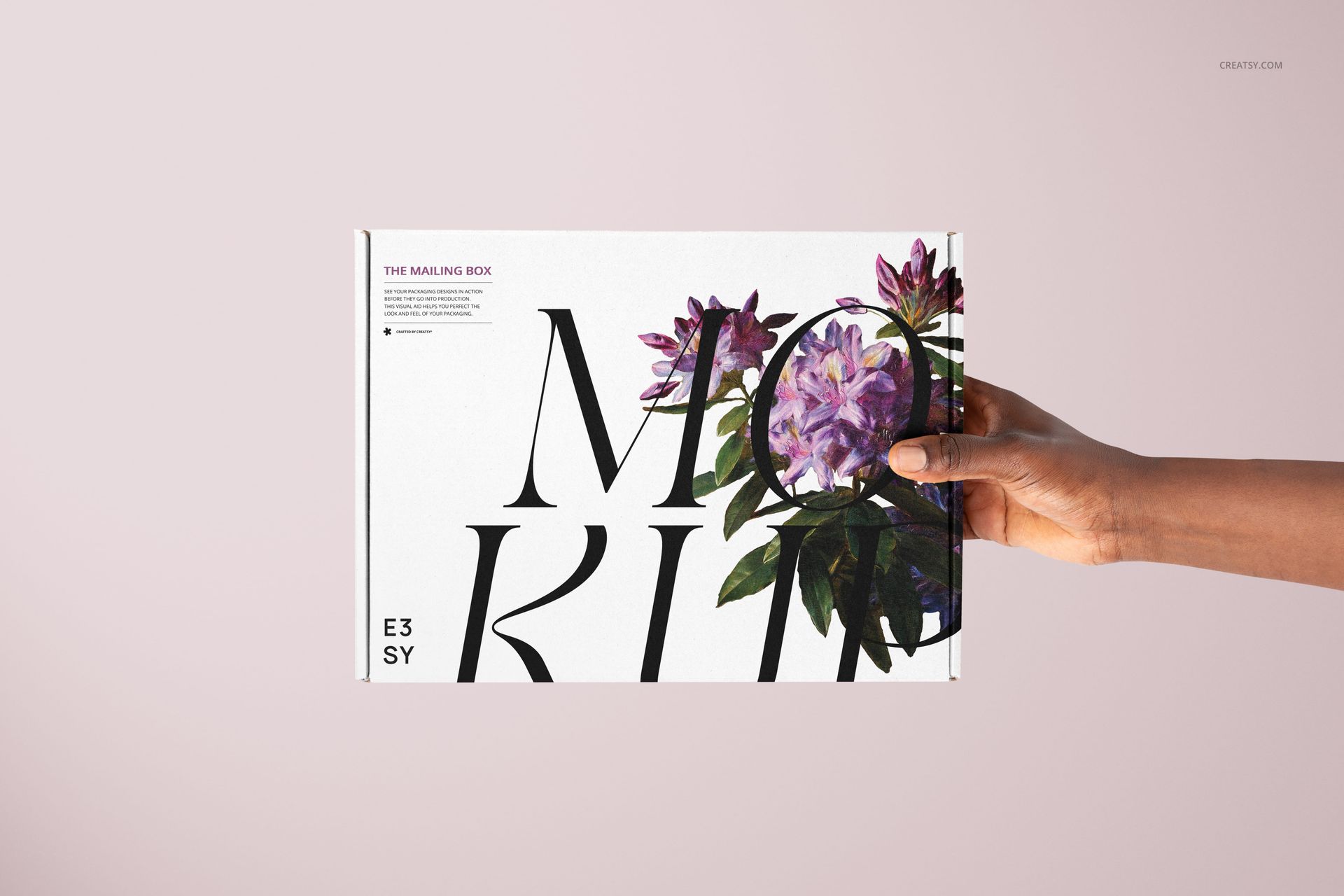
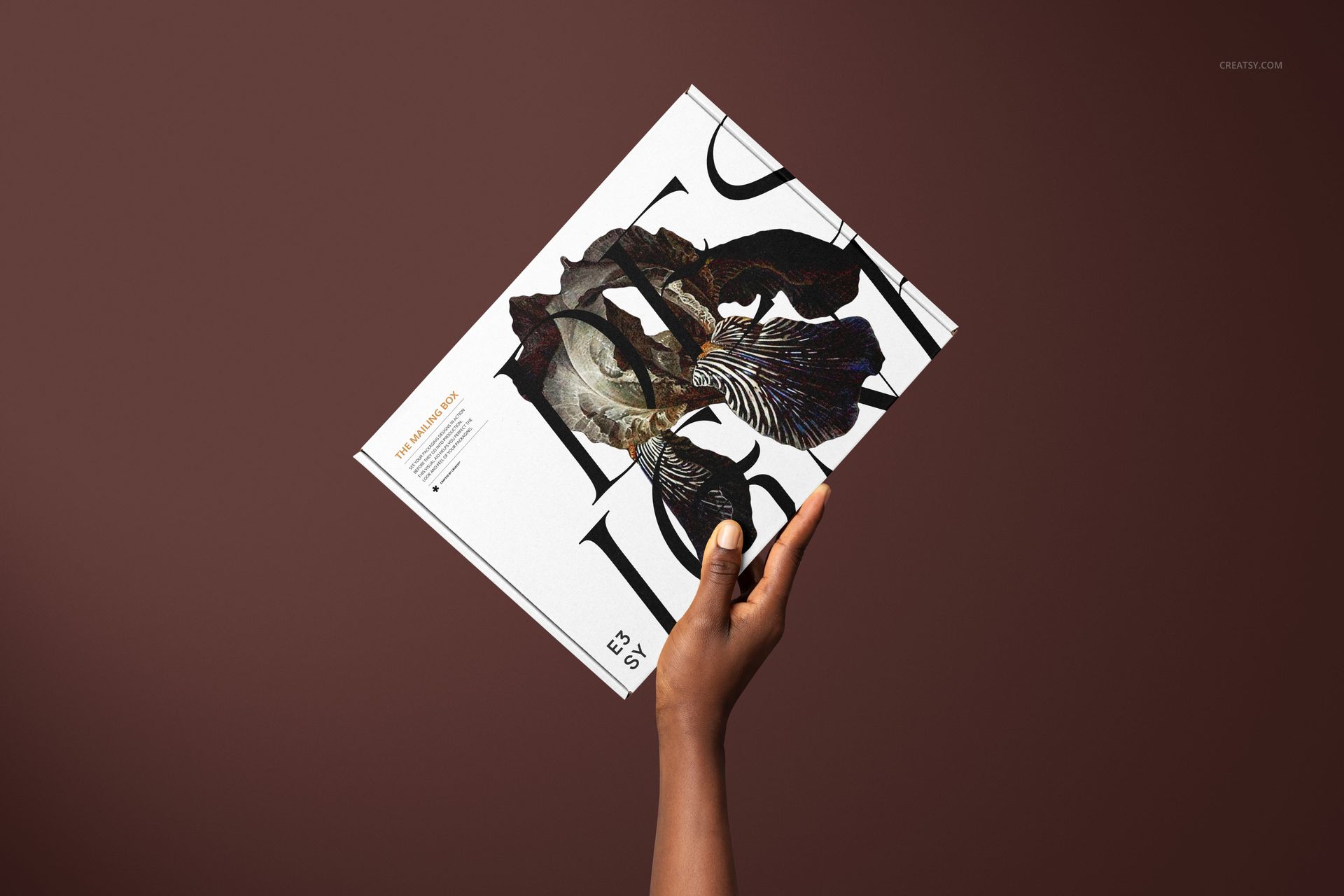
Front-facing views keep the lid artwork prominent, while angled holds and side views expose the edges and secondary panels. Use the set to show a complete delivery concept, compare packaging graphics across several gestures, or build a campaign around the moment an order changes hands.
What Is Included
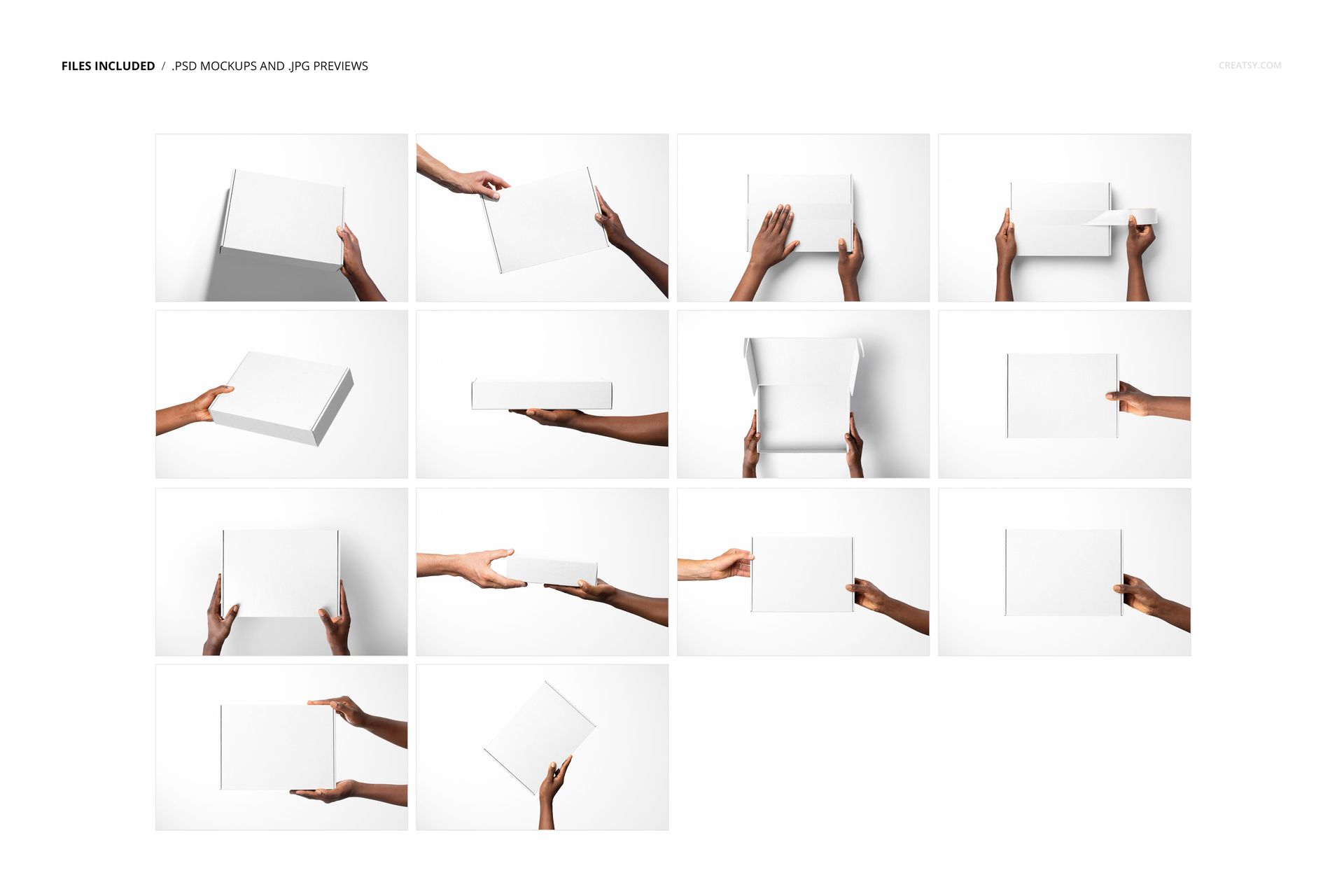
14 layered PSD mockup files, each listed at 6000 × 4000 px and 300 DPI.
14 JPG thumbnails at 256 × 171 px, 28 files in total.
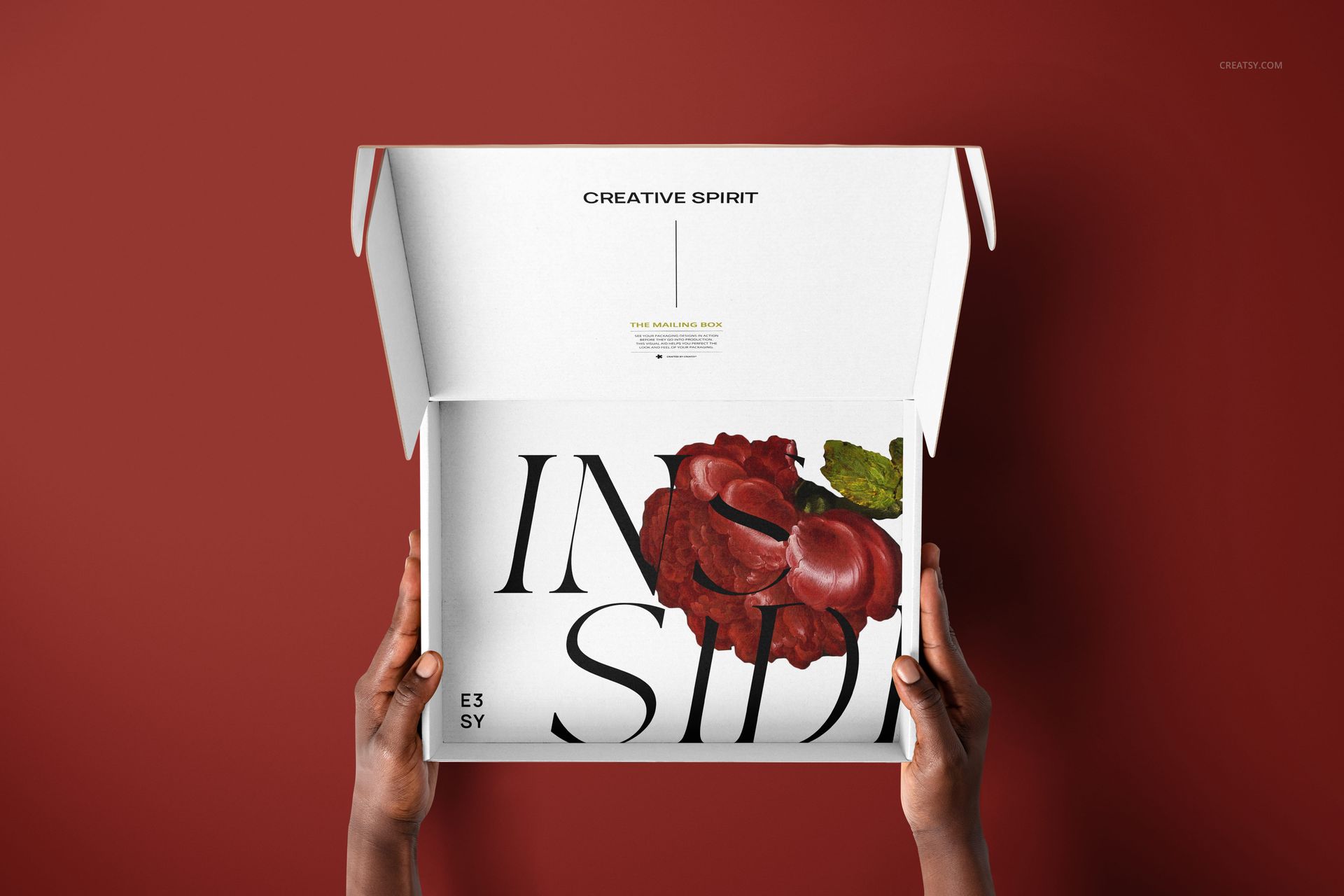
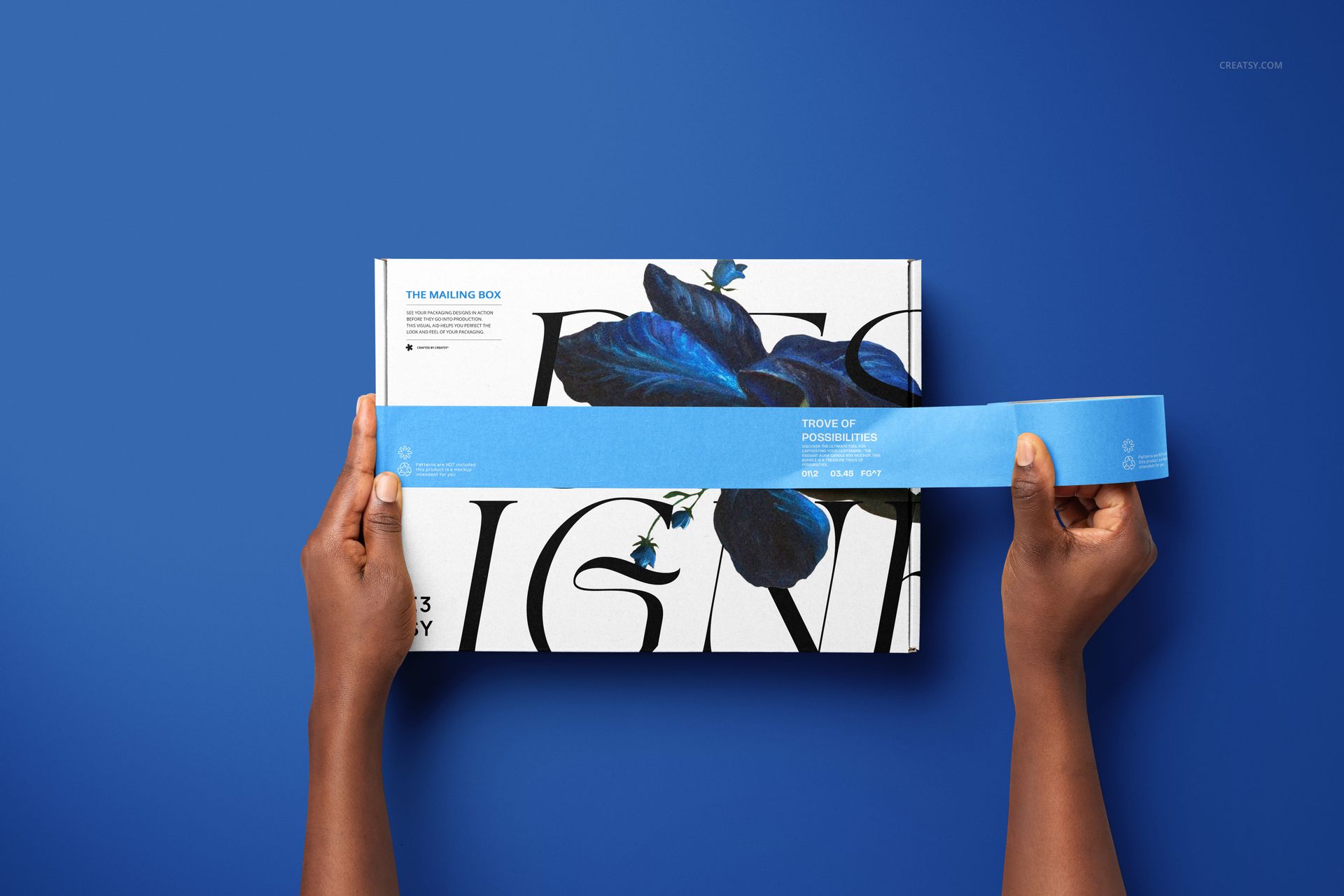
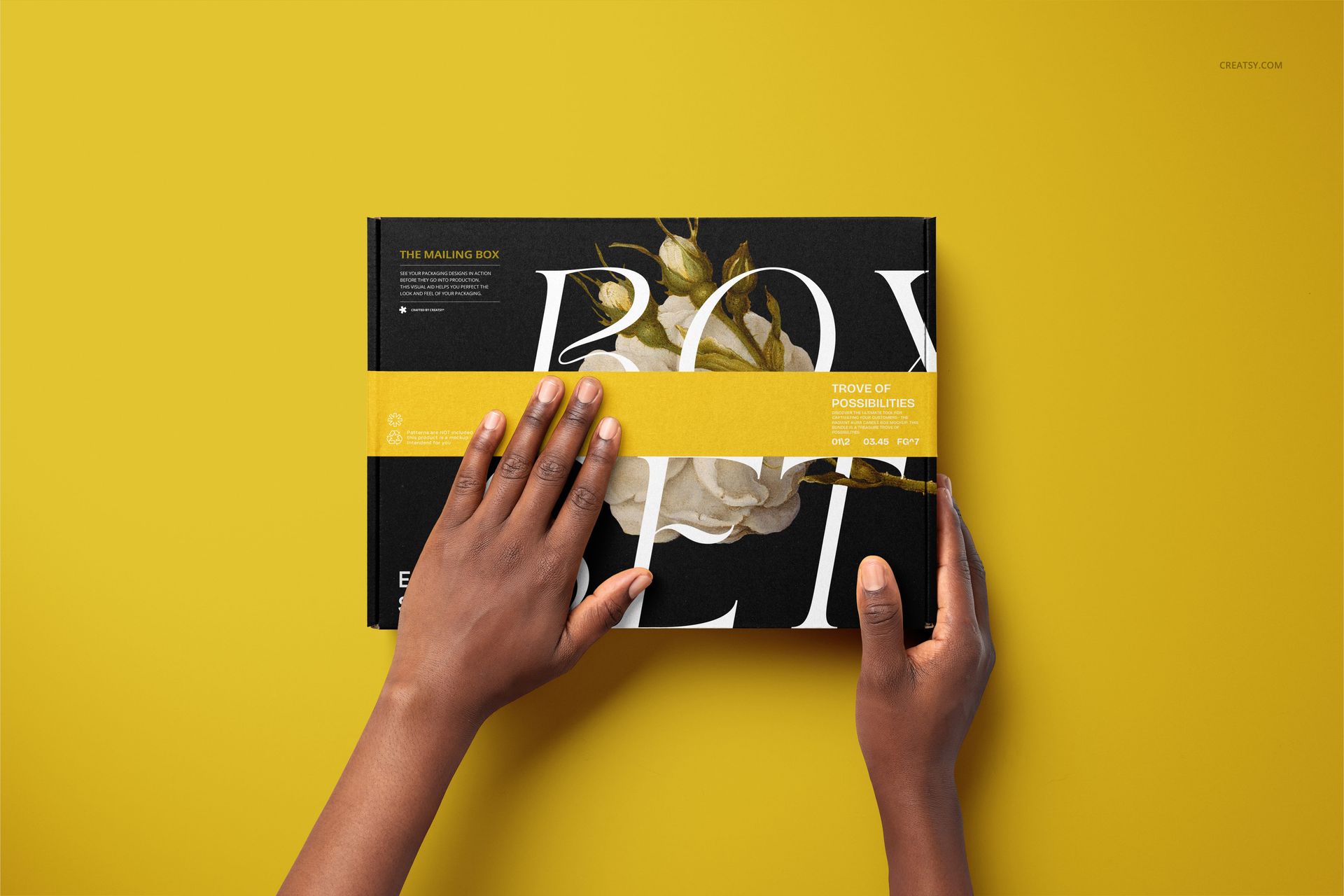
One-hand and two-hand holds, package handovers, an open-box view and adhesive-tape application scenes.
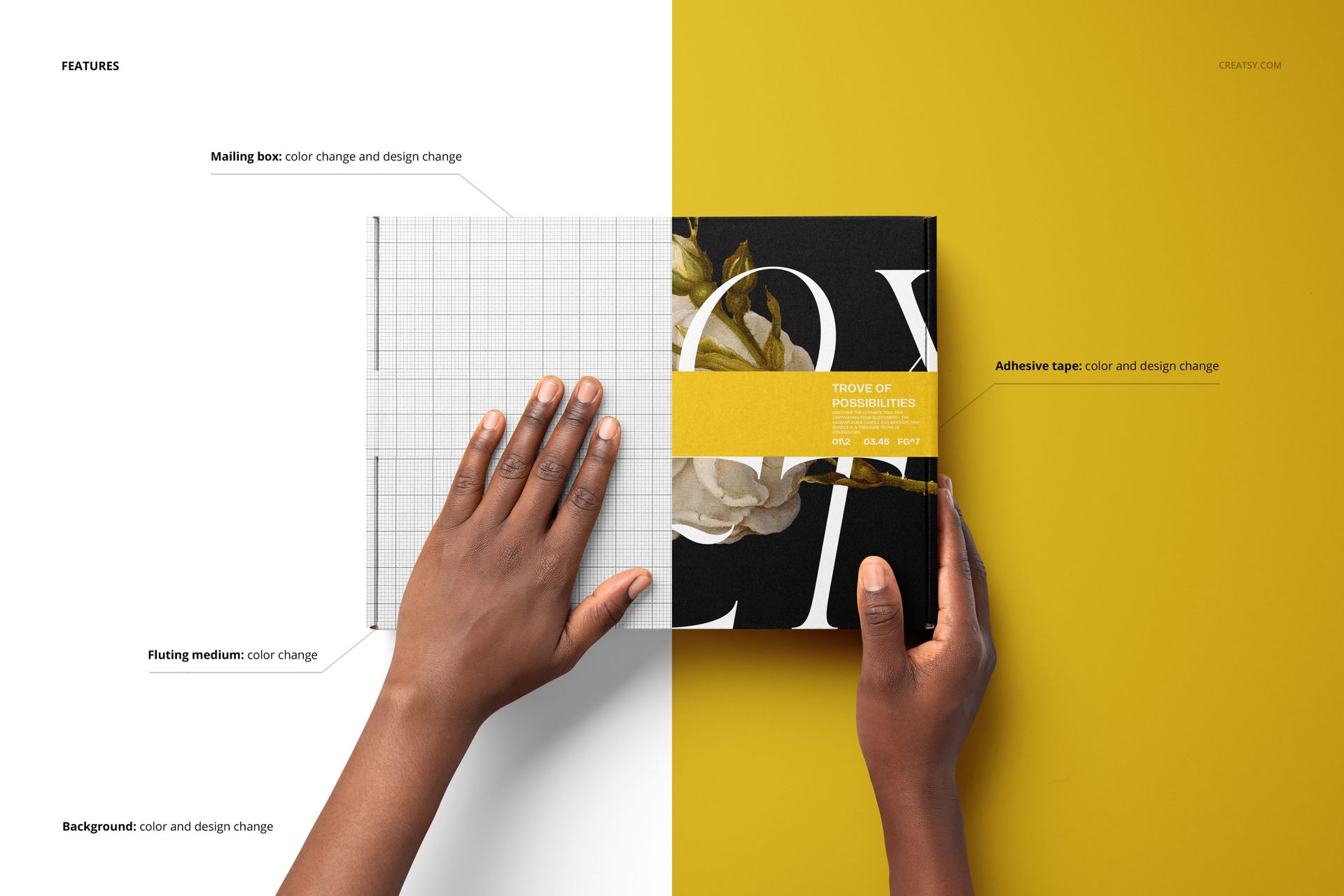
Box and tape artwork editing, color controls and editable backgrounds.
Make the Sealing Detail Part of the Brand
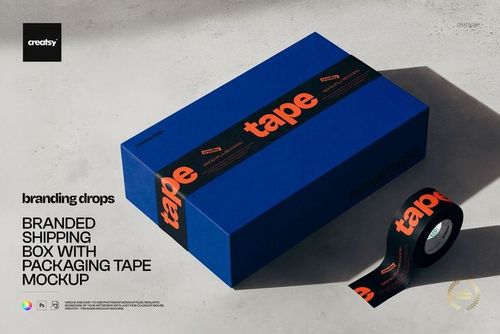
The tape scenes show both a strip being drawn across the box and a hand pressing it into place. Coordinate the adhesive tape with the carton print, then switch to a clear lid view to show the artwork without the strip crossing its center. The open-box scene adds the inner lid and base to the story.
Easy Smart Object Editing
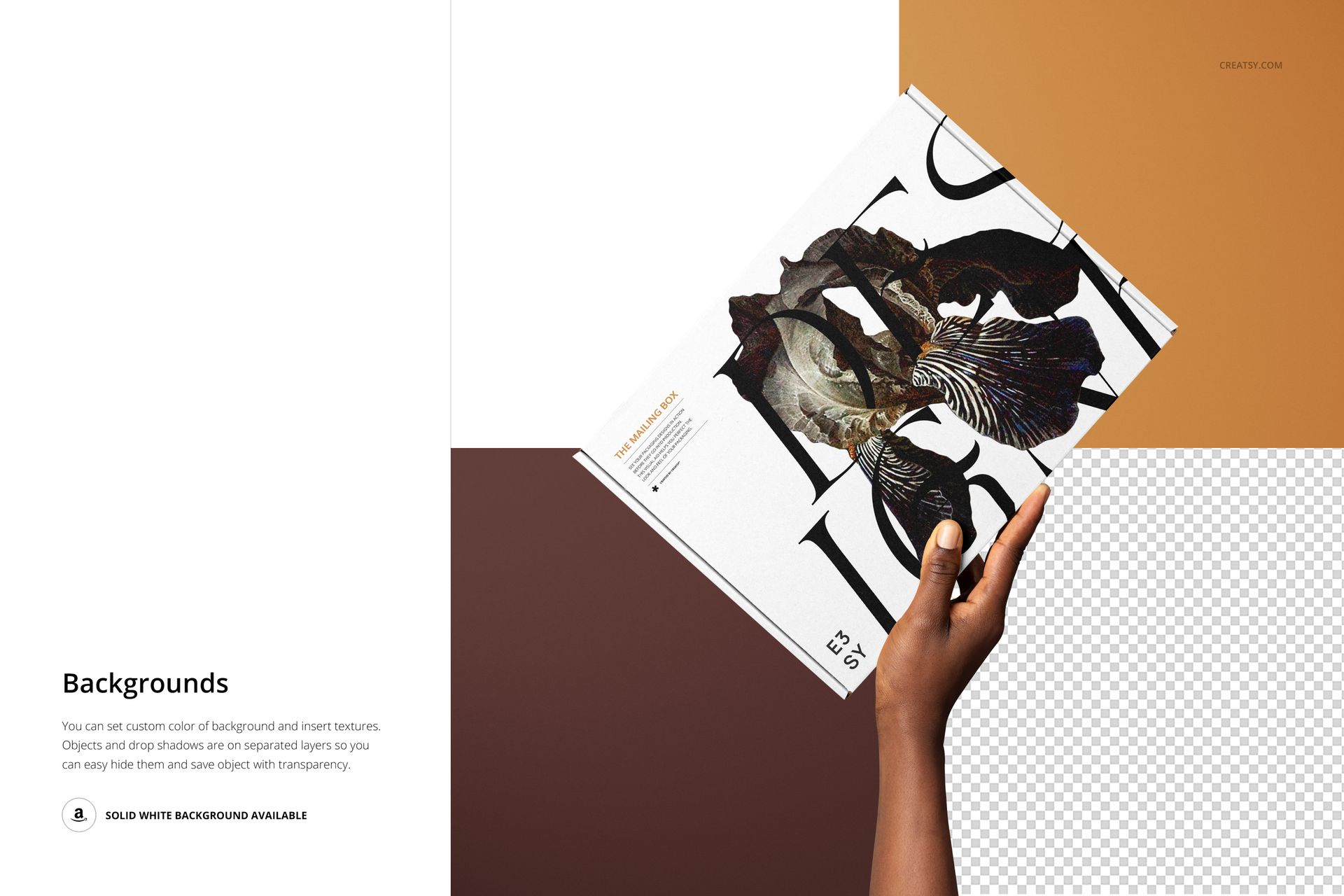
Open the PSD files in Adobe Photoshop CC2015 or newer, or in Photopea. Replace the artwork through Smart Objects and use the organized layers to adjust the mailing box, adhesive tape and background colors and designs. The corrugated fluting has its own color adjustment. Object and drop-shadow layers are separate, and the background can use a custom color, your own texture or transparency.
Perfect For
Packaging designers, branding studios and online retail brands can use these scenes for delivery campaigns, subscription-box concepts, client presentations and portfolio case studies. This is a digital mockup set, not physical boxes or a manufacturing template. Sample graphics and patterns are not included.