


 $1900
$1900
Home & Living Mockups
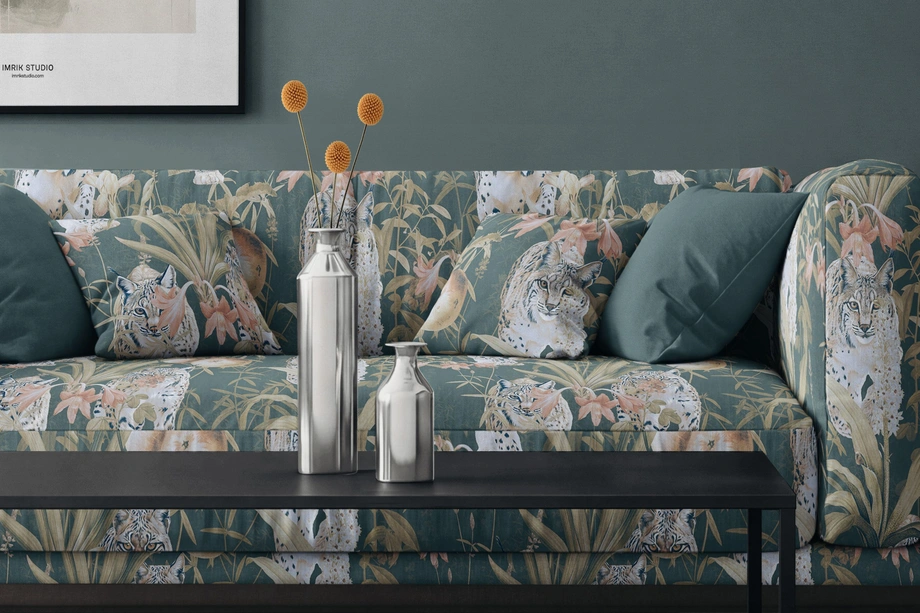
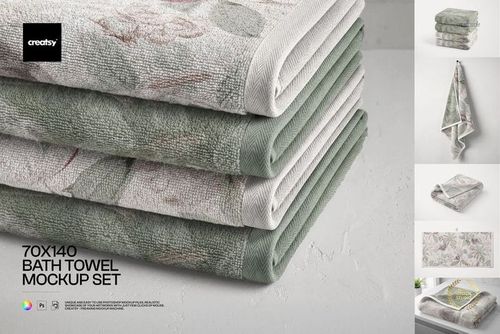
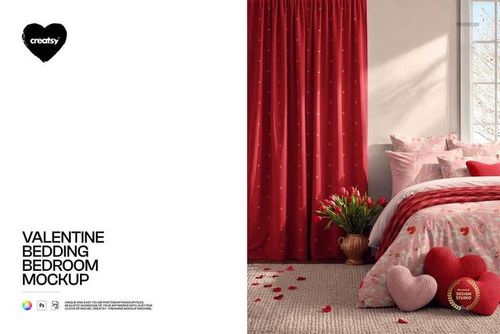
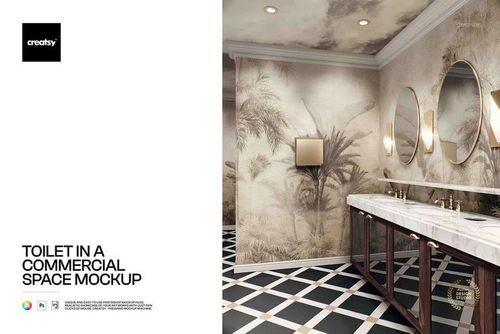
Explore editable home and living mockups for bedding, decorative pillows, blankets, curtains, wallpaper, rugs, furniture, lampshades, bathroom and kitchen textiles, table linens, candles, reed diffusers, and styled indoor or outdoor spaces. Add patterns, artwork, and coordinated colorways to layered Photoshop files, then create realistic visuals for product listings, licensing presentations, client pitches, portfolios, advertising, and social media.

Reviews
What designers and brand owners say after using these PSD mockups in real client work.
0
Sort by:


This is a good mockup. It's easy to use and pays attention to detail in the visual elements. Making my product look even better and more attractive. I'm very grateful for the free mock up. thank you
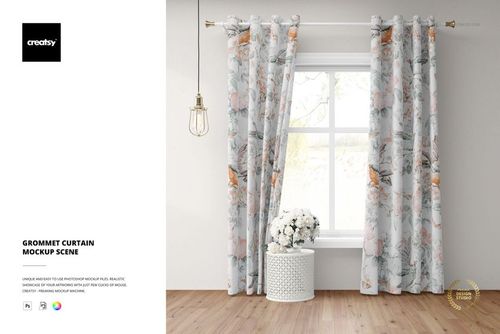 Grommet Curtain Mockup Scene View product
Thank you so much, nongnuch_l! We’re thrilled that you appreciated the visual details and found the Grommet Curtain Mockup easy to use. We hope it helps you present your curtain patterns in a realistic and professional interior setting. Thank you for your support and 5-star review!

Great mockup. Very easy to use. Love it❣️
 Four Paper Wallpaper Rolls Mockup View product
Thank you! So glad you love it. 💕
This is a very good model. It's easy to use and pays attention to detail in the visual elements. It looks exquisite and beautiful, making the product look even better and more attractive. I really like it and I'm very grateful for the free service. It's perfect for those who are just starting out in this field.
 Free Classic Small Bathroom Wallpaper Interior PSD Mockup View product
 Thank you so much, nongnuch_l! We’re delighted that you found the mockup easy to use and appreciated the attention to detail. It’s wonderful to know that it helps your wallpaper designs look polished and attractive. We’re also glad our free mockups can support designers who are just getting started!

I think this has to be one of my favorite mockups to date! This is easy to edit so you can add your own personality with either Photoshop or, my new preferred program, Photopea. This is eye candy for anyone who creates wallpaper and home decor. For me, I added framed wall prints from another Creatsy mockup set to the wall and couldn't be happier with how it elevates the look of my online shop. I hope we get more warm and cozy mockups like this in the future. Thank you to Creatsy for always making my products shine!
 Modern Elegant Living Room Mockup View product
 Thank you so much for this wonderful review! We’re thrilled that this mockup has become one of your favorites. We especially love that you combined it with framed prints from another Creatsy set to create your own unique scene. Thank you for choosing Creatsy and for letting our mockups help your products shine! 💖
Creatsy mockups are the best! The very best.
Four Paper Wallpaper Rolls Mockup View product Thank you so much! We’re incredibly grateful for your kind words and so happy you love our mockups 💖

You get a ton of value from this pack. The interiors are all luxurious with great lighting and come to life when you throw some textures into them. Top-tier quality collection of mockups.
 Fabric Factory v.12 Mockup Bundle - Upholsteries, Wallpapers & Canvas Prints View product
 Thank you so much for such a thoughtful review! It means a lot to hear that you’re pleased with the quality of the collection! 😊
Beautiful Mock up. Just what I was looking for and easy to use. Great quality as always from Creatsy
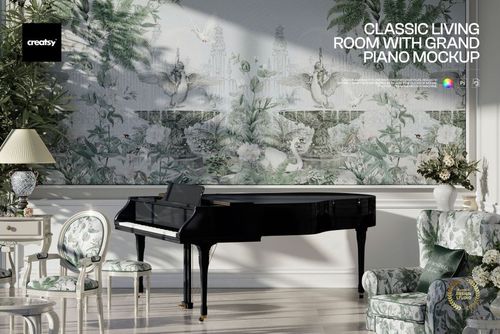
 Classic Living Room with Grand Piano Mockup View product
 Thank you so much! We’re delighted you found the mockup easy to use and exactly what you were looking for 😊


What you get
Professional PSD mockups built in-house - editable, realistic, high-resolution, and supported by real people.
Layered PSD Files
Creatsy mockups are delivered as fully layered Photoshop .psd files, with layers sorted into clearly named groups. Shadows, highlights, and the background each sit on their own editable layer, and nothing is flattened into a single image. Open it in Photoshop or the free browser editor Photopea and get to work.
- Clearly named, organized layer groups
- Shadows and highlights on separate layers
- Editable background, never flattened
- Works in Photoshop or free Photopea
Smart Objects
Open the smart object, paste your artwork, and save. The design lands on the product with the perspective, warp, and wrap already worked out. Scene lighting and shadows fall back on top, so it reads as a photograph, not a flat paste-in. Swapping a design takes seconds, so one file can carry a whole run of variants and colorways.
- Double-click, paste your design, save
- Perspective, warp, and wrap pre-built
- Scene lighting and shadows sit back on top
- One file covers many variants and colorways
High-Resolution Output
Many scenes are built from real product photography rather than 3D renders, so the fabric and surface read like a studio shot. Files export at high resolution and stay sharp at full zoom, with clean edges where the print sits. The same file works for a hero banner, a paid ad or a product listing.
- Real product photography in many scenes
- Exports ready for print
- Holds detail at full zoom
- Works for banners, ads and listings
Easy to Edit
Colors, backgrounds, and artwork sit on separate, clearly named layers, so you swap a color or background without disturbing the rest of the scene. There is no relighting or shadow work to redo, and the same file works for your next project.
- Edit color and background layers directly
- No relighting or shadow rework needed
- No masking or layer skills required
- One file reused across projects
Fast Support
There is a real in-house team behind every file, not a ticket bot. Before you buy, ask whether a specific mockup fits what you have in mind, and we will tell you. When a smart object or a layer group is tripping you up, send the question and you usually get a reply within 48 hours.
- Real in-house team behind every file
- Replies within 48 hours
- Pre-purchase help picking the right mockup
- Answers on smart objects and layer setup
Who are these mockups for?
For home textile & decor brands
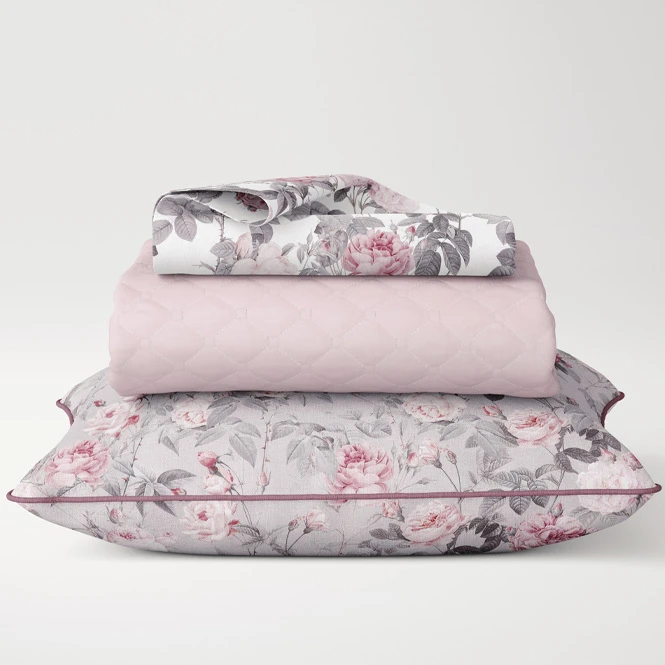
Create coordinated product visuals for duvet covers, pillowcases, decorative cushions, throws, curtains, rugs, table linens, bath textiles, kitchen accessories, and other home products. Compare colorways and collection directions before producing and photographing every physical variation.
Developing a bedroom collection? Browse Bedding & Bedroom Textiles mockups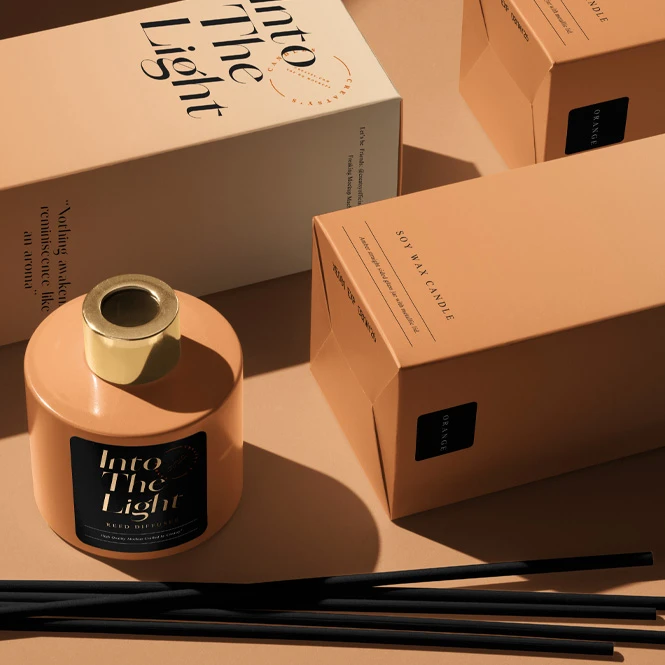
For homeware retailers & online sellers
Prepare realistic listing images for cushions, blankets, wallpaper, lampshades, rugs, candles, furniture, table linens, and seasonal home collections without arranging a separate photo shoot for every early design variation. Use clean product views and styled scenes across online shops, catalogs, advertising, and launch campaigns.
Need product-focused visuals? Browse the individual Home & Living subcategories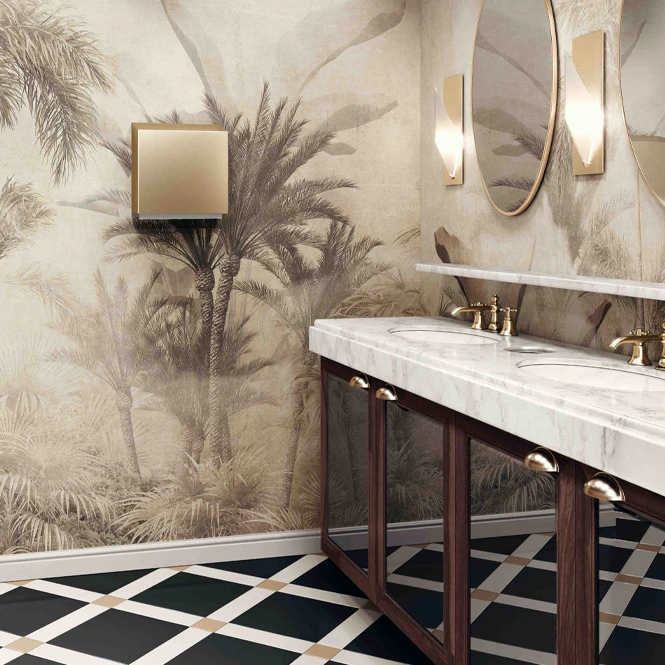
For interior, hospitality & commercial design studios
Use living rooms, bedrooms, bathrooms, lounges, dining spaces, commercial interiors, and outdoor scenes to communicate a visual direction in context. Selected mockups include several editable surfaces, while others focus on one product, wall, textile, or piece of furniture.
Building a wider interior presentation? Browse Living Room & Decor Scenes and Commercial & Hospitality Spaces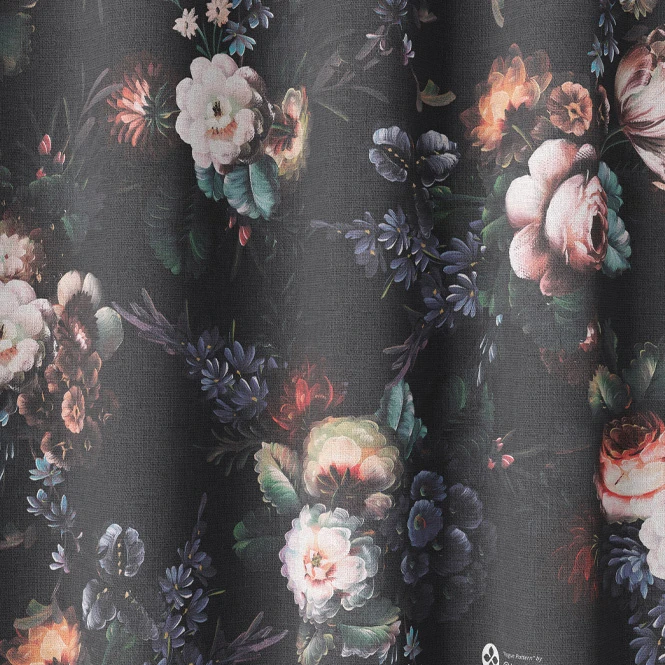
For surface pattern designers & licensing studios
Show one artwork collection across bedding, cushions, blankets, curtains, wallpaper, rugs, table linens, kitchen textiles, bathroom accessories, lampshades, and upholstered furniture. Use the finished visuals in licensing decks, portfolios, client pitches, trade-show presentations, and social media.
Presenting repeat patterns? Browse Fabric mockups
FAQs
The collection includes bathroom textiles and accessories, bedding and bedroom textiles, blankets and throws, candles and reed diffusers, commercial and hospitality spaces, curtains and blinds, decorative pillows, dining and table linens, doormats and rugs, furniture, kitchen textiles, lampshades, laundry and utility spaces, living room scenes, outdoor spaces, and wallpaper rolls or sheets. Use the subcategory links and filters to narrow the results to the product or interior type you need.
Customization varies by product. You can generally add artwork through Smart Objects and adjust selected product colors. Depending on the mockup, additional editable elements may include bedding components, cushion surfaces, furniture upholstery, walls, wallpaper, curtains, rugs, lampshades, props, frames, backgrounds, shadows, hardware, trims, or other scene details. Check the screenshots and Product Details section for the exact Smart Objects and controls included in each file.
Yes. You can reuse the same artwork across bedding, pillows, curtains, wallpaper, rugs, table linens, lampshades, and other products to build a coordinated collection. Each independent Photoshop file and editable surface must still be updated separately. Changes do not automatically synchronize between different products, sets, or bundles unless a product explicitly states otherwise.
The collection includes square and rectangular throw pillows, long pillows and bolsters, round and sphere cushions, floor and meditation cushions, and products with piped, ruffled, fringed, braided, tasselled, quilted, woven, velvet, silk, or polyester finishes. Selected scenes show one cushion, coordinated sets, or pillows arranged on beds, sofas, chairs, and outdoor furniture. Exact sizes, fabrics, viewing angles, and editable elements vary, so check the individual product page before purchasing.
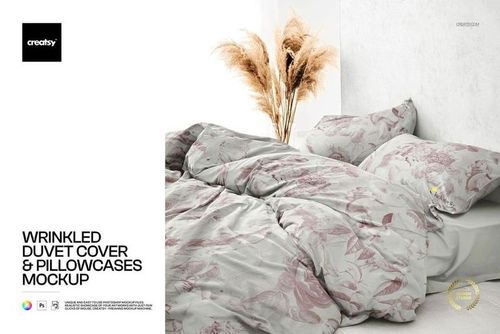
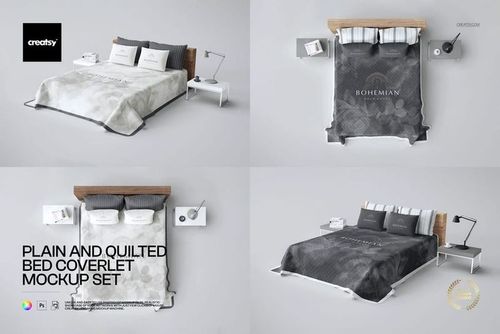
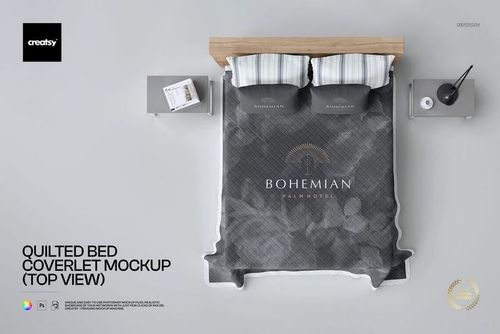
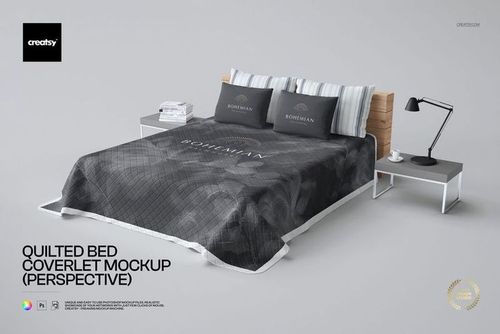
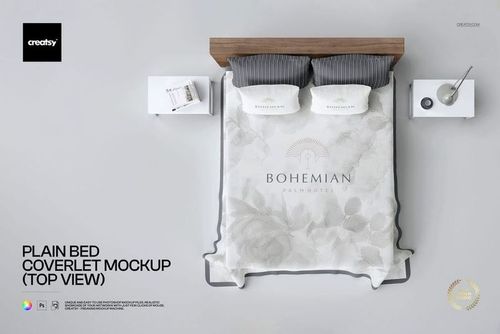
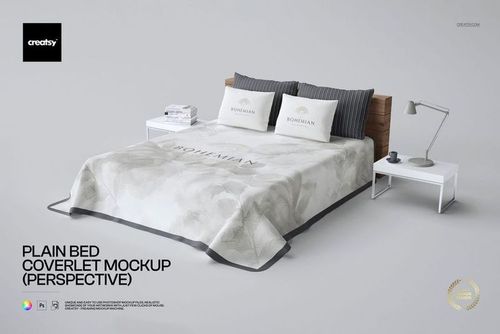
Bedding options include duvet covers, pillowcases, sheets, bedspreads, coverlets, quilts, decorative pillows, single and double beds, closeups, top views, styled bedrooms, and coordinated bedding sets. Blanket and throw mockups include folded, draped, stacked, hanging, lifestyle, fleece, woven, jacquard, knitted, fringed, and other textile presentations. Use the previews to confirm the visible surfaces, product construction, scene style, and number of included views.
The current bundle contains multiple separate mockup sets and 40 PSD files. Choose the required scene, open its Smart Object, add your artwork, and export that file separately. The PSDs do not share one linked Smart Object, so a change made in one document does not automatically update the other scenes. Themed editions and other Jacquard products are separate unless they are explicitly listed in the bundle's Included section. The current bundle requires Adobe Photoshop CC2020 or newer.
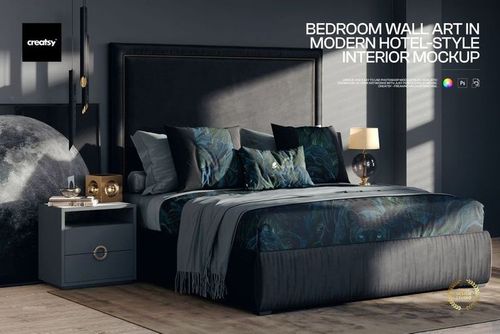
Yes. Selected products show bedrooms, living rooms, bathrooms, dining areas, commercial lounges, hotel-style spaces, utility rooms, and outdoor environments. Some scenes contain several editable products or surfaces, while others focus on one wall, textile, furniture item, lamp, rug, or decorative object. Check the previews to confirm which surfaces are editable. Separate scene files do not automatically synchronize artwork.
Yes. Separate wallpaper products and bundles are available for paper and non-woven vinyl presentations, together with wallpaper shown in bathrooms, bedrooms, living rooms, and other styled interiors. Software compatibility differs between products, so check the Compatibility section before purchasing. Wallpaper mockups visualize the intended pattern, color direction, roll presentation, and interior context. They do not certify the final substrate, texture, roll width, repeat, panel alignment, printed color, or installation result.
No. A mockup can help you visually compare the perceived scale and placement of a pattern, but it does not replace the wallpaper manufacturer's roll width, repeat dimensions, drop type, panel layout, bleed, trimming, installation instructions, or physical sample. Prepare the final artwork using the supplier's official specifications.
The editable products are supplied as layered Photoshop files. Most use PSD format, while selected larger documents use Photoshop's PSB format. Many products also work in Photopea, but compatibility is not identical across the category. Check the Compatibility and File Details sections on the individual product page before purchasing. These products are not Canva or Figma templates.
Yes. Current free options include selected bedroom bedding and bathroom wallpaper scenes. Free product availability may change, so use the Free filter or browse the Free Mockups collection to see the files currently available.
No. A mockup is used to visualize artwork on a product or within an interior. It does not replace sewing patterns, furniture dimensions, print templates, repeat specifications, fabric widths, seam placement, wallpaper installation plans, material testing, fire-safety requirements, physical samples, or production proofs. Use the manufacturer's official technical files and order physical samples when accurate color, texture, construction, fit, or installation needs to be verified.
Yes, subject to the selected license. Exported mockup visuals can be used for permitted product listings, client presentations, portfolios, advertising, catalogs, licensing decks, and social media. Commercial and Extended Commercial licenses have different limits for end products, business social media accounts, and physical advertising. Source Photoshop files may not be resold, sublicensed, shared, or made available for independent customer customization.
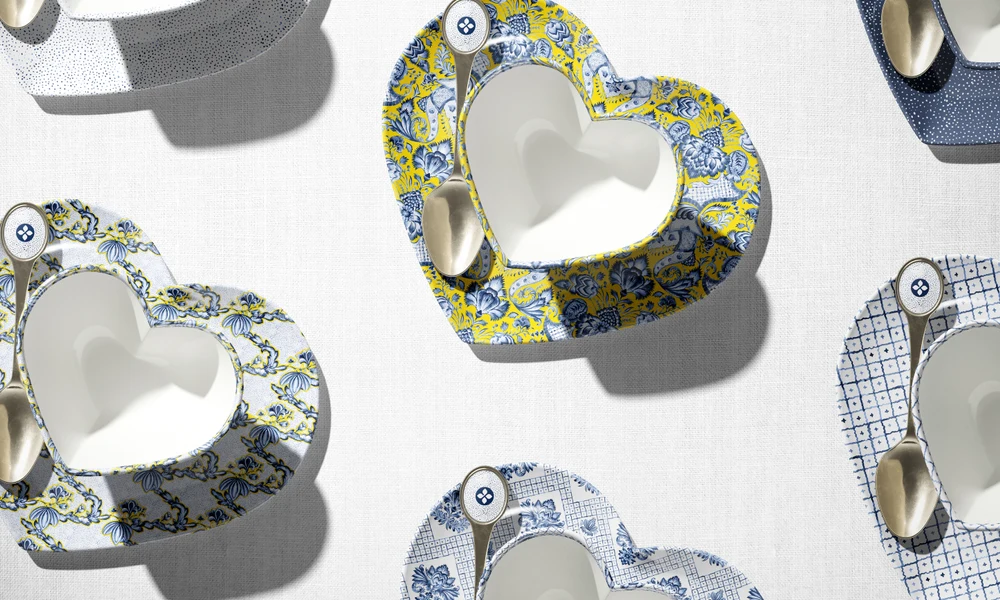
Why use Home & Living mockups?
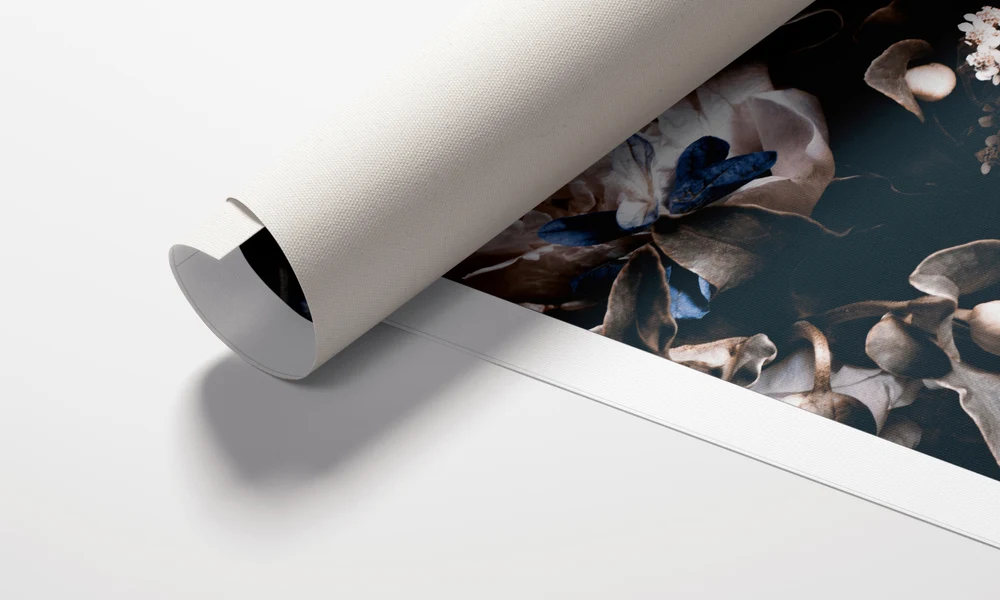
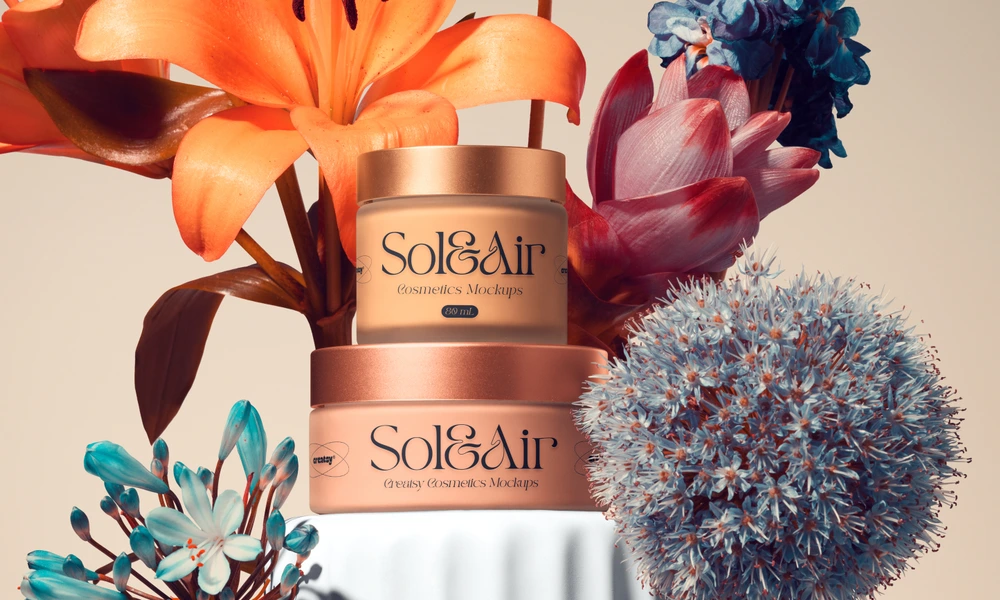
Home products place artwork on surfaces with very different proportions, folds, edges, materials, and construction details. A flat repeat tile does not show how a pattern will read across a duvet, around a piped cushion, through the folds of a curtain, over the curve of a lampshade, along an upholstered sofa, or across a large interior wall. Mockups turn the original artwork into a clearer product or room presentation. Use product-focused mockups to compare the perceived scale, placement, orientation, and color direction of artwork across bedding, pillows, blankets, curtains, rugs, table linens, bathroom textiles, kitchen accessories, furniture, and wallpaper. Different views can help communicate how one collection works across several formats, but final production scale and construction must still be confirmed using the manufacturer's technical specifications. Selected interior scenes make it possible to present several coordinated surfaces in a shared visual context. Bedrooms, living rooms, bathrooms, hospitality spaces, dining areas, utility rooms, and outdoor settings can help clients and buyers understand the intended mood of a collection. Other mockups focus on one product or one editable area, providing cleaner images for listings and catalogs. Layered Photoshop files and Smart Objects let you replace the sample artwork while preserving the prepared perspective, folds, lighting, shadows, reflections, and surface texture. Depending on the selected product, you may also be able to adjust colors, walls, backgrounds, props, furniture, trims, materials, or decorative elements. Export the finished visuals for product listings, client approvals, licensing presentations, portfolios, catalogs, advertising, launch campaigns, and social media. Mockups can reduce the need to manufacture and photograph every early design variation. For final production and customer-facing accuracy, rely on official templates, physical samples, material testing, proofs, and photographs of the finished product.
FreeCreatsy® Mockups
We asked for a custom template and Creatsy came through with flying colors!! We couldn't be happier with the mockup and customization. Big thanks to the Creasty design team, we look forward to receiving more.
Thank you, Kevin! It was a pleasure working on this one with you - your input on the product details made it much easier to get the scene right. Glad it landed well, and we're looking forward to the next ones.