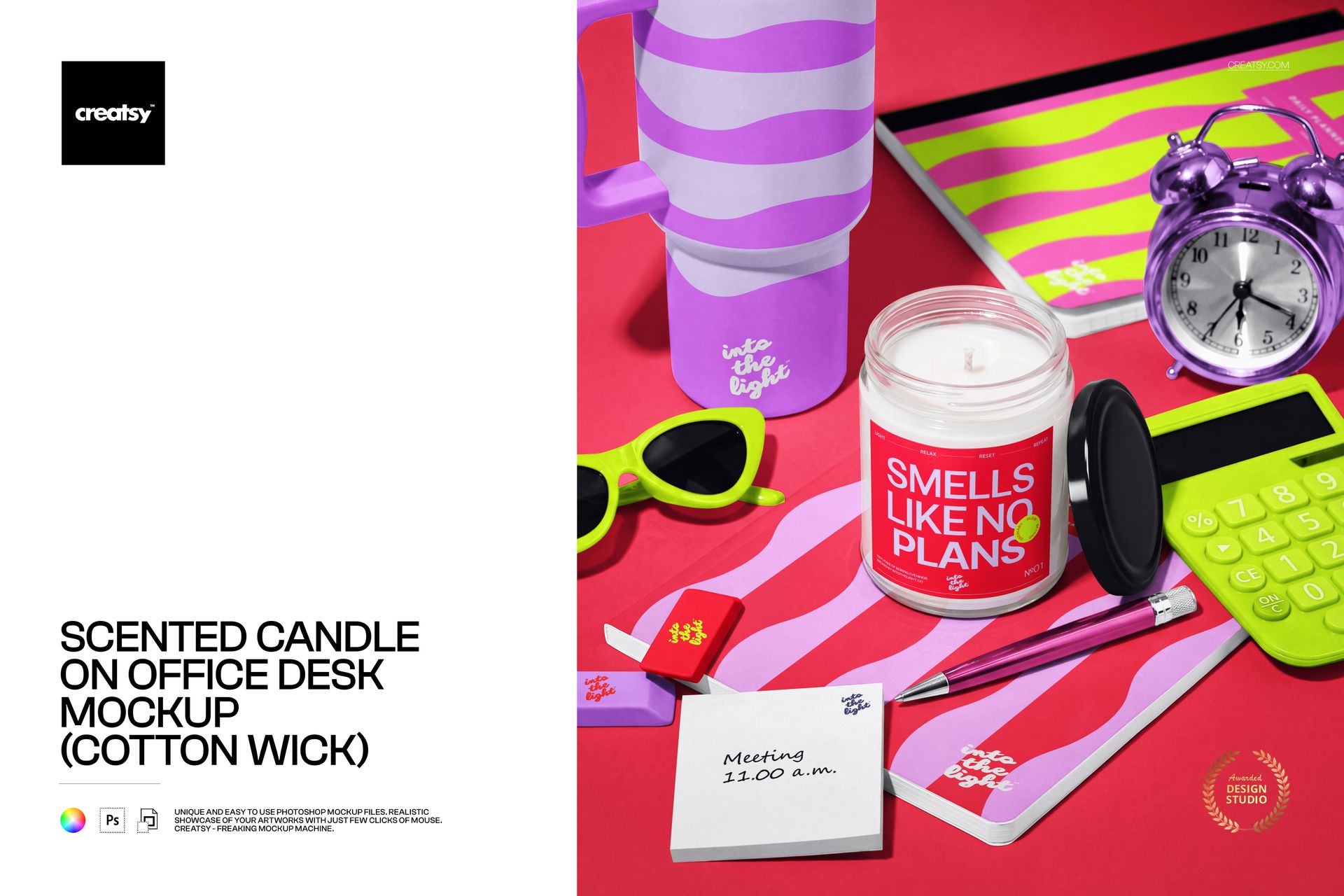
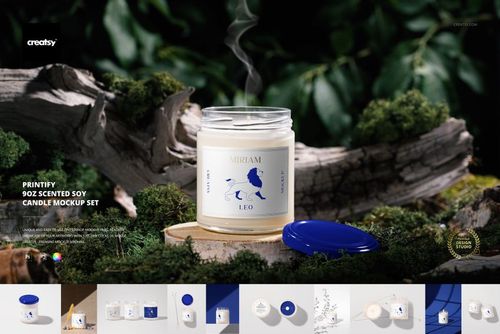
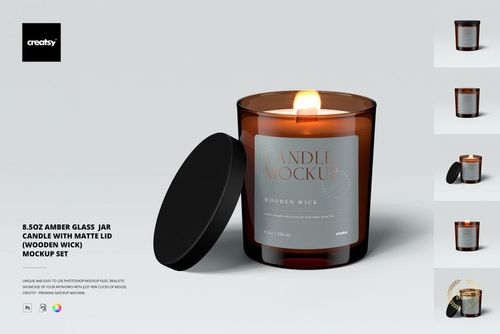
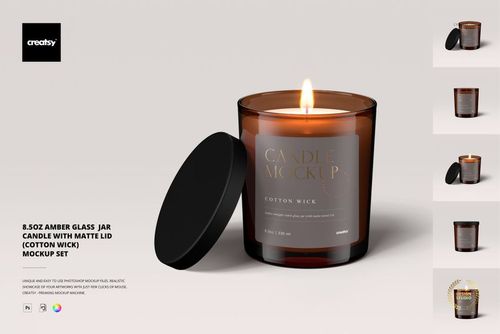
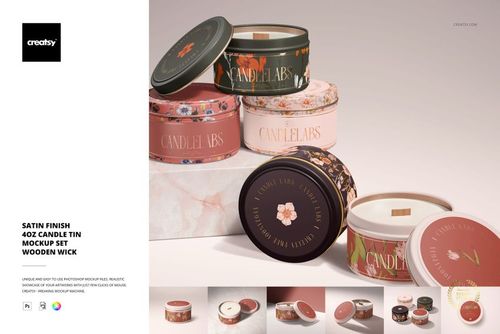
The Scented Candle on Office Desk Mockup (cotton wick) by Creatsy is a scented candle mockup built on one PSD file, about 3600x4200 px at 300 dpi. Your label goes on a glass jar candle, and the desk around it takes the same branding.
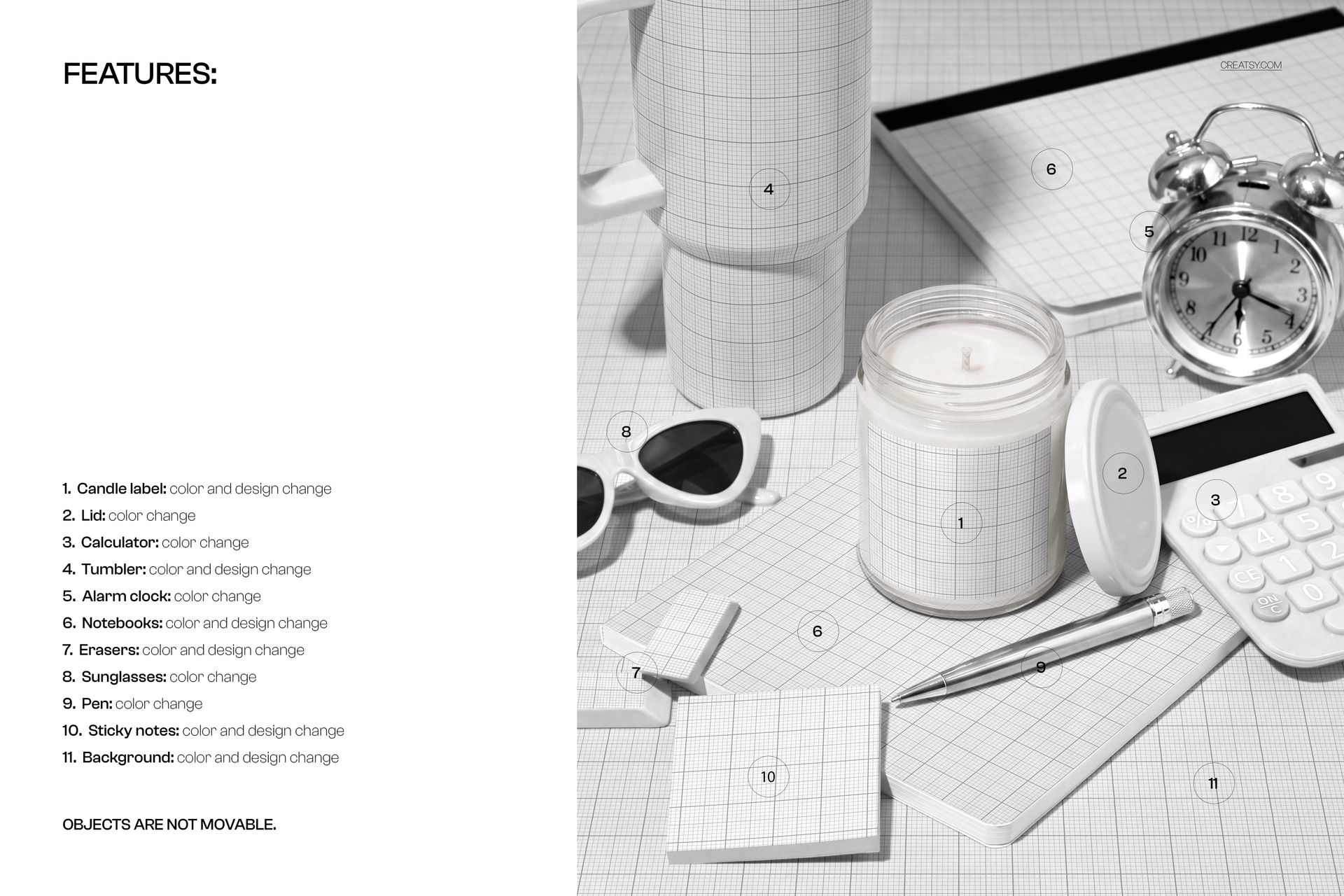
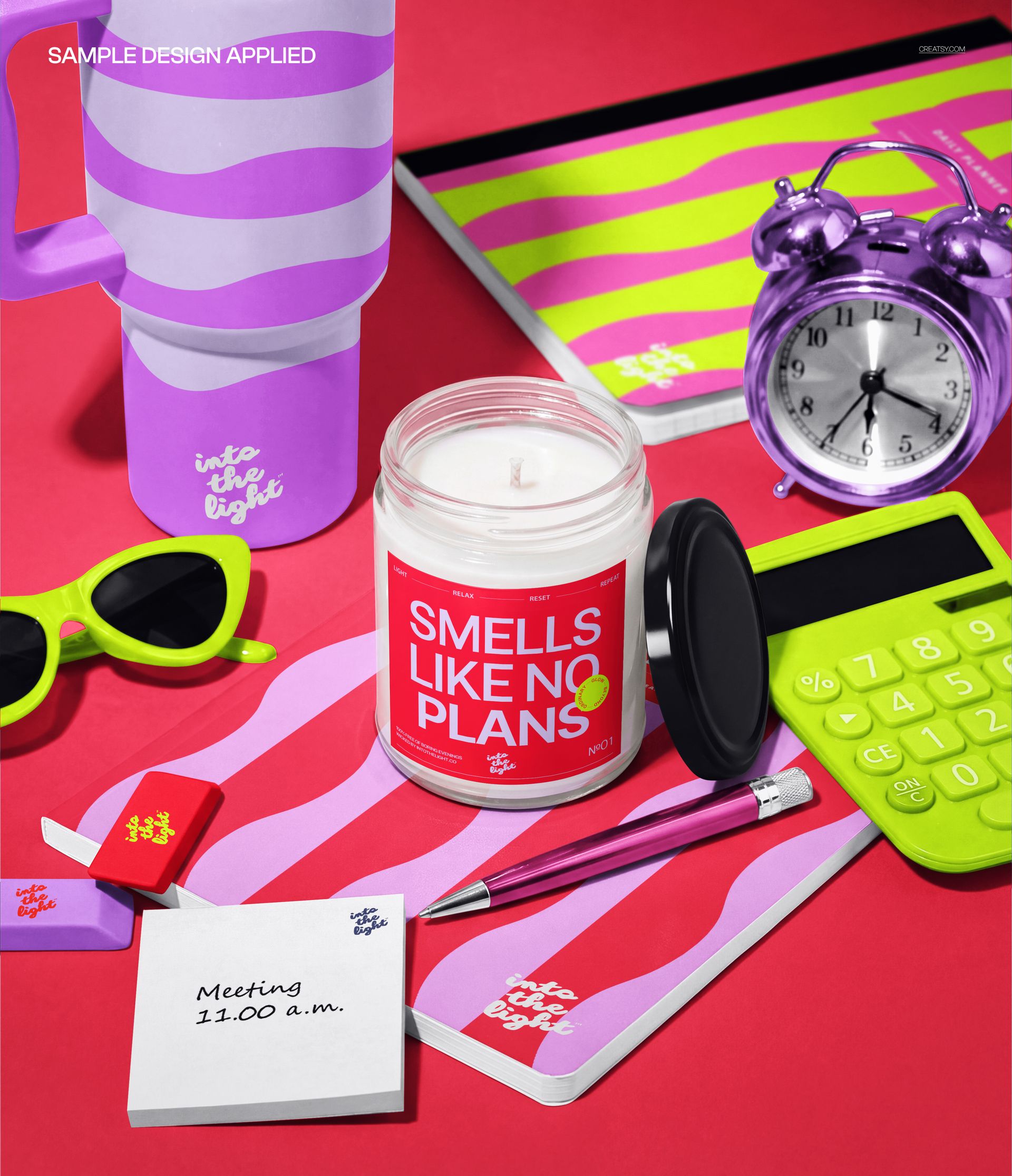
That second part is what the file is really for. The tumbler, the notebooks, the sticky notes, the erasers and the background each have their own smart object layer, so the candle isn't sitting alone on a neutral desk, the whole scene wears your identity. The lid, the calculator, the alarm clock, the sunglasses and the pen recolor to match. Push it all toward one palette and the export reads like a brand campaign rather than a product render.
One thing to know before you buy: the layout is fixed. Objects don't move, so you're styling artwork and color, not rearranging the desk. That's also why the shadows and reflections stay consistent no matter how far you take the colors.
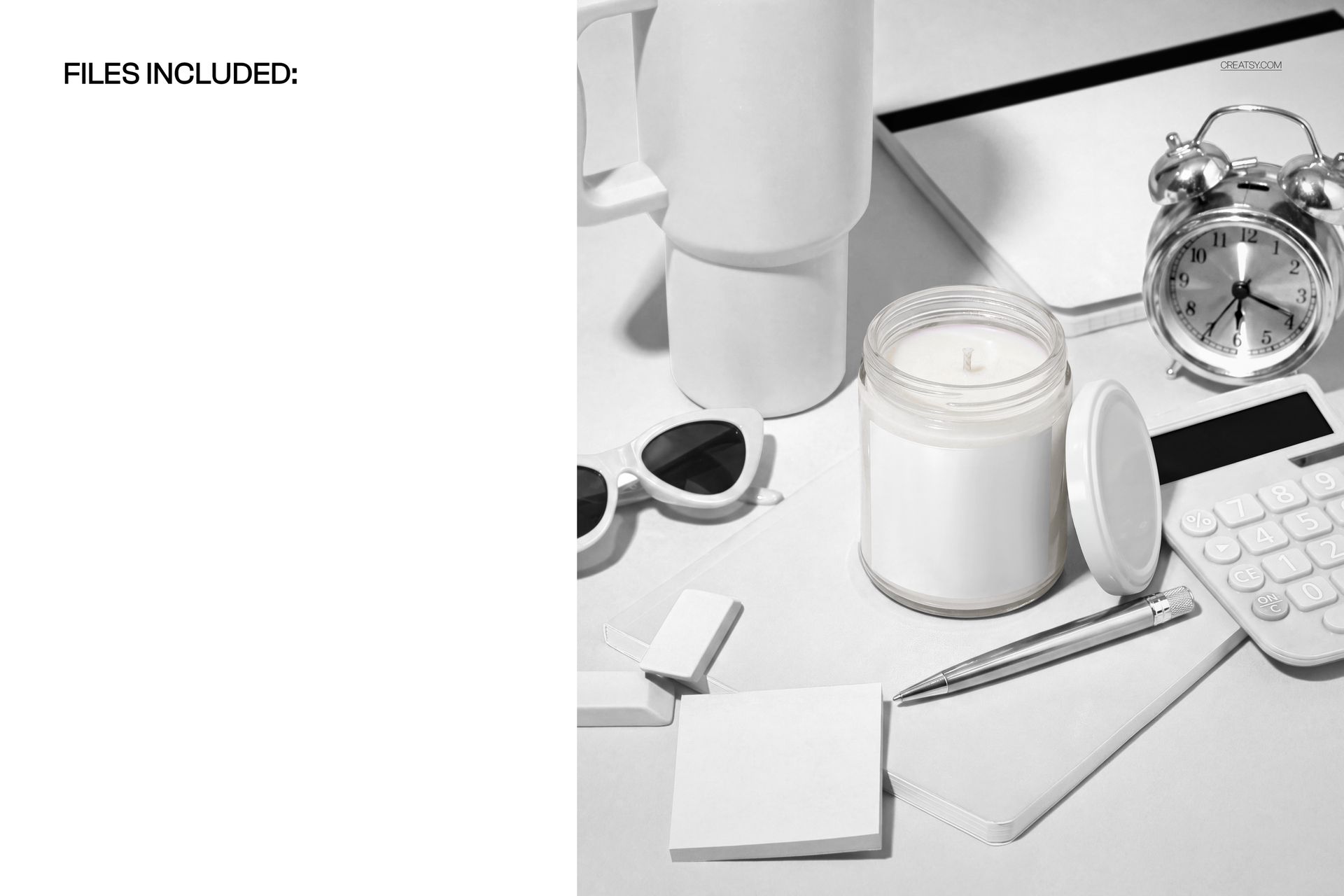
The 'into the light' branding in the previews is only an example. It is not part of the mockup, so the file arrives blank: white wax, blank label, white desk.
Candle brands use it for label launches and seasonal lines, designers for showing a client context instead of a flat die-line, and print-on-demand sellers for listing photos that don't look like another render on white. The portrait format also crops cleanly for Instagram and Pinterest.
What you get
Smart object layers on the candle label, tumbler, notebooks, sticky notes, erasers and background
Color change on the lid, calculator, alarm clock, sunglasses and pen
A glass jar candle with a cotton wick, lid resting beside it
A front perspective view of a styled desk: notebooks, planner, alarm clock, calculator, sunglasses, pen and sticky notes
Well organized, easy to follow layer stack
How it works
Open the PSD in Photoshop (CC 2020 or newer) or Photopea.
Double-click the smart object layer for the label, the tumbler, a notebook, the sticky notes or the background.
Paste your artwork, scale it to fit, then save and close the smart object.
Recolor the lid, clock, calculator, sunglasses and pen to match, then export.
Specifications
Files: 1 layered PSD
Dimensions: approx. 3600x4200 px, 300 dpi
Download: .psd and .jpg files
Package size: 299 MB (Windows), 314 MB (macOS)
Software: Adobe Photoshop CC 2020 or newer, or Photopea in a browser
License: Standard or Extended
Who it is for
Candle brands preparing a label launch, packaging and label designers who need context for a client review, and print-on-demand sellers building an Etsy or Shopify listing around home fragrance. If your brand lives on more than the label, this is the scene that shows it.