ID: 1865873749 | Updated: May 14, 2026

Product Details

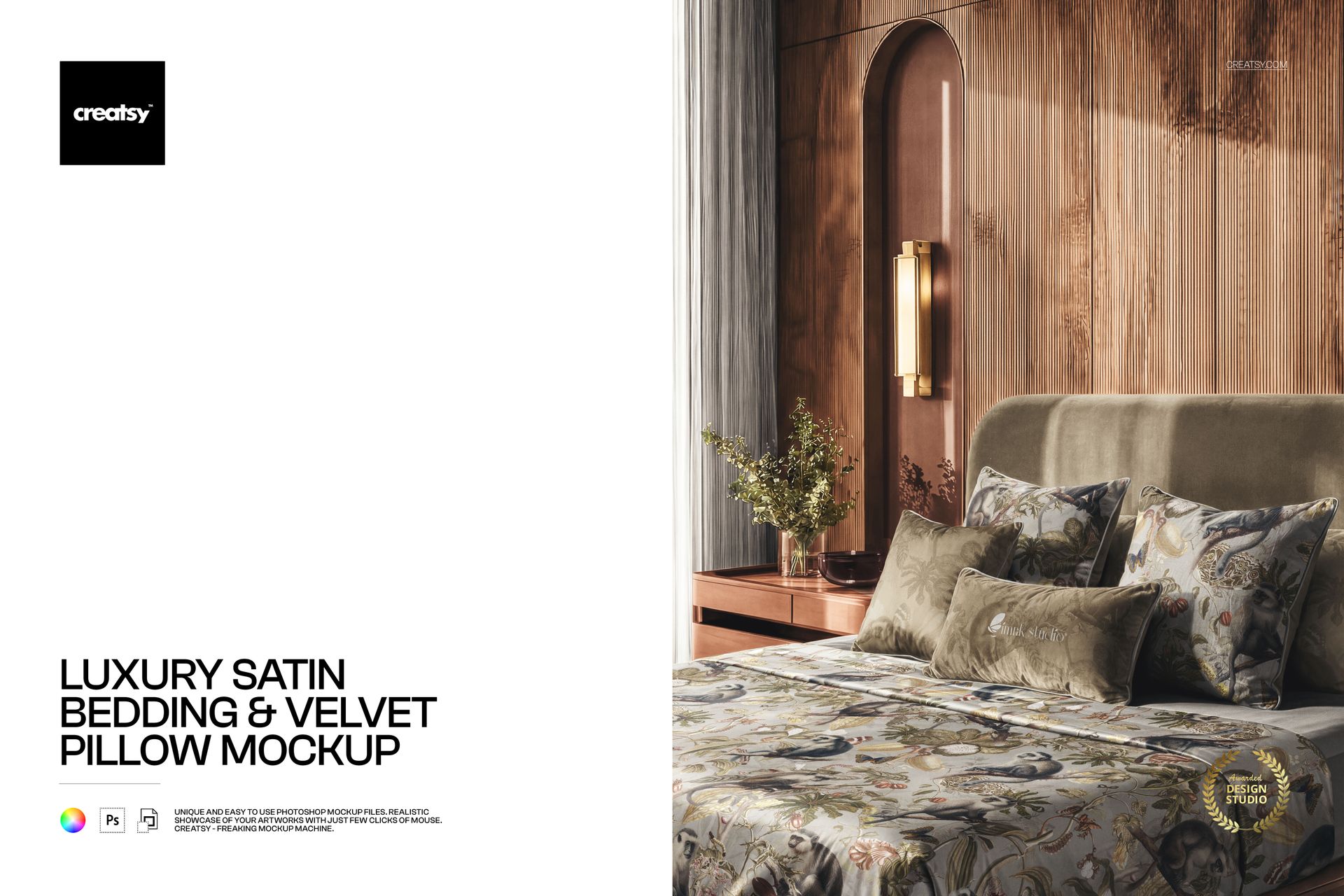
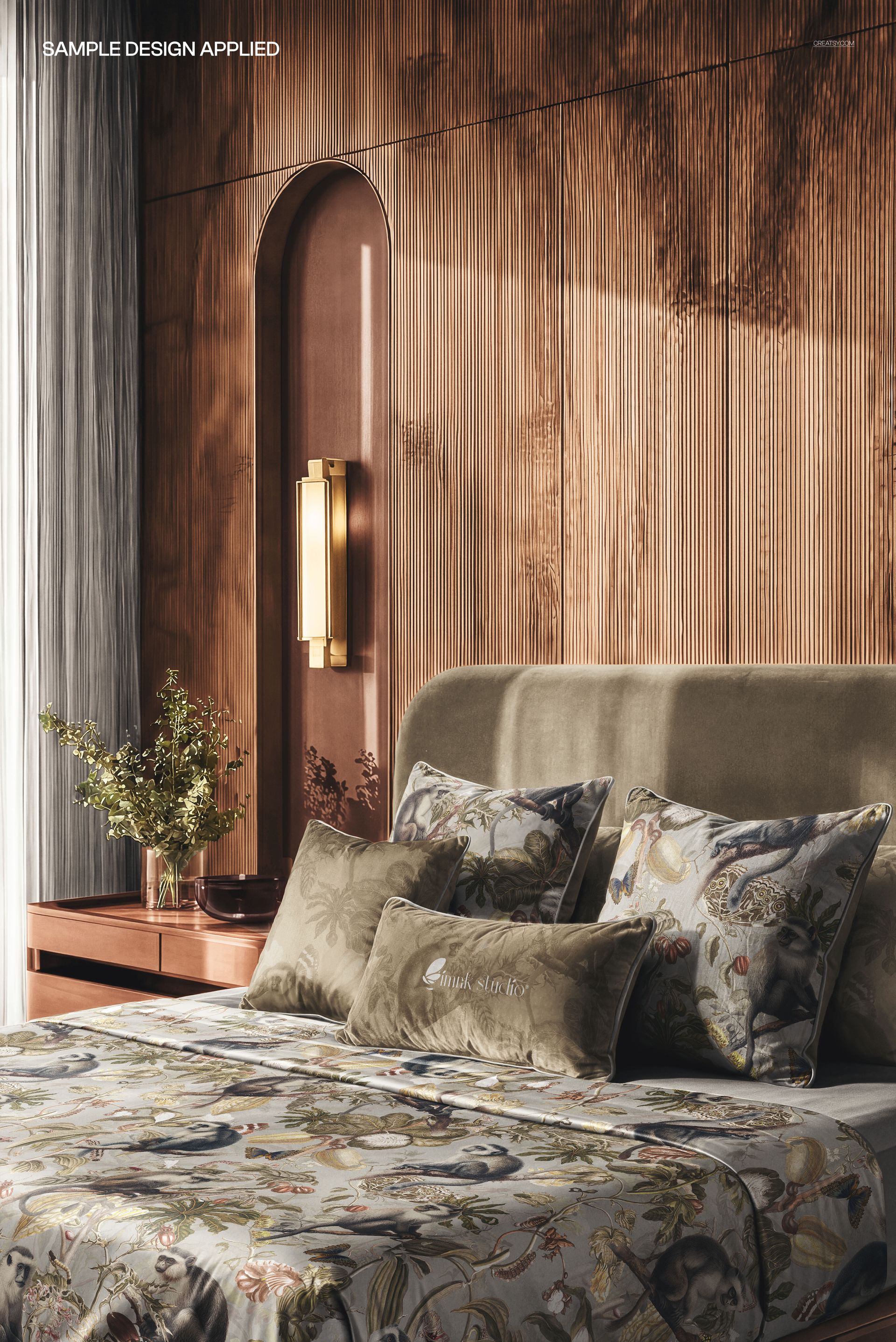
Elevate your bedroom textile and home decor presentations with the Luxury Satin Bedding & Velvet Pillow Mockup - a premium PSD template designed for showcasing bedding collections, pillow designs, and luxury home furnishing concepts in a sophisticated, photorealistic bedroom setting.

What's Inside

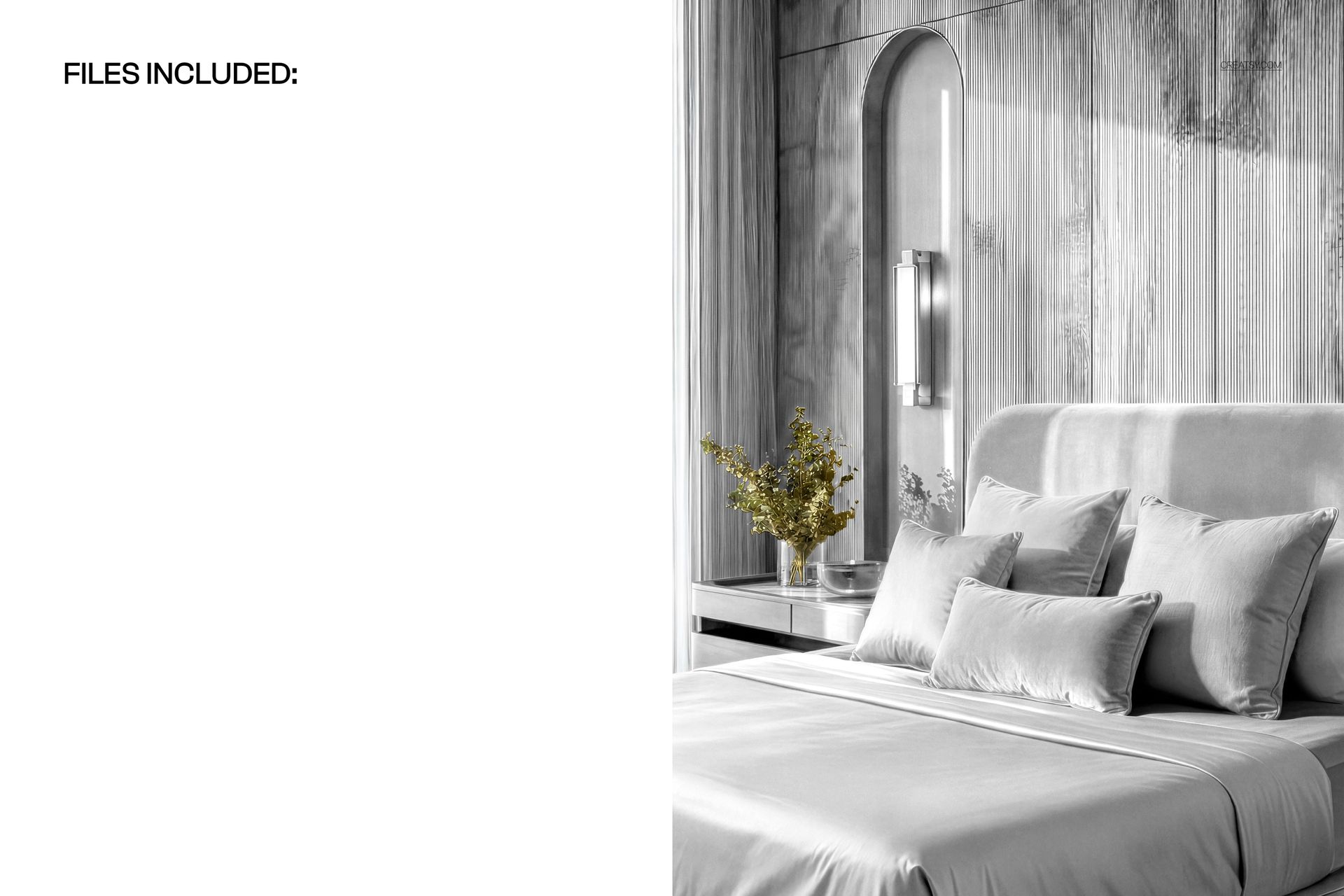
This mockup pack includes 1 high-resolution PSD file featuring a beautifully styled bedroom scene with satin bedding and velvet pillows. The file dimensions are 5000x3300 pixels at 300 DPI, ensuring crisp output for both digital presentations and print-quality materials.

Design Capabilities

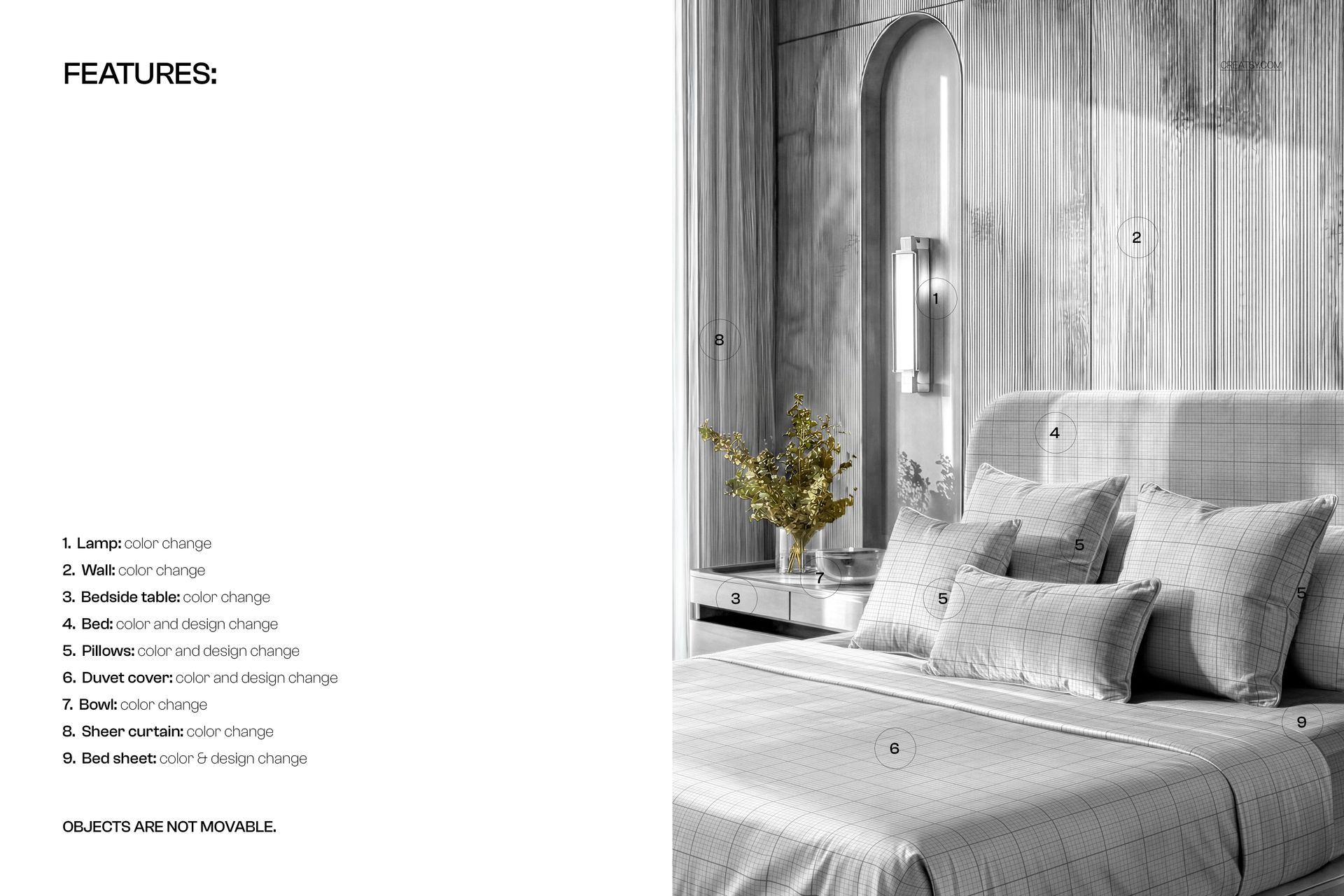
  • Satin bedding surface with realistic fabric texture and light reflections

  • Velvet pillow surfaces with authentic material rendering

  • Smart object layers for one-click design placement

  • Well-organized layer structure for easy customization

  • Elegant bedroom environment with natural lighting

File Specifications

  • 1 PSD file - 5000x3300 px, 300 DPI

  • Compatible with Adobe Photoshop CC2020 and newer

  • Works with free online editor Photopea.com

  • Smart object layers for non-destructive editing

  • Print-ready and web-optimized resolution

Ideal For

Bedding brands, textile designers, home decor companies, interior design portfolios, luxury linen collections, pillow and cushion branding, Etsy and e-commerce product showcases, and social media content for home furnishing businesses.

File details

Compatibility
PhotopeaAdobe Photoshop
Number of files included
2
Package size
206 MB206 MB|216 MB216 MB
Files type
.psd, .jpg
TEST FOR FREE

Made with Creatsy

Real designs. Real customers. See how creatives use Creatsy mockups to turn their artwork, branding, and product ideas into polished visuals.

MEET THE SHOP

Creatsy logo

Creatsy

Poland
4.7 (644)

Bring your ideas to life.

We're a family-run studio in Katowice, Poland, making PSD mockups by hand since 2016. Everything in this shop starts in our own studio. We shoot the photography, build the 3D, and put together every Smart Object PSD ourselves - then we test it, organize the layers, and only ship it once it actually works...
GO TO SHOP

HOW IT WORKS

3 clicks. That's it.

No tutorial needed. If you can copy-paste, you can use this.

  1. 1OpenDouble-click the smart object inside the PSD - in Adobe Photoshop, or free in your browser with Photopea.
  2. 2PasteDrop in your pattern, print, or artwork. Any design, any style.
  3. 3SaveHit save and the mockup wraps it in for you - shadows, folds, and lighting included.

FROM IDEA TO IMAGE

Built for real workflows

Skip the photo shoot Show your artwork on the real product type for approvals or listings - no studio, no model, no sample.

See it on the product, not a swatch Drop your file into the smart object and the scene's lighting and folds wrap around it, so you judge the real thing before you commit.

Smart Objects

Edit once and you're done. Your artwork drops into a smart object and the mockup updates itself - no masking, no warping by hand.

Perfectly Organized

Named layers and folders you can actually navigate. Find what you need, change what you want, and get out fast.

Print-Ready

High-resolution files built to hold up on screen and in print. Exact size and DPI are in this product's Details above.